Zavedení
This manual provides detailed instructions for the LEXiBOOK DMW060DINO Dinosaur Digital Watch. Please read this guide carefully to ensure proper use and maintenance of your watch.
Bezpečnostní informace
WARNING: Small parts. Choking hazard. Not suitable for children under 3 years.
This product is designed for children aged 3 years and up. Adult supervision is recommended during initial setup and use.
Nastavení
Vybalování
Carefully remove the watch from its packaging. Ensure all components, including the watch and user guide, are present.
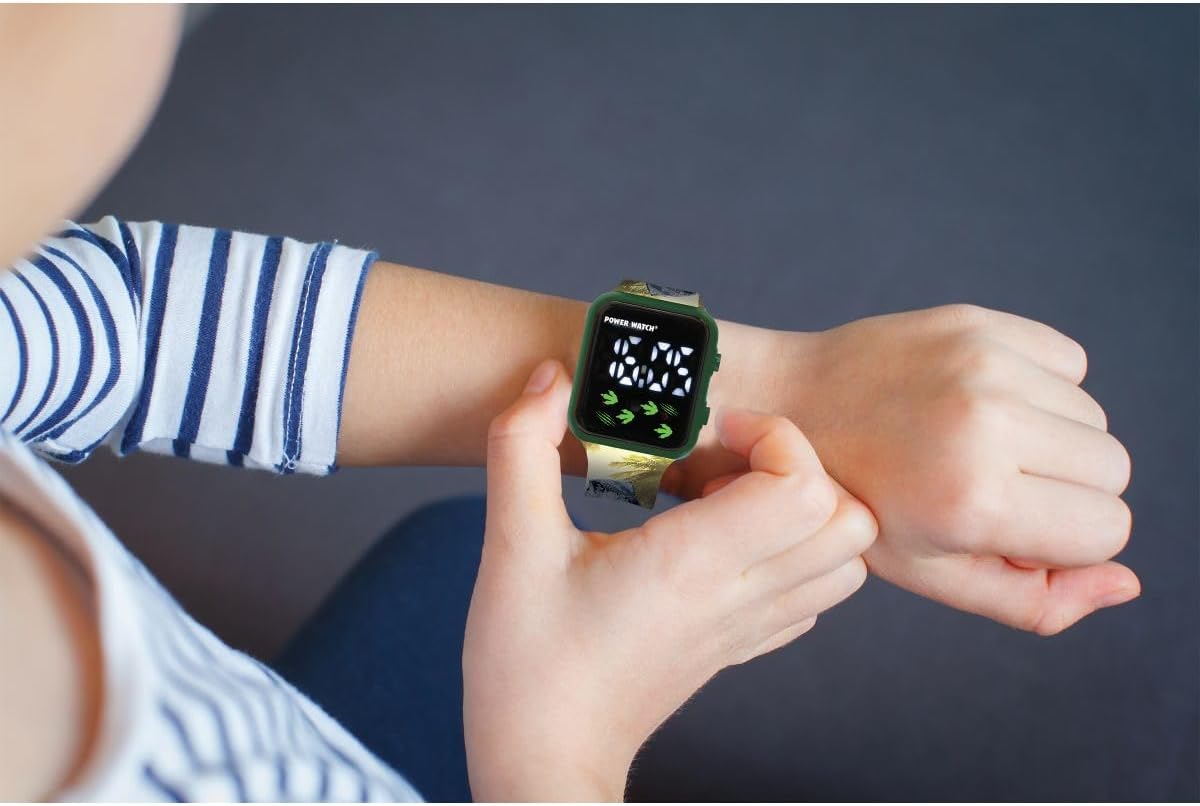
Image: The LEXiBOOK DMW060DINO Dinosaur Digital Watch displayed in its retail packaging, showing the watch face and dinosaur-themed strap.
Počáteční zapnutí / Baterie
The watch comes with a pre-installed battery. If the display is not active, press any button to activate it. If the watch does not turn on, the battery may need replacement. This watch uses a standard button cell battery. Consult a professional for battery replacement if needed.
Návod k obsluze
The LEXiBOOK DMW060DINO watch features a simple digital display with two buttons for operation, typically located on the right side of the watch case.
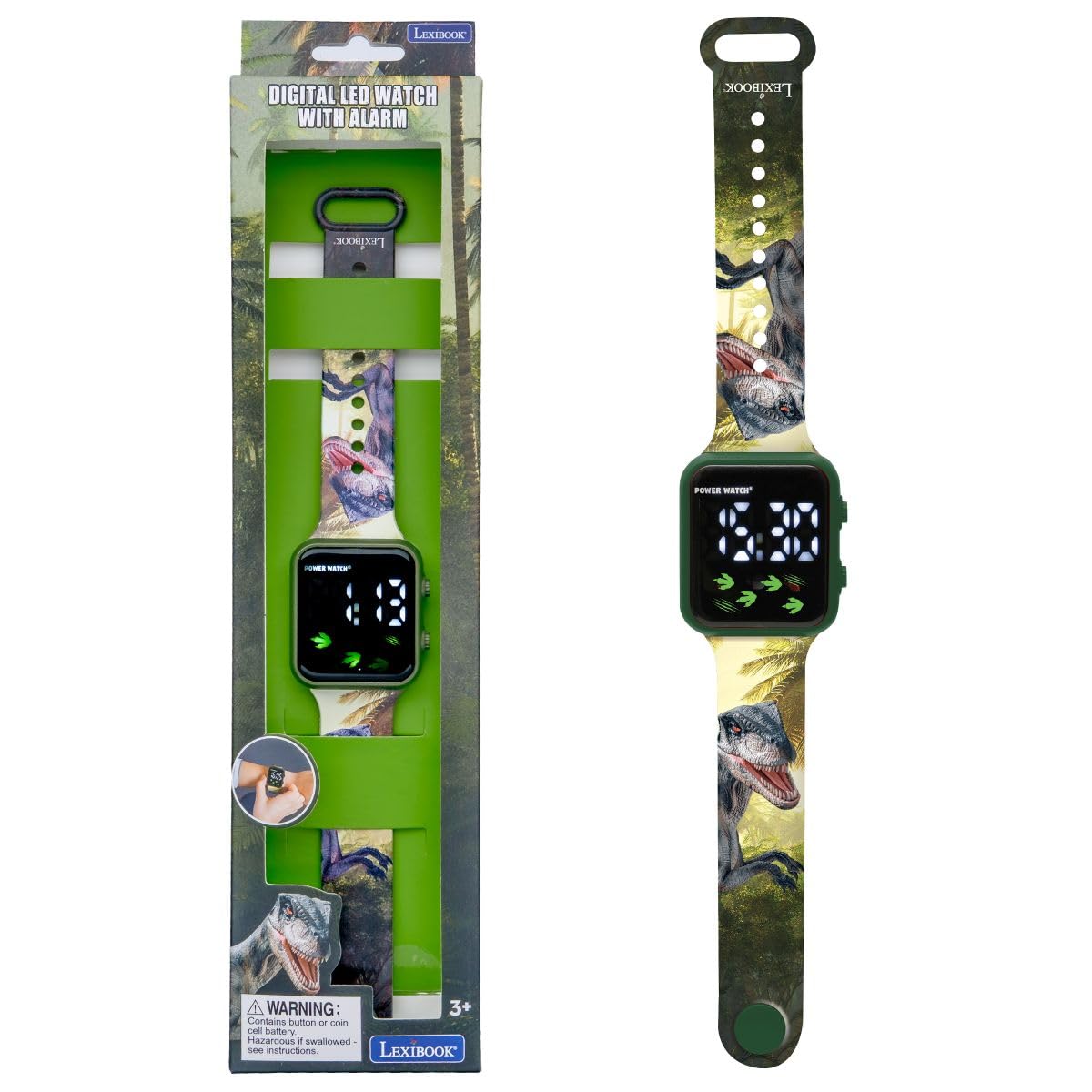
Obrázek: Detailní záběr view of the LEXiBOOK DMW060DINO watch face, displaying the time "12:30" digitally, with dinosaur footprints and claw marks as decorative elements.
Nastavení času
- Stiskněte tlačítko MODE button (usually the bottom right button) repeatedly until the time display starts flashing.
- Použijte SOUBOR button (usually the top right button) to adjust the hours. Each press will advance the hour.
- Stiskněte tlačítko MODE button again to move to the minutes setting. The minutes display will flash.
- Použijte SOUBOR tlačítko pro nastavení minut.
- Stiskněte tlačítko MODE button one more time to confirm the time and exit setting mode.

Image: A child's hand wearing the LEXiBOOK DMW060DINO watch, demonstrating how to interact with the side buttons.
12-Hour / 24-Hour Format
During the time setting process, when adjusting the hours, you can cycle between 12-hour (AM/PM) and 24-hour formats. Continue pressing the SOUBOR button past 12 AM/PM or 23:00 to switch formats.
Checking Date
Jediné stisknutí tlačítka MODE button (when not in setting mode) will typically cycle through time, date, and possibly seconds. Press the button briefly to view datum.
Údržba
Čištění
To clean the watch, gently wipe it with a soft, dry cloth. For stubborn dirt, a slightly damp Lze použít hadřík a ihned osušit. Nepoužívejte agresivní chemikálie ani abrazivní čisticí prostředky.
Voděodolnost
This watch is NOT water resistant. Avoid exposing it to water, moisture, or high humidity to prevent damage.
Skladování
Pokud hodinky nepoužíváte, skladujte je na chladném a suchém místě mimo dosah přímého slunečního záření a extrémních teplot.
Odstraňování problémů
Běžné problémy a řešení
- Displej je prázdný: The battery may be depleted. Replace the battery or consult a service center.
- Čas je nesprávný: Re-set the time following the "Setting the Time" instructions.
- Tlačítka nereagují: Ensure the watch is not exposed to extreme temperatures or moisture. If the issue persists, the internal mechanism may be faulty.
If you encounter problems not listed here, please contact LEXiBOOK customer support.
Specifikace
| Funkce | Detail |
|---|---|
| Číslo modelu | DMW060DINO |
| Značka | LEXiBOOK |
| Typ zobrazení | Digitální |
| Hnutí | Křemen |
| Materiál pouzdra | Plast |
| Materiál pásku | Plast |
| Barva pásu | Green with Dinosaur Pattern |
| Barva číselníku | Zelený |
| Úroveň odolnosti proti vodě | Není odolný vůči vodě |
| Typ spony | Přezka |
| Typ popruhu | Nastavitelný |
| Rozměry produktu | 24 x 3.5 x 1.1 cm |
| Hmotnost položky | 24.95 g (přibližně 0.06 libry) |
| Doporučený věk | 3 let a více |
| Zahrnuté komponenty | 1 Uživatelská příručka |
Záruka a podpora
Informace o záruce a zákaznické podpoře naleznete v dokumentaci dodané s vaším nákupem nebo navštivte oficiální webové stránky LEXiBOOK. webUschovejte si doklad o koupi pro případ reklamace.
For further assistance, you may contact LEXiBOOK customer service through their official channels.