1. Úvod
This manual provides essential information for setting up, operating, maintaining, and troubleshooting your NIMO 15.6-inch Laptop N152. Please read this manual thoroughly before using your device to ensure proper functionality and longevity.

Image 1.1: NIMO 15.6-inch Laptop, top-down view.
2. Nastavení
2.1 Vybalení a úvodní kontrola
Carefully remove all components from the packaging. Verify that all items listed in the 'What's in the Box' section (Section 6) are present and undamaged. If any items are missing or damaged, contact customer support.
2.2 Nabíjení notebooku
Before first use, fully charge your NIMO laptop. Connect the provided 65W USB-C PD Fast Charger to the laptop's USB-C port and then to a power outlet. The charging indicator light will illuminate. A 15-minute charge provides approximately 2 hours of use.

Image 2.1: The 65W USB-C PD Fast Charger can charge multiple devices.
2.3 Zapnutí a počáteční konfigurace
Press the power button to turn on the laptop. Follow the on-screen instructions to complete the Windows 11 Home setup, including language selection, network connection, and user account creation. You can set up the fingerprint reader during this process for secure login.
3. Návod k obsluze
3.1 Klávesnice a touchpad
The NIMO N152 features an ergonomic backlit keyboard. To adjust the backlight brightness or toggle it on/off, use the dedicated function keys (Fn + F-key combination, refer to keyboard legends). The touchpad supports multi-touch gestures for enhanced navigation.
3.2 Čtečka otisků prstů
The fingerprint reader is integrated into the touchpad for secure and instant login. Once configured, simply place your registered finger on the sensor to unlock your device.
3.3 Funkce displeje
The 15.6-inch Full HD (1920x1080) IPS anti-glare display offers clear visuals. The 180° hinge allows the screen to lay completely flat, useful for sharing content or collaborating.

Image 3.1: The 180° lay-flat hinge for versatile viewIng.
3.4 Konektivita
The laptop is equipped with various ports for external devices:
- USB porty: 3.0 Pro vysokorychlostní přenos dat.
- Port USB 2.0: Pro standardní USB zařízení.
- HDMI: Připojení k externím displejům nebo projektorům.
- Porty typu C: Pro nabíjení a přenos dat.
- Micro SD Reader: Pro rozšíření úložiště nebo přenos files z paměťových karet.
- Audio jack: Pro sluchátka nebo externí reproduktory.
- Zámek Kensington: Pro fyzické zabezpečení.
Obrázek 3.2: Boční strana view of the NIMO laptop showing available ports.
For wireless connectivity, the laptop supports Wi-Fi 6 for stable, high-speed internet and Bluetooth 5.2 for connecting wireless peripherals.
4. Klíčové vlastnosti
4.1 Výkon
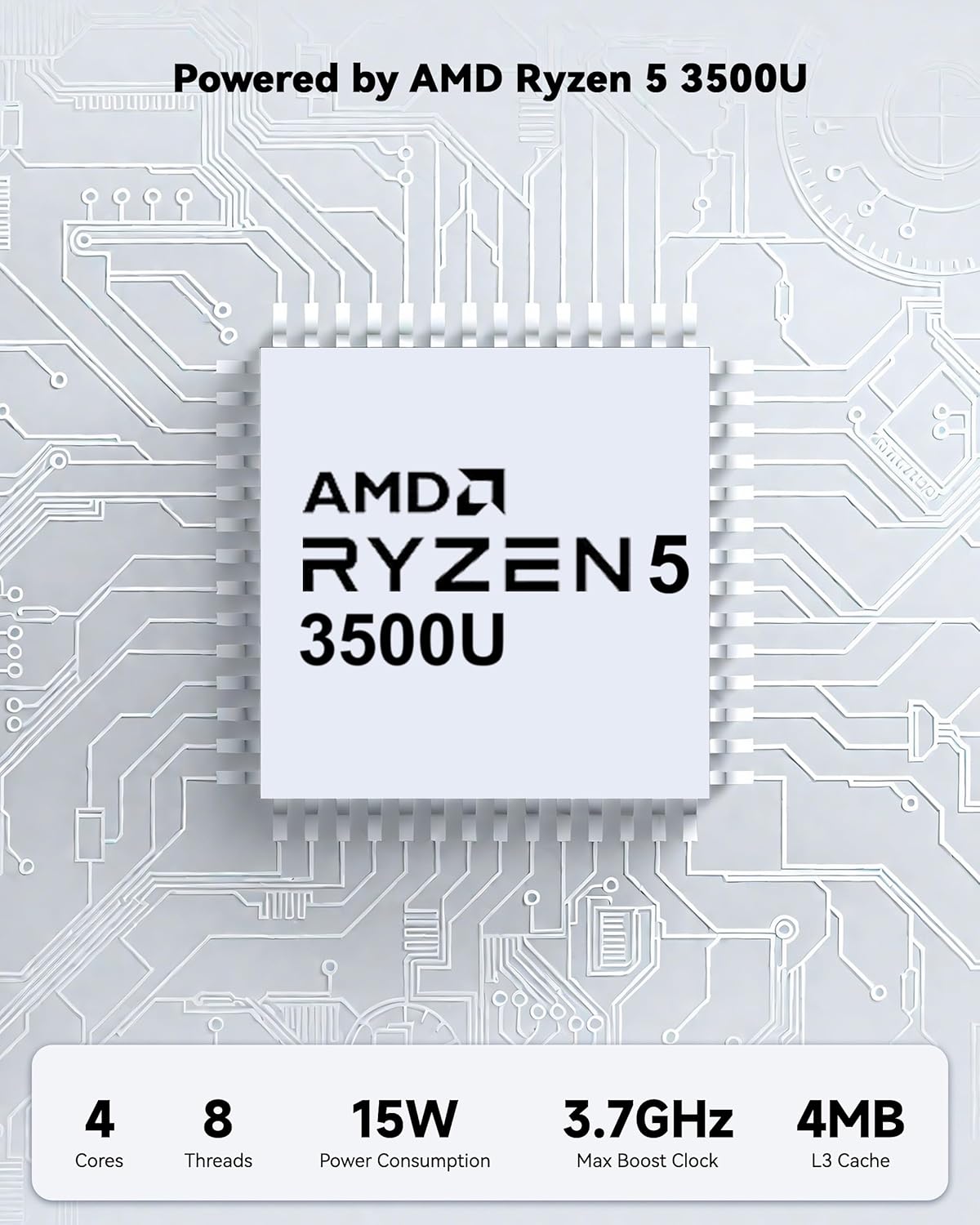
Powered by an AMD Ryzen 5 processor with 4 cores up to 3.7GHz and 16GB DDR4 RAM, the NIMO N152 is designed for efficient multitasking. The 512GB PCIe SSD ensures fast boot-ups and quick file transfers. The RAM is upgradable for future needs.

Image 4.1: AMD Ryzen 5 processor details.
4.2 Visuals and Audio
The 15.6-inch Full HD (1920x1080) IPS anti-glare display provides vibrant visuals with an 85% screen-to-body ratio. The integrated 2MP webcam allows for clear video calls.
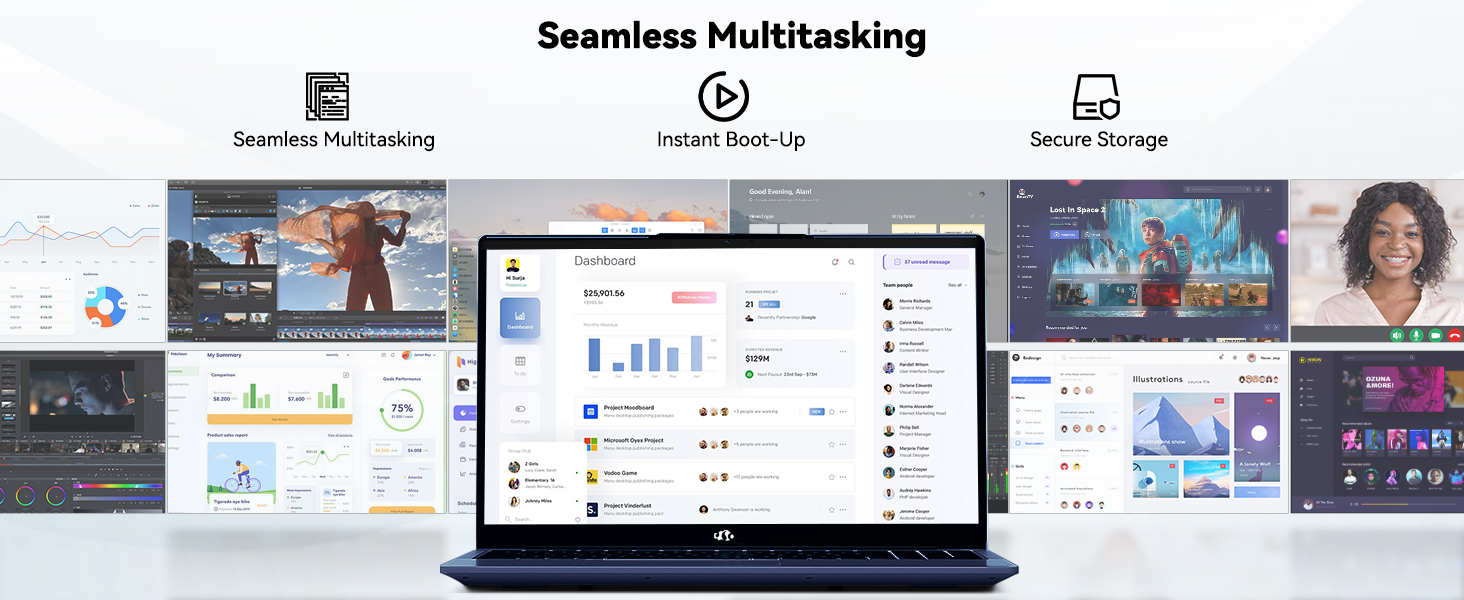
Image 4.2: The laptop's stunning Full HD display.

Image 4.3: The 1080p FHD camera for clear video conferencing.
4.3 Životnost baterie
The laptop features a 54WH battery with smart battery optimization for extended lifespan and efficient power control, providing approximately 9 hours of average battery life.

Image 4.4: Smart Battery Optimization features.
4.4 Design a přenositelnost
The NIMO N152 has a durable metal A-shell and a slim, lightweight design, weighing approximately 3.75 pounds.

Image 4.5: The NIMO laptop's lightweight and slim profile.
4.5 Konec produktuview Video
Video 4.1: Obecné shrnutíview of the NIMO 15.6-inch laptop, highlighting its features and design.
4.6 Power and Portability Video
Video 4.2: This video demonstrates the power and portability aspects of the NIMO 15.6-inch laptop.
5. Údržba
5.1 Čištění
- K čištění obrazovky a vnějšího povrchu použijte měkký hadřík, který nepouští vlákna.
- Na odolné šmouhy lehceamphadřík vodou nebo čisticím prostředkem na obrazovky.
- Vyhněte se agresivním chemikáliím, abrazivům nebo rozpouštědlům.
- Udržujte větrací otvory čisté od prachu a nečistot, abyste zajistili správné proudění vzduchu.
5.2 Péče o baterii
- Vyhněte se častému úplnému vybíjení baterie.
- Pokud notebook delší dobu nepoužíváte, skladujte jej na chladném a suchém místě.
- Use only the provided NIMO charger.
5.3 Aktualizace softwaru
Regularly update your operating system and drivers to ensure optimal performance and security. Windows 11 Home will prompt you for updates.
6. Řešení problémů
6.1 Notebook se nezapíná
- Ujistěte se, že je nabíječka bezpečně připojena k notebooku i k funkční zásuvce.
- Ověřte funkčnost elektrické zásuvky zapojením jiného zařízení.
- Allow the laptop to charge for at least 30 minutes before attempting to power on again.
6.2 Problémy s obrazovkou
- If the screen is blank, try connecting an external monitor to check if the display output is working.
- Jas obrazovky upravte pomocí funkčních kláves.
- Restartujte notebook.
6.3 Problémy s připojením
- Wi-Fi: Check your router and internet connection. Ensure Wi-Fi is enabled on the laptop.
- Bluetooth: Verify Bluetooth is enabled and devices are in pairing mode.
- Zařízení USB: Try connecting the device to a different USB port or another computer to rule out device issues.
6.4 Pomalý výkon
- Zavřete nepotřebné aplikace běžící na pozadí.
- Zkontrolujte a nainstalujte všechny čekající aktualizace systému Windows.
- Zajistěte dostatek volného místa na SSD disku.
- Spusťte antivirovou kontrolu.
7. Specifikace
| Funkce | Specifikace |
|---|---|
| Název modelu | NIMO N152 |
| Velikost obrazovky | 15.6 palce |
| Rozlišení obrazovky | 1920 x 1080 pixelů (Full HD IPS) |
| Procesor | AMD Ryzen 5 (4 Cores, up to 3.7 GHz) |
| BERAN | 16 GB DDR4 (Upgradable) |
| Rychlost paměti | 3200 MHz |
| Pevný disk | 512 GB SSD (PCIe) |
| Grafický koprocesor | AMD Integrated graphics |
| Operační systém | Windows 11 Home |
| Bezdrátový typ | Wi-Fi 6 (802.11a/b/g/n/ac), Bluetooth 5.2 |
| Porty USB 2.0 | 1 |
| Porty USB 3.0 | 3 |
| Průměrná životnost baterie | 9 hodiny |
| Hmotnost položky | 3.75 libry |
| Rozměry produktu | 14.07 x 8.98 x 0.76 palce |
| Barva | Modrý |
| Zadní WebRozlišení vačky | 2 MP |
| Speciální funkce | Podsvícená klávesnice, čtečka otisků prstů, HD zvuk, numerická klávesnice |
7.1 Co je v krabici
- 1 x NIMO N152 Laptop
- 1 x Type-C 65W PD Fast Charger
- 1 x Uživatelská příručka
- Windows 11 Home (předinstalovaný)
8. Záruka a podpora
Your NIMO N152 laptop comes with a 2letá záruka výrobce. Additionally, NIMO offers a 90-day hassle-free return and exchange policy. For any product-related questions, technical assistance, or warranty claims, please contact NIMO customer service.
8.1 Kontaktní informace
For support, you can reach out to the professional after-sales team via email or phone. Please refer to the official NIMO website or product page for the most current contact details.

Image 8.1: NIMO products are covered by a 2-year support.

Image 8.2: 90-Day Return policy.


