1. Úvod
This manual provides detailed instructions for the operation and maintenance of your ZAQE 4.0-inch IPS MP3 Player. This multi-functional device features Bluetooth and Wi-Fi connectivity, a 4.0-inch 1080P HD full-color screen, and support for various media applications. Please read this manual thoroughly to ensure proper usage and to maximize your experience with the device.

Image 1.1: The ZAQE 4.0-inch HiFi MP3 Player, highlighting its compact design and key features like 80GB storage, Wi-Fi, Bluetooth, Android OS, and a full-touch screen.
2. Obsah balení
Prosím, ověřte, zda jsou v balení přítomny všechny položky:
- ZAQE 4.0-inch IPS MP3 Player
- Nabíjecí kabel USB typu C.
- Ochranné pouzdro
- Uživatelská příručka (tento dokument)
3. Zařízení skončiloview
Familiarize yourself with the physical components of your MP3 player.

Obrázek 3.1: Přední strana view of the ZAQE MP3 Player, showcasing its 4.0-inch IPS display with various application icons.
Klíčové komponenty:
- 4.0palcová dotyková IPS obrazovka: Main display for interaction and content viewIng.
- Vypínač: Located on the side, used for powering on/off, locking/unlocking the screen, and taking screenshots.
- Tlačítka hlasitosti: Nachází se na boku, slouží k nastavení hlasitosti zvuku.
- Port USB Type-C: Pro nabíjení a přenos dat.
- 3.5mm konektor pro sluchátka: Pro kabelový audio výstup.
- Slot pro microSD kartu: Pro rozšiřitelné úložiště až do 1 TB.
- Vestavěný reproduktor: Pro přehrávání zvuku bez sluchátek.
4. Začínáme (Nastavení)
4.1 Nabíjení zařízení
Before first use, fully charge the MP3 player. Connect the provided USB Type-C cable to the device and a compatible USB power adapter (not included) or a computer's USB port.
- A full charge provides up to 40 hours of continuous music playback or 3-5 months of standby time.

Image 4.1: The ZAQE MP3 Player connected to a USB Type-C cable for charging, illustrating its 2000mAh battery capacity.
4.2 Zapnutí/vypnutí
- Zapnutí: Stiskněte a podržte tlačítko napájení, dokud se obrazovka nerozsvítí.
- Vypnutí: Press and hold the Power button, then select 'Power Off' from the on-screen options.
4.3 Připojení k Wi-Fi
The device supports Wi-Fi for online streaming and app downloads.
- Přejít na Nastavení > Síť a internet > Wi-Fi.
- Přepnout Wi-Fi On.
- Vyberte ze seznamu požadovanou síť Wi-Fi.
- Zadejte heslo, pokud se zobrazí výzva, a klepněte na Připojit.
4.4 Párování Bluetooth
Connect to Bluetooth headphones, speakers, or car stereos for wireless audio.
- Přejít na Nastavení > Připojená zařízení > Bluetooth.
- Přepnout Bluetooth On.
- Ujistěte se, že je vaše audiozařízení Bluetooth v režimu párování.
- Vyberte zařízení ze seznamu dostupných zařízení, která chcete spárovat.
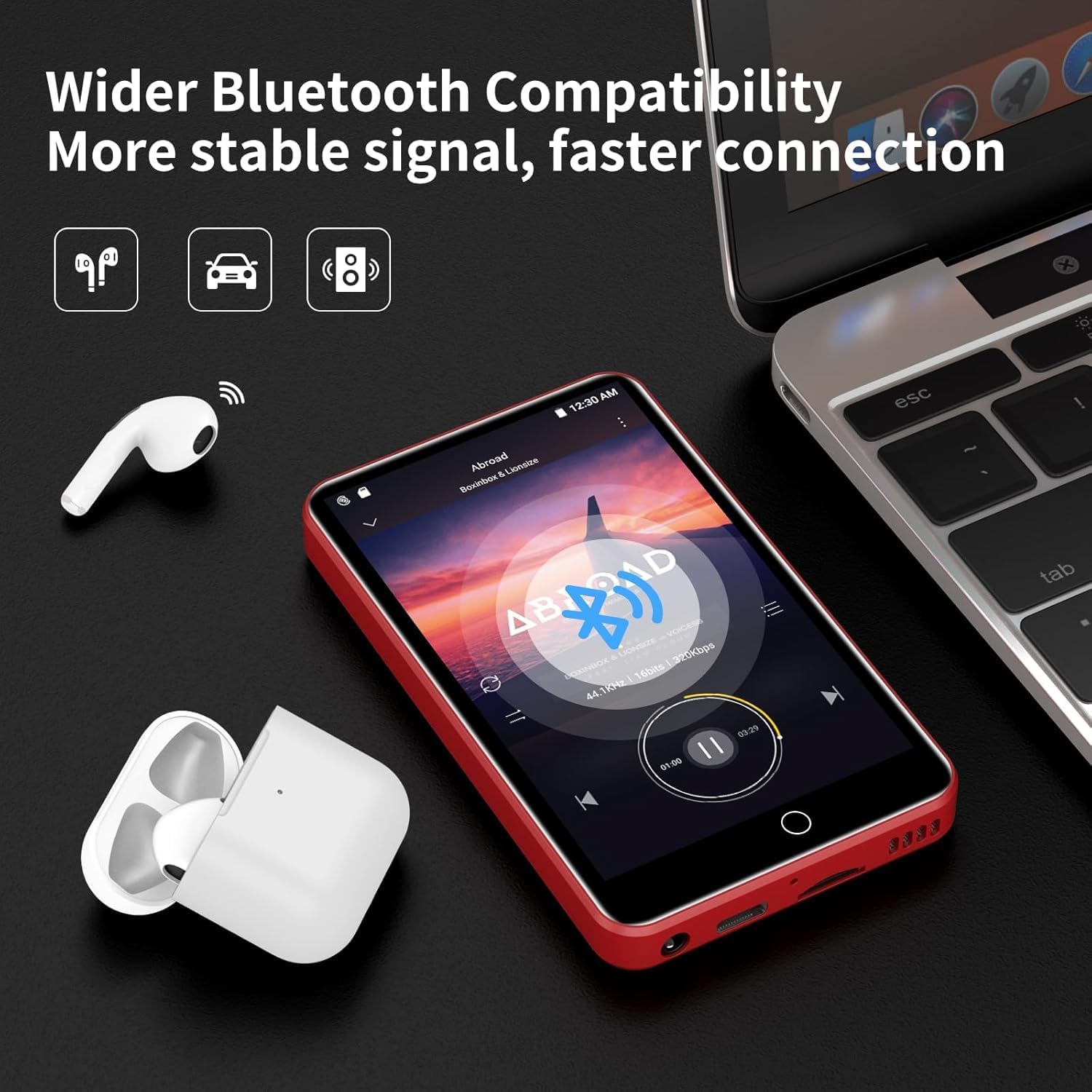
Image 4.2: The ZAQE MP3 Player demonstrating Bluetooth connectivity with wireless earbuds, indicating a stable and fast connection.
4.5 Vložení karty MicroSD
Expand your storage up to 1TB using a MicroSD card (not included).
- Najděte na zařízení slot pro kartu MicroSD.
- Jemně vložte kartu MicroSD do slotu, dokud nezacvakne na místo.
- The device may prompt you to format the card. Follow the on-screen instructions. Formatting will erase all data on the card.
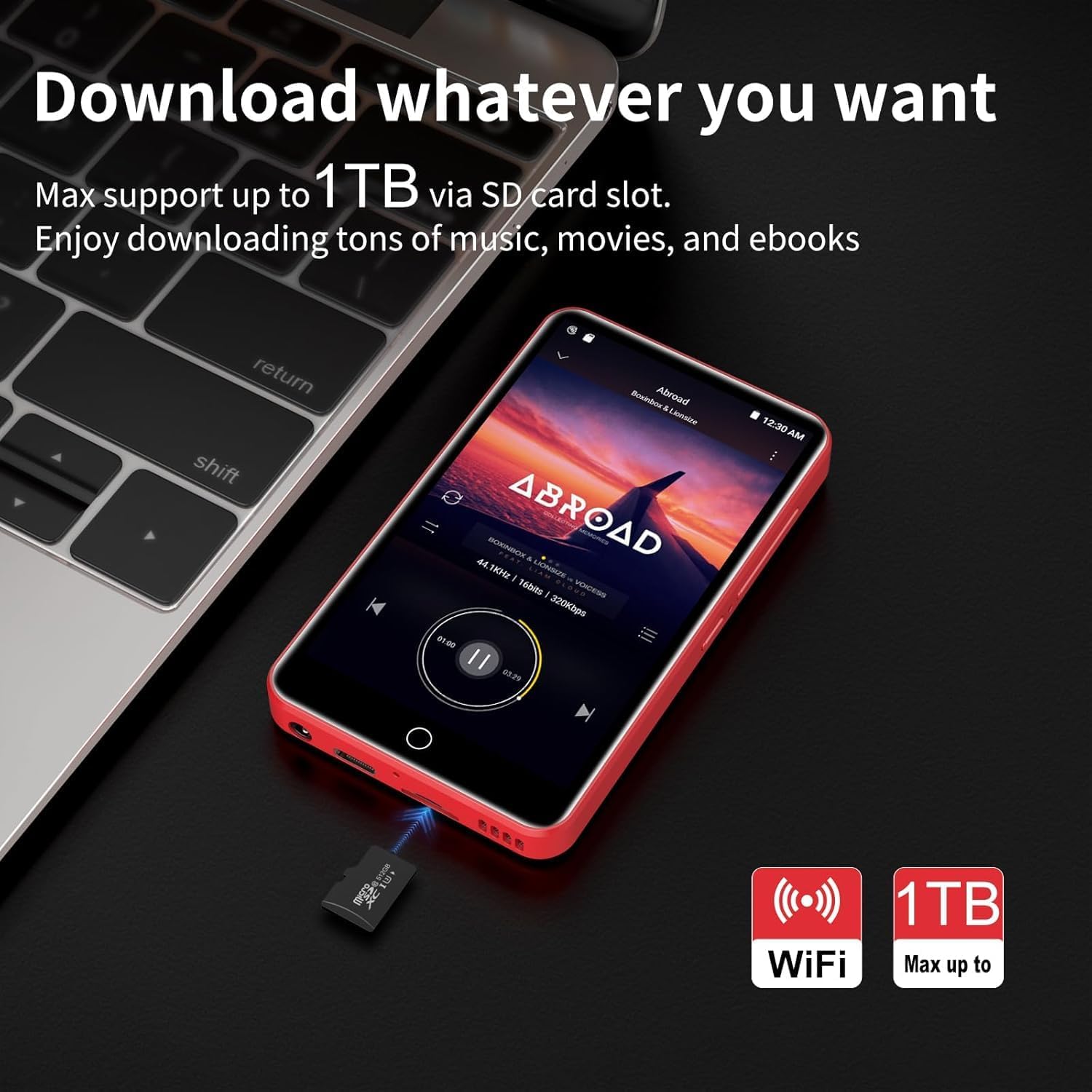
Image 4.3: The ZAQE MP3 Player next to a MicroSD card, illustrating its capability to expand storage up to 1TB for music, movies, and e-books.
5. Základní obsluha
5.1 Navigace v rozhraní
The ZAQE MP3 Player features a 4.0-inch full-touch IPS screen for intuitive navigation.
- Klepněte na: Vyberte položku nebo otevřete aplikaci.
- Výpad: Procházejte seznamy nebo přepínejte mezi obrazovkami.
- Přiblížení/zvětšení prsty: Adjust zoom in supported applications.

Image 5.1: A hand interacting with the 4.0-inch full-touch screen of the ZAQE MP3 Player, demonstrating smooth and responsive operation.
5.2 Přehrávání hudby
Enjoy high-fidelity lossless sound with support for various audio formats.
- Podporované formáty: MP3, OGG, FLAC, AAC, WAV, WMA, APE.
- Vestavěný reproduktor: Play music directly without headphones.
- Vlastnosti: Synchronized lyrics display, playlist creation, custom equalizer settings.
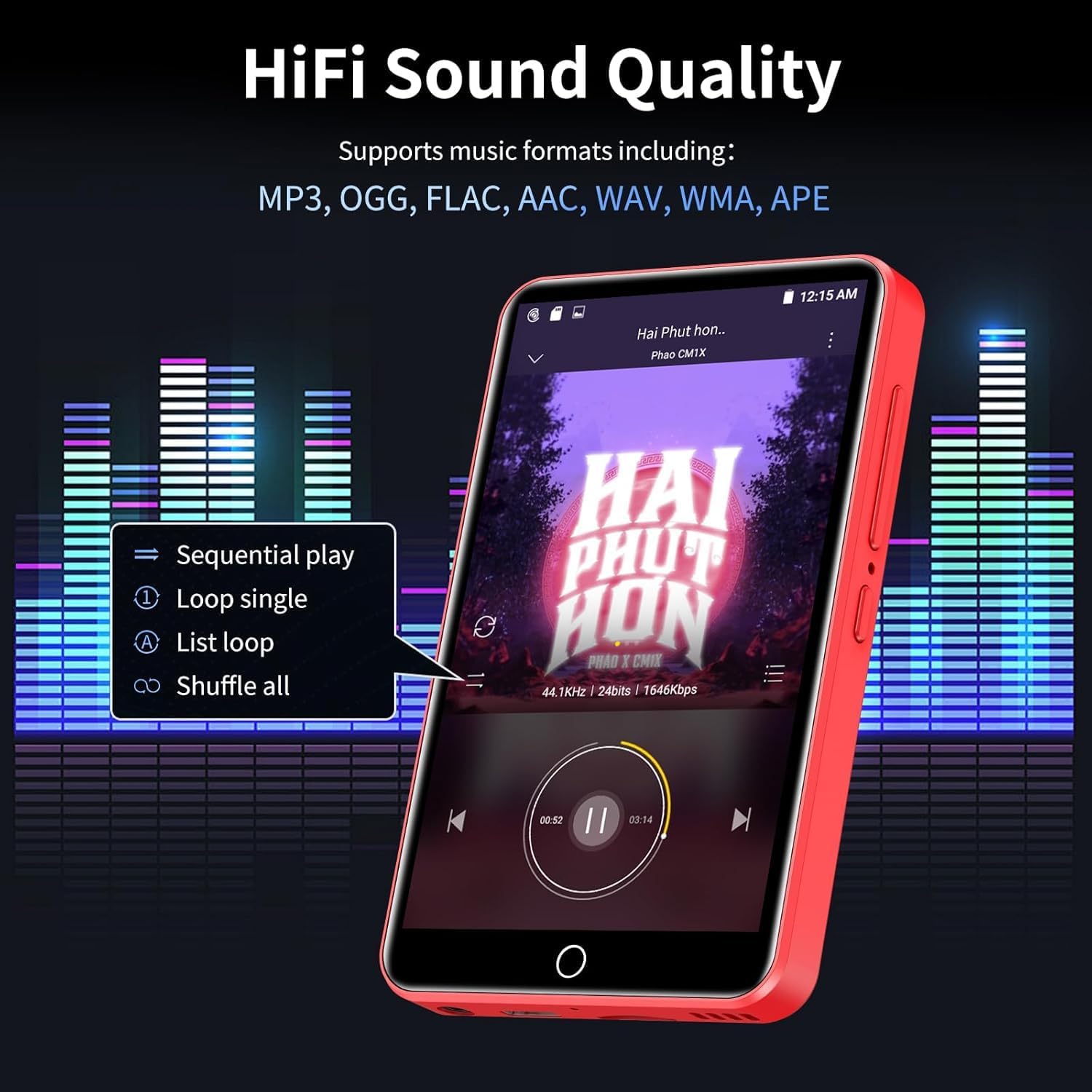
Image 5.2: The ZAQE MP3 Player's music playback screen, illustrating its HiFi sound quality and options for sequential play, loop, and shuffle.
5.3 Přehrávání videa
The 4-inch 1080P HD screen supports direct playback of high-definition videos.
- Podporované formáty: RM, RMVB, FLV, MP4, DAT, MKV, MPG, MOV, TS.
- No format conversion is required for 720P and 1080P videos.

Image 5.3: The ZAQE MP3 Player displaying a video, emphasizing its powerful 8-core CPU, 1080P HD video support, and 2GB RAM + 16GB ROM for a smooth audio-visual experience.
5.4 Using Pre-installed Applications
The device comes with several mainstream media apps and tools pre-installed.
- Mediální aplikace: Spotify, Audible, Amazon Music, Deezer.
- Nástroje: FM Radio, Video Player, Calendar, Recorder, Clock, Sound Recorder, Browser.
- Access these applications from the home screen.

Image 5.4: The ZAQE MP3 Player's screen displaying a variety of popular pre-installed applications such as Spotify, Audible, Amazon Music, Deezer, FM Radio, and a web prohlížeč.
5.5 Lock Screen and Screenshot
- Uzamknout obrazovku: Briefly press the Power button to lock the screen and prevent accidental touches. Press again to wake, then swipe to unlock.
- Snímek obrazovky: Press and hold the Power button to capture a screenshot.
6. Pokročilé funkce
6.1 Offline Playback via HiByMusic
The built-in HiByMusic app allows for offline playback of downloaded music and video files.
- Transfer music or video files from your PC to the player's internal 80GB storage (2GB RAM + 16GB ROM + 128GB card) or an inserted MicroSD card.
- Open the HiByMusic app to access and play your local media library without a network connection.

Image 6.1: The ZAQE MP3 Player showcasing its 80GB built-in storage and 1TB expandable memory, capable of storing approximately 32,000 lossless quality songs or 100 movies.
6.2 HiFi Sound Settings
Přizpůsobte si zvukový zážitek:
- Access the equalizer settings within your music player application to adjust bass, treble, and other audio frequencies.
- Experiment with different presets or create your own custom sound profile.
7. Údržba
7.1 Péče o baterii
- Vyhněte se extrémním teplotám, které mohou snížit životnost baterie.
- Pro dlouhodobé skladování nabijte zařízení přibližně na 50 % a skladujte jej na chladném a suchém místě.
- K nabíjení používejte pouze dodaný kabel USB typu C.
7.2 Čištění
- K čištění obrazovky a těla zařízení použijte měkký hadřík, který nepouští vlákna.
- Nepoužívejte abrazivní čisticí prostředky nebo rozpouštědla.
7.3 Správa úložiště
- Regularly check the available storage space in Nastavení > Skladování.
- Smazat nepotřebné filenebo aplikace pro uvolnění místa.
- Utilize the MicroSD card for large media files to preserve internal memory.
8. Řešení problémů
Tato část se zabývá běžnými problémy, se kterými se můžete setkat.
| Problém | Možné řešení |
|---|---|
| Zařízení se nezapne. | Ujistěte se, že je zařízení plně nabité. Připojte ho ke zdroji napájení a zkuste to znovu. |
| Nelze se připojit k Wi-Fi. | Check if Wi-Fi is enabled in settings. Verify the Wi-Fi password. Restart your router and the MP3 player. |
| Připojení Bluetooth je nestabilní nebo se přerušuje. | Ensure the MP3 player and Bluetooth device are within close proximity. Disconnect and re-pair the devices. Avoid obstacles between devices. |
| Low audio volume. | Adjust the volume using the side buttons. Check volume settings within the music application. Ensure headphones are properly connected or Bluetooth volume is maximized. |
| Difficulty downloading music or apps. | Ensure a stable Wi-Fi connection. Check available storage space. Some services may require a subscription. |
| Forgot screen lock password. | Contact ZAQE customer support for assistance with password recovery. |
9. Specifikace
Technical details of the ZAQE 4.0-inch IPS MP3 Player.
| Funkce | Detail |
|---|---|
| Model | ZAQE 4.0-inch IPS MP3 Player |
| Zobrazit | 4.0-inch IPS HD Full-Color Touch Screen |
| Procesor | Advanced 8-Core CPU |
| Operační systém | OS Android 9.0 |
| Paměť | 2 GB RAM + 16 GB ROM (interní) |
| Rozšiřitelné úložiště | Až 1 TB přes kartu MicroSD |
| Konektivita | Bluetooth, WiFi |
| Baterie | 2000mAh (Type-C rechargeable) |
| Doba přehrávání hudby | Až 40 hodin |
| Pohotovostní doba | 3-5 měsíce |
| Podporované zvukové formáty | MP3, OGG, FLAC, AAC, WAV, WMA, APE |
| Podporované video formáty | RM, RMVB, FLV, MP4, DAT, MKV, MPG, MOV, TS (1080P HD) |
| Rozměry | 5.79 x 5.75 x 0.75 palce |
| Hmotnost položky | 7.8 unce |
| UPC | 765826120102 |
10. Záruka a podpora
For warranty information, please refer to the documentation provided at the time of purchase or contact your retailer. For technical support, product inquiries, or assistance with any issues not covered in this manual, please contact ZAQE customer service.
You can also visit the official ZAQE store on Amazon for additional resources and contact options: ZAQE Amazon Store


