Berrcom ET003
The ET003 offers multiple measurement modes for various applications:

Image: A visual guide demonstrating the four measurement modes of the Berrcom ET003: Room Temperature, Object Temperature, Forehead Body Temperature, and Ear Body Temperature.
- Měření čela: Ensure the protective cap is on. Press the "START" button and gently scan the thermometer across the forehead, maintaining close contact with the skin.
- Měření ucha: Remove the protective cap. Gently insert the probe into the ear canal. Press the "START" tlačítko.
- Object/Room Measurement: Select the appropriate mode using the "MOD" button. Point the thermometer at the object or towards the room for non-contact temperature measurement.
- Alarm horečky: The screen backlight will turn red and a short beep will sound if the measured temperature exceeds the normal range (e.g., 100.4°F / 38°C). A green backlight indicates a normal temperature.
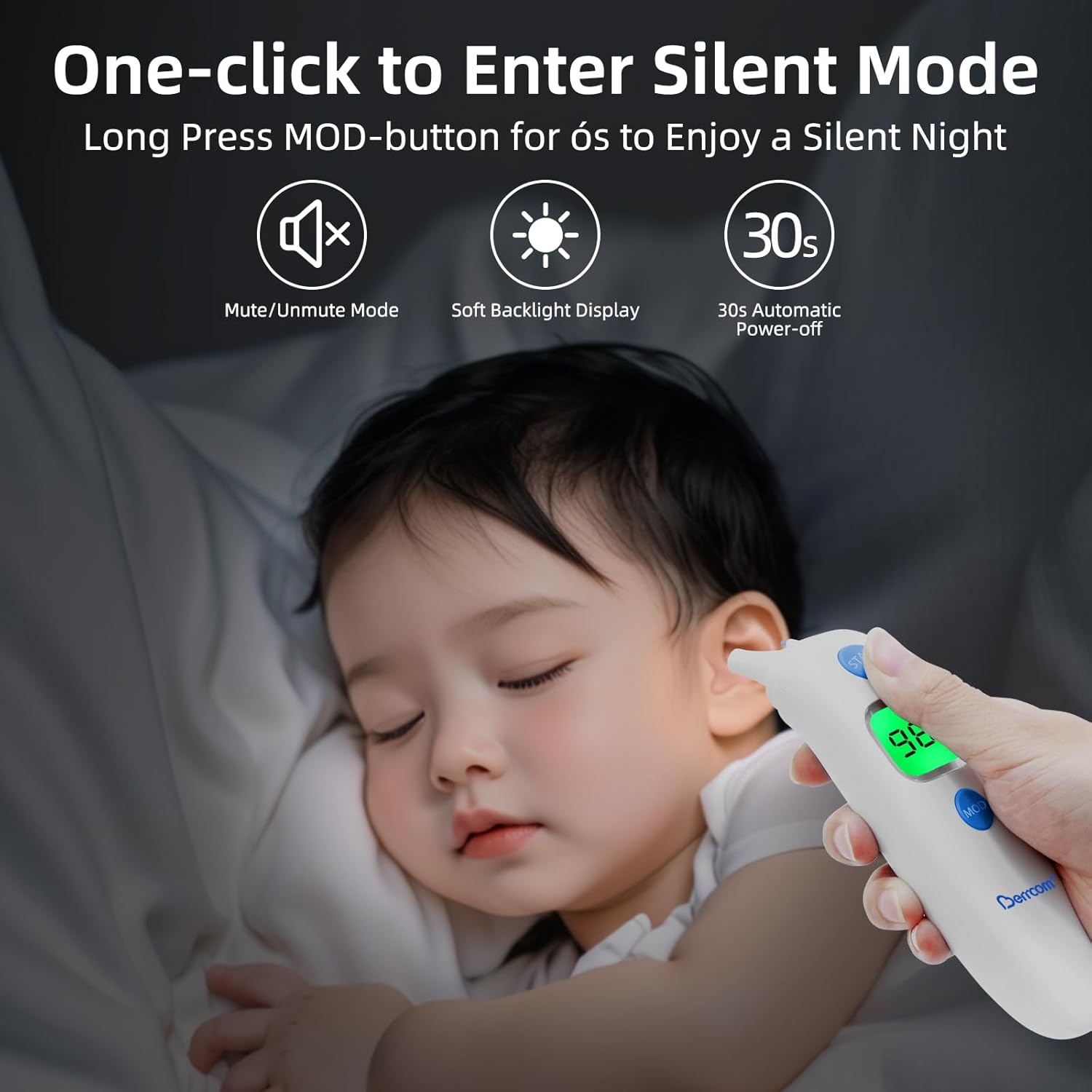
Image: The Berrcom ET003 thermometer showing its intelligent fever alarm system with green backlight for normal temperatures (e.g., 96.8°F) and red backlight for elevated temperatures (e.g., 100.4°F).


