1. Úvod
Welcome to your new NIMO 15.6" IPS FHD Student Laptop, Model N154. This manual provides essential information to help you get started, operate, and maintain your device. Designed for both home and business use, this laptop combines performance with user-friendly features to enhance your productivity and entertainment experience.
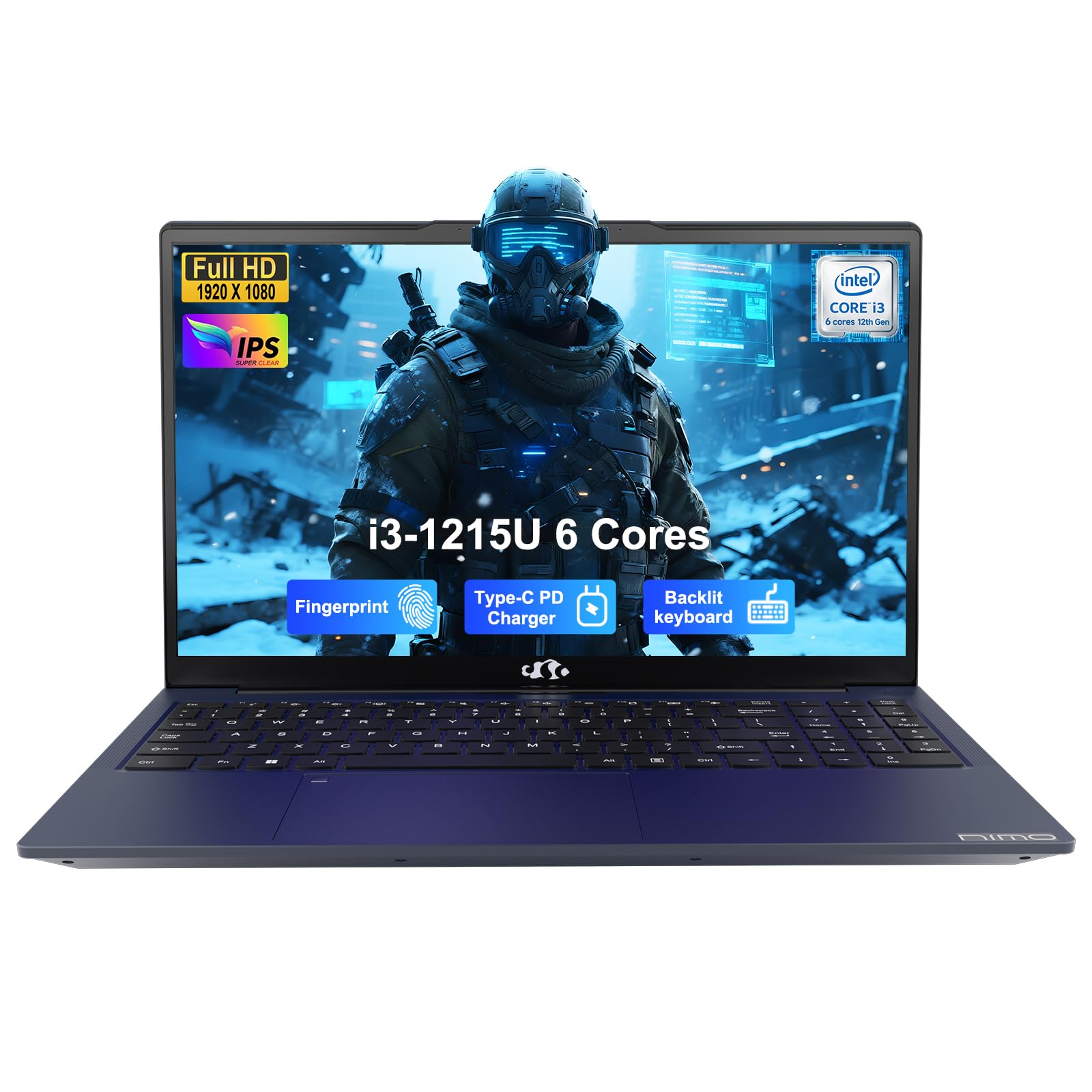
Image: The NIMO 15.6-inch IPS FHD Student Laptop, showcasinjeho elegantní design.
2. Co je v krabici
Zkontrolujte prosím obsah balení, abyste se ujistili, že jsou přítomny všechny položky:
- 1 x NIMO N154 Laptop
- 1 x Type-C 65W PD Fast Charger
- 1 x Uživatelská příručka (tento dokument)
- Windows 11 Home (předinstalovaný)
3. Počáteční nastavení
3.1. Charging the Laptop
Before first use, fully charge your NIMO laptop using the included 65W USB-C PD Fast Charger. Connect the charger to the Type-C port on your laptop and a power outlet. The charging indicator light will illuminate.

Image: The 65W USB-C PD Fast Charger, capable of charging the laptop, tablet, and smartphone.
3.2. Zapnutí a počáteční konfigurace
Stisknutím tlačítka napájení zapněte notebook. Postupujte podle pokynů na obrazovce a dokončete nastavení systému Windows 11 Home, včetně výběru jazyka, síťového připojení a vytvoření uživatelského účtu.
4. Ovládání notebooku
4.1. Displej
Your laptop features a 15.6-inch Full HD (1920x1080) IPS anti-glare display. This screen provides clear visuals and reduces eye strain during extended use. The 180° open angle allows for flexible viewpozice.
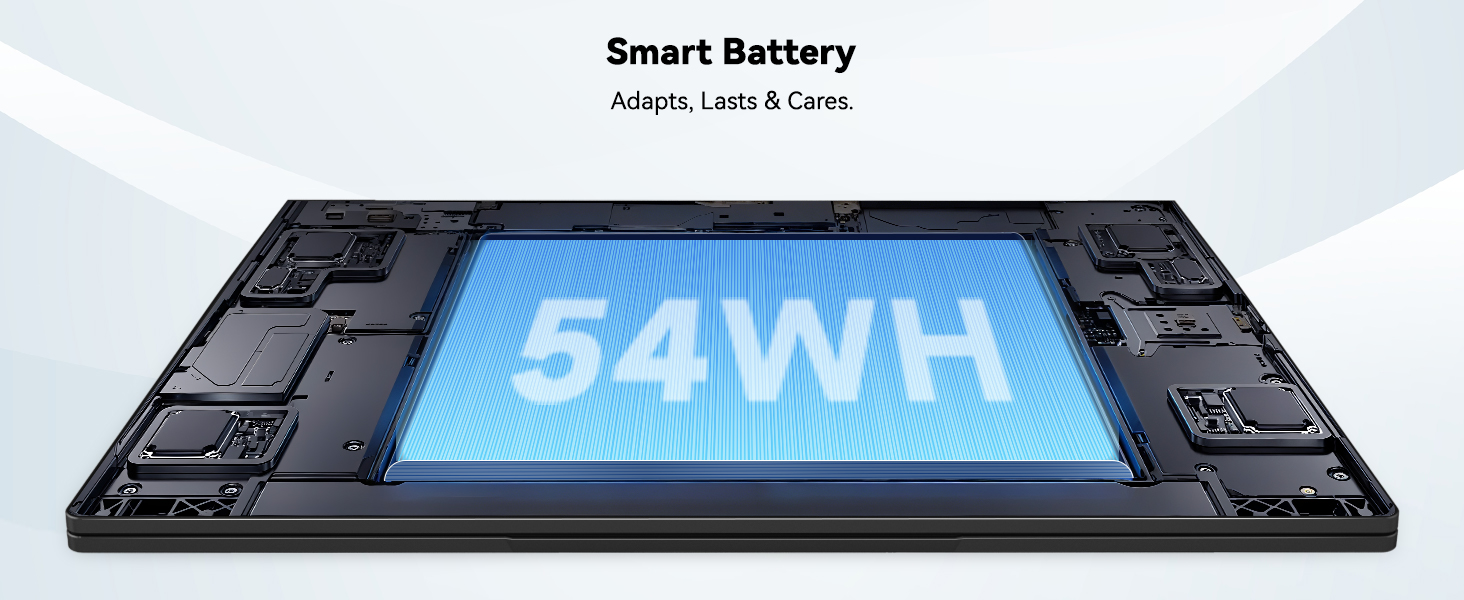
Image: The laptop's 15.6-inch Full HD IPS display with vibrant colors.
4.2. Klávesnice a touchpad
The ergonomic backlit keyboard allows for comfortable typing in various lighting conditions, with adjustable brightness. The touchpad includes an integrated fingerprint sensor for secure, one-touch login.

Image: Features of the laptop's input, including backlit keyboard, webcam shield, fingerprint sensor, and numeric keypad.
4.3. Fingerprint Login
Utilize the fingerprint sensor on the touchpad for quick and secure access to your laptop. Configure your fingerprint in the Windows settings for enhanced security.

Image: Close-up of the integrated fingerprint scanner on the touchpad for secure login.
4.4. Porty a konektivita
The NIMO N154 laptop offers a variety of ports for versatile connectivity:
- Port USB 2.0: 1
- USB porty: 3.0 3
- Port HDMI: Pro připojení externích displejů.
- Port typu C: Supports 65W Power Delivery for charging and data transfer.
- Slot pro kartu Micro SD: Pro rozšíření úložiště nebo přenos files.
- Headphone Combo Jack: Pro audio vstup/výstup.
- Slot zámku Kensington: Pro fyzické zabezpečení.
The laptop also features Wi-Fi 6 for fast and reliable wireless internet access.

Image: Diagram illustrating the various ports available on the NIMO laptop, including USB, HDMI, Type-C, Micro SD, headphone jack, and Kensington lock.
4.5. Zvuk a Webvačka
Integrated speakers provide clear audio for video calls, online classes, and media consumption. The 2.0MP webcam is suitable for video conferencing, complemented by a privacy switch for enhanced security.

Image: Details on the 1080p FHD camera and privacy camera convenience features.
4.6. Procesor a výkon
Powered by the 6-Core Intel i3-1215U processor, your laptop is designed for efficient multitasking, handling numerous browser tabs, spreadsheets, and video calls without significant slowdowns.
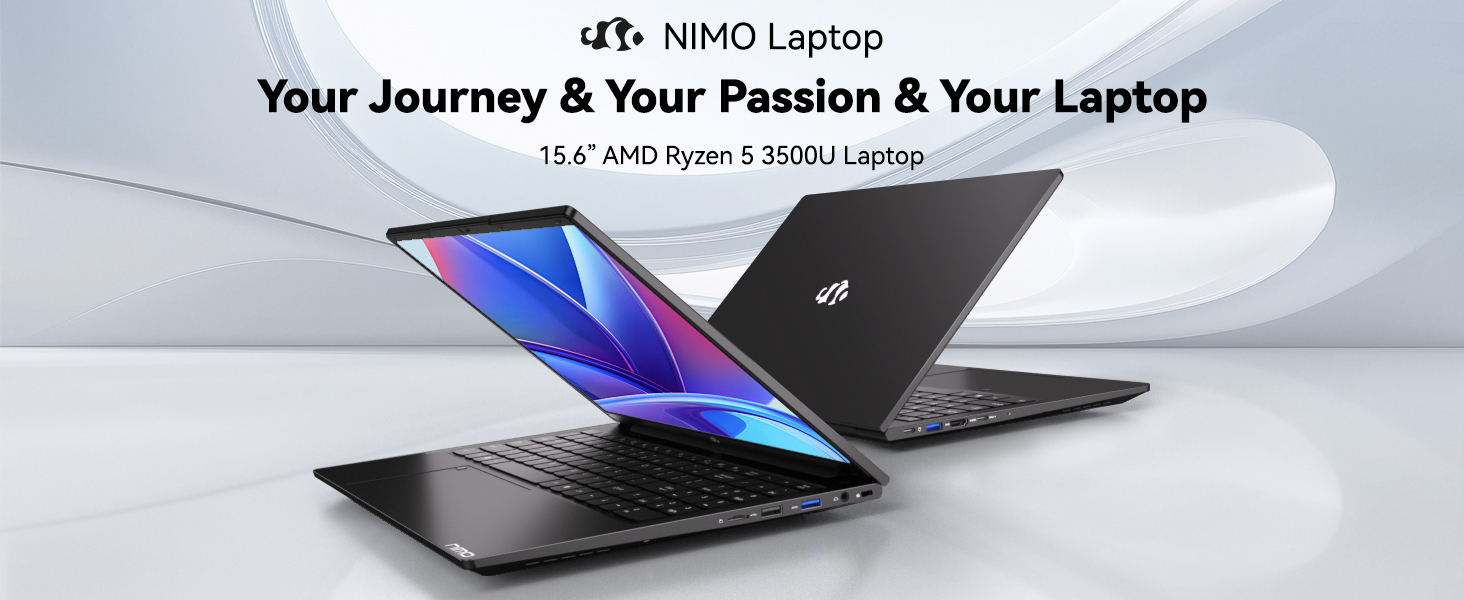
Image: Visual representation of the 12th Gen Intel Core i3-1215U Processor, highlighting its 6 cores, 8 threads, 15W power consumption, and 3.7 GHz Turbo Boost.
5. Údržba
5.1. Čištění
Regularly clean your laptop to ensure optimal performance and longevity. Use a soft, lint-free cloth for the screen and exterior. For stubborn marks, dampOtřete hadřík malým množstvím vody nebo čističem obrazovky. Vyhněte se agresivním chemikáliím.
5.2. Aktualizace softwaru
Keep your operating system and drivers updated to benefit from the latest security patches and performance improvements. Windows Update can be accessed through the Settings menu.
5.3. Péče o baterie
To maximize battery life, avoid extreme temperatures and fully discharging the battery frequently. For long-term storage, charge the battery to around 50-70%.

Image: An illustration of the laptop's internal battery, labeled 54WH, emphasizing smart battery management.
6. Řešení problémů
6.1. Notebook se nezapíná
- Ujistěte se, že je nabíječka bezpečně připojena k notebooku i k funkční zásuvce.
- Zkontrolujte, zda napájecí adaptér funguje správně.
- Zkuste podržet tlačítko napájení po dobu 10-15 sekund, abyste provedli tvrdý reset.
6.2. Problémy s připojením k Wi-Fi
- Ověřte, zda je v nastavení systému Windows povolena funkce Wi-Fi.
- Restartujte router a modem.
- Ensure your Wi-Fi drivers are up to date.
6.3. Pomalý výkon
- Zavřete nepotřebné aplikace běžící na pozadí.
- Zkontrolujte a nainstalujte všechny čekající aktualizace systému Windows.
- Ujistěte se, že vaše úložiště (SSD) má dostatek volného místa.
Další pomoc naleznete v části Záruka a podpora.
7. Specifikace
| Funkce | Specifikace |
|---|---|
| Název modelu | NIMO N154 |
| Velikost obrazovky | 15.6 palce |
| Rozlišení obrazovky | 1920 x 1080 pixelů (Full HD) |
| Procesor | Intel Core i3-1215U (6 jader, až 4.4 GHz) |
| BERAN | 8 GB DDR4 (3200 MHz) |
| Pevný disk | 512 GB SSD |
| Grafický koprocesor | Integrovaná grafika |
| Operační systém | Windows 11 Home |
| Bezdrátový typ | Wi-Fi 6 (802.11a/b/g/n/ac) |
| Porty USB 2.0 | 1 |
| Porty USB 3.0 | 3 |
| Průměrná životnost baterie | 9 hodiny |
| Hmotnost položky | 3.75 libry |
| Rozměry produktu | 14.07 x 8.98 x 0.76 palce |
| Speciální funkce | Fingerprint Reader, HD Audio, Memory Card Slot, Numeric Keypad |
8. Záruka a podpora
NIMO is committed to providing quality products and excellent customer service.
8.1. Informace o záruce
Your NIMO N154 laptop comes with a comprehensive 2-letá záruka, covering manufacturing defects and hardware malfunctions under normal use. This warranty ensures your investment is protected.

Image: Text indicating '2-Year Support' for Nimo products.
8.2. Zásady vrácení
Nabízíme a 90denní zásada vrácení from the date of purchase. If you are not satisfied with your product, you may return it within this period according to the terms and conditions.

Image: Text indicating '90-Day Return' for Nimo products.
8.3. Kontaktujte podporu
Our dedicated US-based support team is available to assist you with any questions or issues. You can reach us via email at service@nimopc.com. We aim to provide professional and high-quality customer service.

Image: A customer service representative wearing a headset, representing professional customer assistance.


