1. Bezpečnostní informace
Please read all safety instructions carefully before using the innioasis G1 MP3 Player. Keep this manual for future reference.
- Nevystavujte zařízení extrémním teplotám, přímému slunečnímu záření nebo vysoké vlhkosti.
- Zabraňte pádu zařízení nebo jeho vystavení silným nárazům.
- Nepokoušejte se zařízení rozebírat ani opravovat sami. Ztratíte tak záruku.
- K nabíjení používejte pouze dodaný kabel USB-C.
- Udržujte zařízení mimo dosah vody a jiných kapalin.
- Delší poslech při vysoké hlasitosti může způsobit poškození sluchu.
2. Obsah balení
Ověřte, zda jsou v balení přítomny všechny položky:
- 1 x innioasis G1 MP3 Player
- 1 x 64GB SD card (pre-installed or separate)
- 1 x USB-C nabíjecí kabel
- 1 x Wired headphones
- 1 x Uživatelská příručka

Image: The innioasis G1 MP3 Player, USB-C cable, wired headphones, 64GB SD card, and user manual included in the package.
3. Zařízení skončiloview
The innioasis G1 MP3 Player features a compact design with a 4-inch full-touch screen. It includes physical buttons for power and volume control, and ports for charging and headphones.

Obrázek: Přední strana view of the innioasis G1 MP3 Player displaying various preinstalled applications on its touch screen.
Klíčové vlastnosti:
- 4palcová plně dotyková obrazovka
- Android OS with 1.9GHz Octa-core CPU and 2GB RAM
- 80GB Storage (16GB ROM + 64GB TF card), expandable up to 1TB
- Konektivita Bluetooth 4.2
- Wi-Fi (2.4 GHz a 5 GHz)
- Pre-installed streaming apps (Spotify, Spotify Kids, Amazon Music, Pandora, Tidal, Deezer, Audible)
- Rodičovská kontrola
- FM Radio, Voice Recorder, Video Player, Ebook Reader, Calculator, Clock, Gallery, Browser, Calendar
4. Nastavení
4.1 Počáteční nabíjení
Before first use, fully charge the device using the provided USB-C cable and a compatible power adapter (not included). The battery indicator on the screen will show charging status.
4.2 Zapnutí/vypnutí
- Zapnutí: Press and hold the Power button on the side of the device until the screen lights up.
- Vypnutí: Stiskněte a podržte tlačítko Napájení a poté z možností na obrazovce vyberte možnost „Vypnout“.
4.3 Nastavení jazyka a času
Upon first startup, you may be prompted to select your preferred language and set the date and time. Follow the on-screen instructions.
4.4 Wi-Fi připojení
To access streaming services and online features, connect your device to a Wi-Fi network:
- Přejít na Nastavení > Síť a internet > Wi-Fi.
- Přepnout Wi-Fi On.
- Vyberte požadovanou síť ze seznamu.
- Zadejte heslo, pokud se zobrazí výzva, a klepněte na Připojit.

Image: The innioasis G1 MP3 Player displaying its home screen with app icons, illustrating its strong network connection capabilities.
5. Návod k obsluze
5.1 Základní navigace
The device features a full touch screen for navigation. Swipe left/right to browse app pages, tap an icon to open an app, and use the navigation buttons at the bottom of the screen (Back, Home, Recent Apps) to move between screens and applications.
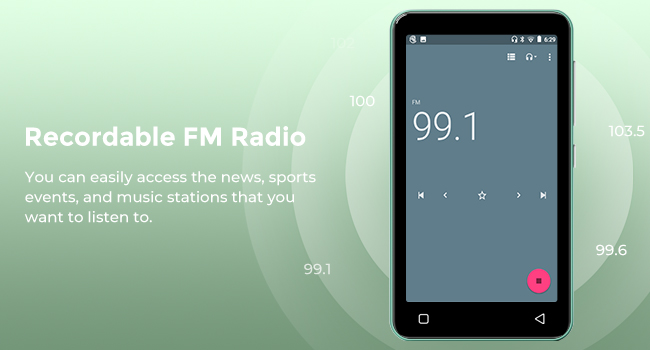
Image: A hand demonstrating touch screen interaction on the innioasis G1 MP3 Player, highlighting its ease of use.
5.2 Přehrávání hudby
The innioasis G1 supports various audio formats including MP3, FLAC, WAV, AAC, APE, OGG, M4A, WMA, and MP2.
- Local Music Player: Open the "Music" app to play files stored on the device or SD card. You can create playlists, search for songs, and use the graphic equalizer to adjust sound.
- Streamovací aplikace: Access pre-installed apps like Spotify, Spotify Kids, Amazon Music, Pandora, Tidal, and Deezer. Ensure you are connected to Wi-Fi for streaming.

Image: The innioasis G1 MP3 Player displaying its local music player interface, showing song categories, search function, playlist creation, and equalizer options.
5.3 Připojení Bluetooth
Connect your MP3 player to Bluetooth headphones, speakers, or car stereos.
- Přejít na Nastavení > Připojená zařízení > Bluetooth.
- Přepnout Bluetooth On.
- Make sure your Bluetooth accessory is in pairing mode.
- Select your accessory from the list of available devices to pair.
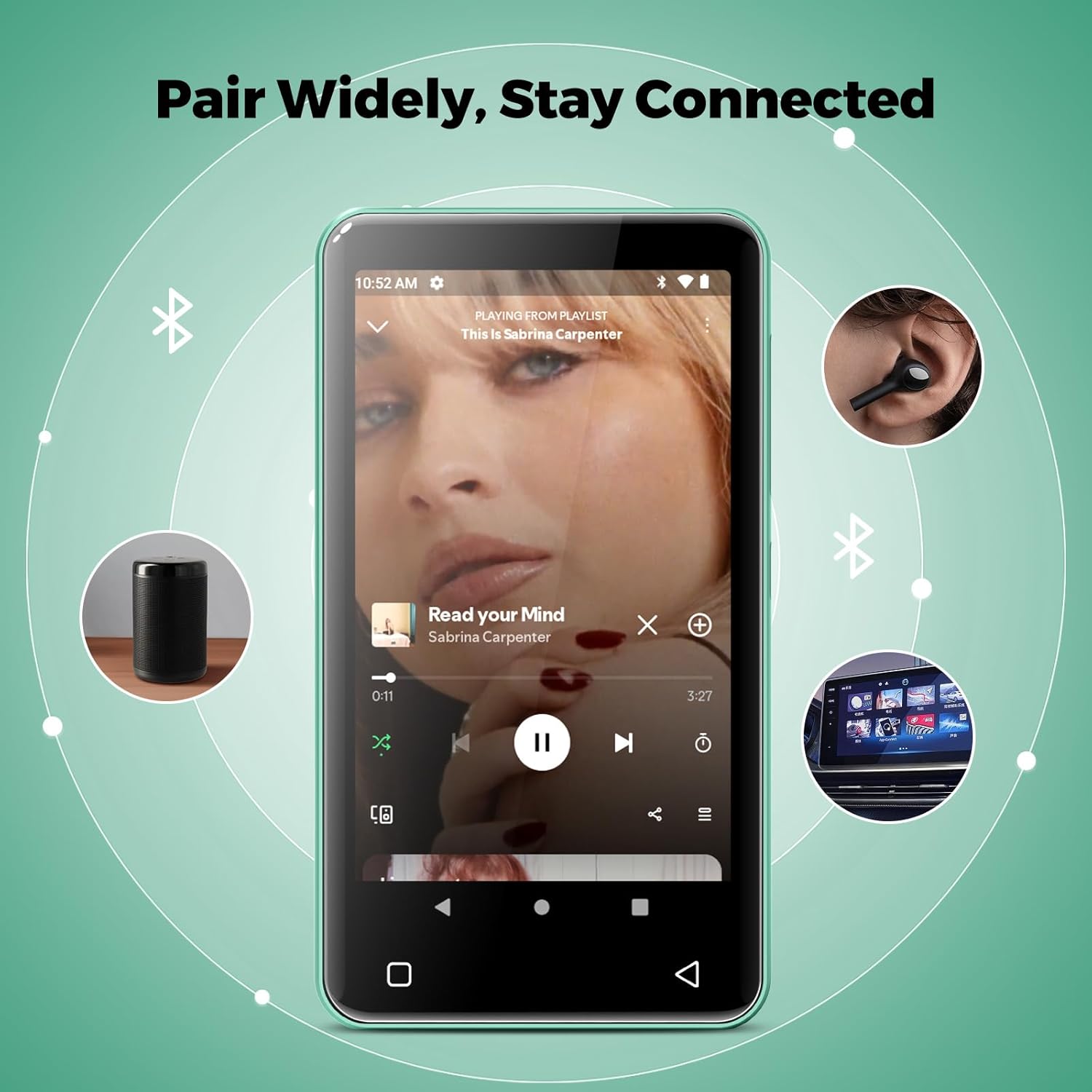
Image: The innioasis G1 MP3 Player showing its Bluetooth connection capabilities, pairing with headphones, a portable speaker, and a car stereo system.
5.4 Rodičovská kontrola
The device includes parental control features to manage app access and settings.
- Přejít na Nastavení > Rodičovská kontrola.
- Set a parental control password.
- You can enable/disable app installation, limit internet usage, and restrict device usage time.
- Preloaded apps can be removed, and settings can be locked with the passcode.

Image: The innioasis G1 MP3 Player displaying its parental control settings, including options for password management, app installation, internet usage limits, and device usage limits.
5.5 File Převod
Přenos hudby, videí a dalších files from a computer:
- Připojte MP3 přehrávač k počítači pomocí kabelu USB-C.
- On the MP3 player, swipe down from the top of the screen to open the notification panel.
- Tap the USB notification (e.g., "USB charging this device") and select "File transfer" or "MTP".
- Your computer should now recognize the device as a removable storage drive. You can drag and drop files to the internal storage or the SD card.
5.6 Jiné aplikace
The innioasis G1 comes with several other useful applications:
- FM rádio: Tune into local radio stations. Some models may support recording.
- Videopřehrávač: Supports 1080P HD video playback and various formats including AVI, MKV, MP4, MPEG, MOV, VOB, WMV, WEBM, DIVX, F4V, FLV, XviD, 3GP.
- Hlasový záznamník: Nahrávejte zvuk pomocí vestavěného mikrofonu.
- Ebook Reader: Access pre-loaded Audible for audiobooks and other e-book formats.
- Calculator, Clock, Gallery, Browser, Calendar: Standard utility apps for daily use.
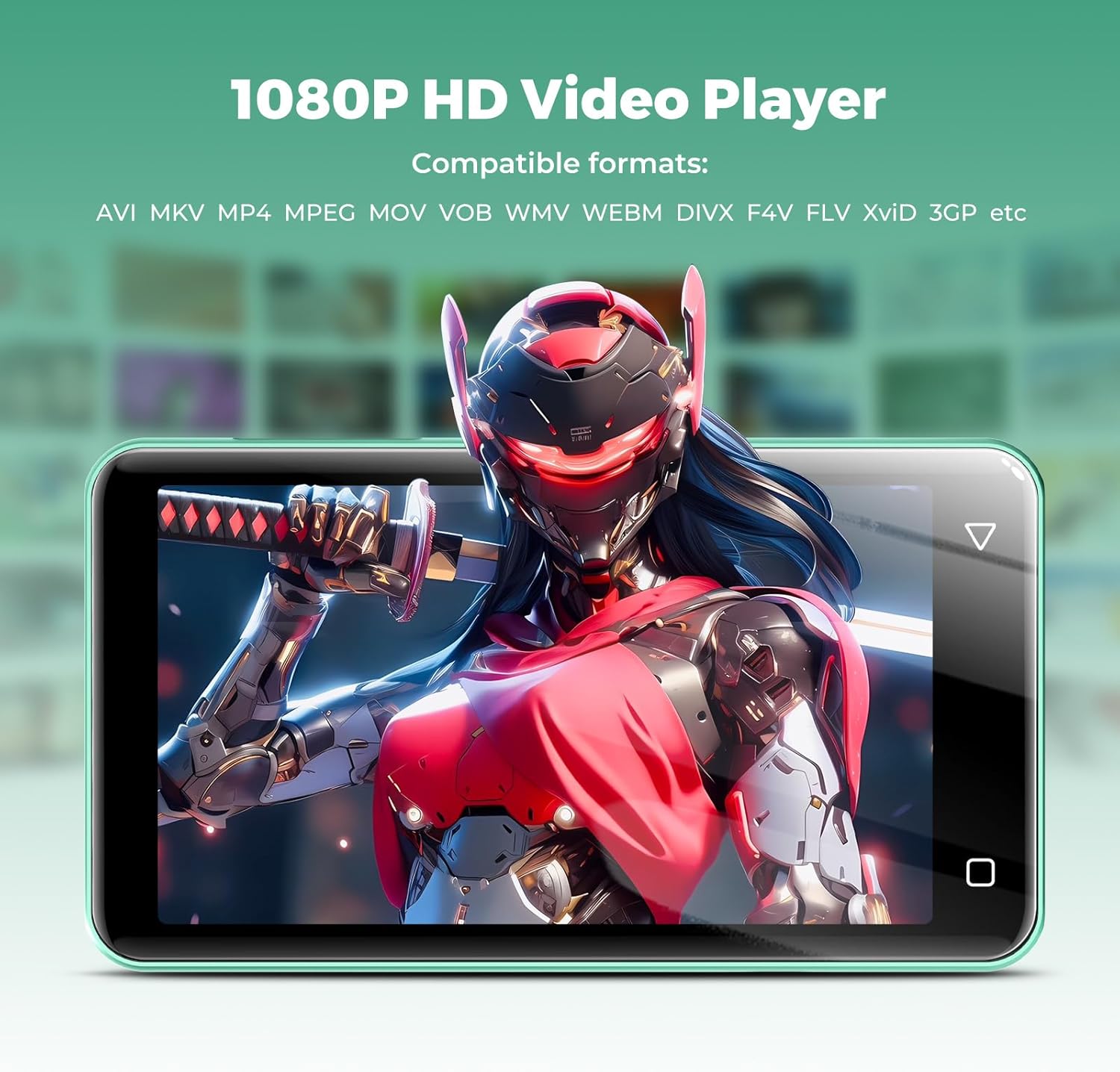
Image: The innioasis G1 MP3 Player displaying a high-definition video on its screen, illustrating its 1080P HD video playback capability.
6. Údržba
- Čištění: K čištění zařízení používejte měkký, suchý hadřík. Nepoužívejte tekuté čisticí prostředky ani aerosoly.
- Péče o baterie: To prolong battery life, avoid fully discharging the battery frequently. Charge the device regularly. If storing for a long period, charge it to about 50% every few months.
- Aktualizace softwaru: Periodically check for software updates in the device settings to ensure optimal performance and security.
7. Řešení problémů
| Problém | Možné řešení |
|---|---|
| Zařízení se nezapne. | Ensure the battery is charged. Connect to a charger for at least 30 minutes. If unresponsive, press and hold the power button for 10-15 seconds to force a restart. |
| Nelze se připojit k Wi-Fi. | Check if Wi-Fi is enabled in settings. Verify the Wi-Fi password. Restart your router and the MP3 player. Ensure you are within range of the Wi-Fi signal. |
| Zařízení Bluetooth se nespáruje. | Ensure Bluetooth is enabled on both devices and the accessory is in pairing mode. Move the devices closer together. Try restarting both devices. |
| Aplikace jsou pomalé nebo nereagují. | Close unused background apps. Clear app cache in Settings > Apps. Restart the device. Ensure sufficient storage space is available. |
| Nelze přenést files to/from computer. | Ensure the USB-C cable is properly connected and functioning. On the MP3 player, select "File transfer" mode from the USB notification. Try a different USB port or computer. |
| Špatná kvalita zvuku. | Check headphone connection. Test with different headphones. Adjust equalizer settings in the music player. Ensure audio files nejsou poškozeny. |
8. Specifikace
- Název modelu: G1
- Rozměry produktu: 0.39 x 2.56 x 4.13 palce
- Hmotnost položky: 5.9 unce
- Výrobce: INNIOÁZA
- Úložná kapacita paměti: 80 GB (16GB ROM + 64GB TF card)
- Rozšiřitelné úložiště: Up to 1TB (SDXC/SDHC compatible)
- Velikost obrazovky: 4 palce
- Technologie připojení: Bluetooth 4.2, Wi-Fi (2.4GHz & 5GHz)
- Speciální vlastnosti: Equalizer, FM Radio, Hi-Res Audio, Video Playback, Voice Recorder, Parental Controls
- Kompatibilní zařízení: Headphones, Earphones
- Typ média: Micro SD, Micro SDHC, Micro SDXC, SD karta, SDHC
- Baterie: 1500mAh (up to 25 hours music, 5 hours video playback)

Image: The innioasis G1 MP3 Player screen displaying battery life indicators for video (5 hours) and music (25 hours) playback.
9. Záruka a podpora
The innioasis G1 MP3 Player comes with a standard manufacturer's warranty. For detailed warranty information, please refer to the warranty card included in your package or contact innioasis customer support.
If you encounter any issues or have questions about your device, please contact innioasis customer support through their official webwebu nebo kontaktních informací uvedených na obalu produktu.


