Zavedení
This manual provides instructions for the proper use, setup, and maintenance of your CJ TECH NASA Laptop Backpack. Designed for versatility and durability, this backpack features a dedicated laptop compartment, a USB charging port, and water-resistant materials. Please read this manual thoroughly to ensure optimal performance and longevity of your product.
Vlastnosti produktu
- Nastavitelné ramenní popruhy: For comfortable and customizable fit.
- Voděodolný materiál: Constructed from 300D Oxford Cloth and polyester to protect contents from moisture.
- Dedicated Laptop Compartment: Bezpečně udrží notebooky do úhlopříčky 15 palce.
- Integrovaný nabíjecí port USB: Allows for convenient charging of devices on the go (power bank not included).
- Více úložných přihrádek: Includes a front exterior pocket, side pockets, and various interior pockets for organization.
- Horní rukojeť: Pro snadné přenášení.
- Rozměry: Přibližně 15.7 palce (D) x 11.8 palce (Š) x 4.7 palce (V).

Obrázek: Overview of the CJ TECH NASA Laptop Backpack highlighting its adjustable shoulder straps, water resistance, multiple pockets, top handle, dimensions, and material.
Nastavení
- Unpack the Backpack: Remove all packaging materials and inspect the backpack for any signs of damage.
- Nastavení ramenních popruhů: Loosen or tighten the shoulder straps to achieve a comfortable fit. The backpack should sit snugly against your back without sagging.
- Prepare USB Charging Port:
- Locate the internal USB cable inside the backpack.
- Připojte svou osobní powerbanku (není součástí balení) k internímu USB kabelu.
- The external USB port on the side of the backpack is now ready to connect your device's charging cable.

Image: Instructions for using the integrated USB charging port, illustrating the connection from an internal power bank to an external device.
Návod k obsluze
Použití přihrádky na notebook
The backpack features a padded compartment designed to protect your laptop. This compartment can accommodate laptops up to 15 inches in size.
- Open the main zipper of the backpack.
- Carefully slide your laptop into the dedicated padded sleeve.
- Ensure the laptop is fully seated and the compartment zipper is closed securely.

Image: The backpack's main compartment open, demonstrating how a 15-inch laptop fits into the padded sleeve.
Uspořádání obsahu
Utilize the various pockets and compartments to organize your belongings efficiently.
- Hlavní přihrádka: For larger items like books, notebooks, or clothing.
- Front Exterior Pocket: Ideal for quick-access items such as keys, wallet, or small documents.
- Boční kapsy: Suitable for water bottles, umbrellas, or other items you need to grab easily.
- Vnitřní kapsy: Use for pens, chargers, or other small accessories to keep them secure and organized.

Obrázek: Detail view illustrating the multiple interior compartments, adjustable shoulder straps, and top handle for versatile use.
Carrying the Backpack
- Ensure both shoulder straps are adjusted evenly to distribute weight across your shoulders.
- For heavy loads, use both straps to prevent strain.
- The top handle can be used for short-distance carrying or hanging the backpack.
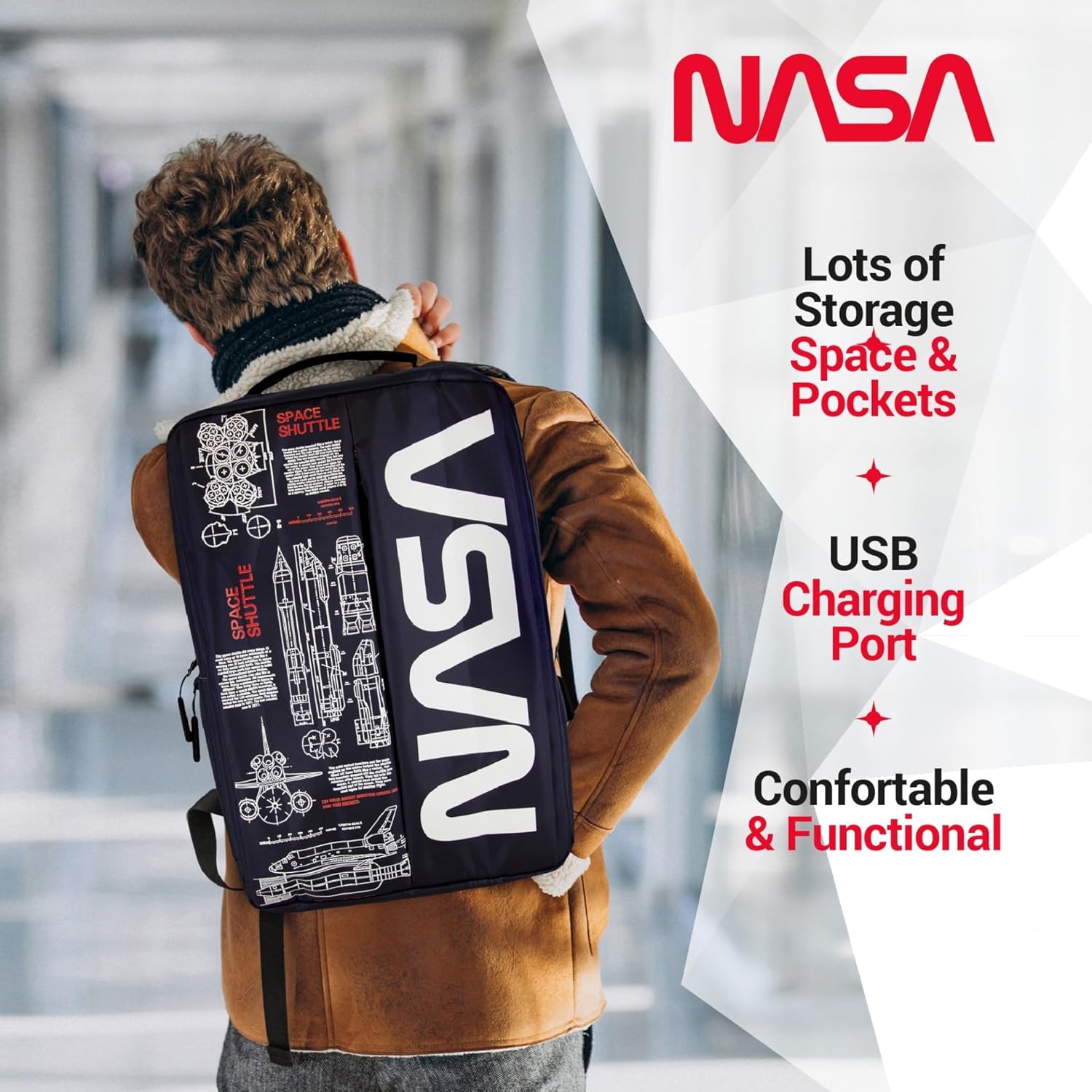
Image: A person wearing the backpack, showcasing its ergonomic design and how it sits on the back.
Údržba
- Čištění:
- V případě drobného znečištění otřete vnější povrch čisticím prostředkem.amp hadříkem a jemným mýdlem.
- Neprat v pračce ani sušit v sušičce.
- Air dry completely before storing or reusing.
- Skladování: Pokud batoh nepoužíváte, skladujte jej na chladném a suchém místě mimo dosah přímého slunečního záření.
- Voděodolnost: While the backpack is water-resistant, it is not fully waterproof. Avoid prolonged exposure to heavy rain or submerging the backpack in water.
Odstraňování problémů
| Problém | Možná příčina | Řešení |
|---|---|---|
| USB port nenabíjí zařízení. | Power bank not connected or depleted. Faulty cable. | Ensure power bank is charged and correctly connected to the internal USB cable. Try a different charging cable for your device. |
| Zip se zasekává nebo se obtížně zapíná. | Fabric caught in zipper. Zipper teeth misaligned. | Gently pull fabric away from the zipper. Apply a small amount of zipper lubricant (e.g., wax) if needed. Do not force the zipper. |
| Backpack feels uncomfortable. | Straps incorrectly adjusted. Overloaded backpack. | Adjust shoulder straps for even weight distribution. Reduce the amount of items carried if the backpack is too heavy. |
Specifikace
| Funkce | Detail |
|---|---|
| Rozměry produktu | 4.72 x 11.81 x 15.75 palce (D x Š x V) |
| Hmotnost položky | 1.1 libry |
| Oddělení | Unisex-dospělý |
| Výrobce | CJ Tech |
| ASIN | B0FQG9LPMW |
| Číslo modelu položky | 71736-NA |
| Celková kapacita | 20 litrů |
Záruka a podpora
For warranty information or customer support, please refer to the contact details provided with your purchase or visit the official CJ TECH webUschovejte si doklad o koupi pro případ reklamace.


