Zavedení
This manual provides essential information for setting up, operating, and maintaining your Apple Watch Ultra 3. Designed for sports and adventure, this smartwatch features a rugged titanium case, advanced health and fitness tracking, and cellular connectivity.
- Robustní design: The watch is constructed with a durable titanium case and a strong sapphire crystal display. It is water resistant up to 100m, suitable for swimming, diving, and high-speed water sports.
- Jasný displej: Features a large, advanced display with wide viewing angles for enhanced readability, even in bright conditions. The display can also function as a flashlight.
- Prodloužená životnost baterie: Offers up to 42 hours of normal use and up to 72 hours in Low Power Mode. GPS and heart rate monitoring during workouts can last up to 20 hours in Low Power Mode.
- Pokročilé sledování kondice: Includes precision dual-frequency GPS, Pacer, Heart Rate Zones, Custom Workouts, running power metrics, and training load analysis for various activities.
- Bezpečnostní funkce: Equipped with Fall Detection, Crash Detection, Emergency SOS, and satellite communication capabilities for emergency services in areas without cellular or Wi-Fi.
- Customizable Action Button: A dedicated button provides quick access to various functions, such as starting a workout or activating the flashlight.
- Monitorování zdraví: Provides insights into health metrics including potential hypertension, irregular heart rhythms, sleep apnea, and unusual heart rates. Features the Vitals app for daily health status, sleep tracking, and blood oxygen readings.
- Mobilní připojení: Allows for calls, music streaming, and podcast listening directly from the watch, independent of your iPhone. Supports 5G for fast performance.
Nastavení
Rozbalení a počáteční platba
Upon unboxing, ensure all components are present. The Apple Watch Ultra 3 comes with the watch itself, a band, and an Apple Watch Magnetic Fast Charger to USB-C Cable (1m).

Image: Components included in the Apple Watch Ultra 3 packaging.
Connect the magnetic fast charger to a USB-C power adapter (sold separately) and plug it into a power outlet. Place the back of your Apple Watch on the magnetic charger to begin charging. The watch will display a charging indicator.
Připevnění pásku
To attach the band, slide each piece into the slots on the watch case until you hear a click. Ensure the band is securely fastened before wearing. If you encounter resistance, do not force the band; ensure it is aligned correctly.
Spárování s iPhone
To pair your Apple Watch Ultra 3 with your iPhone (iPhone Xs or later with iOS 18 or later), ensure both devices are powered on and Bluetooth is enabled on your iPhone. Bring your Apple Watch close to your iPhone, and a pairing prompt will appear on your iPhone screen. Follow the on-screen instructions to complete the pairing process, which includes setting up cellular service if desired.
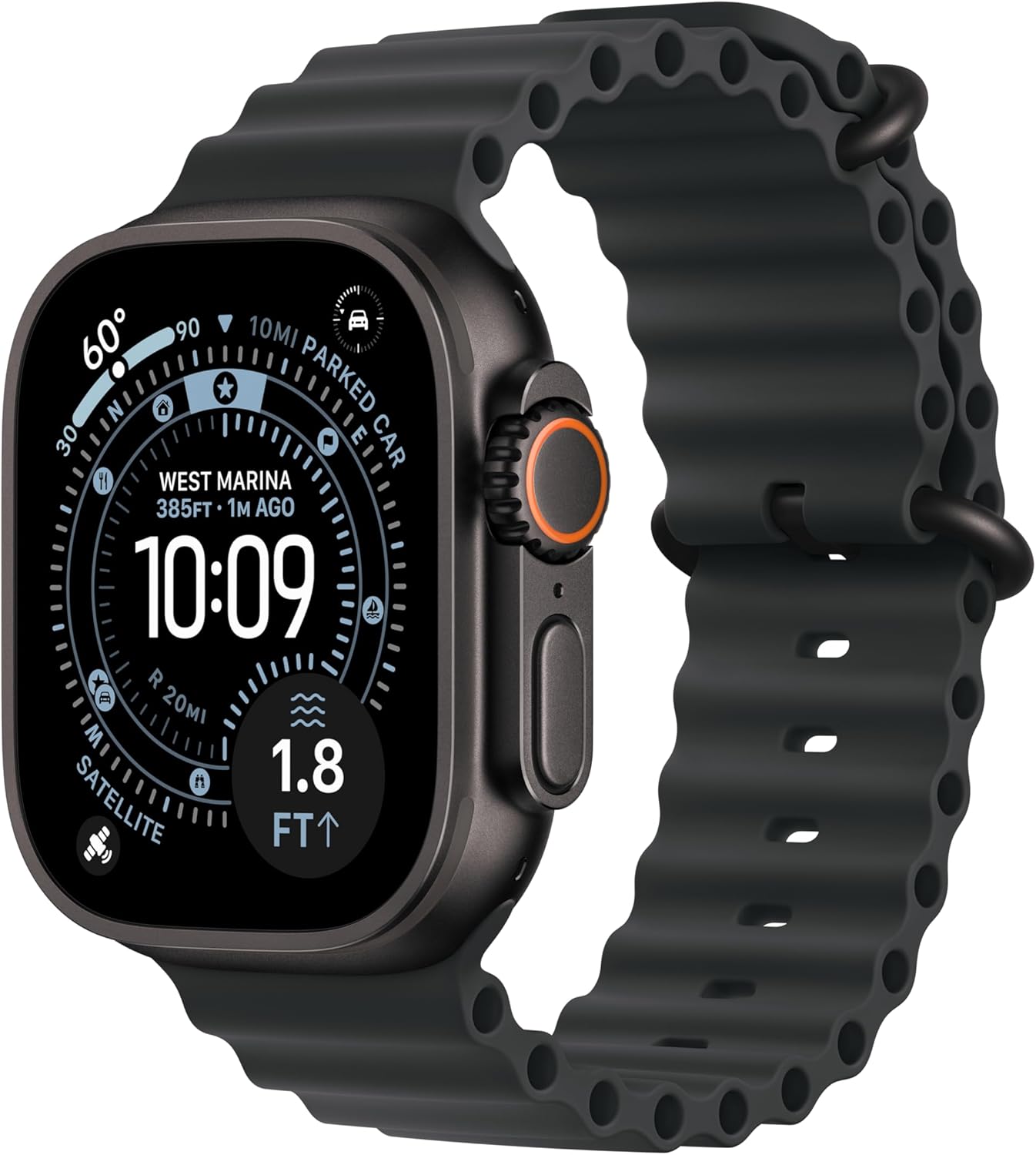
Image: The Apple Watch Ultra 3 displaying its main interface.
Provozní
Ovládání je ukončenoview
- Digitální koruna: Rotate to scroll, zoom, or adjust values. Press once to go to the watch face or app list. Double-press to switch between recent apps. Press and hold for Siri.
- Boční tlačítko: Press to open the Dock (recent apps) or access Wallet. Press and hold for Emergency SOS or to power off the watch.
- Tlačítko akce: Customizable orange button on the left side. By default, it can start a workout, mark a Compass Waypoint, or begin a dive. Customize its function in the Settings app on your watch.

Image: Visual representation of key features including battery life, satellite SOS, display, and Action Button.
Klíčové vlastnosti
- Monitorování zdraví: Utilize the ECG app for electrocardiograms, the Blood Oxygen app for blood oxygen levels, and the Heart Rate app for continuous heart rate monitoring. The Sleep app tracks sleep stages, and the Vitals app provides a daily health overview.
- Sledování kondice: Access a wide range of workout types through the Workout app. The watch provides advanced metrics for running, cycling, swimming, and more, including GPS tracking, heart rate zones, and custom workout options.
- Mobilní komunikace: With an active cellular plan, make and receive calls, send messages, and stream audio directly from your watch without your iPhone nearby.
- Emergency Services via Satellite: In areas without cellular or Wi-Fi, the watch can connect to emergency services via satellite for critical situations.

Image: Demonstrating the satellite communication feature of the Apple Watch Ultra 3.
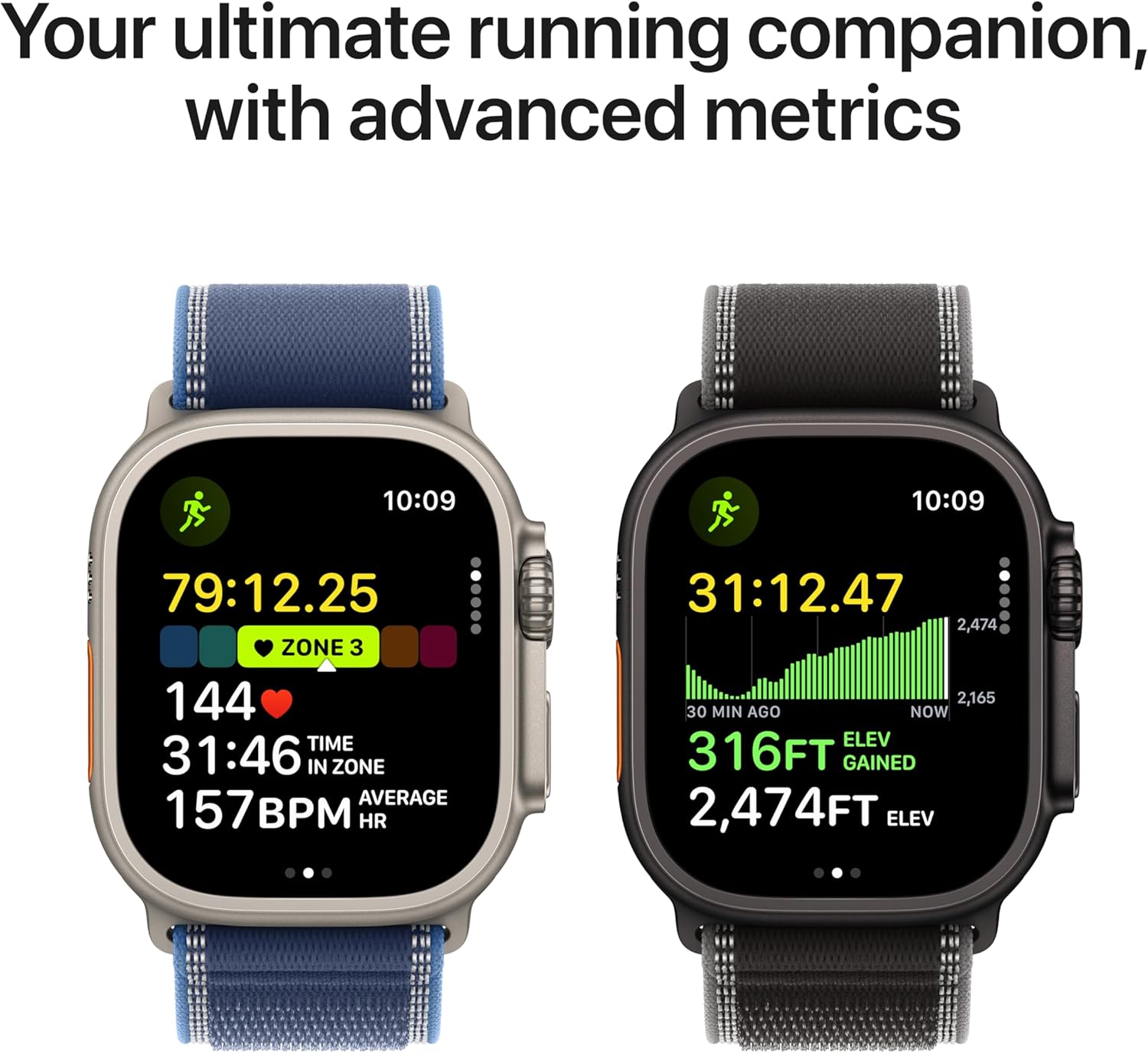
Image: Advanced running metrics displayed on the Apple Watch Ultra 3.
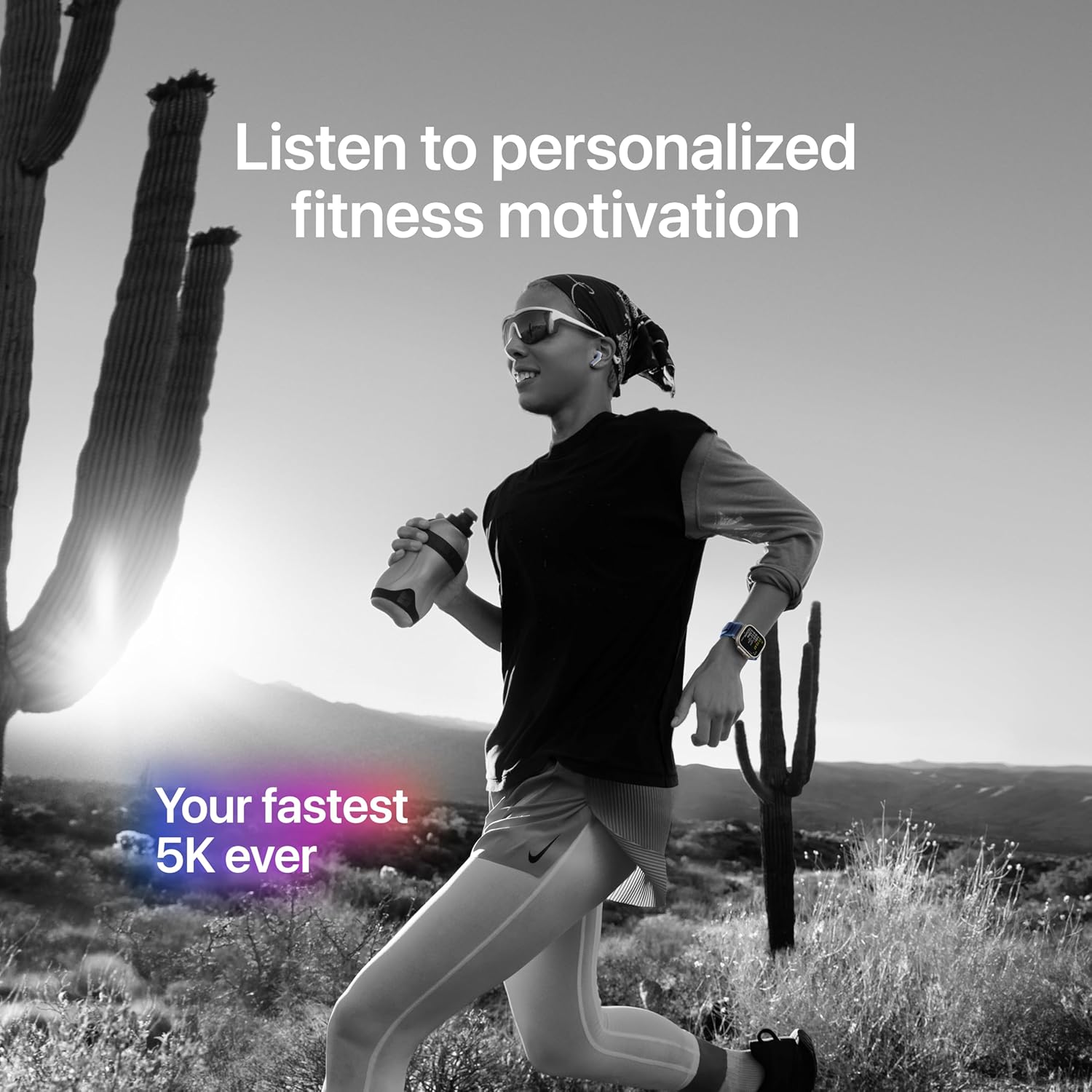
Image: The Apple Watch Ultra 3 used during a run, highlighting fitness and audio features.
Údržba
Cleaning Your Apple Watch
Regularly clean your Apple Watch Ultra 3 and its band to maintain performance and hygiene. Use a soft, lint-free cloth. If necessary, lightly dampen the cloth with fresh water. Avoid using harsh chemicals, abrasive materials, or compressed air, as these can damage the watch.
Voděodolnost
The Apple Watch Ultra 3 is water resistant to 100 meters under ISO standard 22810:2010 and is suitable for recreational scuba diving to 40 meters. After exposure to salt water, chlorine, or dirt, rinse the watch with fresh water and dry it thoroughly with a soft cloth. Water resistance is not a permanent condition and may diminish over time.
Péče o baterie
To optimize battery longevity, avoid exposing your watch to extreme temperatures. Charge your watch using only the provided magnetic fast charger. For long-term storage, charge the watch to about 50% and store it in a cool, dry environment.
Odstraňování problémů
Běžné problémy a řešení
- Hodinky nereagují: If your watch is unresponsive, force restart it by holding down both the Digital Crown and the Side Button for at least 10 seconds, until you see the Apple logo.
- Problémy s párováním: Ensure your iPhone's Bluetooth is on and both devices are close. If issues persist, unpair the watch from your iPhone (via the Watch app) and attempt to pair again.
- Rychlé vybíjení baterie: Check for apps running in the background. Reduce screen brightness, disable Always-On Display if not needed, and ensure your watchOS is up to date.
- Connectivity Problems (Wi-Fi/Cellular): Verify your cellular plan is active and Wi-Fi networks are correctly configured. Try toggling Airplane Mode on and off on your watch.
- Inaccurate Readings (Heart Rate/GPS): Ensure the watch is worn snugly on your wrist. For GPS, ensure clear line of sight to the sky during outdoor activities.
For more detailed troubleshooting, refer to the official Apple Support webmísto.
Specifikace
| Funkce | Detail |
|---|---|
| Číslo modelu | MF0J4LW/A |
| Rozměry (výška x šířka x hloubka) | 49 mm x 44 mm x 14.4 mm |
| Hmotnost pouzdra | 61.4 g |
| Materiál pouzdra | Titan třídy 5 |
| Zobrazit | Always-On Retina display, LTPO3 OLED, Flat sapphire crystal, Up to 3000 nits peak brightness |
| Čip | S10 chip with 64-bit dual-core processor, 4-core Apple Neural Engine |
| Kapacita úložiště | 64 GB |
| Operační systém | watchOS |
| Výdrž baterie (běžné používání) | Až 42 hodin |
| Battery Life (Low Power Mode) | Až 72 hodin |
| Konektivita | GPS (dual-frequency), GNSS, Galileo, BeiDou, LTE, UMTS, Wi-Fi 4 (802.11n), Bluetooth 5.3 |
| Voděodolnost | 100m (ISO 22810:2010), EN13319 recreational scuba diving to 40m |
| Odolnost proti prachu | IP6X (IEC 60529) |
| Senzory | Electrical heart sensor, Optical heart sensor (3rd gen), Blood oxygen sensor, Temperature sensor, Depth gauge, Water temperature sensor, Compass, Altimeter, Accelerometer, Gyroscope, Ambient light sensor |
| Kompatibilita | iPhone Xs or later with iOS 18 or later |
Záruka a podpora
Your Apple Watch Ultra 3 is covered by Apple's standard limited warranty. For specific warranty terms, conditions, and duration, please refer to the documentation included with your product or visit the official Apple webmísto.
For technical assistance, service, or additional support resources, please visit the Apple Support website or contact Apple customer service. Keep your proof of purchase for warranty claims.


