1. Úvod
This manual provides essential information for setting up, operating, and maintaining your Tecno Pova Slim 5G smartphone. Please read this guide carefully to ensure proper use and to maximize the device's performance and longevity.
The Tecno Pova Slim 5G is a 5G-enabled smartphone featuring a slim design, a 3D curved display, and a large battery capacity. It incorporates advanced features such as a Dynamic Mood Light and Ella AI with regional language support.

Obrázek 1.1: Přední a zadní strana view of the Tecno Pova Slim 5G smartphone.
2. Co je v krabici
Upon unboxing your Tecno Pova Slim 5G, verify that all the following items are included:
- Tecno Pova Slim 5G Smartphone
- Napájecí adaptér
- USB kabel
- Pouzdro na telefon
- Ochranná fólie na displej (přednalepená nebo v krabici)
- Vysunutí zásobníku SIM
- Rychlý průvodce (tento návod)
3. Zařízení skončiloview
Familiarize yourself with the physical components of your Tecno Pova Slim 5G smartphone.
3.1. Fyzické uspořádání
- Přední: Curved AMOLED display, front camera, earpiece.
- Zadní: Dual rear cameras, LED flash, Dynamic Mood Light, Tecno branding.
- Pravá strana: Tlačítko napájení, tlačítka pro zvýšení/snížení hlasitosti.
- Levá strana: Zásobník na SIM kartu.
- Dno: USB Type-C port, microphone, speaker grille.
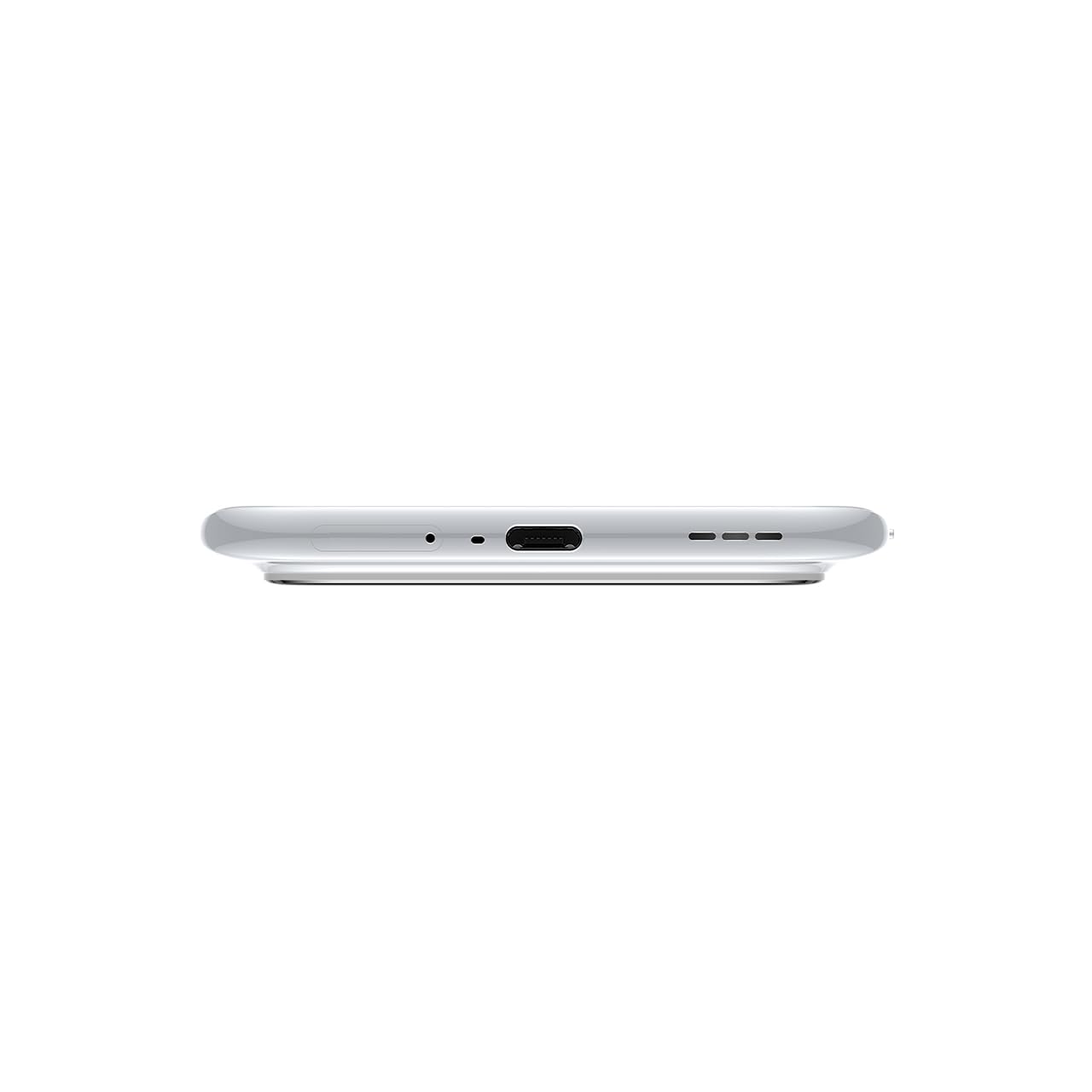
Obrázek 3.1: Spodní část view of the device, highlighting the USB-C port and speaker.
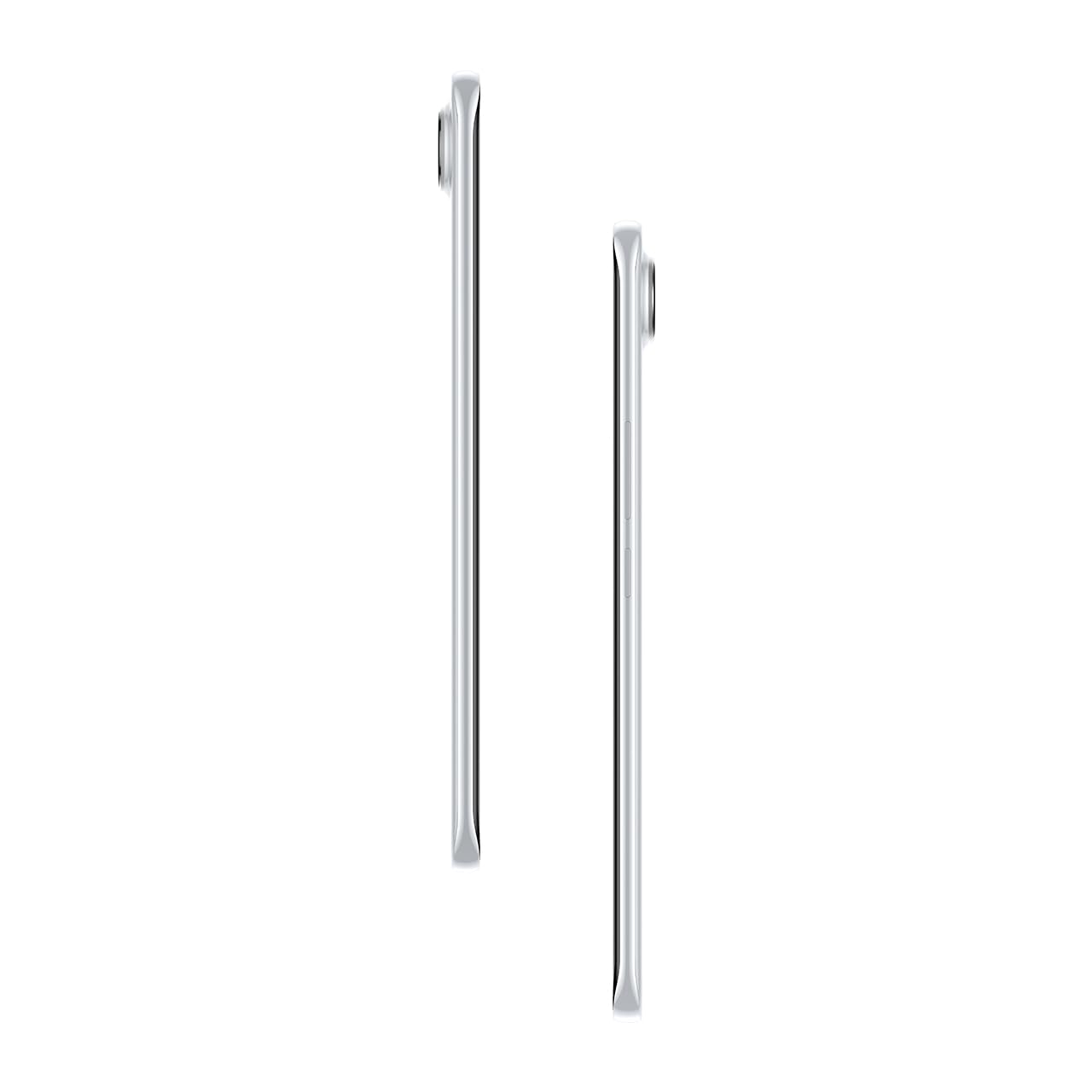
Obrázek 3.2: Boční strana view ilustrující štíhlého profesionálafile smartphonu.
4. Nastavení
4.1. Vložení SIM karty
- Vyhledejte držák SIM karty na levé straně zařízení.
- Vložte nástroj pro vysunutí SIM karty do malého otvoru vedle držáku a jemně zatlačte, dokud držák nevyskočí.
- Vložte kartu (karty) Nano-SIM do určených slotů v držáku. Ujistěte se, že zlaté kontakty směřují dolů.
- Opatrně zatlačte zásobník zpět do telefonu, dokud nezacvakne na místo.
4.2. Zapnutí/vypnutí
- Zapnutí: Press and hold the Power button on the right side of the phone until the Tecno logo appears.
- Vypnutí: Stiskněte a podržte tlačítko napájení a poté z možností na obrazovce vyberte možnost „Vypnout“.
- Restartovat: Stiskněte a podržte tlačítko napájení a poté z možností vyberte „Restartovat“.
4.3. Počáteční konfigurace
Upon first power-on, follow the on-screen instructions to set up your device. This includes selecting your language, connecting to Wi-Fi, setting up your Google account, and configuring security features like fingerprint or face unlock.
5. Obsluha vašeho zařízení
5.1. Funkce displeje
The Tecno Pova Slim 5G features a 1.5K Curved AMOLED display with a 144Hz refresh rate, providing smooth visuals. It offers up to 4500 nits peak brightness for clear visibility in various lighting conditions and is protected by Corning Gorilla Glass 7i.
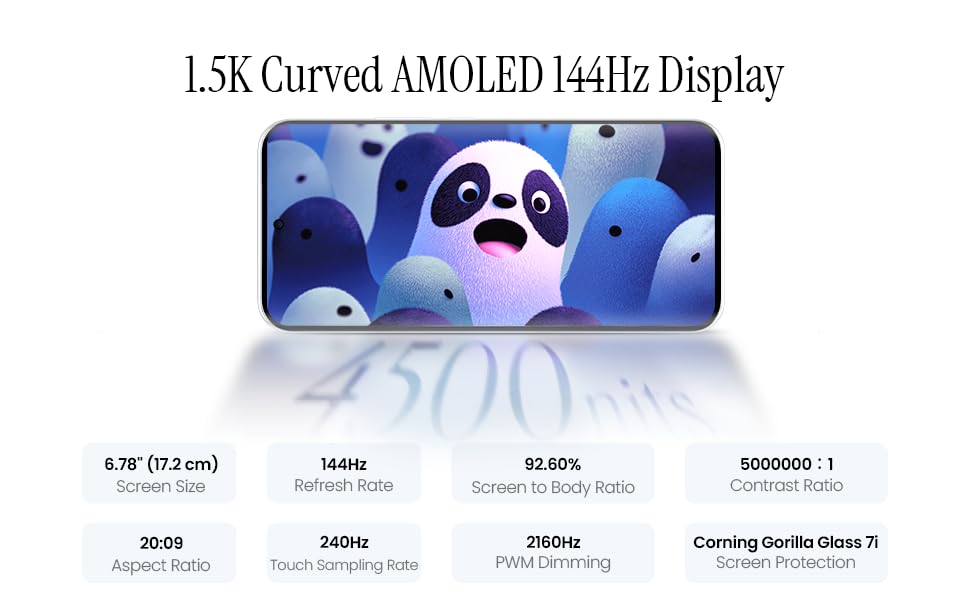
Image 5.1: Display specifications including screen size, refresh rate, and brightness.
5.2. Použití fotoaparátu
The device is equipped with a 50MP AI camera system. To take photos or record videos, open the Camera application. You can switch between different modes (Photo, Video, Portrait, Night, etc.) and adjust settings like zoom, flash, and filters.
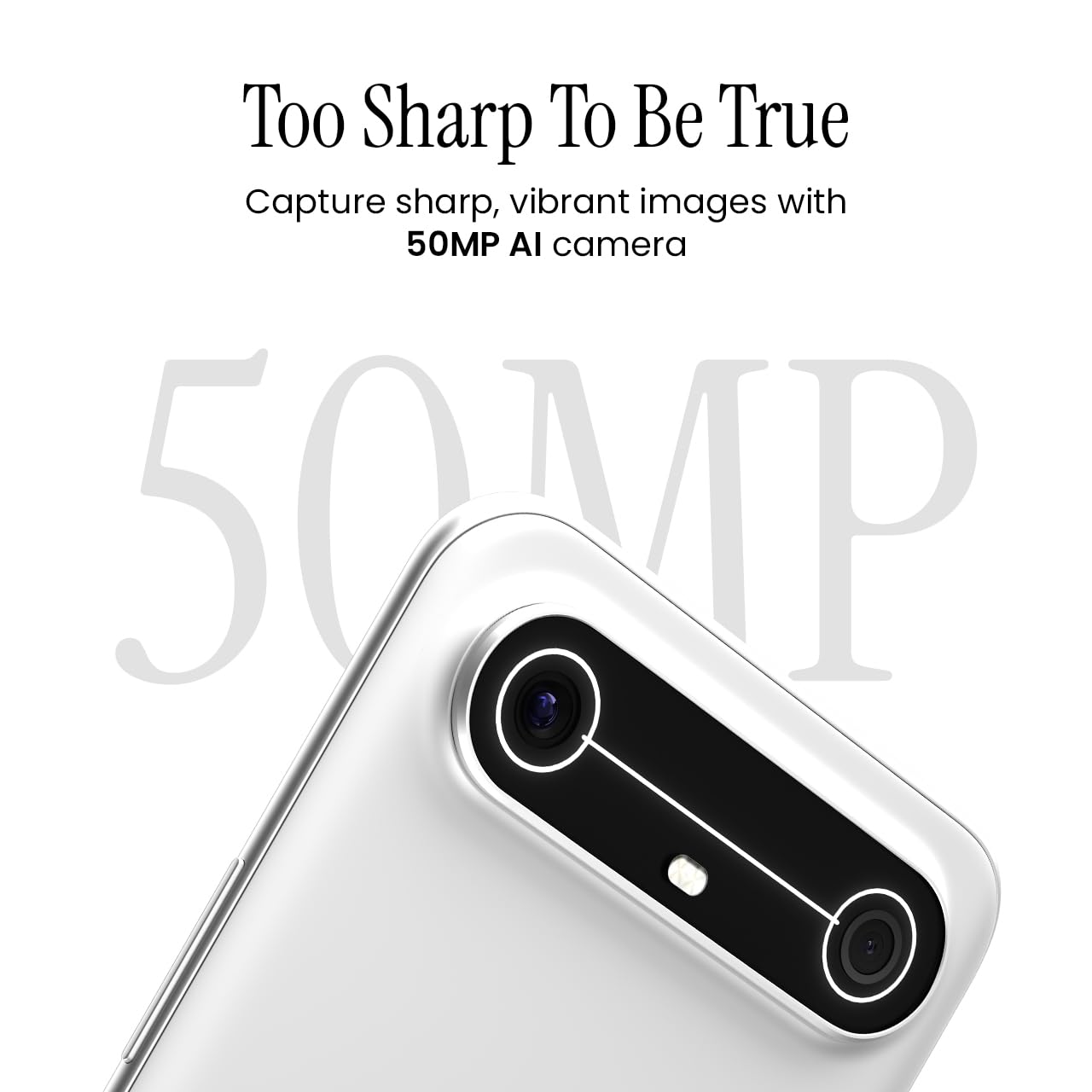
Image 5.2: Detail of the 50MP AI camera module.
5.3. Dynamic Mood Light
The Dynamic Mood Light is an integrated lighting feature on the back of the device that responds to various notifications, calls, and system events, providing visual cues.

Image 5.3: The Dynamic Mood Light design on the device's rear.
5.4. Ella AI Features
Ella AI provides intelligent assistance, including support for Indian regional languages. Key features include:
- AI Writing Assistant: Helps in drafting messages and content.
- Zakroužkujte pro vyhledávání: Allows users to search for information by circling objects on the screen.
- Porozumění jazyku: Processes and responds to voice commands in various Indian languages.
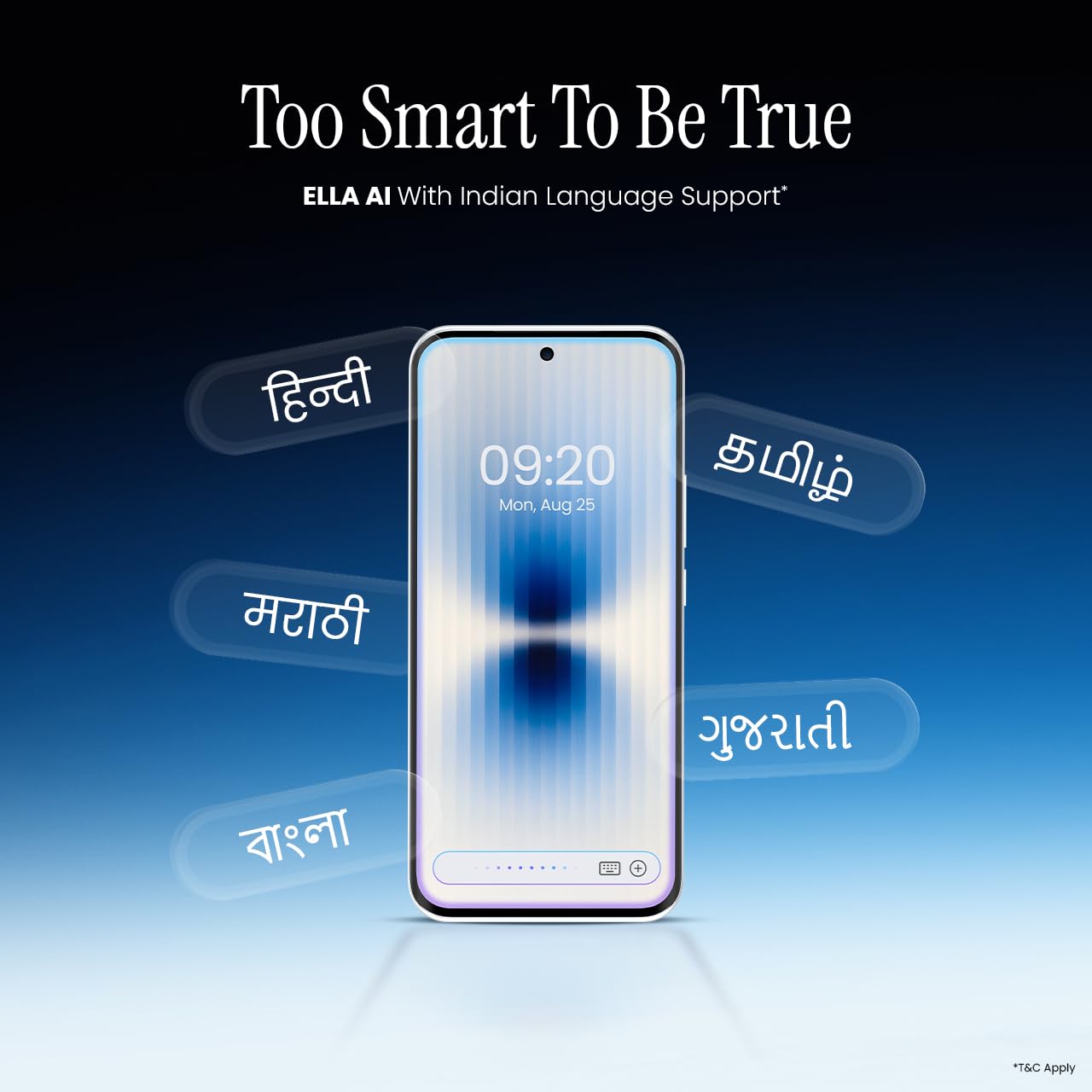
Image 5.4: Ella AI demonstrating Indian language support.
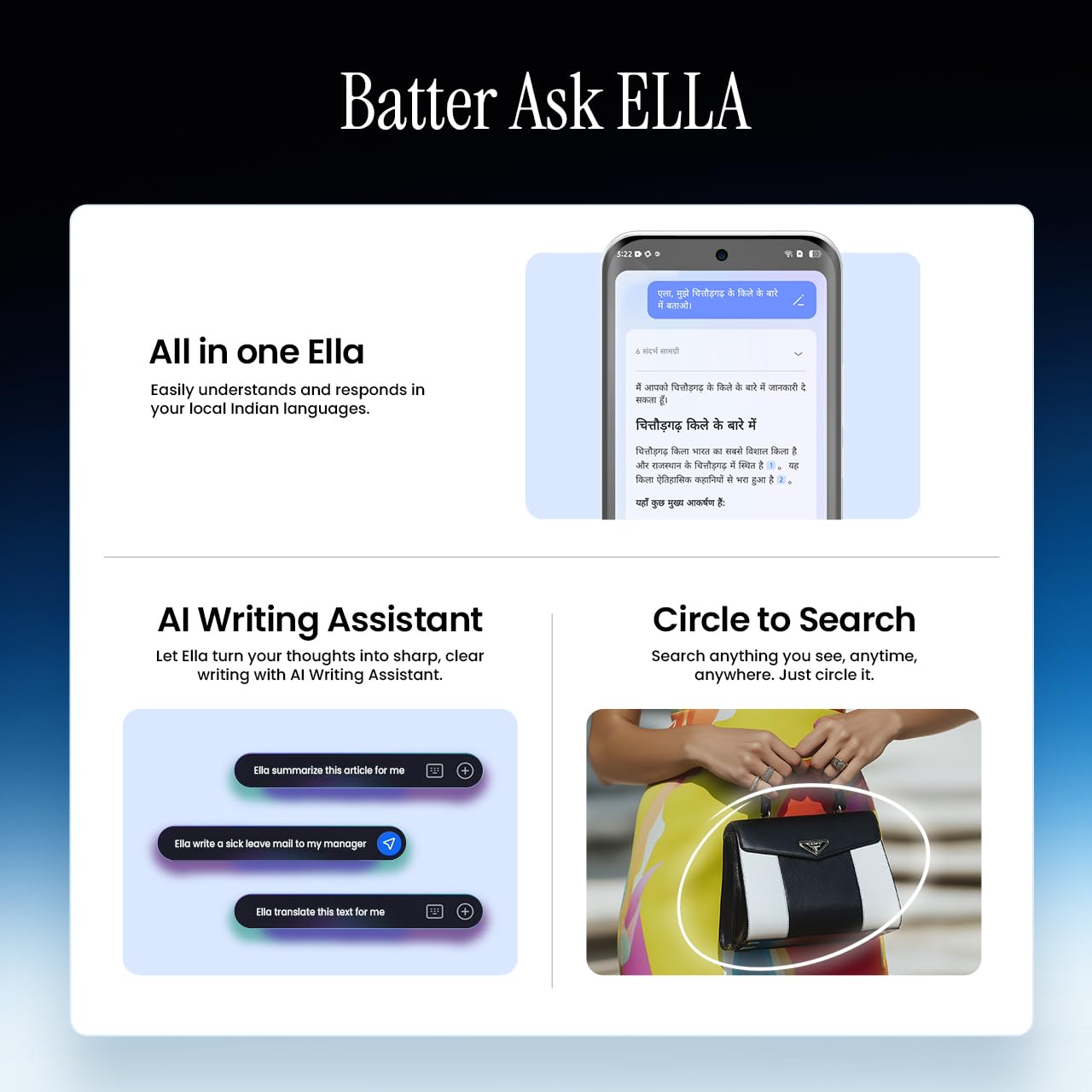
Image 5.5: Visual representation of Ella AI's writing assistant and circle to search functions.
5.5. Konektivita
The Pova Slim 5G supports 5G networks for high-speed data, Wi-Fi for local network access, and Bluetooth for connecting to accessories. It features an Intelligent Signal Hub System with 4x4 MIMO & N28 Band for enhanced network performance.
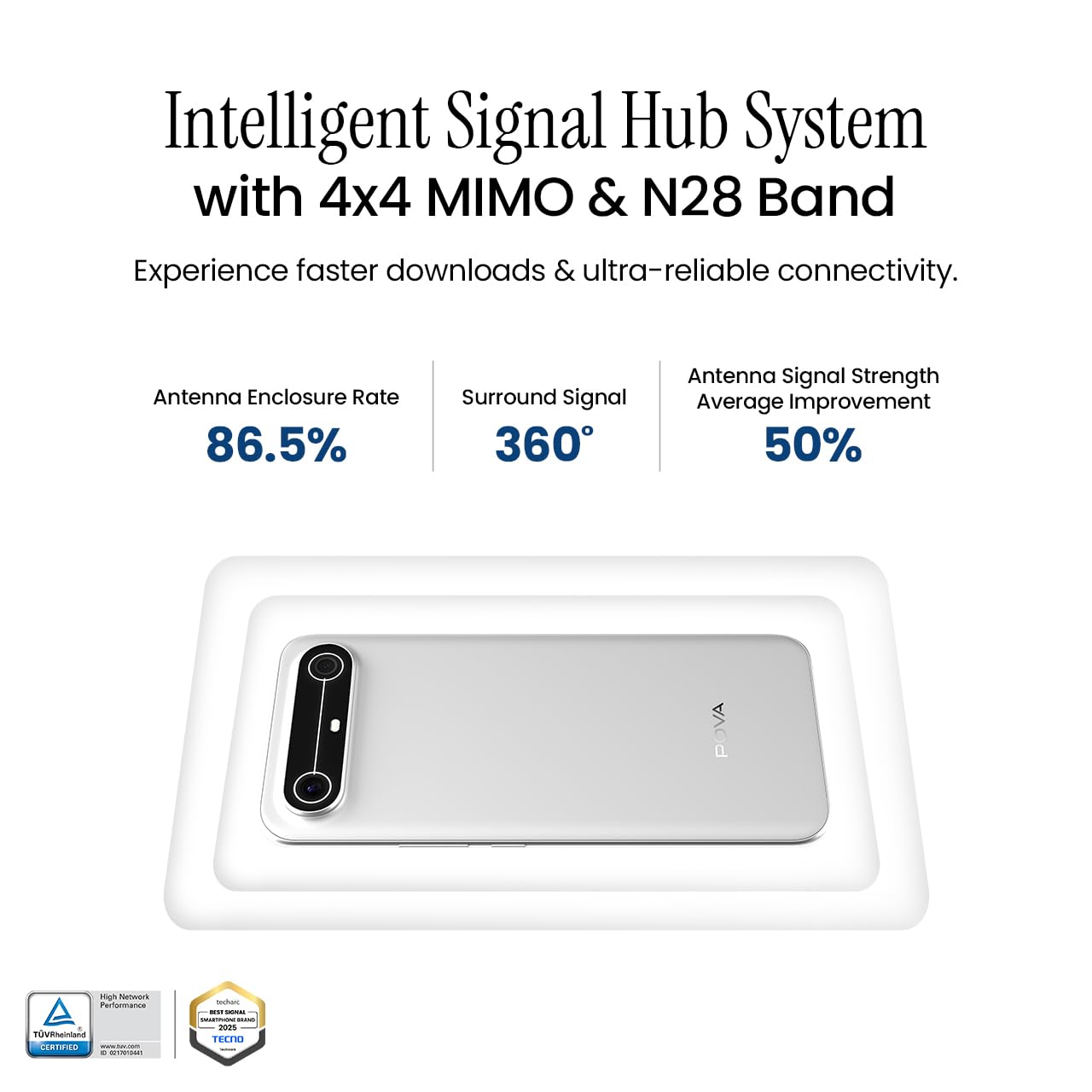
Image 5.6: Diagram illustrating the Intelligent Signal Hub System.
5.6. Baterie a nabíjení
The device is powered by a 5160mAh battery and supports 45W fast charging. Use the provided power adapter and USB cable for optimal charging performance. Avoid using uncertified chargers or cables.

Image 5.7: Representation of the 5160mAh battery and 45W charging capability.
6. Údržba
6.1. Péče o baterie
- Vyhněte se extrémním teplotám, protože mohou snížit životnost baterie.
- Do not fully discharge the battery regularly; charge it before it drops too low.
- Jakmile je baterie plně nabitá, odpojte nabíječku, abyste zabránili jejímu přebití.
6.2. Čištění zařízení
K čištění obrazovky a těla telefonu používejte měkký hadřík, který nepouští vlákna. Nepoužívejte agresivní chemikálie ani abrazivní materiály. V případě odolných šmouh lehceampOtřete hadřík vodou nebo čističem obrazovek speciálně určeným pro elektroniku.
6.3. Aktualizace softwaru
Regularly check for and install software updates. Updates often include security patches, performance improvements, and new features. To check for updates, go to Nastavení > Systém > Aktualizace systému.
6.4. Vlastnosti trvanlivosti
The Pova Slim 5G is built with durability in mind, featuring MIL-STD-810H military-grade toughness, IP64 dust and splash resistance, and Corning Gorilla Glass 7i for screen protection.

Image 6.1: Indication of MIL-STD-810H military-grade protection.

Image 6.2: Visual representation of Corning Gorilla Glass 7i protection.

Image 6.3: Device shown with IP64 dust and splash resistance.
7. Řešení problémů
Pokud se se zařízením setkáte s problémy, vyzkoušejte následující řešení:
- Zařízení se nezapíná: Ujistěte se, že je baterie nabitá. Připojte nabíječku a před opětovným zapnutím počkejte několik minut.
- Problémy s připojením k síti: Check if your SIM card is properly inserted. Try restarting the device. Verify that mobile data or Wi-Fi is enabled in settings.
- Pomalý výkon: Close unnecessary background applications. Clear cache from apps. Consider restarting the device. Ensure sufficient storage space is available.
- Rychlé vybíjení baterie: Reduce screen brightness. Disable unused features like Bluetooth or GPS. Limit background app activity.
- Pády aplikací: Clear the app's cache and data (Settings > Apps > [App Name] > Storage > Clear Cache/Clear Data). If the issue persists, reinstall the app.
V případě přetrvávajících problémů kontaktujte zákaznickou podporu nebo navštivte autorizované servisní středisko.
8. Specifikace
| Funkce | Specifikace |
|---|---|
| Číslo modelu | KM9 |
| Operační systém | Android 15 |
| Velikost nainstalované paměti RAM | 8 GB |
| Úložiště (ROM) | 128 GB |
| Rychlost CPU | 2, 2.5 GHz |
| Rozměry produktu | 16.4 x 7.6 x 0.6 cm |
| Hmotnost položky | 156 g |
| Výkon baterie | 5160 XNUMX mAh |
| Rezoluce | 1224 x 2720 pixelů |
| Technologie připojení | Bluetooth, Infrared, USB, Wi-Fi |
| Barva | Slim White |
| Země původu | Indie |
9. Záruka a podpora
Your Tecno Pova Slim 5G smartphone comes with a limited manufacturer's warranty. Please refer to the warranty card included in your product packaging for specific terms and conditions, including coverage period and limitations.
For technical support, service inquiries, or to find authorized service centers, please visit the official Tecno website or contact their customer service helpline. Keep your purchase receipt and device's serial number handy when seeking support.
Online podpora: Tecno India Support


