Uživatelská příručka k chytrému telefonu Tecno Spark GO 5G
Model: KM8
1. Začínáme
1.1. Co je v krabici
Upon unboxing your Tecno Spark GO 5G, ensure all components are present:
- Tecno Spark GO 5G Smartphone
- Ochranný kryt na telefon
- Napájecí adaptér
- USB kabel
- Vysunutí zásobníku SIM

The retail package includes the Tecno Spark GO 5G smartphone, a protective phone case, a power adapter for charging, a USB cable, and a SIM tray ejector tool.
1.2. Zařízení skončiloview
Familiarize yourself with the physical layout of your Tecno Spark GO 5G.

This image shows the Tecno Spark GO 5G smartphone in Ink Black, highlighting its sleek design and dual camera setup on the rear.
1.3. Vložení SIM karty a zapnutí
- Vyhledejte držák SIM karty na boku zařízení.
- Vložte nástroj pro vysunutí SIM karty do malého otvoru vedle ní a jemně zatlačte, dokud se táhlo nevysune.
- Vložte kartu (karty) Nano-SIM a/nebo kartu microSD do slotu zlatými kontakty dolů.
- Opatrně vložte zásobník zpět do telefonu.
- Press and hold the Power button (usually on the right side) until the Tecno logo appears.
- Postupujte podle pokynů na obrazovce a dokončete počáteční nastavení, včetně výběru jazyka a připojení k Wi-Fi.
1.4. Nabíjení baterie
Before first use, it is recommended to fully charge the device. Connect the USB cable to the power adapter and then to your phone's charging port. Plug the adapter into a power outlet. The battery indicator on the screen will show charging progress.
The image prominently displays the 6000mAh battery capacity of the Tecno Spark GO 5G, indicating long-lasting power.
2. Obsluha vašeho zařízení
2.1. Základní navigace
Your Tecno Spark GO 5G features a responsive touchscreen for interaction. Use gestures such as tapping, swiping, pinching, and spreading to navigate the interface.

A close-up of the Tecno Spark GO 5G's display, illustrating the vibrant user interface and screen layout.
2.2. Konektivita
- Wi-Fi: Pro připojení k dostupným sítím přejděte do Nastavení > Síť a internet > Wi-Fi.
- Bluetooth: Pro spárování s dalšími zařízeními Bluetooth přejděte do Nastavení > Připojená zařízení > Bluetooth.
- 5G síť: The device supports 5G Carrier Aggregation for enhanced speed and signal strength.

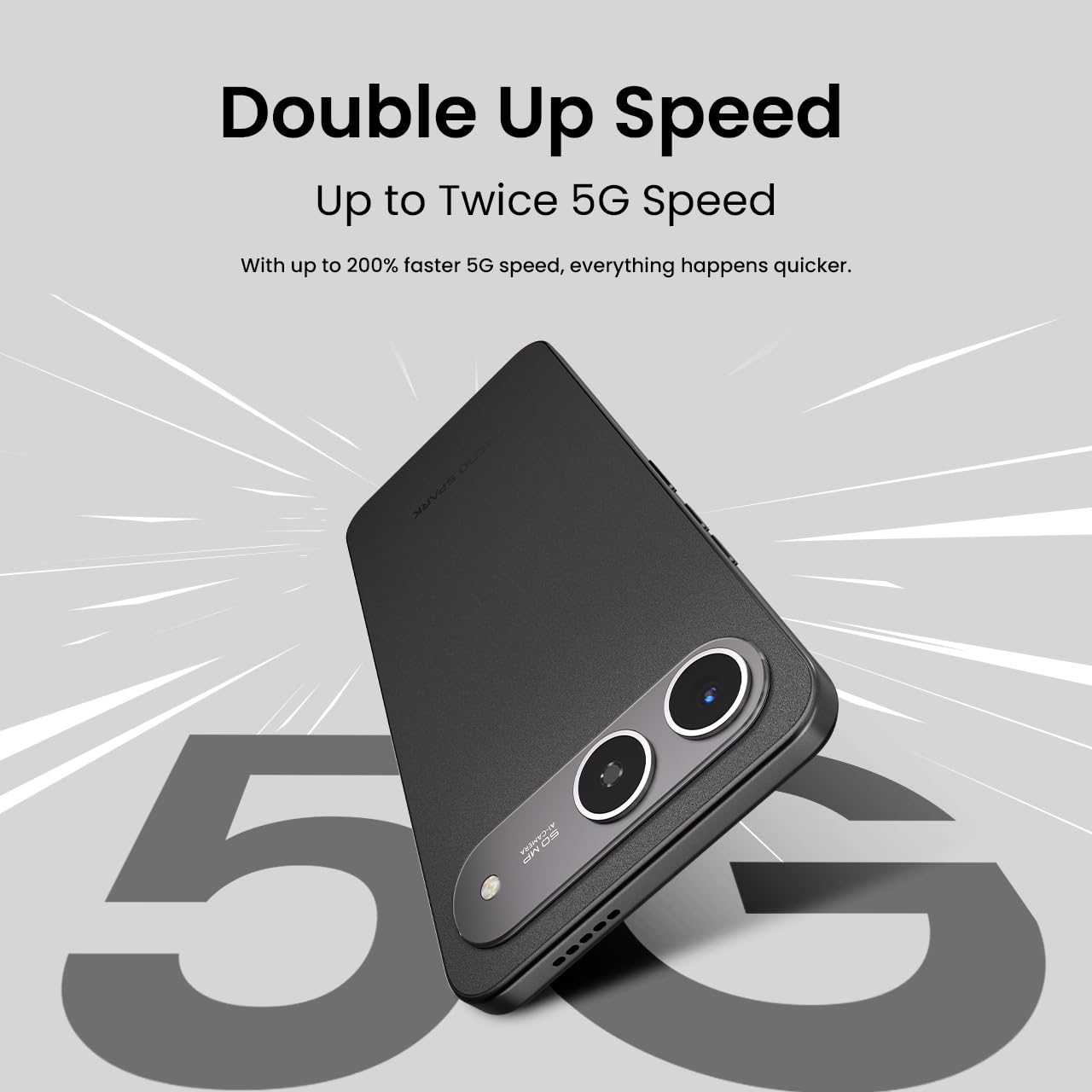
This image emphasizes the smartphone's capability for up to double 5G speed, indicating enhanced network performance.

The image illustrates the 4x4 MIMO technology integrated into the Tecno Spark GO 5G, which uses four antennas for faster and stronger network connectivity.
2.3. Funkce fotoaparátu
The Tecno Spark GO 5G is equipped with a 50MP AI Camera. Open the Camera app from your home screen or app drawer. Select different modes like Photo, Video, Portrait, or Night mode. Tap the shutter button to capture images or start/stop video recording.

Detailní view of the Tecno Spark GO 5G's 50MP AI Camera, designed for capturing high-resolution images.
2.4. Ella AI Features
Your device includes Ella AI with support for Indian languages, enhancing daily tasks and interactions.
- Hlasová podpora: Use voice commands in supported Indian languages for various tasks.
- Zakroužkujte pro vyhledávání: Draw a circle around any object or text on your screen to initiate a search.
- AI Writing Assistant: Utilize AI to help draft messages, emails, or other text content.
A visual representation of the Ella AI interface on the Tecno Spark GO 5G, showcasing its support for various Indian languages.

This image demonstrates Ella AI's productivity tools, such as 'Circle to Search' for quick information retrieval and an 'AI Writing Assistant' for drafting content.
3. Údržba a péče
3.1. Čištění zařízení
K čištění obrazovky a těla telefonu používejte měkký hadřík, který nepouští vlákna. Nepoužívejte agresivní chemikálie ani abrazivní materiály, které by mohly poškodit povrchovou úpravu.
3.2. Péče o baterie
To prolong battery life, avoid exposing your phone to extreme temperatures. It is generally recommended to keep the battery charge between 20% and 80% for optimal longevity. The 6000mAh battery is designed for extended use.
3.3. Aktualizace softwaru
Pravidelně kontrolujte a instalujte aktualizace softwaru, abyste zajistili, že vaše zařízení má nejnovější funkce, bezpečnostní záplaty a vylepšení výkonu. Přejděte do Nastavení > Systém > Aktualizace systému.
3.4. Odolnost proti prachu a vodě
The Tecno Spark GO 5G has an IP64 rating, meaning it is resistant to dust ingress and splashes of water. While it can withstand splashes, it is not designed for submersion in water. Avoid intentional exposure to water or dust.

This image visually represents the IP64 rating of the Tecno Spark GO 5G, signifying its resistance to dust and water splashes.
4. Řešení problémů
Pokud se se zařízením setkáte s problémy, vyzkoušejte následující běžné kroky pro odstraňování problémů:
- Zařízení se nezapíná: Ujistěte se, že je baterie nabitá. Připojte telefon k nabíječce a před opětovným zapnutím počkejte několik minut.
- Aplikace padá nebo zamrzávají: Close the problematic app and reopen it. If the issue persists, restart your phone. You can also clear the app's cache or data via Settings > Apps > [App Name] > Storage.
- Problémy s připojením k síti: Zkontrolujte, zda je vypnutý režim Letadlo. Restartujte telefon. Ověřte, zda je SIM karta správně vložena. Pokud používáte Wi-Fi, restartujte router.
- Pomalý výkon: Zavřete nepoužívané aplikace. Vymažte mezipaměť a dočasné files. Consider uninstalling apps you no longer use.
- Obnovení továrního nastavení: As a last resort, if software issues persist, you may perform a factory reset. This will erase all data on your phone, so back up important information first. Go to Settings > System > Reset options > Erase all data (factory reset).
5. Specifikace
Key technical specifications for the Tecno Spark GO 5G (Model: KM8):
| Funkce | Specifikace |
|---|---|
| Operační systém | Android 15 |
| Číslo modelu položky | KM8 |
| Rozměry produktu | 16.8 x 7.8 x 0.8 cm |
| Hmotnost položky | 194 g |
| Výkon baterie | 6000 XNUMX mAh |
| Velikost nainstalované paměti RAM | 4 GB (up to 8GB with Memory Fusion) |
| Interní úložiště | 128 GB ROM |
| Model CPU | MediaTek D6400 5G Processor |
| Rychlost CPU | 3.4 GHz |
| Technologie připojení | Bluetooth, Infrared, USB, Wi-Fi |
| Další funkce displeje | Bezdrátový |
| Rozhraní zařízení – primární | Dotyková obrazovka |
| Audio Jack | Žádný konektor pro sluchátka |
| Form Factor | Dotek |
| Barva | Inkoust černý |
| Výrobce | G Mobiles Indie |
| Země původu | Indie |

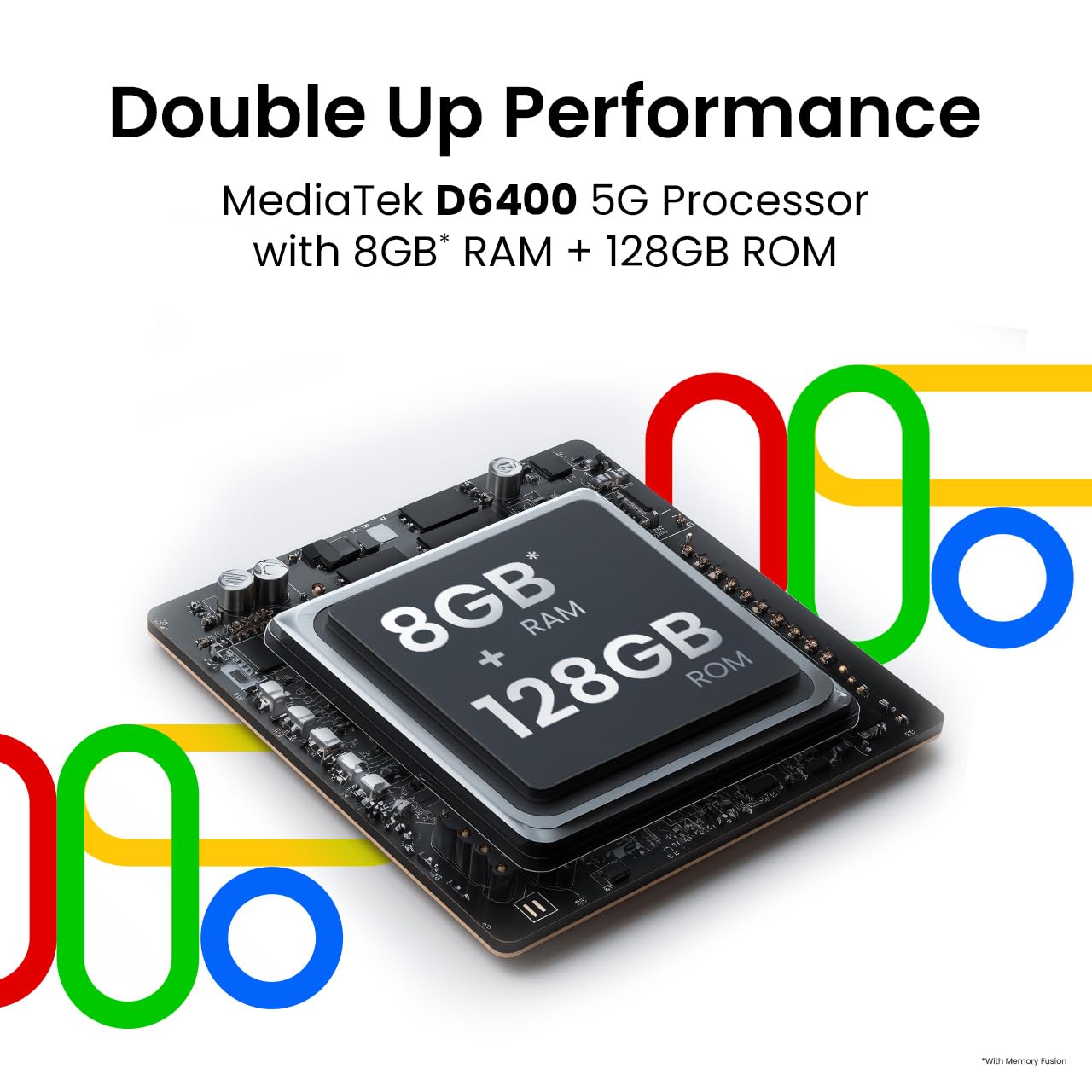
This image highlights the MediaTek D6400 5G Processor, 8GB RAM (with Memory Fusion), and 128GB ROM of the Tecno Spark GO 5G.

This image highlights the Tecno Spark GO 5G's slim 7.99mm body and light 194g weight, emphasizing its ergonomic design.
6. Záruka a podpora
6.1. Informace o záruce
Your Tecno Spark GO 5G smartphone comes with a manufacturer's warranty. Please refer to the warranty card included in your product packaging or visit the official Tecno website for detailed terms and conditions regarding warranty coverage, duration, and service procedures. Keep your proof of purchase for warranty claims.
6.2. Zákaznická podpora
For further assistance, technical support, or service inquiries, please contact Tecno customer support. You can find contact details, FAQs, and service center locations on the official Tecno webmísto: Tecno Mobile India.