1. Úvod
The Radtel P6 is a compact, high-performance Push-to-Talk Over Cellular (PoC) radio designed for reliable communication over unlimited ranges. This lightweight, handheld device is suitable for various applications, from daily use to outdoor adventures, offering features like channel scanning, emergency alerts, and clear audio. This manual provides essential information for setting up, operating, maintaining, and troubleshooting your Radtel P6 PoC Radio.
2. Konec produktuview
The Radtel P6 PoC Radio offers nationwide coverage through its 4G LTE connectivity, ensuring communication without traditional range limitations. It features a durable design, a high-capacity battery, and an integrated flashlight.
This image features the Radtel P6 PoC Radio alongside a map of the United States, visually representing its capability for nationwide communication over a 5000km range using public network Push-to-Talk Over Cellular (PoC) technology. Key features like long-range communication, 6000mAh battery, and high-speed module are also indicated.
2.1 Klíčové vlastnosti
- Push-to-Talk Over Cellular (PoC): Unlimited range communication using 4G LTE networks.
- Předinstalovaná SIM karta: Ready to use upon activation, often with a free initial service period.
- Baterie s dlouhou výdrží: Equipped with a polymer lithium battery for extended operation.
- Integrovaná svítilna: LED high-intensity flashlight for illumination in low-light conditions.
- Odolný design: Built for demanding environments, resistant to water.
- Nabíjení typu C: Pohodlné a moderní nabíjecí rozhraní.
- Versatile Communication: Supports single calls and group calls with free grouping functionality.
2.2 Rádiové komponenty

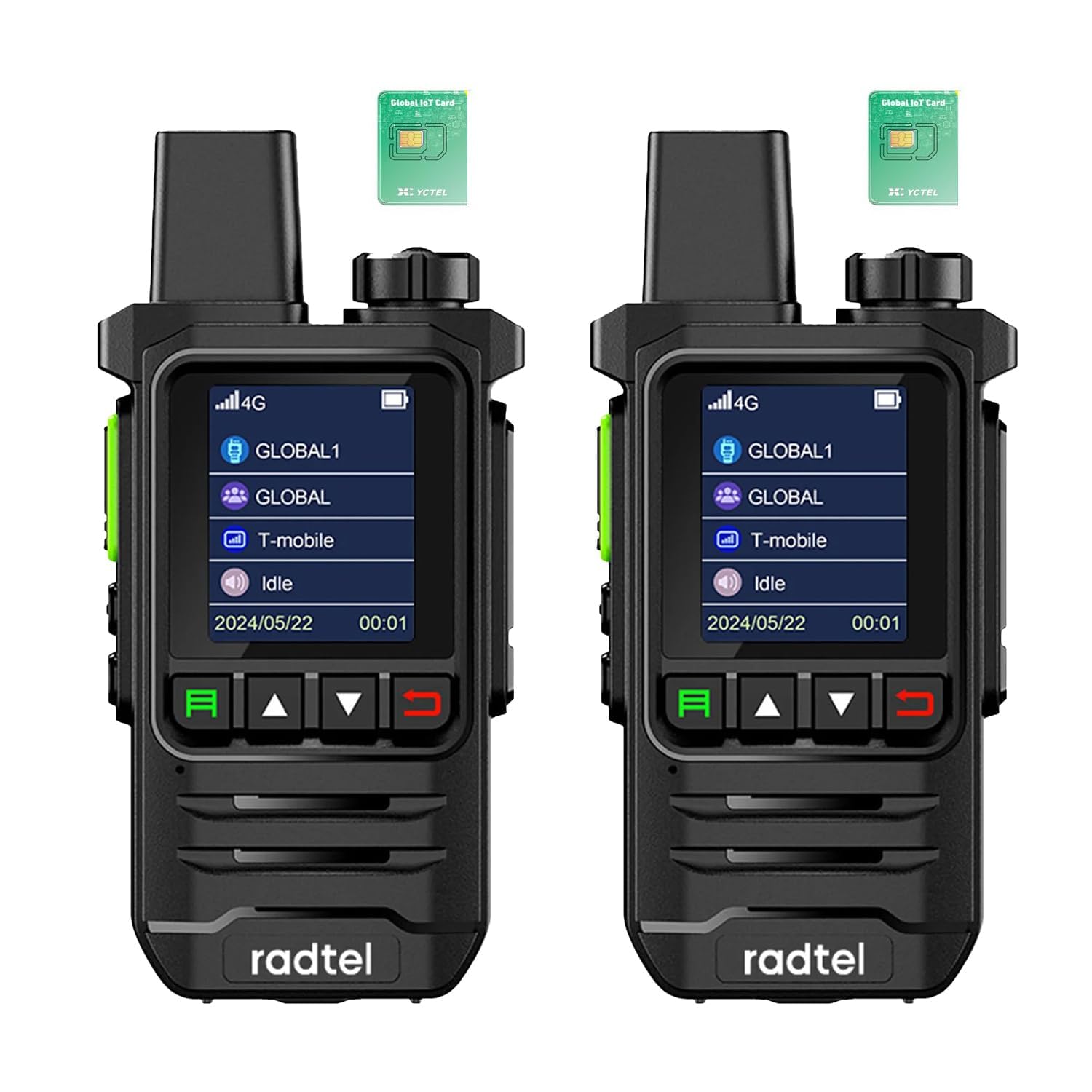
This image shows the front of the Radtel P6 PoC Radio, highlighting its display screen with a 4G LTE network indicator, and the primary control buttons for navigation and operation. The radio's compact design is visible.

The back of the Radtel P6 PoC Radio is shown, detailing the accessible SIM card slots (SIM 1 and SIM 2) and the product information label, which includes the model number P6 and FCC ID.
The Radtel P6 features a clear display, intuitive control buttons, a robust antenna, and a speaker/microphone for clear audio. The rear panel provides access to the SIM card slots and battery compartment.
3. Nastavení
3.1 Instalace SIM karty
The Radtel P6 PoC Radio comes with a pre-installed SIM card, which is typically free for the first year of service. No manual installation is required for initial use. Simply power on the device to activate the service.
3.2 Nabíjení baterie
Before first use, fully charge the radio's battery. Use the provided Type-C charging cable and a compatible power adapter.
- Připojte kabel typu C k nabíjecímu portu na rádiu.
- Připojte druhý konec kabelu ke zdroji napájení USB.
- Indikátor nabíjení na rádiu bude ukazovat stav nabíjení.
- Po úplném nabití odpojte kabel.
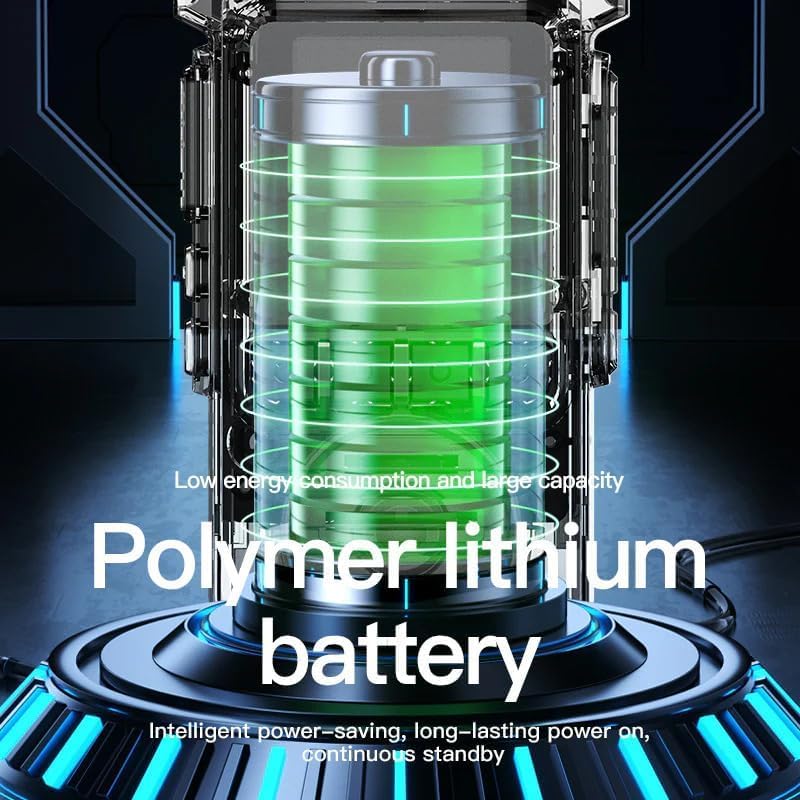
An illustrative image of a polymer lithium battery, representing the power source for the Radtel P6 PoC Radio, with text indicating its low energy consumption, large capacity, intelligent power-saving, and long-lasting standby features.
3.3 Počáteční zapnutí
Press and hold the Power button until the screen illuminates. The radio will connect to the cellular network automatically. Once connected, it is ready for communication.
4. Návod k obsluze
4.1 Zapnutí/vypnutí
- Zapnutí: Press and hold the Power button until the device starts.
- Vypnutí: Stiskněte a podržte tlačítko napájení, dokud se nezobrazí výzva k vypnutí, poté potvrďte.
4.2 Funkce Push-to-Talk (PTT)
The PTT button is located on the side of the radio. To transmit your voice:
- Ensure the radio is connected to the network and the desired channel/group is selected.
- Stiskněte a podržte tlačítko PTT.
- Mluvte zřetelně do mikrofonu.
- Uvolněte tlačítko PTT a poslouchejte odpověď.
4.3 Ovládání hlasitosti
Use the dedicated volume buttons (usually up/down arrows) to adjust the speaker volume to a comfortable level.
4.4 Channel/Group Selection
The Radtel P6 supports single and group calls. Use the navigation buttons to browse and select different communication channels or groups as configured on the platform.
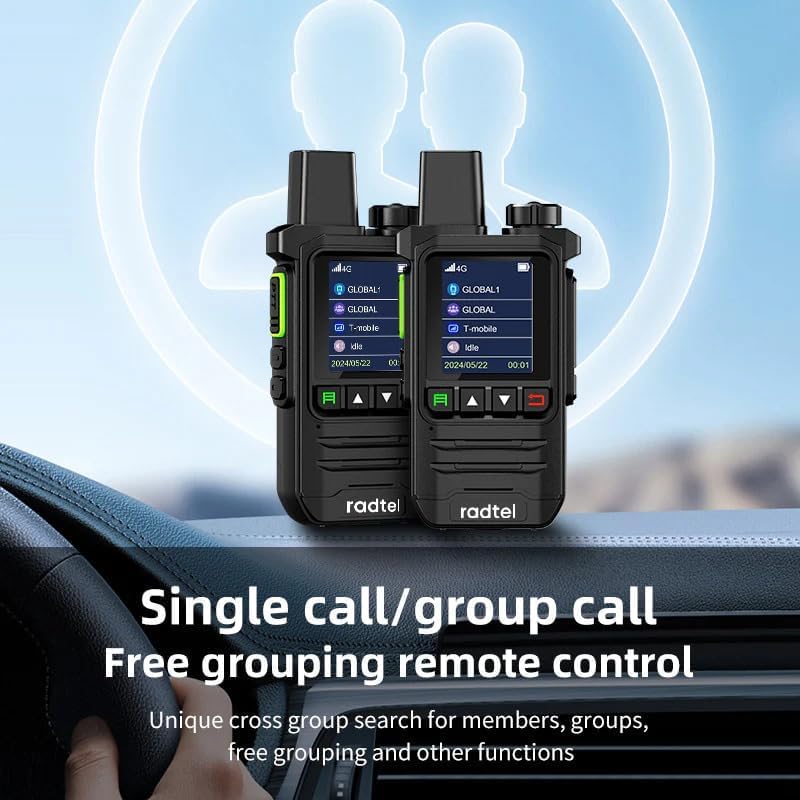
This image illustrates two Radtel P6 PoC Radios, highlighting their 'Single call/group call' functionality and 'Free grouping remote control' for flexible communication management.
4.5 Provoz svítilny
The radio includes an LED high-intensity flashlight. Refer to the device's specific button layout for activating and deactivating the flashlight function.
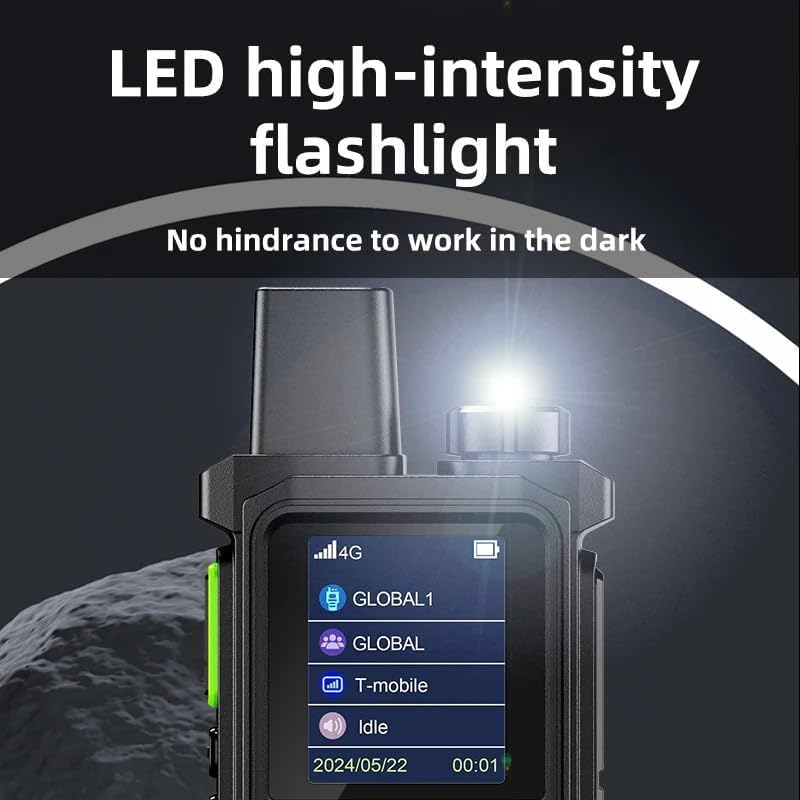
Detailní view of the Radtel P6 PoC Radio's integrated LED high-intensity flashlight, demonstrating its function to provide illumination in dark environments.
5. Údržba
5.1 Čištění
Pravidelně čistěte vnější povrch rádia měkkým hadříkemamp hadříkem. Nepoužívejte agresivní chemikálie nebo abrazivní materiály, které by mohly poškodit casing nebo obrazovka.
5.2 Péče o baterii
- Vyhněte se častému úplnému vybíjení baterie.
- Nabíjejte baterii v chladném a suchém prostředí.
- If storing the radio for an extended period, charge the battery to approximately 50% and store it separately if possible.
5.3 Skladování
Store the radio in a cool, dry place away from direct sunlight, extreme temperatures, and corrosive materials. Ensure it is protected from dust and moisture.
6. Řešení problémů
If you encounter issues with your Radtel P6 PoC Radio, try the following steps:
- Bez napájení: Ensure the battery is fully charged. Check the charging cable and adapter.
- Žádné síťové připojení: Verify that you are in an area with 4G LTE cellular coverage. Restart the radio.
- Nelze odesílat/přijímat: Check if the correct channel/group is selected. Ensure the PTT button is pressed correctly during transmission. Verify volume settings.
- Špatná kvalita zvuku: Ensure the microphone and speaker are not obstructed. Move to an area with better network signal.
- Zařízení nereaguje: Perform a soft reset by powering off and on the device. If unresponsive, allow the battery to fully discharge and then recharge.
V případě přetrvávajících problémů kontaktujte zákaznickou podporu.
7. Specifikace
| Funkce | Specifikace |
|---|---|
| Značka | Radtel |
| Číslo modelu | rt-p6 |
| Barva | Černý |
| Speciální funkce | Included SIM Card, Long Range (USA/CA/MX), No Monthly Fee (first year), Type-C Rechargeable, Unlimited Range |
| Odpor | 50 ohmů |
| Kompatibilní zařízení | Other two-way radios on the same frequency/channel, compatible accessories (slings, belt clips) |
| Složení baterie | Lithium-iontová |
| Nabíjecí baterie | Ano |
| Záruka výrobce | 1 rok |
| Počet kanálů | 2 |
| Frekvenční rozsah | 144–146 MHz, 430–440 MHz |
| Maximální dosah | 5000 Kilometers (PoC) |
| svtage | 7.4 voltů |
| Úroveň odolnosti proti vodě | Vodotěsný |
| Rozměry produktu | 3P x 5Š x 8.5V centimetrů |
| Počet baterií | 1 (9V - included) |
| Země původu | Čína |
8. Informace o záruce
The Radtel P6 PoC Radio comes with a 1letá záruka výrobce. This warranty covers defects in materials and workmanship under normal use. Please retain your proof of purchase for warranty claims. For specific terms and conditions, refer to the warranty card included with your product or contact Radtel customer support.
9. Podpora
For any questions, technical assistance, or warranty inquiries regarding your Radtel P6 PoC Radio, please contact Radtel customer service. You can typically reach support via the email address provided in your product packaging or on the official Radtel webmísto.
E-mail: Refer to product packaging or official Radtel webstránky pro kontaktní údaje.


