Zavedení
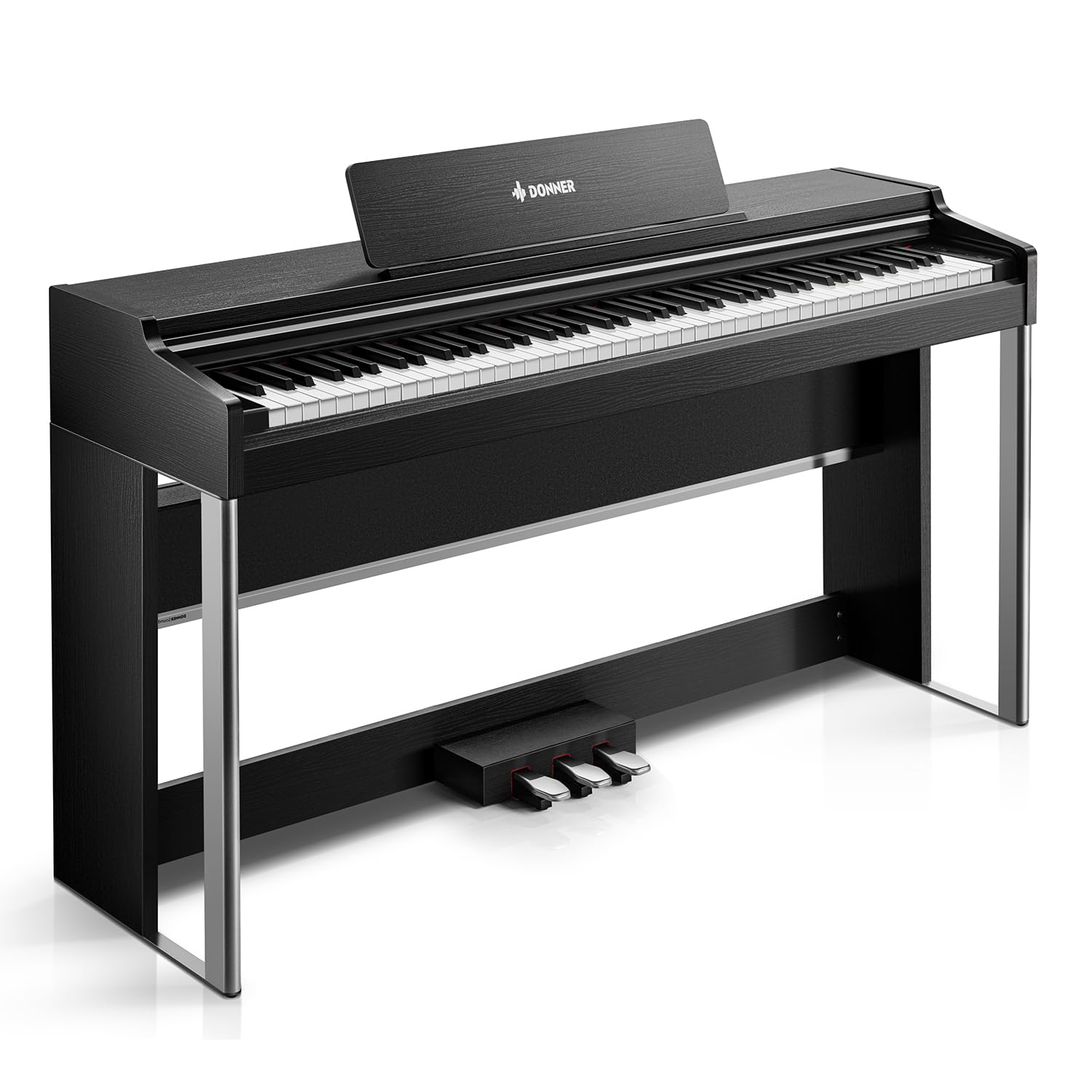
The Donner DDP-200 Pro Digital Piano offers an authentic piano experience with its 88-key graded hammer action keyboard, featuring 4 levels of force sensing for expressive performances. It boasts exceptional sound quality with 256-note polyphony and powerful 2x25W stereo speakers, complemented by an auto-pitch stabilization system. The intuitive 2.4" IPS full-view color screen with touch buttons provides effortless control. Multi-functional features include dual-tone, dual-keyboard, follow-along, and recording capabilities, alongside a rich sound library of 120 rhythms, 130 demo songs, and 138 timbres. The three-pedal system (Soft, Sostenuto, Sustain) enhances musical expression. Connectivity options include USB, pedal jack, audio output, headphone jacks, and wireless Bluetooth. This instrument is designed for both beginners and intermediate players seeking a high-quality digital piano.
Montáž a počáteční nastavení
This section guides you through the assembly process of your Donner DDP-200 Pro Digital Piano. Please follow the steps carefully to ensure proper setup.
Official video tutorial on how to assemble the Donner DDP-200 Pro home digital piano. This video provides step-by-step visual instructions for putting together your new instrument.

Image showing the various components of the Donner DDP-200 Pro Digital Piano neatly packed within its box, ready for assembly.
A user assembling the base frame of the digital piano, connecting the side panels to the pedal board. This step is crucial for the stability of the instrument.
The main keyboard unit being carefully placed onto the assembled base frame, aligning the connection points. This is the final major step in the physical assembly.
Návod k obsluze
Familiarize yourself with the various features and controls of your Donner DDP-200 Pro Digital Piano to enhance your musical experience.
Key Action and Feel
The DDP-200 Pro features an 88-key graded hammer action keyboard with 4 levels of force sensing, designed to replicate the authentic feel of an acoustic piano. This allows for nuanced and expressive playing dynamics.
A musician demonstrating the 88-key graded hammer action keyboard, highlighting the responsive and authentic feel for piano playing.
Sound Quality and Polyphony
Experience exceptional sound quality with 256-note polyphony and powerful 2x25W stereo speakers. The auto-pitch stabilization system ensures consistent intonation throughout your performances, providing clear and rich sound.
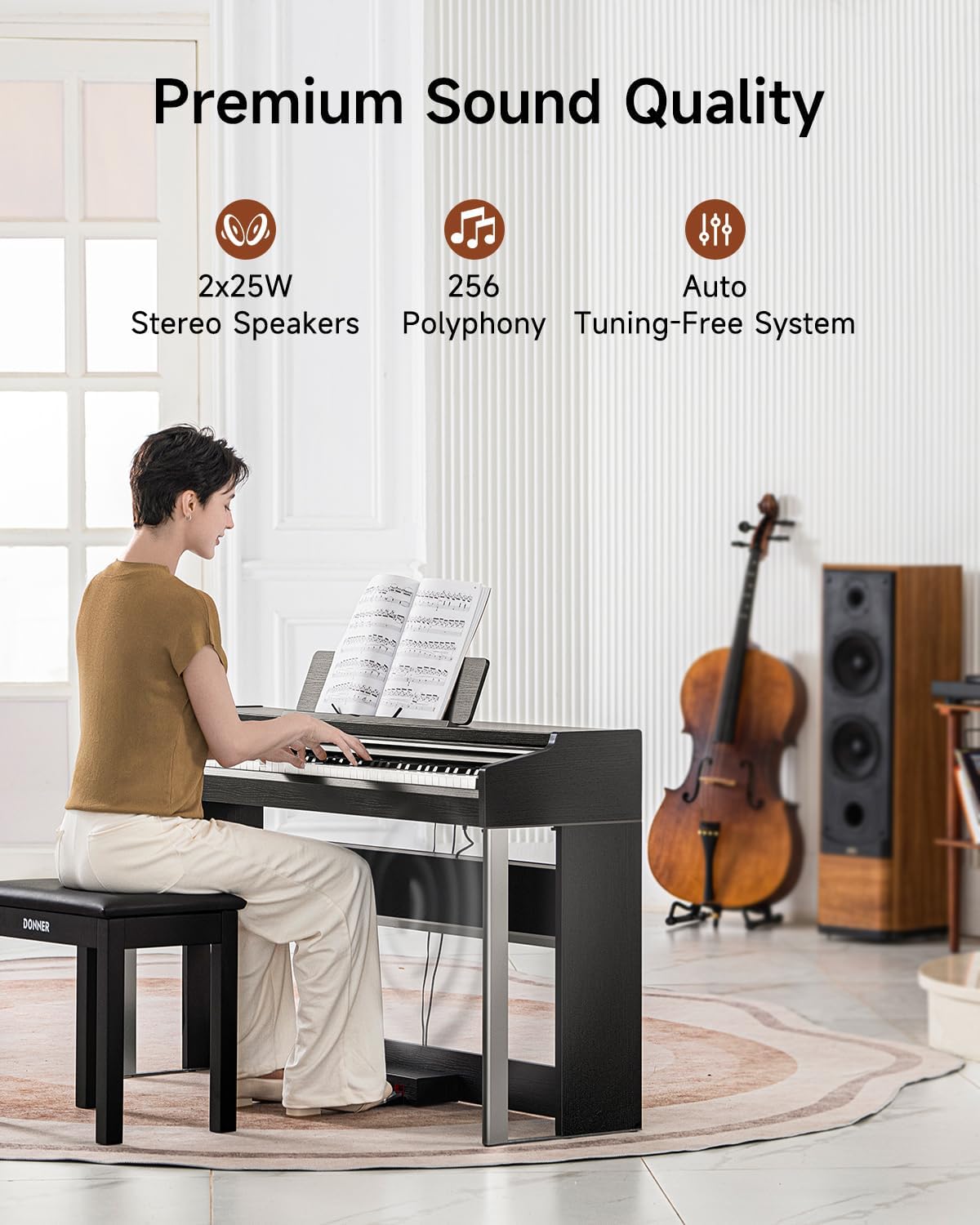
An image illustrating the premium sound quality of the digital piano, emphasizing its 2x25W stereo speakers, 256 polyphony, and auto-tuning-free system.
IPS Color Screen and Controls
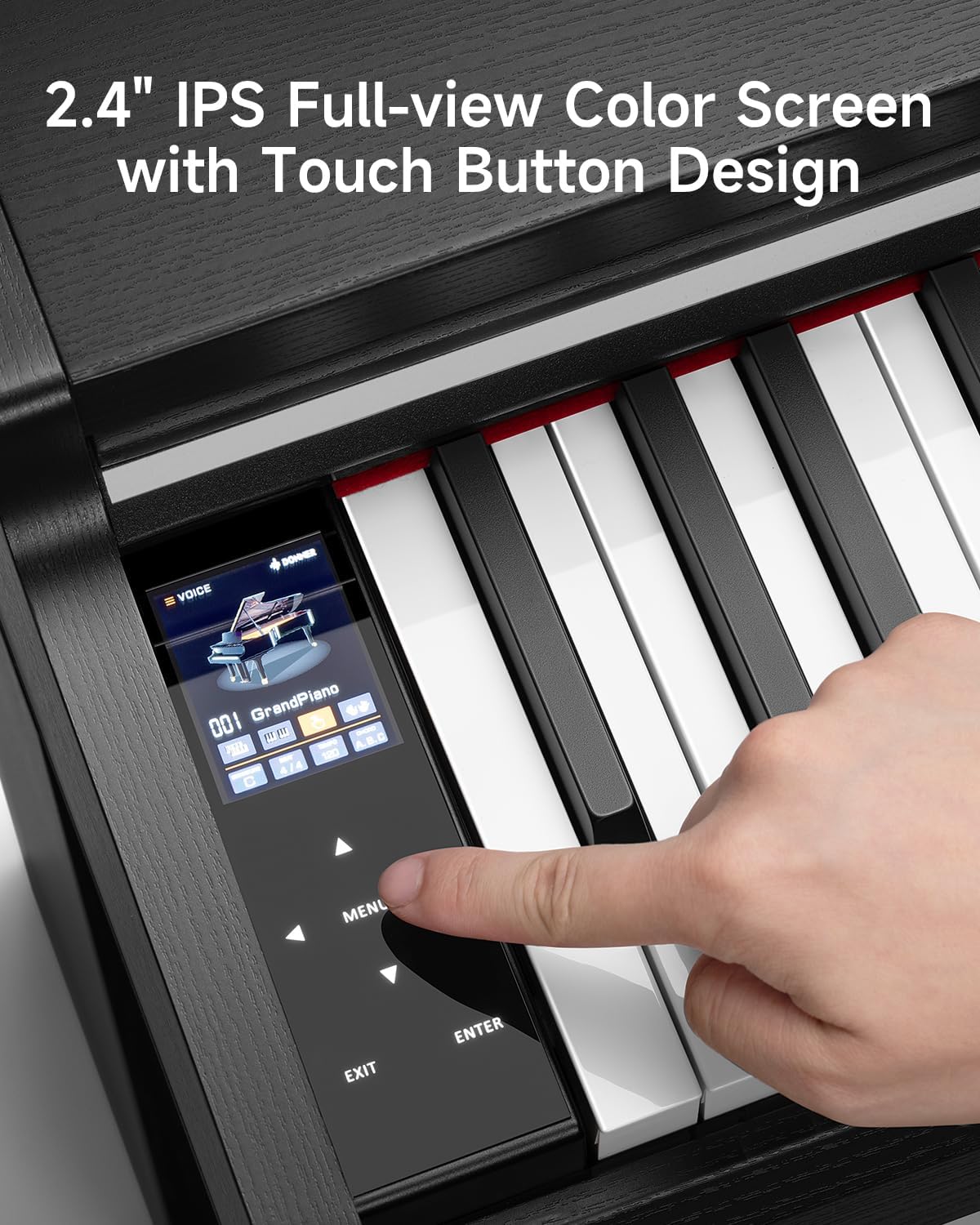
Navigate functions effortlessly using the intuitive 2.4" IPS full-view color screen with touch button design. This display provides enhanced visuals and easy control over the piano's settings.
Detailní view of the digital piano's 2.4-inch IPS color screen, showing the user interacting with the touch buttons for various functions.
Multifunkční funkce
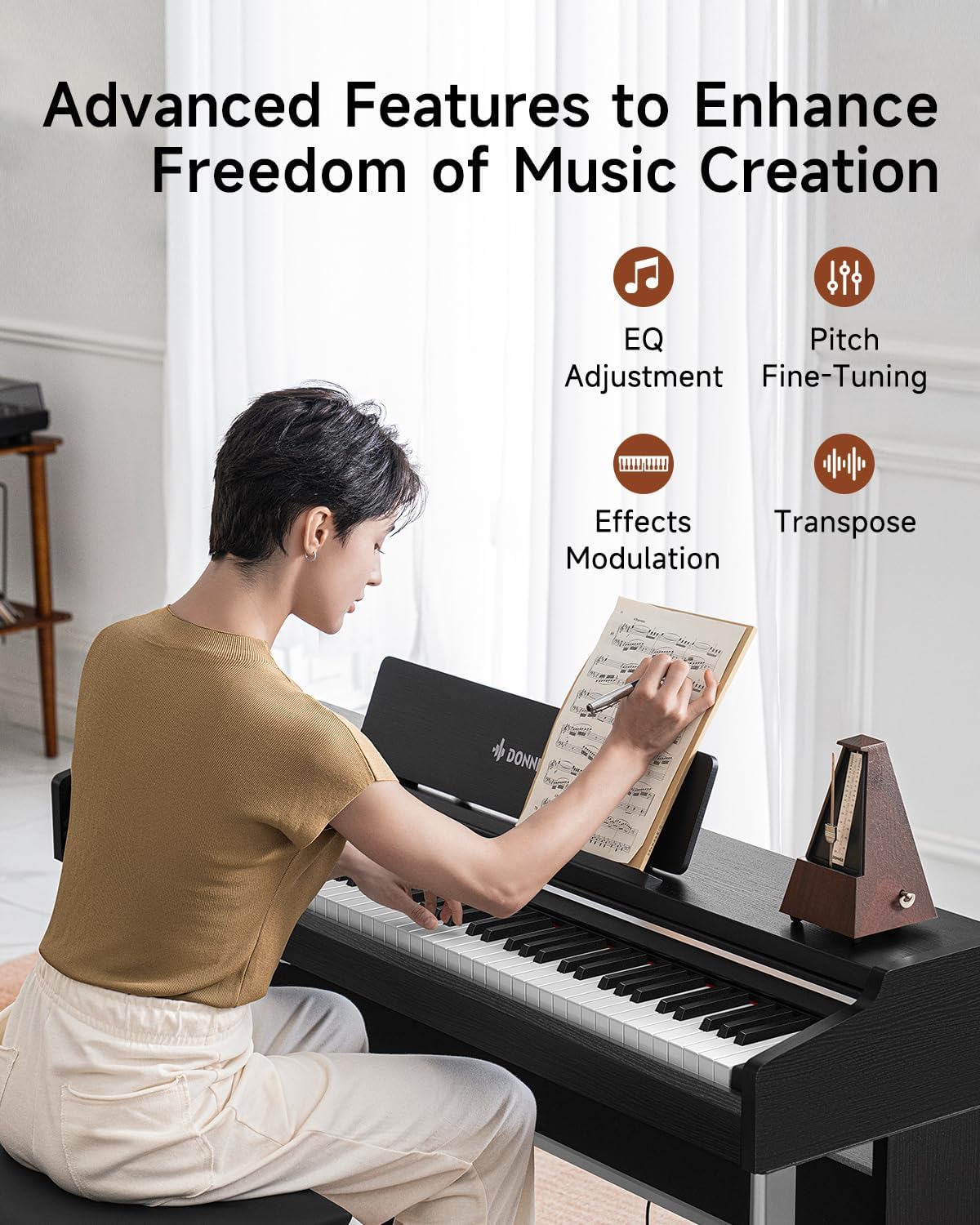
The piano includes dual-tone and dual-keyboard features, follow-along and recording functions, and a rich sound library with 120 rhythms, 130 demo songs, and 138 timbres. These features support diverse performances and practice routines.
Official tutorial video demonstrating the common functions of the Donner DDP-200 Pro, including sound selection, rhythm control, and other operational features.
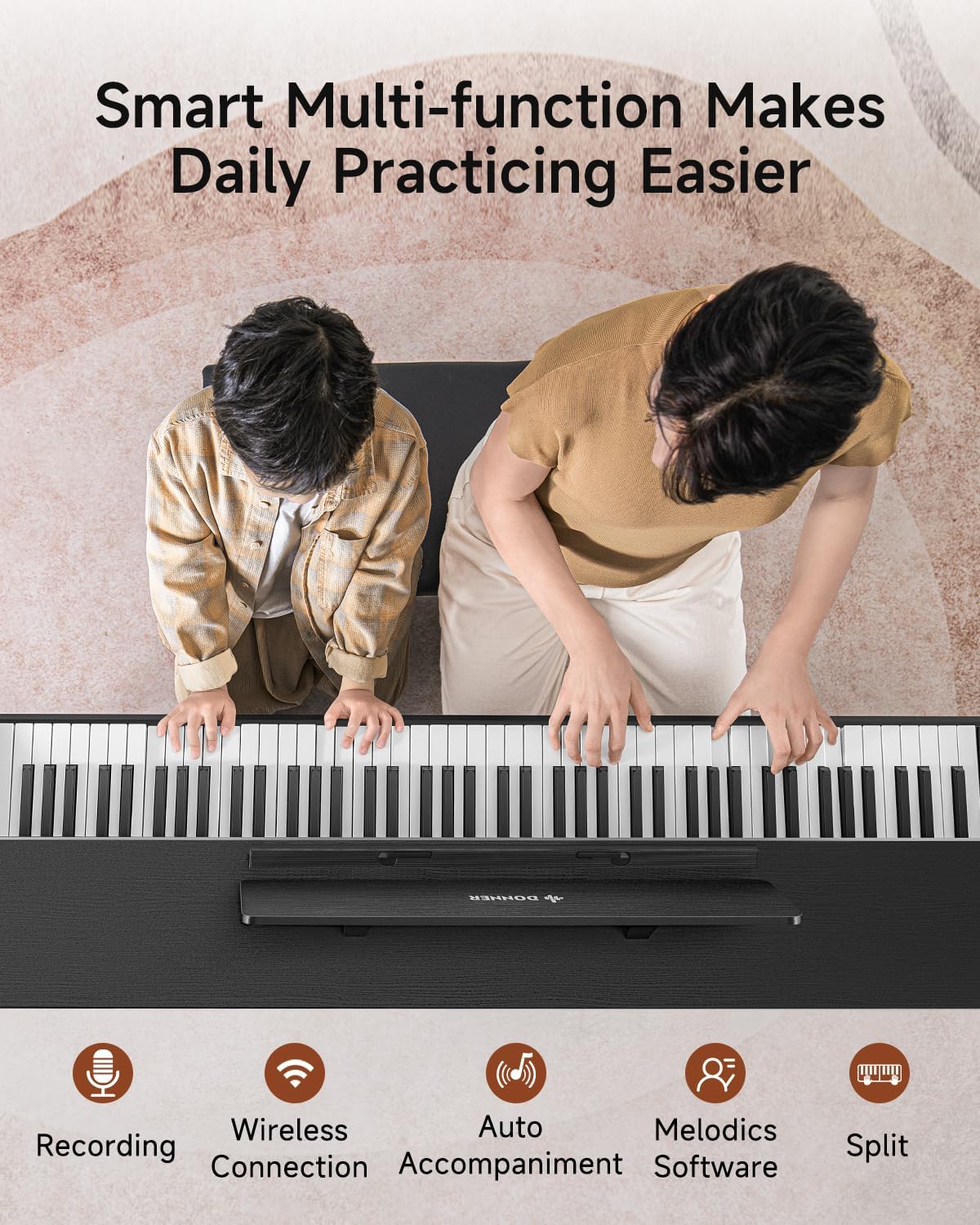
Nad hlavou view of the digital piano, highlighting its smart multi-function features like recording, wireless connection, auto accompaniment, Melodics software integration, and split mode for easier daily practice.
Systém pedálů
The three-pedal system (Soft, Sostenuto, Sustain) allows for nuanced musical expression, similar to a grand piano. These pedals are integrated into the stand for a stable and responsive feel.

A close-up image of the piano's three-pedal system, including the Soft Pedal, Sostenuto Pedal, and Sustain Pedal, designed for enhanced musical expression.
Konektivita
Connect to external devices via USB, pedal jack, audio output, and headphone jacks. Wireless connectivity is also supported, allowing for versatile integration with other musical equipment or learning applications.

An image detailing the various connectivity ports on the rear of the piano, including USB, Pedal Jack, Power Jack, Audio Output Jack, and Headphone Jack.
Údržba a péče
To ensure the longevity and optimal performance of your digital piano, follow these maintenance guidelines:
- Keep the instrument clean by wiping it with a soft, dry cloth. Avoid abrasive cleaners or solvents.
- Protect the piano from direct sunlight, extreme temperatures, and high humidity.
- Use the key cover to prevent dust accumulation on the keys.
- Avoid placing heavy objects on the keyboard or applying excessive force to the keys.
Průvodce řešením problémů
If you encounter any issues with your digital piano, refer to the following common troubleshooting steps:
- Žádný zvuk: Ensure the power adapter is securely connected and the volume is turned up. Check headphone connections if applicable.
- Klávesy nereagují: Verify the power is on. If specific keys are unresponsive, contact customer support.
- Zkreslený zvuk: Check volume levels and speaker connections. Ensure no external devices are causing interference.
- Pedal Malfunction: Ensure the pedal cable is securely plugged into the correct jack.
For persistent issues, please contact Donner customer support.
Specifikace produktu
| Funkce | Detail |
|---|---|
| Věkové rozmezí (popis) | Dospělý |
| Styl | Moderní |
| Výrobce | DONNER |
| Hmotnost položky | 91.5 libry |
| Rozměry balení | 57.5 x 19 x 13.5 palce |
| Číslo modelu položky | DDP 200 PRO |
| Počet klíčů | 88 |
| Úroveň dovedností | Začátečník |
| Speciální funkce | Digital Display, Duo Mode, Hammer Action, Weighted Keys |
Informace o záruce
The Donner DDP-200 Pro Digital Piano comes with a standard manufacturer's warranty. Please refer to the warranty card included in your packaging for specific terms and conditions. Keep your proof of purchase for warranty claims.
Zákaznická podpora
For technical assistance, product inquiries, or warranty claims, please visit the official Donner webnebo kontaktujte jejich tým zákaznické podpory.
Online podpora: www.donnermusic.com


