Zavedení
This user manual provides comprehensive instructions for setting up, operating, maintaining, and troubleshooting your ASUS NUC 15 Pro Mini PC. Please read this manual thoroughly before using the device to ensure optimal performance and longevity.
Obsah balení
Ověřte, zda jsou v balení obsaženy všechny níže uvedené položky:
- ASUS NUC 15 Pro Mini PC
- AC adaptér a napájecí kabel
- Bezdrátová klávesnice
- Bezdrátová myš
- VESA Mount
- Uživatelská příručka (tento dokument)

Image: The ASUS NUC 15 Pro Mini PC, shown with its compact form factor, alongside the included wireless keyboard and mouse. This image illustrates the complete package contents.
Průvodce nastavením
1. Připojení periferií
Connect your monitor(s), keyboard, and mouse to the appropriate ports on the ASUS NUC 15 Pro. The device supports multiple display outputs for enhanced productivity.

Obrázek: Podrobný view of the ASUS NUC 15 Pro's multiple ports, including HDMI 2.1, Thunderbolt 4, USB 3.2 Gen2 Type-A, USB 2.0 Type-A, USB 3.2 Gen2x2 Type-C, and 2.5Gb Ethernet. This highlights the extensive connectivity options.
- HDMI porty: Connect up to two HDMI displays.
- Porty Thunderbolt 4: Use for high-speed data transfer or connecting compatible displays.
- USB porty: Connect the included wireless keyboard and mouse, or other USB devices.
- Ethernetový port: Pro kabelové síťové připojení.
2. Připojení napájení
Connect the AC adapter to the DC-In port on the Mini PC, then plug the power cord into a power outlet.
3. Počáteční spuštění
Press the power button located on the front of the device. The system will boot into Windows 11 Pro. Follow the on-screen instructions for initial Windows setup.
Návod k obsluze
Konfigurace displeje
The ASUS NUC 15 Pro supports up to four 4K HDR displays or a single 8K display, leveraging its Intel Graphics. To configure multiple displays:
- Ensure all monitors are connected to the available HDMI and Thunderbolt 4 ports.
- Klikněte pravým tlačítkem myši na plochu a vyberte „Nastavení zobrazení“.
- Under "Multiple displays", you can extend or duplicate your desktop across the connected screens.

Image: The ASUS NUC 15 Pro Mini PC demonstrating its capability to support a quad 4K HDR display setup, showcasing its versatility for multi-monitor environments.
Bezdrátové připojení
The Mini PC features Wi-Fi 7 and Bluetooth 5.4 for robust wireless connections.
- Wi-Fi: Access network settings in Windows to connect to your preferred Wi-Fi network.
- Bluetooth: Pair Bluetooth devices like headphones or speakers through Windows Bluetooth settings.
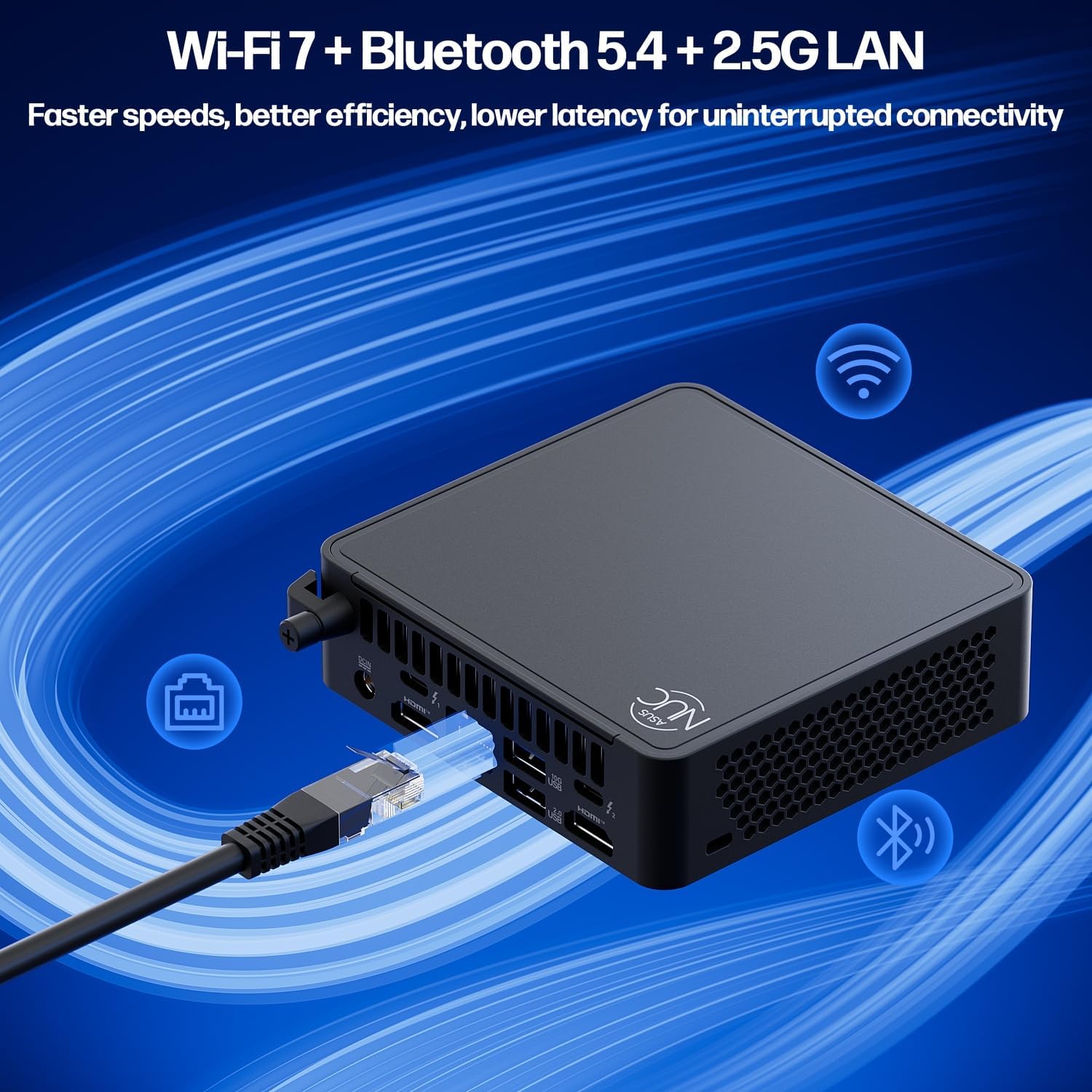
Image: Visual representation of the ASUS NUC 15 Pro's advanced connectivity options, including Wi-Fi 7, Bluetooth 5.4, and 2.5G LAN, emphasizing faster speeds and lower latency.
Údržba
Aktualizace systému
Regularly update your Windows operating system and drivers to ensure optimal performance and security. Go to Windows Settings > Windows Update to check for updates.
Čištění
Keep the Mini PC clean to prevent dust buildup, which can affect cooling. Use a soft, dry cloth for external surfaces. For vents, use compressed air sparingly.
Hardware Upgrades (Tool-Free)
The ASUS NUC 15 Pro features a tool-free design for easy upgrades of RAM and SSD storage.
- Vypnout: Ensure the device is completely powered off and unplugged from the power source.
- Otevřený podvozek: Gently slide or lift the top cover to access the internal components.
- RAM Upgrade: The device supports dual channel DDR5 SO-DIMM, extendable up to 96GB. Insert new RAM modules into the available slots.
- Upgrade SSD: The device supports M.2 2280 PCIe SSDs up to 2TB. Additionally, there are built-in 2.5" SATA slots for further storage expansion.
- Zavřít podvozek: Securely reattach the top cover.

Obrázek: Explodoval view of the ASUS NUC 15 Pro, illustrating its tool-less design for easy access to and upgrade of DDR5 SO-DIMM RAM and M.2 2280 PCIe SSD storage.

Image: Diagram showing the internal cooling system of the ASUS NUC 15 Pro, featuring dual copper heat pipes and an intelligent fan for efficient and quiet operation.
Odstraňování problémů
| Problém | Možná příčina | Řešení |
|---|---|---|
| Žádné napájení / Nezapíná se | Power cable not connected; Faulty power adapter | Ensure power cable is securely connected to the PC and outlet. Test with a different outlet if possible. |
| Žádný výstup na displej | Monitor not connected; Incorrect input source on monitor; Driver issue | Check display cable connections. Ensure monitor is set to correct input (HDMI/Thunderbolt). Update graphics drivers. |
| Pomalý výkon | Too many applications running; Insufficient RAM/Storage; Overheating | Close unnecessary applications. Consider upgrading RAM or SSD. Ensure proper ventilation and clean vents. |
| Problémy s připojením k Wi-Fi/Bluetooth | Driver issues; Interference; Incorrect settings | Restart the PC. Check Wi-Fi/Bluetooth settings in Windows. Update wireless drivers. Move closer to the router. |
Specifikace
| Funkce | Detail |
|---|---|
| Procesor | Intel Series 2 Core 7 240H (10 Cores, 16 Threads, up to 5.20 GHz) |
| Grafika | Grafika Intel (integrovaná) |
| BERAN | 64GB DDR5 (rozšiřitelná až na 96GB) |
| Skladování | 2TB PCIe Gen4 x4 SSD (Supports 2.5" SATA) |
| Operační systém | Windows 11 Pro |
| Konektivita | Wi-Fi 7, Bluetooth 5.4, 2.5G Gigabit Ethernet |
| Porty | 2x HDMI 2.1, 2x Thunderbolt 4, 1x USB 3.2 Gen2x2 Type-C, 3x USB 3.2 Gen2 Type-A, 1x USB 2.0 Gen2 Type-A |
| Rozměry (DxŠxV) | 4.6 x 4.4 x 1.5 palce |
| Hmotnost | 1.2 liber |
Záruka a podpora
Informace o záruce a technickou podporu získáte od oficiální podpory ASUS. webnebo kontaktujte jejich zákaznický servis. Uschovejte si účtenku jako doklad o koupi.
Online podpora: www.asus.com/support/
This product is certified for 24/7 use and MIL-STD-810H durability.


