1. Úvod
Thank you for choosing the PRIXTON Prado XL 15.6-inch Digital Photo Frame. This manual provides essential information for setting up, operating, and maintaining your device. Please read it carefully before use to ensure optimal performance and longevity of your digital photo frame.
The PRIXTON Prado XL features a vibrant 15.6-inch Full HD IPS touchscreen display, offering clear and vivid image reproduction. With built-in Wi-Fi, 32GB of internal memory, and support for both photos and videos, it allows you to easily share and display your cherished memories. The frame also includes integrated speakers and multiple input options, including USB Type-C, USB-A, and an SD card slot, providing versatile ways to manage your content.
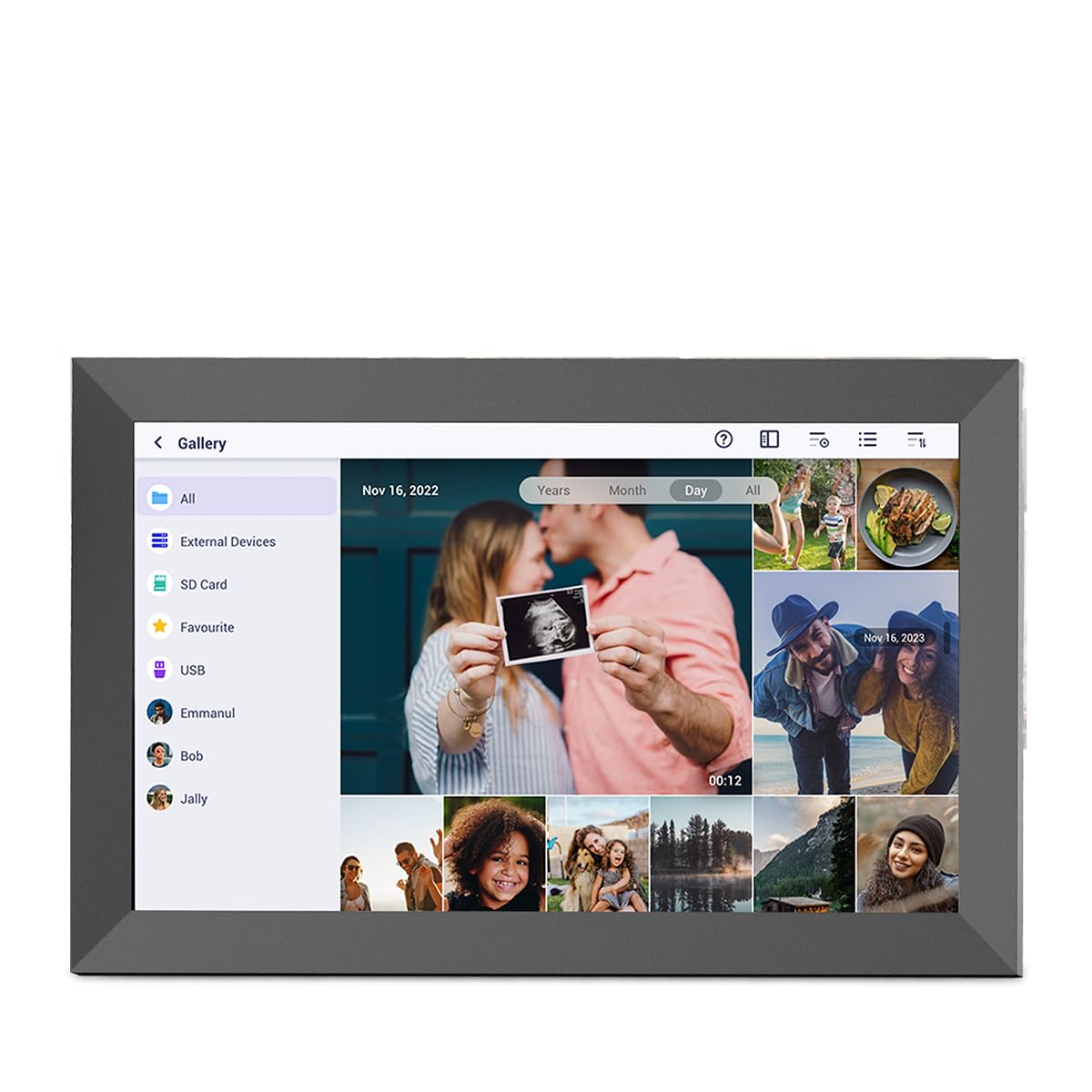
Image: The PRIXTON Prado XL digital photo frame showcasing a family picture.
2. Obsah balení
Zaškrtněte prosím políčko u následujících položek:
- PRIXTON Prado XL 15.6-inch Digital Photo Frame
- Napájecí adaptér
- Uživatelská příručka (tento dokument)
3. Konec produktuview
Familiarize yourself with the various ports and controls on your digital photo frame.

Image: Back panel of the frame, highlighting the power button, USB-A, USB-C, SD card slot, and headphone jack.
Klíčové komponenty:
- Vypínač: Located on the back, used to turn the frame on/off or put it into sleep mode.
- Port USB-A: For connecting USB flash drives to transfer photos and videos.
- Port USB Type-C: For connecting compatible devices or for data transfer.
- Slot pro SD kartu: For inserting SD cards to display or transfer media.
- Sluchátkový jack: Pro připojení externích audio zařízení.
- Vstup DC napájení: Pro připojení napájecího adaptéru.
- Wall Mount Holes: Pro montáž rámu na zeď.
4. Nastavení
4.1 Zapnutí
- Connect the power adapter to the DC Power Input port on the back of the frame.
- Zapojte napájecí adaptér do elektrické zásuvky.
- The frame will automatically power on. If not, press and hold the Power Button for a few seconds.
4.2 Počáteční konfigurace
Upon first startup, you will be guided through the initial setup process:
- Zvolte jazyk: Vyberte si ze seznamu preferovaný jazyk.
- Připojení k Wi-Fi: Select your Wi-Fi network and enter the password. A stable internet connection is required for app functionality and software updates.
- Nastavit datum a čas: Configure the correct date, time, and time zone.
4.3 Connecting with the Uhale App
The Uhale app allows you to easily send photos and videos directly to your frame from your smartphone.
- Stáhněte si aplikaci: Hledat "Uhale" in your smartphone's app store (iOS or Android) and install it.
- Vytvořit účet: Open the Uhale app and follow the instructions to create a new user account.
- Pair the Frame: On your digital photo frame, navigate to the "Settings" menu and find the "Bind Device" or "Add Device" option. This will display a unique code or QR code.
- Enter Code/Scan QR: In the Uhale app, select "Add Device" and either manually enter the code displayed on your frame or use your phone's camera to scan the QR code.
- Po spárování můžete začít odesílat fotografie a videa do rámečku.

Image: A smartphone screen showing the Uhale app interface next to the digital photo frame.
5. Obsluha rámu
5.1 Navigace na dotykové obrazovce
The Prado XL features a responsive touchscreen for easy navigation:
- Klepněte na: Select an item or open a menu.
- Výpad: Navigate through photos, menus, or lists.
- Přiblížení/zvětšení prsty: Zoom in or out on photos (if supported by software).
5.2 Přidávání fotografií a videí
There are several ways to add media to your frame:
5.2.1 Via Uhale App
- Open the Uhale app on your paired smartphone.
- Vyberte fotografie nebo videa, která chcete odeslat.
- Tap the "Send" or "Share" button to transfer them to your frame.
- The media will appear on your frame shortly, provided it is connected to Wi-Fi.
5.2.2 Via USB Drive or SD Card
- Insert a USB flash drive into the USB-A port or an SD card into the SD card slot.
- The frame will detect the external storage. Navigate to the "Gallery" or "Files" section.
- Select the desired photos or videos and choose to copy them to the frame's internal memory.

Image: User interacting with the Uhale app to send content to the digital photo frame.
5.3 Managing Content and Slideshows
- Galerie: Access all your stored photos and videos. You can view them individually or start a slideshow.
- Vymazat: Select unwanted media and choose the delete option.
- Nastavení prezentace: Customize slideshow duration, transition effects, and playback order in the settings menu.

Image: The digital photo frame displaying a lively birthday party scene.
6. Nabídka nastavení
Access the settings menu by tapping the gear icon on the home screen. Here you can configure various aspects of your frame:
- Zobrazit: Adjust brightness, screen sleep time, and display mode.
- Wi-Fi: Spravujte svá síťová připojení.
- Datum a čas: Manually set or synchronize date and time.
- Skladování: View internal storage usage and manage external storage devices.
- O: View device information, including software version and model number.
7. Údržba
7.1 Čištění obrazovky
Dotykovou obrazovku jemně otřete měkkým hadříkem, který nepouští vlákna. V případě odolných šmouh ji lehce otřeteampOtřete hadřík vodou nebo čisticím roztokem vhodným pro obrazovky. Nepoužívejte agresivní chemikálie ani abrazivní materiály.
7.2 Aktualizace softwaru
Ensure your frame is connected to Wi-Fi to receive automatic software updates. Updates provide new features, performance improvements, and bug fixes. You can manually check for updates in the "Settings" > "About" menu.
8. Řešení problémů
| Problém | Možné řešení |
|---|---|
| Rám se nezapne. | Ujistěte se, že je napájecí adaptér bezpečně připojen k rámu i k funkční zásuvce. Zkuste jinou zásuvku. |
| Nelze se připojit k Wi-Fi. | Check if your Wi-Fi router is on and working. Re-enter the Wi-Fi password carefully. Move the frame closer to the router. |
| Photos/videos not appearing. | Verify that the media has been successfully uploaded via the app or copied from USB/SD. Check file formats for compatibility. Ensure the frame is connected to Wi-Fi if using the app. |
| Dotyková obrazovka nereaguje. | Restart the frame by holding the power button. Ensure the screen is clean and free of debris. |
| Frame is slow or freezes. | Restart the frame. Clear some internal storage if it is nearly full. |
9. Specifikace
| Funkce | Detail |
|---|---|
| Číslo modelu | 10006183 |
| Velikost displeje | 15.6 palců |
| Typ zobrazení | IPS dotykový displej |
| Rezoluce | 1920 x 1080 Full HD |
| Vnitřní paměť | 32GB Flash |
| BERAN | 1 GB |
| Konektivita | Wi-Fi |
| Porty | USB Type-C, USB-A, SD Card Slot, Headphone Jack |
| Zvuk | Integrované reproduktory |
| Rozměry (D x Š x V) | 14 x 21 x 2.51 cm |
10. Záruka a podpora
PRIXTON products are designed and manufactured to the highest quality standards. For information regarding warranty coverage, please refer to the warranty card included with your product or visit the official PRIXTON webmísto.
If you encounter any issues or have questions not covered in this manual, please contact PRIXTON customer support for assistance. You can find contact details on the PRIXTON webwebu nebo prostřednictvím vaší nákupní platformy.
Online podpora: Visit the PRIXTON Store on Amazon


