Zavedení
The GOBOULT W60 True Wireless Earbuds provide a high-quality audio experience with advanced features designed for daily use, gaming, and communication. This manual provides instructions for setup, operation, maintenance, and troubleshooting to ensure optimal performance of your device.
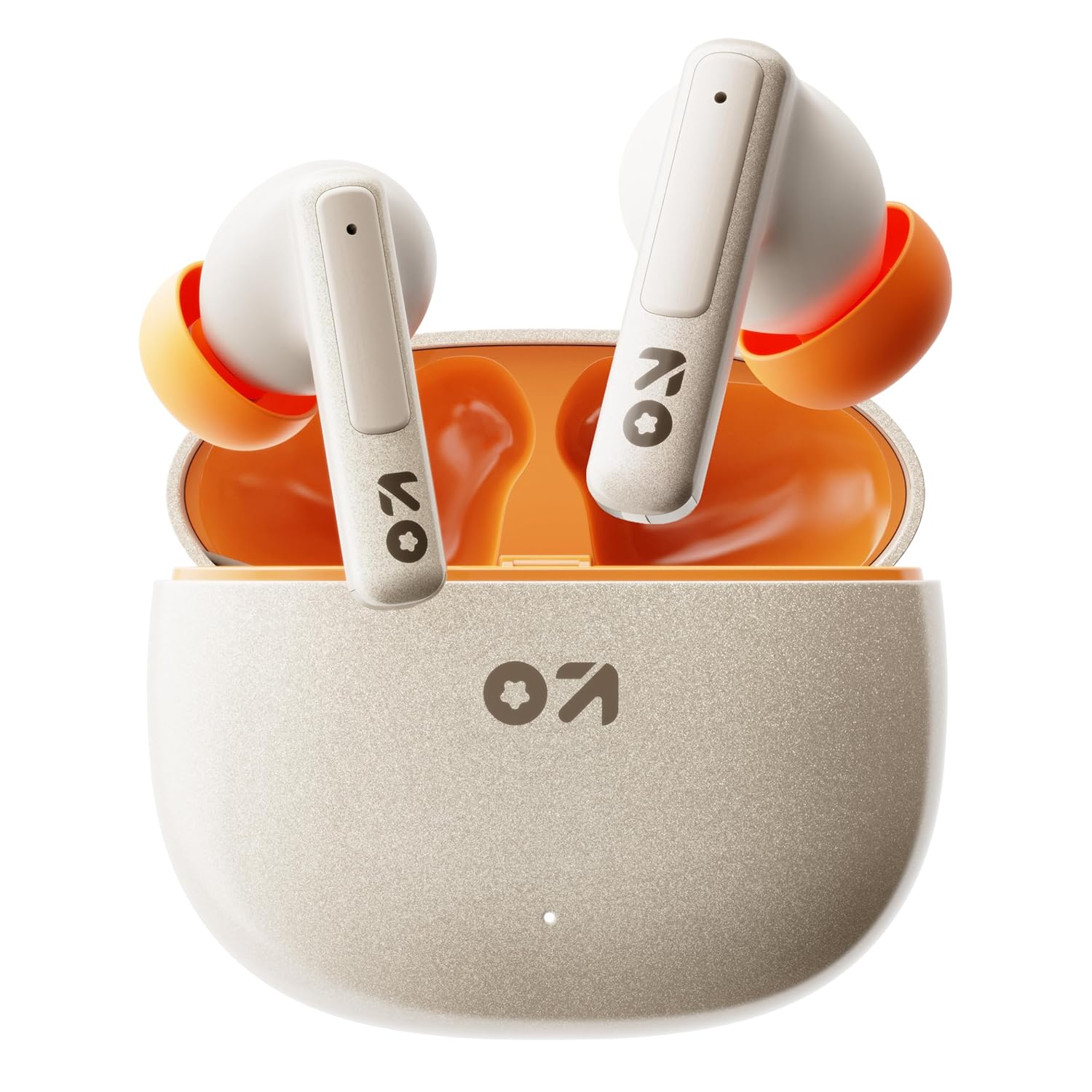
Image: GOBOULT W60 True Wireless Earbuds in their charging case.
Co je v krabici
- GOBOULT W60 True Wireless Earbuds
- Bezdrátové nabíjecí pouzdro
- Extra pár koncovek do uší
- Rychlonabíjecí kabel typu C
- Uživatelská příručka
- Záruční list
Nastavení
1. Nabíjení sluchátek a pouzdra
Before first use, fully charge the GOBOULT W60 earbuds and their charging case.
- Připojte dodaný nabíjecí kabel typu C k nabíjecímu portu na pouzdře a ke kompatibilnímu zdroji napájení USB.
- The indicator light on the case will show charging status. Once fully charged, the indicator will change or turn off.
- Vložte sluchátka do nabíjecího pouzdra. Začnou se automaticky nabíjet.
A 10-minute charge provides approximately 4 hours of playtime. The case offers up to 60 hours of total playtime for the earbuds.
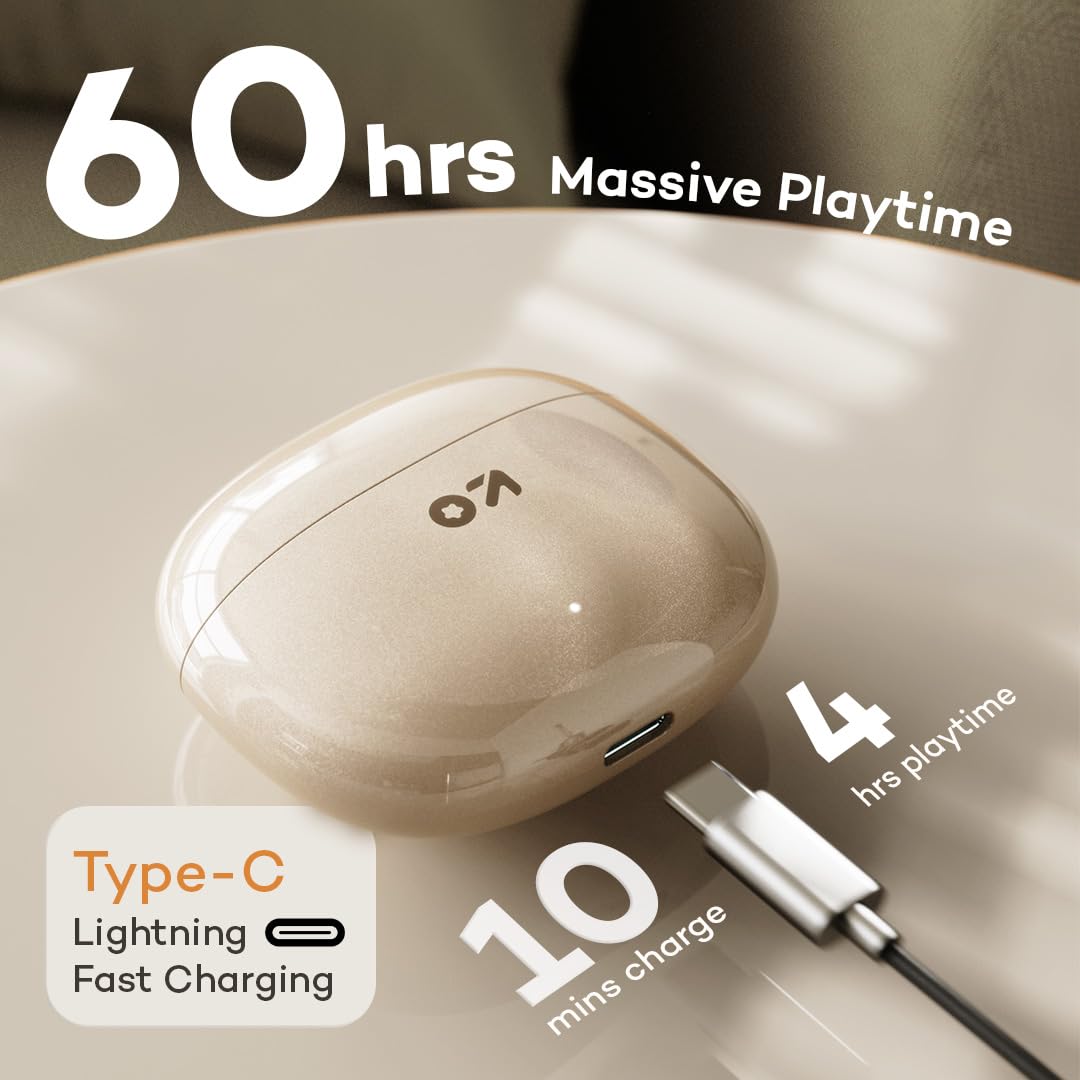
Image: GOBOULT W60 charging case with Type-C cable, highlighting fast charging capabilities.
2. Spárování se zařízením
The GOBOULT W60 earbuds utilize Bluetooth 5.4 for a fast and stable connection.
- Otevřete nabíjecí pouzdro. Sluchátka se automaticky přepnou do režimu párování.
- Na svém zařízení (chytrý telefon, tablet, notebook) povolte Bluetooth.
- Hledat available Bluetooth devices and select "GOBOULT W60" from the list.
- Po připojení uslyšíte zvukový signál a sluchátka budou připravena k použití.
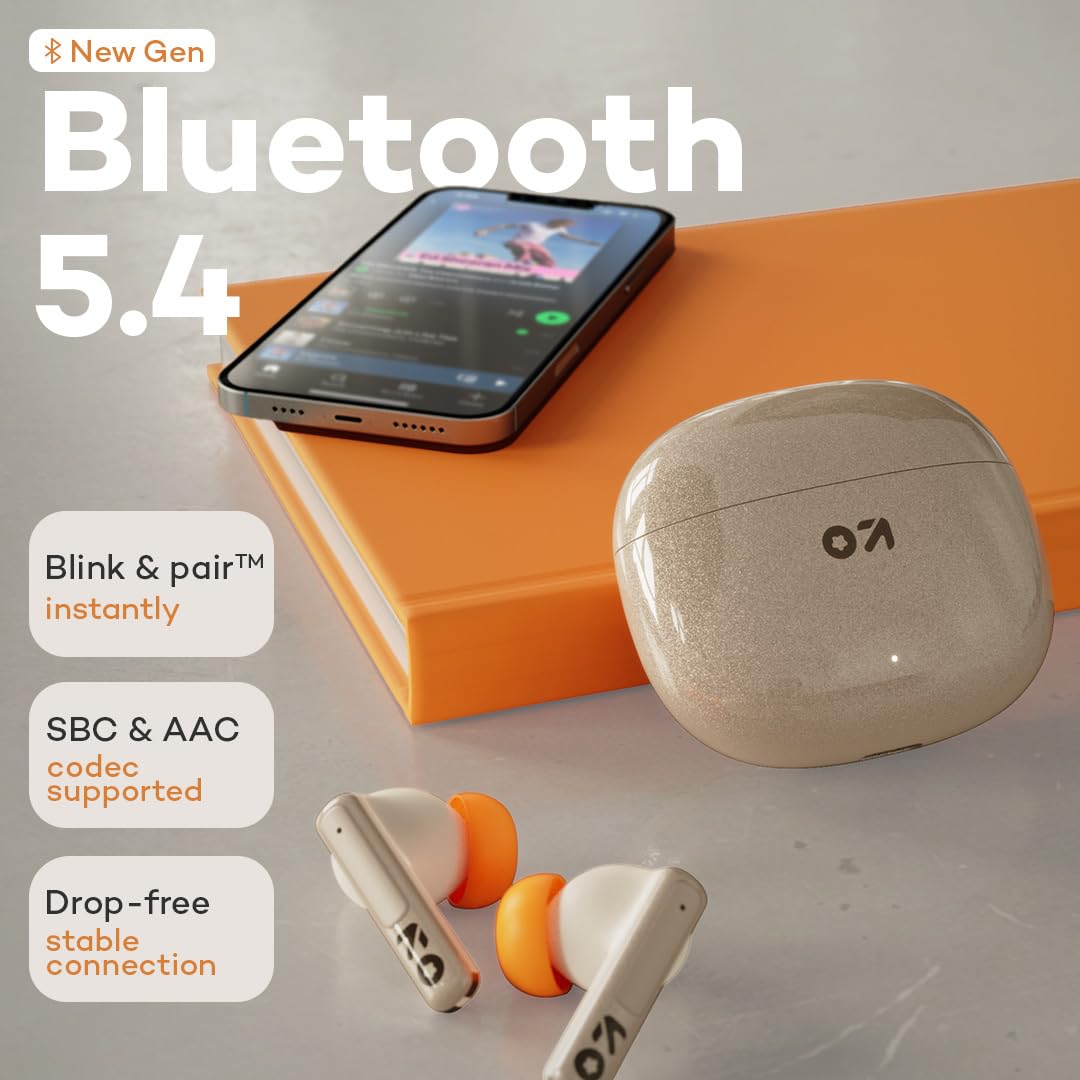
Image: GOBOULT W60 earbuds demonstrating Bluetooth 5.4 connectivity.
Návod k obsluze
Dotykové ovládání
The GOBOULT W60 earbuds feature intuitive touch controls for managing audio playback, calls, and voice assistant activation.

Image: GOBOULT W60 earbuds highlighting touch control areas.
- Přehrát/pozastavit: Jediným klepnutím na jedno sluchátko.
- Další skladba: Dvakrát klepněte na pravé sluchátko.
- Předchozí skladba: Dvakrát klepněte na levé sluchátko.
- Přijmout/ukončit hovor: Jediným klepnutím na jedno sluchátko.
- Odmítnout hovor: Dlouze stiskněte libovolné sluchátko.
- Aktivovat Voice Assistant: Triple tap on either earbud (supports Google Assistant and Siri).
- Ovládání hlasitosti: Long press the right earbud to increase volume, long press the left earbud to decrease volume.
Volání funkcí
Equipped with ZEN Quad Mic ENC (Environmental Noise Cancellation), the W60 earbuds ensure clear communication by filtering out background noise during calls.
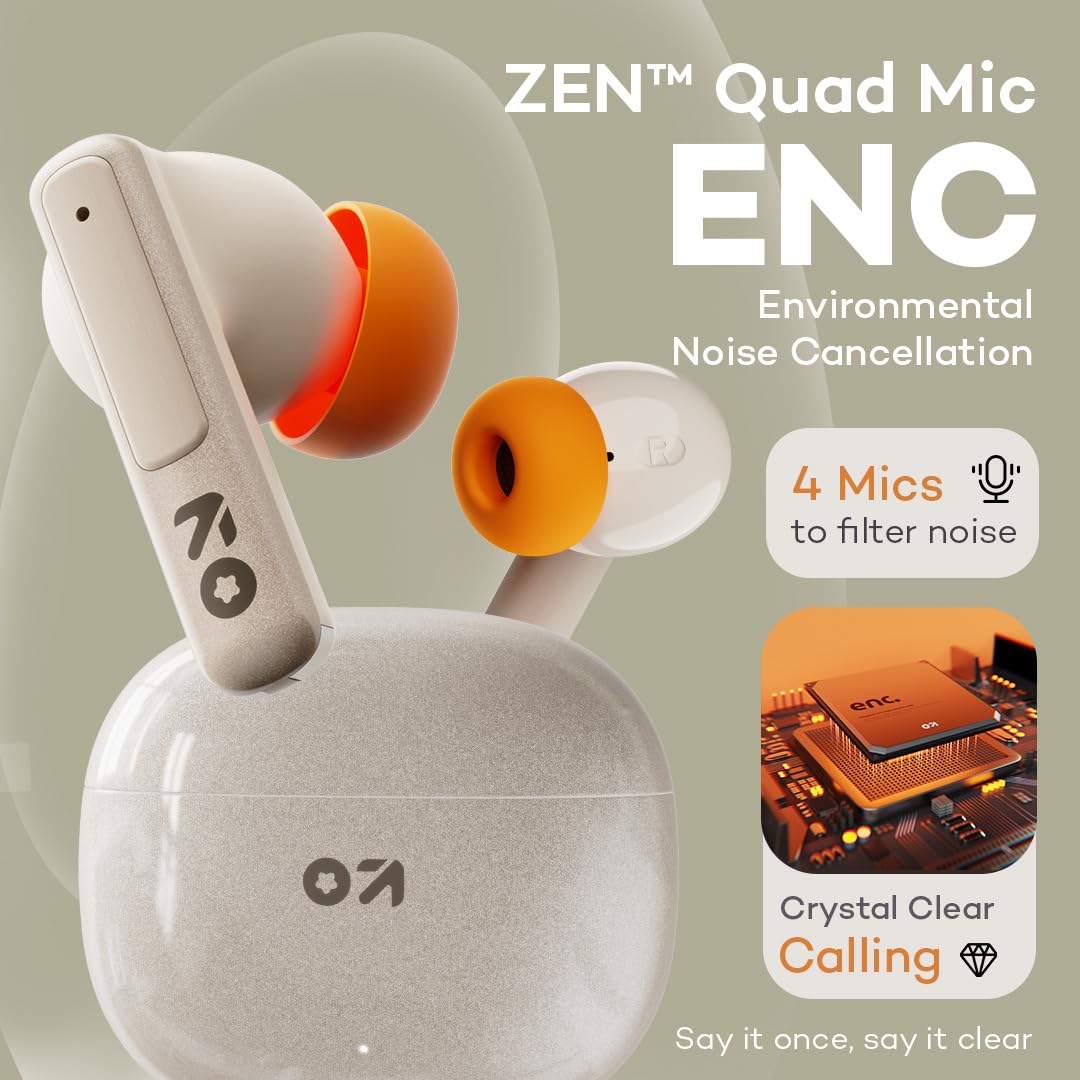
Image: GOBOULT W60 earbuds showcasing ZEN Quad Mic ENC for crystal-clear calls.
Herní režim
Activate the Combat Gaming mode for an ultra-low latency experience of 50ms, providing synchronized audio during gaming or video playback.
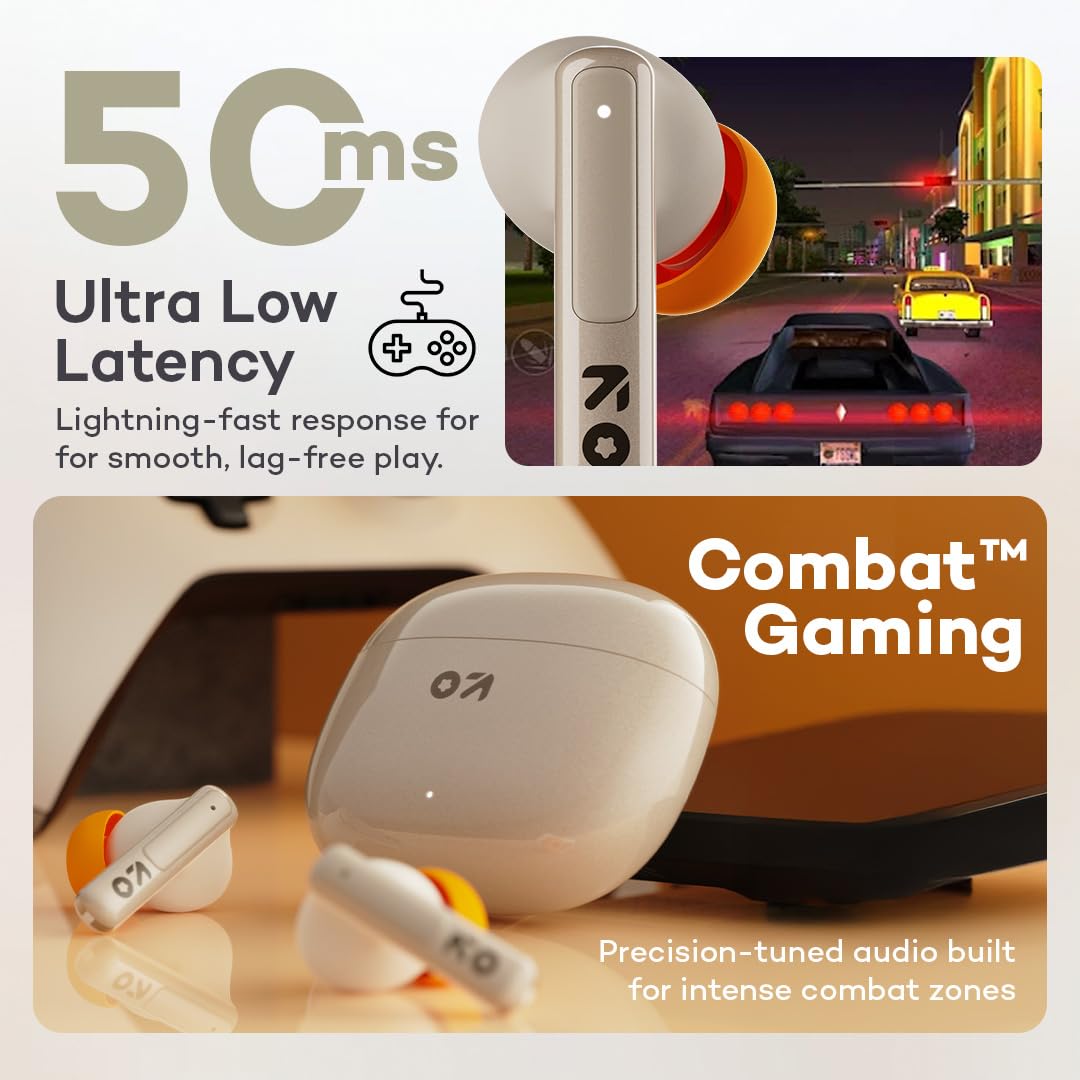
Image: GOBOULT W60 earbuds illustrating low latency for gaming.
Zvukový výkon
The W60 earbuds feature 13mm dynamic drivers with BoomX technology, delivering supreme bass and immersive sound for an enhanced listening experience.

Image: GOBOULT W60 earbuds highlighting 13mm punchy bass drivers.
Údržba
Čištění a péče
- Pravidelně čistěte sluchátka a nabíjecí pouzdro měkkým, suchým hadříkem, který nepouští vlákna.
- Nepoužívejte abrazivní materiály, rozpouštědla nebo aerosolové spreje.
- Ujistěte se, že nabíjecí kontakty na sluchátkách i pouzdře jsou čisté a bez nečistot.
Voděodolnost
The GOBOULT W60 earbuds are IPX5 water resistant, meaning they are protected against sweat and splashes. They are not designed for submersion in water.

Image: GOBOULT W60 earbuds demonstrating IPX5 water resistance.
Odstraňování problémů
If you encounter issues with your GOBOULT W60 earbuds, refer to the following common solutions:
- Žádný zvuk: Ujistěte se, že jsou sluchátka nabitá, správně spárovaná a že je nastavená hlasitost na sluchátkách i na připojeném zařízení.
- Problémy s párováním: Turn off Bluetooth on your device, place earbuds back in the case, close and reopen the case, then try pairing again. Ensure no other devices are actively connected to the earbuds.
- Jedno sluchátko nefunguje: Place both earbuds in the charging case, close the lid, wait a few seconds, then open the lid and try reconnecting. Check for debris on charging contacts.
- Problémy s nabíjením: Verify the Type-C cable and power adapter are working correctly. Ensure the charging contacts on the earbuds and case are clean.
- Špatná kvalita hovoru: Ensure the microphones are not obstructed. Check your network signal.
If problems persist, consult the support section or contact customer service.
Specifikace
| Funkce | Detail |
|---|---|
| Název modelu | W60 (AirBass) |
| Technologie připojení | Bezdrátové připojení Bluetooth 5.4 |
| Dosah Bluetooth | 10 metrů |
| Velikost zvukového ovladače | 13mm dynamický ovladač |
| Kontrola hluku | ZEN Quad Mic ENC (Environmental Noise Cancellation) |
| Zvuková latence | 50 milisekund (herní režim) |
| Doba hraní (sluchátka) | Až 60 hodin (s nabíjecím pouzdrem) |
| Doba nabíjení | 10 Minutes for 4 Hours Playtime |
| Nabíjecí port | Typ-C |
| Úroveň odolnosti proti vodě | IPX5 (odolný proti potu, odolný proti stříkající vodě) |
| Typ ovládání | Touch Controls, Voice Assistant (Google Assistant, Siri) |
| Hmotnost položky | 51.6 gramů |
| Země původu | Indie |
Záruka a podpora
Your GOBOULT W60 True Wireless Earbuds come with a warranty. Please refer to the included Warranty Card for details regarding coverage and terms. For further assistance, technical support, or warranty claims, please visit the official GOBOULT store or contact customer service.
GOBOULT Store: Visit GOBOULT Store on Amazon.in


