1. Úvod
This manual provides detailed instructions for the operation and maintenance of your KEPLUG MX9 Sunrise Alarm Clock. This device combines a digital alarm clock, a sunrise simulation wake-up light, a dimmable bedside night light, and a white noise machine with 30 soothing sounds. Please read this manual thoroughly before use to ensure proper functionality and safety.
2. Bezpečnostní informace
- Ujistěte se, že je zařízení umístěno na stabilním rovném povrchu.
- Nevystavujte zařízení vodě ani nadměrné vlhkosti.
- Používejte pouze dodaný napájecí adaptér a kabel.
- Uchovávejte mimo dosah dětí a domácích zvířat.
- Nepokoušejte se zařízení rozebírat ani opravovat sami. Pro servis se obraťte na kvalifikovaný personál.
- Odpojte zařízení během bouřky nebo když se delší dobu nepoužívá.
3. Obsah balení
Ověřte, zda jsou v balení přítomny všechny položky:
- KEPLUG MX9 Sunrise Alarm Clock
- Napájecí adaptér
- Napájecí kabel
- Uživatelská příručka (tento dokument)
4. Konec produktuview
Familiarize yourself with the main components and control buttons of your KEPLUG MX9 Sunrise Alarm Clock.

Obrázek 1: Přední strana view of the KEPLUG MX9 Sunrise Alarm Clock, showing the main light dome, digital time display, and control buttons at the base.
The device features a large light dome, a digital time display, and several touch-sensitive buttons for control:
- Tlačítko budíku: Used to set and activate alarms.
- Tlačítko času: Used to set the current time and 12/24-hour format.
- Tlačítko odložit/rozsvítit: Activates snooze during an alarm, or turns on/off and adjusts the night light.
- Tlačítko plus (+): Increases values (time, volume, brightness) or navigates options.
- Tlačítko mínus (-): Decreases values (time, volume, brightness) or navigates options.
- Tlačítko hudební noty: Selects soothing sounds or white noise.
5. Nastavení
5.1 Připojení napájení
- Connect the power cable to the DC input port on the back of the alarm clock.
- Zapojte napájecí adaptér do standardní elektrické zásuvky.
- The digital display will illuminate, indicating the device is powered on.
5.2 Nastavení aktuálního času
- Stiskněte a podržte Tlačítko času for 3 seconds to enter time setting mode. The hour digits will flash.
- Použijte plus (+) or Minus (-) Buttons upravit hodinu.
- Stiskněte tlačítko Tlačítko času znovu pro potvrzení hodiny a přechod k nastavení minut. Číslice minut budou blikat.
- Použijte plus (+) or Minus (-) Buttons pro nastavení minuty.
- Stiskněte tlačítko Tlačítko času a third time to confirm the minutes and select 12-hour or 24-hour format.
- Použijte plus (+) or Minus (-) Buttons vyberte preferovaný formát času.
- Stiskněte tlačítko Tlačítko času one last time to exit time setting mode.
6. Návod k obsluze
6.1 Setting an Alarm (Sunrise Simulation & Sound)
The KEPLUG MX9 allows you to set multiple alarms with customizable sunrise simulation and sound options.

Image 2: Illustration of the sunrise simulation feature, where the light gradually brightens over a set period, mimicking a natural sunrise.
- Stiskněte tlačítko Tlačítko budíku to select an alarm slot (e.g., Alarm 1, Alarm 2).
- Stiskněte a podržte Tlačítko budíku for 3 seconds to enter alarm setting mode. The alarm hour digits will flash.
- Použijte plus (+) or Minus (-) Buttons pro nastavení požadované hodiny budíku.
- Stiskněte tlačítko Tlačítko budíku to confirm the hour and set the minutes.
- Použijte plus (+) or Minus (-) Buttons pro nastavení požadované minuty budíku.
- Stiskněte tlačítko Tlačítko budíku to confirm minutes and set the sunrise duration (15-120 minutes). This is the time before the alarm sound when the light will gradually brighten.
- Použijte plus (+) or Minus (-) Buttons to select the sunrise duration.
- Stiskněte tlačítko Tlačítko budíku to confirm duration and select the wake-up sound.
- Použijte plus (+) or Minus (-) Buttons to cycle through the available wake-up sounds (e.g., nature sounds, melodies).
- Stiskněte tlačítko Tlačítko budíku to confirm the sound and set the alarm volume.
- Použijte plus (+) or Minus (-) Buttons to adjust the alarm volume (7 levels).
- Stiskněte tlačítko Tlačítko budíku one last time to save the alarm settings and activate the alarm. An alarm icon will appear on the display.
6.2 Funkce odložení
Když zazní alarm, stiskněte tlačítko Tlačítko Snooze/Light to activate the snooze function. The alarm will pause for 9 minutes and then sound again. You can snooze multiple times.
6.3 Turning Off an Alarm
To turn off a sounding alarm, press any button other than the Tlačítko Snooze/Light. To deactivate an alarm completely, press the Tlačítko budíku until the alarm icon disappears from the display.
6.4 Night Light / Bedside Lamp Funkce
The device can function as a dimmable night light with various colors.

Image 3: The alarm clock used as a bedside lamp, displaying various solid colors and mood lighting options.
- Stiskněte tlačítko Tlačítko Snooze/Light once to turn on the light.
- Stiskněte tlačítko Tlačítko Snooze/Light repeatedly to cycle through different solid colors (8 options) and RGB mood lights (4 options).
- To adjust the brightness of the selected light, press and hold the Tlačítko Snooze/Light, pak použijte plus (+) or Minus (-) Buttons to increase or decrease brightness. Release the Tlačítko Snooze/Light až bude hotovo.
- Stiskněte a podržte Tlačítko Snooze/Light znovu pro vypnutí světla.
6.5 White Noise Machine & Soothing Sounds
The device offers 30 soothing sounds for relaxation or sleep aid.

Image 4: Visual representation of the 30 smooth sounds for sleep, including white noise, nature sounds, and lullabies.
- Stiskněte tlačítko Tlačítko hudební noty to turn on the sound machine. It will start playing the last selected sound.
- Stiskněte tlačítko Tlačítko hudební noty opakovaně procházejte 30 dostupnými zvuky.
- Použijte plus (+) or Minus (-) Buttons pro nastavení hlasitosti zvuku.
- To set a timer for the sound playback, press and hold the Tlačítko hudební noty. The timer options (e.g., 15 min, 30 min, 60 min, continuous) will appear. Use the plus (+) or Minus (-) Buttons to select a duration. The sound will automatically turn off after the selected time.
- Stiskněte a podržte Tlačítko hudební noty znovu pro vypnutí zvukového zařízení.
6.6 Simulace západu slunce (pomoc při spánku)
The sunset simulation feature gradually dims the light and can play soothing sounds to help you fall asleep.
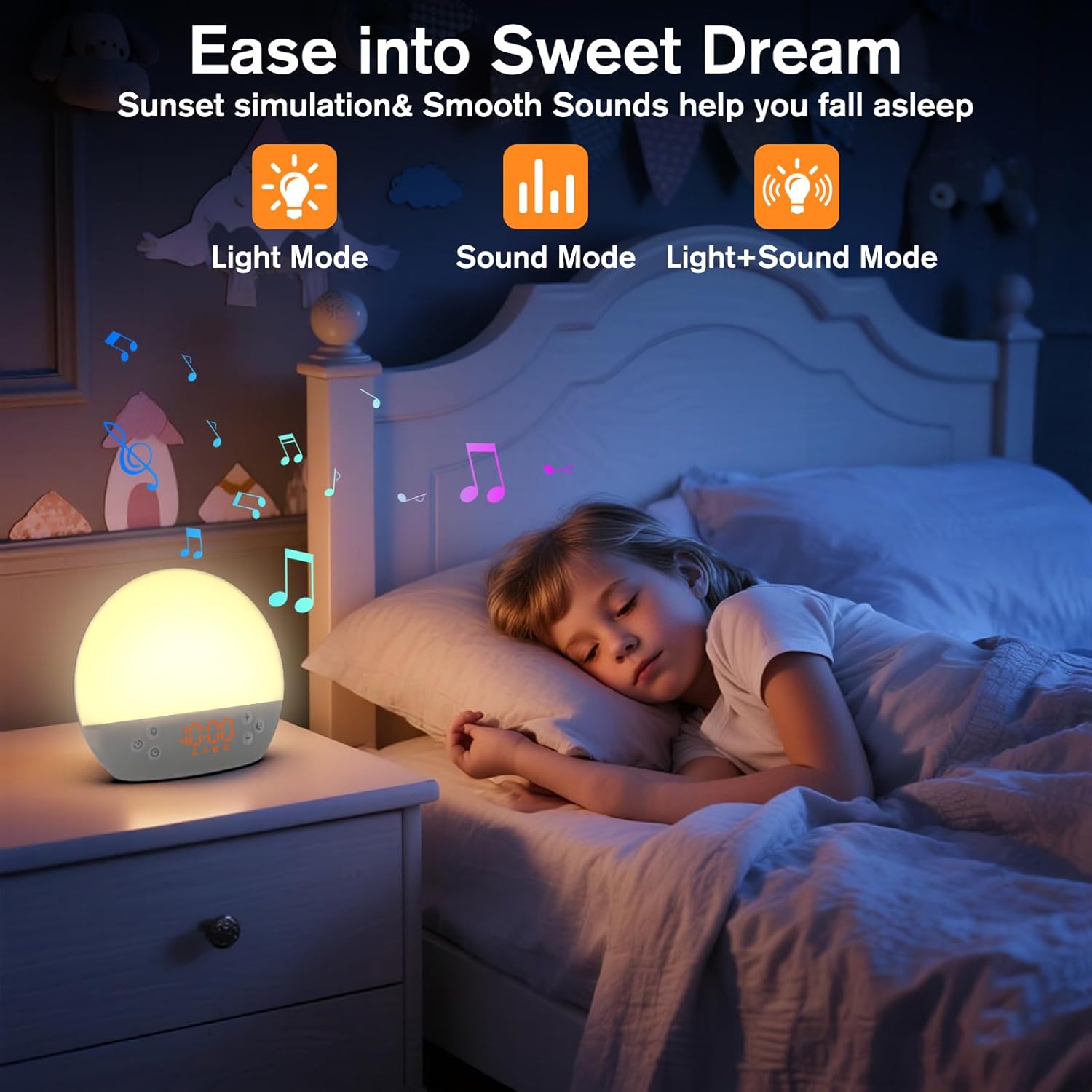
Image 5: The alarm clock in sunset simulation mode, providing a calming light and sound environment to aid sleep.
- To activate sunset simulation, press and hold the Tlačítko času until the sunset icon appears.
- Použijte plus (+) or Minus (-) Buttons to set the duration of the sunset simulation (e.g., 15, 30, 60 minutes).
- Stiskněte tlačítko Tlačítko času to confirm the duration. You can then choose to have light only, sound only, or both light and sound.
- Použijte plus (+) or Minus (-) Buttons to select the desired mode (Light Mode, Sound Mode, Light+Sound Mode).
- If Light+Sound Mode is selected, you can choose a specific soothing sound and adjust its volume.
- Stiskněte tlačítko Tlačítko času again to start the sunset simulation. The light will gradually dim, and sounds will fade out over the set duration.
6.7 Nastavení jasu displeje
The brightness of the digital time display can be adjusted to your preference.
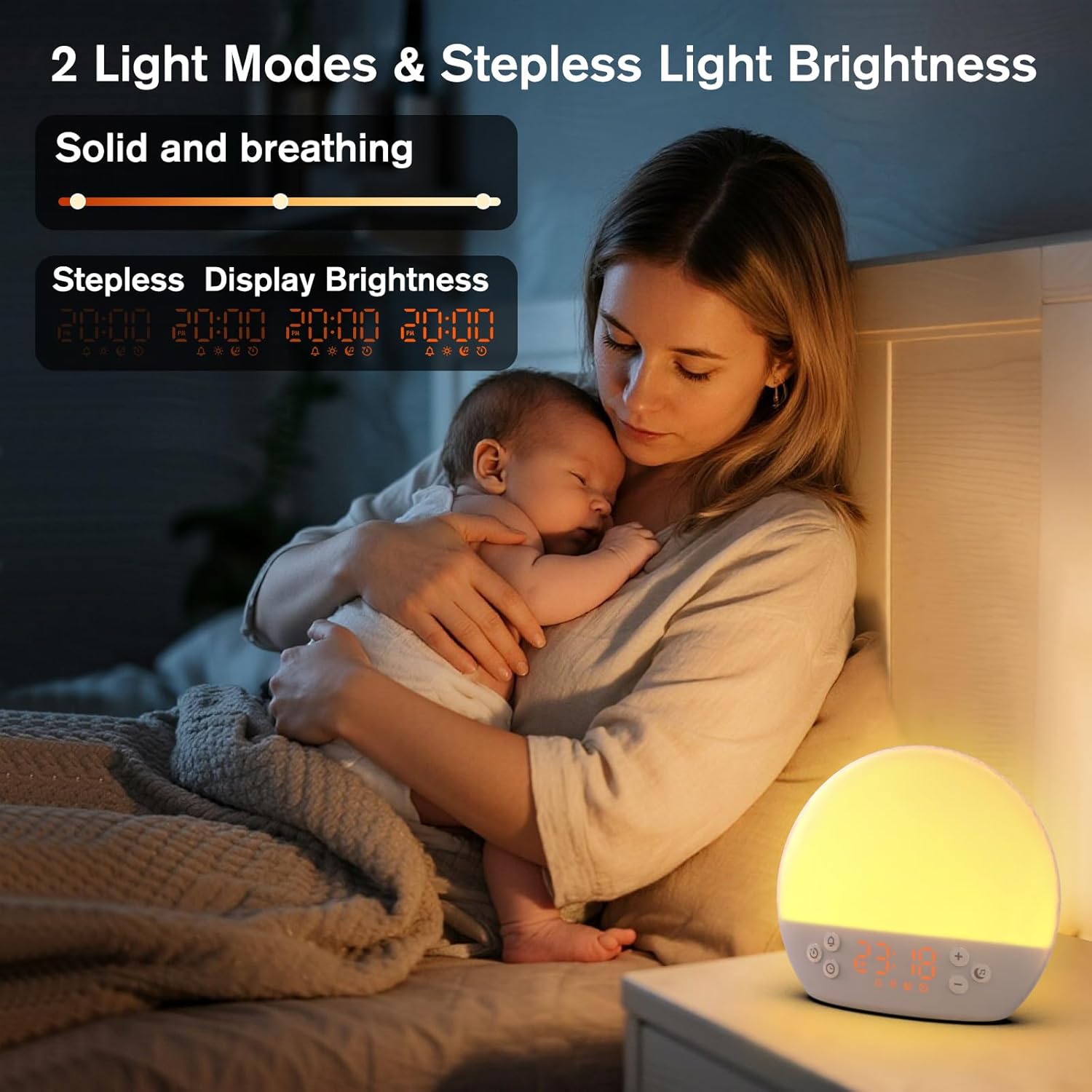
Image 6: The alarm clock demonstrating stepless display brightness adjustment, from very dim to bright.
Chcete-li upravit jas displeje, krátce stiskněte Tlačítko času (do not hold). Each press will cycle through different brightness levels (e.g., bright, medium, dim, off). Select the level that suits your environment.
7. Údržba
- Čištění: Před čištěním zařízení odpojte ze zásuvky. K otření povrchu použijte měkký, suchý hadřík. Nepoužívejte abrazivní čisticí prostředky ani rozpouštědla.
- Skladování: Pokud zařízení delší dobu nepoužíváte, odpojte jej ze zásuvky a uložte jej na chladném a suchém místě.
8. Řešení problémů
| Problém | Možná příčina | Řešení |
|---|---|---|
| Zařízení se nezapne. | Napájecí kabel není správně připojen nebo je zásuvka vadná. | Zkontrolujte připojení napájecího kabelu. Zkuste jinou zásuvku. |
| Alarm se nespustí. | Alarm not activated or volume is too low. | Ensure the alarm icon is visible on the display. Increase alarm volume during setup. |
| Světlo se nerozsvítí. | Light function is off or brightness is set to minimum. | Stiskněte tlačítko Tlačítko Snooze/Light to turn on. Adjust brightness using plus (+) or Minus (-) Buttons while holding the Tlačítko Snooze/Light. |
| Zvuky se nepřehrávají. | Sound machine is off or volume is too low. | Stiskněte tlačítko Tlačítko hudební noty to turn on. Increase volume using plus (+) Tlačítko. |
| Time display is too bright/dim. | Je třeba upravit nastavení jasu displeje. | Krátce stiskněte Tlačítko času to cycle through display brightness levels. |
9. Specifikace
| Funkce | Detail |
|---|---|
| Název modelu | MX9 |
| Značka | KEPLUG |
| Materiál | Plast |
| Barva | Bílý |
| Zdroj napájení | Elektrický kabel |
| Hmotnost položky | 258 gramů (9.1 unce) |
| Rozměry produktu | 2.36 x 5.59 x 6.3 palce (6 x 14.2 x 16 cm) |
| Počet světelných zdrojů | 2 |
| Speciální funkce | Nastavitelná hlasitost |
| Trvání simulace východu slunce | 15-120 minut |
| Uklidňující zvuky | 30 možností |
| Úrovně hlasitosti alarmu | 7 úrovní |
10. Záruka a podpora
Your KEPLUG MX9 Sunrise Alarm Clock is covered by a standard manufacturer's warranty. For specific warranty details, please refer to the product packaging or contact KEPLUG customer support. If you encounter any issues not covered in the troubleshooting section, or require further assistance, please reach out to our customer service team through the retailer where you purchased the product or visit the official KEPLUG webstránky pro kontaktní informace podpory.


