
1. Úvod
Welcome to your SANODESK Electric Standing Desk. This desk is designed to provide a flexible and ergonomic workspace, allowing you to easily switch between sitting and standing positions throughout your day. Its key features include electric height adjustment, memory presets for convenience, and an anti-collision system for safety. This manual will guide you through the assembly, operation, and maintenance of your new desk.
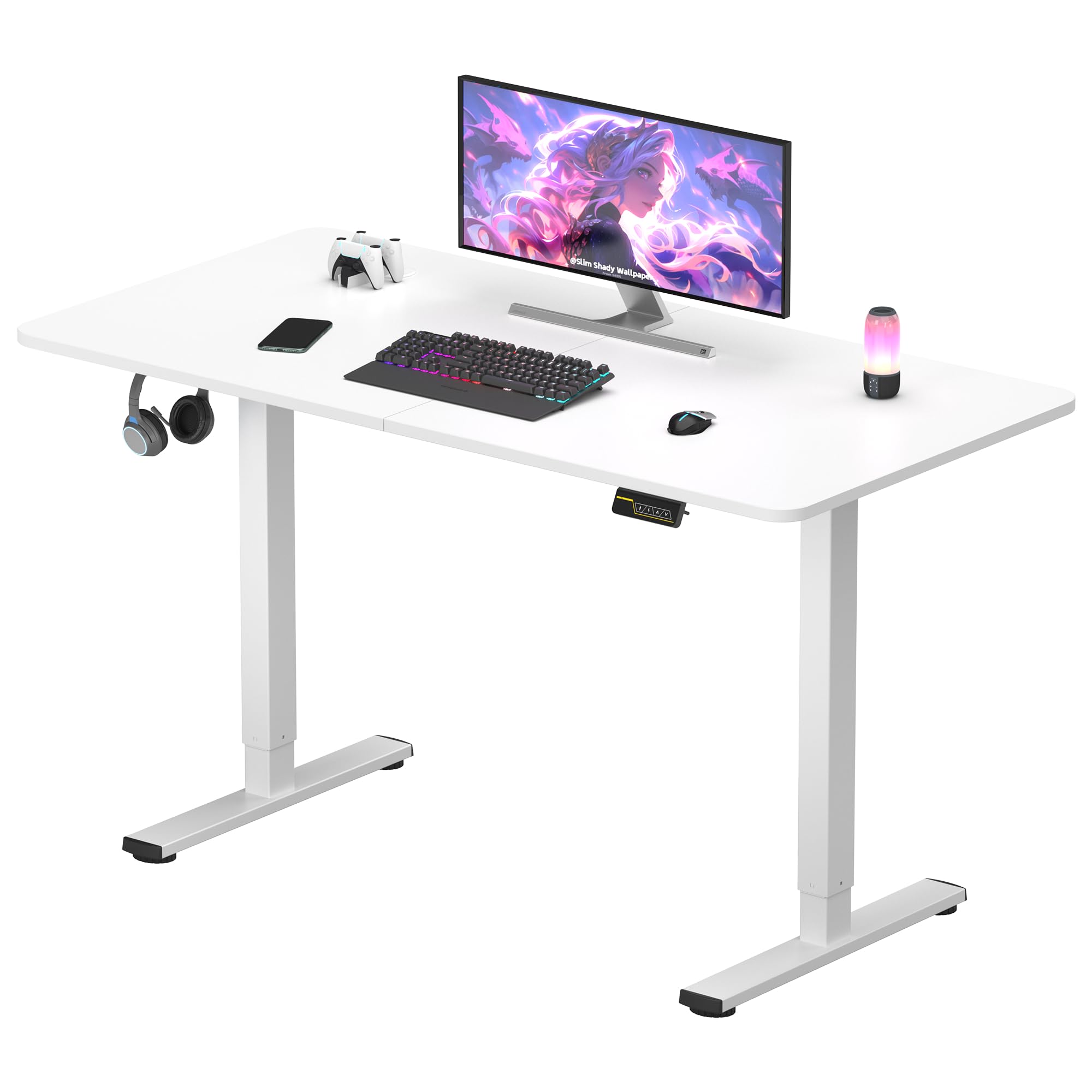
Figure 1: SANODESK 120x60 Electric Standing Desk in a typical office setup.
2. Bezpečnostní informace
Please read and understand all safety instructions before assembling or operating your desk to prevent injury or damage.
- Během provozu držte děti a domácí zvířata v dostatečné vzdálenosti od stolu.
- Ensure all cables are properly routed to avoid pinching, tripping hazards, or damage.
- Do not overload the desk. The maximum load capacity is 60 kg.
- Only use the power adapter provided with your desk.
- Do not attempt to disassemble or repair the motor or control system yourself. Contact SANODESK customer support for assistance.
- Při nastavování výšky stolu se ujistěte, že nad ani pod ním nejsou žádné překážky.
3. Obsah balení
Before beginning assembly, verify that all components are present and undamaged:
- Desk Frame Components (legs, crossbar)
- Desktop Panel (120 x 60 cm, White)
- Ovládací panel s LED displejem
- Napájecí adaptér a kabel
- Montážní materiál (šrouby, nástroje)
- Háček na příslušenství
- Uživatelská příručka
4. Nastavení a montáž
Assembly is straightforward and can typically be completed by one person. Follow these general steps:
- Rozbalte komponenty: Opatrně vyjměte všechny díly z obalu. Položte je na měkký, čistý povrch, abyste zabránili poškrábání.
- Sestavte rám: Attach the desk legs to the crossbar using the provided screws. Ensure all connections are secure and tightened.
- Připojení pracovní plochy: Carefully place the desktop panel onto the assembled frame. Align the pre-drilled holes and secure the desktop with the appropriate screws.
- Instalace ovládacího panelu a příslušenství: Mount the control panel to the underside of the desktop in a convenient location. Attach the accessory hook as desired.
- Připojte napájení: Connect the power cable to the control box and then plug it into a standard power outlet.
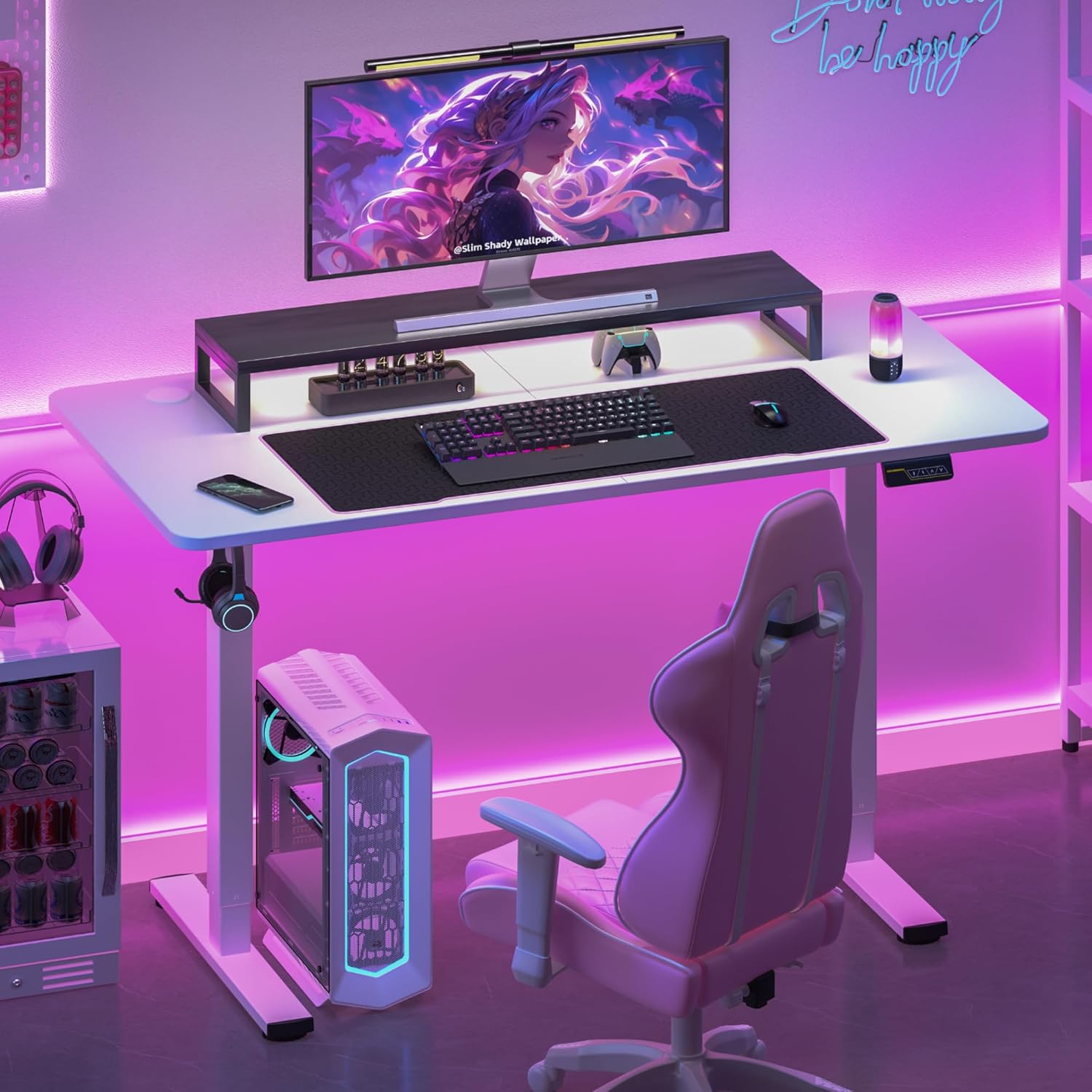
Obrázek 2: Example of a fully assembled SANODESK Electric Standing Desk with accessories, ready for use.
5. Návod k obsluze
5.1. Nastavení výšky
Pro nastavení výšky stolu použijte ovládací panel:
- Press and hold the "Up" (∧) button to raise the desk.
- Press and hold the "Down" (∨) button to lower the desk.
- LED displej zobrazí aktuální výšku v centimetrech.
- The adjustable height range is from 73 cm až 118 cm.
5.2. Předvolby paměti
Save your preferred sitting and standing heights for quick adjustments:
- To save a height: Adjust the desk to your desired height. Press the "M" button, then press a number button (e.g., "1" or "2") to save the current height to that preset.
- To recall a saved height: Simply press the corresponding number button (e.g., "1" or "2"). The desk will automatically move to the saved height.
5.3. Protikolizní systém
Your SANODESK is equipped with an anti-collision system. If the desk encounters an obstacle during height adjustment, it will automatically stop and reverse slightly to prevent damage to the desk or objects.

Obrázek 3: Detail view of the SANODESK control panel, featuring an LED display for height, Up/Down buttons, and memory function buttons.

Figure 4: Illustration demonstrating the adjustable height range of the SANODESK Electric Standing Desk, from 72 cm to 117 cm.
6. Údržba
Pravidelná údržba zajišťuje dlouhou životnost a optimální výkon vašeho stolu:
- Čištění: Otřete pracovní plochu a rám měkkým hadříkemamp cloth. Avoid using abrasive cleaners or harsh chemicals that could damage the surface.
- Správa kabelů: Periodically check and organize all cables to prevent tangles, pinching, or damage.
- Kontrola upevňovacích prvků: Ensure all screws and fasteners remain tight. Retighten if necessary to maintain stability.
7. Řešení problémů
If you encounter any issues with your SANODESK, refer to the following common troubleshooting steps:
- Stůl se nehýbe:
- Check if the power cable is securely connected to both the desk's control box and a functional power outlet.
- Ujistěte se, že zásuvka funguje, a to jejím funkčností, a to vyzkoušením s jiným zařízením.
- If an error code appears on the LED display, try unplugging the desk for 10 seconds and plugging it back in to reset.
- Nerovnoměrný pohyb:
- Ensure the desk is not overloaded and that weight is evenly distributed across the desktop.
- Zkontrolujte, zda se pod nohama stolu nebo kolem něj nenacházejí nějaké překážky.
- Časté spouštění protikolizního systému:
- Verify that there are no objects in the desk's path during height adjustment.
- Ensure the desk is not placed too close to a wall or other furniture.
If these steps do not resolve the issue, please contact SANODESK customer support for further assistance.
8. Specifikace
| Funkce | Specifikace |
|---|---|
| Rozměry pracovní desky (D x Š) | Rozměr 120 cm x 60 cm |
| Nastavitelný rozsah výšky | 73 cm - 118 cm |
| Maximální nosnost | 60 kg |
| Materiál pro stolní počítače | Dřevo |
| Materiál rámu | Kov |
| Úroveň hluku provozu | <50dB |
| Speciální funkce | Electric Height Adjustment, Memory Presets, Anti-Collision System, Accessory Hook |
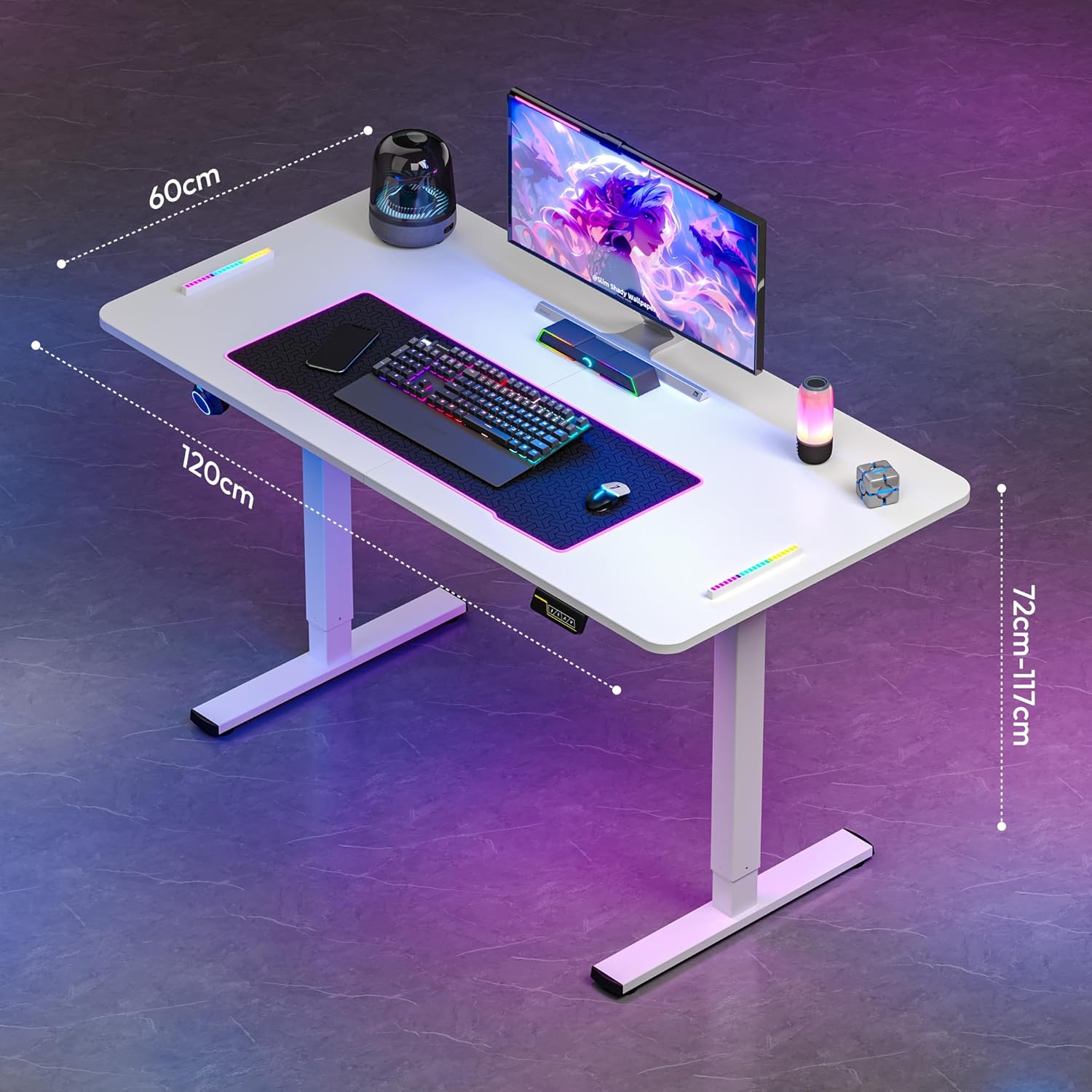
Obrázek 5: Režijní náklady view of the SANODESK Electric Standing Desk, highlighting its dimensions of 120 cm length, 60 cm width, and adjustable height.

Figure 6: Image illustrating the robust design of the SANODESK Electric Standing Desk, capable of supporting a maximum weight of 60 kg.

Figure 7: Visual representation emphasizing the quiet operation of the SANODESK Electric Standing Desk, with a noise level below 50 decibels.
9. Záruka a podpora
For any questions, technical assistance, or warranty inquiries, please do not hesitate to contact SANODESK customer support. We are committed to responding to your queries within 24 hours and providing satisfactory service solutions.
Konkrétní záruční podmínky naleznete v dokumentaci k nákupu.