1. Úvod
This manual provides detailed instructions for the setup, operation, and maintenance of your ELEPHAS K350 Smart Projector. Please read this manual thoroughly before using the product to ensure proper function and longevity. Keep this manual for future reference.
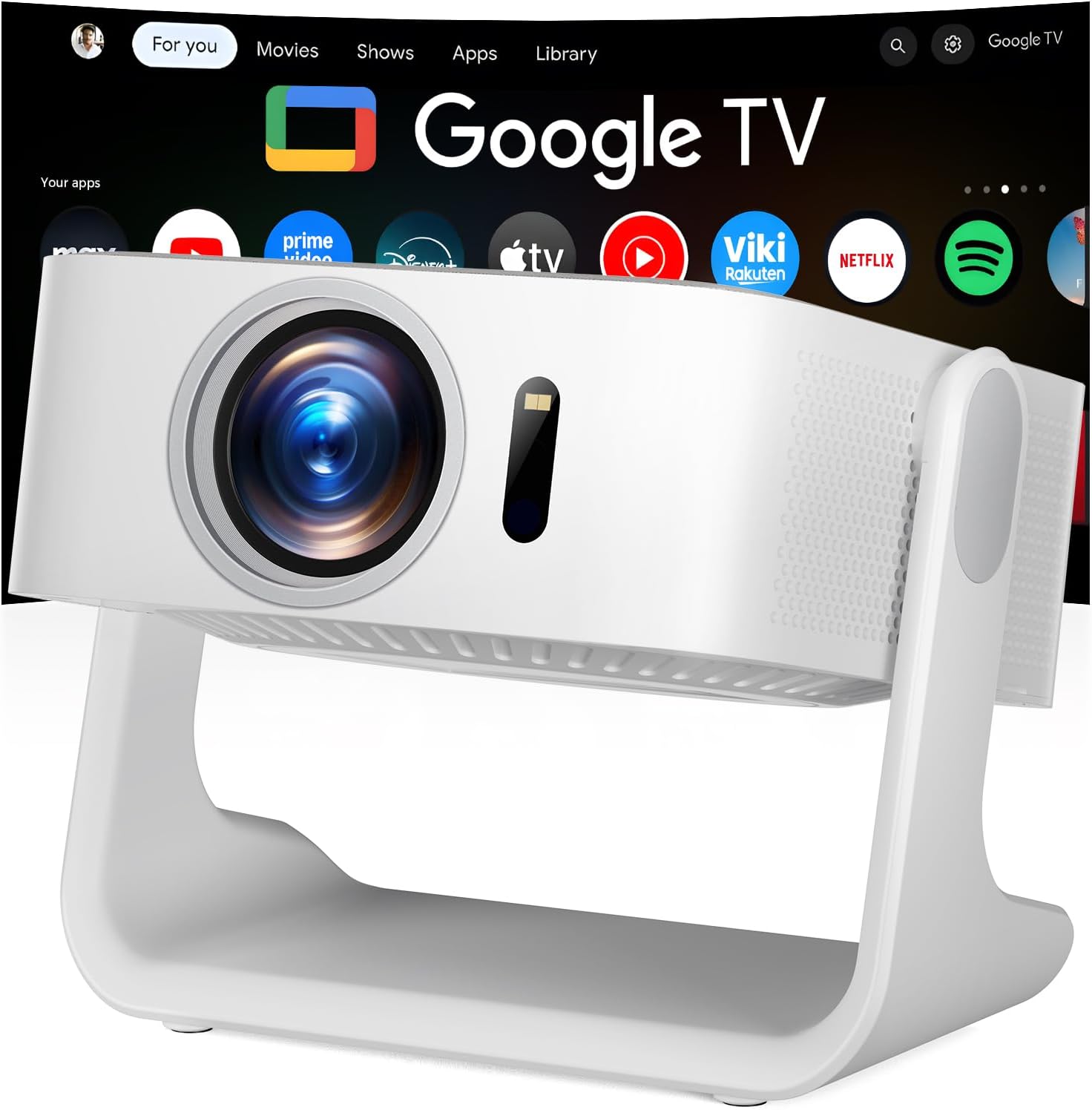
Image 1.1: The ELEPHAS K350 Smart Projector, a compact device with a lens visible on the front, projecting the Google TV interface onto a screen. The projector is white and sits on a stable base.
2. Obsah balení
Ověřte, zda jsou v balení přítomny všechny položky:
- ELEPHAS K350 Smart Projector
- Dálkové ovládání
- Napájecí adaptér
- HDMI kabel
- Uživatelská příručka (tento dokument)
3. Konec produktuview
Seznamte se s komponenty a porty projektoru.
3.1 Přední a boční strana View
Obrázek 3.1: Přední strana view of the ELEPHAS K350 Smart Projector, highlighting the projection lens and sensor for auto-focus/keystone correction.
3.2 Zadní panel a připojení
The rear panel typically includes power input, HDMI port, USB port, and audio output. Refer to the physical device for exact port locations.

Image 3.2: The ELEPHAS K350 Smart Projector connected to power, with its remote control and various streaming app logos (Netflix, Prime Video, YouTube, HBO Max, Hulu) displayed, indicating its smart capabilities.
4. Nastavení
4.1 Počáteční zapnutí
- Připojte napájecí adaptér k napájecímu vstupu projektoru a poté do elektrické zásuvky.
- Stisknutím tlačítka napájení na projektoru nebo na dálkovém ovladači zapněte zařízení.
- Follow the on-screen instructions for initial language and region settings.
4.2 Síťové připojení (Wi-Fi 6)
The projector supports Wi-Fi 6 for fast and stable internet connectivity.
- Navigate to the "Settings" menu on the Google TV interface.
- Vyberte „Síť a internet“.
- Vyberte ze seznamu svou síť Wi-Fi a zadejte heslo.
- Potvrďte připojení.

Image 4.1: Illustration of the projector's dual-band Wi-Fi 6 capability, showing a user gaming with the projector, emphasizing fast and stable connections for online content.
4.3 Bluetooth Pairing (Bluetooth 5.4)
Připojte externí audio zařízení nebo použijte projektor jako Bluetooth reproduktor.
- Go to "Settings" and select "Remotes & Accessories".
- Enable Bluetooth on the projector and your desired device (e.g., speaker, headphones).
- Vyberte ze seznamu zařízení, které chcete spárovat.

Image 4.2: Depiction of the projector's two-way Bluetooth 5.4 connectivity, showing it paired with external speakers for enhanced audio and a tablet for screen mirroring, illustrating versatile audio and display options.
4.4 Physical Placement and 270° Rotatable Stand
The integrated 270° rotatable stand allows flexible projection angles.
- Umístěte projektor na stabilní povrch.
- Adjust the stand to direct the projection onto a wall, screen, or ceiling.
- Ensure no objects obstruct the projection path.
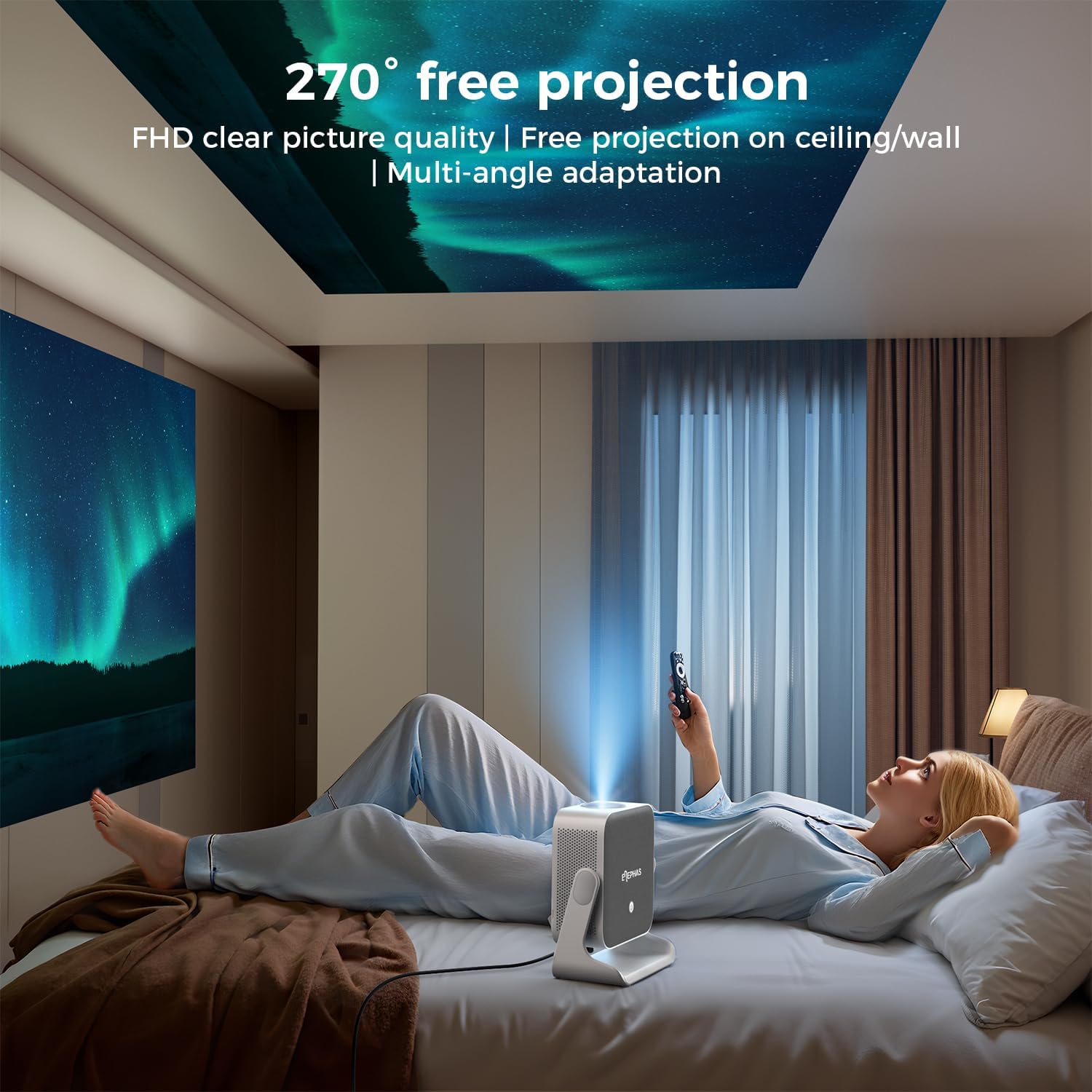
Image 4.3: A user lying in bed, watching content projected onto the ceiling by the ELEPHAS K350 Smart Projector, demonstrating its 270° rotatable stand for flexible viewing úhly.
4.5 Auto Focus, Auto Keystone, and Auto Obstacle Avoidance
The projector features advanced automatic adjustments for optimal image quality.
- Automatické ostření: The projector automatically adjusts the image clarity using TOF technology. This occurs within milliseconds upon startup or movement.
- Automatická korekce lichoběžníkového zkreslení: The image will automatically adjust to a rectangular shape, even if the projector is placed at an angle (up to ±30° vertical/horizontal).
- Automatické vyhýbání se překážkám: The projector detects and adjusts the projection area to avoid obstacles on the surface.
- Lupa: The projection size can be adjusted up to 70% via settings if needed.

Image 4.4: A diagram illustrating the projector's AI intelligent algorithm for image correction, showing how TOF auto focus, auto obstacle avoidance, and auto keystone correction work to provide a clear, properly framed image.
5. Návod k obsluze
5.1 Rozhraní Google TV
The ELEPHAS K350 features an integrated Google TV system, providing access to a wide range of streaming services and applications.
- Use the remote control's navigation buttons to browse the Google TV home screen.
- Access pre-installed apps like Netflix, Prime Video, YouTube, Hulu, and Disney+.
- Stáhněte si další aplikace z Obchodu Google Play.

Image 5.1: The Google TV interface displayed on a projection screen, with examples of voice commands for the Google Assistant, such as "Open YouTube" or "Play Netflix," demonstrating effortless smart control.
5.2 Google Voice Assistant
Utilize the built-in Google Voice Assistant for hands-free control.
- Press the dedicated voice button on the remote control.
- Speak your command clearly, such as "Open Netflix," "Adjust volume," or "Hledat akční filmy.“
- The projector will respond to your voice commands.
5.3 External Device Connection (HDMI)
Connect gaming consoles, Blu-ray players, or other devices via the HDMI port.
- Ensure both the projector and the external device are powered off.
- Connect one end of the HDMI cable (included) to the external device and the other end to the HDMI port on the projector.
- Zapněte obě zařízení.
- Select the HDMI input source from the projector's input menu.
5.4 Screen Mirroring (Google Cast)
Cast content from your Android or iOS devices using Google Cast.
- Ujistěte se, že vaše mobilní zařízení a projektor jsou připojeny ke stejné síti Wi-Fi.
- On your mobile device, open a compatible app (e.g., YouTube, Netflix) or use the screen mirroring function.
- Select the Cast icon and choose your ELEPHAS K350 projector from the list of available devices.
6. Údržba
Pravidelná údržba zajišťuje optimální výkon a prodlužuje životnost vašeho projektoru.
- Čištění objektivu: K jemnému otření čočky projektoru použijte měkký hadřík bez žmolků, speciálně určený pro optické čočky. Nepoužívejte abrazivní materiály ani agresivní chemikálie.
- Odstranění prachu: Periodically clean the projector's exterior with a soft, dry cloth. Ensure ventilation openings are free from dust accumulation to prevent overheating. Do not spray cleaning liquids directly onto the projector.
- Skladování: Pokud projektor delší dobu nepoužíváte, skladujte jej na chladném a suchém místě, mimo dosah přímého slunečního záření a extrémních teplot.
- Aktualizace softwaru: Ensure the projector's software is up-to-date through the Google TV settings to benefit from the latest features and performance improvements.
7. Řešení problémů
Tato část se zabývá běžnými problémy, se kterými se můžete setkat.
| Problém | Možná příčina | Řešení |
|---|---|---|
| Žádná síla | Napájecí kabel není připojen; problém se zásuvkou | Ujistěte se, že je napájecí kabel bezpečně připojen. Vyzkoušejte zásuvku s jiným zařízením. |
| Žádný promítaný obraz | Lens cap on; Incorrect input source; Device not powered on | Remove lens cap. Select the correct input source (e.g., HDMI). Ensure connected device is powered on. |
| Obrázek je rozmazaný | Rozostřený; Projektor se pohnul | The projector has auto-focus. If manual adjustment is needed, check settings. Ensure the projector is stable. |
| Image distorted (not rectangular) | Incorrect keystone settings; Projector angle too extreme | The projector has auto-keystone correction. If issues persist, check manual keystone settings in the menu. Reposition the projector if the angle is too severe. |
| Žádný zvuk | Volume too low; Muted; Incorrect audio output selected; Bluetooth not paired | Increase volume. Check if muted. Ensure internal speakers are selected or Bluetooth device is correctly paired. |
| Problémy s připojením Wi-Fi | Nesprávné heslo; Problémy s routerem; Mimo dosah | Verify Wi-Fi password. Restart router. Move projector closer to router. |
8. Specifikace
| Funkce | Detail |
|---|---|
| Značka | ELEPHAS |
| Číslo modelu | K350 |
| Rozlišení displeje | 1920 x 1080 (Full HD) |
| Technologie připojení | Wi-Fi 6, Bluetooth 5.4, HDMI |
| Speciální funkce | Auto Focus, Auto Keystone, Auto Obstacle Avoidance, Built-In Speaker, Built-In Wi-Fi, Google TV, Google Voice Assistant, 270° Rotatable Stand |
| Zvuk | Built-in 10W Hi-Fi speakers (Dolby Audio support) |
| Hmotnost položky | 4.51 libry |
| Rozměry balení | 11.02 x 10.12 x 7.09 palce |
| Doporučené použití | Home Cinema, Gaming, Outdoor Movie Nights, Presentations |
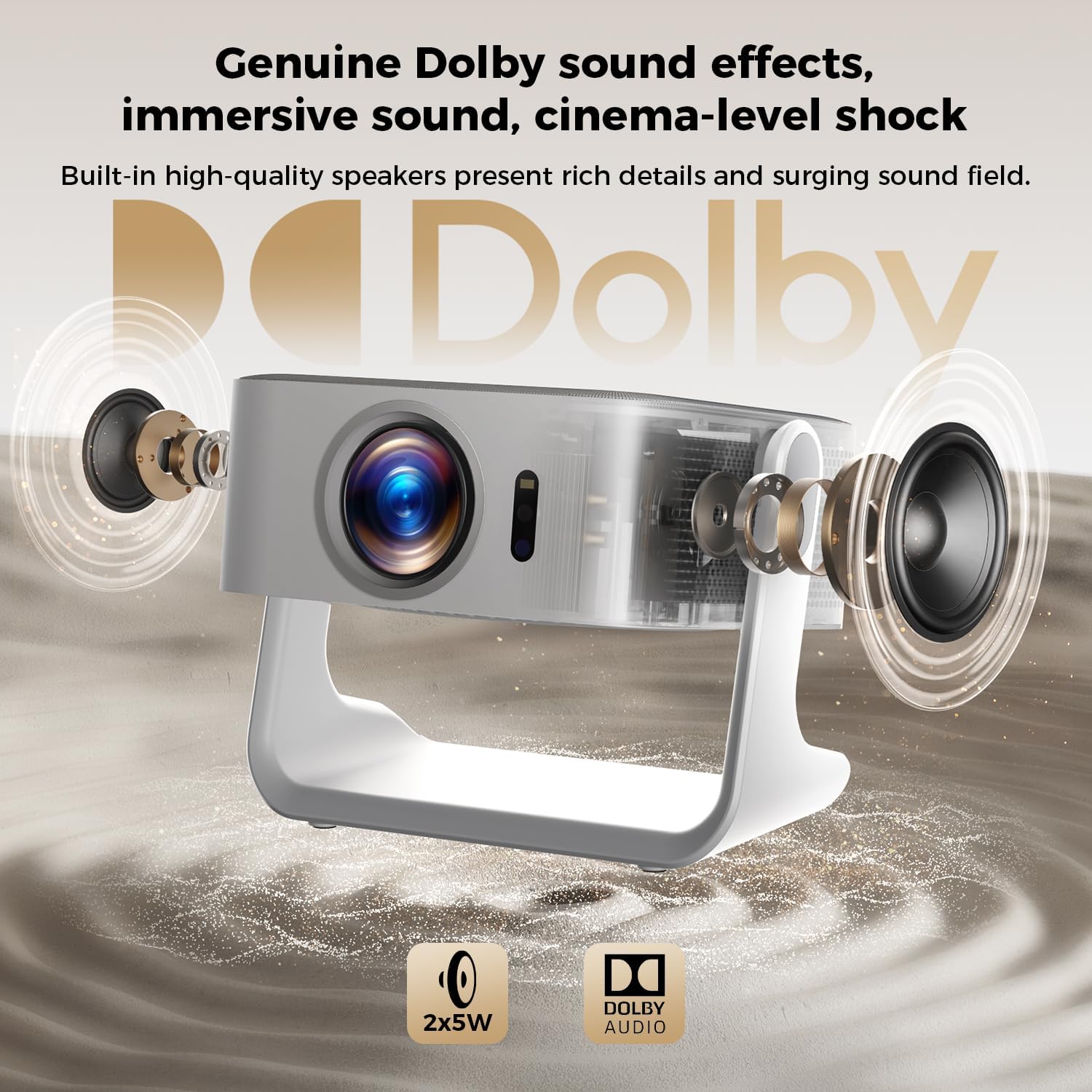
Obrázek 8.1: Rozložený view of the ELEPHAS K350 Smart Projector, highlighting its internal 2x5W speakers and Dolby Audio support, indicating immersive sound capabilities.
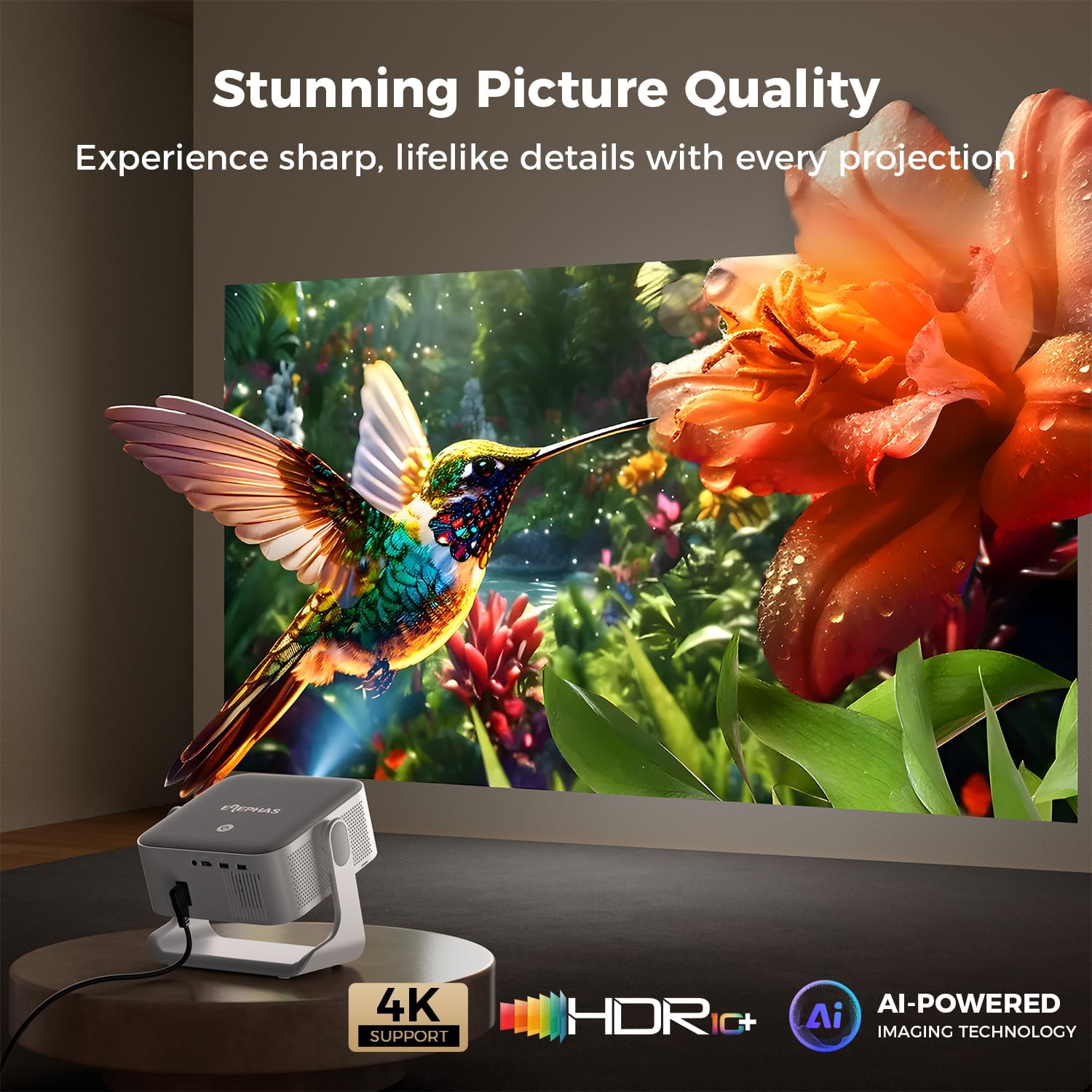
Image 8.2: The ELEPHAS K350 Smart Projector projecting a vibrant, detailed image of a hummingbird and flower, emphasizing its stunning picture quality with 4K support, HDR, and AI-powered imaging technology.
9. Záruka a podpora
The ELEPHAS K350 Smart Projector is backed by a 2-year service guarantee.
For any product-related issues, technical assistance, or warranty claims, please contact ELEPHAS customer support through the official channels provided at the point of purchase or on the ELEPHAS brand webmísto.
Uschovejte si prosím doklad o koupi pro ověření záruky.


