1. Úvod
This manual provides essential information for setting up, operating, maintaining, and troubleshooting your PRITOM TAB10 Android 14 Tablet. Please read it thoroughly to ensure proper use and to maximize your device's performance.
The PRITOM TAB10 is a 10.1-inch tablet featuring the Android 14 Go operating system, a Quad-Core processor, 32GB of internal storage (expandable), and a 6000mAh battery. It is designed for general use, including browsing, media consumption, and light gaming.
2. Zařízení skončiloview

Obrázek: Přední a zadní strana view of the PRITOM TAB10 Tablet, showcasing its sleek design and rear camera.

Image: Diagram illustrating the location of the headphone jack, volume buttons, power button, front camera, USB-C port, rear camera, flash, and speakers on the PRITOM TAB10 Tablet.
Seznamte se s fyzickými součástmi tabletu:
- Sluchátkový jack: Pro připojení drátových sluchátek.
- Hlasitost +/-: Upravuje úroveň zvukového výstupu.
- Zapnutí/vypnutí: Press and hold to power on/off or restart. Short press to sleep/wake.
- Přední kamera: Pro videohovory a selfie.
- Port USB-C: Pro nabíjení a přenos dat.
- Zadní kamera: Pro pořizování fotografií a videí.
- Blikat: Poskytuje osvětlení pro zadní kameru.
- Řečníci: Pro audio výstup.
- Slot pro kartu Micro SD: For expanding storage (supports up to 512GB TF Card, not included).
3. Nastavení
3.1 Rozbalení
Upon opening the package, ensure all components are present. The standard package includes the PRITOM TAB10 Tablet and a charger.
3.2 Nabíjení zařízení
Before first use, fully charge your tablet. Connect the provided charger to the USB-C port on the tablet and plug it into a power outlet. The battery indicator on the screen will show charging status.
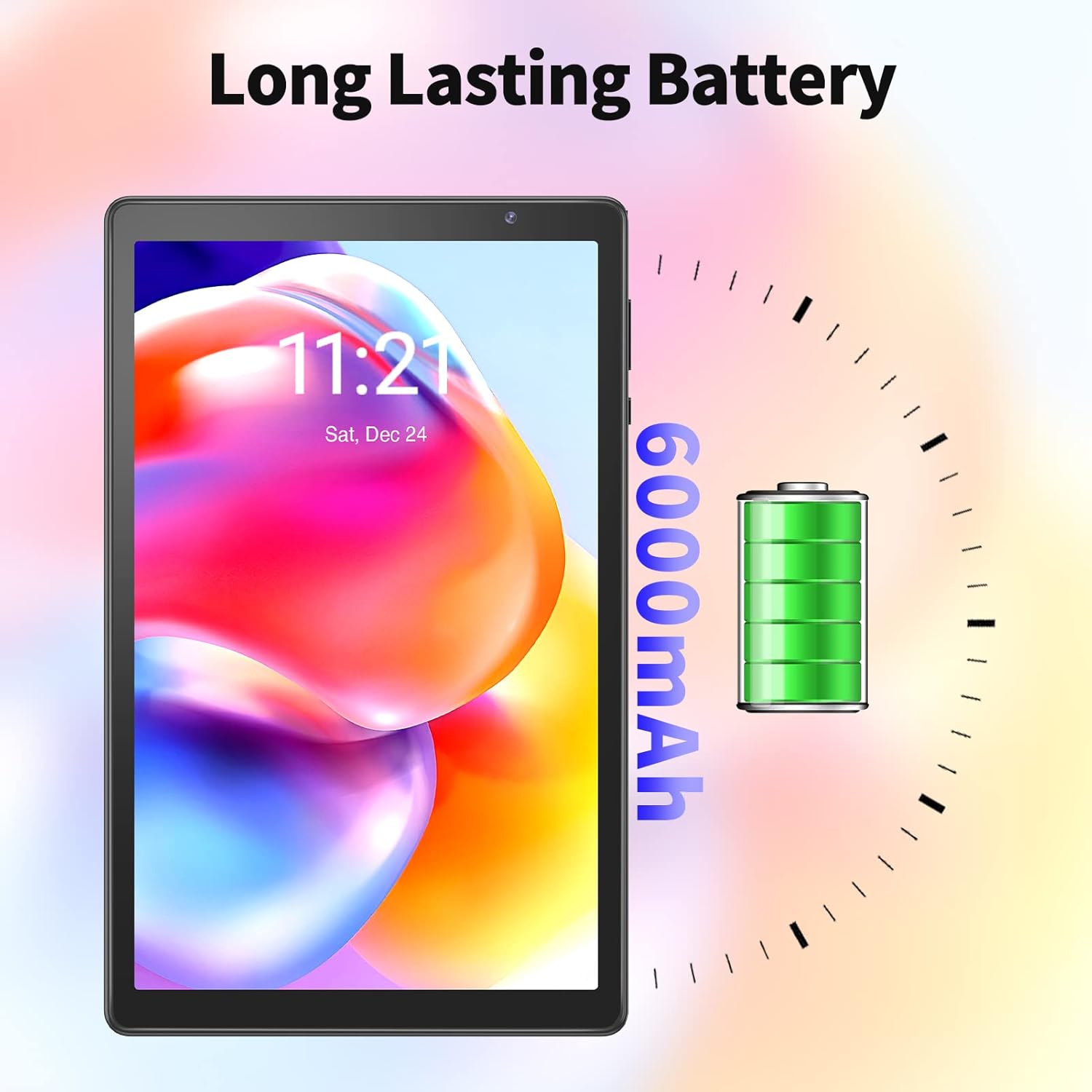
Image: The PRITOM TAB10 Tablet screen showing a battery icon and '6000mAh' indicating its battery capacity.
3.3 Počáteční zapnutí
Press and hold the Power On/Off button until the PRITOM logo appears on the screen. The tablet will boot up to the initial setup screen.
3.4 Počáteční nastavení
Follow the on-screen prompts to configure your tablet:
- Výběr jazyka: Vyberte preferovaný jazyk.
- Wi-Fi připojení: Select your Wi-Fi network and enter the password. The tablet supports 802.11ac and 802.11n wireless standards.
- Účet Google: Přihlaste se pomocí svého účtu Google nebo si vytvořte nový. To je nezbytné pro přístup k Obchodu Google Play a dalším službám Google.
- Datum a čas: Nastavte správné datum a čas.
- Zabezpečení: Pro zabezpečení zařízení si nastavte zámek obrazovky (PIN, vzorec nebo heslo).
4. Návod k obsluze
4.1 Základní navigace
The PRITOM TAB10 uses a capacitive touchscreen. Common gestures include tapping, swiping, pinching (for zoom), and long-pressing.
4.2 Android 14 Go System
Your tablet runs on the stable Android 14 Go system, optimized for efficient performance on devices with 4GB RAM. This system ensures quick app launches and smooth video playback.

Image: The PRITOM TAB10 Tablet displaying the Android 14 interface with multiple application icons, indicating access to Google Play Store apps.
4.3 Správa aplikací
As a GMS Certified device, you can download thousands of applications from the Google Play Store, including popular apps like Netflix, YouTube, and Skype. To install apps, open the Play Store, search for your desired app, and tap 'Install'.
4.4 Použití kamery
The tablet features a 2.0 MP front camera and a 2.0 MP rear camera. Open the Camera app to take photos or record videos. Tap the screen to focus and press the shutter button to capture.
4.5 Rozšíření úložiště
The tablet comes with 32GB of internal storage. If more space is needed, you can insert a Micro SD card (up to 512GB, not included) into the dedicated slot to store additional pictures, videos, and files.
4.6 Funkce displeje
The 10.1-inch HD IPS display offers a resolution of 1280 x 800 pixels, providing clear images and rich colors. The Eye Health mode filters out blue light to reduce visual fatigue and optimizes backlight for a more comfortable viewzkušenosti.
5. Údržba
5.1 Čištění tabletu
Use a soft, lint-free cloth to clean the screen and body of the tablet. Avoid using harsh chemicals or abrasive materials, as these can damage the device.
5.2 Aktualizace softwaru
Periodically check for system updates in the tablet's settings. Keeping your software up-to-date ensures optimal performance, security, and access to new features.
5.3 Péče o baterii
To prolong battery life, avoid exposing the tablet to extreme temperatures. It is recommended to fully charge the tablet before it completely drains. The 6000mAh battery provides up to 8 hours of mixed use.
6. Řešení problémů
If you encounter issues with your PRITOM TAB10 Tablet, refer to the following common solutions:
- Zařízení se nezapíná: Ujistěte se, že je tablet dostatečně nabitý. Připojte nabíječku a před opětovným zapnutím počkejte několik minut.
- Pomalý výkon: Close unused applications, clear cache, or restart the tablet. Consider uninstalling rarely used apps to free up storage.
- Problémy s připojením Wi-Fi: Zkontrolujte, zda je v nastavení povolena Wi-Fi. Restartujte router a tablet. Ujistěte se, že jste v dosahu signálu Wi-Fi.
- Pády/zamrzání aplikací: Force close the app, clear its cache, or reinstall it. Ensure the tablet's software is up-to-date.
- Tablet Freezes or Enters Boot Loop: If the tablet becomes unresponsive or gets stuck during startup, a factory reset might be necessary. Note: A factory reset will erase all data on the device. V případě přetrvávajících problémů kontaktujte zákaznickou podporu.
For more detailed troubleshooting, consult general Android device support resources online.
7. Specifikace
| Funkce | Specifikace |
|---|---|
| Název modelu | M10-TAB10 |
| Operační systém | Android 14 |
| Velikost obrazovky | 10.1 palce |
| Rozlišení obrazovky | 1280 x 800 pixelů (HD IPS) |
| Procesor | Quad-Core (Allwinner) |
| BERAN | 4GB (+2GB Expand) |
| Interní úložiště | 32 GB |
| Rozšiřitelné úložiště | Micro SD card slot (up to 512GB TF Card) |
| Kapacita baterie | 6000 XNUMX mAh |
| Průměrná životnost baterie | Až 8 hodin |
| Přední kamera | 2.0 MP |
| Zadní kamera | 2.0 MP |
| Bezdrátový typ | 802.11ac, 802.11n |
| Hmotnost položky | 1.79 libry |
| Rozměry produktu | 13 x 8 x 0.4 palce |
8. Záruka a podpora
The PRITOM TAB10 Tablet comes with a 1-year worry-free guarantee. If you experience a quality issue with the tablet, it may be returned for a free replacement.
PRITOM is committed to providing reliable customer service and technical support. If you have any problems or require assistance, please do not hesitate to contact PRITOM customer service for on-time technical support.
For support, please refer to the contact information provided with your product packaging or visit the official PRITOM webmísto.


