Bose 2025

Bose QuietComfort Wireless Noise Cancelling Headphones (Model 2025)

Návod k použití

Zavedení

Welcome to your Bose QuietComfort Wireless Noise Cancelling Headphones. These headphones are designed to provide high-fidelity audio and legendary noise cancellation, allowing you to immerse yourself in your audio experience or stay aware of your surroundings. This manual will guide you through the setup, operation, and maintenance of your new headphones.

Co je v krabici

  • Bose QuietComfort Bluetooth Headphones
  • Green Extreme 20W 2-Port USB-C/USB-A Wall Charger, White
  • Audio cable with in-line microphone
  • Nabíjecí kabel USB-A na USB-C
  • Přepravní pouzdro
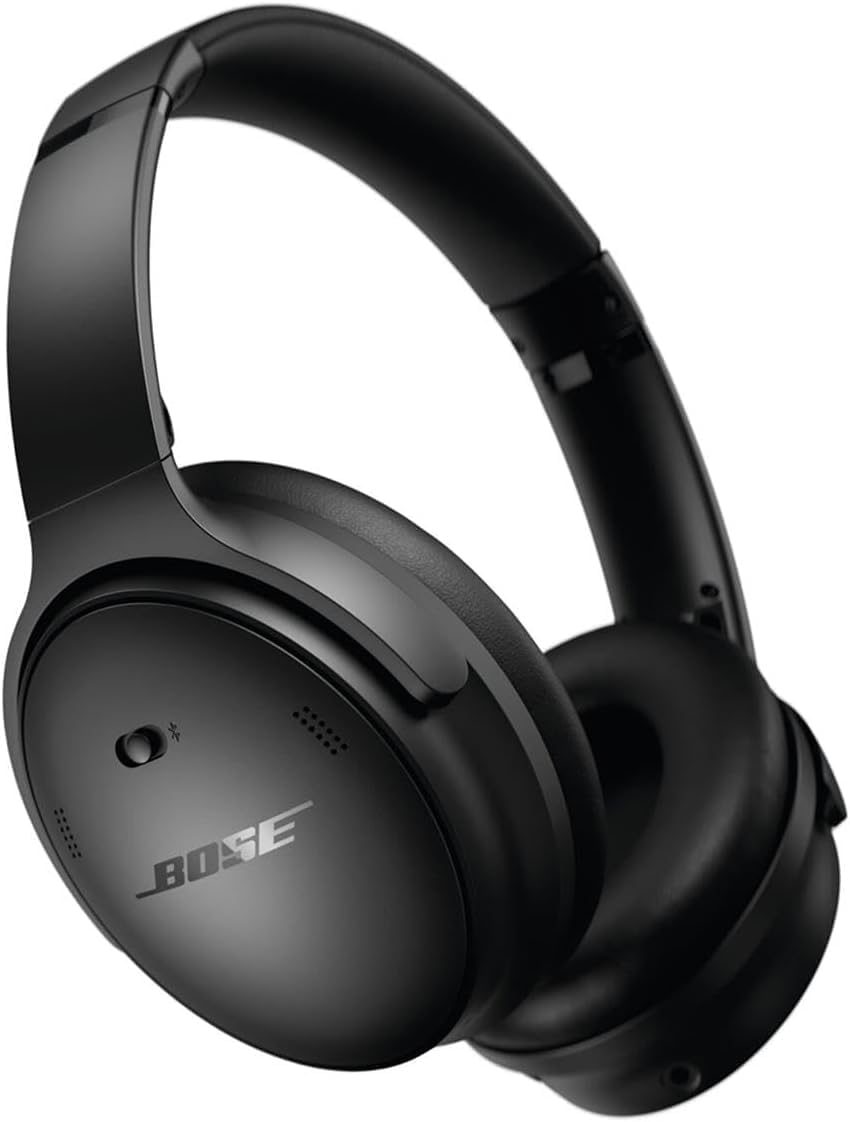
Bose QuietComfort Wireless Noise Cancelling Headphones in black

Image: Bose QuietComfort Wireless Noise Cancelling Headphones in black.
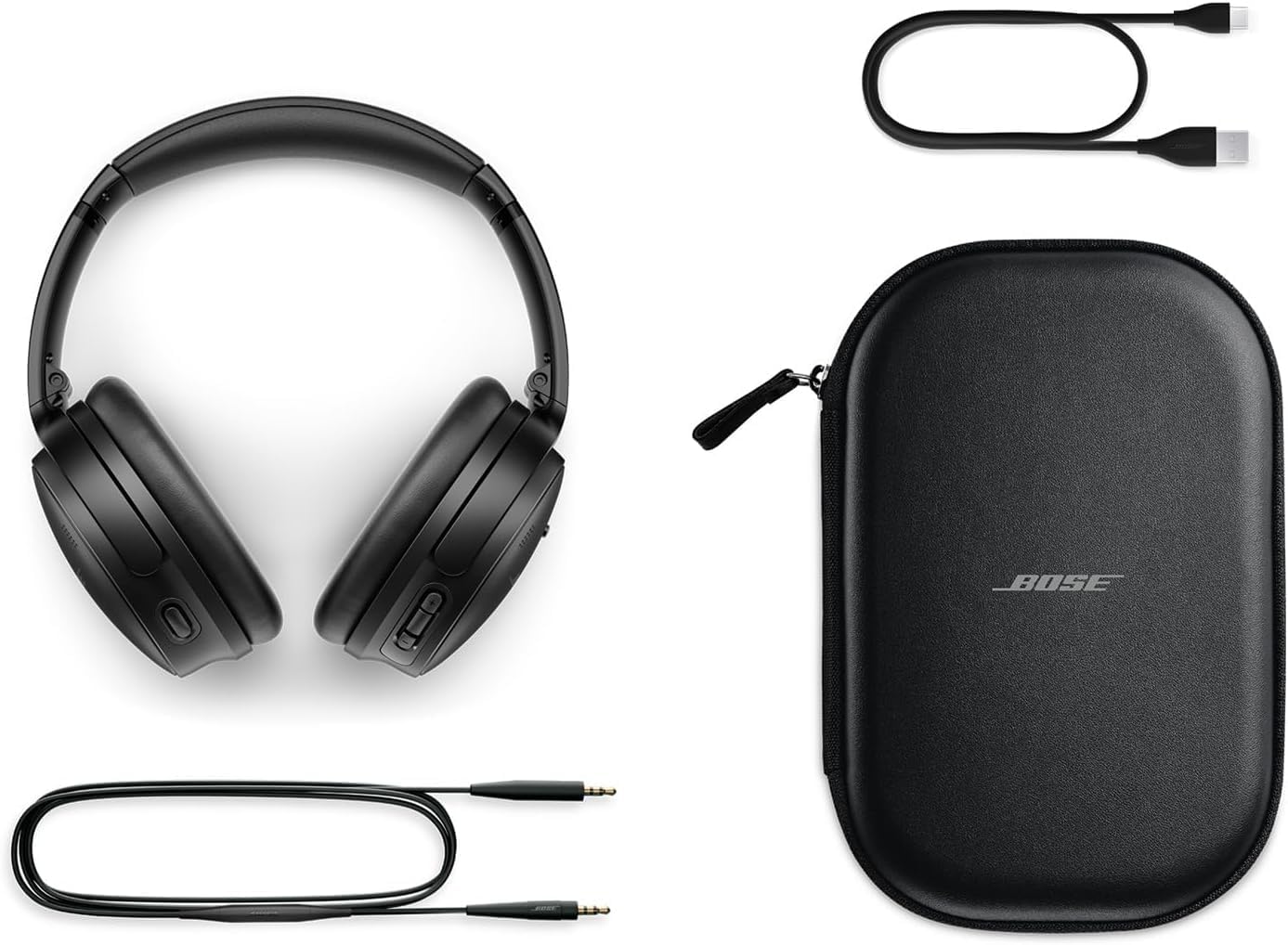
Bose QuietComfort headphones with included accessories: USB-C charging cable, 3.5mm audio cable, and carrying case

Image: Bose QuietComfort headphones with included accessories: USB-C charging cable, 3.5mm audio cable, and carrying case.

Nastavení

Nabíjení sluchátek

Before first use, fully charge your Bose QuietComfort headphones. Connect the included USB-A to USB-C charging cable to the headphones and the Green Extreme 20W 2-Port USB-C/USB-A Wall Charger. A 15-minute charge provides up to 2.5 hours of additional play time. A full charge offers up to 24 hours of battery life.
Close-up of the right earcup of the Bose QuietComfort headphones, showing the USB-C charging port and control buttons.
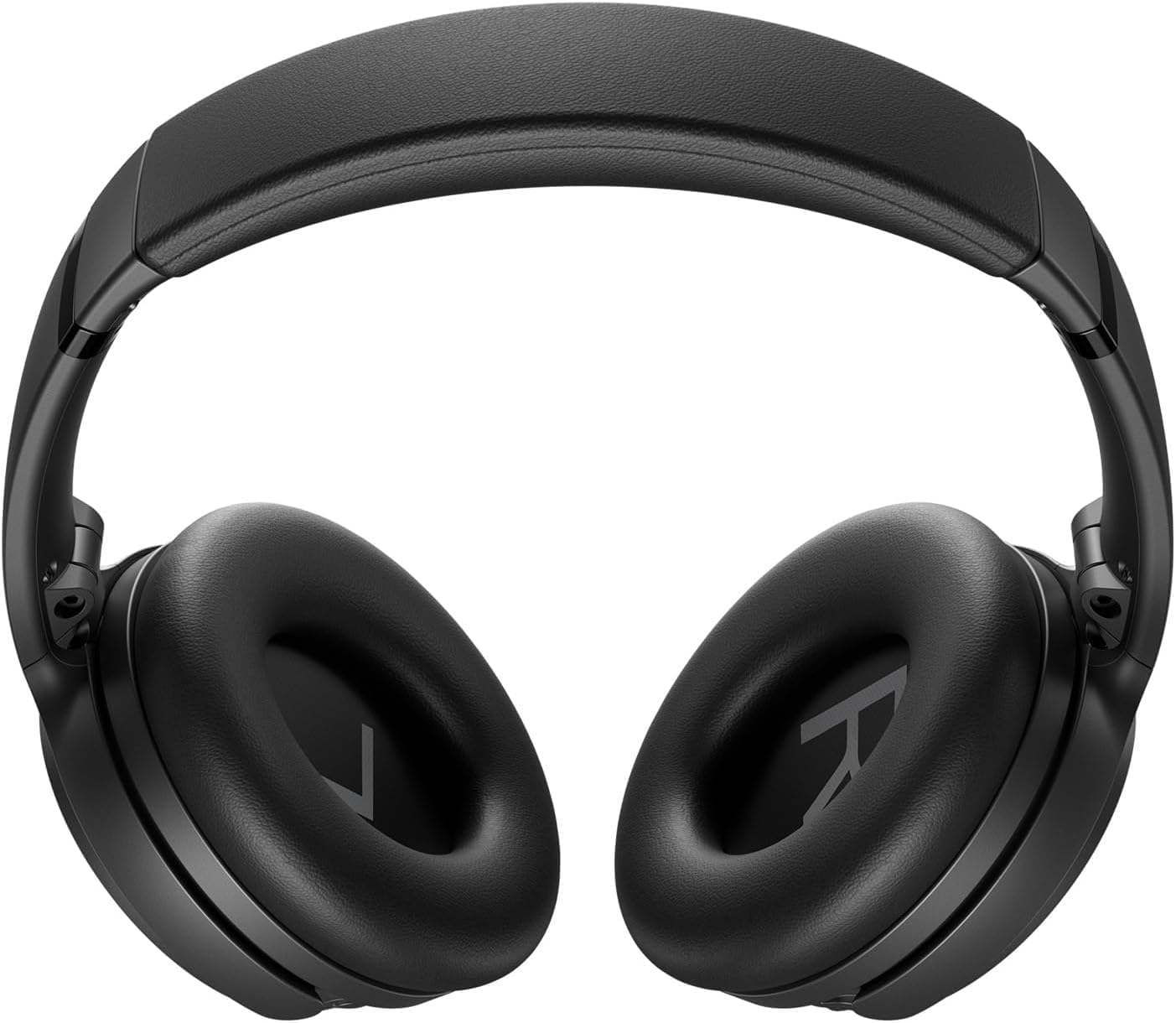
Image: Close-up of the right earcup of the Bose QuietComfort headphones, showing the USB-C charging port and control buttons.

Green Extreme 20W 2-Port USB-C/USB-A Wall Charger, White, being held in a hand.

Image: Green Extreme 20W 2-Port USB-C/USB-A Wall Charger, White, being held in a hand.

Párování pomocí Bluetooth

Spárování sluchátek se zařízením:

  1. Slide the Power/Bluetooth switch to the Bluetooth symbol and hold until the indicator light blinks blue.
  2. On your device, open Bluetooth settings and select "Bose QuietComfort" from the list of available devices.
  3. Once connected, the indicator light will glow solid blue.
The headphones support multipoint Bluetooth, allowing seamless switching between connected devices.

Návod k obsluze

Režimy potlačení hluku

Your Bose QuietComfort headphones feature two primary listening modes:

  • Tichý režim: Provides full noise cancellation, ideal for eliminating distractions and focusing on your audio.
  • Režim vědomí: Umožňuje vám slyšet své okolí a zároveň si užívat zvuk, což zlepšuje situační povědomí.
You can toggle between these modes using the dedicated button on the earcup. For advanced customization, use the Bose Music app to create custom modes.

Přehrávání zvuku a hovory

Use the media control buttons on the earcup to manage playback (play/pause, skip tracks) and handle calls. The integrated microphone ensures clear communication. An included audio cable with an in-line microphone allows for wired connection, even when the battery is depleted.
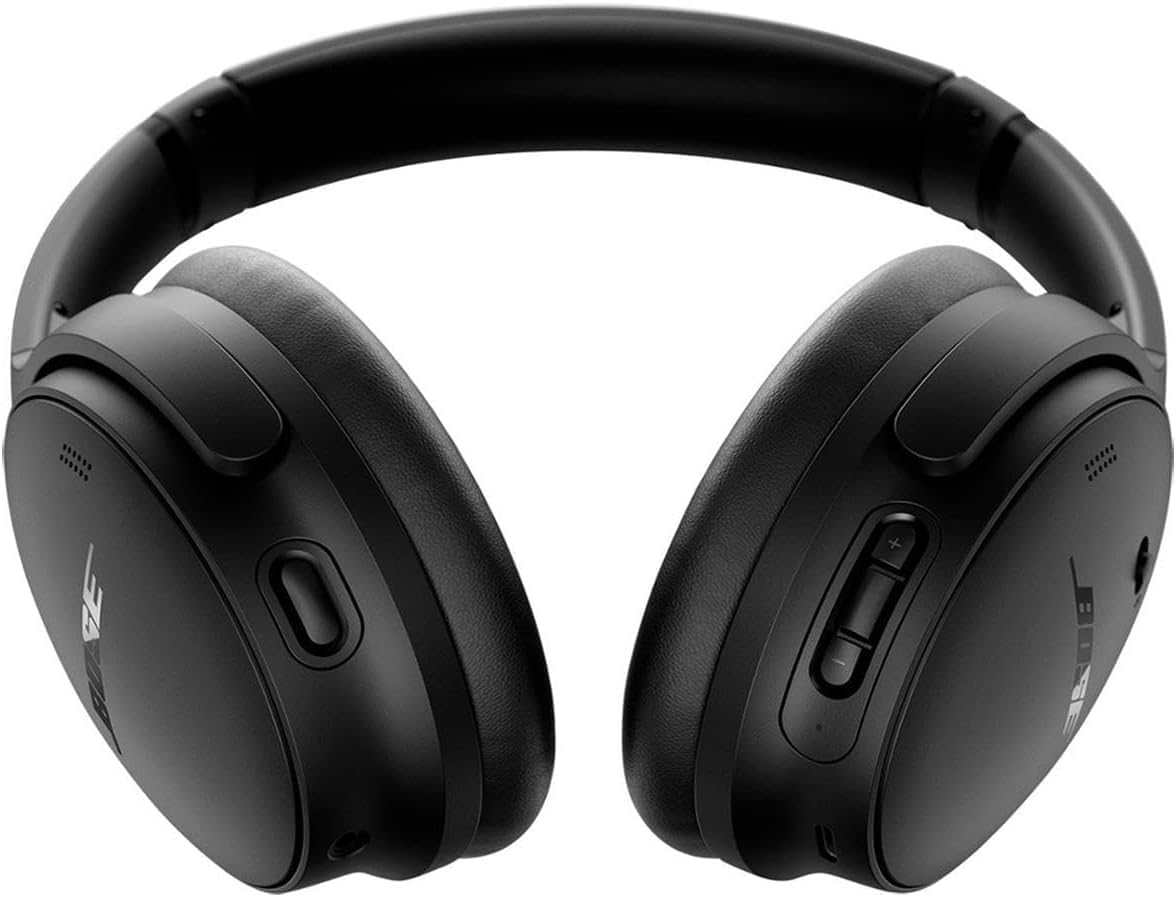
Přední view of the Bose QuietComfort headphones, showing the control buttons on the right earcup.

Obrázek: Přední strana view of the Bose QuietComfort headphones, showing the control buttons on the right earcup.

Údržba

Čištění

Wipe the headphones with a soft, dry cloth. Do not use abrasive cleaners or solvents. Ensure charging ports are free of debris.

Skladování

When not in use, store the headphones in their provided carrying case to protect them from dust and damage.

Odstraňování problémů

Žádná síla

Problémy s připojením Bluetooth

Poor Sound Quality or Noise Cancellation

Specifikace

FunkceDetail
Název modeluBose QuietComfort Wireless Noise Cancelling Headphones
Číslo modelu2025
Technologie připojeníBluetooth 5.1, kabelové (3.5mm jack)
Kontrola hlukuActive Noise Cancellation (Quiet Mode, Aware Mode)
Životnost baterieAž 24 hodin
Doba nabíjení15 minut na 2.5 hodiny hraní
Umístění ušíPřes ucho
MateriálTkanina
Včetně nabíječkyGreen Extreme 20W 2-Port USB-C/USB-A Wall Charger

Záruka a podpora

Informace o záruce

For detailed warranty information, please refer to the documentation included with your product or visit the official Bose support webmísto.

Zákaznická podpora

For further assistance, technical support, or to download the Bose Music app, please visit the Podpora Bose Webmísto.

Související dokumenty - 2025

Předview Sluchátka Bose Noise Cancelling 700: Funkce, hlasoví asistenti a nejčastější dotazy
Prozkoumejte funkce sluchátek Bose Noise Cancelling Headphones 700, včetně integrace Bose AR, Google Assistant a Alexa. Získejte odpovědi na časté otázky týkající se baterie, dosahu, párování, mikrofonů a potlačení hluku. Porovnejte s QuietComfort 35.
Předview Řešení problémů se sluchátky Bose QuietComfort Ultra: Reset, obnovení a aktualizace
Komplexní průvodce řešením problémů se sluchátky Bose QuietComfort Ultra. Naučte se, jak resetovat, obnovit tovární nastavení a aktualizovat firmware pomocí srozumitelných podrobných pokynů.
Předview Uživatelská příručka a záruční informace pro sluchátka Bose QuietComfort 2 Acoustic s potlačením hluku
Komplexní uživatelská příručka pro sluchátka Bose QuietComfort 2 Acoustic Noise Cancelling Headphones, která zahrnuje informace o nastavení, používání, péči, řešení problémů a omezené záruce. Naučte se, jak si užívat vynikající zvuk a potlačení hluku.
Předview Sluchátka Bose QuietComfort SC: Uživatelská příručka a bezpečnostní průvodce
Objevte sluchátka s potlačením hluku Bose QuietComfort SC. Tato příručka obsahuje základní bezpečnostní pokyny, podrobnosti o nastavení, vysvětlení ovládání, připojení Bluetooth, integraci aplikací, tipy pro péči a řešení problémů se sluchátky Bose QuietComfort SC.
Předview Stručný návod k obsluze sluchátek přes uši Bose QuietComfort SC
Stručný a SEO optimalizovaný HTML návod k nastavení, párování, nabíjení a používání sluchátek Bose QuietComfort SC Over-Ear, včetně ovládacích prvků, potlačení hluku, hlasových asistentů a funkcí aplikace.
Předview Sluchátka Bose QuietComfort – ის სწრაფი გამოყენების ინსტრუიცუიცუქცუიოყენების
Bose QuietComfort Headphones-ის სწრაფი გამოყენების ინსტრუიც,უქც,უიოყენების რომელიც მოიცავს დაწყებას, Bluetooth-ის დსბიიავიყვ მართვის ღილაკებს, ხმაურის ჩახშობას, ხმოვან ასისტენტებს და Hudba Bose აპლიკაციას.