1. Úvod
The Perixx PERIBOARD-832RGB is a compact, wireless mini keyboard featuring RGB backlighting and multi-device Bluetooth connectivity. This manual provides instructions for setting up, operating, and maintaining your keyboard to ensure optimal performance.

Image 1.1: The Perixx PERIBOARD-832RGB keyboard in use, showcasing its compact design and backlit keys.
2. Obsah balení
Zkontrolujte prosím balení, zda neobsahuje následující položky:
- Perixx PERIBOARD-832RGB Wireless RGB Backlit Mini Keyboard
- USB-C to A Charging Cable
- Uživatelská příručka (tento dokument)

Image 2.1: Contents of the Perixx PERIBOARD-832RGB package, including the keyboard, USB-C cable, and manual.
3. Nastavení a připojení
3.1 Nabíjení klávesnice
Before first use, fully charge the keyboard. Connect the provided USB-C to A cable to the keyboard's USB-C charging port and the other end to a USB power source (e.g., computer USB port, USB wall adapter).
- Během nabíjení bude svítit kontrolka nabíjení.
- Po dokončení nabíjení se indikátor změní nebo zhasne.

Image 3.1: Location of the USB-C charging port and power ON/OFF switch on the keyboard.
3.2 Zapnutí/vypnutí
Locate the power switch on the side or back of the keyboard. Slide it to the 'ON' position to power on the keyboard. Slide it to 'OFF' when not in use to conserve battery.
3.3 Bluetooth Pairing (Multi-Device Connection)
The PERIBOARD-832RGB supports connection to up to three devices via Bluetooth. Follow these steps to pair your keyboard:
- Ujistěte se, že je klávesnice zapnutá.
- Stiskněte a podržte Fn a jedno z tlačítek kanálu Bluetooth (Q for BT1, W for BT2, or E for BT3) for 3-5 seconds until the corresponding indicator light (usually above the key) starts blinking rapidly. This indicates the keyboard is in pairing mode.
- Na svém zařízení (počítač, notebook, tablet, chytrý telefon) povolte Bluetooth a vyhledejte nová zařízení.
- Select "PERIBOARD-832RGB" from the list of available devices.
- Pokud se zobrazí výzva, zadejte pomocí klávesnice párovací kód zobrazený na obrazovce a stiskněte Vstupte.
- Once paired, the indicator light will stop blinking and remain solid for a few seconds before turning off. The keyboard is now connected.
To connect to additional devices, repeat the process using a different Bluetooth channel key (Fn+W or Fn+E).

Image 3.2: Visual guide for connecting the keyboard to up to three devices using Fn+Q/W/E keys.
4. Provoz
4.1 Přepínání mezi připojenými zařízeními
Chcete-li přepínat mezi spárovanými zařízeními, jednoduše stiskněte Fn spolu s odpovídajícím tlačítkem kanálu Bluetooth (Q, Wnebo E) for the desired device. The keyboard will automatically connect to the selected device.
4.2 ovládání podsvícení
The PERIBOARD-832RGB features RGB backlighting with multiple color options.
- Zapnutí/vypnutí podsvícení: Stiskněte Fn + F11 (RGB) pro zapnutí nebo vypnutí podsvícení.
- Změnit barvu podsvícení: Stiskněte Fn + F12 (RGB) to cycle through the available RGB colors (7 colors).
- Upravit jas: Použití Fn + Page Up pro zvýšení jasu a Fn + Page Down ke snížení jasu.
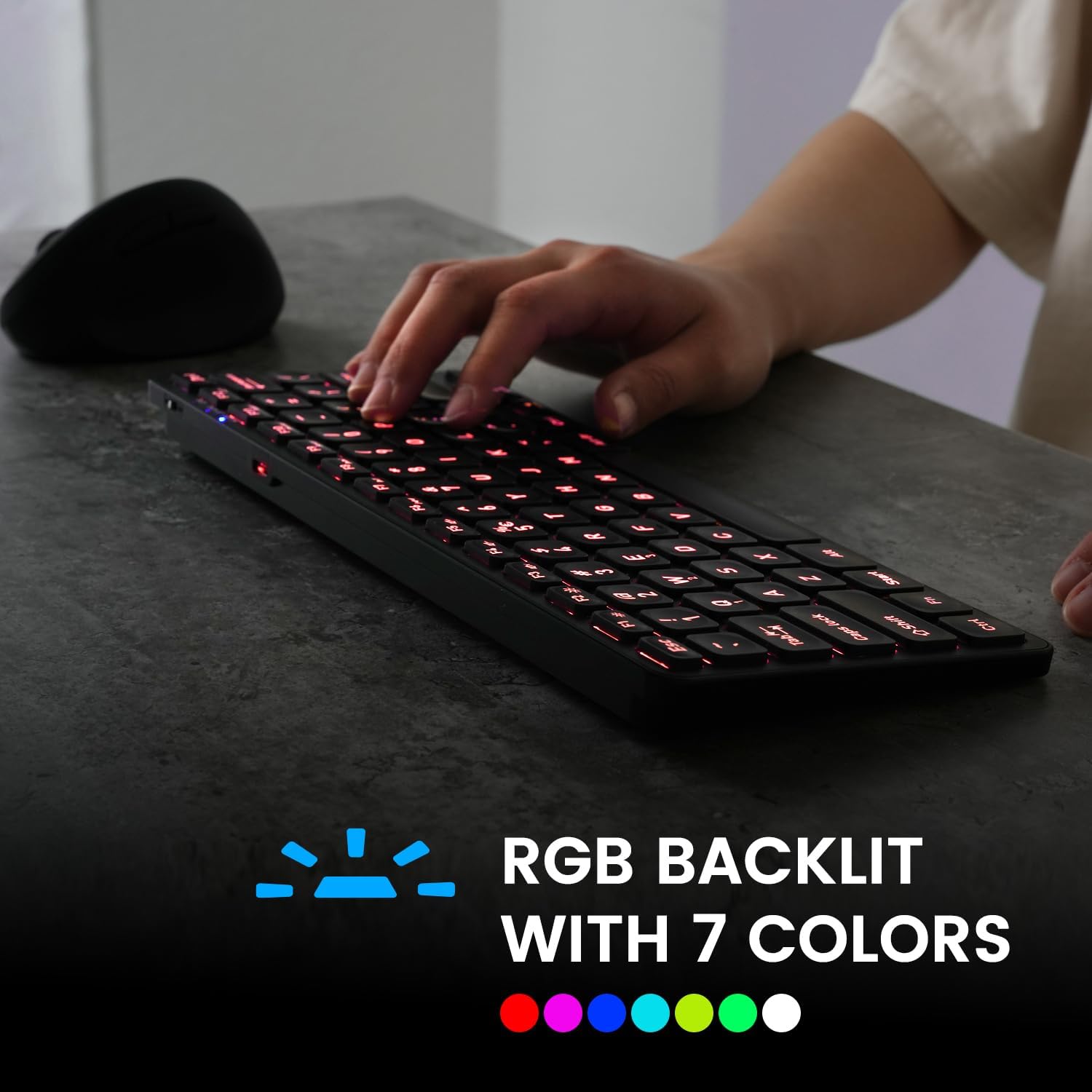
Image 4.1: The keyboard illuminated with RGB backlighting, demonstrating visibility in low-light conditions.
4.3 Funkční klávesy (kombinace Fn)
Many keys have secondary functions accessible by holding the Fn key and pressing the desired function key. These include media controls, volume adjustments, and other system shortcuts.
| Kombinace kláves | Funkce |
|---|---|
| Fn + Q | Přepnout na zařízení Bluetooth 1 |
| Fn + W | Přepnout na zařízení Bluetooth 2 |
| Fn + E | Přepnout na zařízení Bluetooth 3 |
| Fn + F1 | Přehrávač médií |
| Fn + F2 | Snížit hlasitost |
| Fn + F3 | Zvýšení hlasitosti |
| Fn + F4 | Ztlumit |
| Fn + F5 | Předchozí stopa |
| Fn + F6 | Přehrát/Pozastavit |
| Fn + F7 | Další stopa |
| Fn + F8 | Zastávka |
| Fn + F9 | Web Prohlížeč |
| Fn + F10 | |
| Fn + F11 (RGB) | Podsvícení zapnuto/vypnuto |
| Fn + F12 (RGB) | Cycle Backlight Colors |
| Fn + Page Up | Zvýšit jas podsvícení |
| Fn + Page Down | Snížit jas podsvícení |

Obrázek 4.2: Detailní view of the keyboard keys, highlighting the primary and secondary (Fn) functions.
5. Údržba
Abyste zajistili dlouhou životnost a optimální výkon klávesnice, dodržujte tyto pokyny pro údržbu:
- Čištění: Použijte měkký hadřík, který nepouští vlákna dampPovrch klávesnice otřete vodou nebo jemným čisticím roztokem. Nepoužívejte agresivní chemikálie ani abrazivní materiály.
- Odstranění prachu: K odstranění prachu a nečistot z prostoru mezi klávesami použijte stlačený vzduch.
- Péče o baterie: Avoid fully discharging the battery frequently. Charge the keyboard regularly, especially if it will not be used for an extended period.
- Skladování: Klávesnici skladujte na chladném a suchém místě mimo dosah přímého slunečního záření a extrémních teplot.
6. Řešení problémů
If you encounter issues with your PERIBOARD-832RGB, refer to the following common solutions:
| Problém | Možné řešení |
|---|---|
| Klávesnice se nezapíná. | Ensure the power switch is in the 'ON' position. Charge the keyboard fully using the provided USB-C cable. |
| Nelze se připojit přes Bluetooth. | Make sure the keyboard is in pairing mode (Fn + Q/W/E, indicator blinking). Ensure Bluetooth is enabled on your device. Try unpairing and re-pairing the keyboard. Move the keyboard closer to your device. |
| Klávesy nereagují nebo se píší nesprávně. | Check battery level and charge if necessary. Ensure the keyboard is connected to the correct device. Restart the keyboard and your device. |
| Podsvícení nefunguje. | Press Fn + F11 to toggle the backlight. Ensure the keyboard has sufficient battery charge. |
| Klávesnice se často odpojuje. | Ensure the keyboard is within the effective Bluetooth range (typically 10 meters). Reduce interference from other wireless devices. Charge the keyboard. |
7. Specifikace
| Funkce | Detail |
|---|---|
| Značka | Perixx |
| Model | PERIBOARD-832RGB |
| Technologie připojení | Bluetooth |
| Popis klávesnice | Mechanical (Scissor-switch type) |
| Speciální funkce | RGB Backlit (7 colors) |
| Kompatibilní zařízení | Počítač, notebook, tablet, chytrý telefon |
| Rozměry produktu | 28.09 x 11.51 x 2.21 cm (D x Š x V) |
| Hmotnost položky | 1.06 libry (0.48 kg) |
| Materiál | Plast |
| Zdroj napájení | USB Powered (Rechargeable Battery) |
| Zahrnuté komponenty | Kabel USB-C na A |
8. Záruka a podpora
Perixx products are covered by a limited warranty. For detailed warranty information, technical support, or customer service, please refer to the official Perixx webwebu nebo se obraťte přímo na jejich zákaznickou podporu. Uschovejte si doklad o koupi pro případ reklamace.


