Zavedení
This manual provides essential information for the safe and efficient operation, maintenance, and troubleshooting of your SwitchBot K11+ Robot Vacuum & Mop. Please read this manual thoroughly before using the product and retain it for future reference.
Obsah balení
Ověřte, zda jsou v balení přítomny všechny položky:
- Mini robotický vysavač × 1
- Automatické vyprázdnění stanice × 1
- Deska mopovací podložky × 1
- Boční kartáč proti zamotávání × 2
- Malý čisticí nástroj × 1
- Prachový sáček × 2
- Originální balení utěrky × 1
- Přihrádkový filtr × 2
- Stručný průvodce × 1
- Uživatelská příručka × 1
- Multi-Surface Brush
- Rám štětce
- Přední otočné kolo

Image: SwitchBot K11+ Robot Vacuum and Auto-Empty Station. The robot vacuum is black and circular, positioned next to a compact black auto-empty station with a wooden top.
Nastavení
1. Vybalení a umístění
Carefully remove all components from the packaging. Place the auto-empty station against a wall in an open area, ensuring there are no obstacles within 1.5 meters (5 feet) in front and 0.5 meters (1.6 feet) to either side. Connect the power adapter to the station and plug it into a wall outlet.
2. Počáteční nabíjení
Place the robot vacuum onto the charging contacts of the auto-empty station. Ensure the robot is properly docked and charging. A full charge is recommended before the first use.
3. Stažení aplikace a připojení
Download the SwitchBot app from your device's app store. Follow the in-app instructions to add your K11+ robot vacuum. This will enable advanced features like mapping, scheduling, and zone cleaning.
Video: Official SwitchBot K11+ Robot Vacuum and Mop overview. This video demonstrates the compact size, self-emptying feature, and smart navigation capabilities of the robot vacuum, providing a visual guide to its key functions and ease of use.
Operace
1. Základní ovládací prvky
Press the power button on the robot to start or pause cleaning. Press and hold to send the robot back to its charging station.
2. Inteligentní ovládání aplikací
Utilize the SwitchBot app to:
- Zmapujte svůj domov: The advanced LDS LiDAR navigation system creates a detailed map of your home for precise cleaning routes.
- Plánované úklidy: Nastavte konkrétní časy, kdy bude robot automaticky čistit.
- Definujte zóny bez vstupu: Prevent the robot from entering certain areas.
- Select Cleaning Modes: Choose between vacuuming, mopping, or combined modes, and adjust suction power.
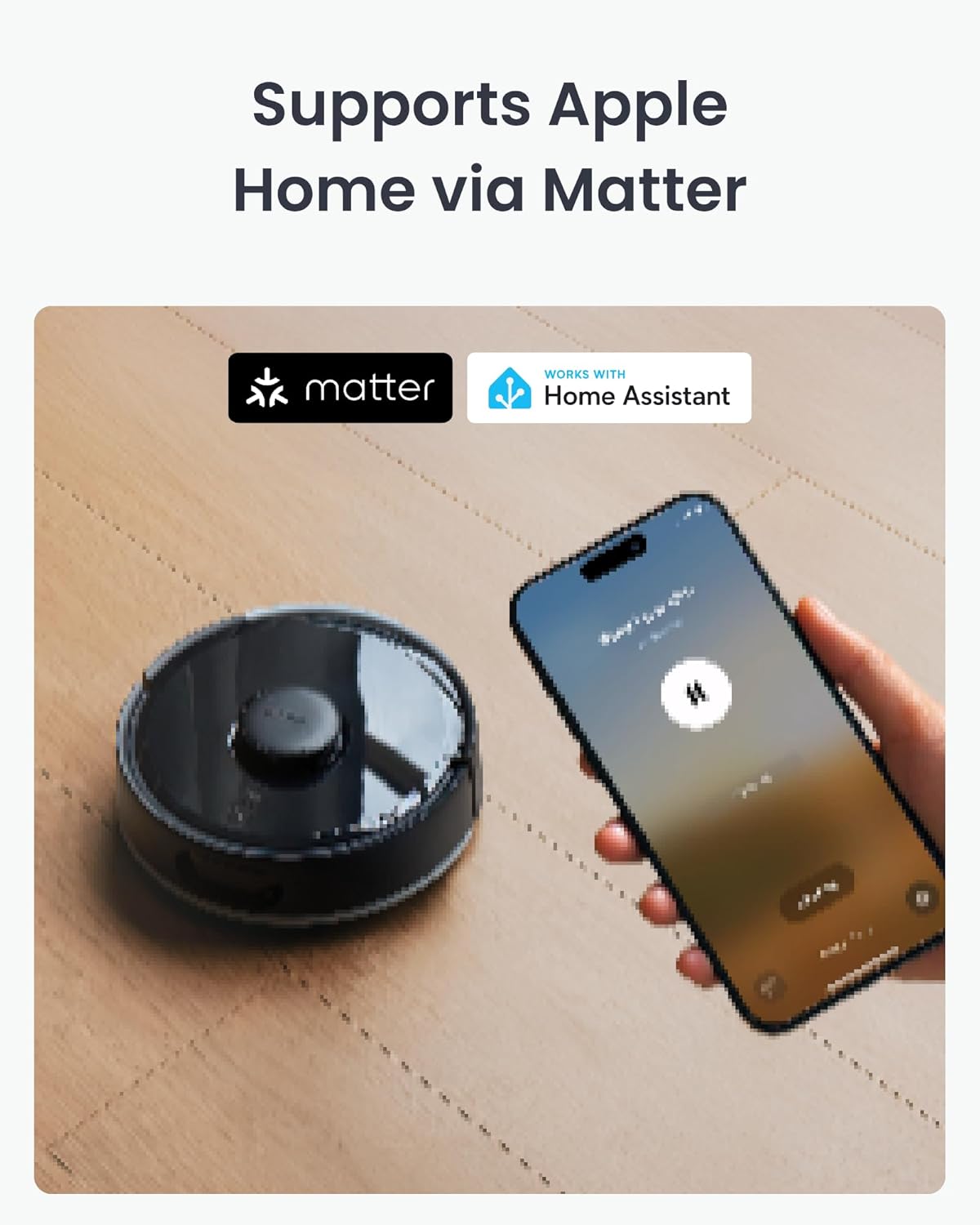
Image: A smartphone displaying the SwitchBot app interface, showing a map of a home and controls for the K11+ Robot Vacuum. The robot is visible on a wooden floor in the background.
3. Voice Control and Smart Home Integration
The K11+ supports Matter for seamless integration with smart home ecosystems. It works with Alexa, Google Home, and Apple Home, allowing you to start, stop, or pause cleaning using voice commands without an additional hub.
4. Navigace a vyhýbání se překážkám
Equipped with LDS LiDAR and PSD side sensors, the robot navigates around furniture and obstacles. Drop sensors prevent falls from stairs, and it can climb thresholds up to 1.7 cm.

Image: The SwitchBot K11+ Robot Vacuum is shown cleaning underneath a sofa, demonstrating its ultra-slim design and ability to reach tight spaces.
Údržba
Pravidelná údržba zajišťuje optimální výkon a prodlužuje životnost vašeho robotického vysavače.
1. Auto-Empty Station and Dust Bag
The auto-empty station automatically transfers collected debris from the robot to a 4L dust bag. This bag typically requires replacement every 90 days, depending on usage.
- Výměna prachového sáčku: Open the lid of the auto-empty station, remove the full dust bag, and insert a new one. Ensure it is securely seated.

Image: The SwitchBot K11+ Robot Vacuum docked at its auto-empty station, highlighting the 90-day dust storage capacity.
2. Cleaning the Brushes
The K11+ features an anti-tangle roller brush and anti-tangle twin side brushes. Periodically inspect and clean them to remove hair and debris.
- Válcový kartáč: Remove the brush cover and roller brush. Use the provided cleaning tool to cut and remove tangled hair.
- Boční kartáče: Gently pull off the side brushes and remove any tangled hair or debris. Reattach them securely.

Obrázek: Podrobný view of the underside of the SwitchBot K11+ robot vacuum, illustrating its dual anti-tangle brush design, including the main roller brush and side brushes.
3. Mopping Pad Usage
Attach a mopping pad to the mopping pad plate. After each use, dispose of the used pad. The mopping function is designed for light floor cleaning.
4. Čištění filtru
Remove the dustbin and tap out loose debris. The bin filter can be gently brushed clean. Do not wash the filter with water unless specified in the full user manual.
Odstraňování problémů
| Problém | Možná příčina | Řešení |
|---|---|---|
| Robot se nespouští ani nereaguje. | Slabá baterie; vypínač; robot se zasekl. | Ujistěte se, že je robot nabitý; zkontrolujte vypínač; odstraňte všechny překážky. |
| Špatný čisticí výkon. | Plný odpadkový koš; zamotané kartáče; ucpaný filtr. | Vyprázdněte nádobu na prach; očistěte kartáče; vyčistěte/vyměňte filtr. |
| Robot se často zasekává. | Obstacles on floor; no-go zones not set. | Clear small objects; define no-go zones in the app. |
| Problémy s připojením aplikace. | Wi-Fi signal weak; Matter integration unstable. | Check Wi-Fi connection; try re-linking Matter integration if persistent. |
Specifikace
| Funkce | Detail |
|---|---|
| Značka | SwitchBot |
| Název modelu | Robotický vysavač SwitchBot K11+ |
| Speciální funkce | 6000 Pa Suction Power, Matter Support (Apple Home, Alexa, Google Home), 3.6-Inch Slim Design |
| Barva | Černý |
| Rozměry produktu | 12.2 cm D x 11.41 cm Š x 11.41 cm V |
| Typ filtru | Kazeta |
| Životnost baterie | 150 minut |
| Kapacita prachového sáčku | 4 litrů |
| Zdroj napájení | Napájení z baterie |
| Kontrolní metoda | Hlas, Aplikace |
| Form Factor | Robotické vakuum |
| Hmotnost položky | 13.42 libry |
| Doporučení pro povrch | Hard floor, wooden floor, short wool carpet, Tile |
Záruka a podpora
Your SwitchBot K11+ Robot Vacuum & Mop is covered by a manufacturer's warranty. For detailed warranty information, please refer to the warranty card included in your package or visit the official SwitchBot webweb. Pro technickou podporu, pomoc s řešením problémů nebo pro zakoupení náhradních dílů kontaktujte zákaznický servis SwitchBot prostřednictvím jejich oficiálních kanálů.
Online podpora: Návštěva www.switch-bot.com/support


