1. Úvod
This manual provides detailed instructions for the ECHTPower Wireless Controller, designed for seamless compatibility with Nintendo Switch, Switch Lite, iOS, Android, and PC. This versatile controller features a robust 1000mAh battery, customizable 9-color RGB lighting, Bluetooth connectivity, programmable macro buttons, precise 6-axis gyro, immersive dual vibration, and convenient turbo functions.
Please read this manual thoroughly before using the controller to ensure proper operation and to maximize your gaming experience.
2. Obsah balení
Ověřte, zda jsou v balení přítomny všechny položky:
- 1 x ECHTPower Wireless Controller
- 1 x USB nabíjecí kabel
- 1 x Uživatelská příručka (tento dokument)
3. Konec produktuview
The ECHTPower Wireless Controller features an ergonomic design with a standard gamepad layout, ensuring comfortable use during extended gaming sessions. Key components include:
- Dual Analog Sticks with RGB lighting
- Směrová podložka (D-pad)
- ABXY Action Buttons
- L/P ramenní knoflíky
- ZL/ZR Trigger Buttons
- Tlačítko Domů
- Tlačítko Capture
- Tlačítka Plus (+) a Mínus (-)
- Two Programmable Macro Buttons (M1, M2) on the rear

Obrázek 3.1: Přední strana view of the ECHTPower Wireless Controller.

Obrázek 3.2: Zadní view of the ECHTPower Wireless Controller highlighting the M1 and M2 buttons.
4. Nastavení
4.1 Nabíjení ovladače
Before first use, fully charge the controller. Connect the included USB charging cable to the controller's charging port and the other end to a USB power source (e.g., console, PC, or USB wall adapter). The controller's indicator lights will show charging status. A full charge typically takes 2-3 hours.
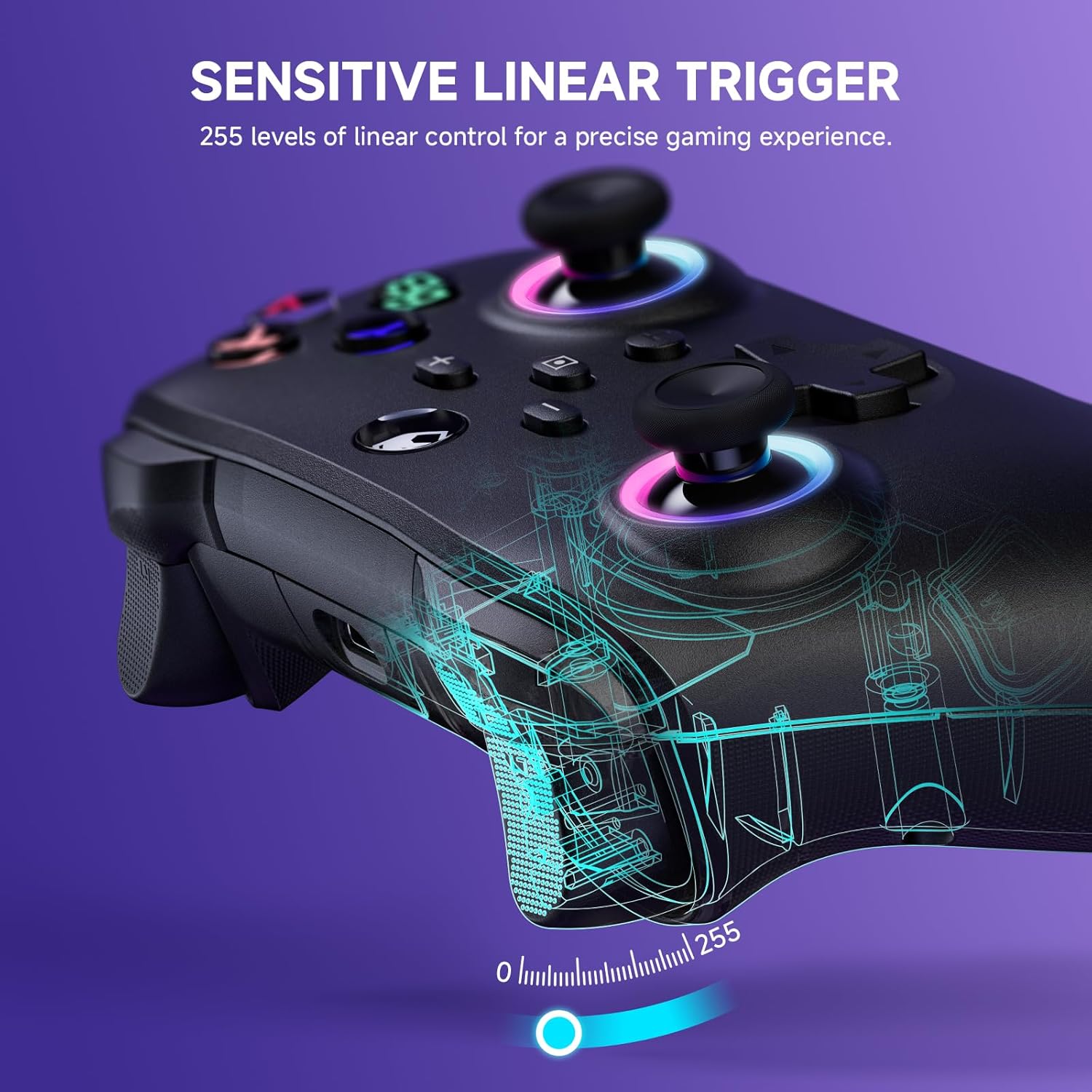
Figure 4.1: Charging the controller and battery life indication.
4.2 Párování se zařízeními
The controller supports both wireless (Bluetooth) and wired connections across multiple platforms.
4.2.1 Bezdrátové připojení (Bluetooth)
For the first-time connection, ensure the controller is sufficiently charged.
- Nintendo Switch/Switch Lite: From the HOME Menu, select 'Controllers' > 'Change Grip/Order'. While on this screen, press and hold the Y + DOMŮ buttons on the ECHTPower controller simultaneously until the indicator lights begin to flash rapidly. Once paired, the corresponding player indicator light will illuminate solid.
- iOS/Android: Enable Bluetooth on your mobile device. On the controller, press and hold the Y + DOMŮ buttons until the indicator lights flash. Select 'ECHTPower Controller' from the list of available Bluetooth devices on your phone/tablet.
- PC: Ensure your PC has Bluetooth enabled. Press and hold the Y + DOMŮ buttons on the controller. In your PC's Bluetooth settings, add a new device and select 'ECHTPower Controller'.
For subsequent connections, simply press the DOMOV button on the controller to wake up and automatically reconnect to the last paired device.
4.2.2 Kabelové připojení
Connect the controller to your device (e.g., PC, Switch dock) using the USB charging cable. The controller will automatically switch to wired mode. This mode is ideal for stable connections and charging during gameplay.
5. Návod k obsluze
5.1 RGB světelných efektů
The controller features 9 different color effects and 3 distinct light models, with 4 levels of brightness adjustment (25%, 50%, 75%, 100%).
- Výchozí režim: Breathing cycle when powered on.
- Přepínání efektů: Press specific key combinations (refer to the quick start guide included with the controller for exact button presses) to cycle through the light effects. The sequence of modes is: Breathing Cycle > Laser Mode > Neon Mode.
- Nastavení jasu: Use the designated button combination to adjust the brightness levels.

Figure 5.1: RGB Lighting on the controller.
5.2 Programmable Macro Buttons (M1, M2)
The M1 and M2 buttons on the back of the controller can be programmed to map single or multiple button functions, allowing for complex skill execution with a single press.
- Programování: Enter programming mode (refer to the quick start guide for specific button combinations). Select the button(s) you wish to map, then press M1 or M2 to save the macro.
- Používání: Once programmed, pressing M1 or M2 will execute the mapped sequence of actions.
5.3 Funkce Turbo
The turbo function allows for rapid, automatic pressing of a button, available in both auto and manual modes with three adjustable speeds: 5 rounds/s, 12 rounds/s, and 25 rounds/s.
- Aktivace Turbo: Select the desired button, then activate turbo mode (refer to the quick start guide for specific button combinations).
- Nastavení rychlosti: Cycle through the turbo speeds using the designated button combination.

Figure 5.2: Turbo Function illustration.
5.4 Adjustable Dual Vibration
Built-in dual vibration motors provide haptic feedback with four adjustable levels: Strong, Medium, Weak, and None. This enhances game immersion.
- Adjusting Vibration: Press the designated button combination to cycle through the vibration intensity levels to suit your preference.

Figure 5.3: Dual Vibration feature.
5.5 6-Axis Gyro Sensor
The integrated 6-axis gyro sensors enable precise motion perception control, providing a realistic gaming experience, particularly in games that utilize motion controls.
6. Specifikace
| Funkce | Detail |
|---|---|
| Číslo modelu | B0F845S96R |
| Konektivita | Bluetooth, kabelové (USB) |
| Kapacita baterie | 1000 XNUMX mAh |
| Doba nabíjení | Přibl. 2-3 hodiny |
| Doba přehrávání | Approx. 6-8 hours (with lights on) |
| Kompatibilita | Nintendo Switch/Switch Lite, iOS, Android, PC |
| Gyroskopický senzor | 6-osé |
| Vibrace | Dual motors, 4 adjustable levels |
| RGB osvětlení | 9 colors, 3 modes, 4 brightness levels |
| Rozměry | 6.3 x 4.72 x 2.72 palce |
| Hmotnost | 9.91 unce |
7. Údržba
7.1 Čištění
To clean the controller, use a soft, dry cloth. Do not use abrasive cleaners, solvents, or strong chemicals, as these may damage the surface or internal components.
7.2 Skladování
Řídicí jednotku skladujte na chladném a suchém místě mimo dosah přímého slunečního záření, extrémních teplot a vysoké vlhkosti. Nepokládejte na ni těžké předměty.
8. Řešení problémů
8.1 Ovladač se nepřipojuje/nepáruje
- Ujistěte se, že je ovladač plně nabitý.
- Ověřte, že je na vašem zařízení povoleno Bluetooth.
- Zkuste ovladač znovu spárovat podle kroků v části 4.2.1.
- If connecting to PC, ensure necessary drivers are installed (usually automatic).
- Try connecting via wired mode to confirm basic functionality.
8.2 Zpoždění vstupu nebo nereagování
- Check the controller's battery level; low battery can affect performance.
- Ensure there are no strong wireless interference sources nearby (e.g., other Bluetooth devices, Wi-Fi routers).
- Try moving closer to the connected device.
- Switch to wired mode to see if the issue persists.
8.3 Tlačítka nebo joysticky nereagují
- Restartujte ovladač a připojené zařízení.
- Ujistěte se, že se kolem tlačítek nebo joysticků nenacházejí žádné nečistoty.
- Pokud problém přetrvává, kontaktujte zákaznickou podporu.
9. Záruka a podpora
The ECHTPower Wireless Controller comes with a standard manufacturer's warranty. Please refer to the warranty card included in your package for specific terms and conditions.
If you encounter any issues not covered in this manual or require further assistance, please do not hesitate to contact ECHTPower customer support. Contact information can typically be found on the product packaging or the official ECHTPower webmísto.


