1. Konec produktuview
The Baseus EnerGeek 145W Power Bank is a high-capacity portable charging device designed to provide fast and efficient power to a wide range of electronic devices, including laptops, smartphones, and tablets. It features a 20000mAh battery, a maximum output of 145W, and an integrated 60cm retractable USB-C cable for convenience.

Image: The Baseus EnerGeek 145W Power Bank, showcasing its compact design and the integrated retractable USB-C cable. The digital display is visible, indicating battery status.
Klíčové vlastnosti:
- Maximální výkon 145 W: Supports Power Delivery for rapid charging of high-power devices.
- 20000mAh kapacita: Provides multiple charges for smartphones and laptops.
- Integrated 60cm Retractable USB-C Cable: Durable and convenient for storage and use.
- Víceportové nabíjení: Two USB-C ports and two USB-A ports allow simultaneous charging of up to four devices.
- Inteligentní digitální displej: Real-time display of battery level, charging power, and remaining time.
- Pokročilý systém chlazení: Features conductive graphene, aerogel insulation, and an AI-powered chip for effective temperature regulation.
2. Obsah balení
Zkontrolujte prosím balení, zda neobsahuje následující položky:
- Baseus EnerGeek 145W Power Bank (EnerGeek GR11)
- Uživatelská příručka
- (Další příslušenství se může lišit v závislosti na regionu nebo balení)
3. Nastavení a první použití
3.1 Počáteční nabíjení
Before first use, it is recommended to fully charge the Baseus EnerGeek Power Bank. This ensures optimal battery performance and longevity.
- Connect the integrated USB-C cable or a separate USB-C cable to the power bank's input port (USB-C1 or USB-C2).
- Connect the other end of the cable to a compatible USB-C wall charger (100W charger recommended for fastest charging).
- The digital display will show the charging status and battery percentage. Powerbanka je plně nabitá, když displej ukazuje 100 %.

Image: The Baseus EnerGeek Power Bank connected to a wall charger via its integrated USB-C cable, illustrating the fast charging input capability.
4. Návod k obsluze
4.1 Nabíjecí zařízení
The Baseus EnerGeek Power Bank can charge up to four devices simultaneously using its various output ports.
- Using the Integrated USB-C Cable: Pull out the 60cm retractable USB-C cable and connect it to your device's USB-C port.
- Použití externích kabelů: Connect your device's charging cable to one of the available USB-C (C2, C3) or USB-A (A1) output ports on the power bank.
- The power bank will automatically detect the connected device and begin charging. The digital display will show the output power.
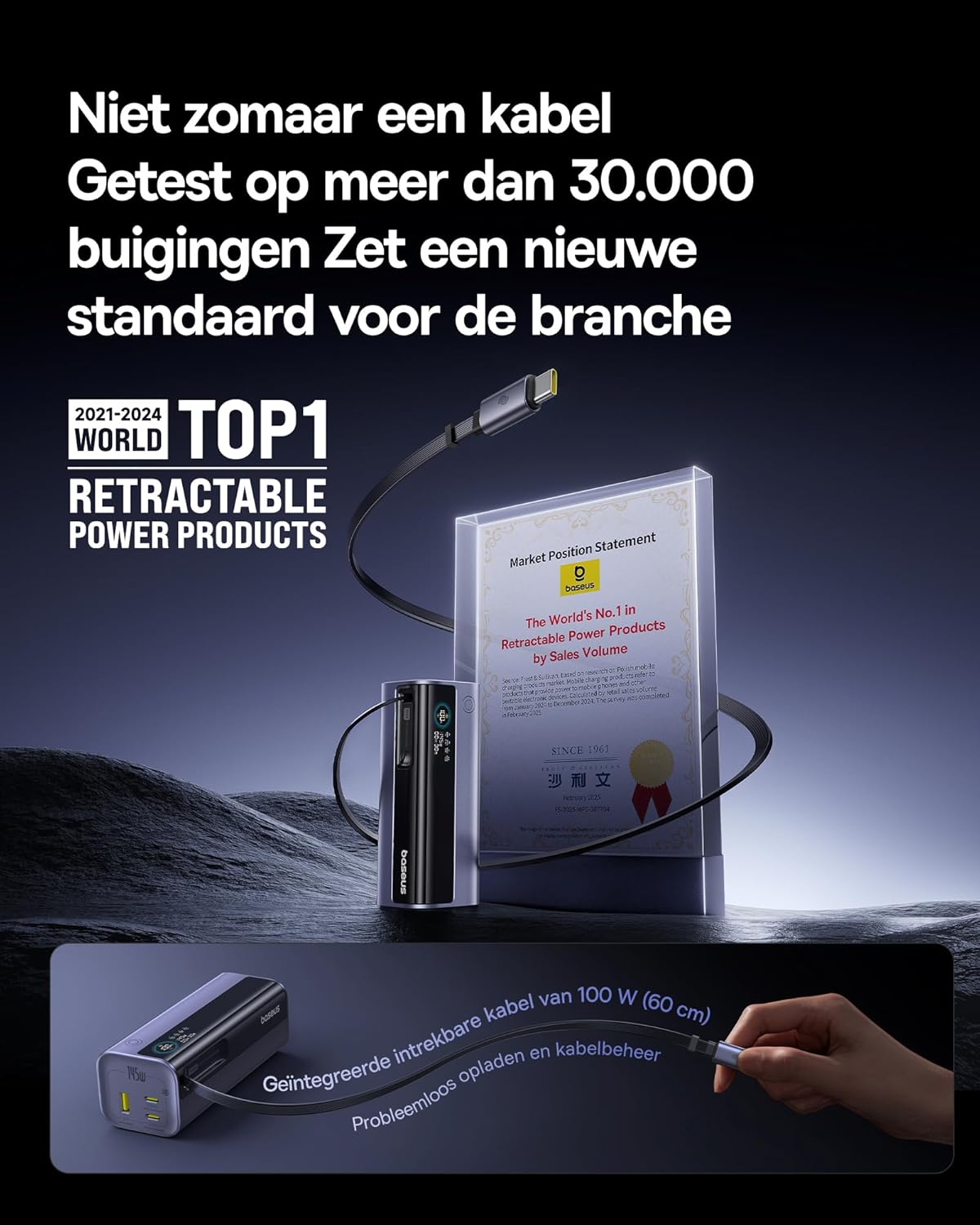
Image: The Baseus EnerGeek Power Bank connected to a laptop and an iPhone, demonstrating its ability to charge multiple devices simultaneously with high power output.
4.2 Pochopení digitálního displeje
The intelligent digital display provides real-time information:
- Úroveň baterie: Zobrazuje zbývající procento baterietage.
- Charging Power (Input/Output): Displays the current wattage being drawn or delivered.
- Zbývající čas: Estimates the time left for the power bank to fully charge or discharge.
- Stav I/O: Indicates which ports are active for input or output.

Obrázek: Podrobný view of the Baseus EnerGeek Power Bank's digital display, showing battery percentage, current wattage a odhadovaný zbývající čas.
4.3 Retracting the Cable
To retract the integrated USB-C cable, gently pull it out slightly further, then release it. The cable will automatically retract into the power bank's housing.
5. Údržba a péče
- Chraňte powerbanku před extrémními teplotami (horkými nebo chladnými), přímým slunečním zářením a vlhkým prostředím.
- Nevystavujte powerbanku vodě ani jiným tekutinám.
- Vyvarujte se pádu nebo vystavení powerbanky silným nárazům.
- Povrch powerbanky čistěte měkkým, suchým hadříkem. Nepoužívejte agresivní chemikálie ani abrazivní materiály.
- Store the power bank in a cool, dry place when not in use for extended periods. It is recommended to charge it to about 50-70% before long-term storage.
6. Řešení problémů
| Problém | Možná příčina | Řešení |
|---|---|---|
| Powerbanka se nenabíjí | Low battery on power bank; faulty charging cable; incompatible wall adapter. | Ensure the power bank has some charge. Try a different USB-C cable and a compatible wall adapter (e.g., 100W PD charger). |
| Zařízení se nenabíjí z powerbanky | Power bank battery is empty; faulty device cable; device not compatible with power bank output. | Recharge the power bank. Try a different charging cable for your device. Ensure your device supports the power bank's output specifications. |
| Pomalé nabíjení | Cable or adapter not supporting fast charging; multiple devices connected reducing individual output. | Use a high-quality, fast-charging compatible cable and adapter. Disconnect other devices to maximize output to a single device. |
| Digitální displej nefunguje | Power bank is off; temporary software glitch. | Press the power button to activate the display. If the issue persists, try fully discharging and recharging the power bank. |
7. Specifikace
| Funkce | Detail |
|---|---|
| Číslo modelu | EnerGeek GR11 |
| Kapacita baterie | 20000 XNUMX mAh |
| Maximální výstupní výkon | 145W (celkem) |
| Výstup kabelu USB-C1 | 100W Max |
| Výstup USB-C2 | 100W Max |
| Výstup USB-C3 | 100W Max |
| Výstup USB-A1 | 33W Max |
| Vstup (USB-C) | 100W Max |
| Rozměry | 13 x 5.2 x 4.9 cm |
| Hmotnost | 465 g |
| Typ baterie | Lithium-iontová |
| Speciální funkce | Digital display, Integrated cable, Fast charging |
8. Záruka a podpora
Informace o záruce a zákaznické podpoře získáte na oficiálních stránkách Baseus. webnebo se obraťte na prodejce, od kterého jste produkt zakoupili. Uschovejte si doklad o koupi pro případ reklamace.
Výrobce: Baseus
ASIN: B0F83VMZJT
První dostupné datum: 9. května 2025
Pro další pomoc můžete navštívit Obchod Baseus na Amazonu.


