Zavedení
This manual provides detailed instructions for the setup, operation, and maintenance of your UCOCARE 2K Wireless Mini Spy Security Camera. Please read thoroughly before use to ensure proper functionality and safety.
Obsah balení
Ujistěte se, že balení obsahuje všechny následující položky:
- Bezpečnostní kamera
- Montážní konzola
- Nabíjecí kabel
- Sada šroubů
- Uživatelská příručka
Konec produktuview
The UCOCARE A90 camera is a compact and versatile security solution. It offers 2K video resolution, a 160° wide-angle view, and 33ft night vision for comprehensive monitoring. Powered by a 5200mAh battery, it provides extended operation. Key features include smart motion detection with instant notifications, flexible storage options, and smart home integration.
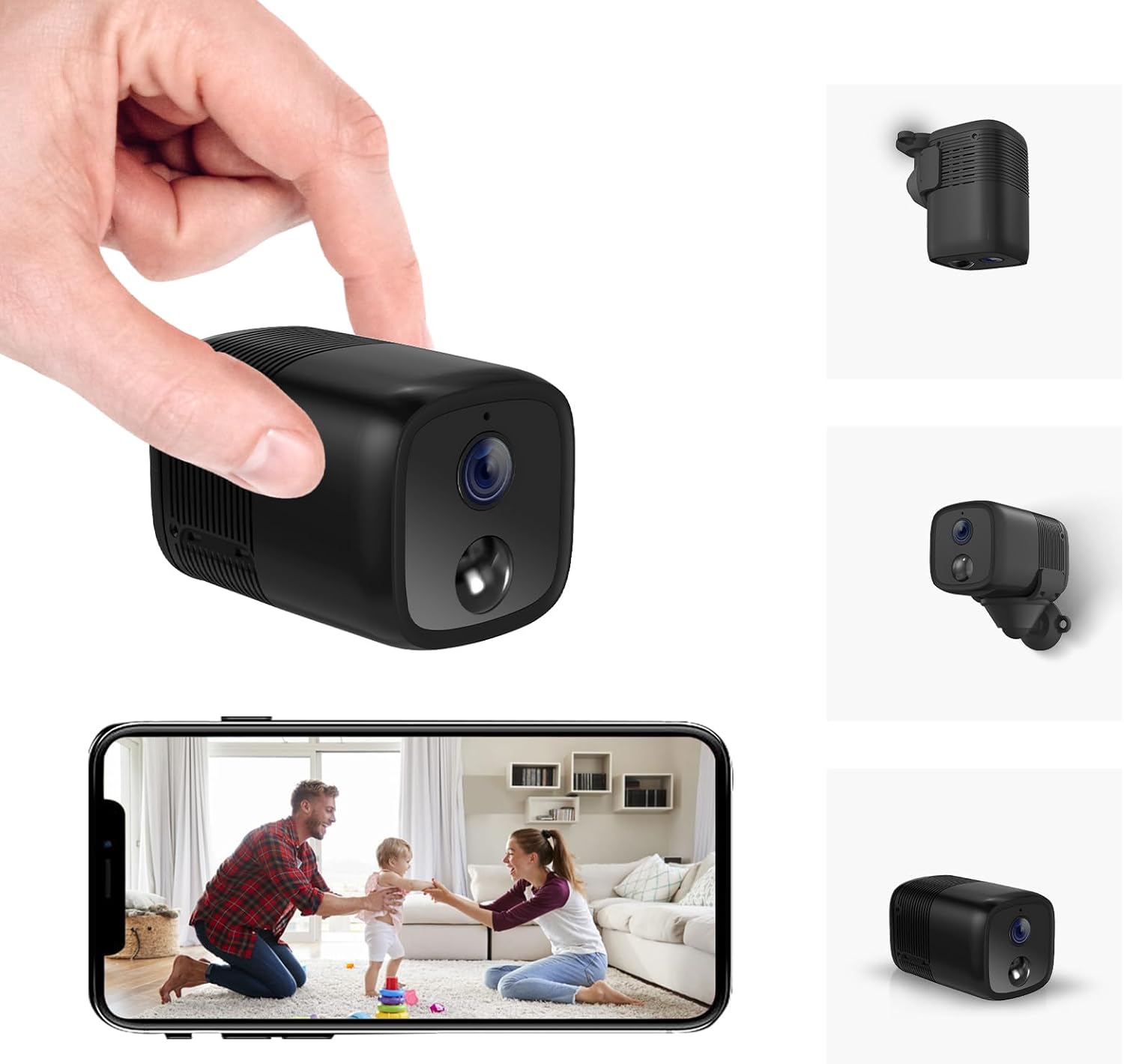
A compact black security camera held in a hand, with a smartphone displaying its live feed.

An image highlighting key features of the camera including 2K HD, 33ft Night Vision, 5200mAh Larger Battery, Effortless Installation, PIR Motion Detection, Custom Settings, Remote Viewing, Built-in Siren, Work with Alexa/Google Home, and Local/Cloud Storage.
Průvodce nastavením
Follow these steps to set up your UCOCARE A90 camera:
- Rozbalení a kontrola součástí: Carefully unpack all items and ensure all components listed in the 'Package Contents' section are present.
- Nabíjení fotoaparátu: Before first use, fully charge the camera using the provided USB-C charging cable.
- Vložení karty Micro SD (volitelné): If local storage is desired, insert a Micro SD card (up to 128GB, not included) into the designated slot.
- Montáž kamery:
- Identify a suitable location for surveillance.
- Attach the camera to the flexible mounting bracket.
- Use the included screws or 3M adhesive stickers to secure the bracket to a wall, ceiling, or other surface.

Examples of compact and cable-free installation options for the camera.
- App Download and Account Registration:
- Scan the QR code in the user manual or search for the "Z-IOT CAM" app in your device's app store.
- Zaregistrujte si nový účet nebo se přihlaste, pokud již nějaký máte.
- Připojení k Wi-Fi:
- In the app, select "Add device" and then "Bluetooth Provisioning".
- Select your camera from the list of available Bluetooth devices. If not found, reset the camera.
- Enter your 2.4GHz Wi-Fi network details (SSID and password). Note: 5GHz Wi-Fi is not supported.
- Wait for the camera to connect to the network (approximately 15 seconds).
This video demonstrates the app connection process for the UCOCARE camera, including logging in, adding a device, connecting via Bluetooth, and configuring Wi-Fi settings.
- Dokončení nastavení: Once connected, the device will appear online in the app. You can now view the live feed and adjust settings.
Návod k obsluze
Once your camera is set up, you can utilize its various functions:
- Vzdálený Viewing: Access the live feed from anywhere using the mobile app.
- Detekce pohybu: Enable smart motion detection in the app settings. Customize sensitivity, alert time periods, and detection zones to receive instant notifications on your phone when movement is detected.
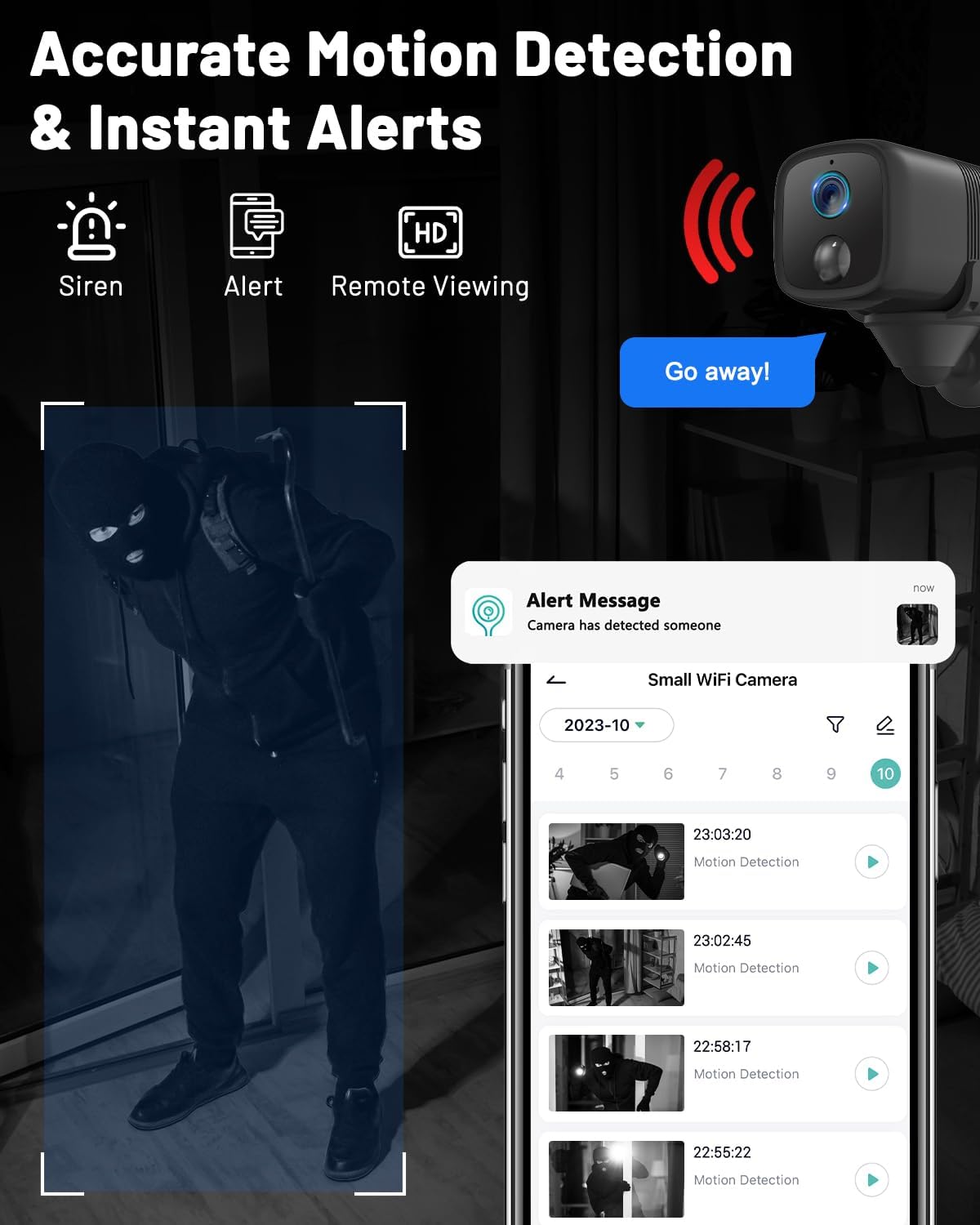
An image showing the camera's motion detection capabilities and instant alert notifications on a smartphone.
- Noční vidění: The camera automatically switches to IR night vision in low-light conditions, providing clear visibility up to 33ft.
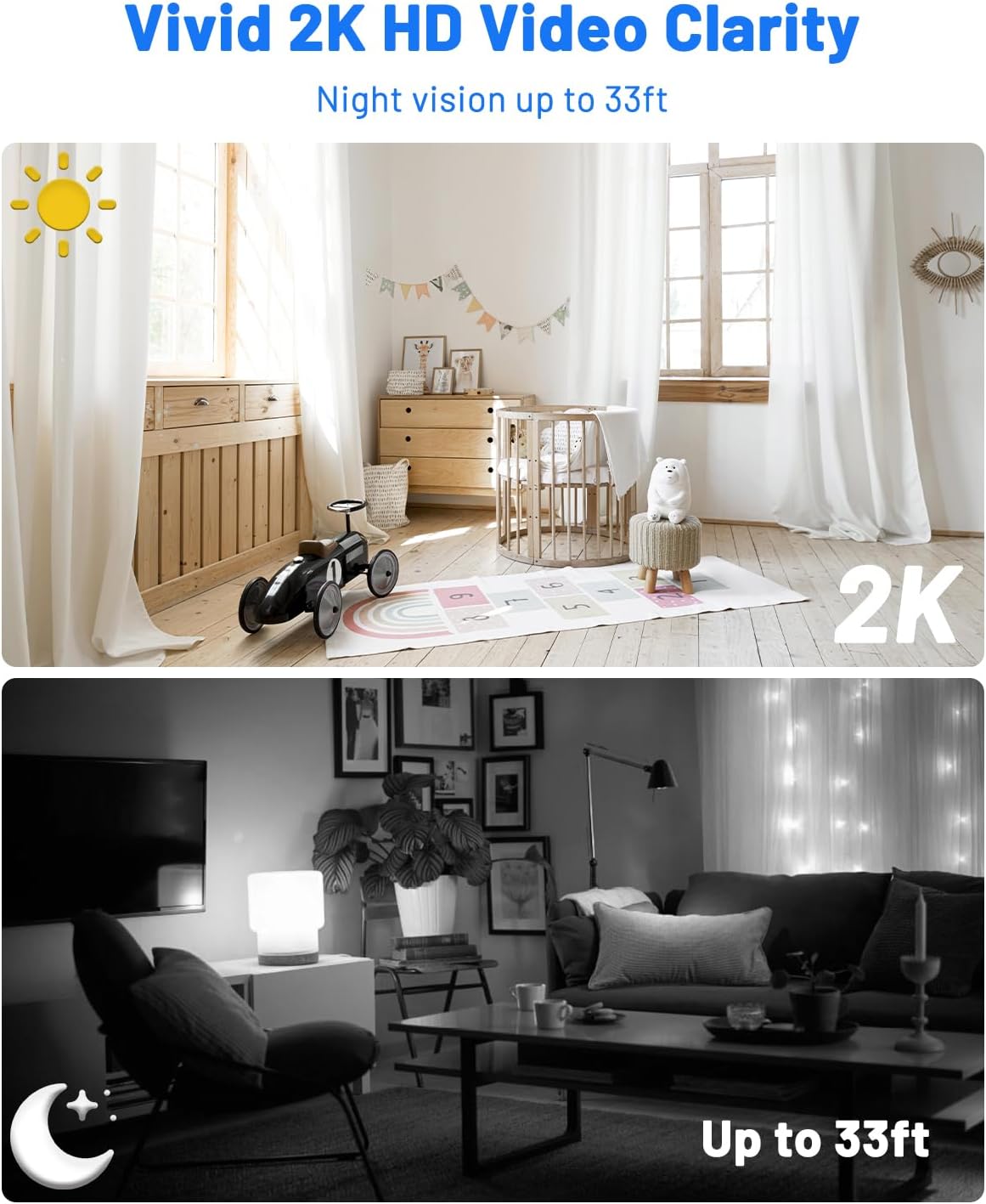
A comparison image demonstrating the camera's 2K HD video clarity during the day and its night vision capabilities up to 33ft in darkness.
- Obousměrný zvuk: Use the app to communicate remotely through the camera, allowing you to interact with visitors or deter intruders.
- Správa úložiště: View recorded event videos stored on the Micro SD card or access 6-second cloud event videos (7-day loop storage, manually activated).

An image illustrating the camera's flexible storage options, including free 7-day cloud service and local storage up to 128GB (Micro SD card not included).
- Přístup pro více uživatelů: Share camera access with family members via QR code or account addition, supporting up to 5 simultaneous viewPrvní
- Integrace chytré domácnosti: Integrate with Google Home and Alexa for voice control and real-time viewIng.

An image showing the camera's compatibility with Alexa and Google Assistant for hands-free control and viewIng.
Údržba
Správná údržba zajišťuje dlouhou životnost a optimální výkon vašeho fotoaparátu:
- Čištění: Gently wipe the camera lens and body with a soft, dry cloth. Avoid abrasive cleaners or solvents that could damage the device.
- Péče o baterie: For optimal battery life, avoid exposing the camera to extreme temperatures. Recharge the battery when low to prevent deep discharge.
- Aktualizace firmwaru: Regularly check the mobile app for available firmware updates. Installing updates ensures you have the latest features, performance improvements, and security patches.
Odstraňování problémů
Pokud narazíte na nějaké problémy, podívejte se na následující běžné problémy a jejich řešení:
- Fotoaparát se nepřipojuje k Wi-Fi:
- Ensure your Wi-Fi network is 2.4GHz, as 5GHz is not supported.
- Zkontrolujte znovu správnost hesla k Wi-Fi.
- Reset the camera and attempt the connection process again.
- Ensure the camera is within effective range of your Wi-Fi router.
- Žádná upozornění na detekci pohybu:
- Ověřte, zda je v nastavení aplikace povolena detekce pohybu.
- Adjust the detection sensitivity to an appropriate level.
- Check your smartphone's notification settings to ensure the app is allowed to send alerts.
- Špatná kvalita videa:
- Ujistěte se, že objektiv fotoaparátu je čistý a bez překážek.
- Check your internet connection speed; a stable connection is crucial for high-quality streaming.
- Adjust video resolution settings in the app to match your network capabilities.
- Krátká výdrž baterie:
- Reduce motion detection sensitivity or the frequency of recordings if possible.
- Před nasazením se ujistěte, že je kamera plně nabitá.
- Avoid placing the camera in extremely cold environments, as this can reduce battery performance.
Technické specifikace
| Funkce | Specifikace |
|---|---|
| Název modelu | A90 |
| Vnitřní/venkovní použití | Uvnitř, venku |
| Kompatibilní zařízení | Smartphone |
| Zdroj napájení | Napájení z baterie |
| Protokol připojení | Wi-Fi (pouze 2.4 GHz) |
| Typ ovladače | Amazon Alexa, Android, CloudEdge, Google Assistant |
| Typ montáže | Stropní montáž, Stolní montáž, Nástěnná montáž |
| Rozlišení záznamu videa | 2K |
| Viewúhel | 160 stupňů |
| Rozsah nočního vidění | 33 stop |
| Materiál | Plast |
| svtage | 5 voltů |
| Napájení z baterie | 5200 miliamp hodiny |
| Typ paměti Flash | Micro SD (up to 128GB, not included) |
| Rozměry položky (D x Š x V) | 2.36 x 1.46 x 1.46 palce |
| Hmotnost položky | 5.6 unce |
| UPC | 755560372165 |
Záruka a zákaznická podpora
For warranty information or technical assistance, please refer to the contact details provided in the included user manual or visit the official UCOCARE webmísto. Uschovejte si doklad o koupi pro případ záručních reklamací.


