1. Úvod
This manual provides essential information for the safe and efficient operation of your Xiaomi 55-inch X Ultra HD 4K Smart Google LED TV (Model L55MB-AIN). Please read this manual thoroughly before using the product and retain it for future reference.
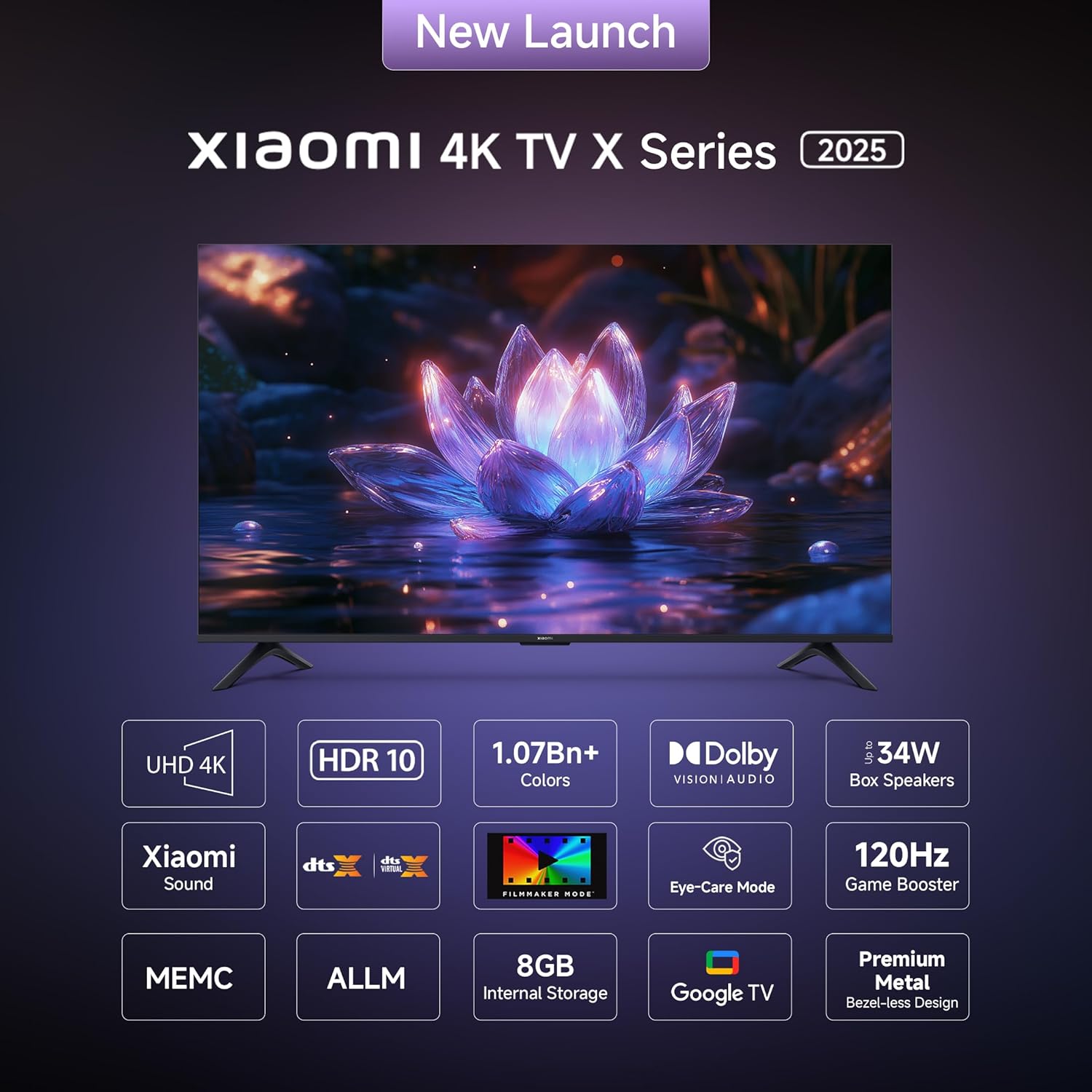
The Xiaomi X Ultra HD 4K Smart Google LED TV offers a 138 cm (55-inch) display with 4K Ultra HD resolution (3840 x 2160), a 60 Hz refresh rate (with 120Hz DLG), and smart features powered by Android 14 OS and Google TV. It includes advanced display technologies like Dolby Vision, HDR 10, HLG, and Filmmaker Mode, alongside immersive audio with 34 watts output, Dolby Audio, DTS-X, and DTS Virtual:X.
2. Bezpečnostní informace
Vždy dodržujte následující bezpečnostní opatření, abyste předešli poškození televizoru a zajistili si osobní bezpečnost:
- Nevystavujte televizor dešti ani vlhkosti.
- Nezakrývejte ventilační otvory.
- Zajistěte správné uzemnění napájecího kabelu.
- Neumísťujte televizor na nestabilní povrchy.
- Během bouřek nebo pokud televizor delší dobu nepoužíváte, odpojte jej ze zásuvky.
- Veškeré opravy svěřte kvalifikovanému servisnímu personálu.
3. Nastavení
3.1. Vybalení a obsah
Carefully unpack your TV and check for all included components. The package should contain:
- 1 LED televizor
- 1 Dálkové ovládání
- Jednotka se 2 stojany
- 4 Screws for stand installation
- 2x AAA baterie do dálkového ovladače
- 1 napájecí kabel

Popis obrázku: A diagram illustrating the various components included in the TV packaging, such as the TV unit, remote, stands, screws, batteries, and power cord.
3.2. Installing the Stands or Wall Mounting
Your Xiaomi TV can be placed on a flat surface using the included stands or mounted on a wall (wall mount sold separately).
Instalace stojanu:
- Umístěte televizor displejem dolů na měkký, rovný povrch, abyste zabránili poškození obrazovky.
- Align the stands with the corresponding slots at the bottom of the TV.
- Každý stojan zajistěte dodanými šrouby.
Popis obrázku: Přední strana view of the Xiaomi 55-inch TV, clearly showing the two stand units securely attached to the bottom of the television.
Montáž na stěnu:
If you choose to wall mount your TV, please consult a professional installer to ensure proper and safe installation. Refer to the wall mount kit instructions for specific details.
3.3. Připojení periferií
Televizor je vybaven různými porty pro připojení externích zařízení. Umístění a typy portů naleznete na níže uvedeném obrázku.
Popis obrázku: A detailed diagram highlighting the various connectivity ports located on the back panel of the Xiaomi TV. These include ports for Ethernet, three HDMI inputs (one supporting eARC), two USB 2.0 ports, a 3.5mm earphone jack, two antenna inputs, an AV input, and an optical audio output.
- HDMI porty (x3): Connect gaming consoles, Blu-ray players, set-top boxes. One port supports eARC for enhanced audio return.
- USB porty (x2): Připojte paměťová zařízení USB pro přehrávání médií.
- Ethernetový port: Pro kabelové připojení k internetu.
- Optický audio výstup: Pro připojení k externím audio systémům.
- 3.5mm konektor pro sluchátka: Pro sluchátka nebo externí reproduktory.
- AV vstup: Pro starší zařízení používající kompozitní video a stereo zvuk.
- Anténní vstup (x2): For connecting to terrestrial or cable TV signals.
3.4. Počáteční zapnutí a nastavení sítě
- Připojte napájecí kabel k televizoru a elektrické zásuvce.
- Stisknutím tlačítka napájení na dálkovém ovladači nebo televizoru jej zapněte.
- Postupujte podle pokynů na obrazovce a dokončete počáteční nastavení, včetně výběru jazyka, síťového připojení (Wi-Fi nebo Ethernet) a přihlášení k účtu Google.
- The TV runs on Android 14 OS with Google TV, providing access to a wide range of apps and services.
Popis obrázku: A screenshot of the Google TV interface, displaying a personalized home screen with various streaming applications and content recommendations, demonstrating the user-friendly navigation.
4. Ovládání televizoru
4.1. Funkce dálkového ovládání
The included remote control provides access to all TV functions. Insert the two AAA batteries into the remote control before use.
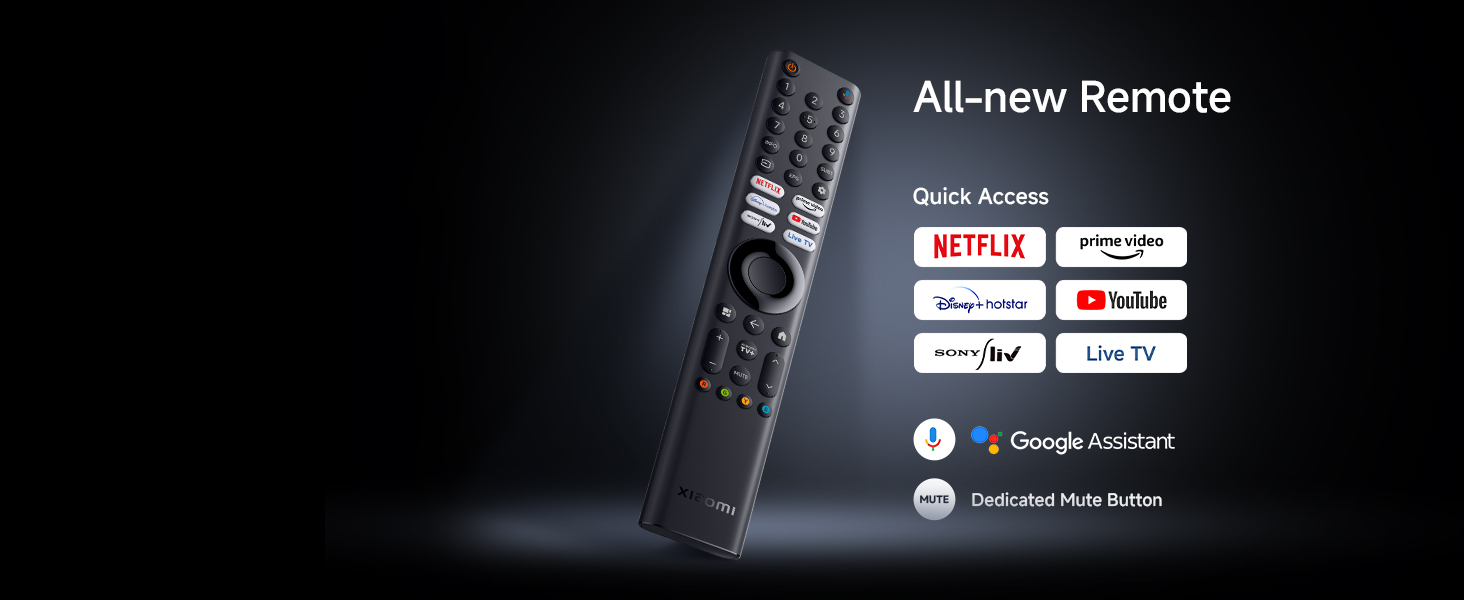
Popis obrázku: Detailní záběr view of the Xiaomi TV remote control, highlighting its various buttons including power, numerical keys, directional pad for navigation, volume controls, and dedicated quick access buttons for popular streaming services such as Netflix and Prime Video.
- Vypínač: Zapíná nebo vypíná televizor.
- Navigační podložka: Pro navigaci v menu a výběr.
- Zvýšení/Snížení hlasitosti: Upravuje úroveň zvuku.
- Kanál nahoru/dolů: Mění televizní kanály.
- Tlačítka pro rychlý přístup: Vyhrazená tlačítka pro Netflix, Prime Video, YouTube a další služby.
- Tlačítko Google Assistant: Aktivuje hlasové příkazy.
- Tlačítko ztlumení: Ztiší zvuk televizoru.
4.2. Funkce chytré televize
Your Xiaomi TV comes with Google TV, offering a personalized and integrated entertainment experience:
- Vestavěné Wi-Fi: Connects to your home network for internet access.
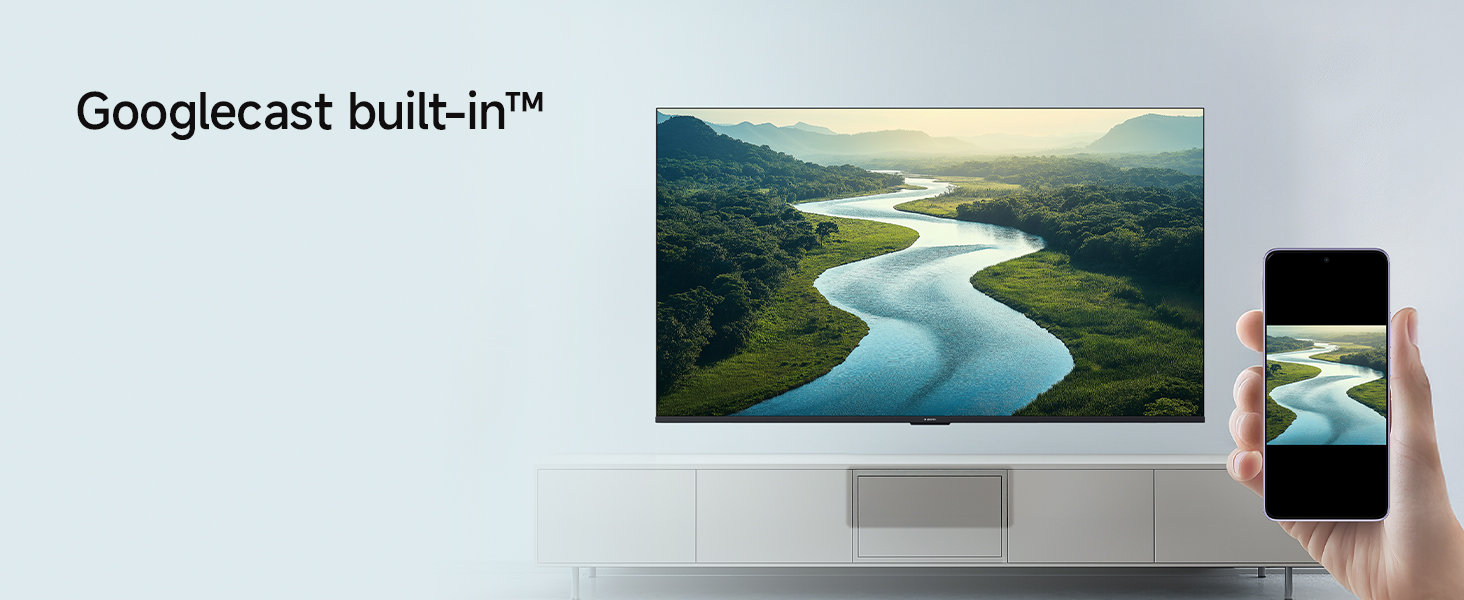
- Vestavěný Google Cast: Streamujte obsah přímo ze svého chytrého telefonu nebo tabletu do televizoru.
- Podporované aplikace: Access popular streaming services like Netflix, Prime Video, YouTube, Zee5, and many more from the Google Play Store.
- Asistent Google: Používejte hlasové příkazy k vyhledávání obsahu, ovládání chytrých domácích zařízení a získávání informací.
- PatchWall: Provides customized recommendations and content curation.
Popis obrázku: An image showing a smartphone screen mirroring its content onto the larger Xiaomi TV display, illustrating the Google Cast and Apple AirPlay 2 streaming capabilities.
4.3. Picture Settings and Display Technologies
Experience stunning visuals with the TV's advanced display features:
- 4K Ultra HD (3840 × 2160): Delivers exceptional clarity and detail.
- 4K Dolby Vision: Dynamically optimizes image quality frame by frame for superior brightness, contrast, and color.
- HDR10 a HLG: Zvyšuje kontrast a přesnost barev pro realističtější podání viewzkušenosti.
- Reality Flow MEMC: Technologie odhadu pohybu a kompenzace pohybu redukuje rozmazání pohybem a zajišťuje plynulejší a rychle se měnící scény.
- Systém pro živý obraz 2: Optimizes color, contrast, and sharpness.
- Wide Colour Gamut: Reproduces a broader spectrum of colors for richer, more vibrant images.
- Režim filmaře: Disables post-processing effects to present content exactly as the director intended.
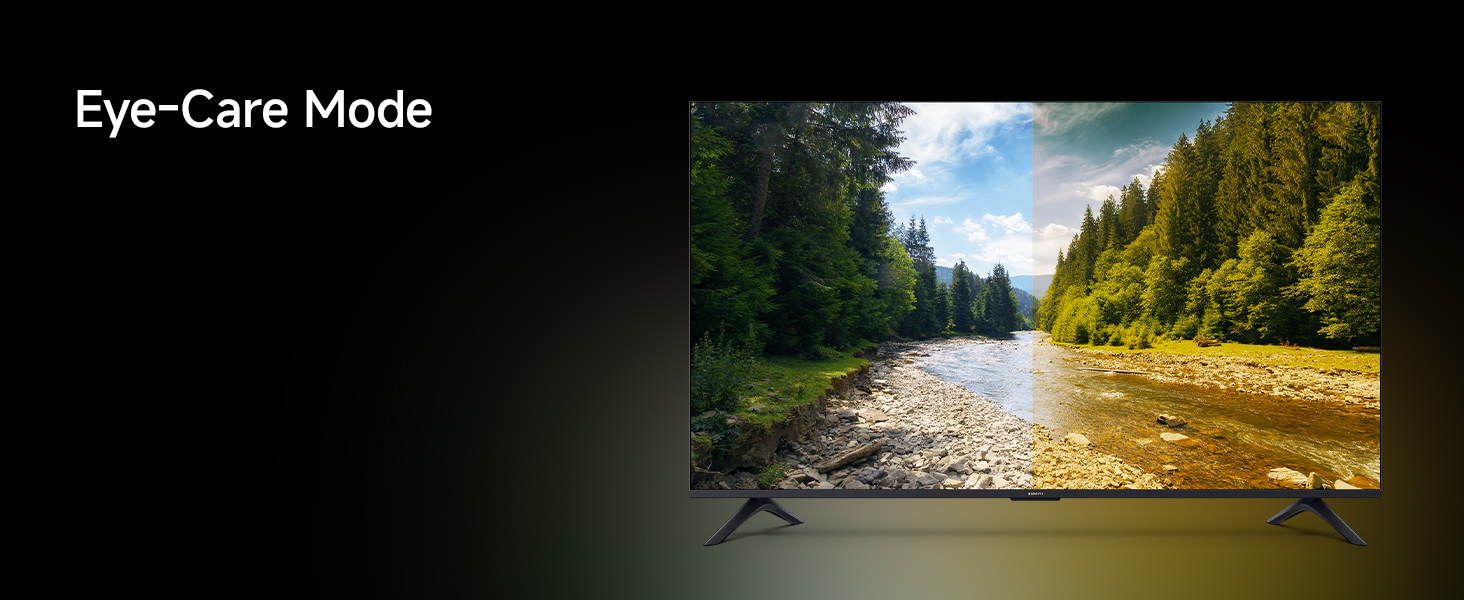
- Režim pohodlí pro oči: Reduces blue light emission to minimize eye strain during prolonged viewIng.
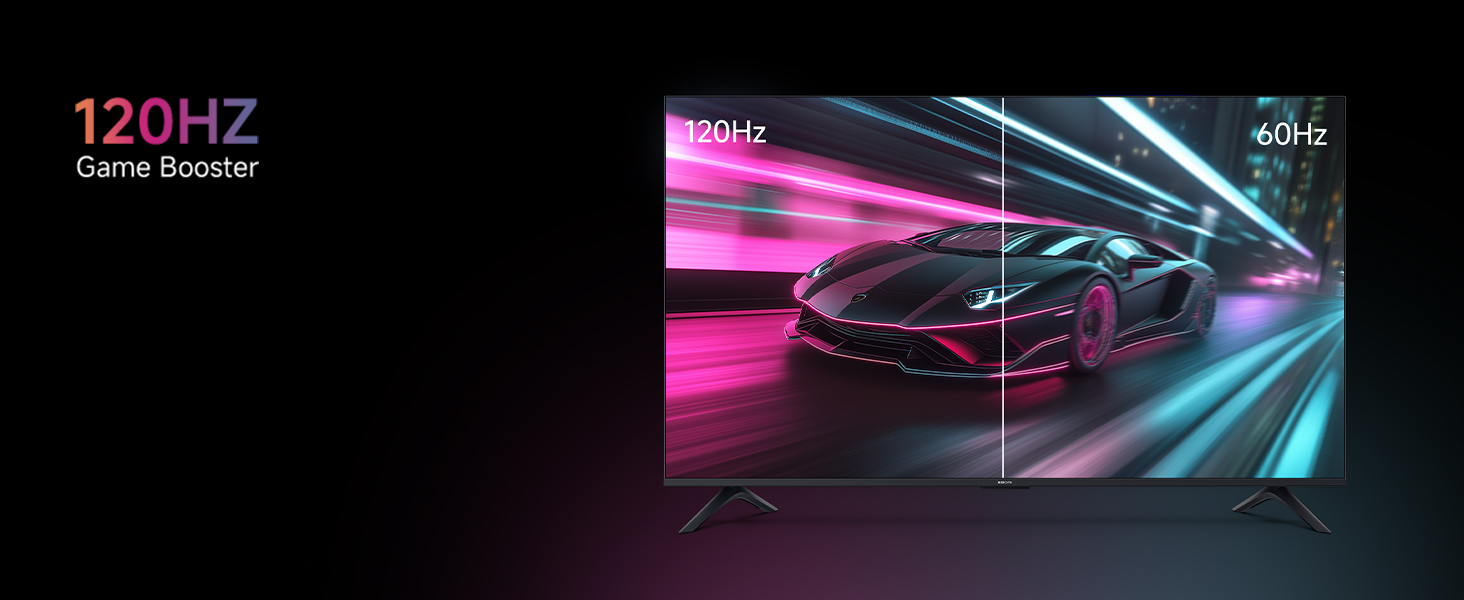
- 120Hz Game Booster (DLG): Boosts refresh rate to 120Hz for ultra-low latency and responsive gaming.
Popis obrázku: An image depicting a couple enjoying a movie on the Xiaomi TV, with the scene optimized by Filmmaker Mode to deliver a cinematic viewing experience as intended by the director.
Popis obrázku: A split-screen image comparing a car racing game, with one side showing the smooth motion at 120Hz and the other side showing the standard 60Hz, illustrating the benefit of the 120Hz Game Booster for reduced latency and improved responsiveness.
4.4. Audio Settings and Sound Technologies
The TV delivers powerful and clear audio:
- Výstup 34 wattů: Provides robust sound for an immersive experience.
- Dolby Audio: Enhances sound quality with rich, clear, and powerful audio.
- DTS-X a DTS Virtual:X: Creates a multi-dimensional audio experience, simulating surround sound.
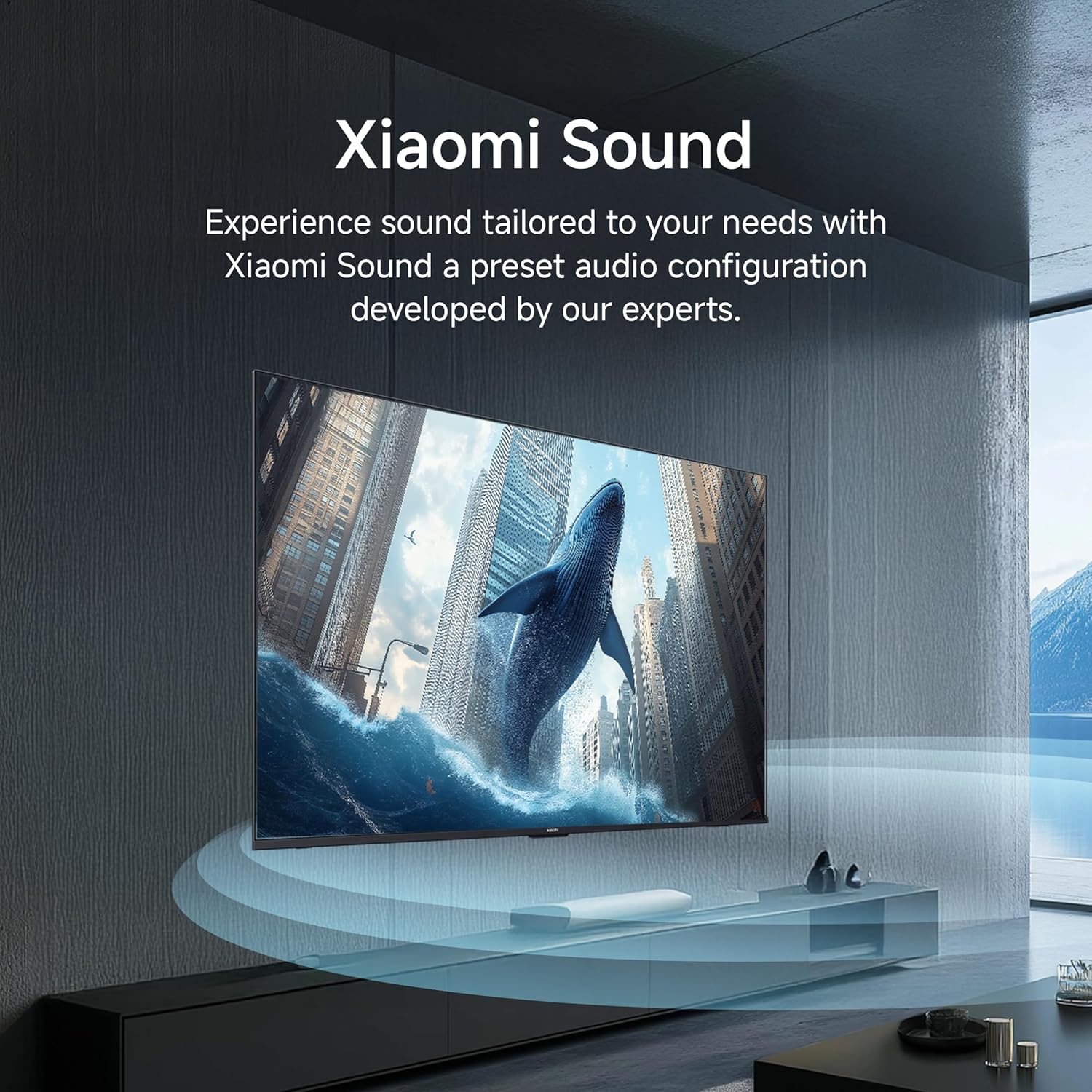
- Zvuk Xiaomi: A preset audio configuration developed by experts to tailor sound to your needs.
Popis obrázku: An image showing sound waves emanating from the Xiaomi TV, visually representing the cinematic audio experience enhanced by Dolby Audio, DTS-X, and DTS Virtual:X technologies.
5. Údržba
To ensure the longevity and optimal performance of your Xiaomi TV, follow these maintenance guidelines:
- Čištění obrazovky: Jemně otřete obrazovku měkkým hadříkem, který nepouští vlákna. V případě odolných skvrn lehceampOmyjte hadřík vodou nebo roztokem na čištění obrazovek určeným speciálně pro televizory. Nestříkejte tekutinu přímo na obrazovku.
- Čištění rámu: K otření rámu a stojanu televizoru použijte měkký, suchý hadřík.
- Větrání: Abyste zabránili přehřátí, ujistěte se, že ventilační otvory na zadní straně televizoru nejsou zablokované.
- Napájecí kabel: Regularly check the power cord for any damage. If damaged, contact service personnel for replacement.
- Odstranění prachu: Periodically use a soft brush or a vacuum cleaner with a brush attachment to remove dust from the vents.
6. Řešení problémů
Pokud narazíte na problémy s televizorem, postupujte podle následujících běžných kroků pro řešení problémů:
Není napájení / Televizor se nezapíná:
- Zkontrolujte, zda je napájecí kabel bezpečně zapojený do televizoru i do elektrické zásuvky.
- Ujistěte se, že zásuvka funguje tak, že ji otestujete jiným zařízením.
- Stiskněte tlačítko napájení na samotném televizoru, nejen na dálkovém ovladači, abyste vyloučili problém s dálkovým ovladačem.
Žádný obraz / Černá obrazovka:
- Verify that the correct input source (HDMI 1, HDMI 2, AV, etc.) is selected.
- Zkontrolujte všechna kabelová připojení mezi televizorem a externími zařízeními.
- Zkuste restartovat televizor a všechna připojená zařízení.
Dálkové ovládání nefunguje:
- Replace the batteries in the remote control with new AAA batteries.
- Ujistěte se, že mezi dálkovým ovladačem a infračerveným senzorem televizoru nejsou žádné překážky.
- For Bluetooth remotes, try re-pairing the remote with the TV (refer to the TV's settings menu).
Špatná kvalita obrazu:
- Check the resolution settings of the connected device and the TV.
- Adjust picture settings such as brightness, contrast, and sharpness in the TV menu.
- Ujistěte se, že vstupní zdroj poskytuje vysoce kvalitní signál.
Žádný zvuk:
- Zkontrolujte úroveň hlasitosti a ujistěte se, že televizor není ztlumený.
- Verify audio cable connections to external sound systems or soundbars.
- Zkontrolujte nastavení zvukového výstupu v nabídce televizoru.
Smart TV / App Issues:
- Zkontrolujte připojení k internetu (Wi-Fi nebo Ethernet).
- Zkuste restartovat televizor.
- Clear the cache and data for the problematic app in the TV's settings.
- Ujistěte se, že je software televizoru aktuální.
7. Specifikace
Detailed technical specifications for the Xiaomi 55-inch X Ultra HD 4K Smart Google LED TV (Model L55MB-AIN):
| Funkce | Specifikace |
|---|---|
| Značka | XIAOMI |
| Model | L55MB-AIN |
| Název modelu | série GTV |
| Modelový rok | 2025 |
| Velikost obrazovky | 55 palce (138 cm) |
| Technologie displeje | LED |
| Rezoluce | 4K Ultra HD (3840 x 2160 pixelů) |
| Obnovovací frekvence | 60 Hz / 120 Hz DLG |
| Operační systém | Google TV (operační systém Android 14) |
| Velikost nainstalované paměti RAM | 2 GB |
| Kapacita paměti (ROM) | 8 GB |
| Zvukový výstupní výkon | 34 wattů |
| Zvukové technologie | Dolby Audio, DTS-X, DTS Virtual:X |
| Konektivita | Dual Band Wi-Fi, Bluetooth, Ethernet, 3 HDMI ports (1 eARC), 2 USB ports, Optical, AV Input, 3.5mm Audio |
| Speciální funkce | Filmmaker Mode, MEMC, Eye Comfort Mode, Google Assistant, Google Cast built-in |
| Rozměry produktu (DxŠxV) | 122.6 x 31.2 x 77 cm (s podstavcem) |
| Hmotnost položky | 9.2 kg |
| Zdroj napájení | AC 240 voltů |
| Spotřeba energie v zapnutém režimu | 130 wattů |
| Viditelná úhlopříčka obrazovky | 55" / 140 cm |

Popis obrázku: A technical diagram illustrating the physical dimensions of the Xiaomi 55-inch TV, including its width (1226mm), height without stand (711mm), height with stand (770mm), and the diagonal screen size (138 cm).

Popis obrázku: An energy efficiency label for the Xiaomi TV Model L55MB-AIN, indicating a 3-star rating and an estimated annual energy consumption of 180 kWh per year, along with BEE certification.
8. Záruka a podpora
Váš televizor Xiaomi je dodáván s 2letá komplexní záruka. This warranty covers the cost of parts and labor for the product on an on-site service basis. Local transportation costs are also covered if the unit needs to be transported to a service center for repairs that cannot be performed at your premises.
Popis obrázku: A graphic emphasizing the '2 Years Complete Warranty' offered for Xiaomi TVs, indicating comprehensive coverage for the product.
To avail of the brand warranty, please retain your Amazon invoice as proof of purchase. The full user manual can also be accessed from the official Xiaomi brand website for more detailed information and support.
For further assistance or to register a service request, please visit the official Xiaomi support webnebo kontaktujte jejich zákaznický servis.