1. Úvod
This manual provides essential instructions for the proper setup, operation, and maintenance of your UnionSine HD3513 Desktop External Hard Drive. Please read this manual thoroughly before using the device to ensure optimal performance and data security.

Image 1: UnionSine HD3513 Desktop External Hard Drive, front view.
2. Obsah balení
Ověřte, zda jsou v balení přítomny všechny položky:
- UnionSine HD3513 Desktop External Hard Drive (10TB)
- USB 3.0 datový kabel
- Napájecí adaptér (12V/3A)
- Uživatelská příručka (tento dokument)
3. Pokyny k nastavení
Follow these steps to set up your external hard drive:
- Připojte napájecí adaptér: First, connect the provided 12V/3A power adapter to the DC IN port on the back of the hard drive. Then, plug the power adapter into a wall outlet.
- Připojte kabel USB: Connect one end of the USB 3.0 data cable to the USB 3.0 Micro-B port on the hard drive and the other end to an available USB 3.0 port on your computer or compatible device.
- Zapnutí: The hard drive will typically power on automatically once connected. A status indicator light on the front of the device will illuminate.
- Rozpoznávání zařízení: Your operating system should automatically detect the new hardware. No additional drivers or software installation is required for basic functionality (Plug and Play).

Image 2: Visual guide for connecting the power adapter and USB cable to the hard drive.
Počáteční formátování
The hard drive comes pre-formatted with EXFAT. This format offers broad compatibility across various operating systems. However, if your specific device or system requires a different format, reformatting the drive will be necessary. Refer to the compatibility table below for recommended formats.

Image 3: Table showing compatible file system formats for different operating systems and devices.
Poznámka: Reformatting the drive will erase all data. Back up any important data before proceeding with reformatting.
4. Obsluha pevného disku
Přenos dat
The UnionSine HD3513 utilizes USB 3.0 technology for high-speed data transfer. Theoretical read/write speeds can reach up to 130-270MB/s, enabling efficient handling of large filea multimediální obsah.

Image 4: Illustration of USB 3.0 connectivity for high-speed data transfers.
Kompatibilita
This external hard drive is designed for wide compatibility with various operating systems and devices:
- Operační systémy: Windows, MacOS, Linux, Android
- Zařízení: PC (Desktop, Laptop), Mac, TV, DVD players, Xbox, PS4
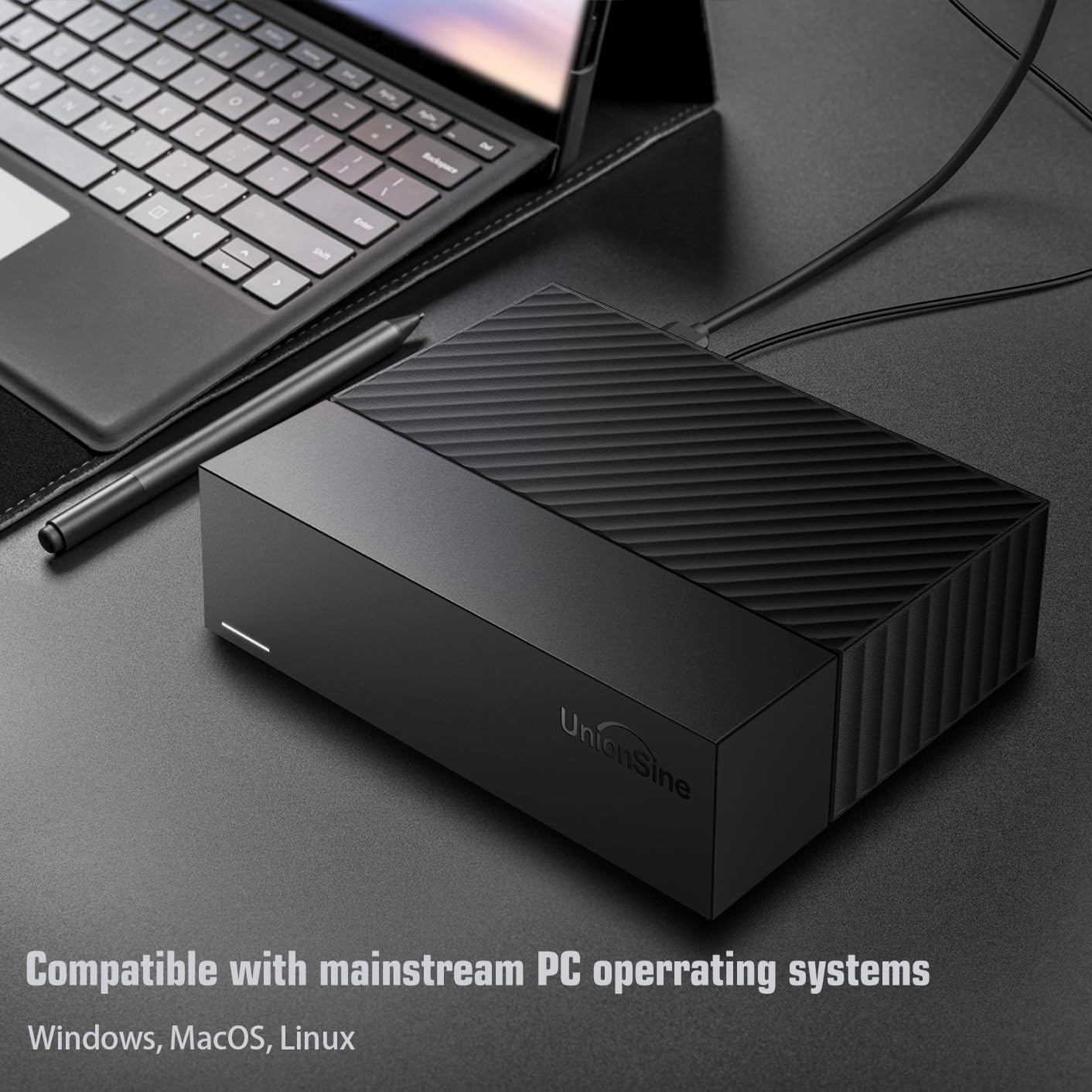
Image 5: The hard drive connected to a laptop, demonstrating compatibility with mainstream PC operating systems.
Scénáře použití
The 10TB capacity and high-speed interface make this drive suitable for:
- PC office and large file skladování
- Image and video archiving
- TV recording and 4K video storage
- Gaming data storage
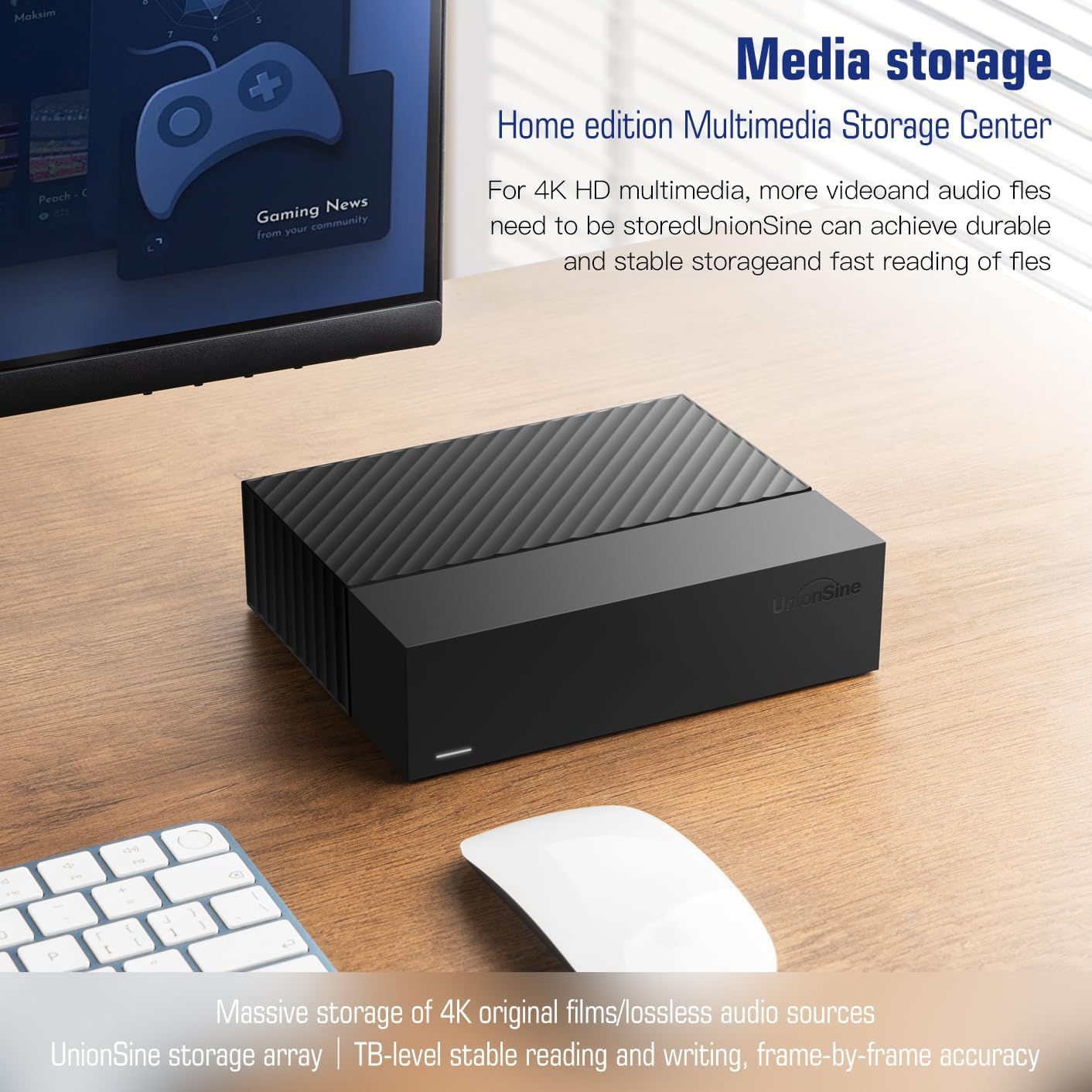
Image 6: The external hard drive positioned on a desk next to a monitor, illustrating its use as a media storage center.
5. Údržba a péče
Stabilní provoz
The device features a 12V/3A strong power supply for stable data transmission and anti-vibration silicone internally to reduce noise and enhance data security during operation.
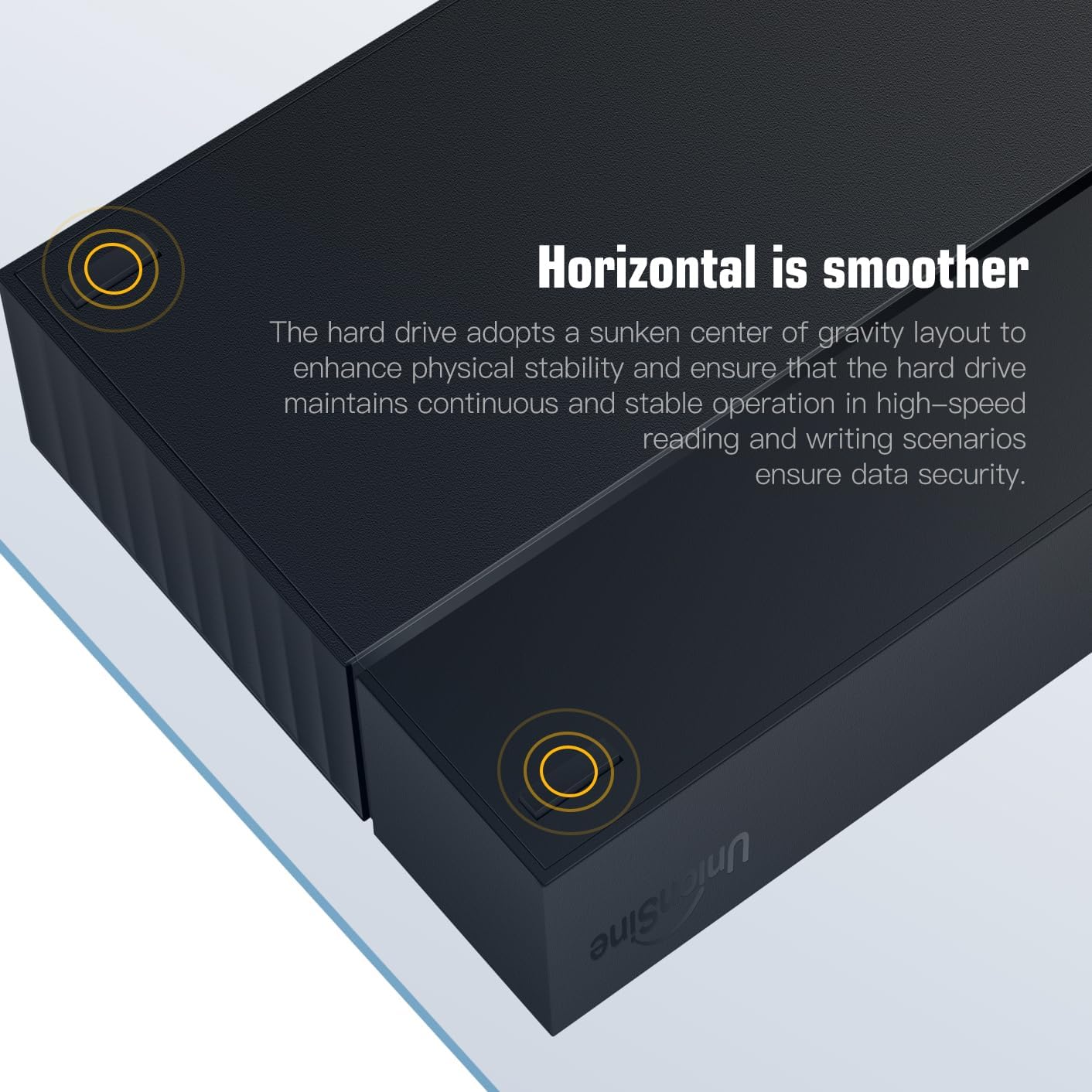
Image 7: The hard drive's design for horizontal placement, emphasizing stability and continuous operation.
Odvod tepla
The hard drive incorporates a honeycomb-patterned panel design to enhance heat dissipation efficiency, optimizing the operational environment and contributing to the longevity of the device.

Image 8: Diagram illustrating the airflow and heat dissipation through the honeycomb-patterned panels of the hard drive.
Redukce šumu
Internal soft connection design and anti-vibration components contribute to lower operational noise, providing a quieter working environment.

Obrázek 9: Detail view of the internal silicone parts used for cushioning and noise reduction.
6. Řešení problémů
If you encounter issues with your UnionSine HD3513, consider the following:
- Zařízení nebylo rozpoznáno:
- Ensure the power adapter is securely connected and the device is receiving power.
- Verify the USB cable is properly connected to both the hard drive and your computer.
- Zkuste se připojit k jinému portu USB na počítači.
- Pokud je k dispozici, vyzkoušejte s jiným USB kabelem.
- Check your computer's Disk Management (Windows) or Disk Utility (macOS) to see if the drive is detected but uninitialized or unformatted.
- Pomalý přenos dat:
- Ujistěte se, že jste připojeni k portu USB 3.0 na počítači. Porty USB 2.0 budou mít za následek výrazně nižší rychlost.
- Close other applications that might be using system resources or performing disk operations.
- The actual transfer rate may vary depending on your hardware configuration and operating system.
- Problémy s kompatibilitou:
- If the drive is not working with a specific device (e.g., TV, Xbox), check the device's manual for supported external storage formats and reformat the hard drive if necessary (refer to the Initial Formatting section).
Pro další pomoc se prosím podívejte do sekce Podpora.
7. Specifikace
| Funkce | Detail |
|---|---|
| Značka | UnionSine |
| Číslo modelu | HD3513-10T |
| Digitální kapacita úložiště | 10 TB |
| Pevný disk Form Factor | 3.5 palce |
| Rozhraní pevného disku | USB 3.0 |
| Rychlost otáčení pevného disku | 7200 ot./min |
| Technologie připojení | USB |
| Hardwarová platforma | Linux, Mac, PC |
| Kompatibilní zařízení | Desktop, Laptop, Tablet, Television |
| Barva | Černý |
| Rozměry balíku | 23.4 x 21.7 x 9.6 cm |
| Hmotnost položky | 1.4 kg |
8. Záruka a podpora
UnionSine is committed to providing reliable products. While specific warranty details are not provided in this document, we encourage you to retain your proof of purchase for any warranty claims.
If you encounter any problems with your hard drive during use, please feel free to contact UnionSine customer support. Our team is available to assist you with troubleshooting and product inquiries.
For the most up-to-date support information and contact methods, please visit the official UnionSine webwebu nebo se podívejte na kontaktní údaje uvedené v dokumentaci k nákupu.

