Zavedení
This manual provides essential information for the proper setup, operation, and maintenance of your UnionSine HD3513 1TB External Hard Drive. Please read these instructions carefully to ensure optimal performance and longevity of your device.
Nastavení
The UnionSine HD3513 external hard drive is designed for plug-and-play functionality, requiring no software installation for basic use.
- Připojte disk: Use the provided USB 3.0 Type-C cable to connect the external hard drive to an available USB port on your computer (PC, Mac, Linux), laptop, gaming console (PS4, Xbox), or compatible TV.
- Automatické rozpoznání: Váš operační systém by měl automaticky detekovat a nainstalovat potřebné ovladače. Disk se zobrazí jako nové úložné zařízení.
- Initial Formatting (Optional): For cross-platform compatibility (e.g., using with both Windows and Mac), it is recommended to format the drive to exFAT. For specific operating systems, you may choose NTFS (Windows) or HFS+ (Mac). Formatting will erase all data on the drive, so ensure it is empty or backed up before proceeding. Refer to your operating system's documentation for formatting instructions.
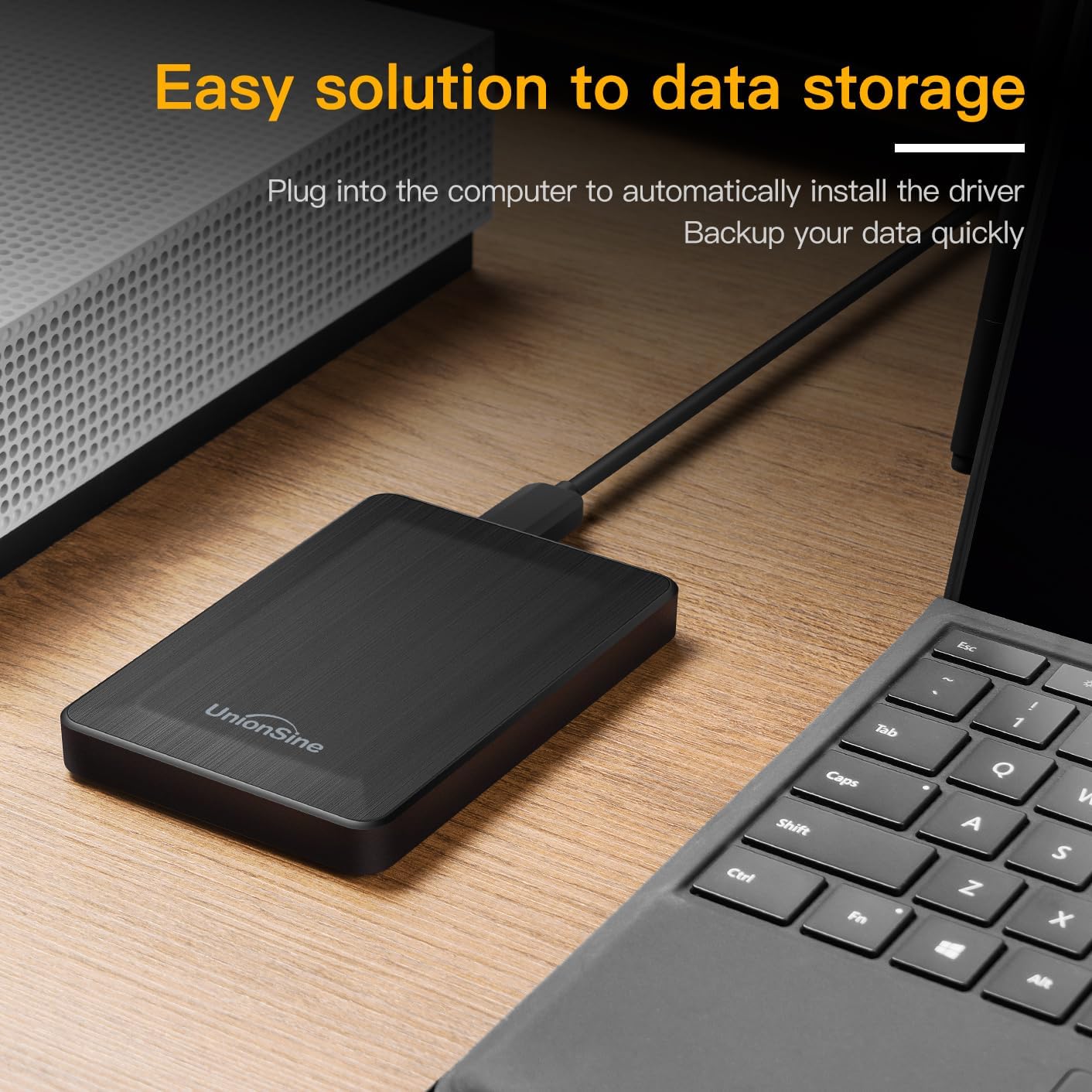
Image: The UnionSine HD3513 external hard drive connected via USB, demonstrating its plug-and-play setup for data storage and backup.
Provozní
Once connected and recognized, your UnionSine HD3513 external hard drive functions like any other storage device.
- Přenos dat: Drag and drop files or use copy/paste functions to transfer data to and from the drive. The USB 3.0 interface supports high-speed data transfers up to 120MB/s, depending on your system's hardware configuration and operating system.
- Kompatibilita: The drive is compatible with various operating systems including Windows, Mac, and Linux. It can also be used with gaming consoles like PS4 and Xbox, and certain smart TVs for media playback or storage expansion.
- Bezpečné odstranění: Always safely eject the hard drive from your operating system before physically disconnecting it to prevent data corruption.
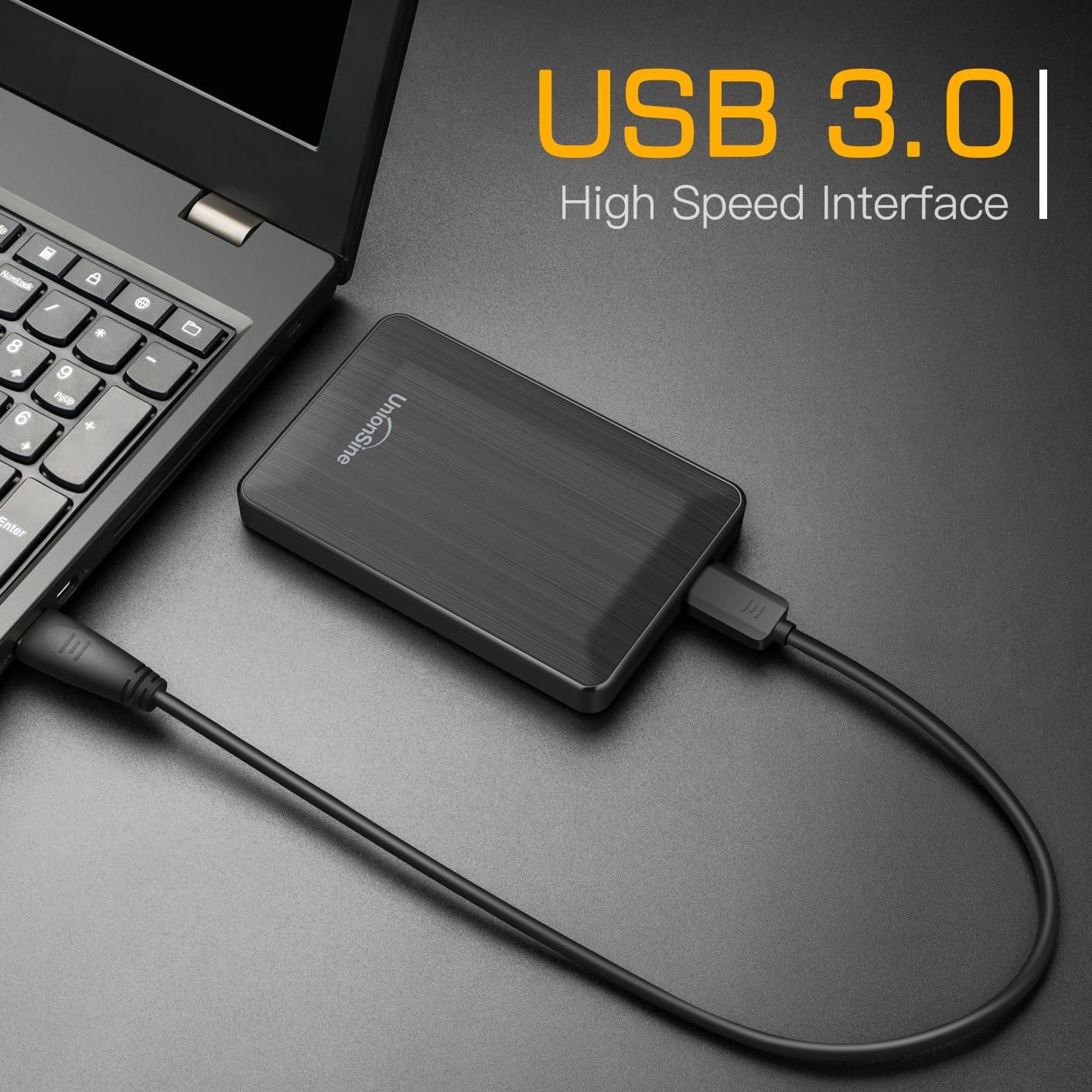
Image: The UnionSine HD3513 external hard drive connected to a laptop, demonstrating its USB 3.0 high-speed interface for efficient data transfer.

Image: An illustration of the UnionSine HD3513 external hard drive's broad compatibility with Windows, Mac, and Linux operating systems.
Údržba
Proper care ensures the longevity and reliability of your external hard drive.
- Fyzická ochrana: Avoid dropping or subjecting the drive to strong impacts. While designed for portability, excessive physical shock can damage internal components.
- Podmínky prostředí: Chraňte disk před extrémními teplotami, přímým slunečním zářením a vysokou vlhkostí.
- Čištění: K čištění vnější strany disku použijte měkký, suchý hadřík. Nepoužívejte tekuté čisticí prostředky ani rozpouštědla.
- Záloha dat: Regularly back up important data stored on the external drive to another location to prevent data loss in case of unforeseen issues.
Odstraňování problémů
If you encounter issues with your UnionSine HD3513, consider the following:
- Disk nebyl rozpoznán:
- Ujistěte se, že je kabel USB bezpečně připojen k disku i k zařízení.
- Zkuste se připojit k jinému USB portu na vašem zařízení.
- Test the drive on another computer to rule out a system-specific issue.
- Check your computer's Disk Management (Windows) or Disk Utility (Mac) to see if the drive is detected but unformatted or has a drive letter conflict.
- Pomalé přenosové rychlosti:
- Ensure you are connected to a USB 3.0 port for optimal speeds. USB 2.0 ports will result in slower transfers.
- Ověřte, zda jsou ovladače vašeho počítače aktuální.
- Zavřete ostatní aplikace, které mohou využívat systémové prostředky nebo provádět přenosy na pozadí.
- Rozdíl v kapacitě: The actual usable capacity of a hard drive may appear slightly less than the nominal capacity due to differences in calculation methods (decimal vs. binary) and system files. Napřample, 1TB is approximately 931GB of usable space. This is normal and not an indication of a defect.
If problems persist, please refer to the Support section for further assistance.
Specifikace
| Model | HD3513 |
| Digitální kapacita úložiště | 1 TB (terabajt) |
| Rozhraní pevného disku | USB 3.0 (zpětně kompatibilní s USB 2.0) |
| Technologie připojení | USB |
| Pevný disk Form Factor | 2.5 palce |
| Rychlost otáčení pevného disku | 5400 ot./min |
| Kompatibilní zařízení | Desktop, Mac, Laptop, Game Console (PS4, Xbox), TV |
| Hardwarová platforma | Linux, Mac, PC |
| Barva | Černý |
| Rozměry balíku | 13.89 x 10.21 x 3.71 cm |
| Hmotnost položky | 240 g |
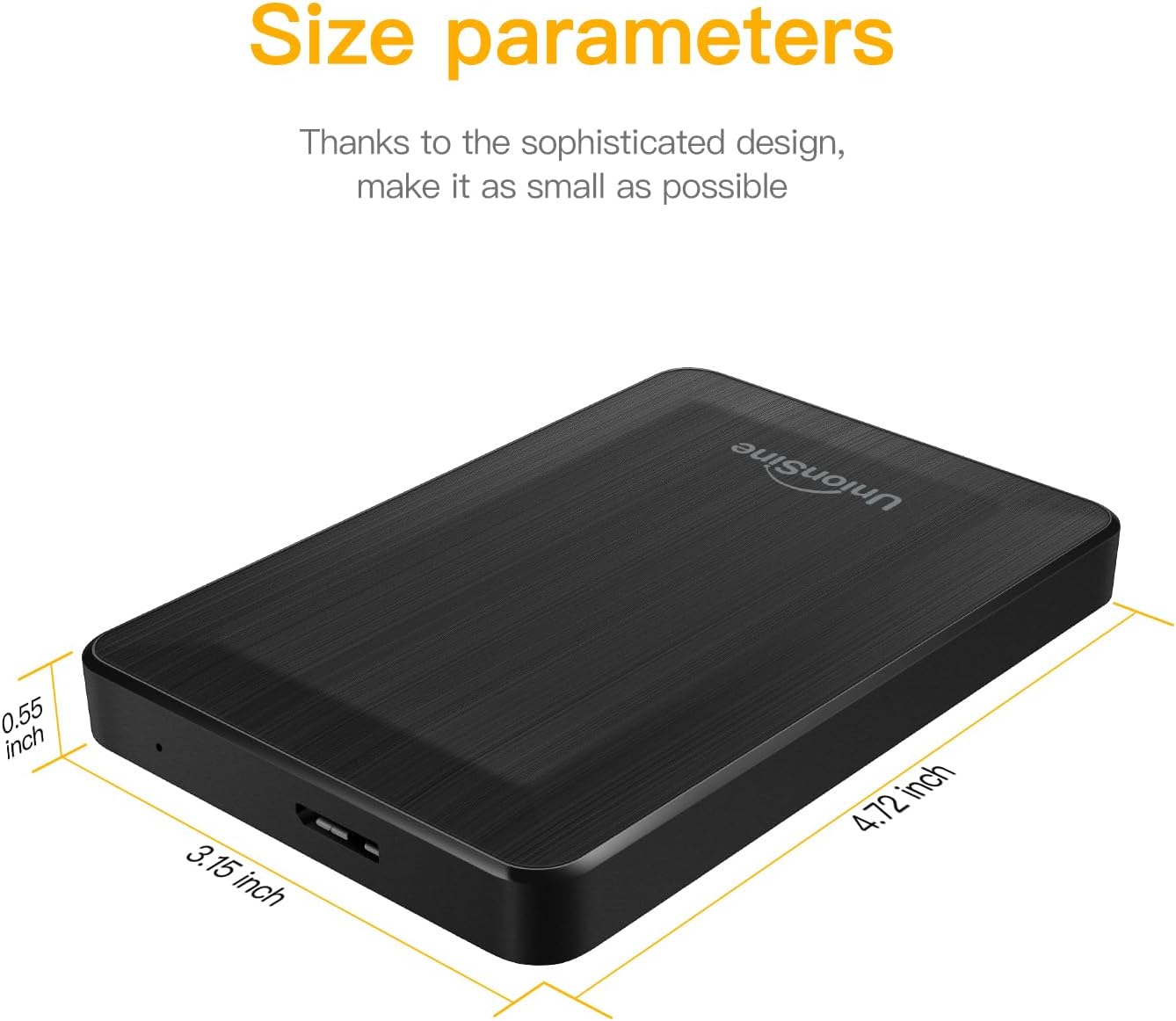
Image: Detailed size parameters of the UnionSine HD3513 external hard drive, showing its compact dimensions.
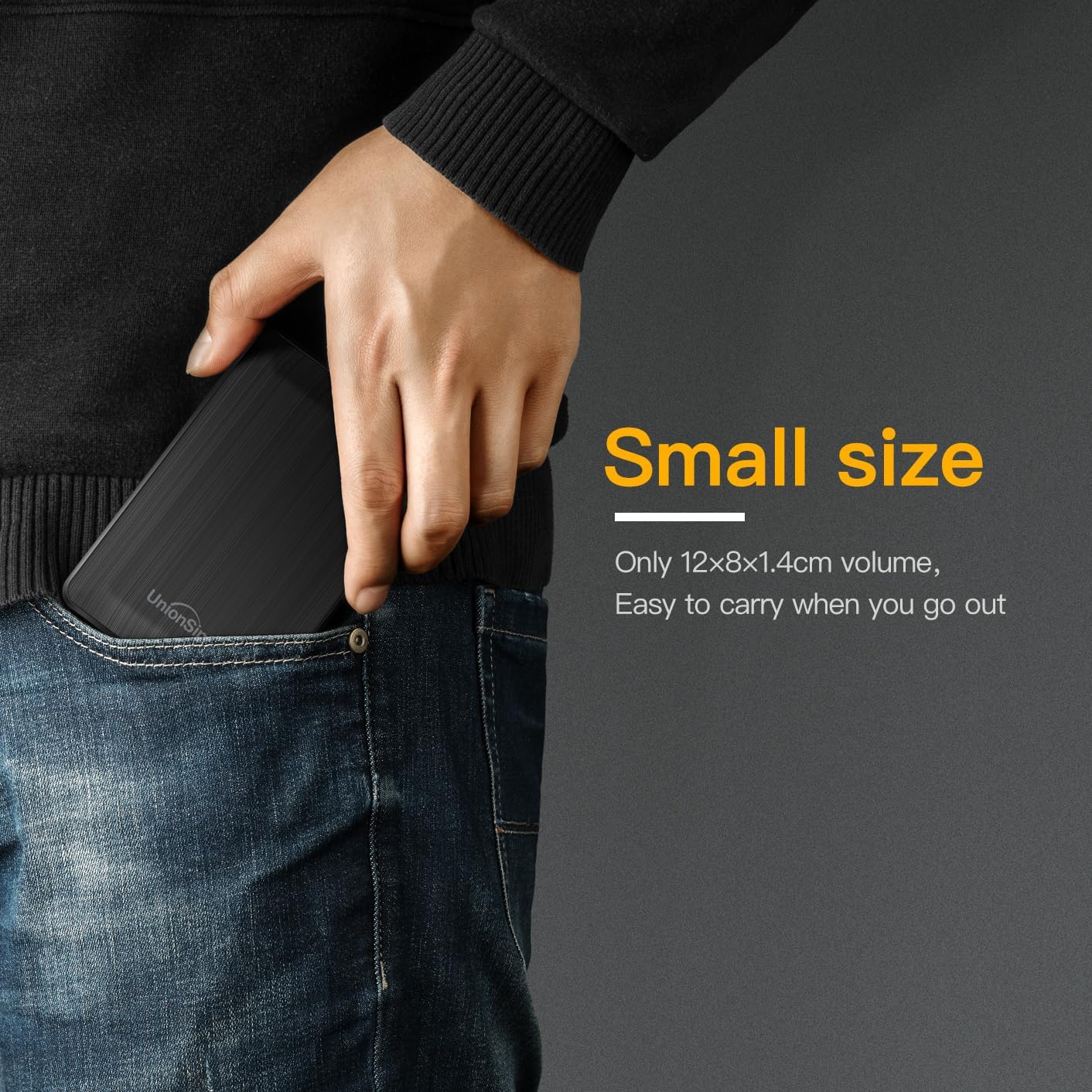
Image: The UnionSine HD3513 external hard drive fitting easily into a pocket, emphasizing its small size and portability for on-the-go use.
Záruka
Specific warranty details for the UnionSine HD3513 external hard drive are provided by the manufacturer at the time of purchase. Please retain your proof of purchase for warranty claims. For detailed warranty terms and conditions, refer to the documentation included with your product or contact UnionSine customer support.
Podpora
For technical assistance, troubleshooting beyond this manual, or warranty inquiries, please contact UnionSine customer support. Contact information can typically be found on the product packaging, the manufacturer's official webwebu nebo prostřednictvím svého prodejce.

