1. Úvod
The xTool F1 is a versatile 2-in-1 dual laser engraver designed for high-speed and precision engraving and cutting across a wide range of materials. It integrates a 2W infrared laser for metals and a 10W diode laser for organic materials like wood and acrylic. This manual provides essential information for safe operation, setup, maintenance, and troubleshooting of your xTool F1 device.
2. Bezpečnostní informace
WARNING: The xTool F1 is a Class 4 laser product. Direct exposure to the laser beam can cause severe eye and skin damage. Always follow safety guidelines.
- Ochrana očí: Always wear appropriate laser safety goggles when operating the device, even with the protective cover.
- Uzavřený provoz: The xTool F1 features a fully enclosed cover to block smoke and filter the laser. Ensure the cover is properly closed during operation.
- Větrání: Operate the device in a well-ventilated area. Utilize the built-in fan and consider an external air purifier (sold separately) to manage smoke and odors.
- Bezpečnost materiálu: Only engrave or cut materials approved for laser processing. Avoid materials that produce toxic fumes or are highly flammable.
- Dozor: Nikdy nenechávejte stroj během provozu bez dozoru.
- Nouzové zastavení: Seznamte se s umístěním a funkcí tlačítka nouzového zastavení.
3. Komponenty produktu
The xTool F1 comes pre-assembled. Key components include:
- xTool F1 Main Unit (with integrated 2W Infrared and 10W Diode Lasers)
- Protective Enclosure/Cover
- Napájecí adaptér
- USB kabel
- Material Pack (for testing)
- Řezací panel

Image: The xTool F1 unit shown with its pre-assembled design and included accessories such as a cutting panel and material samples.
4. Nastavení
The xTool F1 is designed for quick setup due to its pre-assembled nature.
- Rozbalení: Carefully remove the xTool F1 from its packaging.
- Umístění: Place the engraver on a stable, level surface in a well-ventilated area.
- Připojení napájení: Připojte napájecí adaptér k gravírce a poté do elektrické zásuvky.
- Připojení k počítači: Připojte gravírku k počítači pomocí dodaného kabelu USB.
- Instalace softwaru: Stáhněte a nainstalujte software xTool Creative Space z oficiálního webu xTool. website. Alternatively, LightBurn software is also supported.
5. Návod k obsluze
5.1 Konec softwaruview
The xTool F1 is compatible with:
- xTool Creative Space: User-friendly software supporting SVG, DXF, JPG, PNG, and BMP formats.
- LightBurn: A mature engraving software for common laser cutters.

Image: The xTool F1 supports various devices including phones, iPads, and laptops, utilizing xTool Creative Space and Lightburn software for design and control.
5.2 Zaostřování
Accurate focusing is crucial for optimal engraving results.
- Automatické ostření: Enter the material thickness in the software, and the laser head will automatically adjust its height to maintain focus.
- Manuální ostření: Turn the knob on the device to adjust the laser head height. Ensure the two red dots projected by the laser overlap perfectly on the material surface for precise focus.
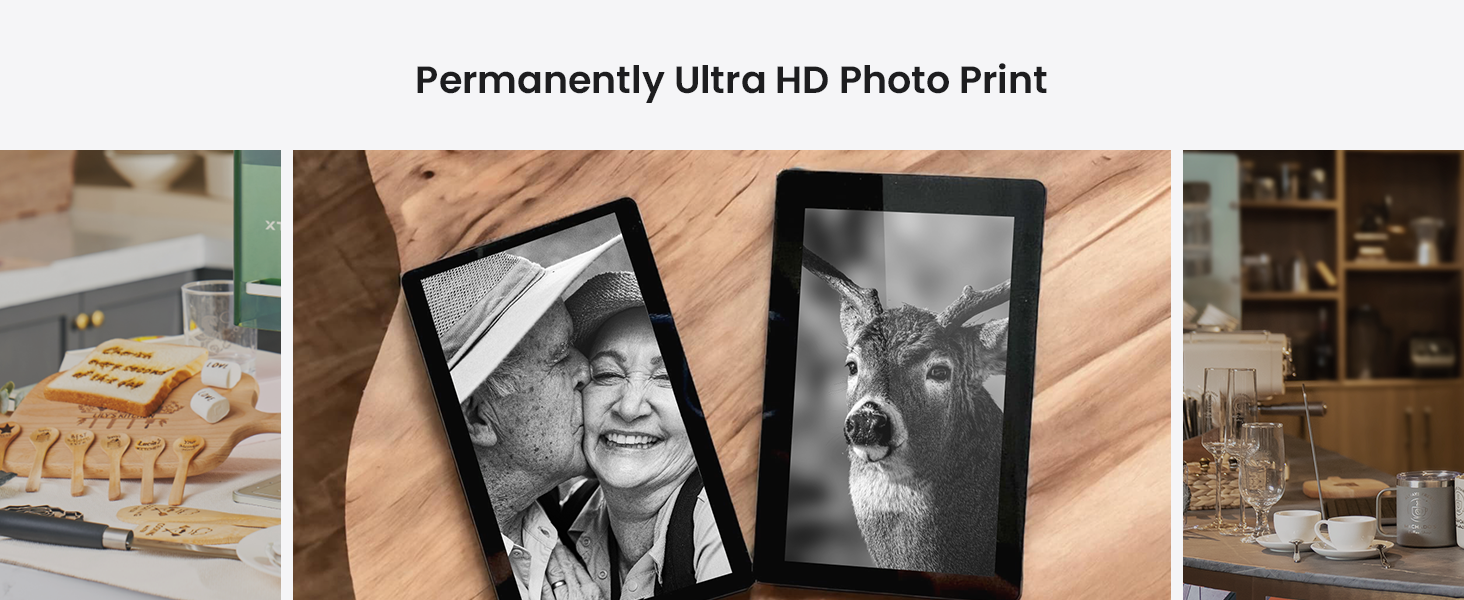
Image: Illustration of auto-focus, where material thickness is input, and manual focus, where a knob is turned to align two red laser dots.
5.3 Engraving Process (3 Steps)
Engraving with the xTool F1 is a straightforward process:
- Step 1: Design Creation: Create or import your design using xTool Creative Space or LightBurn.
- Krok 2: Předview and Positioning: Use the live preview function to ensure your design is correctly positioned on the material. The device can project a frame preview or a graph outline preview.
- Step 3: Start Engraving: Jakmile jsme s pre-view, press the button on the device to begin the engraving process.
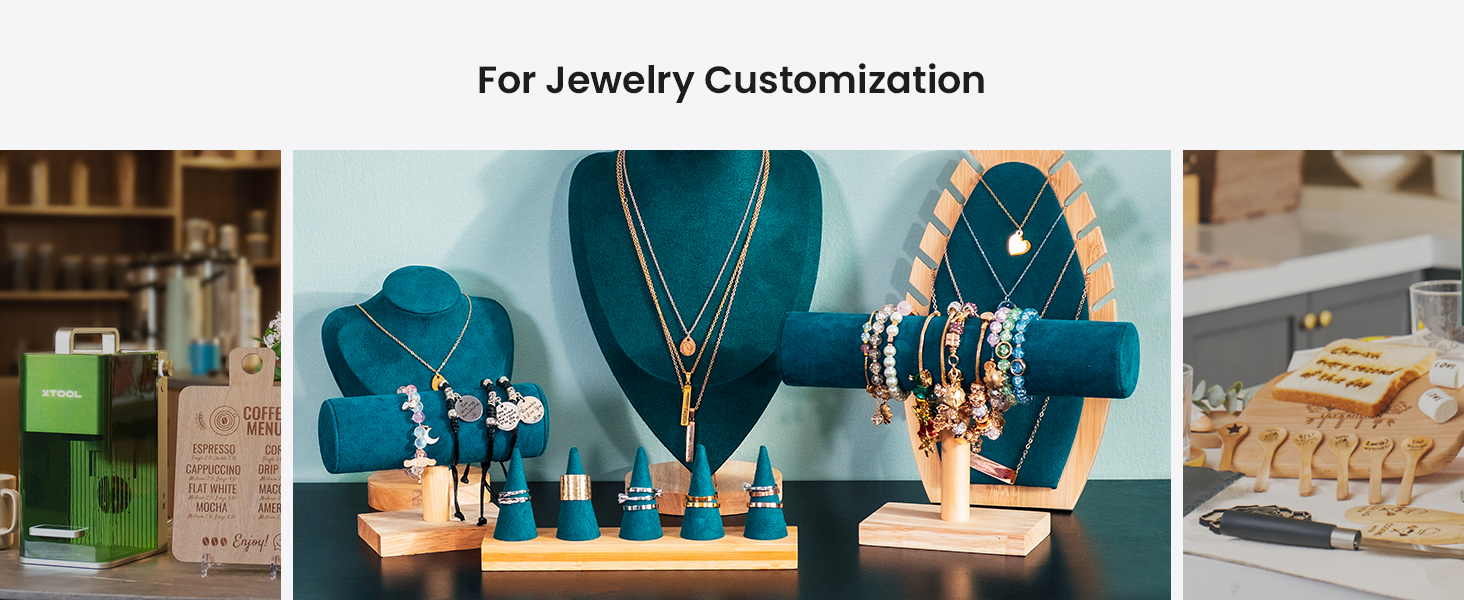
Image: A visual guide to the three-step engraving process: designing on a tablet, previewing on the machine, and pressing the start button.
5.4 Material Compatibility and Dual Lasers
The xTool F1 features two distinct lasers for broad material compatibility:
- 2W 1064nm Infrared Laser: Ideal for engraving all metal materials and some plastics.
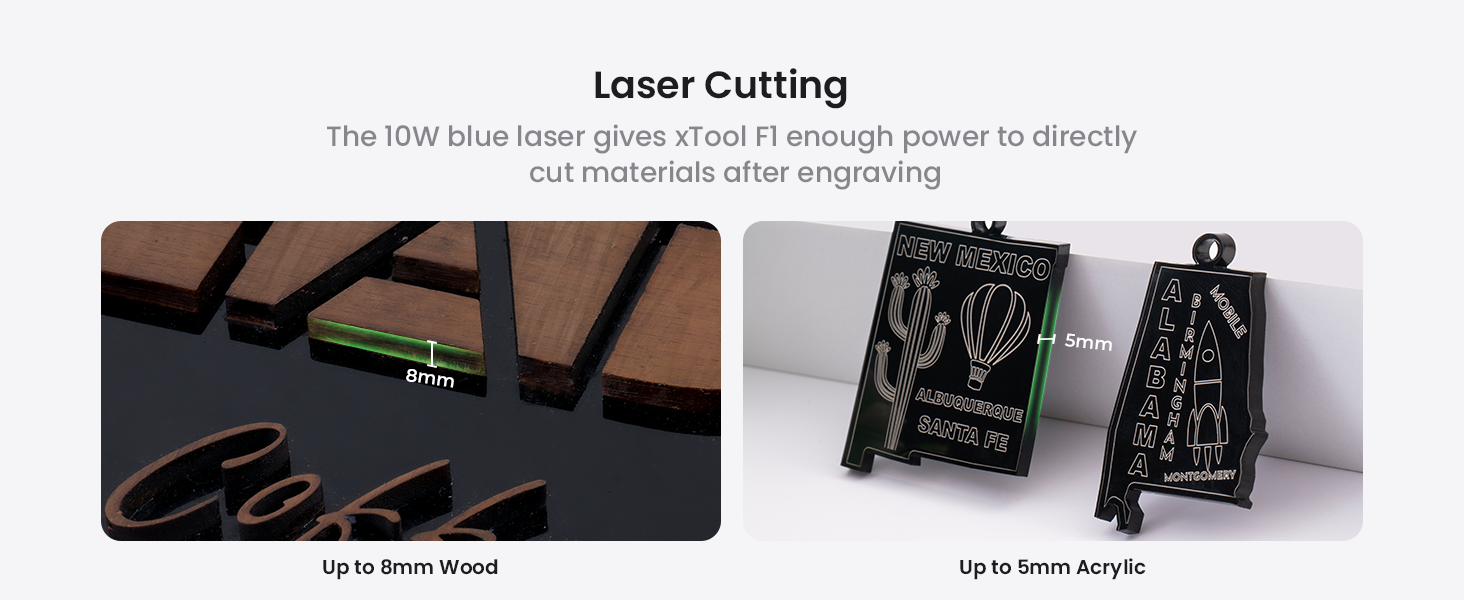
- 10W 455nm Blue Diode Laser: Suitable for cutting and engraving wood, acrylic, leather, paper, rubber, and other organic materials. It can cut up to 10mm wood and 6mm acrylic.
Obrázek: Interní view of the xTool F1, highlighting the distinct paths of the 2W infrared laser (red) for metals and the 10W blue diode laser (blue) for other materials.
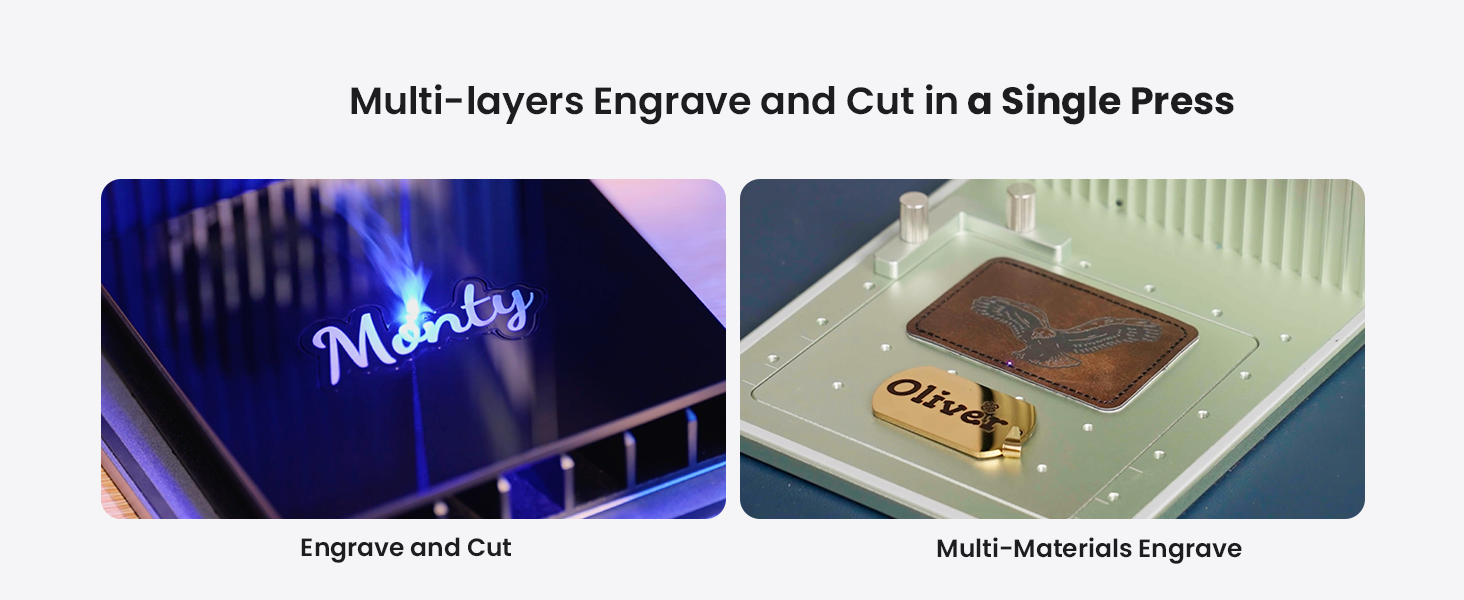
Image: A diverse collection of over 300 materials, including wood, acrylic, glass, aluminum, slate, and leather, demonstrating the xTool F1's engraving capabilities.
5.5 Expanding Working Area with Slide Extension
The xTool F1 can expand its working area for larger projects or batch processing.
- Standard Working Area: Rozměr 115 mm x 115 mm.
- With Slide Extension: Expandable to 115mm x 400mm, allowing for 4 times the engraving area. This is ideal for batch processing multiple items simultaneously.

Image: The xTool F1 with its slide extension accessory, visually demonstrating the expansion of the engraving area from 115x115mm to 115x400mm.
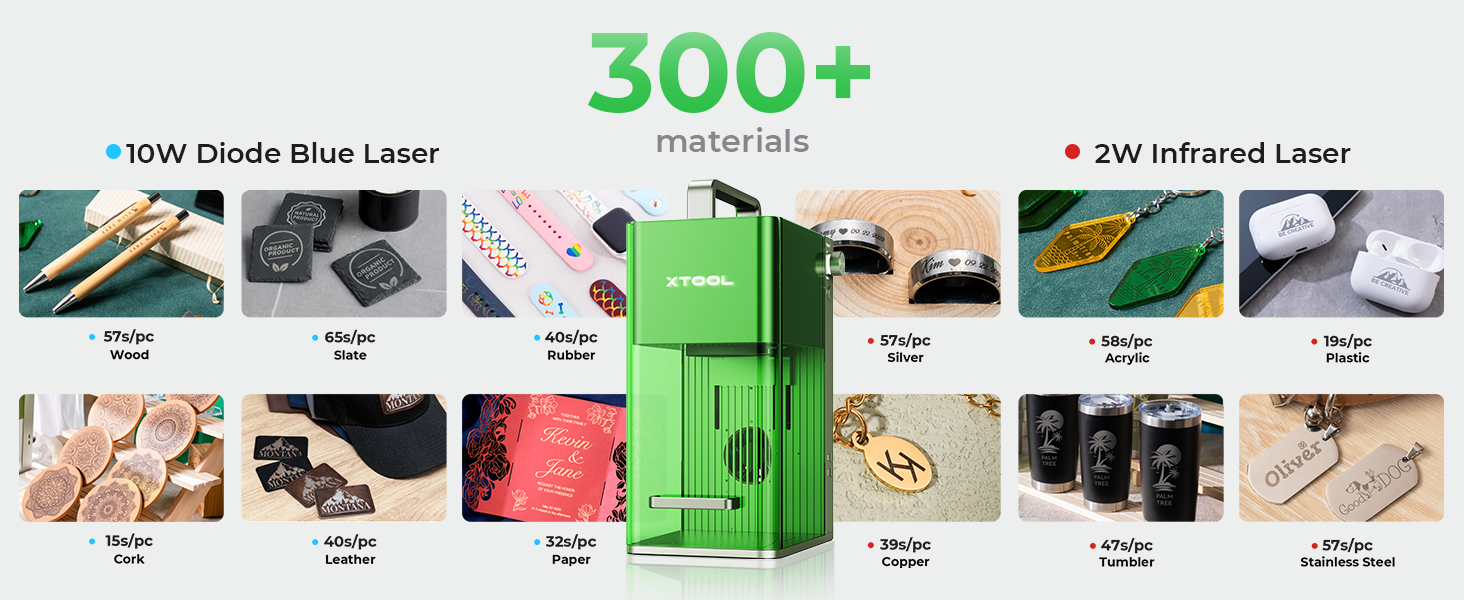
Image: The xTool F1 efficiently engraving multiple spoons in a single batch using the extended working area provided by the slide extension.
6. Údržba
Regular maintenance ensures optimal performance and longevity of your xTool F1.
- Čištění: Regularly clean the interior of the machine, especially the lens and work area, to remove dust and debris. Use a soft, lint-free cloth and lens cleaning solution if necessary.
- Vzduchový filtr: If using an air purifier, regularly check and replace its filter as recommended by the manufacturer.
- Aktualizace firmwaru: Keep the device firmware and software updated to the latest versions for improved features and stability.
7. Řešení problémů
Tato část se zabývá běžnými problémy, se kterými se můžete setkat.
| Problém | Možná příčina | Řešení |
|---|---|---|
| Laser nestřílí | Power cable loose; Emergency stop engaged; Software error; Laser module issue | Check power connections; Disengage emergency stop; Restart software/device; Contact support if issue persists. |
| Špatná kvalita gravírování | Incorrect focus; Wrong material settings; Dirty lens; Material not flat | Adjust focus (auto/manual); Verify material settings in software; Clean laser lens; Ensure material is flat and secured. |
| Device not connecting to computer | USB cable issue; Driver not installed; Software conflict | Try a different USB port/cable; Reinstall drivers; Restart computer and device. |
For more detailed troubleshooting or issues not listed here, please refer to the official xTool support resources.
8. Specifikace
| Funkce | Detail |
|---|---|
| Model | Nástroj F1 |
| Typ laseru | 2W 1064nm Infrared Laser & 10W 455nm Blue Diode Laser |
| Rychlost gravírování | Až 4000 mm / s |
| Přesnost pohybu | 0.00199 mm |
| Standard Working Area | Rozměr 115 mm x 115 mm |
| Expanded Working Area (with Slide Extension) | Rozměr 115 mm x 400 mm |
| Cutting Capacity (Diode Laser) | Up to 10mm wood, 6mm acrylic |
| Hmotnost | 4.6 kg |
| Konektivita | USB |
| Podporovaný software | xTool Creative Space, LightBurn |
9. Záruka a podpora
For detailed warranty information, product registration, and technical support, please visit the official xTool webnebo se obraťte přímo na jejich zákaznický servis. Uschovejte si účtenku jako doklad o koupi pro případ reklamace.
Online zdroje:
- Official xTool Webmísto: www.xtool.com
- Support Page: Refer to the website for FAQs, tutorials, and contact options.


