1. Úvod
This manual provides essential information for setting up, operating, and maintaining your UMIDIGI G5 Android 13 Smartphone. Please read this guide thoroughly to ensure proper use and to maximize the device's capabilities.
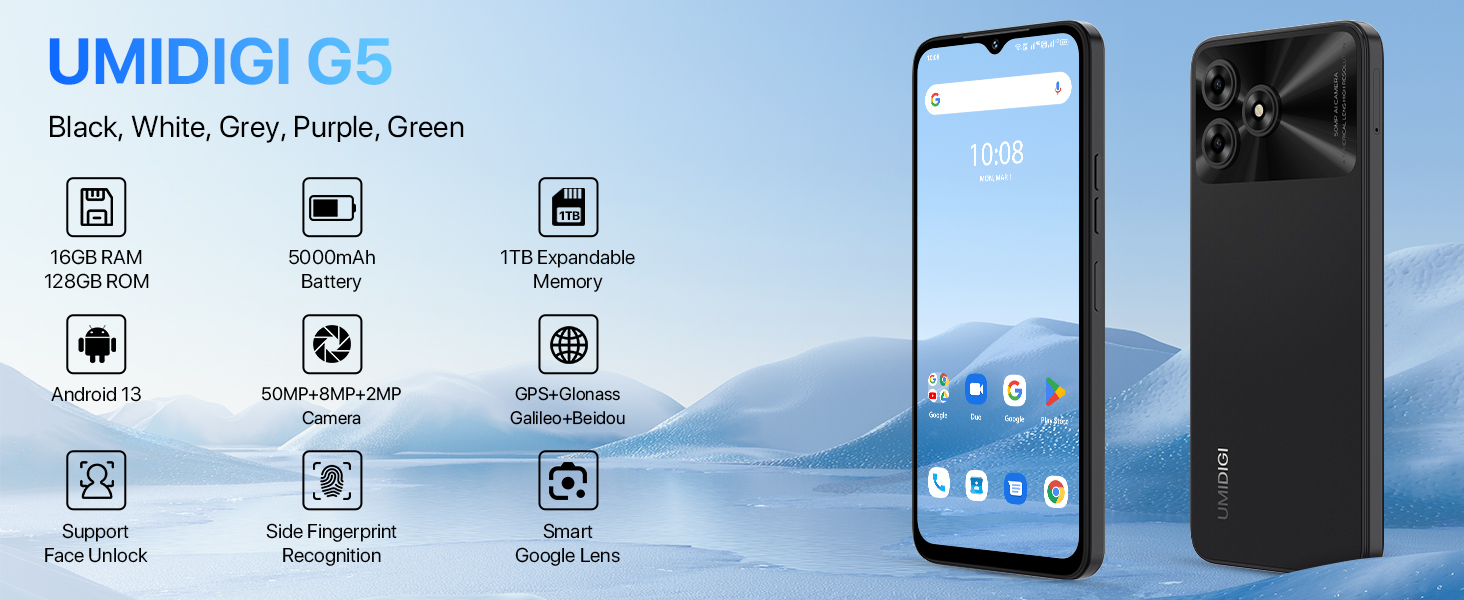
Image: UMIDIGI G5 Smartphone highlighting its core features.
2. Co je zahrnuto
Ověřte, zda jsou v balení přítomny všechny položky:
- Smartphone UMIDIGI G5
- Protector Film (pre-applied)
- Pouzdro na telefon
- Napájecí adaptér
- Vysunutí zásobníku SIM
- Kabel USB typu C
- Rychlý průvodce
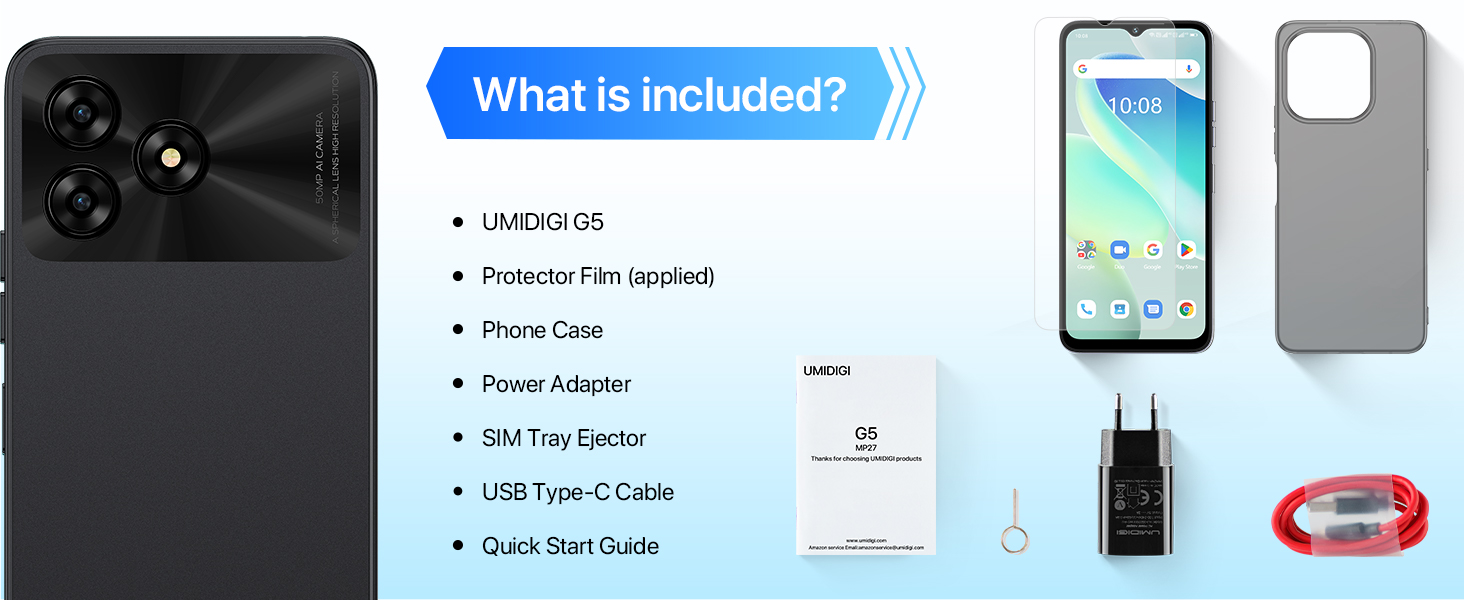
Image: Package contents of the UMIDIGI G5.
3. Nastavení
3.1 Inserting SIM and TF Card
The UMIDIGI G5 supports dual Nano-SIM cards or one Nano-SIM and one TF (microSD) card for expandable storage up to 1TB.
- Vyhledejte držák SIM karty na boku zařízení.
- Vložte nástroj pro vysunutí SIM karty do malého otvoru vedle držáku a pevně zatlačte, dokud držák nevyskočí.
- Vložte kartu (karty) Nano-SIM a/nebo kartu TF do určených slotů v držáku. Ujistěte se, že zlaté kontakty směřují dolů a karty jsou správně orientovány.
- Opatrně vložte zásobník zpět do telefonu, dokud nezacvakne na místo.
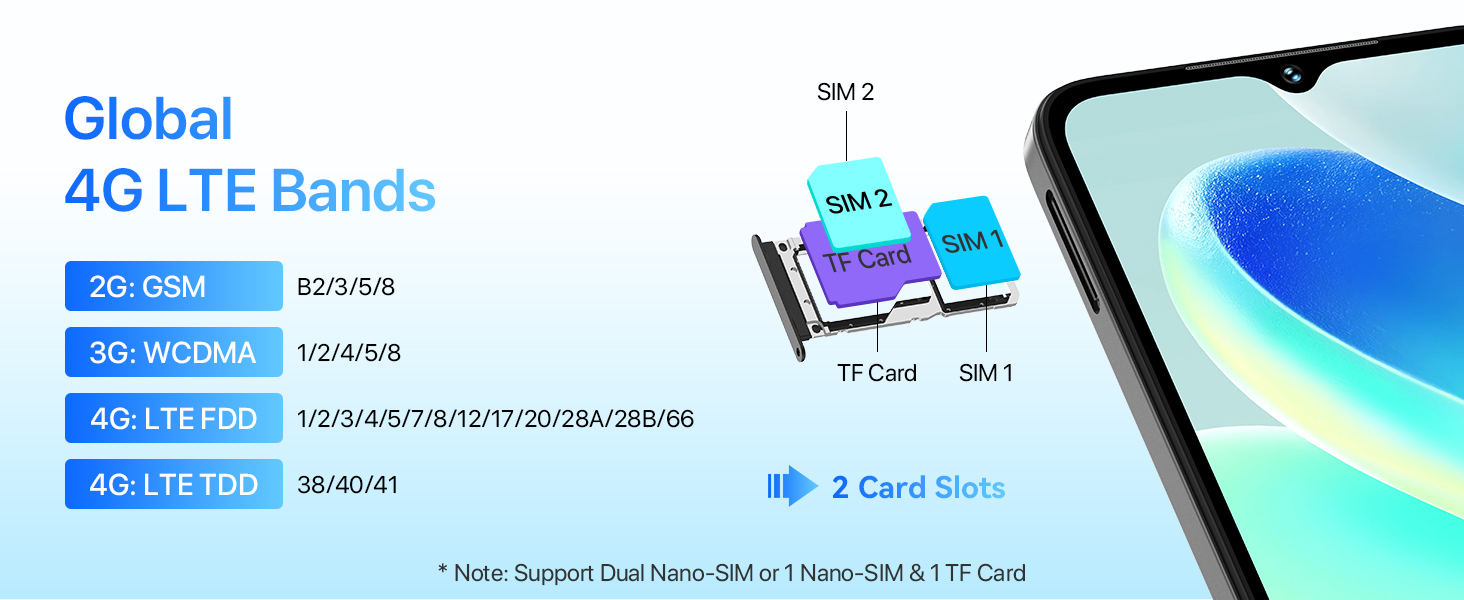
Image: SIM and TF card installation guide.
3.2 Počáteční zapnutí a nastavení
- Stiskněte a podržte tlačítko napájení, dokud se neobjeví logo UMIDIGI.
- Postupujte podle pokynů na obrazovce a vyberte jazyk, připojte se k Wi-Fi a nastavte si účet Google.
- Configure security features such as fingerprint unlock and face unlock during the initial setup for enhanced device security.
4. Obsluha vašeho zařízení
4.1 Zobrazení a interakce
The UMIDIGI G5 features a 6.6-inch HD+ display with a 90Hz refresh rate for smooth visuals.
- Velikost obrazovky: 6.6 palců
- Rezoluce: 720 × 1640 (HD+)
- Poměr stran: 20:9
- Obnovovací frekvence: 90 Hz
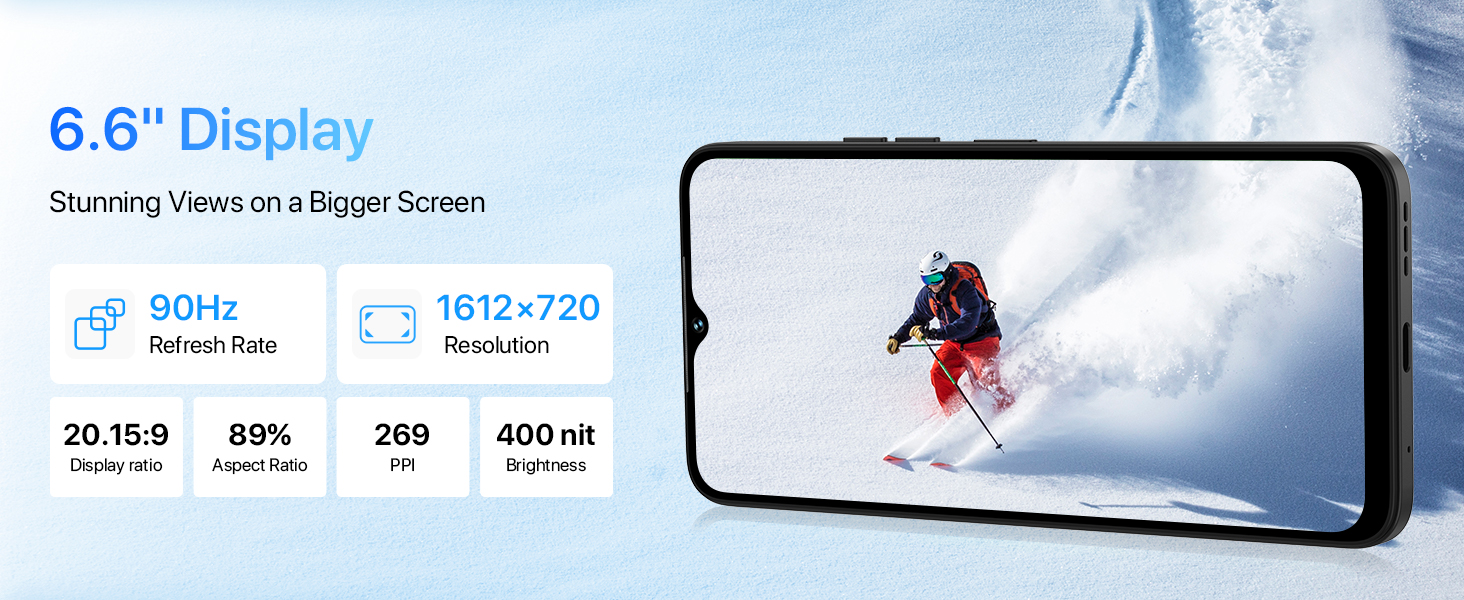
Image: Details of the UMIDIGI G5's display features.
4.2 Funkce fotoaparátu
The UMIDIGI G5 is equipped with a 50MP AI main camera, a 2MP macro camera, and an 8MP front camera.
- 50MP hlavní fotoaparát: Captures high-resolution images with vibrant colors.
- 2MP makro fotoaparát: Designed for close-up shots, revealing fine details.
- 8MP přední fotoaparát: Ideal for selfies and video calls, includes beauty mode.
Multiple camera modes are available:
- AI kamera: Intelligent scene recognition for optimized photos.
- Pro režim: Manual controls for advanced photography.
- Režim Portrét: Vytváří efekt hloubky ostrosti.
- Panoramatický režim: Captures wide scenic views.
- Noční režim: Vylepšuje fotografie za špatných světelných podmínek.
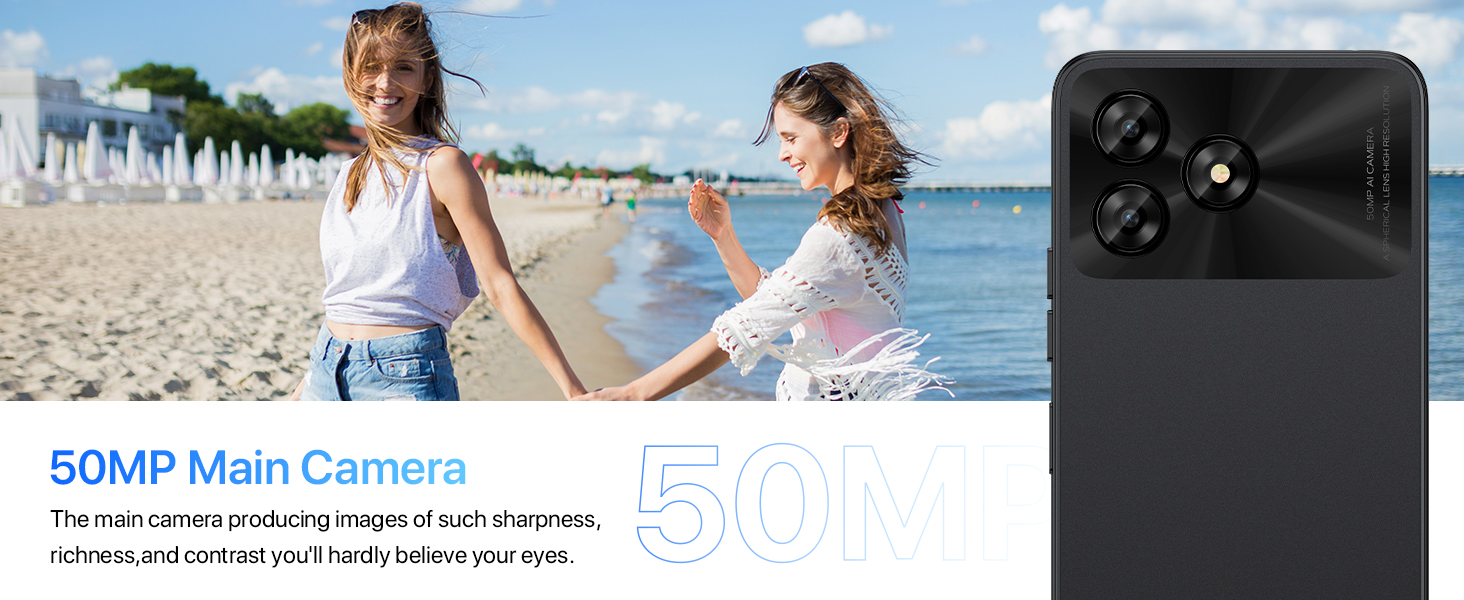
Obrázek: Overview of the UMIDIGI G5 camera system.
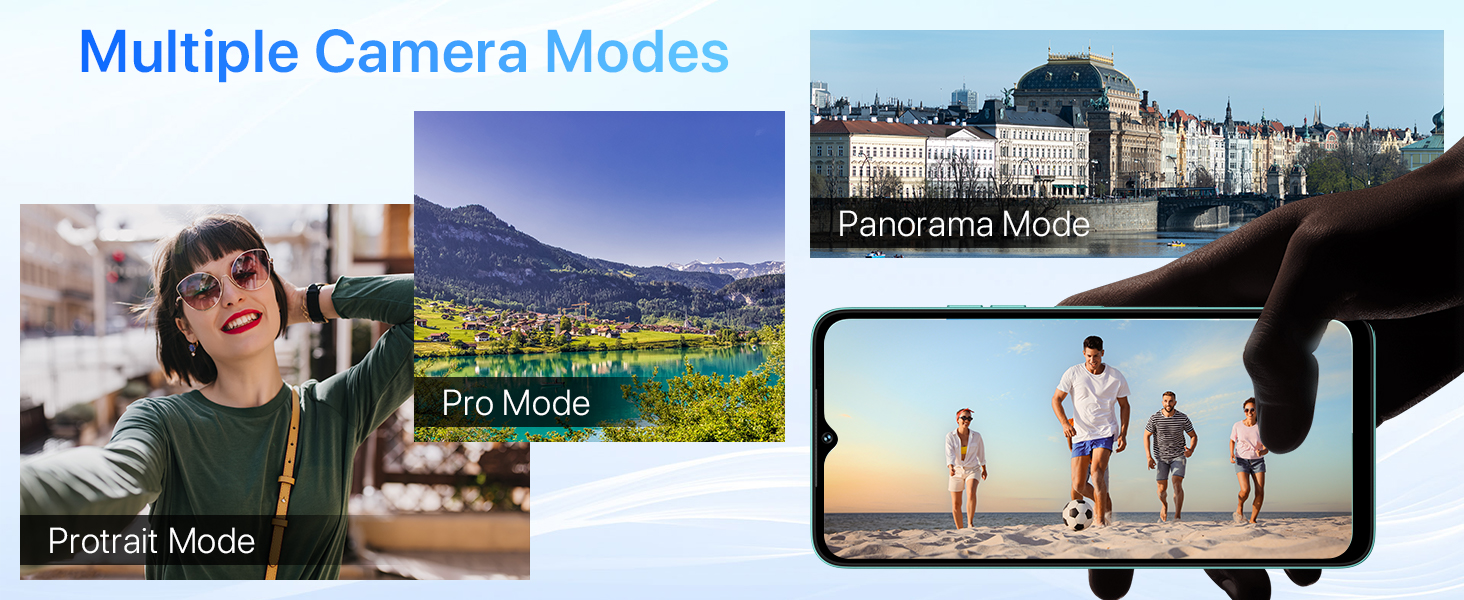
Image: Demonstration of Night Mode functionality.
4.3 Baterie a nabíjení
The UMIDIGI G5 is equipped with a 5000mAh battery and supports 10W fast charging.
- Use the provided USB Type-C cable and power adapter for optimal charging.
- The device supports OTG (On-The-Go) functionality, allowing it to act as a power bank to charge other electronic devices.
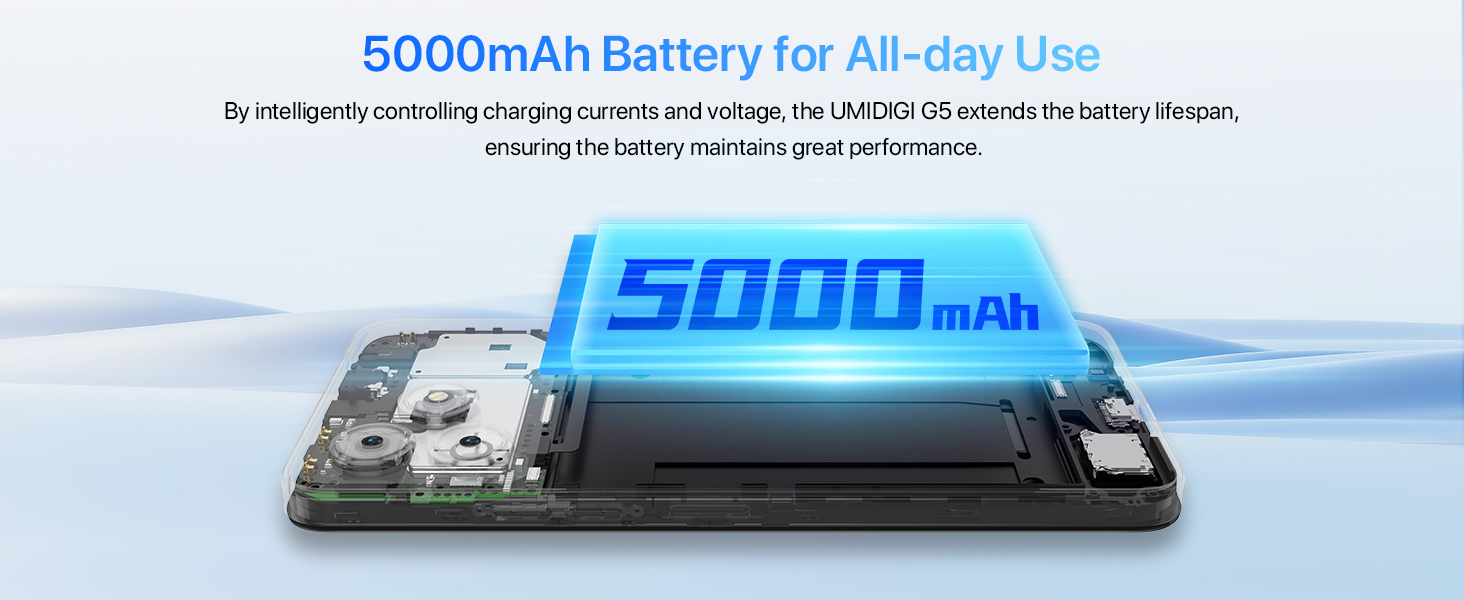
Image: 5000mAh battery and 10W charging.
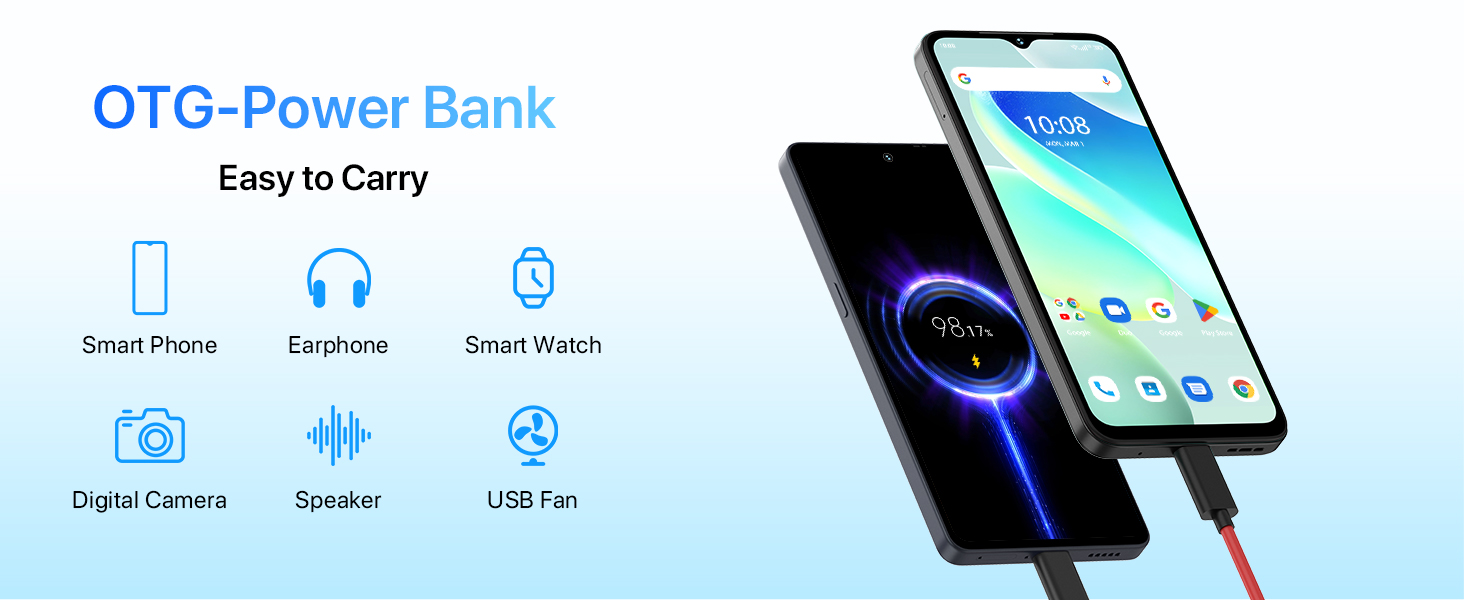
Image: OTG (On-The-Go) power bank feature.
4.4 Bezpečnostní funkce
The UMIDIGI G5 offers multiple security options for unlocking your device:
- Odemknutí obličejem: Uses facial recognition to unlock the phone quickly.
- Boční snímač otisků prstů: A fingerprint sensor integrated into the side power button for convenient unlocking.
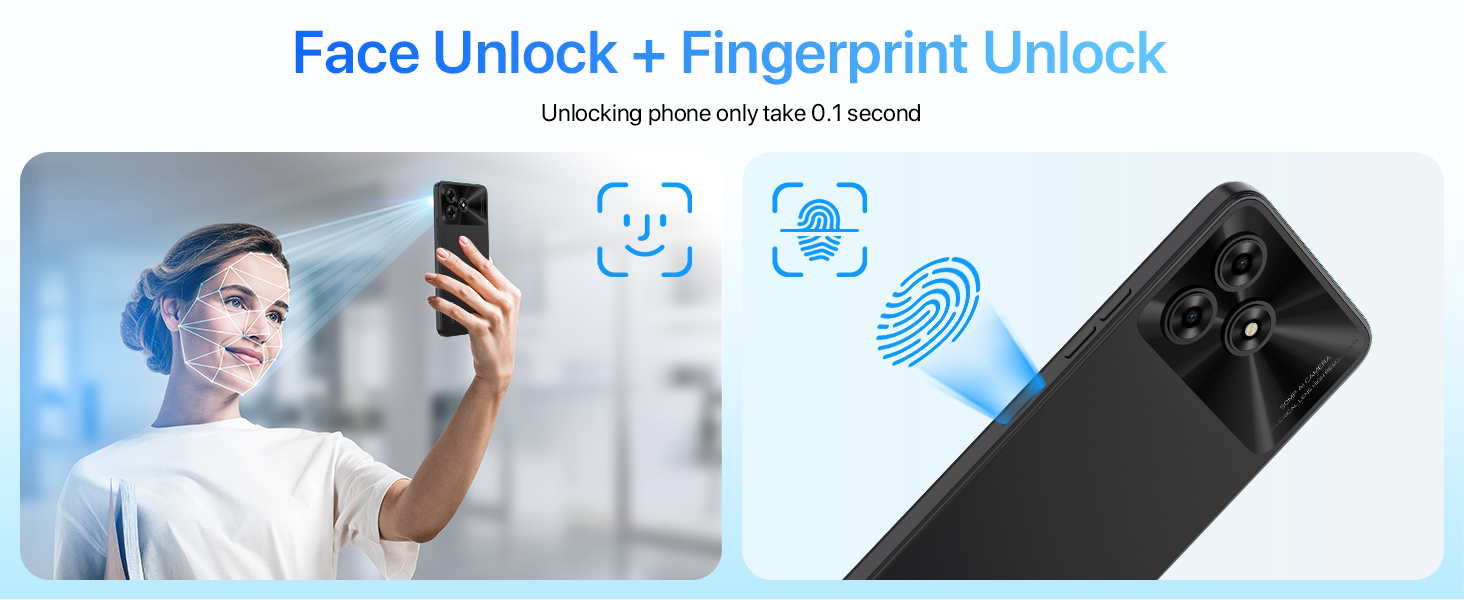
Image: Face Unlock and Fingerprint Unlock features.
5. Konektivita
5.1 Síťové připojení
The UMIDIGI G5 supports global 4G LTE bands, ensuring broad network compatibility.
- 2G GSM: B2/3/5/8
- 3G WCDMA: 1/2/4/5/8
- 4G LTE FDD: 1/2/3/4/5/7/8/12/17/20/28A/28B/66
- 4G LTE TDD: 38. 40. 41
5.2 Wireless and Location Services
- Bluetooth 5.0: Pro připojení bezdrátového příslušenství.
- Wi-Fi: Supports standard Wi-Fi networks for internet access.
- GPS: Integrated GPS, Glonass, Galileo, and Beidou for accurate location tracking and navigation.
- FM rádio: Headset-free FM radio functionality.
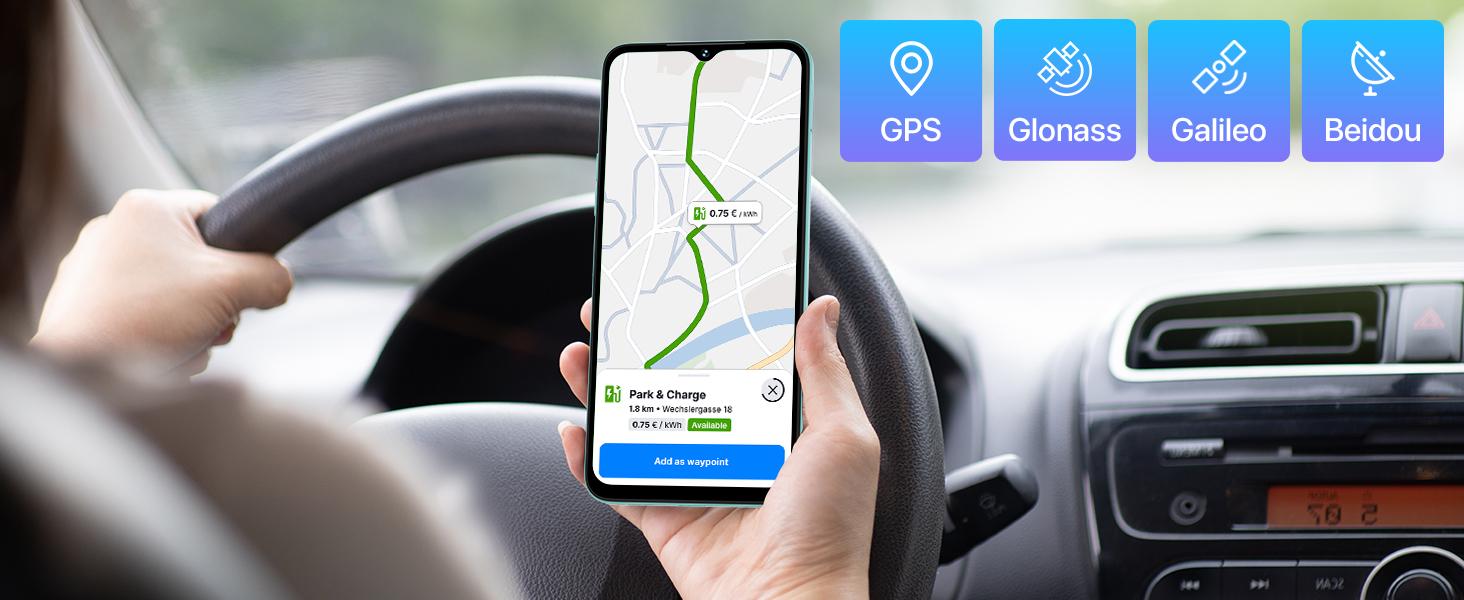
Image: GPS and global navigation satellite system support.
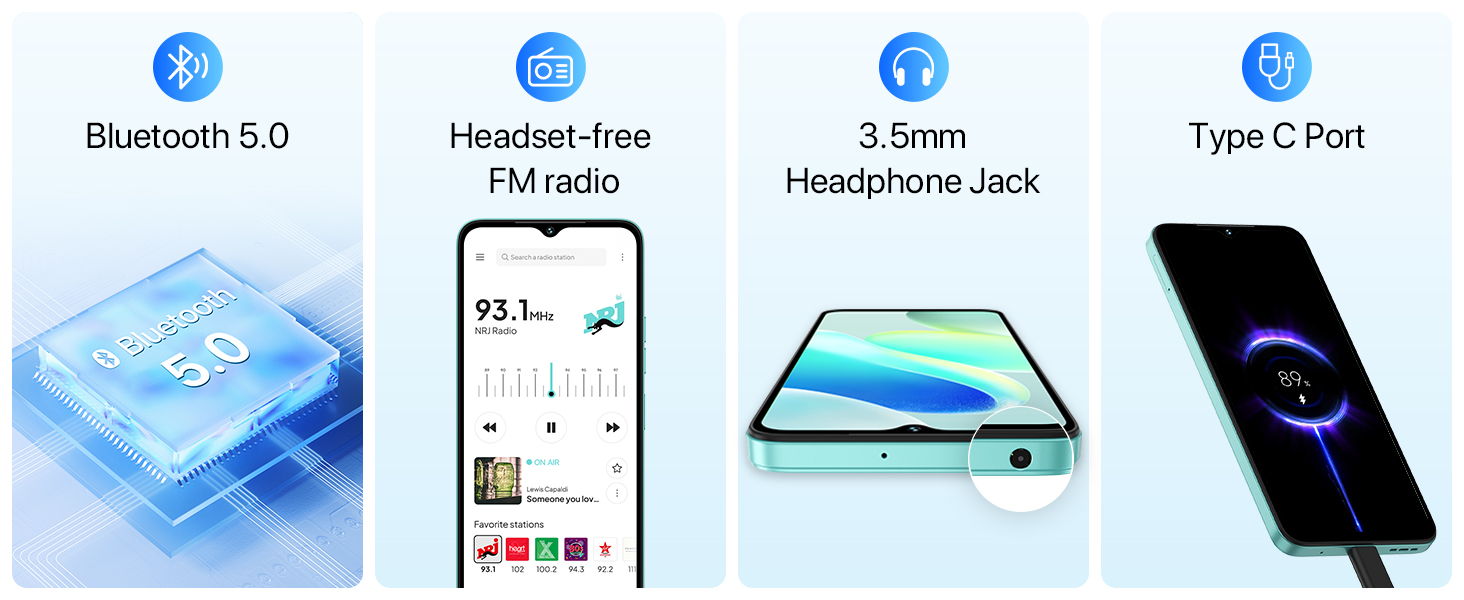
Image: Bluetooth, FM radio, headphone jack, and Type-C port.
6. Úložiště a výkon
The UMIDIGI G5 is powered by a Unisoc T606 Octa-Core processor and offers amppaměť a úložiště.
- Procesor: Osmijádrový Unisoc T606
- BERAN: 8GB (expandable up to 16GB with virtual memory expansion)
- Interní úložiště: 128 GB
- Rozšiřitelné úložiště: Až 1 TB přes TF kartu
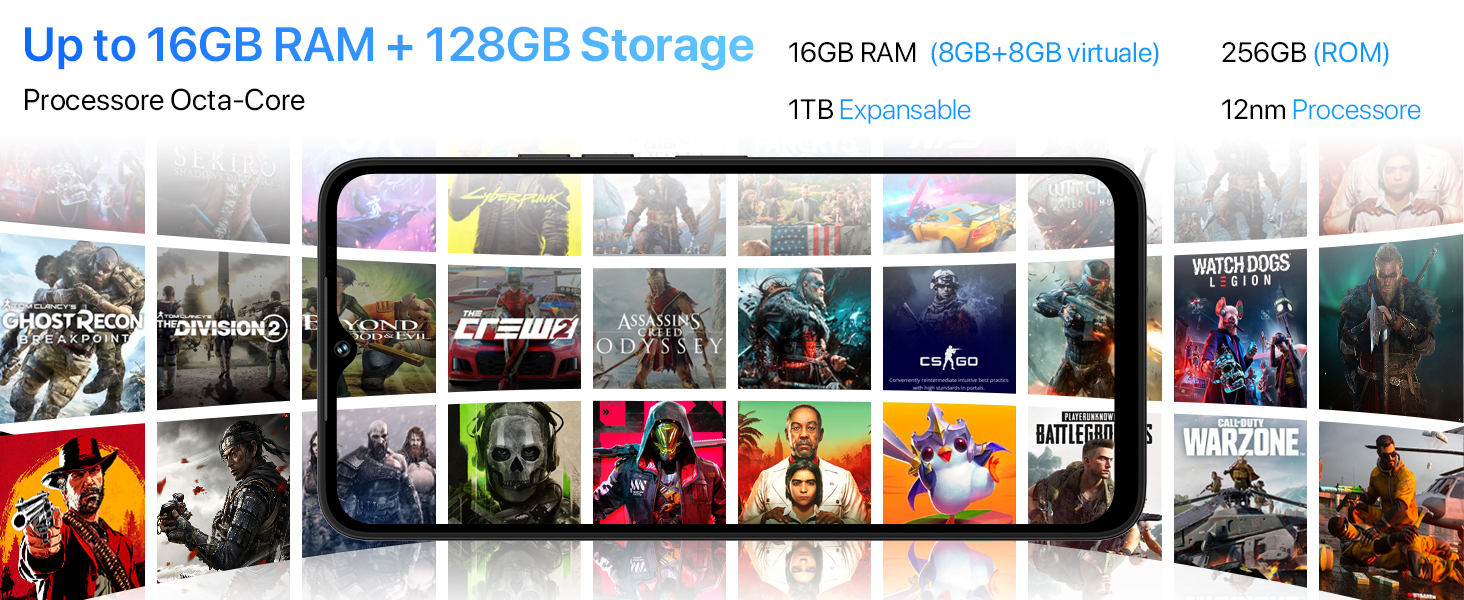
Image: Processor, RAM, and storage capabilities.
7. Software
The UMIDIGI G5 runs on Android 13, offering enhanced privacy, personalization, and a responsive user experience.
- Operační systém: Android 13
- Google Mobile Services (GMS): Pre-installed with essential Google applications.
- Google Lens: Utilize Google Lens for smart search, translation, object identification, and more.
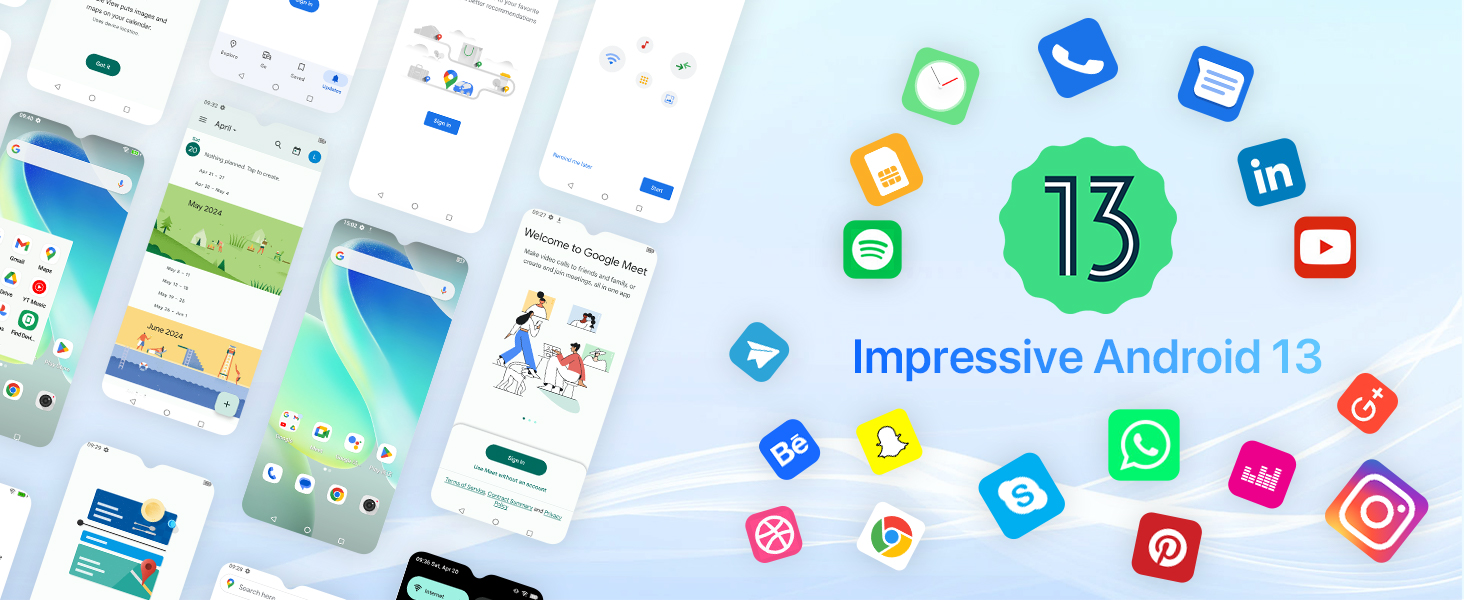
Obrázek: Rozhraní operačního systému Android 13.
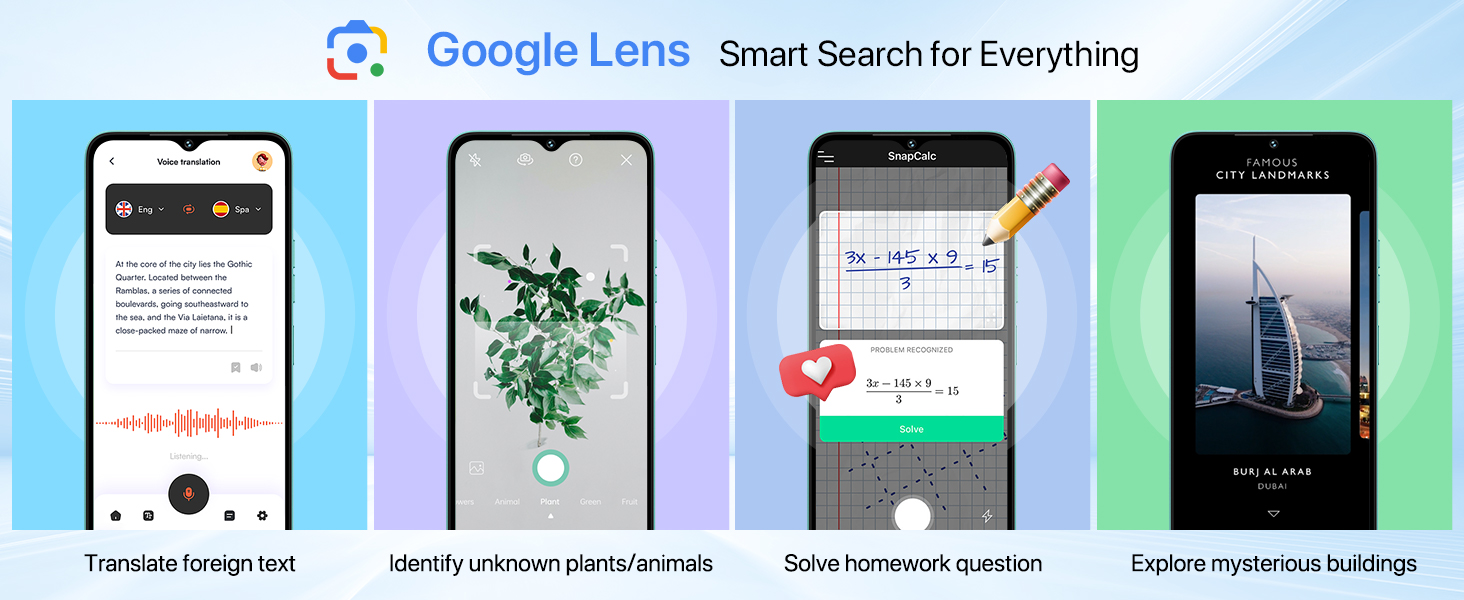
Image: Google Lens functionality.
8. Údržba
To ensure the longevity and optimal performance of your UMIDIGI G5, follow these maintenance guidelines:
- Čištění: K čištění obrazovky a těla přístroje používejte měkký hadřík, který nepouští vlákna. Nepoužívejte abrazivní materiály ani agresivní chemikálie.
- Teplota: Zařízení používejte v doporučených teplotních rozmezích. Vyhněte se extrémnímu horku nebo chladu.
- Voděodolnost: Zařízení není hodnoceno jako voděodolné. Zabraňte kontaktu s tekutinami.
- Aktualizace softwaru: Regularly check for and install system updates to benefit from performance improvements and security patches.
- Péče o baterie: Avoid fully discharging the battery frequently. Charge the device using the provided charger.
9. Řešení problémů
If you encounter issues with your UMIDIGI G5, refer to the following common solutions:
| Problém | Možné řešení |
|---|---|
| Zařízení se nezapne | Ujistěte se, že je baterie nabitá. Připojte nabíječku a před opětovným zapnutím počkejte několik minut. |
| Slabý signál sítě | Zkontrolujte vložení SIM karty. Přesuňte se do oblasti s lepším pokrytím sítě. Restartujte zařízení. |
| Aplikace padá nebo zamrzávají | Clear the app's cache and data in Settings > Apps. If the issue persists, uninstall and reinstall the app. Ensure sufficient storage space. |
| Baterie se rychle vybíjí | Reduce screen brightness. Close unused apps running in the background. Disable unnecessary features like Bluetooth or GPS when not in use. |
| Odemykání otiskem prstu/obličejem nefunguje | Ensure your finger/face is clean and properly positioned. Re-register your fingerprint/face in Security settings. |
10. Specifikace
Detailed technical specifications for the UMIDIGI G5 Smartphone:
- Název modelu: G5
- Operační systém: Android 13
- Procesor: Osmijádrový Unisoc T606
- BERAN: Až 16 GB (8 GB fyzické + 8 GB virtuální)
- Interní úložiště: 128 GB
- Rozšiřitelné úložiště: Až 1 TB přes TF kartu
- Velikost obrazovky: 6.6 palce
- Rozlišení displeje: 720 x 1640 HD+
- Obnovovací frekvence: 90 Hz
- Hlavní fotoaparát: 50MP AI fotoaparát
- Makro kamera: 2 MP
- Přední kamera: 8 MP
- Kapacita baterie: 5000 XNUMX mAh
- Nabíjení: Rychlé nabíjení 10W
- Konektivita: 4G LTE, Bluetooth 5.0, Wi-Fi
- Navigace: GPS, Glonass, Galileo, Beidou
- Zabezpečení: Face Unlock, Side Fingerprint Sensor
- Rozměry: 8.8mm thickness, 195g weight (approximate)
- Porty: USB typu C, 3.5mm konektor pro sluchátka
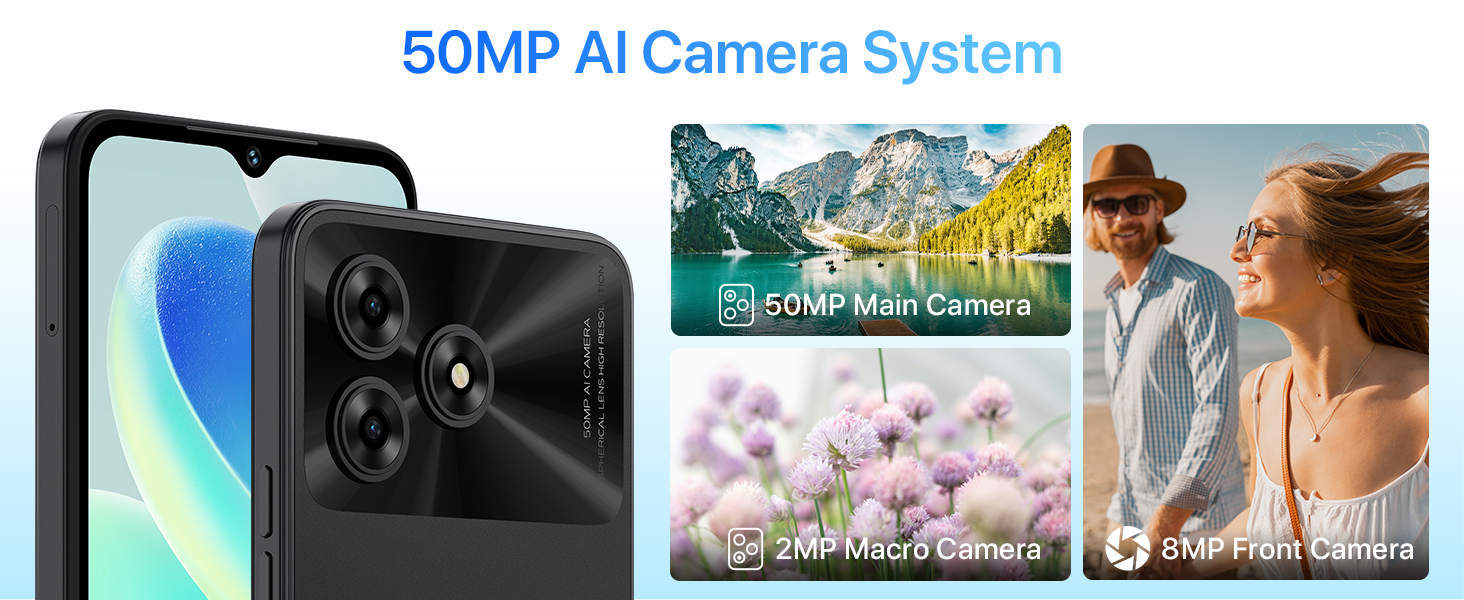
Image: Physical dimensions of the UMIDIGI G5.
11. Záruka a podpora
For warranty information and customer support, please refer to the official UMIDIGI webnebo se obraťte na prodejce. Uschovejte si doklad o koupi pro případ reklamace.
Oficiální Webmísto: www.umidigi.com


