Zavedení
Thank you for choosing the GOBOULT Flex On-Ear Bluetooth Headphones. This manual provides essential information for setting up, operating, and maintaining your headphones to ensure optimal performance and longevity. Please read this manual thoroughly before using the product.
Co je v krabici
- GOBOULT Flex On-Ear Bluetooth Headphones
- Rychlonabíjecí kabel typu C
- Uživatelská příručka
- Záruční list
Konec produktuview
The GOBOULT Flex headphones are designed for comfort and high-quality audio. They feature 40mm bass-boosted drivers, Bluetooth 5.4 connectivity, and an adjustable, foldable design.

Obrázek: Overview of GOBOULT Flex features including 40mm drivers, Bluetooth 5.4, 4 EQ modes, 60ms low latency, 80-hour battery, and ENC calling.
Klíčové komponenty:
- Náušníky: Soft, cushioned earcups for comfort.
- Nastavitelná čelenka: Umožňuje přizpůsobení na míru.
- Ovládací tlačítka: Located on the earcups for power, volume, playback, and call management.
- Nabíjecí port typu C: Pro nabíjení sluchátek.
- Vstup AUX: Pro kabelové audio připojení.
- Mikrofon: Integrated Zen™ ENC mic for clear calls.

Image: The adjustable headband and earcups of the GOBOULT Flex headphones, designed for a comfortable fit.
Nastavení
1. Nabíjení sluchátek
Before first use, fully charge your GOBOULT Flex headphones. Use the provided Type-C charging cable.
- Connect the Type-C cable to the charging port on the headphones.
- Druhý konec kabelu připojte k USB zdroji napájení (např. k síťovému adaptéru, USB portu počítače).
- The LED indicator will show charging status (refer to product for specific light patterns).
- A full charge takes approximately 60 minutes and provides up to 80 hours of playtime.
- Fast charging provides 5 hours of playtime with just 10 minutes of charging.
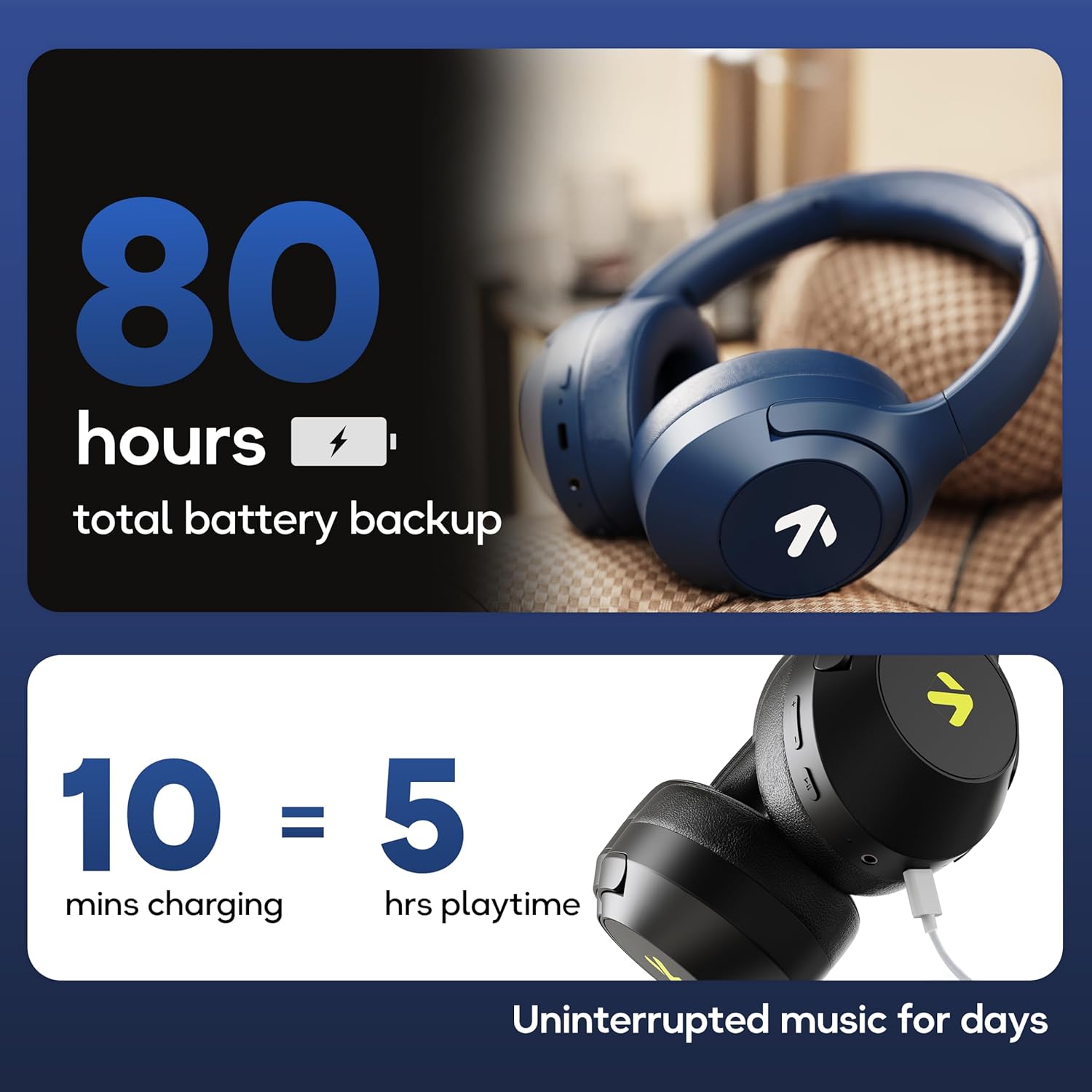
Image: Visual representation of the 80-hour battery life and fast charging capability (10 minutes charge for 5 hours playback).
2. Párování Bluetooth
Spárujte sluchátka se zařízením pro bezdrátový zvuk.
- Ujistěte se, že jsou sluchátka nabitá a vypnutá.
- Press and hold the Power button until the LED indicator flashes (usually blue and red alternately), indicating pairing mode.
- Na svém zařízení (chytrý telefon, tablet, notebook) povolte Bluetooth a vyhledejte dostupná zařízení.
- Select "GOBOULT Flex" from the list of devices.
- Po připojení bude LED indikátor obvykle svítit nepřerušovaně modře nebo pomalu blikat.
- The headphones feature Bluetooth 5.4 and Blink & Pair™ technology for fast and stable connections.

Image: The headphones connected via Bluetooth 5.4, highlighting the Blink & Pair feature for quick device connection.
Návod k obsluze
Zapnutí/vypnutí
- Zapnutí: Stiskněte a podržte tlačítko napájení přibližně 3 sekundy.
- Vypnout: Stiskněte a podržte tlačítko napájení přibližně 5 sekundy.
Ovládání hudby
- Přehrát/pozastavit: Stiskněte jednou multifunkční tlačítko.
- Další skladba: Stiskněte a podržte tlačítko pro zvýšení hlasitosti.
- Předchozí skladba: Stiskněte a podržte tlačítko snížení hlasitosti.
- Zvýšit hlasitost: Krátce stiskněte tlačítko pro zvýšení hlasitosti.
- Snížit hlasitost: Krátce stiskněte tlačítko pro snížení hlasitosti.
Ovládání hovorů
The Zen™ ENC mic ensures clear communication by reducing environmental noise.

Obrázek: Podrobný view of the Zen™ ENC microphone technology for effective environmental noise cancellation during calls.
- Přijmout/ukončit hovor: Stiskněte jednou multifunkční tlačítko.
- Odmítnout hovor: Stiskněte a podržte multifunkční tlačítko po dobu 2 sekund.
- Znovu vytočit poslední číslo: Dvakrát stiskněte multifunkční tlačítko.
Hlasový asistent
Activate your device's voice assistant (e.g., Google Assistant) directly from the headphones.
- Aktivovat Voice Assistant: Trojnásobně stiskněte multifunkční tlačítko.

Image: The headphones featuring voice assistant compatibility and IPX5 water resistance for protection against sweat and splashes.
Herní režim (nízká latence 60 ms)
Engage Combat™ Gaming Mode for ultra-low latency audio, ideal for gaming.
- Aktivace herního režimu: Refer to the specific button combination in your quick start guide (often a dedicated button or a long press of a volume button).
- This mode reduces audio latency to 60ms for a synchronized gaming experience.
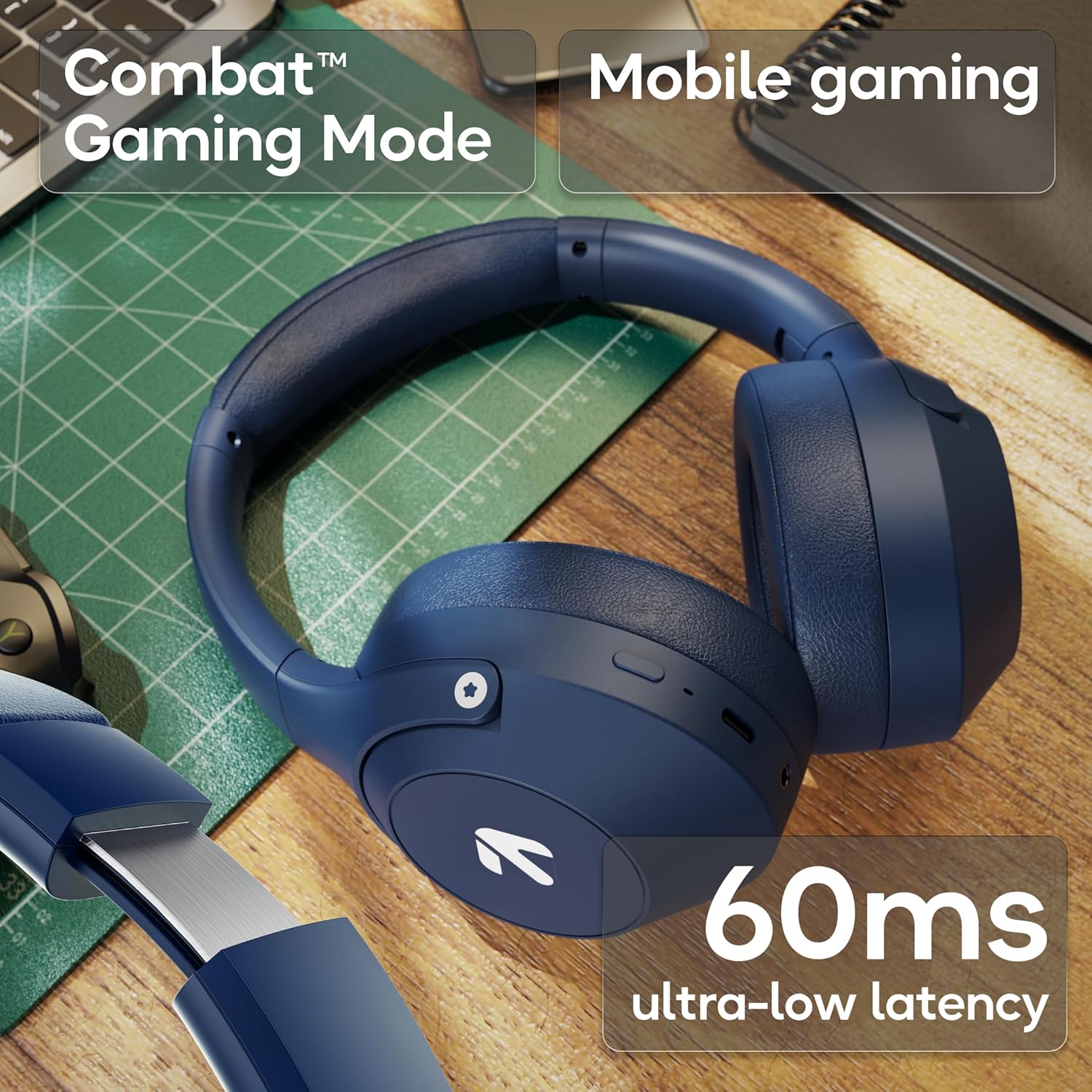
Image: The headphones highlighting the Combat™ Gaming Mode with 60ms ultra-low latency for an enhanced gaming experience.
Kabelový režim
Use the included AUX cable for a wired connection when wireless is not preferred or the battery is low. Note that the microphone is typically off in wired mode.
- Připojte jeden konec 3.5mm AUX kabelu k AUX portu sluchátek.
- Connect the other end to your audio source's 3.5mm jack.
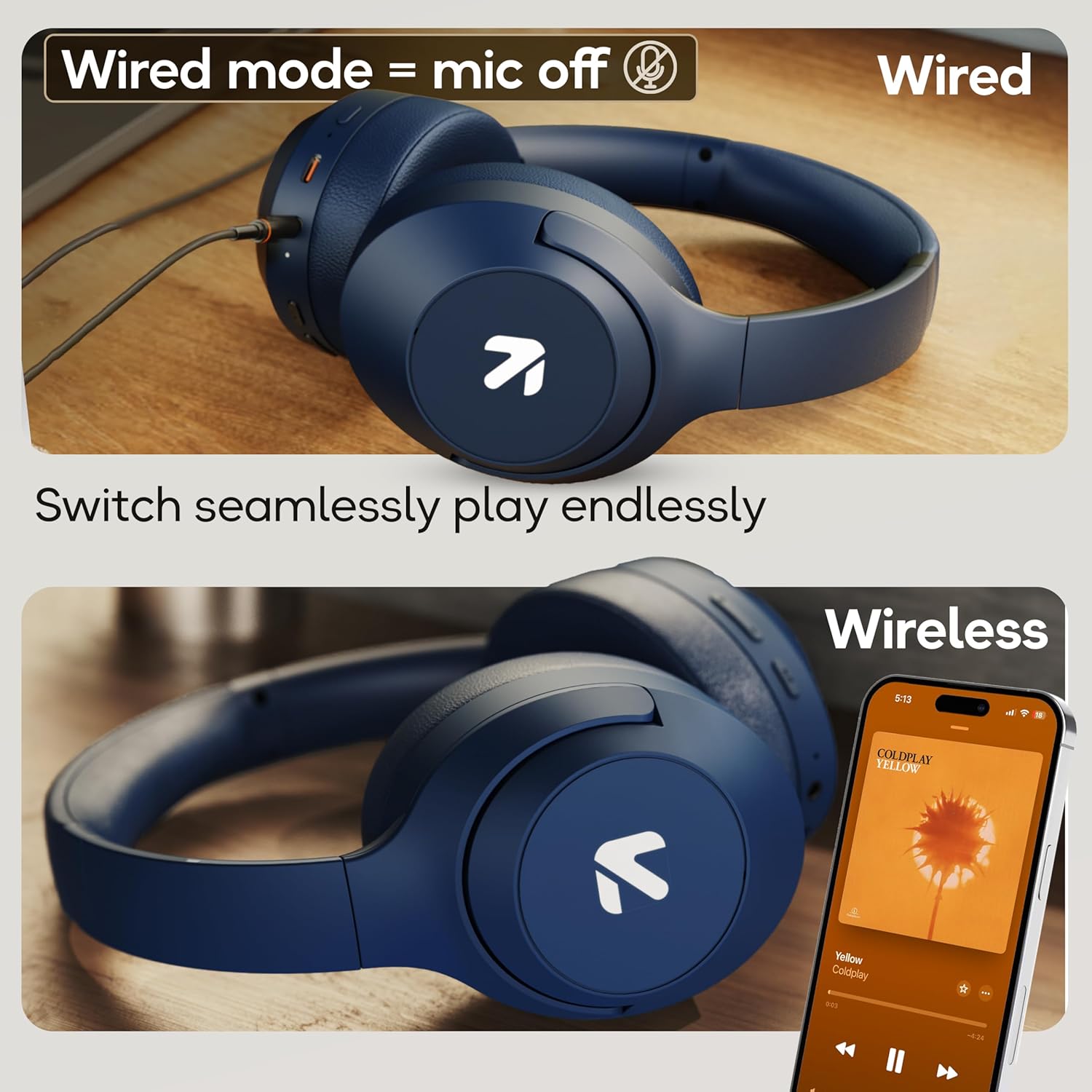
Image: Comparison of wired mode (with mic off) and wireless mode, demonstrating the flexibility of connection options.
Režimy EQ
The headphones offer 4 Equalizer (EQ) modes to customize your audio experience.
- Dostupné režimy: Bass, Rock, Pop, Vocal.
- Přepínací režimy: Refer to the specific button combination in your quick start guide (often a dedicated EQ button or a combination press).

Image: The headphones emphasizing powerful bass delivered by 40mm boosted drivers with Boomx™ technology, and support for AAC/SBC codecs.

Obrázek: Interní view of the headphones showing the DSP processor, indicating features like seamless VoIP calls, adaptive audio equalization, and 16-bit dual-audio processing.
Údržba
Proper maintenance ensures the longevity of your headphones.
- Čištění: Sluchátka otřete měkkým, suchým hadříkem. Nepoužívejte agresivní chemikálie ani abrazivní materiály.
- Skladování: Sluchátka skladujte na chladném a suchém místě mimo dosah přímého slunečního záření a extrémních teplot. Skládací konstrukce umožňuje kompaktní skladování.
- Voděodolnost: The headphones are IPX5 rated, meaning they are resistant to sweat and light splashes. Do not submerge them in water or expose them to heavy rain.
Odstraňování problémů
Žádná síla
- Ujistěte se, že jsou sluchátka plně nabitá.
- Zkontrolujte nabíjecí kabel a zdroj napájení.
Nelze spárovat přes Bluetooth
- Ujistěte se, že sluchátka jsou v režimu párování (LED bliká modře/červeně).
- Ujistěte se, že máte na svém zařízení povoleno Bluetooth a že se nachází do 10 metrů od sluchátek.
- Forget "GOBOULT Flex" from your device's Bluetooth list and try pairing again.
- Restartujte sluchátka i zařízení.
Žádný zvuk
- Zkontrolujte úroveň hlasitosti na sluchátkách i na připojeném zařízení.
- Ujistěte se, že jsou sluchátka správně spárována a připojena.
- If using wired mode, ensure the AUX cable is fully inserted into both the headphones and the audio source.
Špatná kvalita hovoru
- Ujistěte se, že mikrofon není nijak zakrytý.
- Move to a quieter environment to allow the ENC mic to function optimally.
- Zkontrolujte nastavení hovorů v zařízení.
Specifikace
| Funkce | Specifikace |
|---|---|
| Název modelu | Flex |
| Značka | GOBOULT |
| Technologie připojení | Bluetooth, bezdrátové připojení |
| Verze Bluetooth | 5.4 (Product Title says 5.4, Specs say 5.3, using 5.4 as per title) |
| Dosah Bluetooth | 10 metrů |
| Velikost zvukového ovladače | 40 milimetrů |
| Typ zvukového ovladače | Dynamický ovladač |
| Životnost baterie | 80 hodin (hrací doba) |
| Doba nabíjení | 60 minut |
| Rychlé nabíjení | 10 minut na 5 hodiny hraní |
| Jack pro sluchátka | Type-C Fast Charging Jack, 3.5mm AUX |
| Mikrofon | Zen™ ENC Mic |
| Režim nízké latence | 60ms (Combat™ Gaming Mode) |
| Úroveň odolnosti proti vodě | IPX5 (Sweatproof, Water-resistant, Splashproof) |
| Kontrola hluku | Pasivní potlačení hluku |
| Hmotnost položky | 214 gramů |
| Rozměry produktu | 5 x 19 x 20 cm |
| Zahrnuté komponenty | Cable, Headphone, Type-C Fast Charging Cable, User Manual, Warranty Card |
Záruka a podpora
The GOBOULT Flex On-Ear Bluetooth Headphones come with a 1 rok záruka.
For warranty registration, technical support, or customer service inquiries, please visit the official GOBOULT website or contact their customer support team using the information provided on the warranty card.


