Zavedení
Welcome to the user manual for your new DIALN X65 Unlocked Smartphone. This guide provides essential information to help you set up, operate, maintain, and troubleshoot your device. Please read this manual carefully to ensure optimal performance and longevity of your smartphone.
The DIALN X65 features a 6.5-inch display, runs on Android 13, and offers 32GB of internal storage, expandable via microSD. It is equipped with a 13MP camera and a 4500mAh battery.
Co je v krabici
Upon unboxing your DIALN X65, verify that all items are present:
- Smartphone DIALN X65
- Nabíjecí kabel
- Uživatelská příručka (tento dokument)
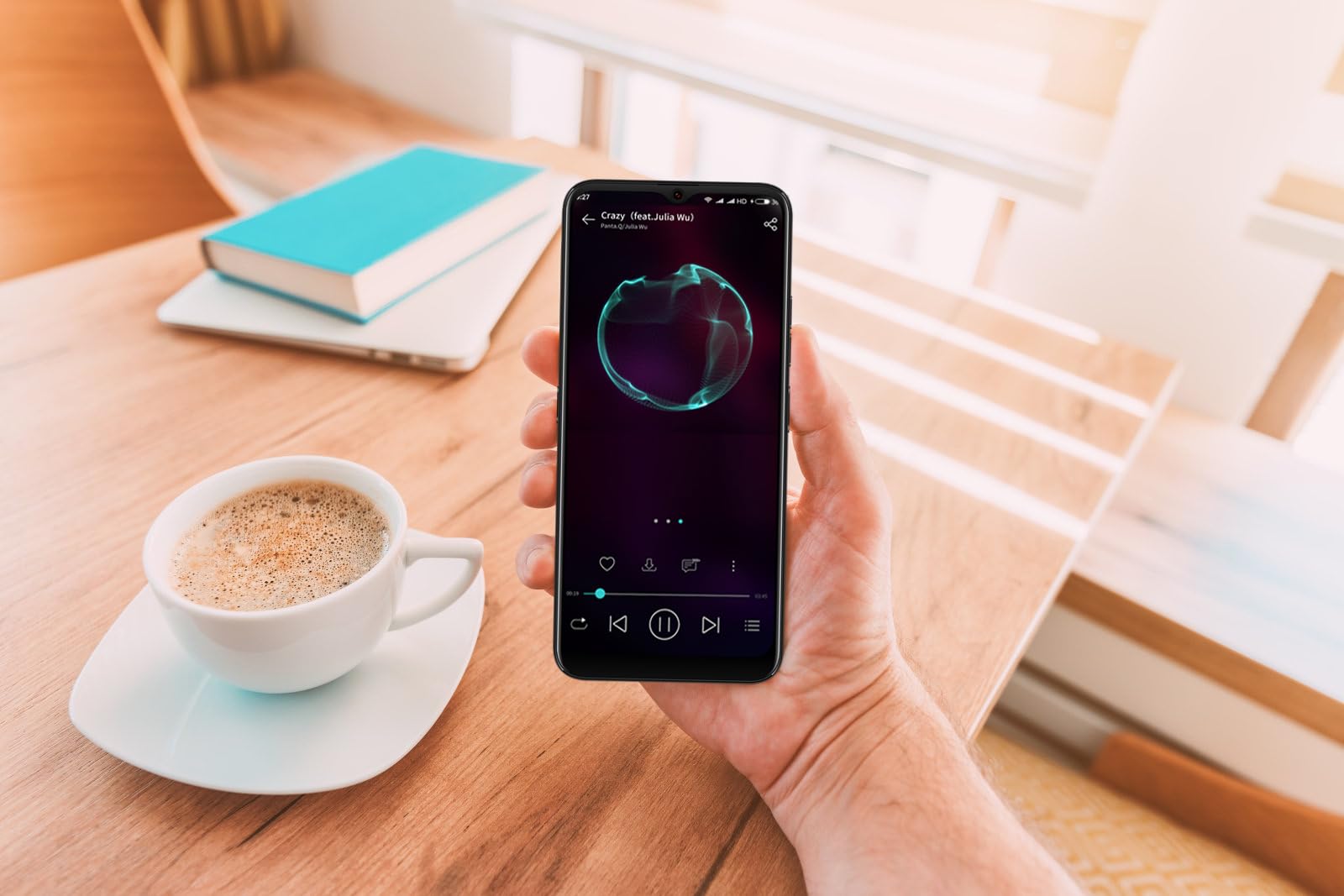
Image: The DIALN X65 smartphone displayed with its charging cable and user manual, as typically found in the product packaging.
Nastavení
1. Insert SIM Card and MicroSD Card (Optional)
- Vyhledejte držák SIM karty na boku telefonu.
- Insert the SIM ejector tool (not included, a paperclip can be used) into the small hole on the tray to open it.
- Vložte kartu (karty) Nano-SIM a/nebo kartu microSD do slotu zlatými kontakty směrem dolů a ujistěte se, že jsou správně orientovány.
- Jemně zatlačte zásobník zpět do telefonu, dokud nezacvakne na místo.
2. Počáteční nabíjení
Before first use, it is recommended to fully charge your DIALN X65. Connect the charging cable to the phone's charging port and plug the other end into a power adapter (not included) or a USB port. The battery indicator on the screen will show charging progress. A full charge typically takes approximately 2 hours.
3. Zapnutí/vypnutí
- Zapnutí: Press and hold the Power button (located on the right side) until the DIALN logo appears on the screen.
- Vypnutí: Stiskněte a podržte tlačítko Napájení, dokud se nezobrazí nabídka možností napájení. Klepněte na „Vypnout“ a potvrďte.
- Restartovat: Press and hold the Power button until the power options menu appears. Tap 'Restart' and confirm.
4. Průvodce počátečním nastavením
The first time you power on your phone, you will be guided through an initial setup process. Follow the on-screen prompts to:
- Vyberte svůj jazyk.
- Připojte se k síti Wi-Fi.
- Přihlaste se pomocí svého účtu Google nebo si vytvořte nový.
- Nastavte zámek obrazovky (PIN, vzorec, heslo nebo odemknutí obličejem).
- Review a přijměte obchodní podmínky.
Operating Your DIALN X65
1. Základní navigace
- Dotek: Klepnutím na ikonu otevřete aplikaci nebo vyberete položku.
- Výpad: Tažením prstu po obrazovce můžete procházet nebo přecházet mezi obrazovkami.
- Štípání: Pro přiblížení nebo oddálení fotografií použijte dva prsty a web stránky.
- Domovská obrazovka: Centrální centrum pro vaše aplikace a widgety. Přejetím prstem doleva nebo doprava zobrazíte další domovské obrazovky.
- Panel oznámení: Přejetím prstem dolů od horního okraje obrazovky získáte přístup k oznámením a rychlému nastavení.
2. Hovory a kontakty
- Uskutečnění hovoru: Otevřete aplikaci „Telefon“, zadejte číslo a klepněte na ikonu volání.
- Přijetí hovoru: Swipe up on the green phone icon when a call comes in.
- Správa kontaktů: Open the 'Contacts' app to add, edit, or delete contacts.
3. Zprávy
Open the 'Messages' app to send and receive SMS/MMS messages. Tap the '+' icon to compose a new message, enter the recipient's number or select from contacts, and type your message.
4. Internet a připojení
- Wi-Fi: Přejděte do Nastavení > Síť a internet > Wi-Fi. Zapněte Wi-Fi a vyberte požadovanou síť.
- Bluetooth: Go to Settings > Connected devices > Connection preferences > Bluetooth. Turn Bluetooth on to pair with other devices.
- Mobilní data: Go to Settings > Network & internet > Mobile network. Ensure mobile data is enabled for internet access via your SIM card.
5. Fotoaparát
Open the 'Camera' app to capture photos and videos. Tap the shutter button to take a photo. Swipe left or right to switch between photo, video, and other modes. Use the front camera for selfies.
6. Odemknutí obličejem
To set up Face Unlock, go to Settings > Security & privacy > Device unlock > Face unlock. Follow the on-screen instructions to register your face. Once set up, you can unlock your phone by looking at the front camera.
7. Správa úložiště
Your DIALN X65 comes with 32GB of internal storage. You can expand this up to 256GB using a microSD card. To check storage usage, go to Settings > Storage. Regularly clear unnecessary filea aplikace pro udržení optimálního výkonu.
Údržba
1. Čištění zařízení
Use a soft, lint-free cloth to clean the screen and body of your phone. Avoid using harsh chemicals or abrasive materials, as these can damage the display and finish. Do not expose the phone to excessive moisture.
2. Aktualizace softwaru
Regularly check for and install software updates to ensure your phone has the latest features, security patches, and performance improvements. Go to Settings > System > System update to check for available updates.
3. Péče o baterie
- Vyhněte se extrémním teplotám, protože mohou snížit životnost baterie.
- Nenechávejte baterii často úplně vybít.
- Use the provided charging cable or a compatible, certified charger.
- Jakmile je baterie plně nabitá, odpojte nabíječku, abyste zabránili jejímu přebití.
4. Optimalizace úložiště
To keep your phone running smoothly, regularly review and delete unused apps, old photos, videos, and downloaded files. Consider moving large media filena kartu microSD nebo do cloudového úložiště.
Odstraňování problémů
Běžné problémy a řešení:
- Telefon se nezapíná: Ujistěte se, že je baterie nabitá. Připojte zařízení k nabíječce alespoň na 15 minut a poté jej zkuste znovu zapnout.
- Poor Signal/No Network: Check if your SIM card is properly inserted. Ensure mobile data is enabled in settings. Try restarting the phone. If issues persist, contact your network provider.
- Pády/zamrzání aplikací: Close and reopen the app. Clear the app's cache (Settings > Apps > [App Name] > Storage & cache > Clear cache). If the problem continues, uninstall and reinstall the app.
- Rychlé vybíjení baterie: Reduce screen brightness, disable unused features like Bluetooth or GPS, close background apps, and check for apps consuming excessive power in battery settings.
- Dotyková obrazovka nereaguje: Restart the phone. If the issue persists, a factory reset might be necessary (see below).
Factory Reset (Data Erase)
Obnovení továrního nastavení vymaže všechna data z telefonu a obnoví jeho původní tovární nastavení. Před pokračováním si zálohujte všechna důležitá data.
- Přejděte do Nastavení > Systém > Možnosti resetování.
- Tap 'Erase all data (factory reset)'.
- Potvrďte své rozhodnutí a v případě potřeby zadejte PIN/vzor/heslo.
- Telefon se restartuje a zahájí proces resetování.
Specifikace
| Funkce | Specifikace |
|---|---|
| Název modelu | X65 |
| Operační systém | Android 13.0 |
| Velikost displeje | 6.5 palce |
| Rezoluce | 1280 x 720 |
| Procesor | Quad Core 2.26GHz (MediaTek) |
| BERAN | 3 GB |
| Interní úložiště | 32 GB (Expandable up to 256GB via microSD) |
| Hlavní fotoaparát | 13 MP |
| Kapacita baterie | 4500 XNUMX mAh |
| Konektivita | 4G LTE, Wi-Fi, Bluetooth |
| Speciální funkce | Expandable Storage, Face Unlock, Built-in GPS |
| Rozměry | 6.5 x 3 x 6.5 palce |
| Hmotnost | 6.5 unce |
Záruka a podpora
Your DIALN X65 Smartphone is covered by a limited manufacturer's warranty. Please refer to the warranty card included with your product for specific terms and conditions, including warranty period and coverage details. For technical support, service, or further inquiries, please visit the official DIALN website or contact customer service through the contact information provided on the product packaging or official webmísto.


