1. Úvod
Thank you for choosing the Green Lion Voyager Radio. This versatile device combines a powerful 5W Bluetooth speaker, a multi-band FM/AM/SW radio tuner, and a convenient 1.2W LED flashlight. Designed for portability and durability, it is an ideal companion for outdoor activities, emergencies, or everyday use. This manual provides detailed instructions to help you get the most out of your Voyager Radio.

Figure 1.1: Green Lion Voyager Radio - Front and Side View
This image displays the Green Lion Voyager Radio from a slightly angled front and side perspective, highlighting its compact design, digital display, speaker grille, and various control buttons.
2. Obsah balení
Zkontrolujte prosím balení, zda neobsahuje následující položky:
- Green Lion Voyager Radio
- Nabíjecí kabel USB-C
- Uživatelská příručka
3. Konec produktuview
Familiarize yourself with the various parts and controls of your Voyager Radio.
3.1 Klíčové vlastnosti
- FM/AM/SW Radio Tuner with Digital Display
- Připojení Bluetooth V5.4
- 5W High-Fidelity Speaker
- 1.2W LED svítilna
- Nabíjecí port typu C.
- Přehrávání karet Micro SD
- Jack pro sluchátka
- Lock & Sleep Mode
3.2 Ovládací prvky a porty
Refer to the images below for a visual guide to the radio's features.

Figure 3.1: Integrated Flashlight
This image highlights the 1.2W LED flashlight located at the top of the radio, providing reliable illumination.

Figure 3.2: Earphone Jack
The image shows the 3.5mm earphone jack on the side of the radio, allowing for private listening.

Figure 3.3: Micro SD Playback
This graphic illustrates the Micro SD card slot, enabling playback of audio files directly from a memory card.
4. Nastavení
4.1 Nabíjení zařízení
- Locate the Type-C charging port on the side of the Voyager Radio.
- Connect the provided USB-C charging cable to the radio and the other end to a compatible USB power adapter (not included) or a computer's USB port.
- The charging indicator on the display will show the charging status. A full charge provides approximately 6-7 hours of playtime.
4.2 Počáteční zapnutí
Stiskněte a podržte tlačítko napájení (⏻) for a few seconds until the digital display illuminates.
5. Návod k obsluze
5.1 Zapnutí/vypnutí
- Pro zapnutí stiskněte a podržte Moc tlačítko.
- Chcete-li přístroj vypnout, stiskněte a podržte tlačítko Moc znovu tlačítko.
5.2 Provoz rádia (FM/AM/SW)
- Přepínací režimy: Stiskněte tlačítko REŽIM/SPÁNEK button to cycle through FM, AM, SW, Bluetooth, and Micro SD modes.
- Automatické skenování: V režimu rádia stiskněte SCAN/PLAY tlačítko pro automatické prohledávání a ukládání dostupných stanic.
- Ruční ladění: Použijte LADĚNÍ knoflík nebo +/- buttons to fine-tune frequencies.
- Recalling Stations: Použijte MEM/EQ tlačítko pro procházení uložených stanic.

Figure 5.1: Auto Scan Mode
This graphic illustrates the radio's auto scan feature, which automatically finds and saves radio stations for convenience.
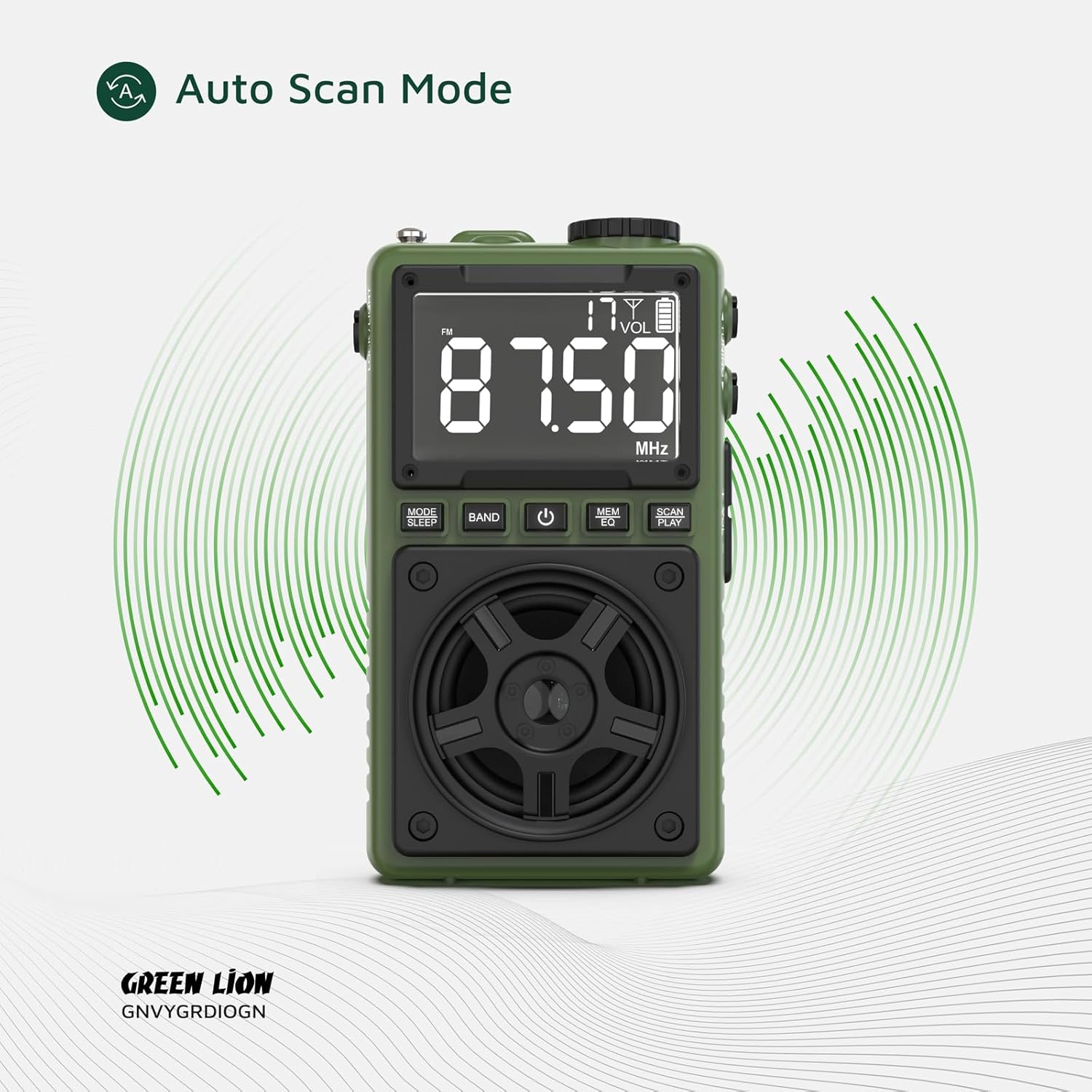
Figure 5.2: Multi Radio Bands
The image highlights the radio's capability to receive multiple frequency bands, including FM, AM, and SW.
5.3 Ovládání Bluetooth reproduktoru
- Párování: Switch the radio to Bluetooth mode. The display will indicate 'BT' and the device will enter pairing mode.
- On your smartphone or other Bluetooth-enabled device, search for 'Green Lion Voyager' in the Bluetooth settings and select it to pair.
- Once paired, you can stream audio wirelessly to the Voyager Radio. The Bluetooth range is 8-10 meters.
- Ovládání přehrávání: Použijte SCAN/PLAY button to play/pause, and the +/- tlačítka pro ovládání hlasitosti.
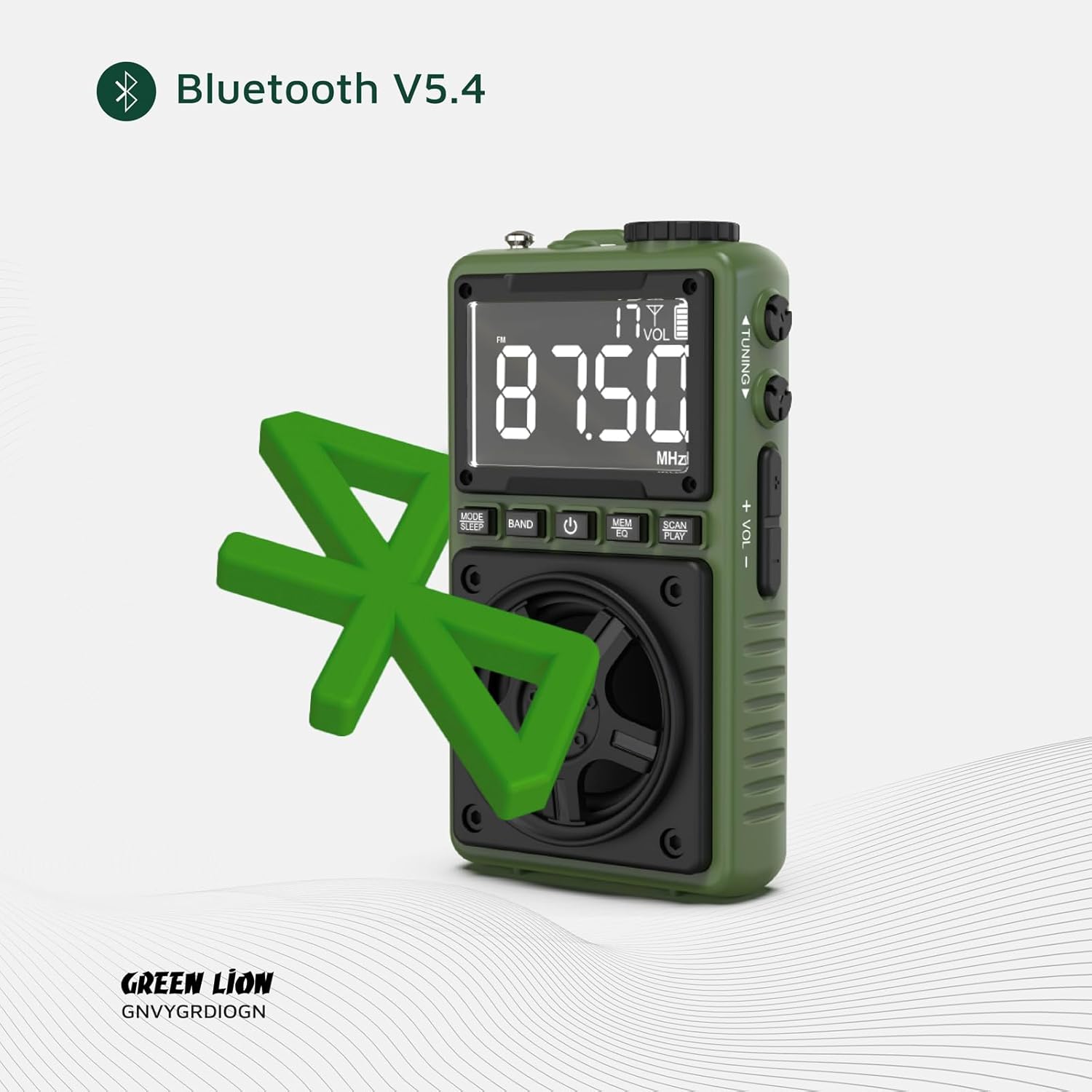
Figure 5.3: Bluetooth V5.4 Connectivity
This image visually represents the radio's advanced Bluetooth V5.4 capability for stable and efficient wireless audio streaming.
5.4 Provoz svítilny
To turn the 1.2W LED flashlight on or off, locate the dedicated ZÁMEK/SVĚTLO switch on the side of the device and slide it to the desired position.

Obrázek 5.4: Používání svítilny
The image demonstrates the powerful beam of the integrated flashlight, useful for various situations.
5.5 Režim uzamčení
Abyste zabránili nechtěnému stisknutí tlačítek, posuňte ZÁMEK/SVĚTLO switch to the 'LOCK' position. This will disable all buttons except the flashlight.
5.6 Režim spánku
Stiskněte a podržte REŽIM/SPÁNEK button to activate sleep mode. The radio will automatically turn off after a set period (refer to display for timer settings).
6. Údržba
- Čištění: K čištění povrchu rádia používejte měkký, suchý hadřík. Nepoužívejte abrazivní čisticí prostředky ani rozpouštědla.
- Skladování: Přístroj skladujte na chladném a suchém místě mimo dosah přímého slunečního záření a extrémních teplot.
- Péče o baterie: Chcete-li prodloužit životnost baterie, vyvarujte se častého úplného vybíjení. Zařízení pravidelně nabíjejte, i když jej delší dobu nepoužíváte.
7. Řešení problémů
| Problém | Možná příčina | Řešení |
|---|---|---|
| Zařízení se nezapne. | Baterie je slabá nebo vybitá. | Nabijte zařízení pomocí dodaného kabelu USB-C. |
| Špatný příjem rádia. | Slabý signál nebo rušení. | Extend the antenna fully. Try moving to a different location. Use auto scan mode. |
| Bluetooth se nepřipojuje. | Zařízení není v režimu párování; příliš daleko od zdroje; rušení. | Ensure the radio is in Bluetooth mode. Move closer to the source device. Restart both devices. |
| Z reproduktoru není slyšet žádný zvuk. | Volume too low; muted; earphone plugged in. | Increase volume. Check if earphones are connected. |
8. Specifikace
| Funkce | Detail |
|---|---|
| Značka | Zelený lev |
| Číslo modelu | 990478120969 |
| Technologie připojení | USB-C, Bluetooth V5.4 |
| Výstup reproduktoru | 5W |
| Napájení svítilny | 1.2W LED |
| Rozhlasové kapely | FM/AM/SW |
| Dosah Bluetooth | 8-10 metry |
| Prázdno | 6-7 hodin (cca) |
| Rozměry produktu | 6.1 l x 3.2 š x 10.5 v centimetrů |
| Rozměry balení | 13.13 x 11.03 x 4.7 cm |
| Hmotnost | 131 g |
| Baterie | 1 nestandardní baterie (součástí balení) |
9. Záruka a podpora
The Green Lion Voyager Radio comes with a Free 12+12 months warranty. For any inquiries or technical assistance, please contact our customer service.
- Služby zákazníkům: 24-hour customer service is available.
- Technická podpora: Je poskytována doživotní technická podpora.


