Zavedení
Thank you for choosing the ZAQE M4 MP3 Player. This device combines a portable music player with advanced features like Bluetooth 5.3 connectivity, a 2.4-inch full touchscreen, and a built-in high-definition speaker. With 128GB of internal storage, expandable up to 512GB via Micro SD card, it offers ample space for your music, videos, and e-books. This manual provides detailed instructions to help you get the most out of your new MP3 player.
Obsah balení
Zkontrolujte prosím balení, zda neobsahuje následující položky:
- 1 x ZAQE M4 MP3 Player (128GB)
- 1 x kabelová sluchátka
- Nabíjecí kabel 1 x USB-C
- 1 x 3.5 mm audio kabel
- 1 x silikonové ochranné pouzdro
- 1 x Uživatelská příručka (tento dokument)

Image: All components included in the ZAQE M4 MP3 Player package.
Konec produktuview
Familiarize yourself with the device's physical features and interface.
Obrázek: Přední strana view of the ZAQE M4 MP3 Player, showing the 2.4-inch touchscreen with various application icons.
Porty a tlačítka
- 2.4palcový plně dotykový displej: Pro navigaci a interakci.
- Vypínač: On the side, for turning the device on/off and screen lock.
- Tlačítka hlasitosti: On the side, to adjust audio volume.
- 3.5mm audio jack: Pro připojení drátových sluchátek.
- Port USB-C: Pro nabíjení a přenos dat.
- Slot pro kartu Micro SD: Pro rozšíření úložiště až na 512 GB.
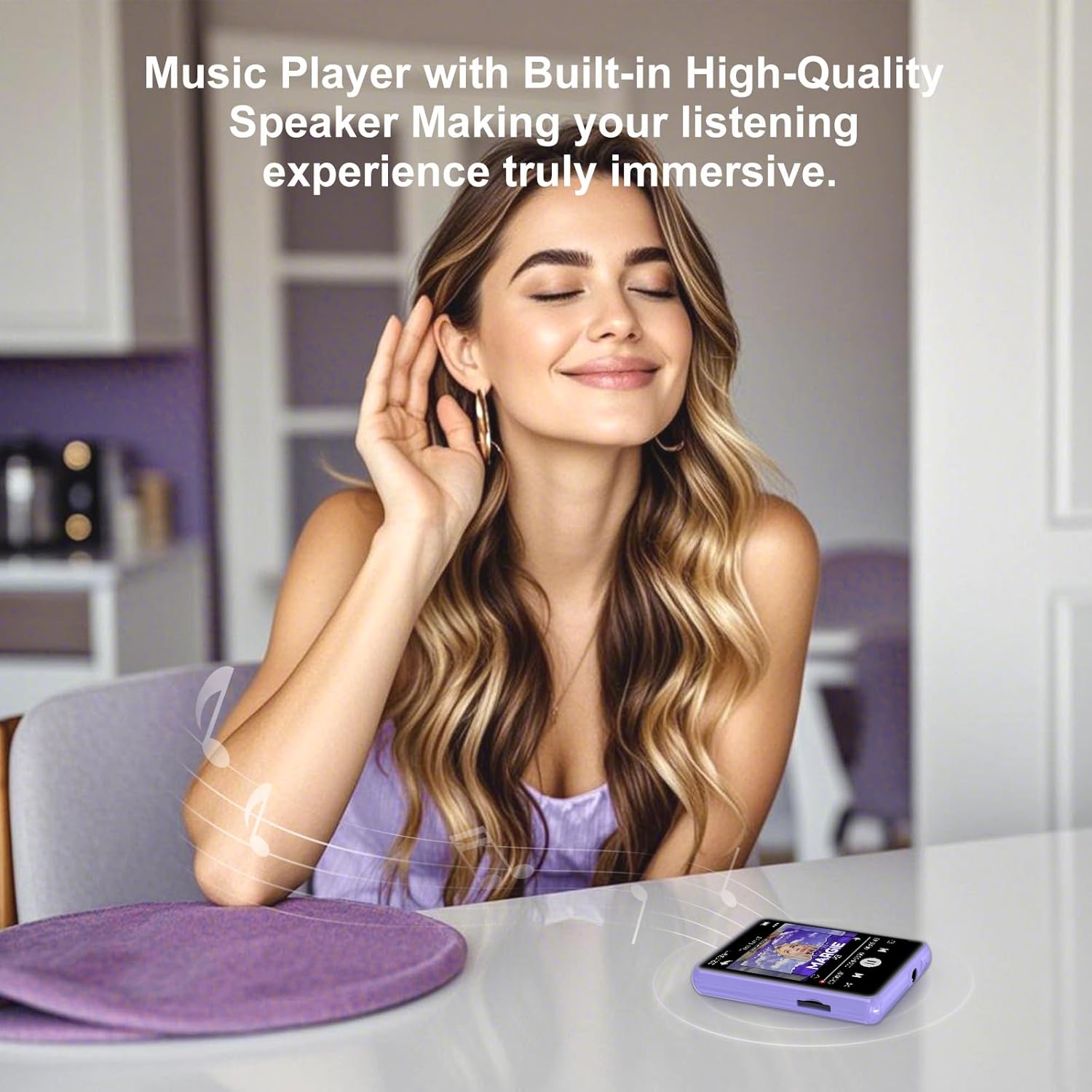
- Vestavěný reproduktor: Pro přehrávání zvuku bez sluchátek.

Obrázek: Podrobný view of the 3.5mm audio jack and USB Type-C port on the ZAQE M4 MP3 Player.
Nastavení
1. Nabíjení zařízení
Before first use, fully charge the MP3 player. Connect the provided USB-C cable to the device's USB-C port and the other end to a USB power adapter (not included) or a computer's USB port. The battery indicator on the screen will show charging status.
2. Zapnutí/vypnutí
- Zapnutí: Press and hold the Power button on the side until the screen lights up.
- Vypnutí: Stiskněte a podržte tlačítko napájení a poté na obrazovce vyberte možnost „Vypnout“.
- Uzamčení/odemknutí obrazovky: Briefly press the Power button to turn the screen on or off without powering down the device.
3. Vložení karty Micro SD (volitelné)
The device has 128GB of internal storage. If you need more space, you can insert a Micro SD card (up to 512GB). Gently insert the Micro SD card into the designated slot until it clicks into place. To remove, push the card in slightly until it springs out.
4. Adding Music and Files
Connect the MP3 player to your computer using the USB-C cable. The device will appear as a removable disk. You can drag and drop music files (MP3, WMA, APE, FLAC, WAV, ACELP), videos, and e-books into the respective folders on the device or Micro SD card.
Návod k obsluze
1. Základní navigace
The ZAQE M4 features a full touchscreen for intuitive control. Swipe left/right or up/down to navigate through menus and applications. Tap an icon to open an application. Use the back arrow icon on the screen to return to the previous menu.

Image: The multi-function interface of the ZAQE M4 MP3 Player, showing icons for Music, Video, Record, FM Radio, E-book, and Alarm.
2. Přehrávání hudby
- Tap the "Music" icon on the home screen.
- Browse your music by Artist, Album, Songs, or Folders.
- Tap a song to start playback.
- On the playback screen, you can pause/play, skip tracks, adjust volume using the side buttons, and access playback modes (single loop, list loop, sequential play, random play).
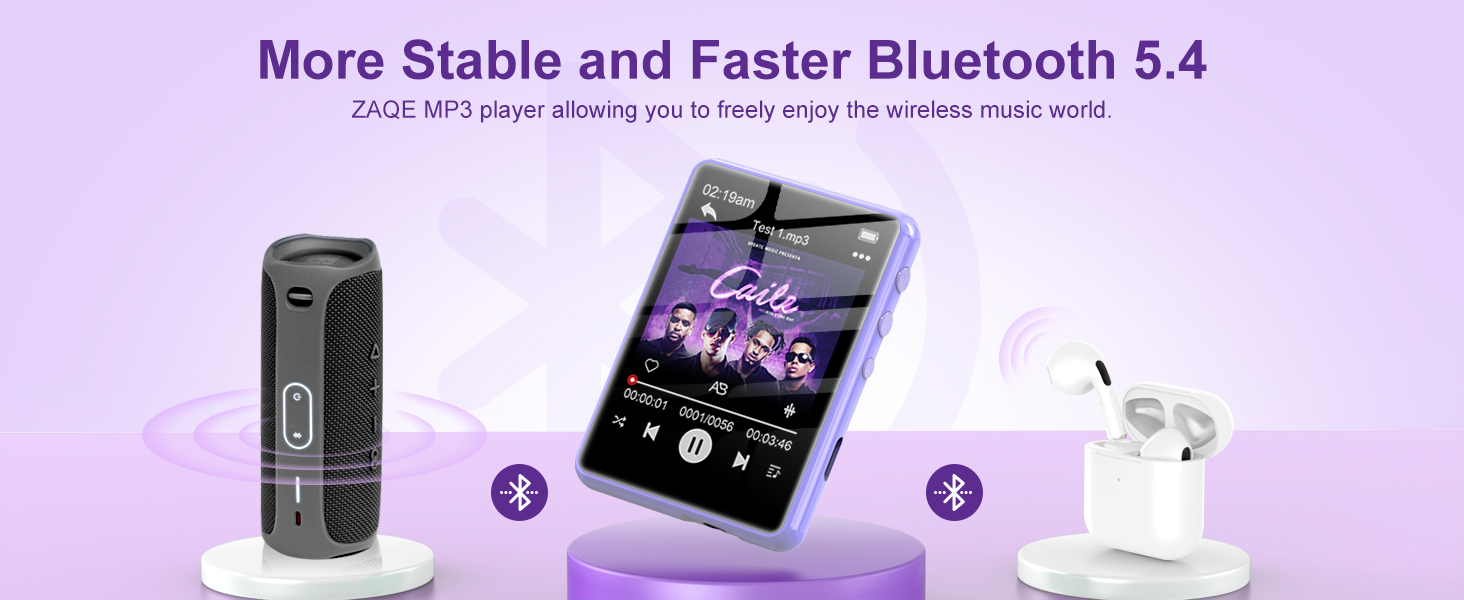
Image: The music playback interface of the ZAQE M4 MP3 Player, highlighting its Hi-Fi sound quality and supported audio formats.
3. Připojení Bluetooth
The ZAQE M4 supports Bluetooth 5.3 for connecting to wireless headphones or speakers. Note: Bluetooth function only supports audio output, not file převod.
- Přejděte do „Nastavení“ a vyberte „Bluetooth“.
- Zapněte Bluetooth.
- The player will scan for available devices. Select your Bluetooth headphones or speaker from the list to pair.
- Once paired, audio will be routed to the connected Bluetooth device.

Image: The ZAQE M4 MP3 Player demonstrating advanced Bluetooth 5.3 connectivity with various audio devices.
4. FM rádio
To use the FM Radio, connect wired headphones as they act as the antenna.
- Zapojte kabelová sluchátka.
- Tap the "FM Radio" icon.
- Pomocí ovládacích prvků na obrazovce můžete vyhledávat stanice nebo ručně ladit frekvenci.

Image: The FM Radio function of the ZAQE M4 MP3 Player, illustrating its use in different daily activities.
5. Další funkce
- Záznam: Tap the "Record" icon to access the voice recorder.
- E-kniha: Tap the "E-book" icon to read text files. Supported format is TXT.
- Video: Tap the "Video" icon to play compatible video files.
- Poplach: Tap the "Alarm" icon to set alarms.
- Calendar/Stopwatch: Access these tools from the main menu.

Image: The ZAQE M4 MP3 Player showing an e-book being read on its screen.

Image: The alarm function of the ZAQE M4 MP3 Player, useful for setting reminders or wake-up calls.
Údržba
- Čištění: K čištění zařízení používejte měkký, suchý hadřík. Nepoužívejte tekuté čisticí prostředky ani aerosoly.
- Skladování: Přístroj skladujte na chladném a suchém místě mimo dosah přímého slunečního záření a extrémních teplot.
- Péče o baterie: Chcete-li prodloužit životnost baterie, vyvarujte se častého úplného vybíjení. Zařízení pravidelně nabíjejte, i když jej delší dobu nepoužíváte.
- Voděodolnost: Toto zařízení není vodotěsné. Zabraňte vystavení vodě nebo vysoké vlhkosti.
Odstraňování problémů
| Problém | Řešení |
|---|---|
| Zařízení se nezapne. | Ensure the device is charged. Connect it to a power source and try again. If unresponsive, press and hold the power button for 10-15 seconds to force a restart. |
| Nelze se připojit k zařízení Bluetooth. | Make sure Bluetooth is enabled on both the MP3 player and the target device. Ensure the target device is in pairing mode. Try restarting both devices. Bluetooth only supports audio output. |
| Ze sluchátek/reproduktorů není slyšet žádný zvuk. | Check volume levels on both the player and the connected audio device. Ensure headphones are properly plugged in or Bluetooth is correctly paired. Test with different headphones/speakers. |
| Files not appearing on the device. | Zajistit files are in supported formats (MP3, WMA, APE, FLAC, WAV, ACELP for audio). Verify files were transferred to the correct folders. Disconnect and reconnect the device to the computer. |
| Dotyková obrazovka nereaguje. | Restartujte zařízení. Pokud problém přetrvává, ujistěte se, že je obrazovka čistá a bez nečistot. |
Specifikace
- Značka: ZAQE
- Model: M4
- Vnitřní paměť: 128 GB
- Rozšiřitelná paměť: Až 512 GB (micro SD karta)
- Verze Bluetooth: 5.3
- Velikost obrazovky: 2.4 palce
- Typ obrazovky: LCD, Full Touchscreen
- Podporované zvukové formáty: MP3, WMA, APE, FLAC, WAV, ACELP
- Battery Life (Average): 8 hodiny
- Typ baterie: Lithium Polymer (nabíjecí)
- Rozměry: 1.1 x 4 x 7 cm
- Hmotnost: 125 gramů
- Další vlastnosti: Built-in Speaker, FM Radio, Voice Recorder, E-book Reader, Video Player, Alarm, Calendar, Stopwatch.
Záruka a podpora
ZAQE offers a one-year return policy and a 24-hour response guarantee for customer inquiries. If you encounter any issues or have questions regarding your ZAQE M4 MP3 Player, please contact our customer support team. We are committed to providing prompt and quality assistance to ensure your satisfaction.
For support, please refer to the contact information provided with your purchase or visit the official ZAQE webmísto.


