1. Úvod
Thank you for choosing the NACODEX AK820 Gasket Mechanical Keyboard. This manual provides essential information for setting up, operating, and maintaining your keyboard. Please read it thoroughly to ensure optimal performance and longevity of your device.
The AK820 features a 75% layout with 82 keys, a gasket structure for enhanced typing feel, hot-swappable switches, PBT keycaps, and a volume control knob. It is designed for both typing and gaming with a focus on comfort and customization.
2. Obsah balení
Ujistěte se, že v balení jsou přítomny všechny položky:
- NACODEX AK820 Gasket Mechanical Keyboard
- Kabel USB-C na USB-A
- Keycap Puller / Switch Puller (2-in-1 tool)
- Uživatelská příručka
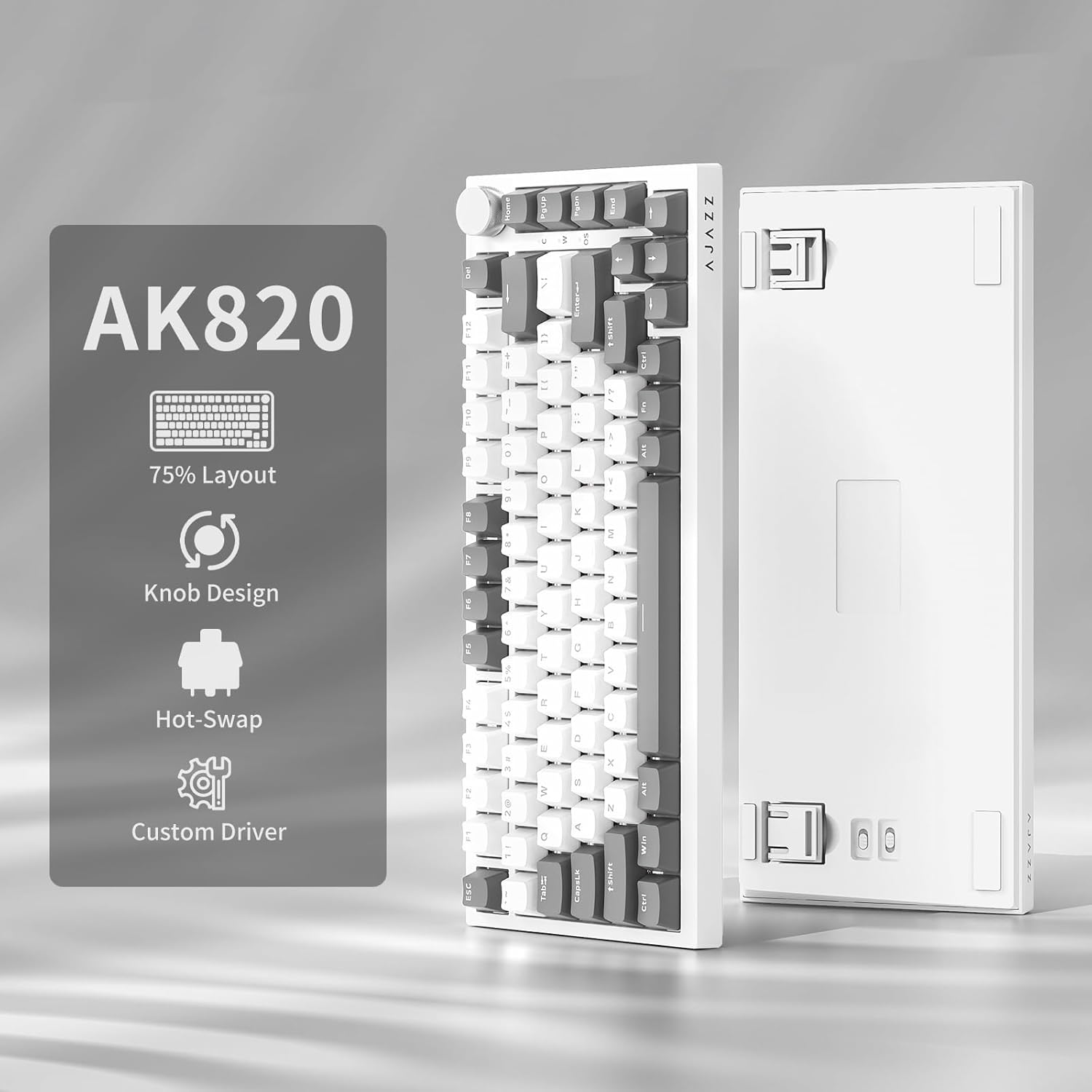
Image: NACODEX AK820 keyboard, USB-C cable, and keycap/switch puller.
3. Nastavení a připojení
3.1 Kabelové připojení
- Connect the USB-C end of the provided cable to the keyboard's USB-C port (located on the back edge).
- Připojte konec kabelu USB-A k volnému portu USB v počítači.
- The keyboard is now ready for use in wired mode.

Image: NACODEX AK820 keyboard with USB-C cable connected to a laptop.
4. Návod k obsluze
4.1 Ovladač hlasitosti
The multifunctional knob located on the top-right corner of the keyboard allows for quick audio adjustments.
- Otočte ve směru hodinových ručiček: Zvyšte hlasitost.
- Otočte proti směru hodinových ručiček: Snížit hlasitost.
- Zmáčkni: Ztlumit/Zapnout zvuk.

Obrázek: Podrobný view of the volume knob, indicating its turn and press functions for volume control and mute.
4.2 Světelné efekty
The AK820 features customizable RGB backlighting. Use the following key combinations to adjust lighting:
- FN + \ (Backslash): Procházejte 20 různými světelnými efekty.
- FN + ↑ (šipka nahoru): Zvýšení jasu podsvícení (5 úrovní).
- FN + ↓ (šipka dolů): Snížení jasu podsvícení (5 úrovní).
- FN + ← (šipka vlevo): Adjust lighting direction.
- FN + → (šipka doprava): Adjust lighting direction.
- FN + - (Minus): Snižte rychlost osvětlení.
- FN + = (Equals): Zvyšte rychlost osvětlení.
- FN + Home: Switch between Windows/MAC system modes.
- FN + ESC: Reset to factory default lighting settings (hold for 3-5 seconds).
Video: Demonstrates various RGB lighting effects and customization options on the NACODEX AK820 keyboard.
4.3 Přepínače vyměnitelné za provozu
The AK820 supports 3/5-pin hot-swappable mechanical switches, allowing you to customize your typing experience without soldering.
- Pull out the keycap using the provided keycap puller.
- Použijte stahovák spínače k zapnutíamp the buckles on the upper and lower sides of the switch body, then pull the switch up and out.
- Align the pins and holes of the new switch.
- Tap the new switch vertically until it clicks into place.

Obrázek: Detailní záběr view of the keyboard's switches and keycaps, highlighting the hot-swappable design.
Video: Demonstrates the difference in sound and feel between AJAZZ Gift Switches and AJAZZ Dreamy Switches, showcasing the hot-swappable feature.
4.4 Keycap Features
The AK820 comes with durable PBT keycaps, known for their oil resistance and longevity. They feature a two-color design for clear fonts and enhanced light transmission.
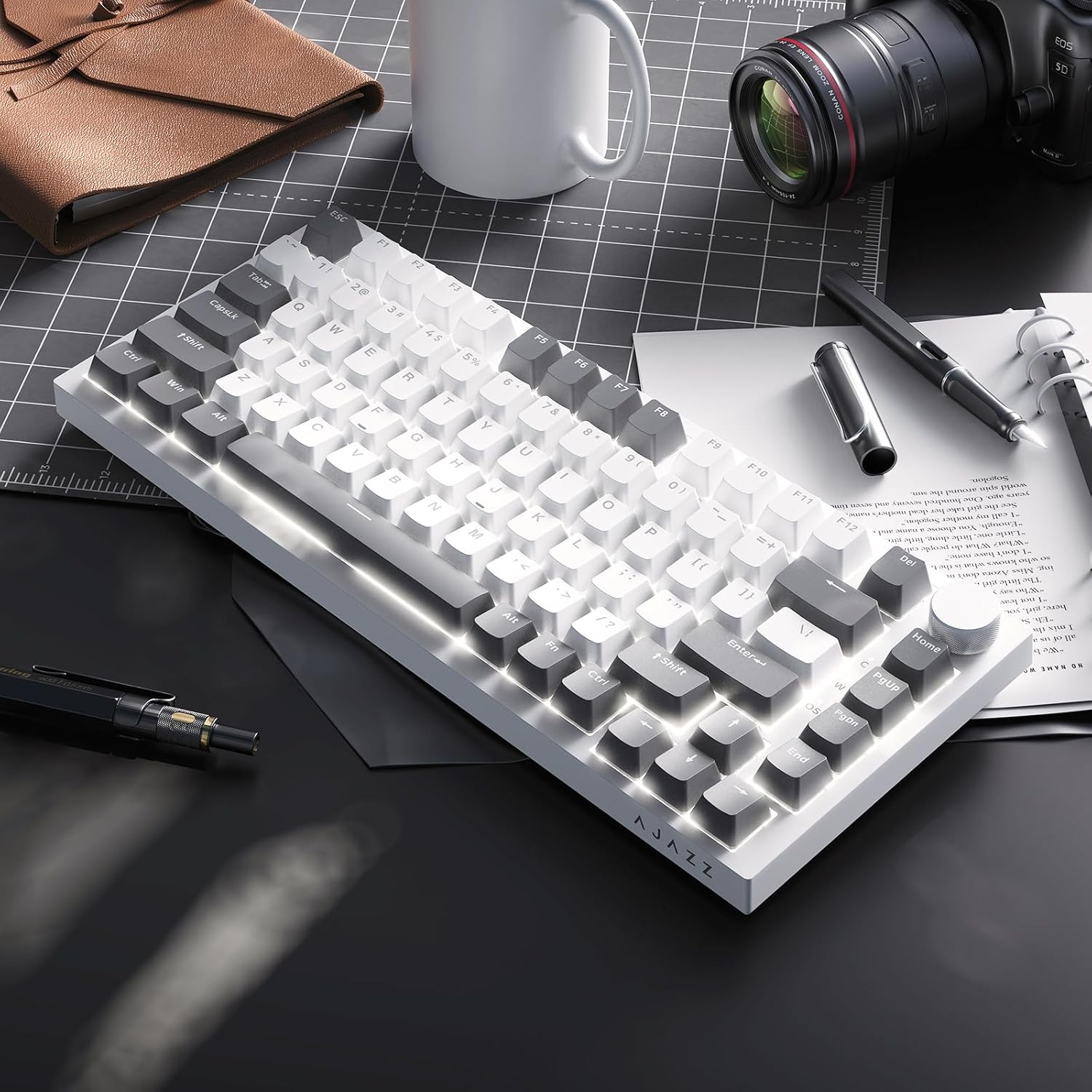
Image: A close-up of the PBT keycaps, highlighting their texture and two-color design.
5. Specifikace
| Rozměry produktu | 12.87 x 5.35 x 1.57 palce |
| Hmotnost položky | 1.79 libry |
| Výrobce | AJAZZ |
| Číslo modelu | AK820 Gray White |
| Technologie připojení | USB-C (kabelový) |
| Popis klávesnice | Mechanické |
| Speciální funkce | Ergonomic, Gasket Structure, Hot-Swappable |
| Podsvícení klávesnice | RGB |
6. Záruka a podpora
Informace o záruce a technickou podporu získáte od oficiálního prodejce AJAZZ. webnebo se obraťte na jejich zákaznický servis. Uschovejte si doklad o koupi pro případ reklamace.


