1. Úvod
Welcome to the user manual for your new MEIZE Android 14 Tablet. This guide provides detailed instructions on how to set up, operate, and maintain your device, ensuring you get the most out of its advanced features. Please read this manual thoroughly before using your tablet.
2. Co je v krabici
Upon opening your MEIZE Android 14 Tablet package, you should find the following items:
- MEIZE Android 14 Tablet
- Bluetooth klávesnice
- Bezdrátová myš
- Dotykové pero
- Ochranné pouzdro
- Nabíjecí kabel (typ C)
- Napájecí adaptér

Image: The MEIZE Android 14 Tablet displayed with its full set of accessories, including the keyboard, mouse, stylus, and protective case.
3. Průvodce nastavením
3.1 Počáteční nabíjení
Before first use, fully charge your tablet using the provided Type-C cable and power adapter. The battery indicator on the screen will show charging status.
3.2 Zapnutí/vypnutí
- Zapnutí: Press and hold the Power button located on the side of the tablet until the MEIZE logo appears.
- Vypnutí: Stiskněte a podržte tlačítko napájení a poté z možností zobrazených na obrazovce vyberte možnost „Vypnout“.
3.3 Počáteční konfigurace
Postupujte podle pokynů na obrazovce a dokončete počáteční nastavení, včetně výběru jazyka, připojení k Wi-Fi, přihlášení k účtu Google a nastavení zabezpečení.
3.4 SIM Card Installation (for 4G Cellular Models)
Your tablet supports dual SIM cards for 4G cellular connectivity. To install SIM cards:
- Vyhledejte držák SIM karty na boku tabletu.
- Use the SIM ejector tool (not included, typically a paperclip) to open the tray.
- Carefully place your Nano-SIM cards into the designated slots.
- Vložte zásobník zpět do tabletu, dokud nezacvakne na místo.
Note: This tablet does not come with a SIM card. You will need to prepare your own. Ensure your SIM cards support the following frequency bands for 4G calling function: 2G GSM full band, WCDMA: B1\/B2\/B4\/B5\/B8, 4G full band: B1\/B2\/B3\/B4\/B5\/B7\/B8\/B12\/B17\/B19\/B20\/B28A\/B28B\/B66\/B38\/B39\/B40\/B41.
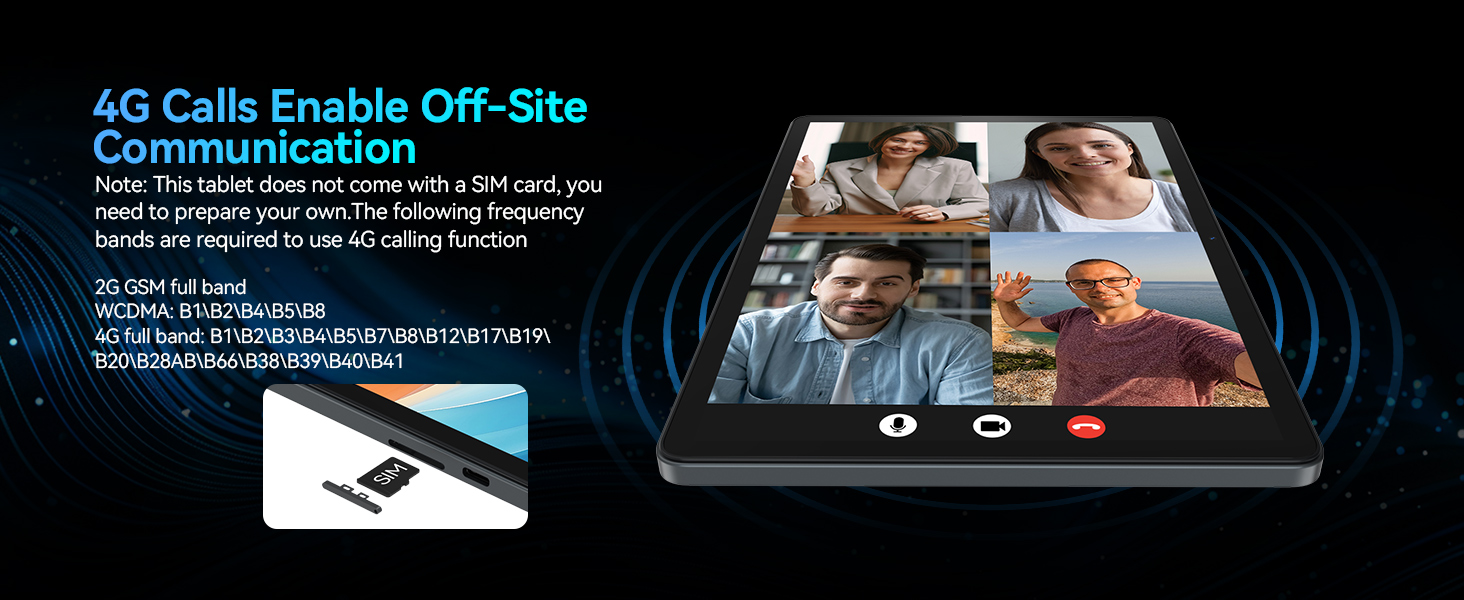
Image: A visual representation of the tablet's 4G calling function, showing a multi-person video conference on the screen.
4. Ovládání tabletu
4.1 Funkce systému Android 14
Your MEIZE tablet runs on the latest Android 14 operating system, offering an enhanced user interface and improved functionality. Key features include:
- Funkce rozdělené obrazovky: Allows you to run and view two applications simultaneously, greatly improving multitasking efficiency.
- Five-Finger Touch: Provides advanced gesture control for intuitive navigation and interaction.
- Optimized User Interface: A streamlined and user-friendly interface for smooth operation.
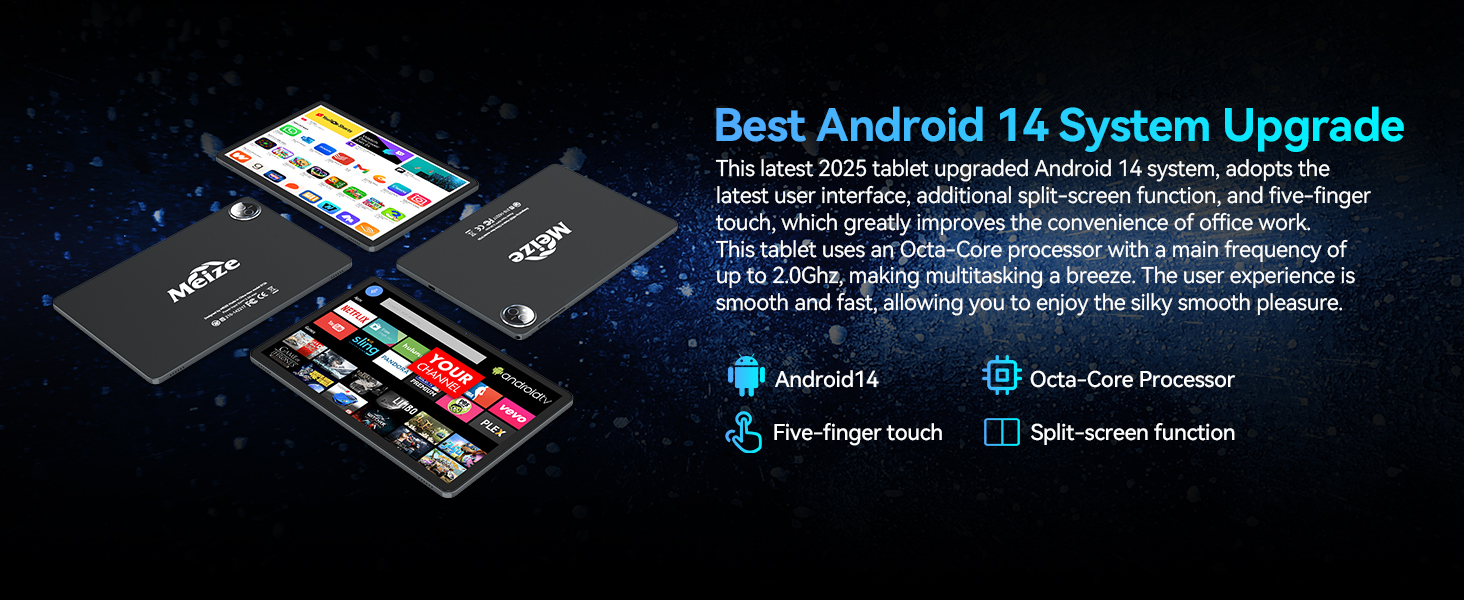
Image: A graphic highlighting the key features of the Android 14 system, including the Octa-Core processor, five-finger touch, and split-screen function.
4.2 Výkon a úložiště
Equipped with an Octa-Core processor (up to 2.0Ghz), 16GB RAM (8GB physical + 8GB expandable), and 128GB internal storage (expandable up to 512GB via microSD card, not included), your tablet delivers excellent performance for various tasks.
- Run multiple applications simultaneously without lag.
- Store a large volume of games, movies, videos, music, and work software.
- Experience smooth and fast user interaction for all your needs.

Obrázek: Zobrazení obrazovky tabletuasing its large memory capacity, with text emphasizing 128GB ROM and 16GB RAM, and 512GB additional expansion.
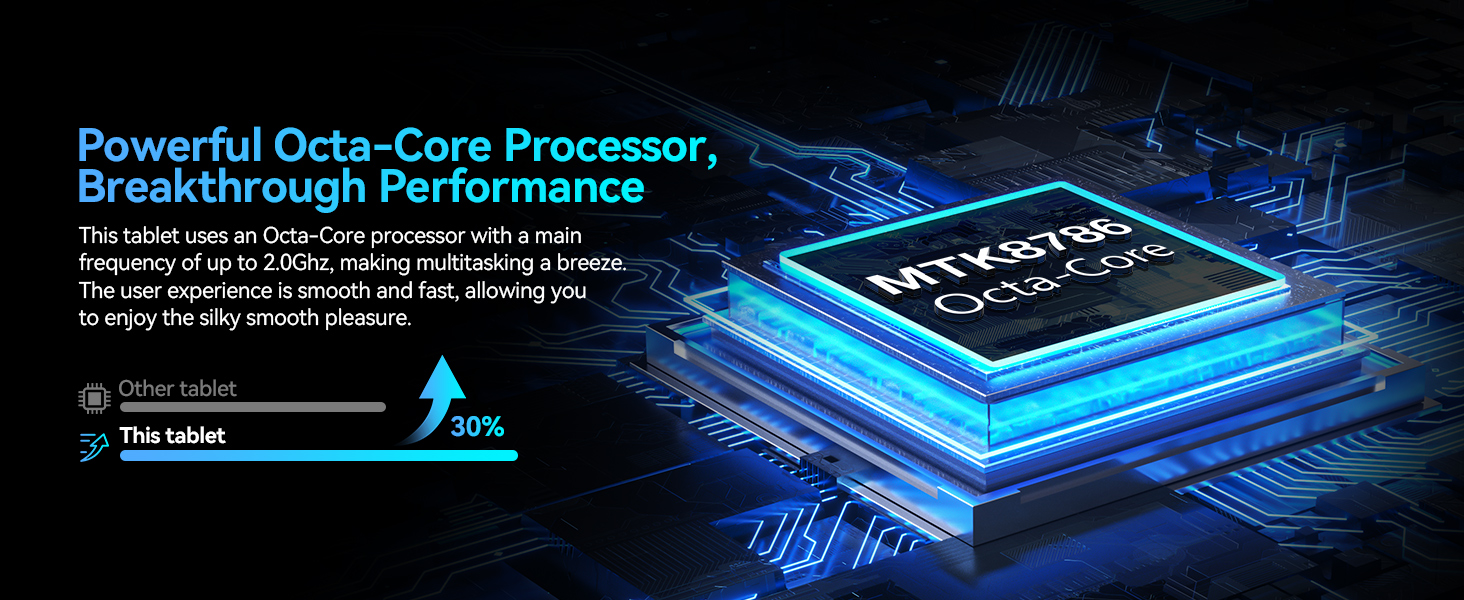
Image: A visual representation of the powerful Octa-Core processor, highlighting its breakthrough performance compared to other tablets.
4.3 Visual Design and Display
The 11-inch ultra-clear LCD screen provides a rich visual experience with vibrant colors and clear details. Its soft light curtain design helps reduce eye strain during extended use.
- Ideal for watching movies, playing games, and browsing photos.
- Offers clearer portrait capture and delicate details.
- Reduces visual pressure and fatigue for comfortable viewIng.
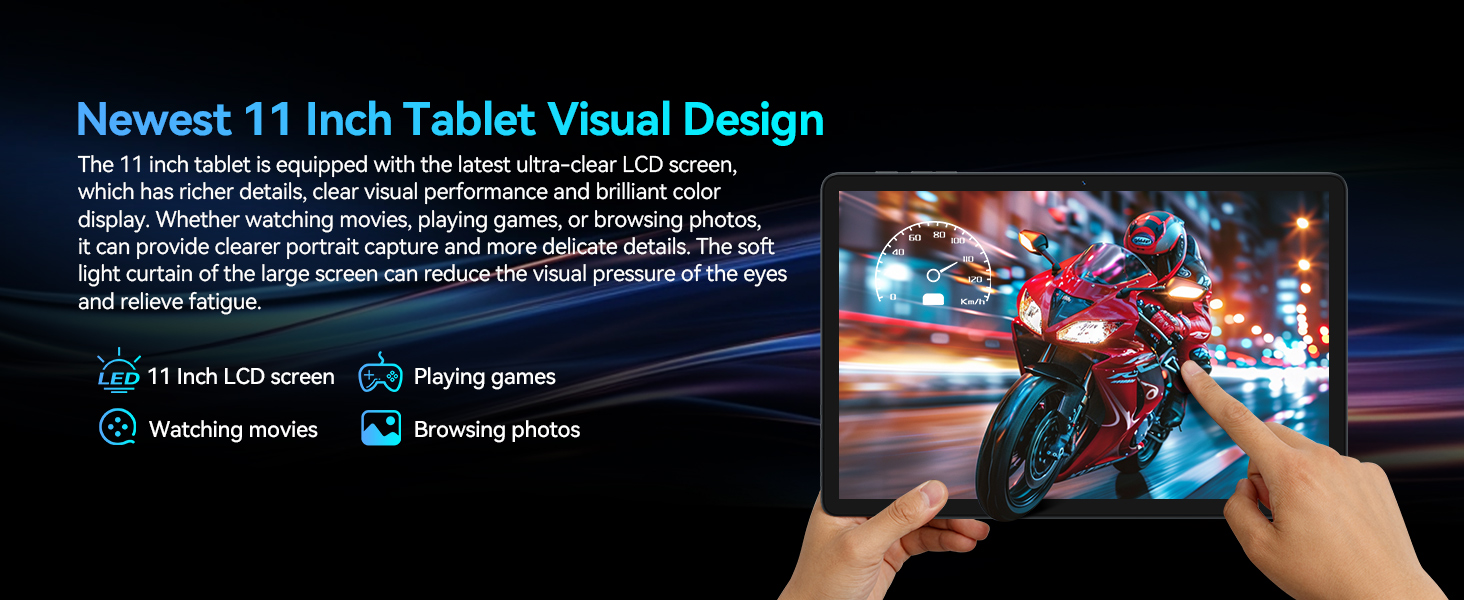
Obrázek: Zobrazení obrazovky tabletuasing its ultra-clear display with a dynamic image, illustrating its visual quality for movies, games, and photos.
4.4 Konektivita
Your tablet features advanced connectivity options for seamless communication and internet access:
- Dual 4G Cellular: Supports dual SIM cards for reliable network access and calling functions.
- 5G WiFi modul: Provides faster transmission speeds and a more stable connection for internet browsing and streaming.
- Modul Bluetooth 5.0: Ensures stable and efficient wireless connections with compatible devices like headphones, keyboards, and mice.

Image: A graphic illustrating the tablet's support for dual 4G cellular and 5G WiFi, emphasizing stable network connection and smooth internet speed.
4.5 Životnost baterie
The tablet is equipped with an 8000mAh lithium polymer battery, offering extended usage times:
- Pohotovostní doba až 24 hodin.
- Až 6 hodin hraní.
- Až 8 hodin přehrávání videa.
- Až 10 hodin přehrávání hudby.
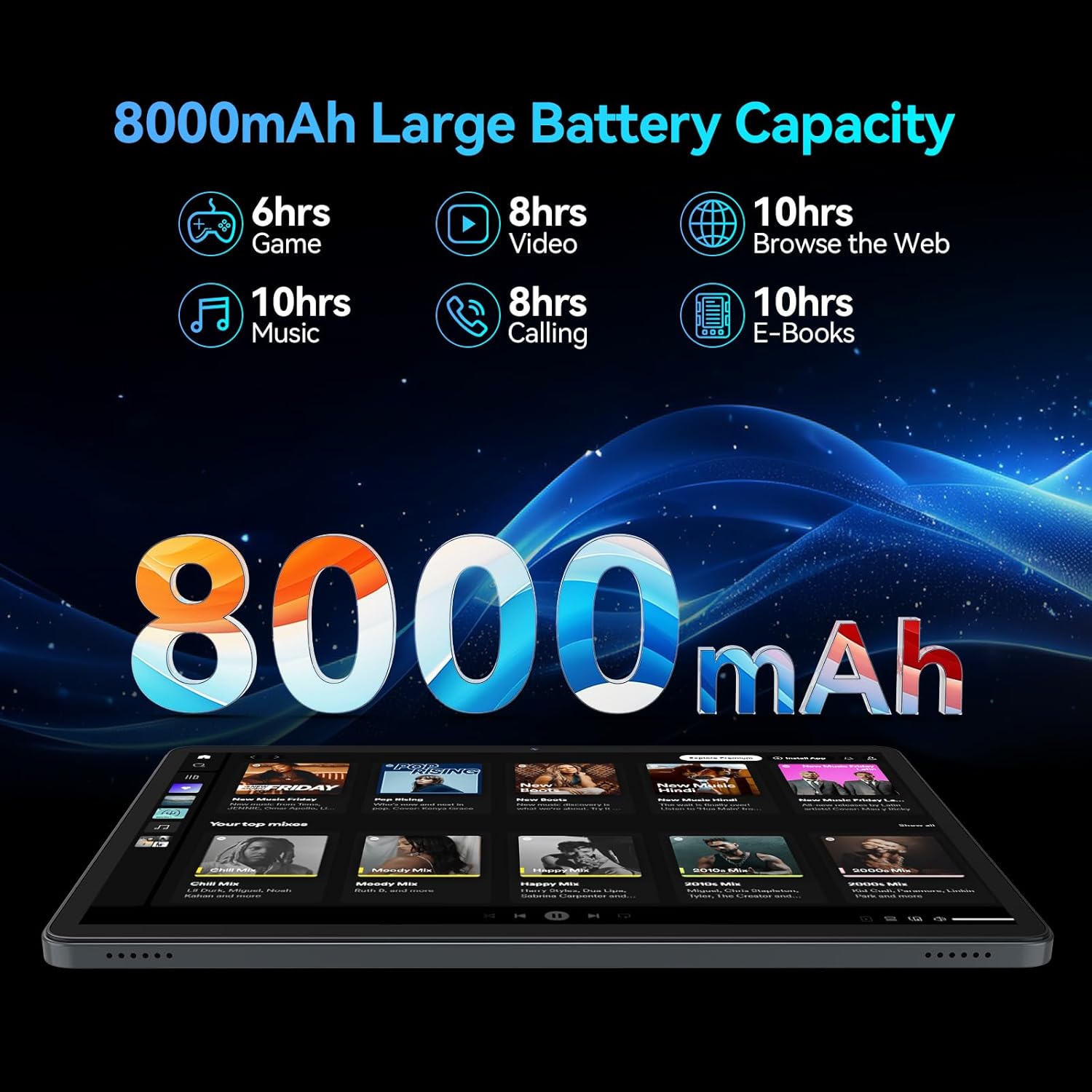
Image: A visual breakdown of the 8000mAh battery's performance, showing estimated hours for gaming, video, web browsing, music, calling, and e-books.
4.6 Fotoaparát
Capture moments with the tablet's dual HD cameras:
- Zadní kamera: 13MP for clear photos and videos.
- Přední kamera: 8MP for high-quality video calls and selfies.
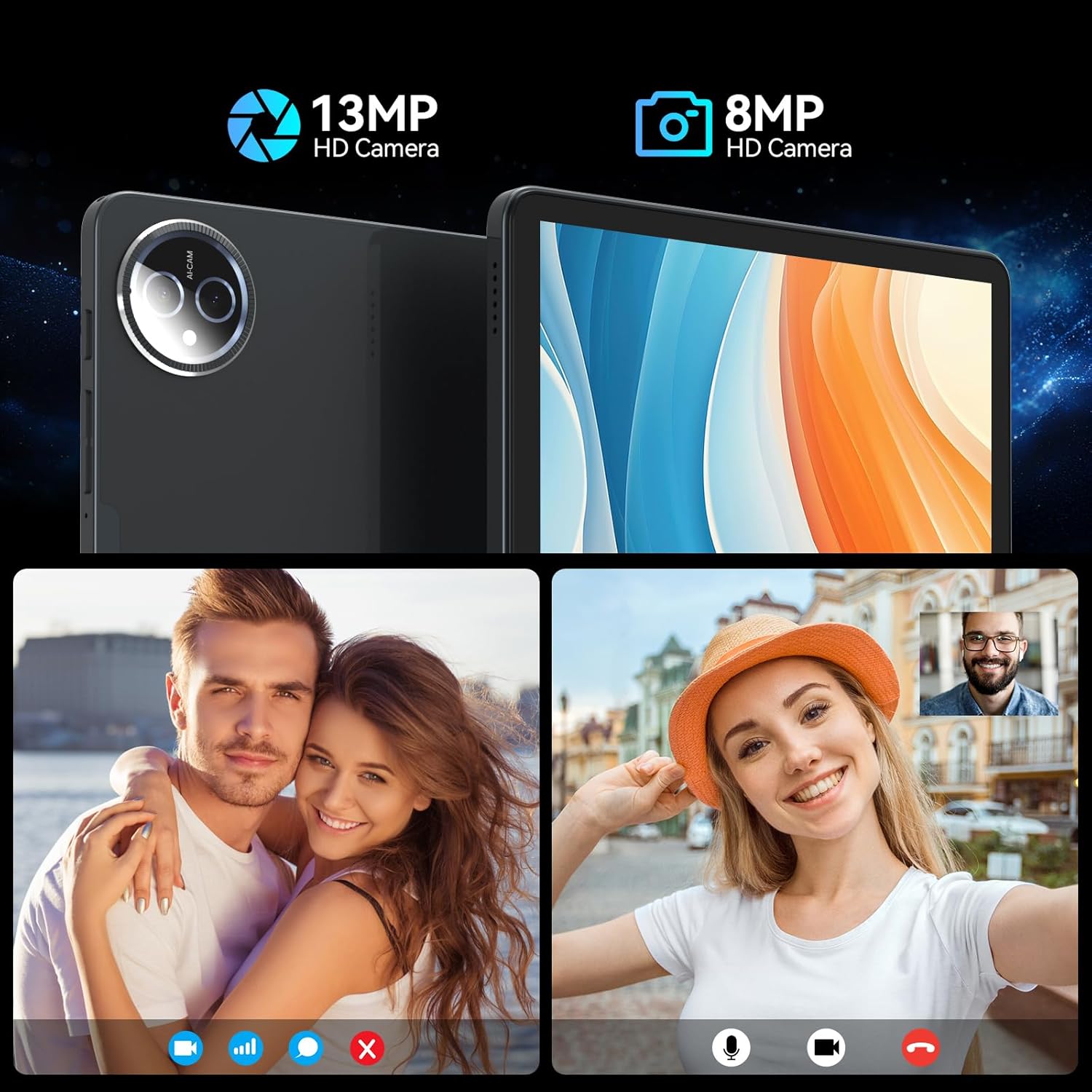
Image: A split image demonstrating the tablet's 13MP rear camera and 8MP front camera capabilities, showing a couple and a woman taking a selfie.
4.7 Accessories and Working Mode
The MEIZE tablet is designed for versatility, easily converting into a portable laptop with its included accessories:
- Connect the Bluetooth keyboard and wireless mouse for a traditional computing experience.
- Utilize the touch pen for precise input, drawing, or note-taking.
- The protective case doubles as a stand, allowing for comfortable viewúhly zadávání a psaní.
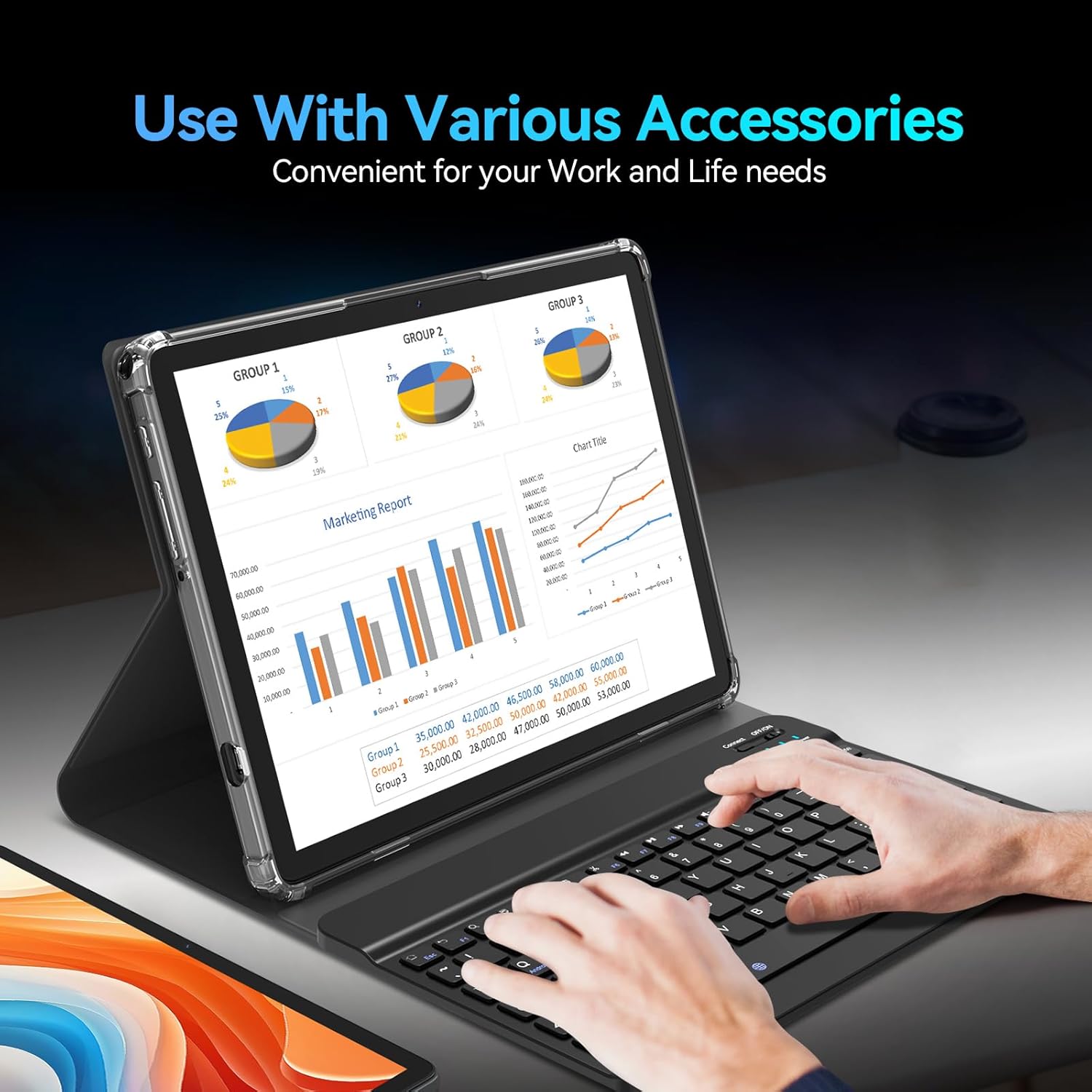
Image: The tablet being used with its accessories, including the keyboard, mouse, and stylus, demonstrating its versatility for work and life needs.
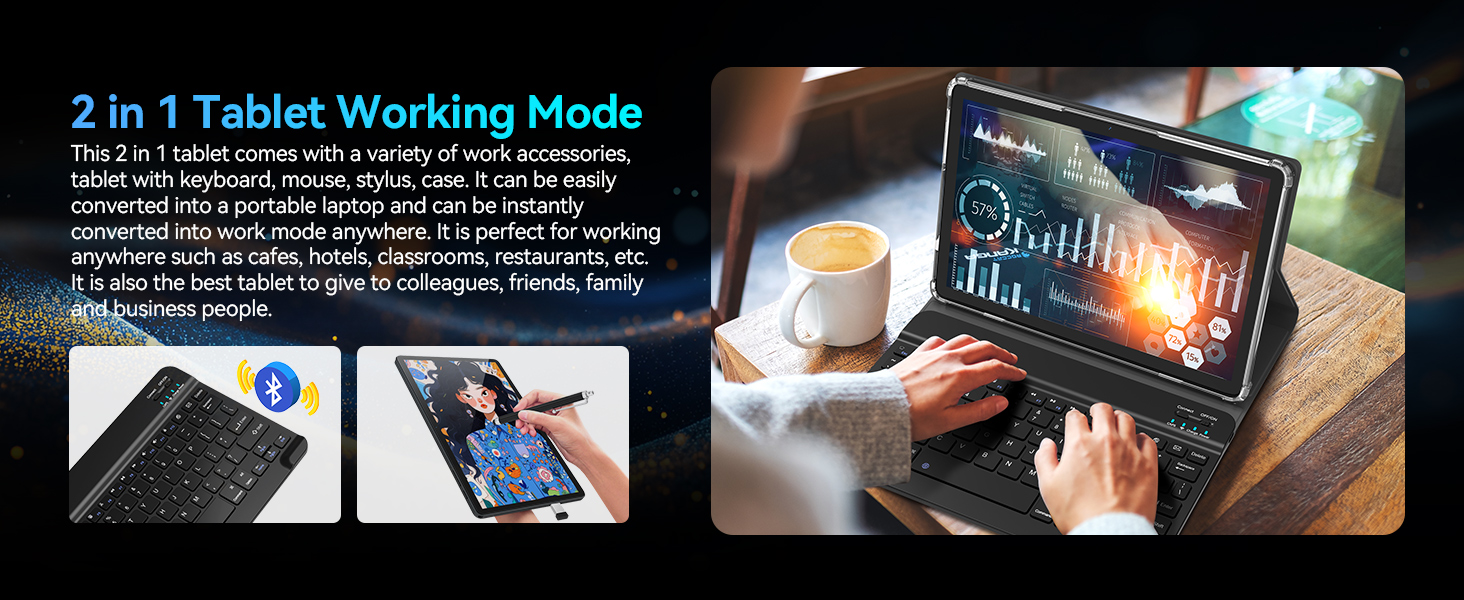
Image: A user operating the tablet in '2 in 1' working mode with the attached keyboard, illustrating its functionality as a portable laptop.
5. Scénáře použití
The MEIZE Android 14 Tablet is designed for a wide range of uses, making it suitable for various environments and activities:
- Práce: Perfect for office tasks, presentations, and remote work in cafes, hotels, or classrooms.
- Studie: Ideal for reading e-books, taking notes, and online learning.
- Zábava: Enjoy gaming, watching movies, and browsing social media.
- Sdělení: Stay connected with friends and family through video calls and messaging.

Image: Four distinct scenarios demonstrating the tablet's versatility: playing games, reading, being given as a gift, and being used for work.
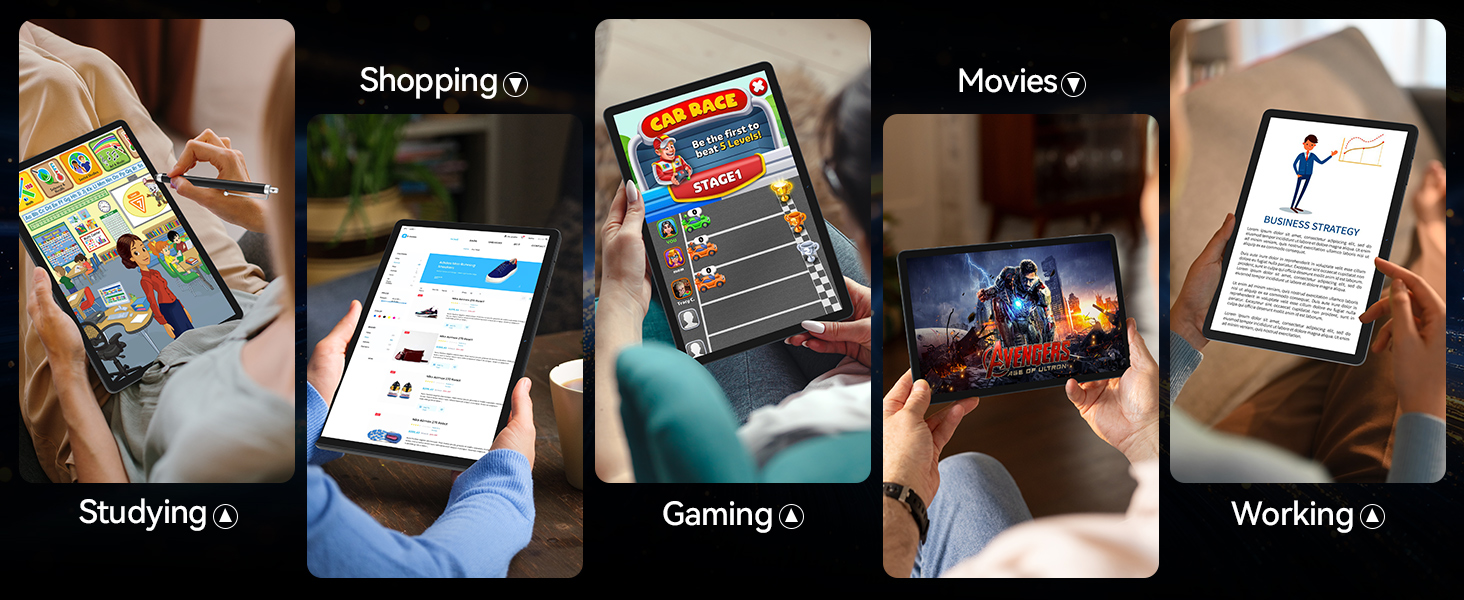
Image: A collage of images depicting various uses of the tablet, including studying, shopping, gaming, watching movies, and working.
6. Specifikace
| Funkce | Specifikace |
|---|---|
| Značka | MEIZE |
| Název modelu | Latest 11 Inch Tablet |
| Číslo modelu položky | D126 |
| Operační systém | Android 14 |
| Velikost obrazovky | 11 palce |
| Maximální rozlišení obrazovky | 1280 x 800 HD Pixels |
| Procesor | Octa-Core, 2 GHz |
| Velikost flash paměti (ROM) | 128 GB |
| BERAN | 16 GB (8GB physical + 8GB expandable) |
| Zadní WebRozlišení vačky | 13 MP |
| Přední WebRozlišení vačky | 8 MP |
| Bezdrátový typ | 802.11ac, 802.11ax (5G WiFi), Bluetooth 5.0 |
| Kapacita baterie | Lithium-polymer 8000 mAh |
| Průměrná životnost baterie | 6 hodiny (v závislosti na využití) |
| Hmotnost položky | 1.2 libry |
| Rozměry produktu (DxŠxV) | 11 x 7 x 0.3 palce |
| Barva | Šedá |
7. Řešení problémů
If you encounter any issues with your MEIZE tablet, please refer to the following common troubleshooting steps:
- Tablet nereaguje/zamrzá: Stiskněte a podržte tlačítko napájení po dobu přibližně 10–15 sekund pro vynucení restartu.
- Apps are lagging or crashing: Close unnecessary background applications. Clear app cache in Settings > Apps > [App Name] > Storage > Clear Cache. Ensure you have sufficient storage space.
- Problémy s připojením k Wi-Fi: Turn Wi-Fi off and on again. Restart your router. Forget the network in tablet settings and reconnect.
- Slabá výdrž baterie: Reduce screen brightness. Close unused apps. Disable Wi-Fi/Bluetooth when not in use. Check battery usage in Settings to identify power-hungry apps.
- Tablet is not charging: Ensure the charging cable and adapter are securely connected. Try a different power outlet. Inspect the charging port for any debris.
- Klávesnice/myš se nepřipojuje: Ensure Bluetooth is enabled on the tablet. Make sure the accessories are charged and in pairing mode. Re-pair the devices in Bluetooth settings.
- General Bugginess: Some users have reported occasional bugs. Ensure your tablet's software is up to date via Settings > System > System update. A factory reset (Settings > System > Reset options > Erase all data) can resolve persistent software issues, but will delete all your data, so back up first.
V případě složitějších problémů se prosím obraťte na sekci podpory nebo na zákaznický servis.
8. Údržba
To ensure the longevity and optimal performance of your MEIZE tablet, follow these maintenance guidelines:
- Čištění: K čištění obrazovky a těla přístroje používejte měkký hadřík, který nepouští vlákna. Nepoužívejte abrazivní čisticí prostředky ani rozpouštědla.
- Skladování: Tabletu skladujte na chladném a suchém místě mimo dosah přímého slunečního záření a extrémních teplot.
- Aktualizace softwaru: Pravidelně kontrolujte a instalujte aktualizace systému, abyste zajistili, že váš tablet má nejnovější funkce a bezpečnostní záplaty.
- Péče o baterie: Vyhněte se častému úplnému vybíjení baterie. Pro dlouhodobé skladování nabijte baterii na přibližně 50–60 %.
- Ochrana: Always use the provided protective case to guard against drops and scratches.
9. Záruka a podpora
MEIZE is committed to providing excellent customer service. If you encounter any problems with your product, please do not hesitate to contact our professional support team.
- Služby zákazníkům: For assistance, please reach out to the MEIZE customer service team through the platform where you purchased the product or visit the official MEIZE webstránky pro kontaktní informace.
- Informace o záruce: Details regarding your product's warranty period and coverage can typically be found on the product packaging or the official MEIZE webstránky. Uschovejte si prosím doklad o koupi pro případ reklamace.


