Zavedení
This manual provides essential instructions for setting up, operating, and maintaining your GOBOULT Pyro Smartwatch. Please read this manual thoroughly before using the device to ensure proper function and longevity.
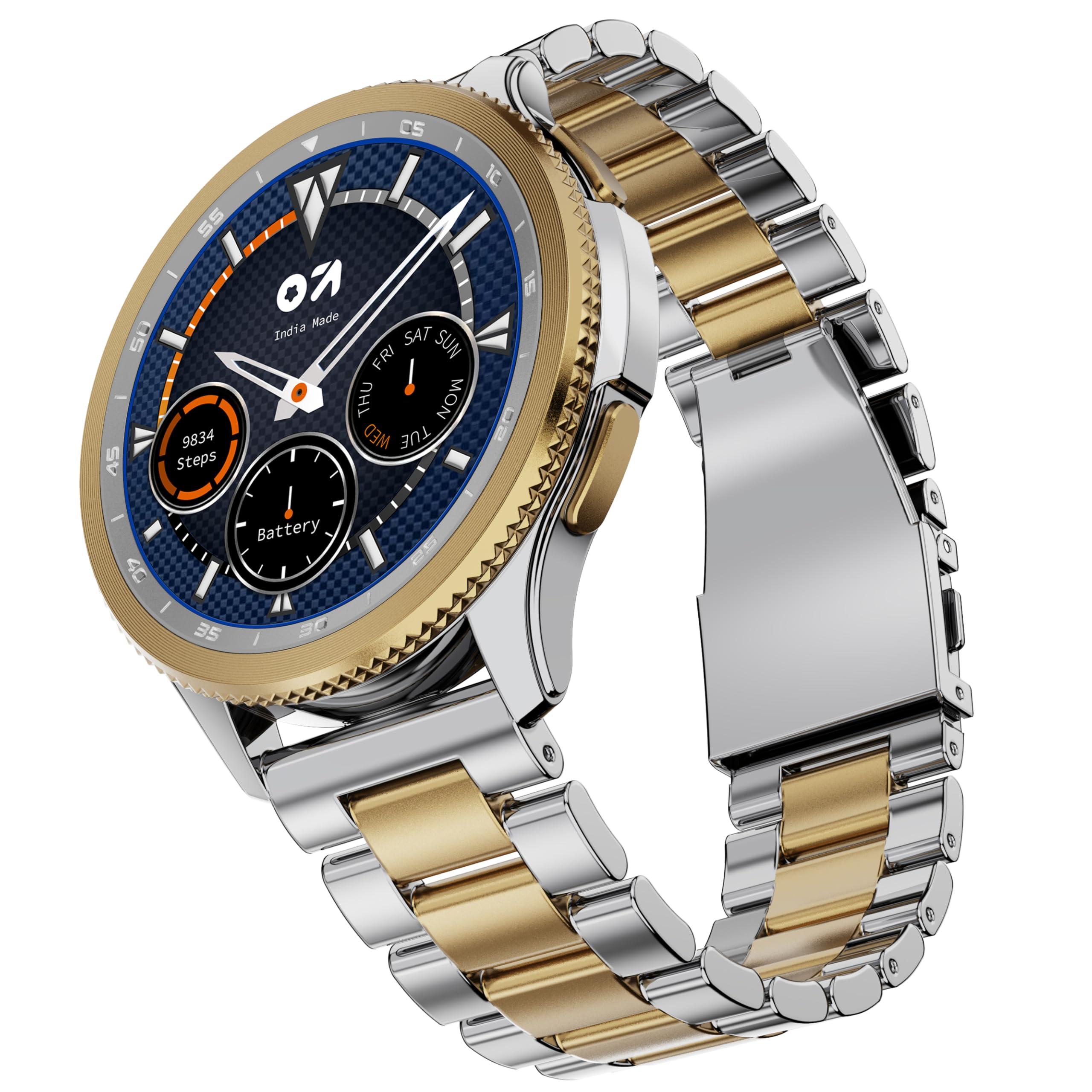
Image: GOBOULT Pyro Smartwatch in Gold Silver finish.
Co je v krabici
Ověřte, zda jsou v balení přítomny všechny položky:
- Pyro Gold Silver Smartwatch
- Nabíjecí kabel
- Uživatelská příručka (tento dokument)
- Záruční list
Nastavení
1. Nabíjení chytrých hodinek
Before initial use, fully charge your smartwatch. Connect the provided charging cable to the charging port on the back of the watch and to a standard USB power adapter (not included). A full charge typically takes approximately 150 minutes.

Obrázek: Zadní view of the smartwatch, highlighting charging contacts and health sensors.
2. Párování s vaším smartphonem
- Download the official GOBOULT companion application from your smartphone's app store (Android or iOS).
- Ujistěte se, že je na vašem smartphonu povoleno Bluetooth.
- Open the GOBOULT app and follow the on-screen instructions to search for and connect to your Pyro Smartwatch.
- Potvrďte požadavek na párování na smartphonu i na chytrých hodinkách.
Once paired, the smartwatch will synchronize time, date, and notifications with your phone.
Návod k obsluze
Displej a navigace
The GOBOULT Pyro Smartwatch features a 1.43" AMOLED display with 600 nits brightness for clear visibility. Navigation is primarily done via touch gestures and the rotating dial.

Image: Close-up of the smartwatch display, highlighting the 1.43" AMOLED screen and Always On Display feature.
- Dotyková obrazovka: Swipe up, down, left, or right to access different menus and notifications. Tap to select items.
- Otočný volič: Rotate the physical dial on the side of the watch to scroll through menus, adjust settings, or zoom in/out on certain interfaces. Press the dial to confirm selections or return to the home screen.
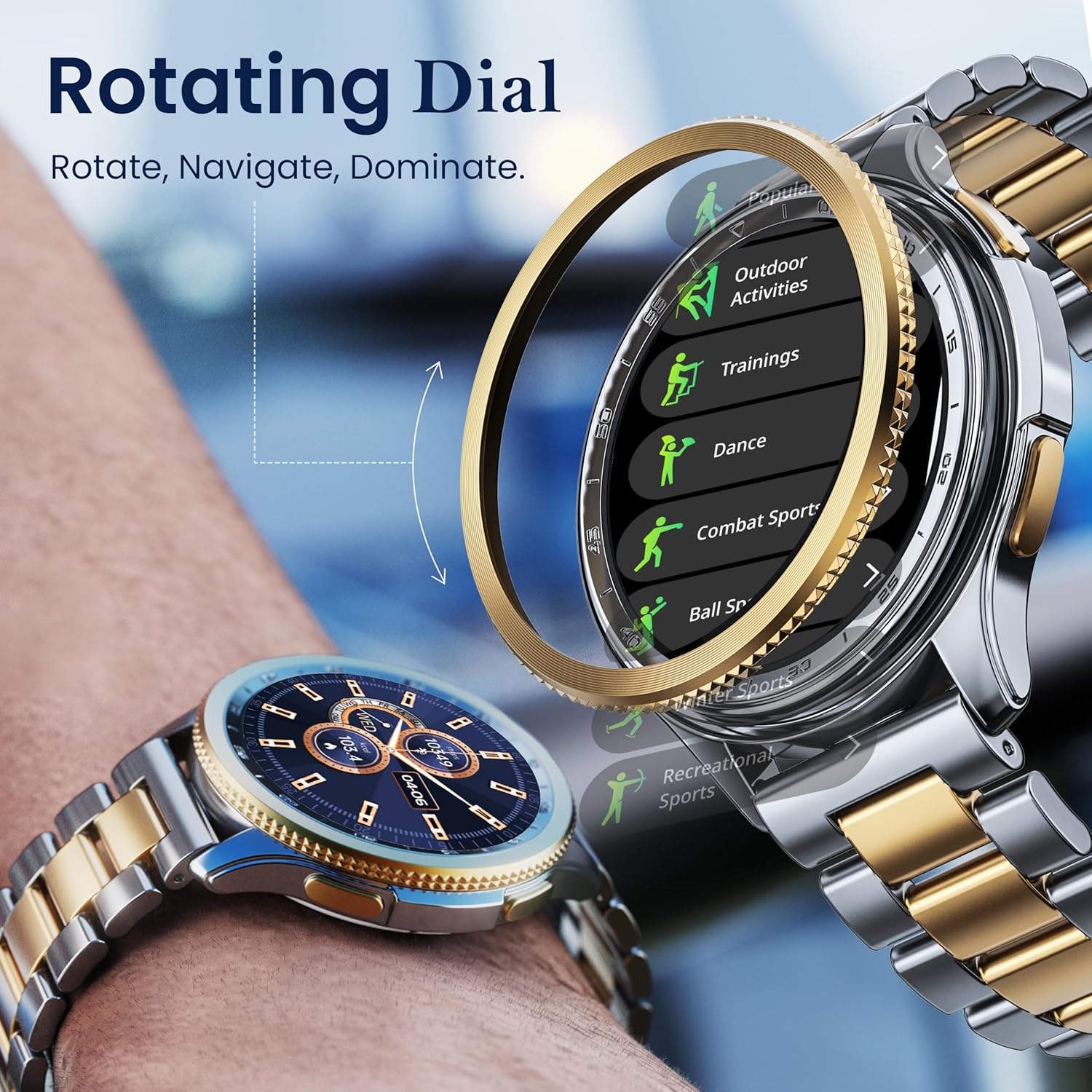
Image: Illustration of the rotating dial mechanism for navigation.
Volání pomocí Bluetooth
With Bluetooth 5.3, you can make and receive calls directly from your smartwatch. Ensure your watch is connected to your smartphone via Bluetooth.
- Uskutečnění hovoru: Otevřete seznam číselníku nebo kontaktů na hodinkách.
- To receive a call: An incoming call notification will appear on your watch. Tap to answer or decline.
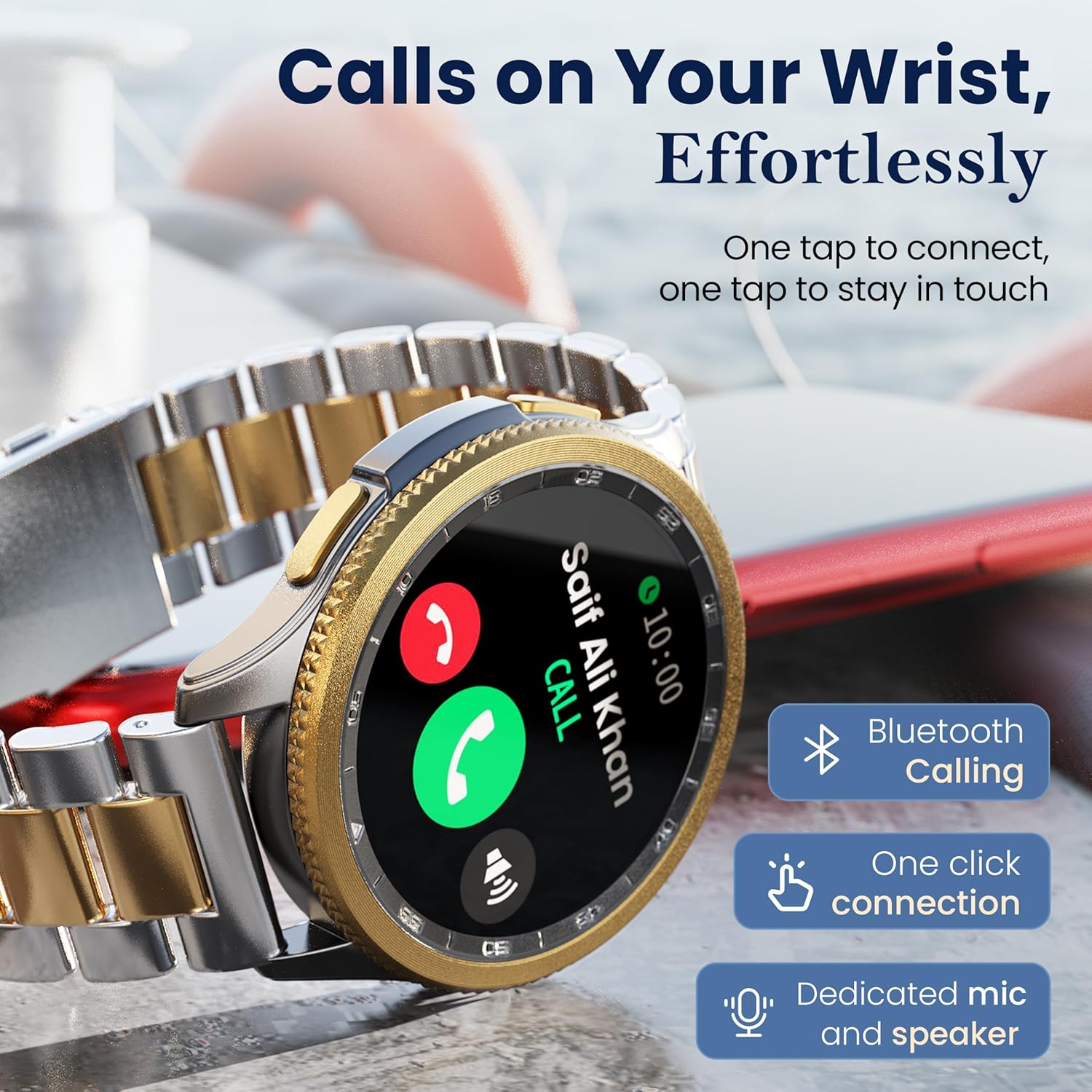
Image: Smartwatch screen showing an active Bluetooth call interface.
Watch Faces
Customize your smartwatch with over 150 available watch faces. These can be changed directly on the watch or through the companion app.
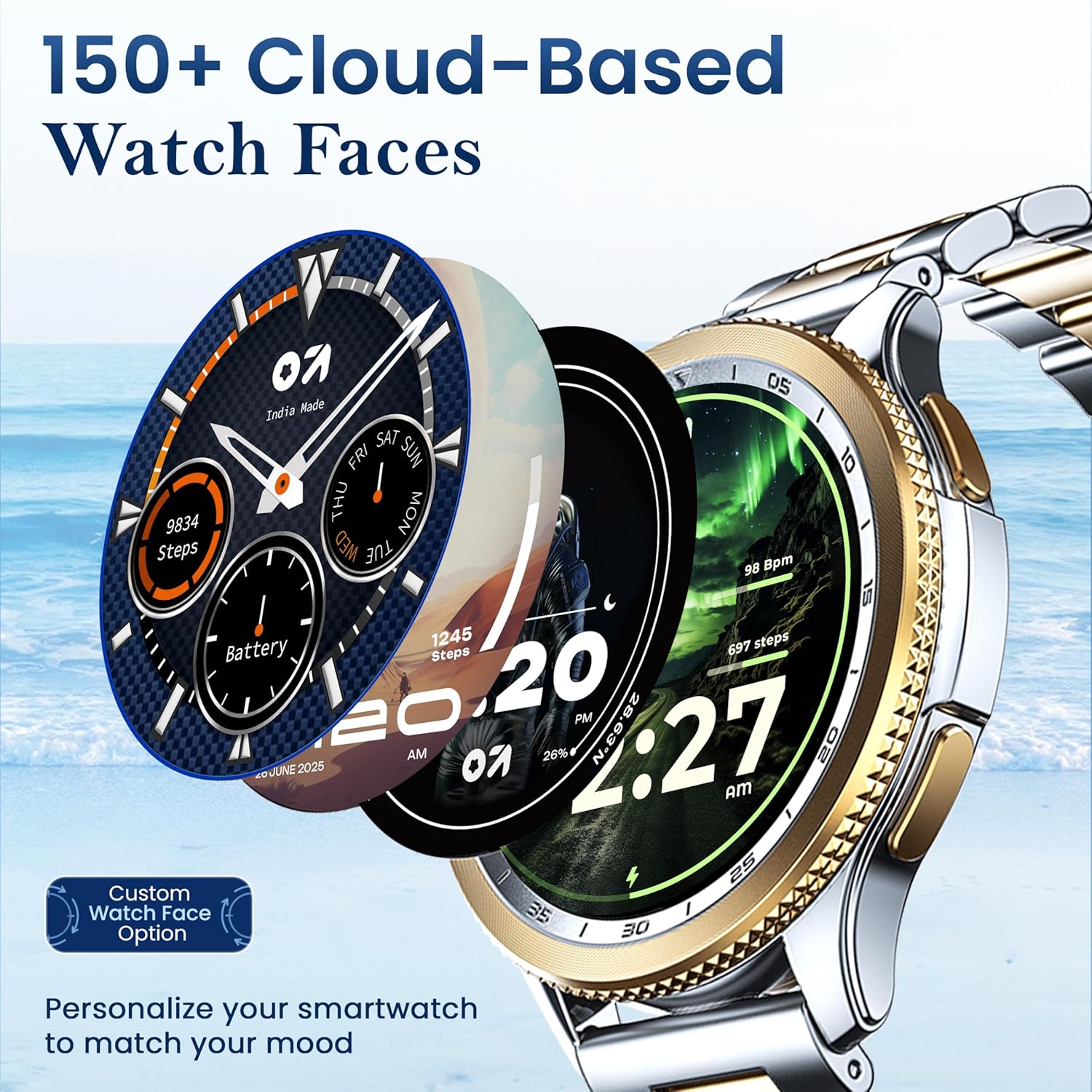
Image: Various watch face designs available for customization.
Sportovní režimy
The smartwatch supports over 120 sports modes for tracking various physical activities. Select your desired mode before starting an activity to record relevant data such as steps, calories burned, and heart rate.

Image: Smartwatch screen showing the selection of sports modes.
Monitorování zdraví
The GOBOULT Pyro Smartwatch includes several health monitoring features:
- 24x7 Heart Rate Monitor: Neustále sleduje vaši tepovou frekvenci.
- SpO2 Blood Oxygen Monitor: Měří hladinu kyslíku v krvi.
- Sleep & Stress Monitoring: Analyzes sleep patterns and stress levels.
- Krevní tlak: Poskytuje měření krevního tlaku.
- Počet kalorií: Odhaduje spálené kalorie na základě aktivity.
- Sledování menstruačního cyklu u žen: Supports tracking for female users.
Poznámka: Toto zařízení není zdravotnický prostředek. Zdravotní údaje slouží pouze pro informativní účely a neměly by být používány k lékařské diagnóze ani léčbě.
Hlasový asistent AI
Activate the AI voice assistant (Siri or Google Assistant, depending on your paired phone) for hands-free control. Use voice commands to perform tasks, set reminders, or get information.
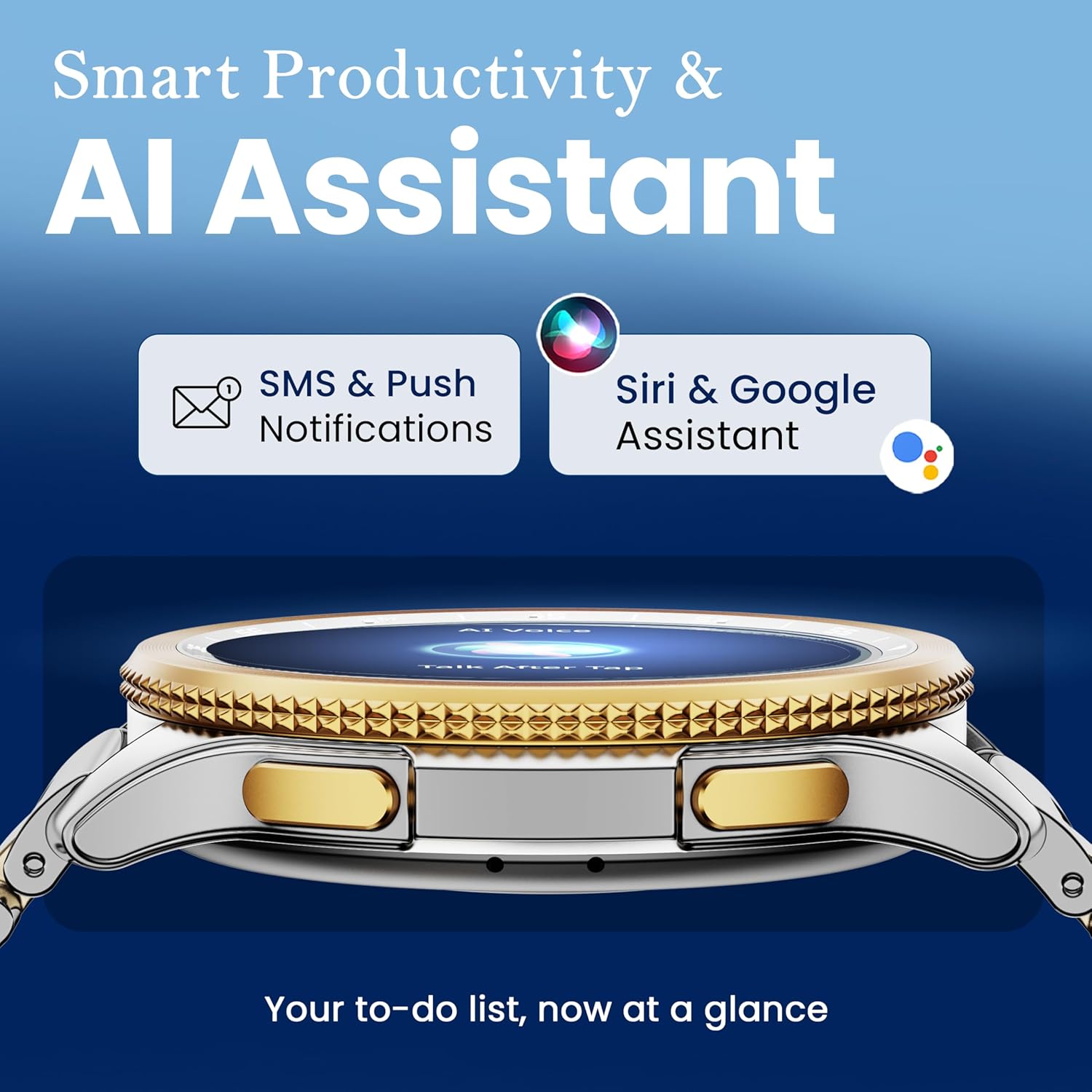
Image: Smartwatch interface indicating AI Assistant functionality and notification display.
Další funkce
The smartwatch offers additional functionalities accessible through its menus:
- Dálkové ovládání kamery: Spusťte fotoaparát telefonu na dálku.
- Svítilna: Použijte obrazovku jako dočasný zdroj světla.
- Světové hodiny: View čas v různých globálních pásmech.
- Weather Details: Získejte aktuální informace o počasí.
- Najít telefon: Vyhledejte spárovaný smartphone jeho zazvoněním.
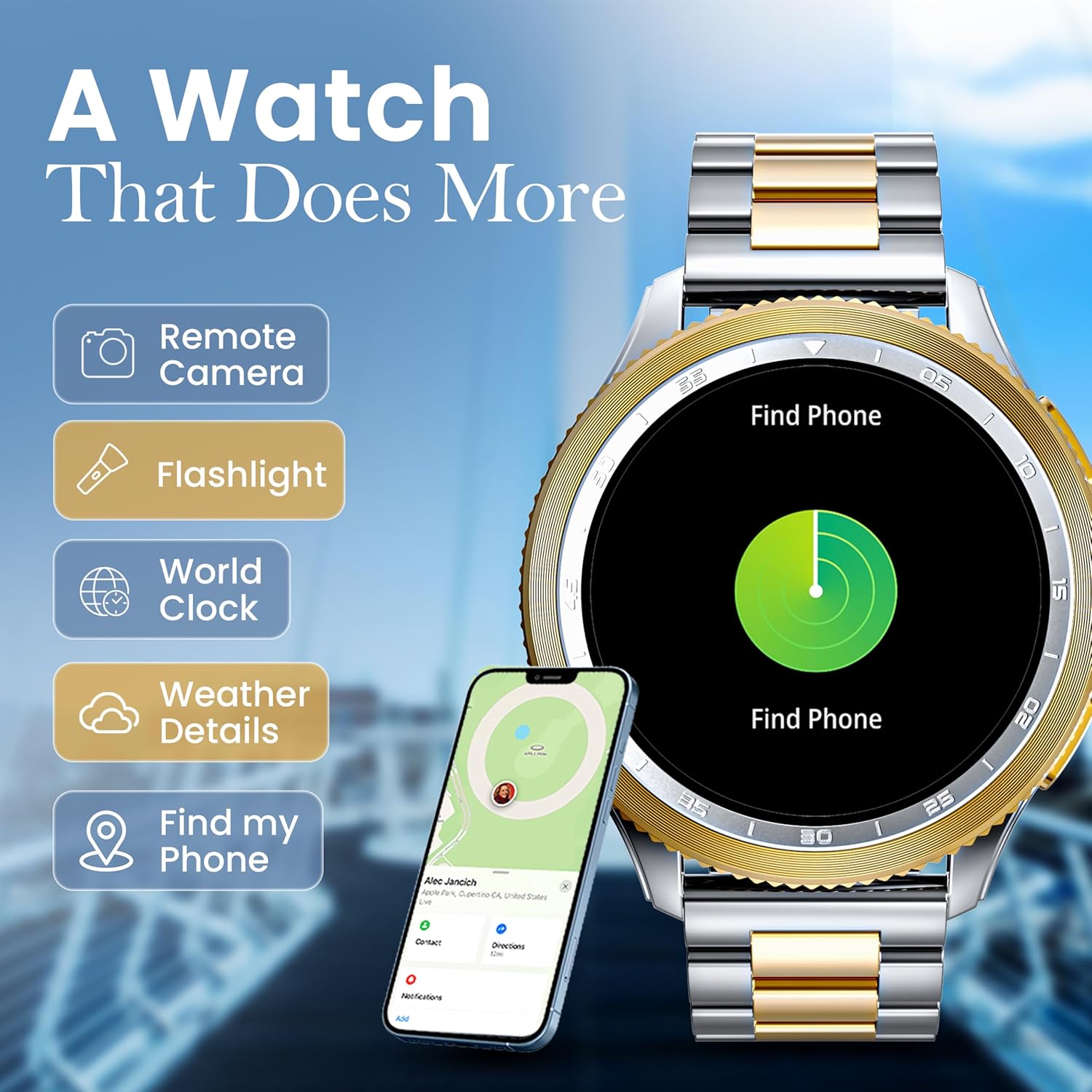
Image: Smartwatch displaying a menu of additional utility features.
Údržba
Čištění
Regularly clean your smartwatch and strap with a soft, dry cloth. For stubborn dirt, a slightly damp Lze použít hadřík. Vyhněte se agresivním chemikáliím nebo abrazivním materiálům.
Odolnost proti vodě a prachu (IP68)
The GOBOULT Pyro Smartwatch is IP68 rated, meaning it is resistant to dust and can withstand immersion in water up to 1.5 meters for up to 30 minutes. It is suitable for daily use, such as washing hands or light rain exposure. However, it is not recommended for swimming, diving, or exposure to high-pressure water jets.
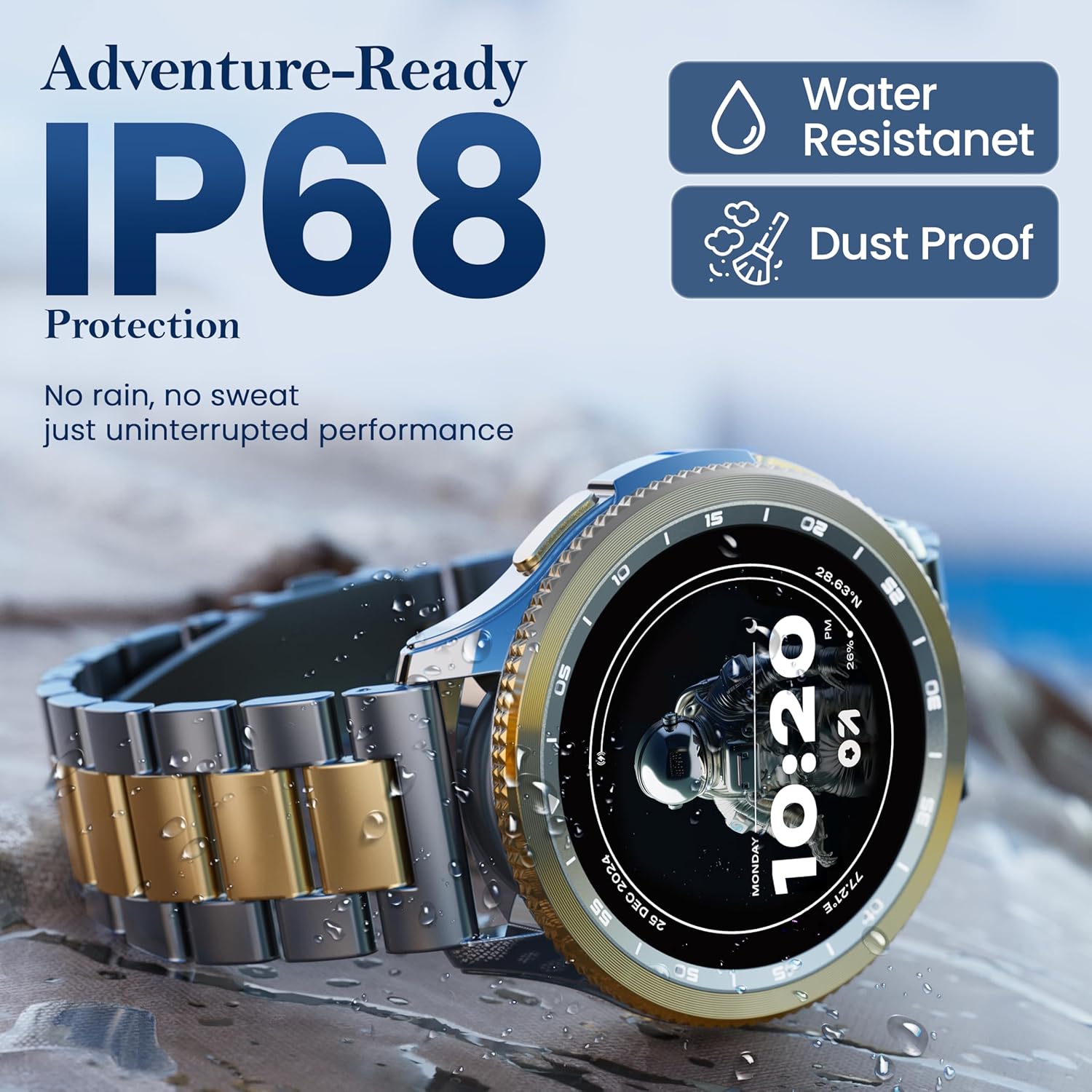
Image: Smartwatch highlighting its IP68 water and dust resistance rating.
After exposure to water, ensure the watch is completely dry before charging to prevent damage to the charging contacts.
Péče o baterie
To maximize battery life, avoid extreme temperatures and fully discharging the battery frequently. Average battery life is up to 7 days, depending on usage.
Odstraňování problémů
| Problém | Možné řešení |
|---|---|
| Chytré hodinky se nezapínají | Ujistěte se, že jsou hodinky plně nabité. Připojte je k nabíječce alespoň na 30 minut. |
| Nelze spárovat se smartphonem |
|
| Oznámení nebyla přijata |
|
| Nepřesné zdravotní údaje | Ensure the watch is worn snugly on your wrist. Clean the sensors regularly. Avoid excessive movement during measurements. |
| Krátká výdrž baterie | Reduce screen brightness, disable unnecessary features (e.g., continuous heart rate monitoring if not needed), and limit frequent notifications. |
Specifikace
| Funkce | Detail |
|---|---|
| Značka | GOBOULT |
| Model | Boult Pyro |
| Velikost displeje | 1.43 palce |
| Typ zobrazení | AMOLED |
| Jas | 600 nitů |
| Konektivita | Bluetooth 5.3 |
| Voděodolnost | IP68 |
| Výdrž baterie (průměrná) | 7 dní |
| Doba nabíjení baterie | 150 minut |
| Hmotnost položky | 68 g |
| Operační systém (kompatibilita) | Android (for companion app) |
| Zahrnuté komponenty | Smartwatch, Charging Cable, User Manual, Warranty Card |
Záruka a podpora
Your GOBOULT Pyro Smartwatch comes with a warranty. Please refer to the included Warranty Card for detailed terms and conditions, including warranty period and coverage.
For technical support, service, or warranty claims, please contact GOBOULT customer service through the contact information provided on your Warranty Card or the official GOBOULT webmísto.