1. Konec produktuview
The GIGABYTE GP-UD850GM-A is an 850W 80 Plus Gold certified fully modular power supply designed for high-performance computing systems. It features high-quality Japanese capacitors and a +12V Single Rail for exceptional power output and stability.
Klíčové vlastnosti:
- 850W Capacity with Single +12V Rail
- 80 Plus Gold Certified for high efficiency
- ATX Form Factor for broad compatibility
- Fully Modular Design for clean cable management
- Japanese Capacitors for enhanced durability and stability
- 120mm Hydraulic Bearing Fan for quiet and efficient cooling
- Comprehensive Protection: OVP/OPP/SCP/UVP/OCP/OTP
- Vyrobeno na Tchaj-wanu
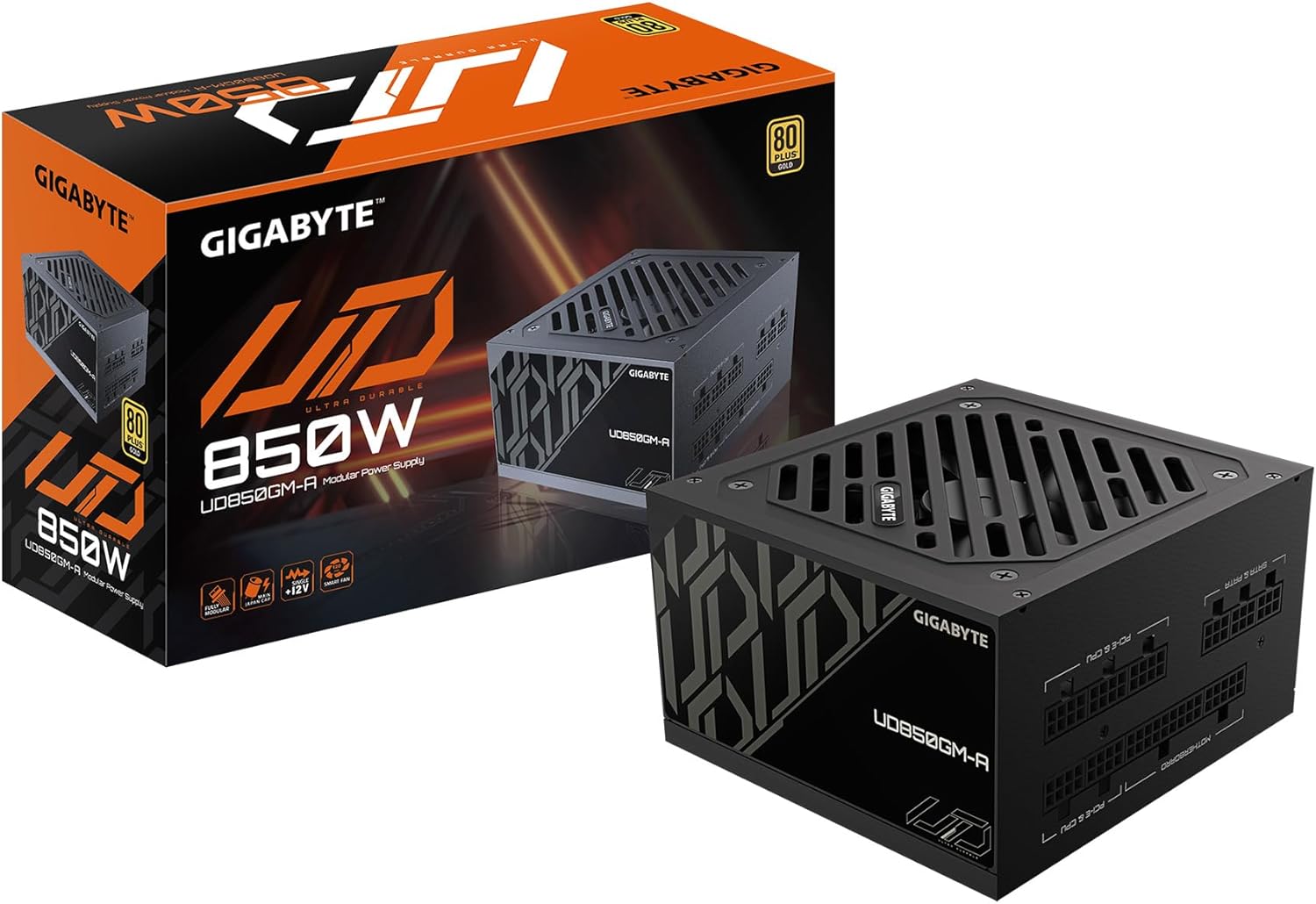
Figure 1: GIGABYTE GP-UD850GM-A 850W Power Supply and its packaging.
Konec produktuview Video:
Oficiální produktview video demonstrating the key features and physical aspects of the GIGABYTE GP-UD850GM-A power supply.
2. Bezpečnostní informace
Please read and understand all safety instructions before installing or operating your power supply unit (PSU). Failure to do so may result in personal injury or damage to equipment.
- Elektrické nebezpečí: Neotevírejte zdroj casing. Vysoký objemtages are present inside, even when the unit is unplugged. Servicing should only be performed by qualified personnel.
- Větrání: Zajistěte dostatečné proudění vzduchu kolem zdroje. Neblokujte žádné větrací otvory.
- vlhkost: Keep the PSU away from water, humidity, and liquids.
- Teplota: Operate the PSU within its specified temperature range. Avoid extreme heat or cold.
- Základy: Always connect the PSU to a grounded power outlet.
- Správa kabelů: Ensure all cables are properly connected and routed to prevent damage or interference.
3. Obsah balení
Ověřte, zda jsou v balení obsaženy všechny níže uvedené položky:
- GIGABYTE GP-UD850GM-A 850W Power Supply Unit
- Síťový napájecí kabel
- Modular Cable Set (including ATX/MB, CPU/EPS, PCI-e, SATA, 4 Pin Peripheral/Floppy)
- Montážní šrouby
- Uživatelská příručka

Figure 2: Assortment of fully modular cables included with the power supply.
4. Fyzický popis
The GP-UD850GM-A features a compact design, measuring approximately 140mm in length, making it suitable for various PC cases, including smaller mid-towers. It incorporates a 120mm hydraulic bearing fan for efficient cooling and quiet operation, which can turn off under low load for silent performance.

Obrázek 3: Nahoře view of the power supply showing the 120mm fan.
The power supply is fully modular, meaning all cables are detachable. This allows for improved cable management and airflow within your PC case. The modular ports are clearly labeled for easy connection.

Figure 4: Modular connection panel with labeled ports.
The side panel features an 'ULTRA DURABLE' design, which is visible through power supply windows in compatible PC cases.
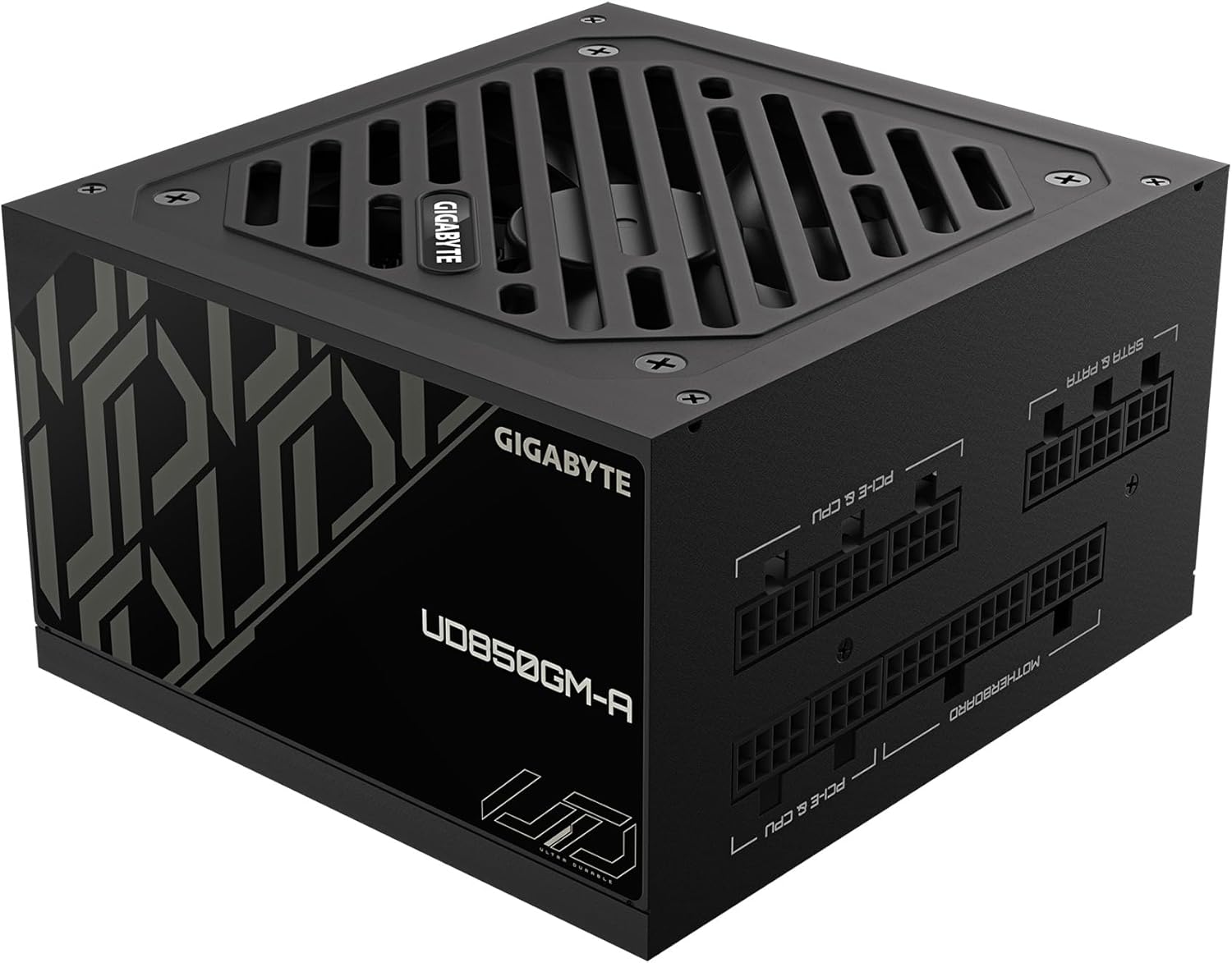
Obrázek 5: Strana view with 'ULTRA DURABLE' branding.
5. Nastavení a instalace
Follow these general steps to install your GIGABYTE GP-UD850GM-A power supply. Refer to your PC case and motherboard manuals for specific instructions.
- Připravte si počítačovou skříň: Ensure your PC case is powered off and unplugged. Remove the side panel(s) to access the PSU mounting area.
- Montáž zdroje: Insert the PSU into the designated bay in your PC case. Secure it with the provided mounting screws.
- Připojení základních kabelů:
- Connect the 20+4 pin ATX motherboard cable to the PSU and your motherboard.
- Connect the 4+4 pin CPU/EPS cable(s) to the PSU and your motherboard's CPU power connector(s).
- Connect the appropriate PCI-e 6+2 pin cables to the PSU and your graphics card(s). This PSU supports the new 12VHPWR connector for compatible GPUs.
- Připojení periferních kabelů: Connect SATA power cables to your storage drives (HDDs, SSDs) and other peripherals as needed. Use 4-pin peripheral/floppy cables for older devices if necessary.
- Správa kabelů: Route all cables neatly behind the motherboard tray or in designated cable management channels to improve airflow and aesthetics. Use zip ties or Velcro straps to secure them.
- Závěrečné kontroly: Double-check all connections to ensure they are secure. Replace the PC case side panel(s).
- Zapnutí: Connect the AC power cable to the PSU and a grounded wall outlet. Flip the power switch on the PSU to the 'ON' position. Power on your computer.
6. Návod k obsluze
Once installed, operating the GIGABYTE GP-UD850GM-A is straightforward:
- Zapnutí/vypnutí: Use the main power switch located on the rear of the PSU to turn the unit on or off. Always ensure your computer is properly shut down before flipping this switch.
- Provoz ventilátoru: The 120mm hydraulic bearing fan is designed for quiet operation. Under low system loads, the fan may stop spinning entirely to minimize noise. It will automatically activate and adjust its speed as the system load and temperature increase.
- Účinnost: The 80 Plus Gold certification ensures high power efficiency, reducing wasted energy and heat generation.
7. Údržba
Regular maintenance helps ensure the longevity and optimal performance of your PSU:
- Čištění prachu: Periodically clean dust from the PSU's fan and ventilation grilles using compressed air. Ensure the PC is powered off and unplugged before cleaning. Hold the fan blades gently to prevent over-spinning during cleaning.
- Kontrola kabelů: Occasionally inspect all modular cables for any signs of wear, fraying, or damage. Replace any damaged cables immediately.
- Podmínky prostředí: Maintain a clean, dry, and well-ventilated environment for your PC to prevent dust buildup and overheating.
8. Řešení problémů
If you encounter issues with your GIGABYTE GP-UD850GM-A PSU, try the following troubleshooting steps:
- Bez napájení:
- Ensure the AC power cable is securely connected to both the PSU and the wall outlet.
- Ověřte, zda je zadní vypínač napájecího zdroje v poloze „ON“.
- Check the wall outlet by plugging in another device.
- Ensure all modular cables (especially the 20+4 pin ATX and 4+4 pin CPU) are firmly seated in both the PSU and motherboard.
- Nestabilita/pády systému:
- Ujistěte se, že požadavky na napájení vašeho systému nepřekračují kapacitu 850 W zdroje.
- Zkontrolujte, zda nejsou uvolněné kabelové spoje.
- Sledujte teplotu systému, abyste se ujistili, že se jeho komponenty nepřehřívají.
- If possible, test the PSU with another known-good system or use a PSU tester.
- Hlasitý hluk ventilátoru:
- Clean any dust buildup from the fan and grilles.
- Ensure adequate airflow within the PC case.
- If the fan is excessively loud even under low load, it may indicate a fault.
If problems persist after trying these steps, contact GIGABYTE customer support or a qualified technician.
9. Specifikace
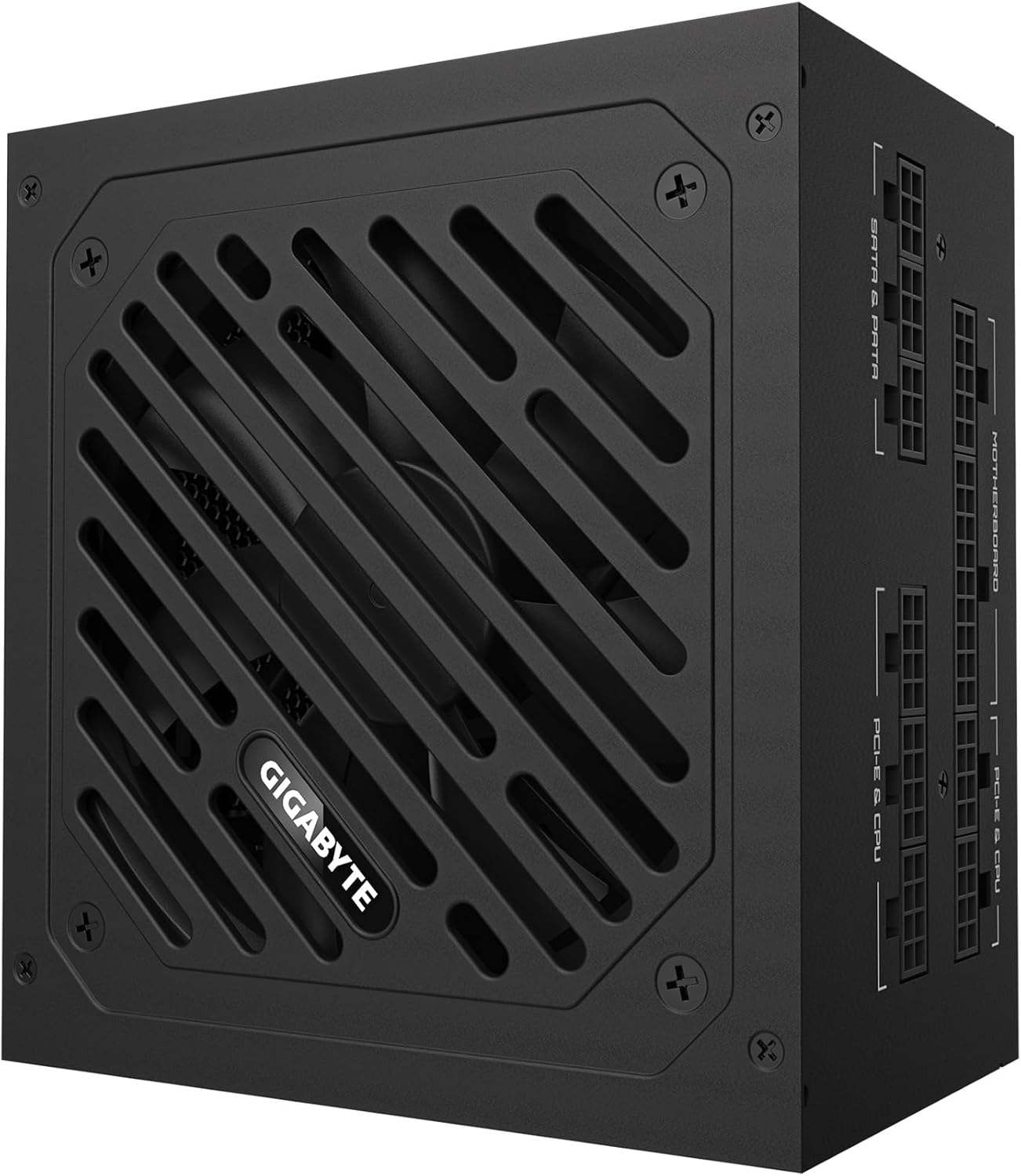
Figure 6: Detailed specification label on the power supply.
| Funkce | Detail |
|---|---|
| Značka | GIGABYTE |
| Název modelu | GP-UD850GM-A |
| Výstupní Wattage | 850 wattů |
| Certifikace účinnosti | Certifikace 80 Plus Gold |
| Form Factor | ATX |
| Návrh napájecího zdroje | Plně modulární |
| Způsob chlazení | Vzduch (120mm ventilátor s hydraulickým ložiskem) |
| Kompatibilní zařízení | Gaming Console (and PC components) |
| Typ konektoru | ATX, PCI Express (including 12VHPWR) |
| Hmotnost položky | 6.5 libry |
| Rozměry produktu | 12.4 x 8.1 x 4.6 palce |
| Barva | Černý |
| Výrobce | GIGABYTE |
| Datum první dostupnosti | 28. ledna 2025 |
10. Záruka a podpora
Informace o záruce a technickou podporu získáte na oficiálních stránkách společnosti GIGABYTE. webnebo se obraťte přímo na jejich zákaznický servis. Uschovejte si doklad o koupi pro případ reklamace.
GIGABYTE offers various protection plans for their products. Please check the product's official page or contact GIGABYTE support for details on available warranty and extended protection options.


