1. Úvod
This manual provides essential information for the setup, operation, and maintenance of your VIMTAG 8310 5G/2.4G 4MP Camera. Please read thoroughly before use to ensure proper functionality and safety.

Figure 1: VIMTAG 8310 5G/2.4G 4MP Camera
2. Co je v krabici
Ověřte, zda jsou v balení přítomny všechny položky:
- Camera Body with power cable
- Návod k použití
- Montážní šroub
- Napájecí adaptér
3. Konec produktuview
The VIMTAG 8310 camera features a compact design suitable for both indoor and outdoor use. Key components include:
- Čočka: Captures 2.5K (4MP) video.
- Infračervené a bílé světlo: Pro možnosti nočního vidění.
- Mikrofon: Pro obousměrnou audio komunikaci.
- Reproduktor: Pro obousměrnou zvukovou komunikaci a upozornění.
- Slot pro SD kartu: Supports Micro SD cards up to 512GB for local storage.
- Resetovací tlačítko: For factory reset.
- Napájecí port: Micro USB for continuous power supply.

Figure 2: Camera features overview
4. Nastavení a instalace
4.1 Stažení aplikace a registrace účtu
- Download the 'Canny Cam' app from your device's app store (iOS/Android).
- Register a new account using your email address and follow the on-screen instructions.
- Přihlaste se k nově vytvořenému účtu.

Figure 3: App download and registration process
4.2 Powering On and Device Connection
- Connect the camera to the power adapter using the provided USB cable and plug it into a power outlet.
- Open the 'Canny Cam' app and tap the '+' icon to add a new device.
- Follow the in-app instructions to connect the camera to your 5G/2.4G Wi-Fi network. This typically involves scanning a QR code displayed on your phone with the camera lens.
- Once connected, you can name your camera and assign it to a specific room.
Video 1: Why choose Vimtag Mini G3 Outdoor Security Camera? (Seller)
4.3 Montáž fotoaparátu
The camera comes with a versatile stand that allows for various mounting options:
- Tabletop/Free Standing: Place the camera on any flat surface. The stand has padded feet for stability.
- Montáž na stěnu/strop: The base of the stand can be detached and screwed into a wall or ceiling using the provided mounting screws. The camera then easily attaches to the mounted base.

Figure 4: Easy setup and mounting options

Figure 5: Mounting the camera to a wall
5. Ovládání fotoaparátu
5.1 Živě View a obousměrný zvuk
Access the live video feed anytime, anywhere through the Canny Cam app. Use the built-in microphone and speaker for two-way communication.

Obrázek 6: Obousměrné audio v akci
5.2 Režimy nočního vidění
The camera offers full-color night vision, enhanced by a built-in LED light, and traditional infrared night vision. Switch between modes via the app settings.

Figure 7: Comparison of Color and Infrared Night Vision
Video 2: How to set full-color night vision of Vimtag Mini G3 (Seller)
5.3 Inteligentní detekce a upozornění
Configure motion, human, and sound detection settings within the app. Receive instant alerts on your mobile device when activity is detected.
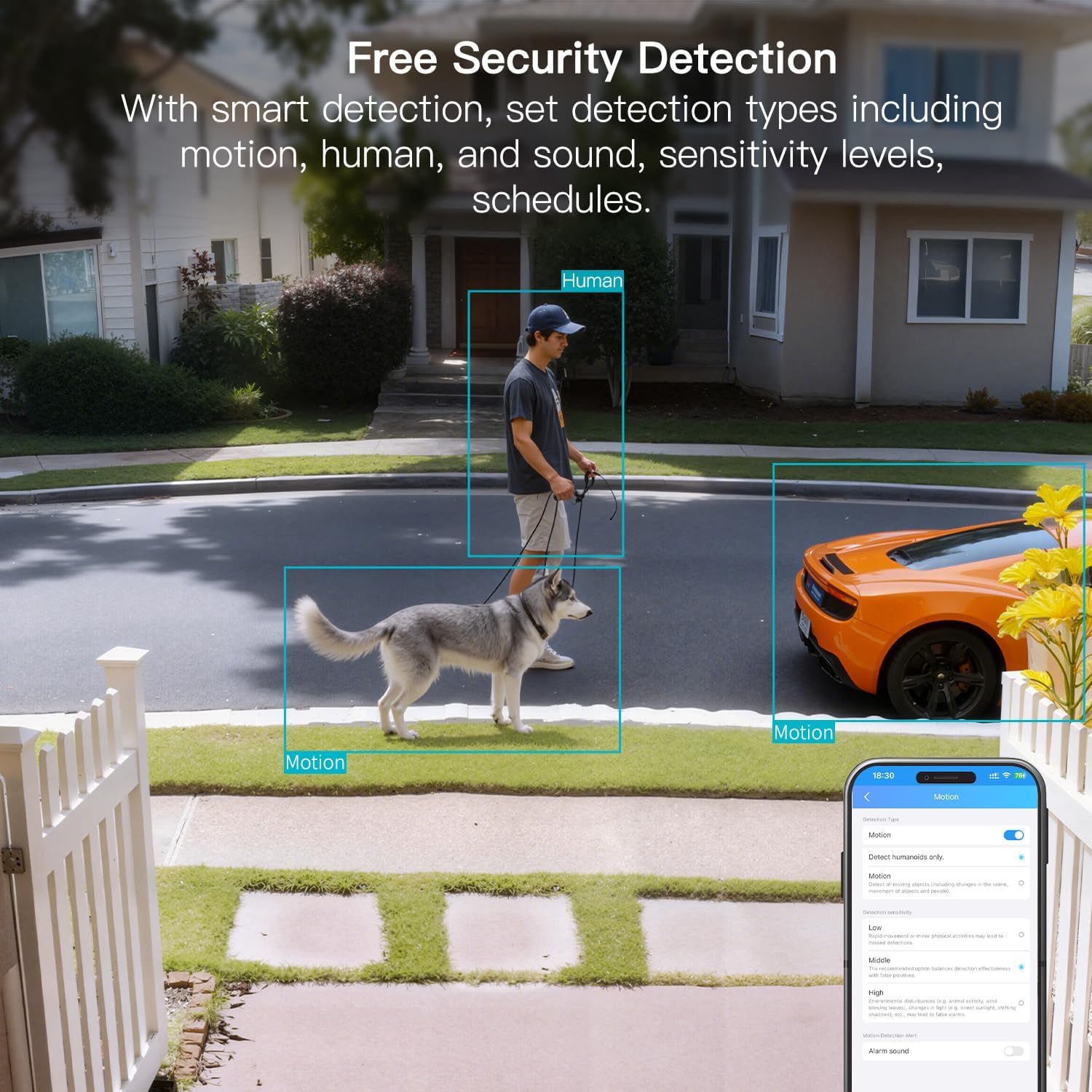
Figure 8: AI Detection capabilities

Figure 9: Smart alarm modes with sound and light
5.4 Možnosti úložiště
The camera supports continuous 24/7 recording to a Micro SD card (up to 512GB, sold separately) or secure Cloud storage (subscription required).

Figure 10: Local and Cloud storage options
6. Specifikace
| Funkce | Detail |
|---|---|
| Název modelu | 8310 |
| Vnitřní/venkovní použití | Venkovní (odolné proti povětrnostním vlivům IP65) |
| Rozlišení záznamu videa | 2.5K (1440p) |
| Efektivní rozlišení | 4 MP |
| Technologie připojení | Wi-Fi (2.4 & 5G Hz, Dual Band, Wi-Fi 6) |
| Speciální funkce | 2-Way Audio, HD Resolution, Motion Sensor, Color Night Vision, AI Detection, Alexa Support |
| Viewúhel | 130 stupňů |
| Rozsah nočního vidění | 33 stop |
| Zdroj napájení | Elektrický s kabelem (5 voltů, 5 wattů) |
| Max Flash Memory Supported | 512 GB (microSD) |
| Rozměry produktu | 1.57 x 2.28 x 2.76 palce |
7. Údržba
- Čištění: K čištění objektivu a těla fotoaparátu používejte měkký, suchý hadřík. Vyhněte se agresivním chemikáliím.
- Aktualizace firmwaru: Regularly check the Canny Cam app for firmware updates to ensure optimal performance and security.
- Správa SD karet: If using a Micro SD card, periodically check its status and format it via the app to maintain recording quality.
8. Řešení problémů
- Problémy s připojením: Ensure the camera is within range of your Wi-Fi router. Verify Wi-Fi password and network stability. The camera supports both 2.4GHz and 5GHz bands.
- Problémy s nahráváním: Check if the Micro SD card is inserted correctly and has sufficient space. If using Cloud storage, verify your subscription status.
- Žádná upozornění: Confirm motion/human/sound detection is enabled in the app settings and notification permissions are granted for the Canny Cam app on your phone.
- Špatná kvalita obrazu: Ensure the lens is clean. Check network stability for optimal streaming resolution.
- Resetovat zařízení: If issues persist, use the reset button on the camera to restore factory settings. You will need to reconfigure the device after a reset.
9. Záruka a podpora
VIMTAG offers a 2-year warranty and lifetime technical support for this product. For assistance, please contact VIMTAG zákaznická podpora:
- E-mail: Customer@vimtag.com
- Podpora v aplikaci: Access the 'Message Center' within the Canny Cam app for direct support.
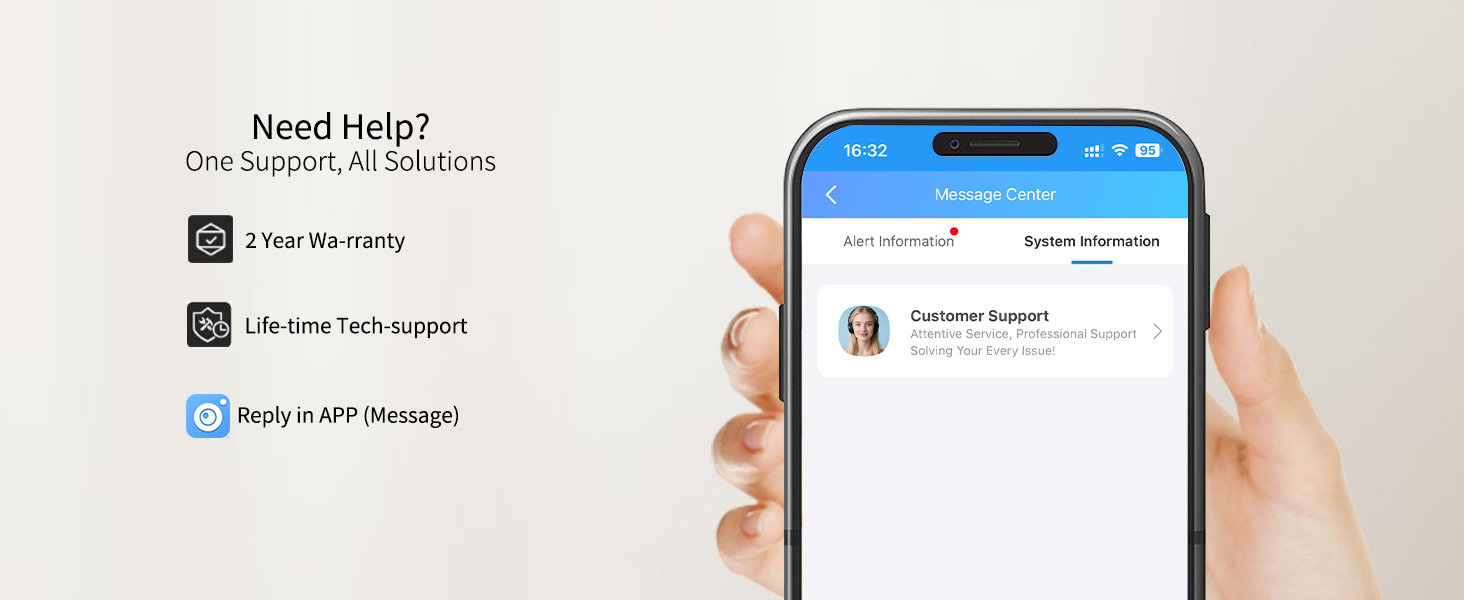
Figure 11: VIMTAG Zákaznická podpora


