1. Úvod
Thank you for choosing the Hiwill WoNoble A502 5.2.2 Dolby Atmos Soundbar. This soundbar features an elegant wooden finish and a 5.2.2 channel system with 9 precision speakers, delivering an immersive Dolby Atmos experience. This manual provides essential information for setting up, operating, and maintaining your soundbar to ensure optimal performance and enjoyment.
The A502 soundbar leverages the acoustic benefits of wood for superior sound quality. Its density enhances resonance and enriches low-frequency response for deeper, fuller sound. Wood minimizes distortion, preserving audio clarity at high volumes and ensuring refined, balanced performance across mid and high frequencies. Its sound diffusion capabilities create a vast, immersive soundstage, enhancing spatiality and listener engagement.

Image 1.1: The Hiwill WoNoble A502 soundbar in a living room setup, positioned beneath a television on a wooden media console, showcasing jeho elegantním designem.
2. Bezpečnostní informace
- Před použitím si pečlivě přečtěte všechny pokyny.
- Uschovejte tento návod pro budoucí použití.
- Nevystavujte soundbar dešti, vlhkosti ani extrémním teplotám.
- Zajistěte řádné větrání kolem jednotky.
- Neblokujte žádné ventilační otvory.
- Používejte pouze nástavce/příslušenství specifikované výrobcem.
- Odpojte soundbar ze zásuvky během bouřek nebo pokud jej delší dobu nepoužíváte.
- Veškeré opravy svěřte kvalifikovanému servisnímu personálu.
3. Obsah balení
Zkontrolujte prosím, zda je ve vašem balíčku obsaženo vše:
- Hiwill WoNoble A502 Soundbar
- Kabelový subwoofer
- Napájecí adaptér
- Stereo kabel 3.5 mm
- Kabel HDMI ARC
- Optický kabel
- Dálkové ovládání
- 2 x AAA baterie
- Sada pro montáž na stěnu
- Uživatelská příručka
4. Konec produktuview a funkce
The Hiwill WoNoble A502 soundbar is designed to deliver a premium audio experience with its advanced features:
- 5.2.2kanálový systém: Equipped with 9 precision speakers, including two upward-firing speakers for immersive Dolby Atmos.
- Dřevěný kryt: Utilizes the acoustic benefits of wood for enhanced resonance, deeper bass, and minimized distortion, ensuring superior sound clarity.
- Pure Sound Components: Features magnesium-aluminum diaphragms, neodymium magnets, and copper rings for lightweight durability, minimal distortion, and optimized dynamic range, resulting in crisp and detailed high frequencies.
- Podpora Dolby Atmos: Provides an immersive three-dimensional sound experience with precise, object-based sound localization. (Note: DTS decoding is not supported.)
- Resonance Optimization Architecture: Exclusive technology that optimizes the resonance properties of each speaker and the wooden enclosure for perfect sound wave alignment.
- HarmonicX Sound Processing: Enhances vocal clarity through audio output analysis, delivering realistic and precise sound via the integrated 2x3-inch central speaker.
- Integrated Dual Subwoofers: Two 2.5-inch integrated subwoofers provide improved low-frequency balance and overall sound field uniformity, reducing distortion and enhancing audio detail.

Obrázek 4.1: Rozložený view of the soundbar, detailing the placement of its 9 speakers, including upward-firing, side, full-range, and integrated subwoofers, for a powerful 5.2.2 channel audio experience.

Image 4.2: Illustration of the soundbar's wooden construction, highlighting the excellent acoustic properties and stability that contribute to superior sound quality.

Image 4.3: Visual representation of the three-dimensional spatial audio experience provided by Dolby Atmos, showing sound waves enveloping a living room.

Obrázek 4.4: Detailní záběr view of the soundbar's upward-firing speaker, demonstrating its capability for precise vertical sound effects, crucial for Dolby Atmos immersion.

Image 4.5: Diagram illustrating how the soundbar enhances the global horizontal sound effect, creating a wider and more immersive soundstage across the room.
5. Nastavení
5.1 Umístění
- Umístění na stůl: Place the soundbar on a stable, flat surface directly in front of your TV. Ensure there are no obstructions in front of the upward-firing speakers.
- Montáž na stěnu: Use the provided wall mounting kit to securely attach the soundbar to the wall below your TV. Follow the instructions in the wall mounting guide for proper installation.
5.2 Počáteční připojení
- Připojte kabelový subwoofer k soundbaru pomocí určeného kabelu pro subwoofer.
- Connect the power adapter to the soundbar's DC input and then plug it into a power outlet.
- Choose your preferred audio connection method (HDMI ARC, Optical, or AUX) and connect the soundbar to your TV or other audio source.
- Vložte 2 baterie AAA do dálkového ovladače.
- Press the power button on the soundbar or remote control to turn on the unit.
6. Připojení
The Hiwill WoNoble A502 soundbar offers multiple connectivity options:
- HDMI eARC: For the best audio quality and control, connect an HDMI eARC cable from the soundbar's HDMI OUT (eARC) port to your TV's HDMI IN (eARC/ARC) port. This allows for high-resolution audio transmission and TV remote control integration.
- Optický: Connect an optical cable from the soundbar's OPTICAL IN port to your TV's optical audio output.
- AUX: Use the 3.5mm stereo cable to connect the soundbar's AUX IN port to the audio output of devices like smartphones, tablets, or MP3 players.
- Bluetooth 5.3: For wireless audio streaming, pair your Bluetooth-enabled device with the soundbar. Select 'Bluetooth' input on the soundbar and search for 'Hiwill A502' on your device.
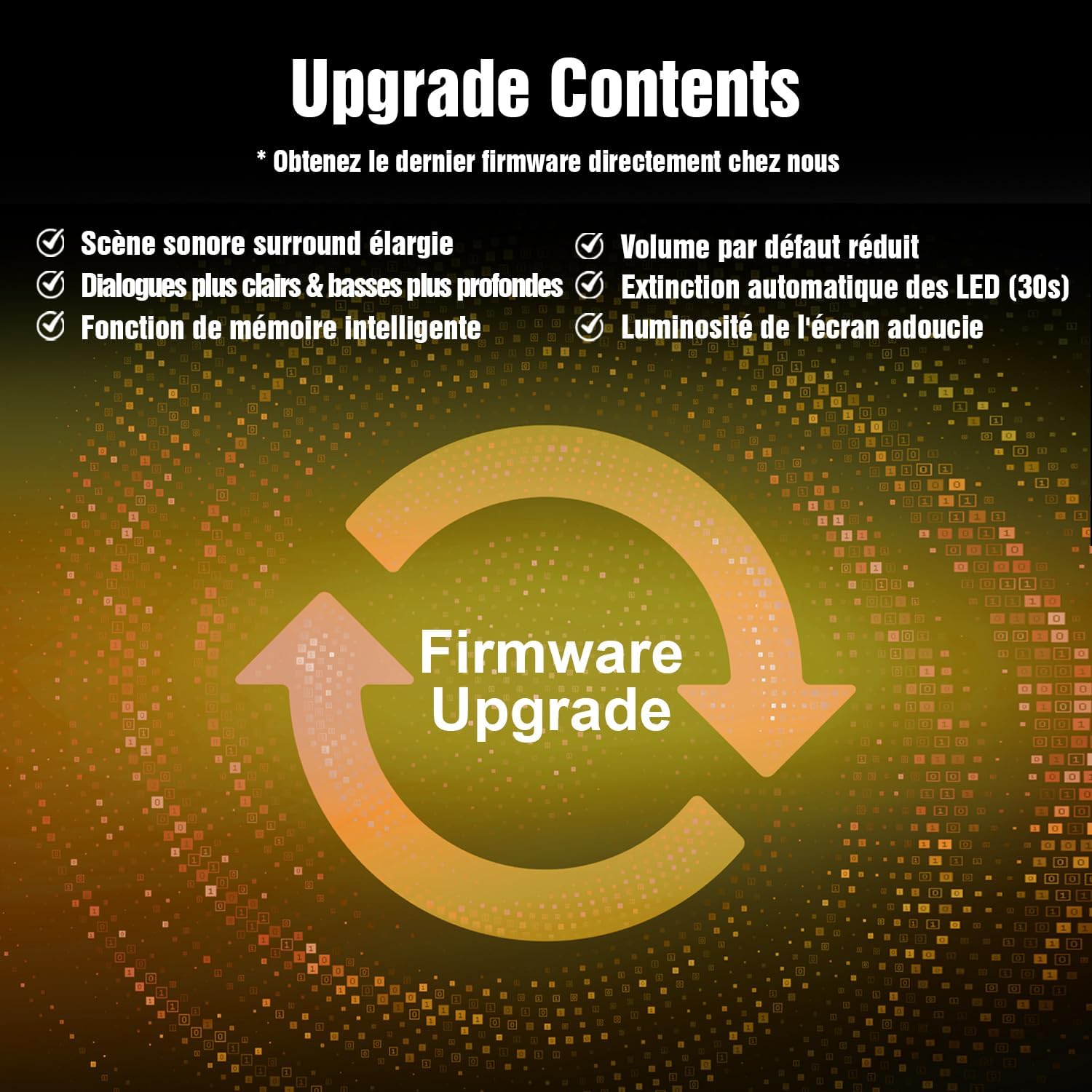
Image 6.1: Rear panel of the Hiwill WoNoble A502 soundbar, illustrating the available connection ports including HDMI eARC, Optical, AUX, and the power input.
7. Návod k obsluze
7.1 Zapnutí/vypnutí
Stiskněte tlačítko Moc tlačítko na dálkovém ovladači nebo soundbaru pro zapnutí nebo vypnutí jednotky.
7.2 Výběr vstupu
Stiskněte tlačítko Vstup button on the remote control to cycle through available input sources: HDMI eARC, Optical, AUX, and Bluetooth.
7.3 Ovládání hlasitosti
Použijte Hlasitost + a Hlasitost - buttons on the remote control to adjust the master volume. Press the Ztlumit tlačítko pro dočasné ztlumení zvuku.
7.4 Zvukové režimy
Your soundbar may feature various sound modes (e.g., Movie, Music, News, 3D). Refer to the remote control for specific buttons to switch between these modes for an optimized listening experience.
8. Aktualizace firmwaru
To ensure full functionality and access to the latest features, a firmware update may be required. Please note that the memory function is not supported in some initial batches and requires a firmware update.
8.1 Jak aktualizovat firmware
- Contact Hiwill customer support to obtain the latest firmware file.
- Stáhněte si firmware file to a USB flash drive (ensure the file is placed directly on the root directory, not in a folder).
- With the soundbar powered off, insert the USB flash drive into the soundbar's USB port (if available, otherwise follow specific instructions from support).
- Follow the on-screen instructions or specific steps provided by Hiwill support to initiate and complete the update process.
- Do not power off the soundbar or remove the USB drive during the update.

Image 8.1: Firmware Upgrade graphic, highlighting improvements such as expanded surround soundstage, clearer dialogues, deeper bass, reduced default volume, automatic LED turn-off, and softened screen brightness.
9. Údržba
9.1 Čištění
- Před čištěním vždy odpojte soundbar ze zásuvky.
- K otření vnějších povrchů použijte měkký, suchý hadřík.
- Do not use liquid cleaners, aerosols, or abrasive cleaning agents, as they may damage the finish.
9.2 Skladování
If storing the soundbar for an extended period, unplug it from the power source and store it in a cool, dry place, preferably in its original packaging to protect it from dust and damage.
10. Řešení problémů
Pokud se se soundbarem setkáte s problémy, podívejte se na následující běžné problémy a jejich řešení:
| Problém | Možná příčina | Řešení |
|---|---|---|
| Žádná síla | Napájecí kabel není připojen; zásuvka nefunguje | Ujistěte se, že je napájecí kabel bezpečně připojen; zkuste jinou zásuvku. |
| Žádný zvuk | Vybrán nesprávný vstup; Příliš nízká hlasitost; Aktivováno ztlumení; Nesprávné nastavení zvuku televizoru | Select correct input source; Increase volume; Deactivate mute; Check TV audio output settings (e.g., set to PCM for optical). |
| Problémy s párováním pomocí rozhraní Bluetooth | Soundbar není v režimu párování; Zařízení je příliš daleko; Rušení | Ensure soundbar is in Bluetooth input mode; Move device closer; Avoid other wireless devices. |
| Zkreslený zvuk | Příliš vysoká hlasitost; Špatná kvalita zdroje zvuku; Volné připojení | Snižte hlasitost; Zkuste jiný zdroj zvuku; Zkontrolujte všechna kabelová připojení. |
| Dálkové ovládání nefunguje | Vybité baterie; Překážka mezi dálkovým ovladačem a soundbarem | Replace batteries; Remove any obstructions; Ensure remote is pointed at the soundbar's sensor. |
If the problem persists, please contact Hiwill customer support for assistance.
11. Specifikace
| Funkce | Specifikace |
|---|---|
| Číslo modelu | HiElite A502 |
| Značka | Hiwill |
| Rozměry (D x Š x V) | 84 x 12 x 8 cm (33.1 x 4.7 x 3.1 palce) |
| Hmotnost | 5 kilogramů (11 liber) |
| Výstupní výkon reproduktoru | 400 wattů (max.) |
| Konfigurace kanálů prostorového zvuku | 5.2.2 |
| Technologie bezdrátové komunikace | Bluetooth 5.3 |
| Technologie připojení | HDMI eARC, Bluetooth 5.3, Optical, AUX |
| Režim zvukového výstupu | Dolby Atmos |
| Frekvenční odezva | 20 KHz (Upper limit, full range implied) |
| Kompatibilní zařízení | MP3 Player, Laptop, Smartphone, Tablet, Television |
| Typ montáže | Držák na stůl nebo na stěnu |
| Výrobce | Hiwill |
| Země původu | Čína |
12. Záruka a podpora
12.1 Záruka výrobce
The Hiwill WoNoble A502 Soundbar comes with a 2letá záruka výrobceTato záruka se vztahuje na vady materiálu a zpracování při běžném používání. Uschovejte si prosím doklad o koupi pro případ uplatnění záruky.
12.2 Zákaznická podpora
For technical assistance, warranty claims, or any questions regarding your Hiwill WoNoble A502 Soundbar, please contact Hiwill Technologies Inc. customer support. Refer to the contact information provided with your product or visit the official Hiwill webstránky pro podrobnosti o podpoře.


