Zavedení
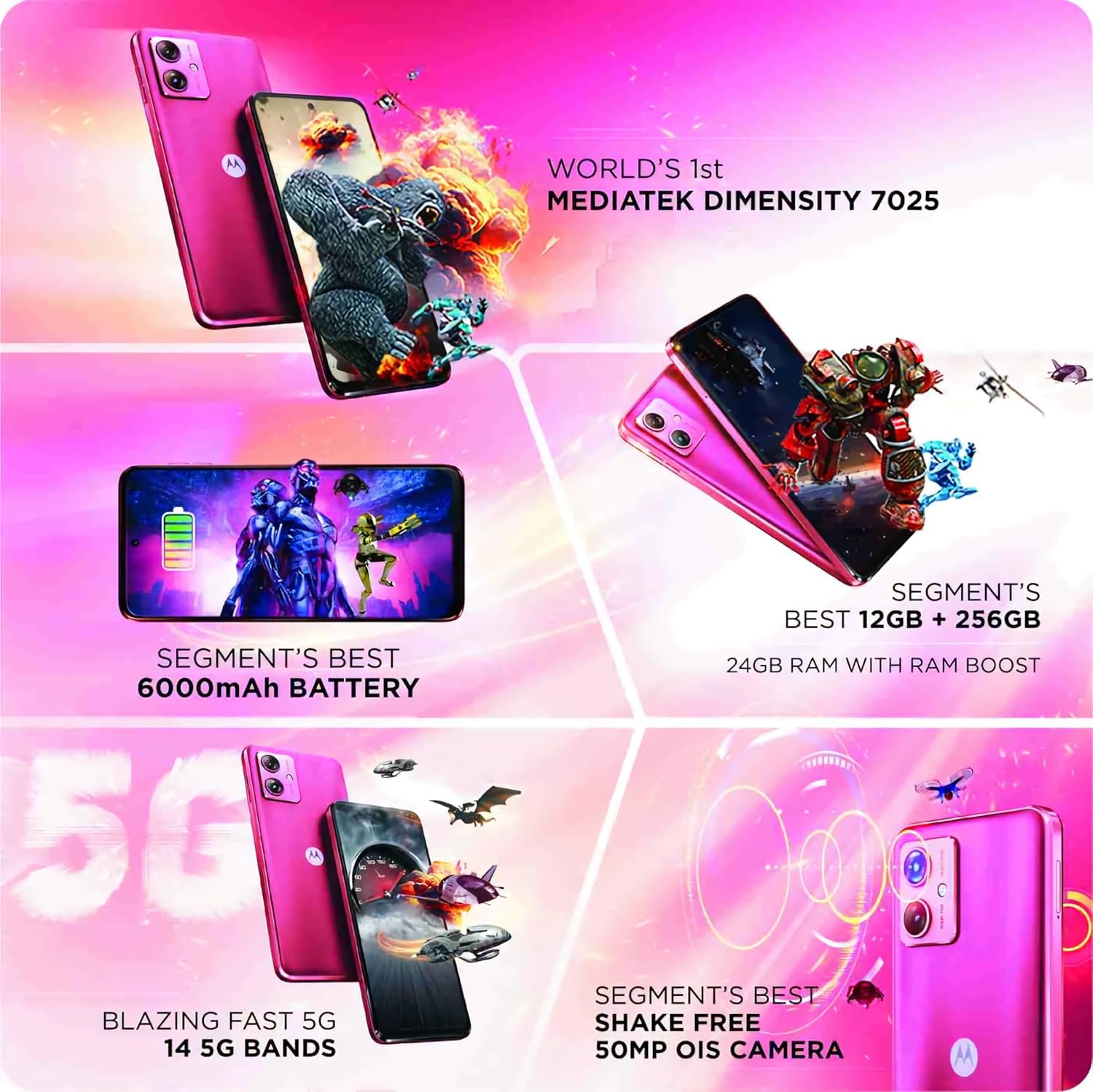
Welcome to the user manual for your new Motorola G64 5G smartphone. This guide provides essential information on setting up, operating, maintaining, and troubleshooting your device. The Motorola G64 5G is designed for powerful performance and a seamless user experience, featuring a MediaTek Dimensity 7025 processor, a 50MP OIS camera, and a long-lasting 6000mAh battery.
Please read this manual thoroughly to ensure optimal use of your device.
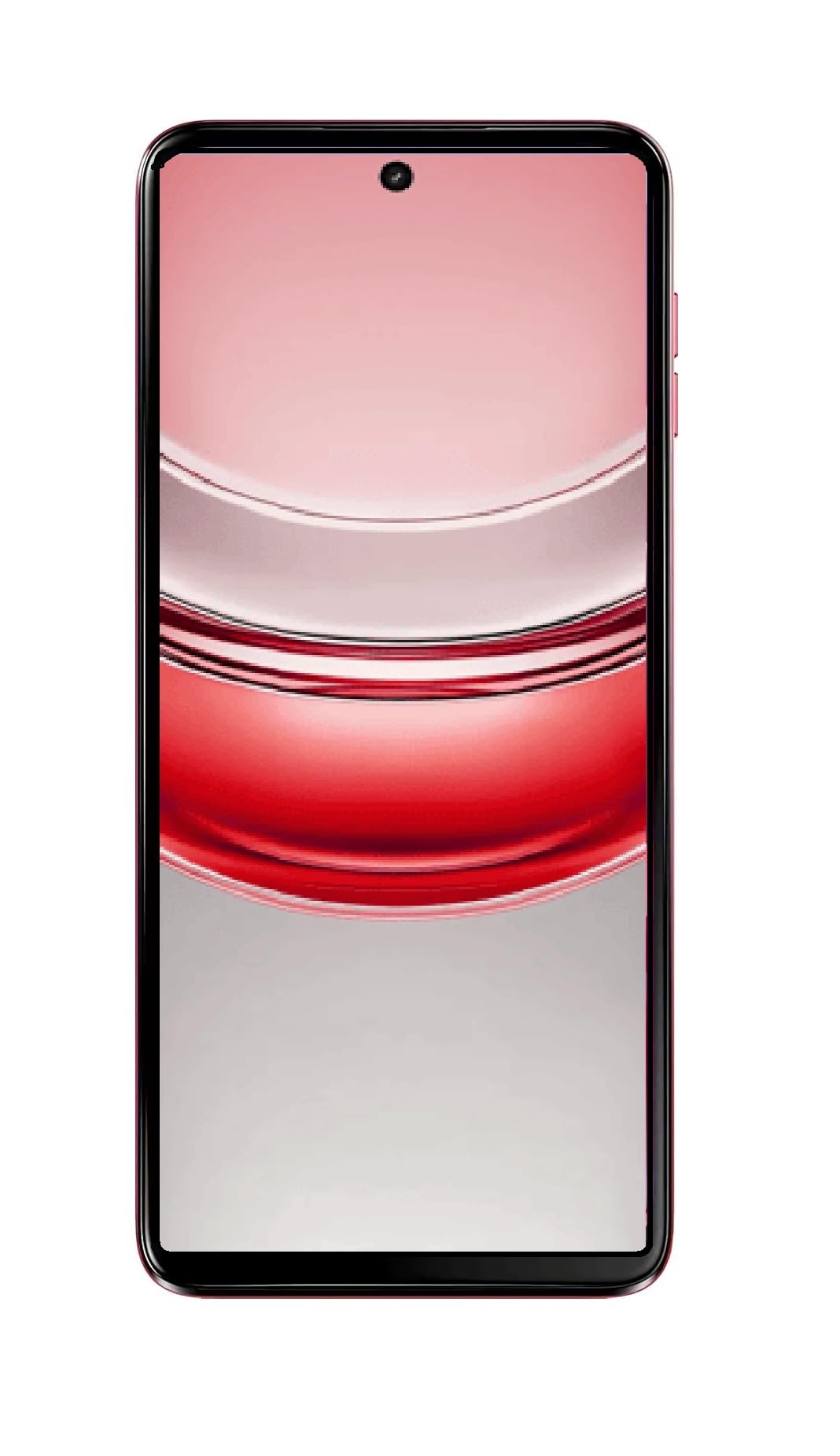
Obrázek: Ukázka smartphonu Motorola G64 5Gasing its sleek design and Red Berry finish from a slight angle, with the screen displaying the time.
Údržba a péče
1. Čištění zařízení
- K čištění obrazovky a těla telefonu používejte měkký hadřík, který nepouští vlákna.
- Vyhněte se používání agresivních chemikálií, abrazivních čisticích prostředků nebo aerosolových sprejů.
- Na odolné šmouhy lehce otřeteampOtřete hadřík vodou nebo čističem obrazovek speciálně určeným pro elektroniku.
2. Aktualizace softwaru
Keep your device's software up to date to ensure optimal performance, security, and access to new features. You will receive notifications for available updates. To manually check for updates, go to Settings > System > System updates.
3. Péče o baterie
- Avoid exposing the phone to extreme temperatures (very hot or very cold).
- Nenechávejte telefon nabíjet příliš dlouho po úplném nabití.
- Používejte pouze originální nebo certifikované nabíječky a kabely.
Zákaznická podpora
For further assistance, technical support, or service inquiries, please contact Motorola customer support. You can find contact information and frequently asked questions (FAQs) on the official Motorola support webmísto.
Podpora společnosti Motorola Webmísto: www.motorola.in/support (Poznámka: URL may vary by region)
When contacting support, please have your device model number (XT2431-1) and serial number ready.