1. Úvod
The NEDIS SmartLife Outdoor Pan-Tilt Spotlight Camera (WIFICO22CWT) is designed to enhance your home security with advanced features and seamless integration. This manual provides essential information for the proper installation, operation, and maintenance of your camera.
Key features include a 3MP (1296p) sensor for clear images, remote pan and tilt control, automatic tracking, color and infrared night vision, two-way audio, motion and sound detection with instant notifications, and an IP65 weatherproof rating for outdoor reliability.
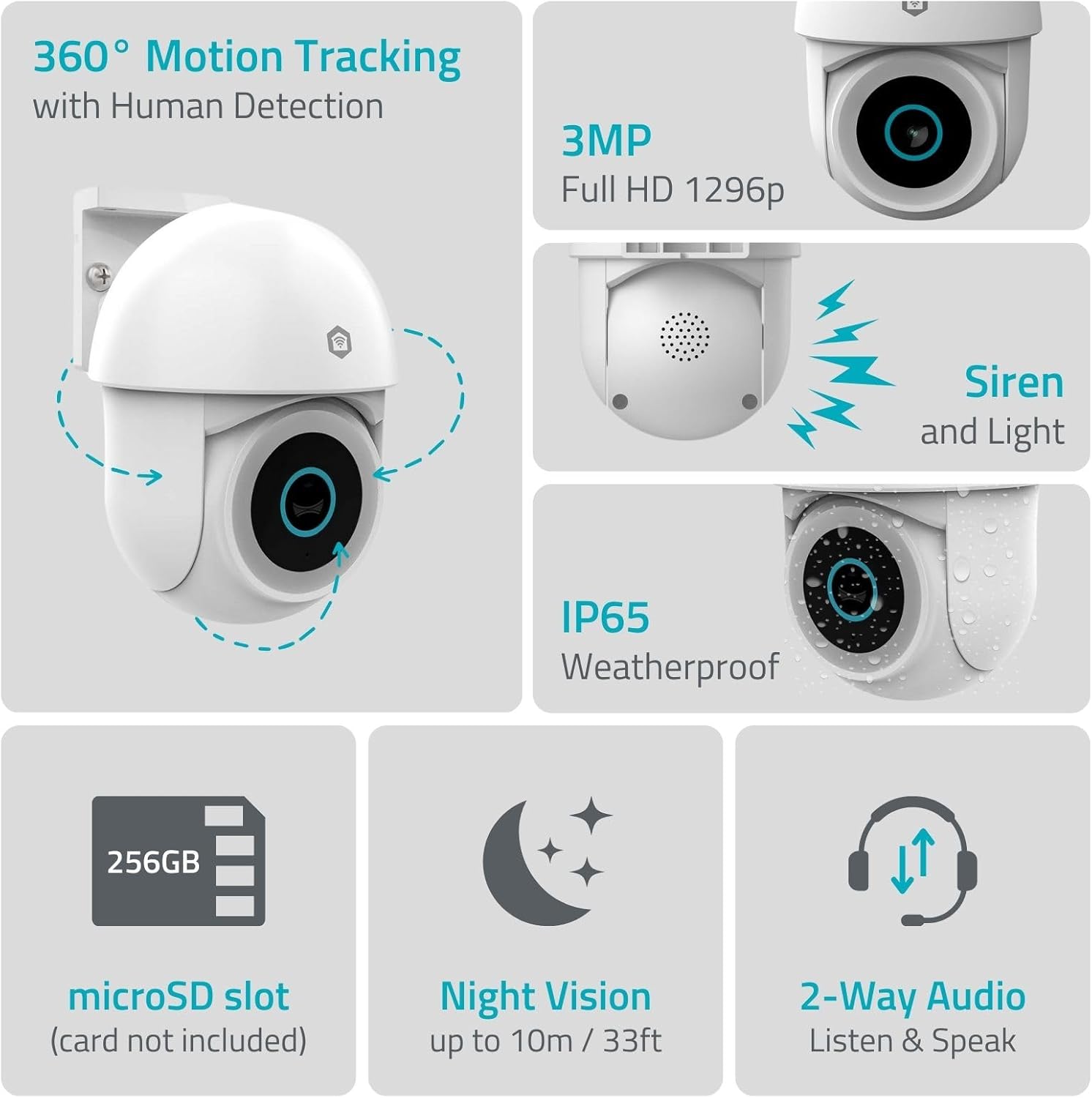
Obrázek 1.1: Konecview of NEDIS SmartLife Outdoor Camera features, including 360-degree motion tracking, 3MP resolution, siren and light, IP65 weatherproofing, microSD slot, night vision, and two-way audio.
2. Obsah balení
Zkontrolujte prosím balení, zda neobsahuje následující položky:
- NEDIS SmartLife Outdoor Pan-Tilt Spotlight Camera (WIFICO22CWT)
- Napájecí adaptér (5V DC)
- Montážní držák a šrouby
- Rychlý průvodce (tento návod)
3. Nastavení
3.1. Instalace aplikace
- Stáhněte si Nedis SmartLife aplikaci z App Storu (iOS) nebo Obchodu Google Play (Android).
- Zaregistrujte si nový účet nebo se přihlaste, pokud již nějaký máte.
3.2. Zapnutí a první připojení
- Připojte kameru k napájecímu adaptéru a zapojte ji do elektrické zásuvky.
- Počkejte, až kontrolka fotoaparátu zabliká, což znamená, že je připraven k párování.
- Open the Nedis SmartLife app, tap '+' to add a new device, and follow the on-screen instructions to connect the camera to your 2.4 GHz Wi-Fi network.
3.3. Instalace karty MicroSD (volitelné)
For local storage of recordings, install a microSD card (up to 256GB, not included).
- Locate the microSD card slot on the camera (refer to the camera diagram in the quick start guide).
- Carefully insert the microSD card into the slot until it clicks into place.
- Format the microSD card via the camera settings in the Nedis SmartLife app.
3.4. Montáž kamery
The camera comes with a wall/ceiling mount. Choose a suitable location with a clear view and within Wi-Fi range.

Image 3.1: Camera dimensions for mounting reference.
- Označte si místa pro vrtání pomocí montážního držáku jako šablony.
- V případě potřeby vyvrtejte otvory a vložte hmoždinky.
- Připevněte montážní konzolu ke zdi nebo stropu pomocí šroubů.
- Attach the camera to the mounting bracket and adjust its initial angle.
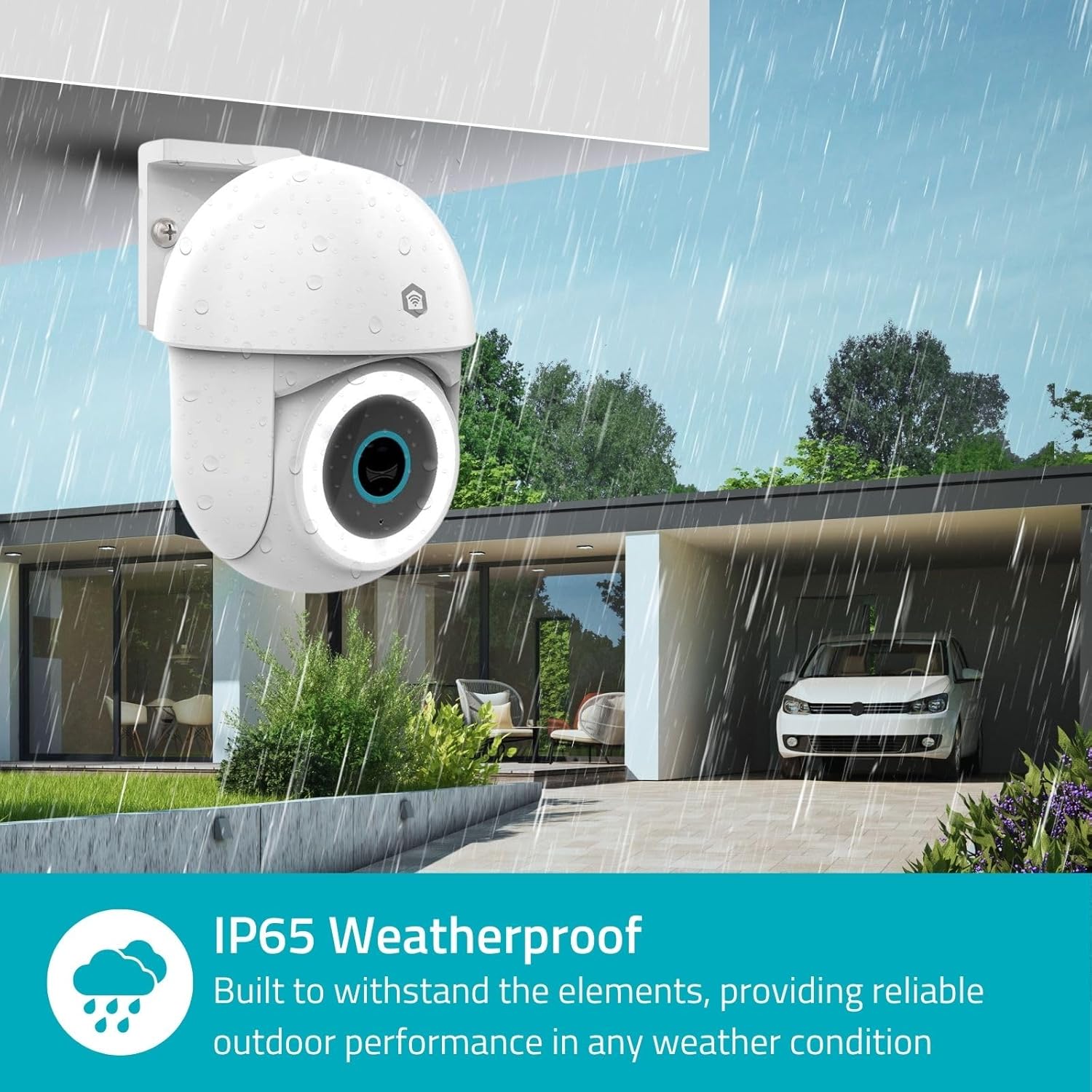
Image 3.2: The IP65 weatherproof design ensures reliable outdoor performance in various weather conditions.
4. Návod k obsluze
4.1. Živě View a ovládání otáčení/náklonu
Access the live feed from your camera through the Nedis SmartLife app. Use the on-screen controls to remotely pan (horizontal) and tilt (vertical) the camera to monitor a wide area.
4.2. Detekce a sledování pohybu
The camera features advanced motion detection, including human detection, to minimize false alarms. You can customize detection zones within the app.
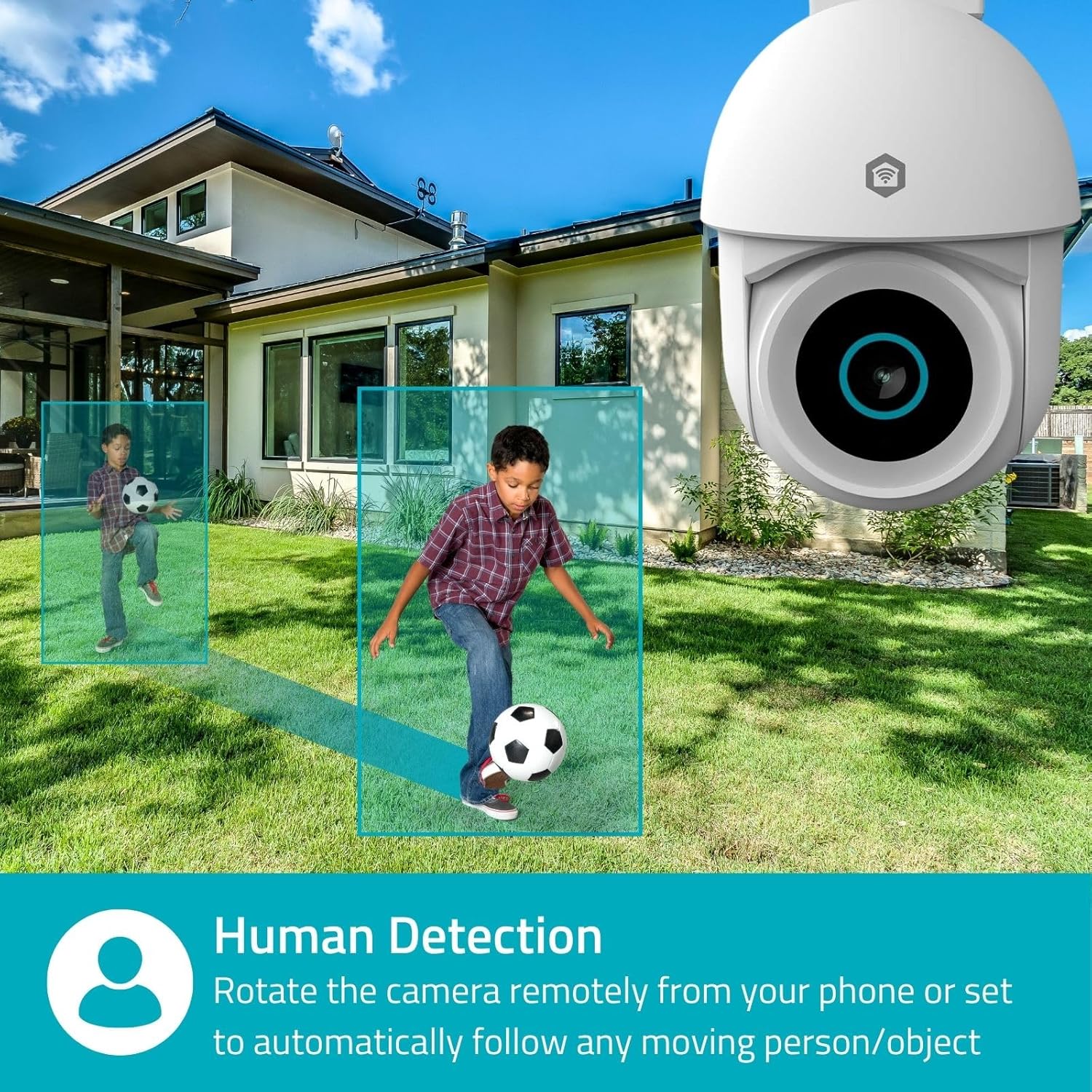
Image 4.1: Human Detection allows the camera to automatically follow moving persons or objects.
Umožnit Automatické sledování in the app settings to have the camera automatically follow detected movement.
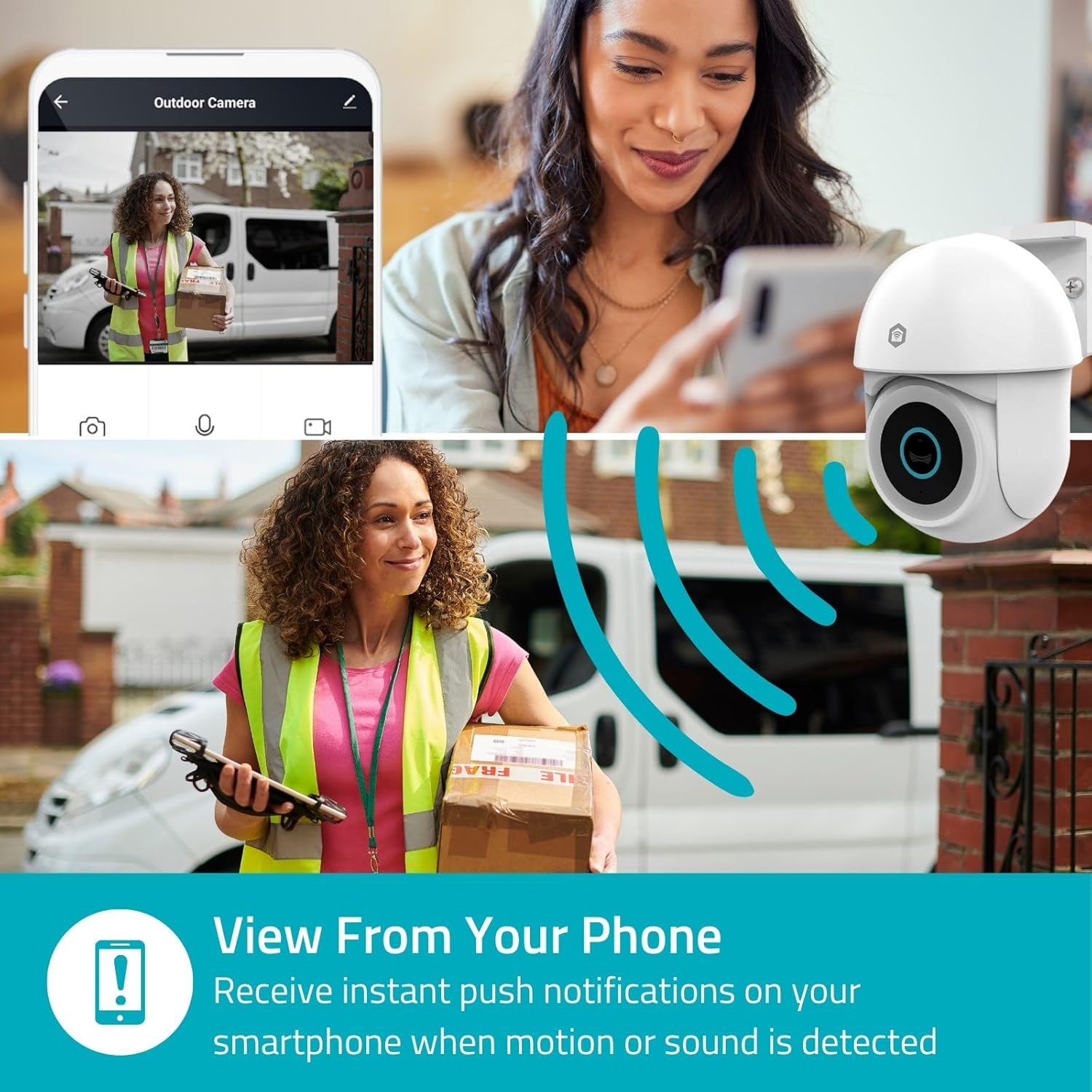
Image 4.2: Receive instant push notifications on your smartphone when motion or sound is detected.
4.3. Obousměrný zvuk
Utilize the built-in microphone and speaker for two-way communication. You can listen to the environment and speak through the camera via the app.
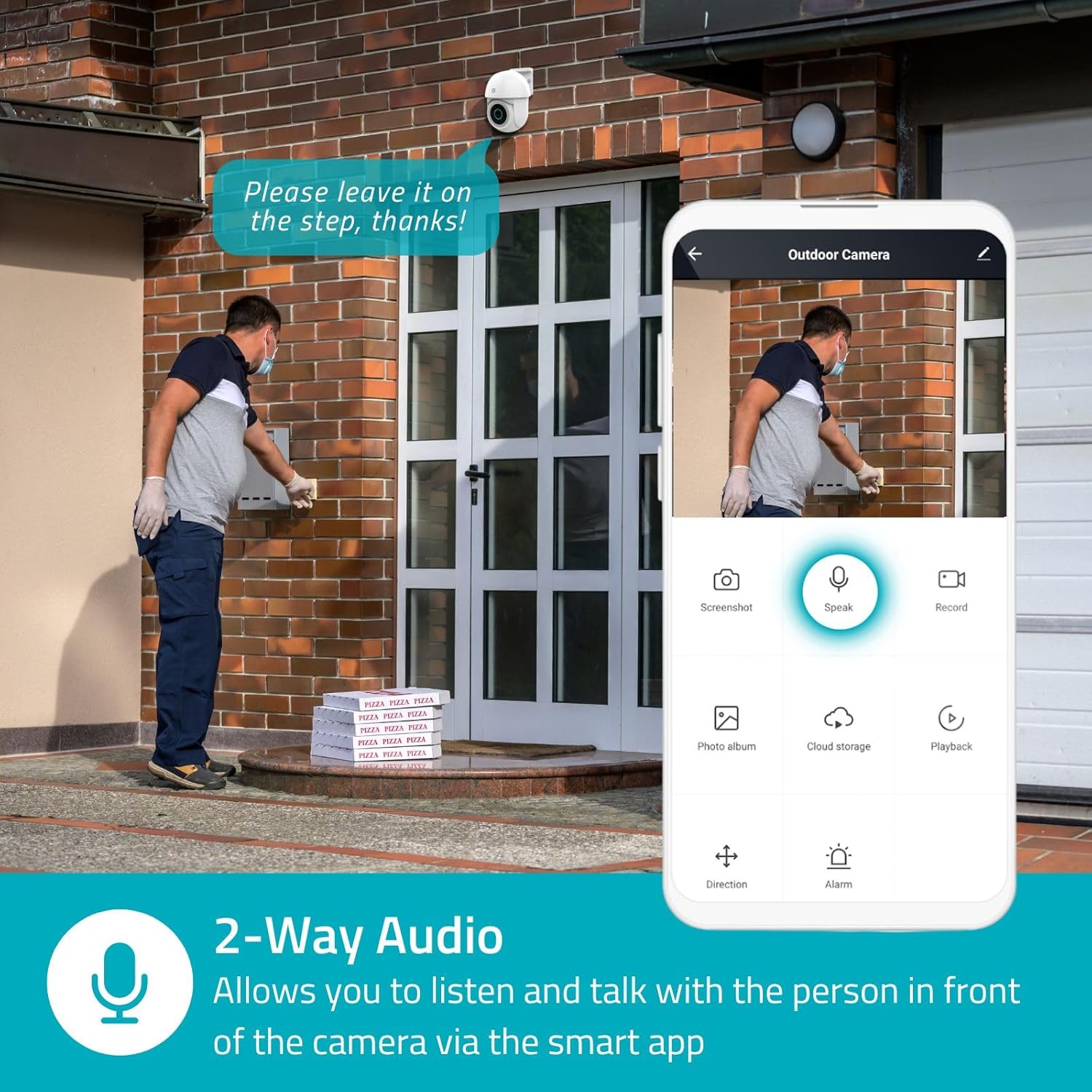
Image 4.3: Two-Way Audio allows you to listen and talk with individuals in front of the camera.
4.4. Noční vidění
Kamera podporuje dva režimy nočního vidění:
- Barevné noční vidění: Achieved using dimmable white LEDs, providing full-color images in low light.
- Infračervené noční vidění: Standard black and white night vision using infrared LEDs, effective up to 10 meters (33 feet).

Image 4.4: Comparison of Day Mode and Night Mode, illustrating the camera's 3MP resolution and 10m night vision capability.
4.5. Spotlight and Siren
When motion is detected, you can configure the camera to activate its white LEDs (spotlight) and/or a siren. This can deter intruders or provide illumination.

Image 4.5: The camera's light and siren can be activated upon motion detection to deter unwanted visitors.
4.6. Nahrávání a přehrávání
Recordings can be stored on a microSD card (up to 256GB) or via optional cloud storage. Access and playback recorded footage through the Nedis SmartLife app.
4.7. Režim soukromí
Activate Privacy Mode in the app to temporarily disable recording and live view when you are home, ensuring your privacy.
4.8. Integrace chytré domácnosti
The camera is compatible with Google Home and Amazon Alexa, allowing for voice control and integration into your smart home ecosystem.
5. Údržba
- Čištění: Jemně otřete objektiv a tělo fotoaparátu měkkým hadříkemamp tkanina. Nepoužívejte agresivní chemikálie nebo abrazivní čisticí prostředky.
- Aktualizace firmwaru: Regularly check the Nedis SmartLife app for available firmware updates to ensure optimal performance and security.
- Napájení: Ujistěte se, že napájecí adaptér a kabel nejsou poškozené.
6. Řešení problémů
6.1. Kamera se nepřipojuje k Wi-Fi
- Ujistěte se, že vaše Wi-Fi síť pracuje na frekvenci 2.4 GHz. Kamera nepodporuje Wi-Fi na frekvenci 5 GHz.
- Zkontrolujte, zda je heslo k Wi-Fi zadáno správně.
- Během nastavení umístěte kameru blíže k Wi-Fi routeru.
- Restartujte router a kameru.
6.2. Špatná kvalita videa
- Zkontrolujte sílu signálu Wi-Fi. Slabý signál může ovlivnit kvalitu videa.
- Ujistěte se, že objektiv fotoaparátu je čistý a bez překážek.
- Adjust the video resolution settings in the app if your network bandwidth is limited.
6.3. Detekce pohybu nefunguje
- Ověřte, zda je v nastavení aplikace povolena detekce pohybu.
- Check the sensitivity settings and detection zones.
- Ujistěte se, že v přístupu kamery nejsou žádné fyzické překážky. view.
6.4. No Audio or Two-Way Audio Issues
- Check the microphone and speaker volume settings in the app.
- Při mluvení prostřednictvím aplikace se ujistěte, že mikrofon vašeho smartphonu není ztlumený.
- Ověřte připojení k síti pro přenos zvuku v reálném čase.
7. Specifikace
| Funkce | Specifikace |
|---|---|
| Číslo modelu | WIFICO22CWT |
| Rezoluce | 3 MP (1296p) |
| Konektivita | Wi-Fi (2.4 GHz) |
| Pan/Tilt Function | Ano |
| Hodnocení odolnosti vůči povětrnostním vlivům | IP65 |
| Noční vidění | Color (white LEDs) & IR (up to 10m) |
| Obousměrný zvuk | Ano |
| Možnosti úložiště | MicroSD (up to 256GB, not included), Cloud Storage (optional) |
| Vstup napájení | 5V DC |
| Rozměry (D x Š x V) | 10 x 8.3 x 11 cm |
| Hmotnost | 292 gramů |
| Speciální funkce | Human Detection, Auto-Tracking, Spotlight, Siren, Privacy Mode, Onvif support |
| Kompatibilita | Google Home, Amazon Alexa |
8. Záruka a podpora
This product comes with a standard manufacturer's warranty. For detailed warranty information, please refer to the warranty card included in your package or visit the official NEDIS webmísto.
For technical support, troubleshooting assistance, or further inquiries, please contact NEDIS customer service through their official webwebu nebo kontaktních informací uvedených na obalu produktu.
Online zdroje:
- Navštivte NEDIS webmísto for product updates and support.
- Check the Nedis SmartLife app for FAQs and in-app support options.


