1. Úvod
This manual provides essential information for setting up, operating, maintaining, and troubleshooting your LG gram 17 inch laptop. Please read this manual thoroughly before using your device to ensure proper functionality and longevity.
2. Nastavení
2.1 První zapnutí
- Rozbalení notebooku: Carefully remove the LG gram 17 laptop and all accessories from its packaging.
- Připojte napájení: Plug the AC adapter into the laptop's power port (USB Type-C Thunderbolt 4 port) and then into a wall outlet.
- Zapnutí: Otevřete víko notebooku a stiskněte tlačítko napájení, které se obvykle nachází v pravém horním rohu klávesnice.
- Initial Windows 11 Pro Setup: Postupujte podle pokynů na obrazovce a dokončete nastavení systému Windows 11 Pro, včetně výběru jazyka, síťového připojení a vytvoření uživatelského účtu.
2.2 Připojení periferních zařízení
The LG gram 17 offers various ports for connecting external devices:
- Zařízení USB: Use the 2x USB 3.2 Gen 2 Type-A ports for mice, keyboards, or external storage.
- USB-C / Thunderbolt Devices: Use the 2x Thunderbolt 4 USB 4.0 Gen 3 Type-C ports for high-speed data transfer, external displays, or charging.
- Externí displej: Connect an external monitor via the HDMI port or a Thunderbolt 4 port (with appropriate adapter, if needed).
- Zvuk: Use the 3.5mm headphone-out jack for headphones or external speakers.
- Micro SD karta: Insert a Micro SD card into the dedicated slot for additional storage or data transfer.

Obrázek: Overview of the LG gram 17 laptop's connectivity ports, including USB Type-A, USB Type-C Thunderbolt 4, HDMI, headphone-out, and Micro SD slot.
3. Vlastnosti
3.1 Displej
The LG gram 17 features a large 17-inch WQXGA (2560 x 1600) IPS touchscreen display with DCI-P3 99% color gamut support, providing vibrant colors and sharp details.

Image: The LG gram 17's 17-inch WQXGA IPS display, highlighting its 16:10 aspect ratio and DCI-P3 99% color accuracy.
3.2 Výkon
Powered by the Intel Core Ultra 7 processor with 47 NPU TOPS, 32GB DDR5 RAM, and a 2TB PCIe SSD, the laptop delivers responsive performance for multitasking, productivity, and demanding applications.

Image: The LG gram 17 laptop, emphasizing its Intel Core Ultra processor and AI capabilities with up to 47 TOPS NPU.
3.3 Design and Input
The LG gram 17 is designed to be ultra-thin and lightweight, making it highly portable. It features a backlit keyboard for comfortable typing in various lighting conditions and a precision touchpad with scroll and gesture functions.

Obrázek: Podrobný view of the LG gram's backlit keyboard, illustrating the illumination of the keys for use in low-light environments.
3.4 Životnost baterie
Equipped with a 77WHr Lithium Ion battery, the laptop offers up to 23.5 hours of video playback, ensuring extended usage on a single charge.

Image: The LG gram laptop screen showing "23.5 hrs" to represent its long battery life, with a visual of the laptop in use.
3.5 Operating System and AI Features
The LG gram 17 comes with Windows 11 Pro pre-installed, featuring AI-driven tools for enhanced productivity, creativity, and accessibility, including Copilot+PC functionalities.
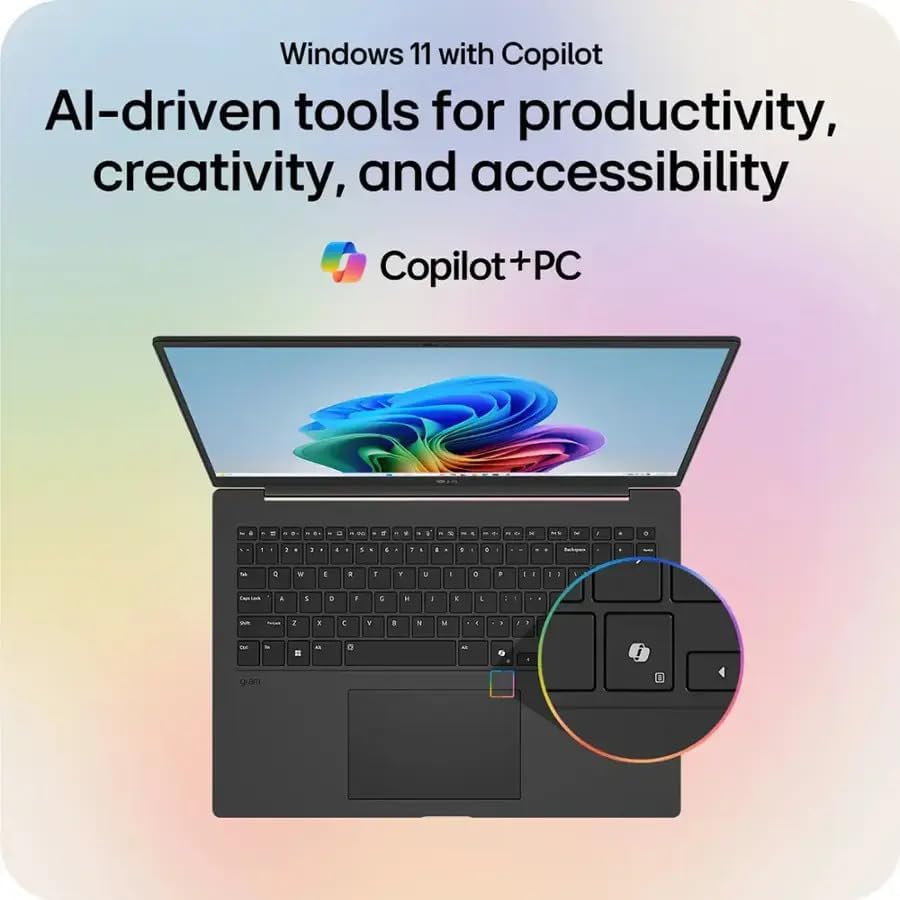
Image: The LG gram laptop showcasing the Windows 11 interface with Copilot, emphasizing its AI-driven tools for productivity and creativity.
3.6 Funkce dotykové obrazovky
The 17-inch WQXGA display is a touchscreen, allowing for intuitive interaction using your fingers or a compatible stylus.
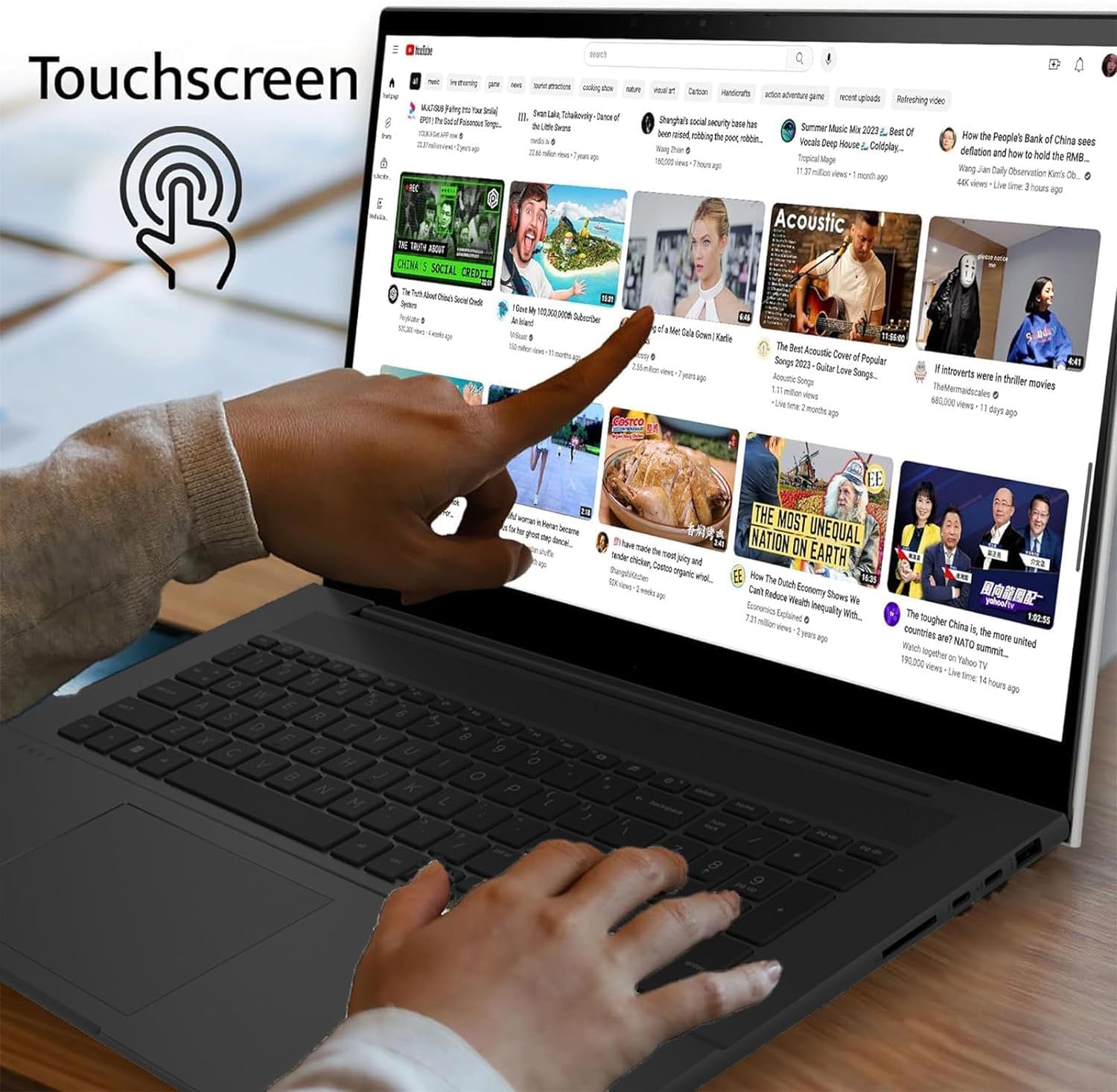
Image: A user's hand touching the screen of the LG gram laptop, illustrating its touchscreen capability.
4. Návod k obsluze
4.1 Základní použití
- Klávesnice: Use the full-size backlit keyboard for typing. Function keys (F1-F12) often have secondary actions (e.g., volume, brightness) accessible by pressing the Fn key.
- Touchpad: The precision touchpad supports multi-touch gestures for navigation, scrolling, and zooming.
- Dotyková obrazovka: Interact directly with the display using touch gestures. Swipe, tap, pinch-to-zoom, and other gestures are supported.
4.2 Řízení spotřeby
- Nabíjení: Connect the AC adapter to any Thunderbolt 4 (USB-C) port for charging. The battery indicator light will show charging status.
- Režim spánku: Zavřete víko nebo krátce stiskněte tlačítko napájení, abyste notebook přepnuli do režimu spánku.
- Vypnout: To turn off the laptop, go to Start > Power > Shut down.
4.3 Síťové připojení
- Wi-Fi: The laptop supports Intel Wi-Fi 7. To connect, click the Wi-Fi icon in the taskbar, select your network, and enter the password.
- Bluetooth: Enable Bluetooth in Windows settings to pair with wireless accessories like headphones or mice.
5. Údržba
5.1 Čištění
- Obrazovka: Použijte měkký hadřík, který nepouští vlákna dampOpláchněte vodou nebo čističem obrazovek. Vyhněte se agresivním chemikáliím.
- Klávesnice a šasi: Použijte měkký, suchý hadřík. Na odolnou špínu použijte lehceamp Lze použít hadřík a ujistit se, že se do otvorů nedostane žádná kapalina.
5.2 Péče o baterii
- Vyhněte se extrémním teplotám.
- Nevybíjejte baterii často úplně.
- Pro dlouhodobé skladování nabijte baterii na přibližně 50–60 %.
5.3 Aktualizace softwaru
Regularly check for and install Windows updates and LG driver updates to ensure optimal performance and security. Go to Start > Settings > Windows Update.
6. Řešení problémů
- Notebook se nezapíná:
- Ensure the AC adapter is securely connected and the outlet is functional.
- Zkuste jinou zásuvku.
- If the battery is completely drained, it may take a few minutes of charging before it can power on.
- Problémy se zobrazením:
- If the screen is blank, try pressing Fn + F10 (or the appropriate function key for display output) to cycle through display modes.
- Ujistěte se, že ovladače displeje jsou aktuální.
- Žádné připojení k Wi-Fi:
- Zkontrolujte, zda je v nastavení systému Windows povolena Wi-Fi.
- Restartujte router a modem.
- Spusťte Poradce při potížích se sítí ve Windows.
- Pomalý výkon:
- Zavřete nepotřebné aplikace.
- Zkontrolujte procesy na pozadí, které spotřebovávají mnoho zdrojů (Správce úloh).
- Zajistěte dostatek volného místa na SSD disku.
- Spusťte antivirovou kontrolu.
7. Specifikace
| Funkce | Detail |
|---|---|
| Název modelu | LG gram 17 |
| Operační systém | Windows 11 Pro |
| Procesor | Intel Core Ultra 7 258V (3.7 GHz) |
| Grafika | Grafická karta Intel Arc (integrovaná) |
| BERAN | 32GB DDR5 RAM |
| Skladování | 2TB PCIe SSD |
| Zobrazit | 17.3-inch WQXGA (2560 x 1600) IPS Touchscreen, DCI-P3 99% |
| Bezdrátová technologie | Intel Wi-Fi 7 + Bluetooth |
| Porty | 2x Thunderbolt 4 USB 4.0 Gen 3 Type-C, 2x USB 3.2 Gen 2 Type-A, 1x HDMI, 1x Headphone-out, 1x Micro SD Slot |
| Klávesnice | Podsvícená klávesnice |
| Baterie | 77WHr Lithium Ion, up to 23.5 hours (video playback) |
| Rozměry (DxŠxV) | 14 x 11 x 0.7 palce |
| Hmotnost | 3.19 liber |
8. Záruka a podpora
The LG gram 17 laptop comes with a standard warranty. Specifically, a 1-year standard warranty is provided on the upgraded SSD. For detailed warranty terms and conditions, please refer to the documentation included with your product or visit the official LG support webmísto.
For technical assistance, troubleshooting, or service inquiries, please contact LG customer support.