Zavedení
The DJI Osmo Pocket 3 is a handheld recording system designed for capturing high-quality images and video. It features a powerful 1-inch CMOS sensor, a 2-inch rotatable touchscreen, and 3-axis gimbal stabilization for smooth footage. This manual provides essential information for setting up, operating, and maintaining your device.
Klíčové vlastnosti:
- 1-Inch CMOS Sensor for superior image quality.
- 4K/120fps Video Recording for detailed and fluid motion.
- 2-inch Rotatable Touchscreen for easy framing and control.
- Smart Horizontal/Vertical Shooting for versatile content creation.
- 3-Axis Gimbal Mechanical Stabilization for ultra-smooth video.
- ActiveTrack 6.0 for precise subject tracking.
- Full-Pixel Fast Focusing for quick and accurate focus.
- D-Log M 10-Bit Color for professional-grade color grading.
- Stereo Recording for immersive audio.
- Pocket-Sized Design for ultimate portability.
Co je v krabici
- Osmo Pocket 3 Camera
- Kabel PD typu C na typ C
Nastavení
1. Nabíjení zařízení
Before first use, fully charge the Osmo Pocket 3 using the provided Type-C to Type-C PD Cable and a compatible USB power adapter (not included). The device supports fast charging, reaching approximately 70% charge in 15-20 minutes.
2. Vložení karty microSD
The Osmo Pocket 3 requires a microSD card for storing photos and videos as it does not have internal storage. Locate the microSD card slot on the side of the device and insert a compatible card until it clicks into place.
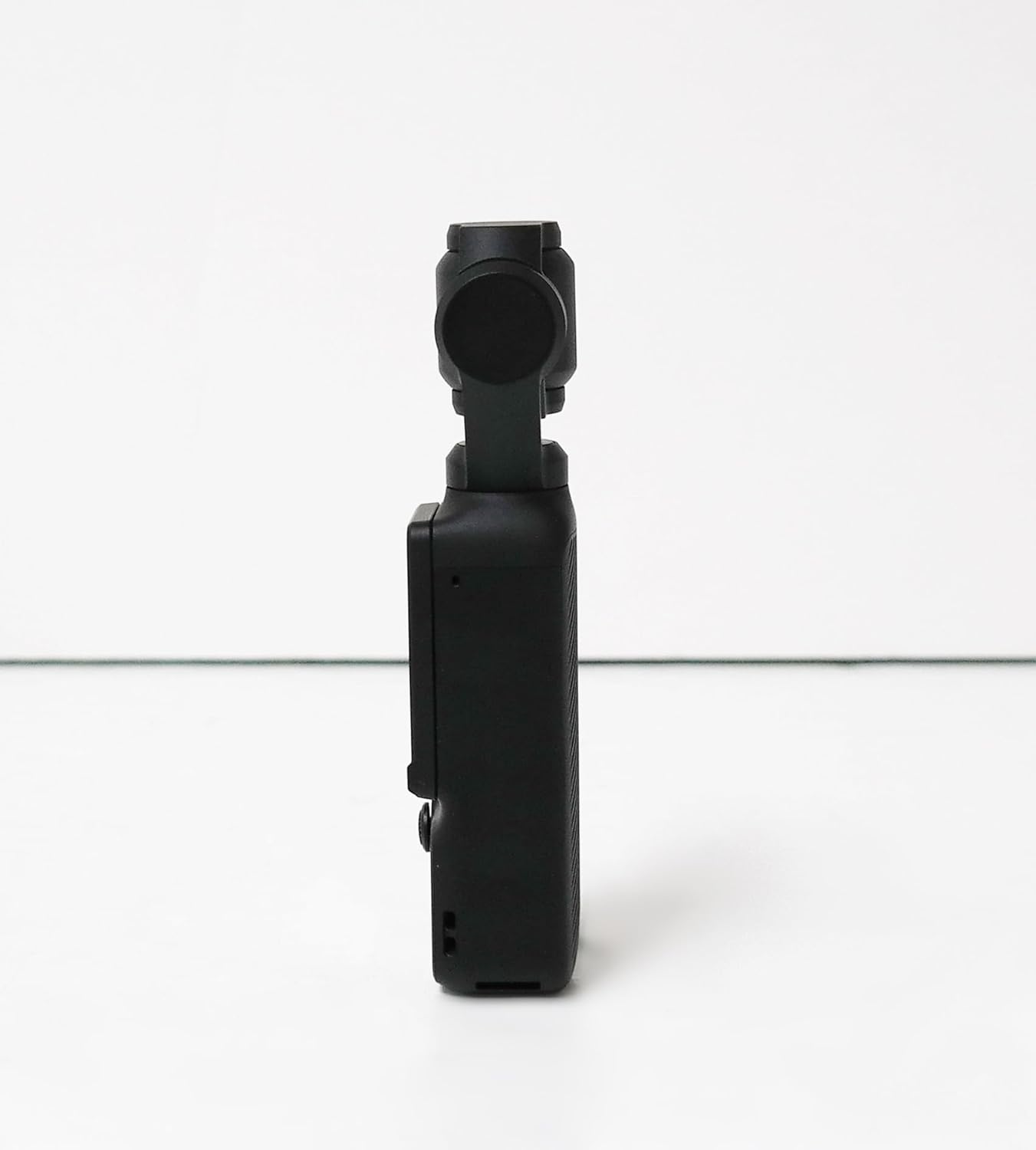
Obrázek 1: Strana view of the DJI Osmo Pocket 3, highlighting the microSD card slot for external storage.
3. Attaching the Wide-Angle Lens
If you have the wide-angle lens accessory, it can be magnetically attached to the camera lens for a broader field of view. Ensure the lens is clean before attachment.
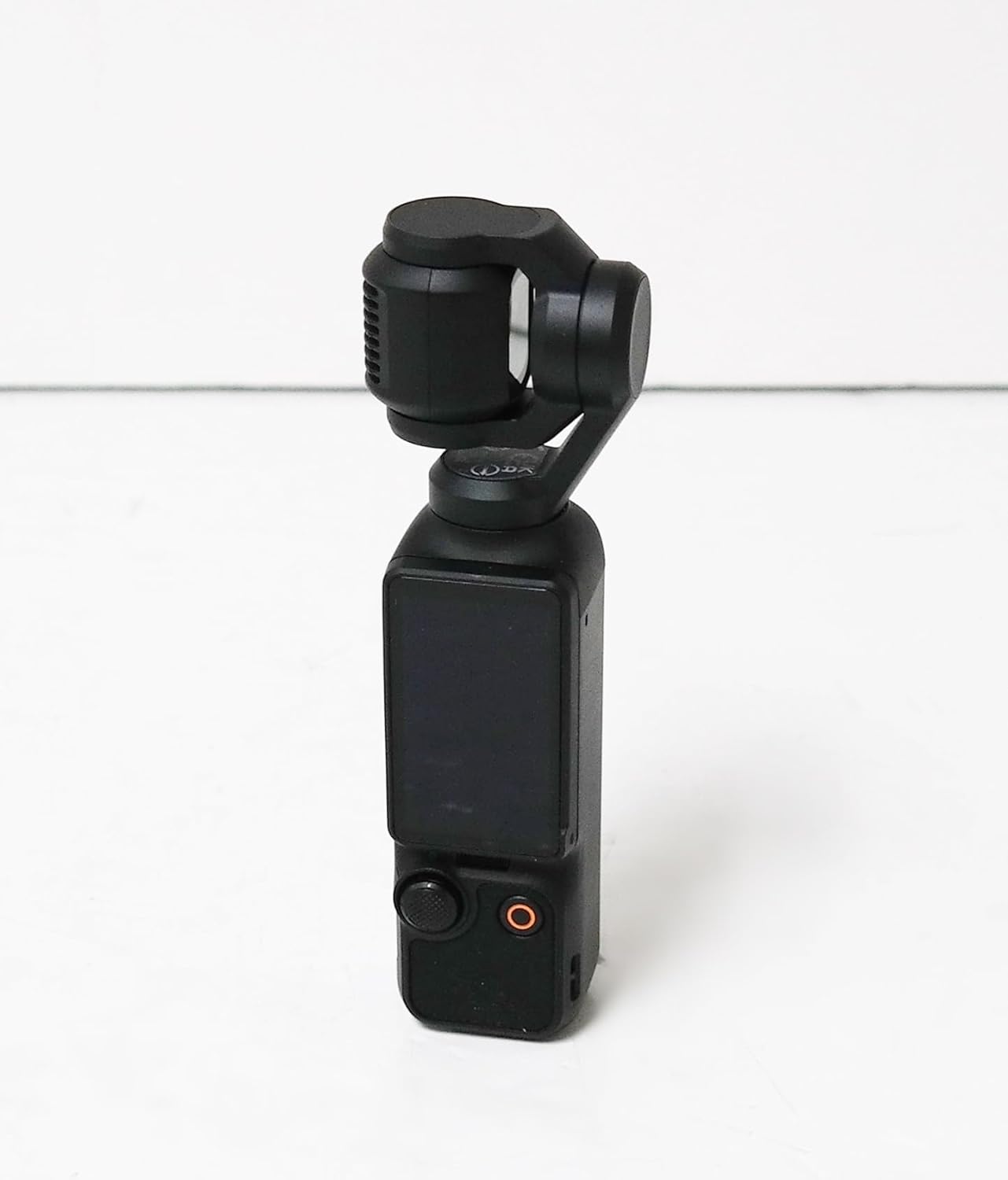
Figure 2: The DJI Osmo Pocket 3 with the wide-angle lens magnetically attached to the camera. The lens expands the field of view for capturing broader scenes.
Návod k obsluze
1. Zapnutí/vypnutí
To power on the Osmo Pocket 3, simply rotate the touchscreen. The device will automatically power on and the gimbal will activate. To power off, swipe down on the touchscreen, select the power icon, and confirm shutdown.
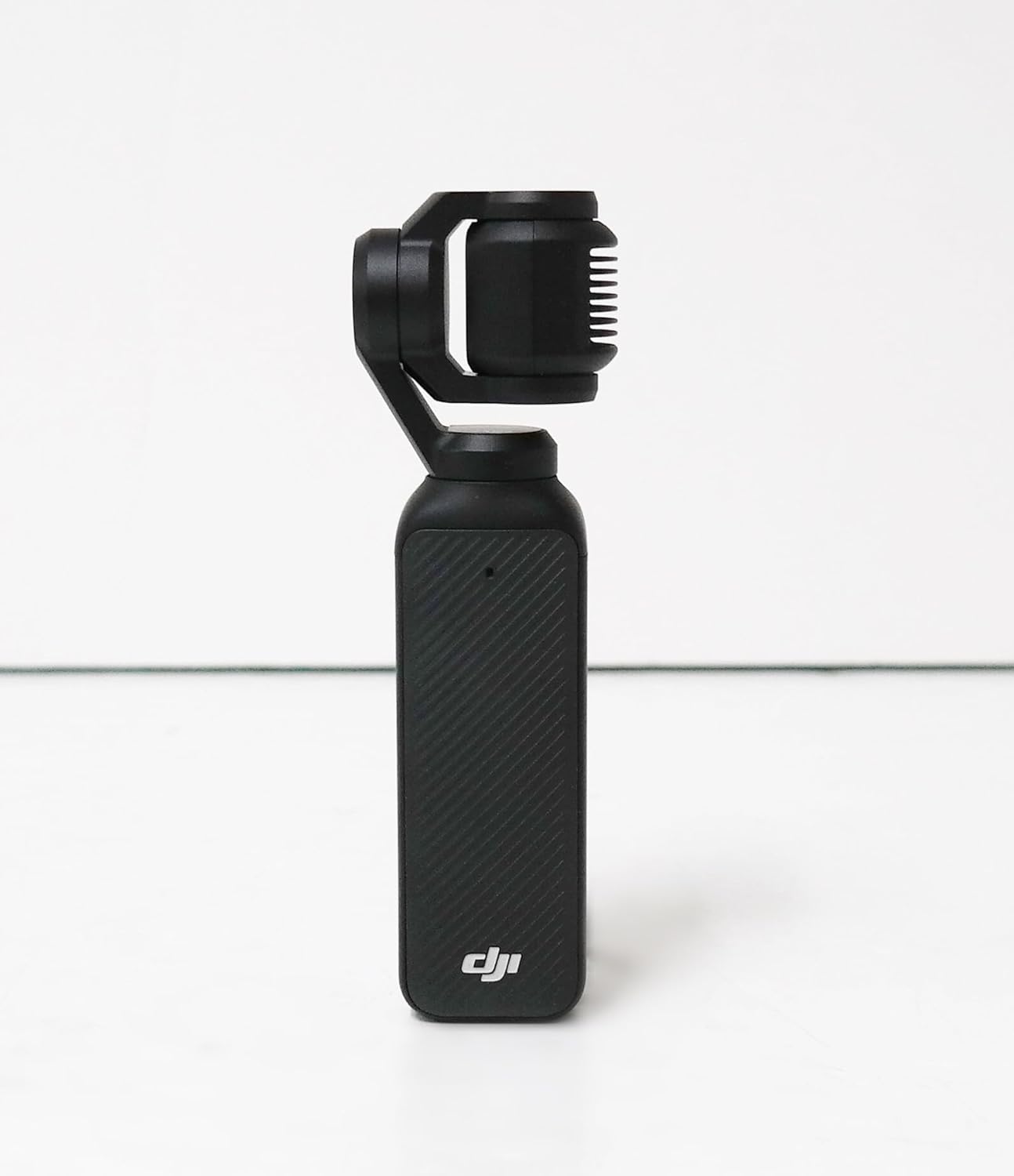
Obrázek 3: Přední strana view of the DJI Osmo Pocket 3 with the rotatable touchscreen in the active position, ready for operation.
2. Provoz obrazovky
- Rotace obrazovky: Rotate the 2-inch touchscreen to switch between horizontal and vertical shooting modes. The device will automatically adjust the display orientation.
- Gesta na dotykové obrazovce: Swipe up, down, left, or right on the screen to access various settings, modes, and playback options.
3. Gimbal Control
- joystick: Use the integrated joystick to manually control the pan and tilt of the gimbal.
- Režimy kardanu: Access different gimbal modes (e.g., Follow, Tilt Locked, FPV) via the touchscreen for varied shooting styles.
4. Režimy fotografování
The Osmo Pocket 3 offers a variety of shooting modes:
- Video: Standardní nahrávání videa.
- Fotografie: Zachyťte statické snímky.
- Zpomalený pohyb: Record high frame rate video for slow-motion effects.
- Časosběr: Capture time-lapse sequences.
- hyperlaps: Capture stabilized hyperlapse videos.
- Noc View: Optimized mode for low-light conditions.
5. Resolution and Frame Rate Adjustment
Swipe up on the touchscreen to access and adjust video resolution (e.g., 4K, 2.7K) and frame rate (e.g., 24fps, 30fps, 60fps, 120fps).
6. ActiveTrack 6.0
ActiveTrack 6.0 allows the camera to intelligently follow a selected subject. Tap on the subject on the touchscreen to activate tracking. The gimbal will automatically keep the subject in frame.
7. DJI Mic 2 Usage
The DJI Mic 2 (included in Creator Combo) provides high-quality audio recording. It features a clip and a magnetic attachment for versatile placement. The Mic 2 can wirelessly connect to the Osmo Pocket 3, allowing you to start and stop recording directly from the microphone unit.
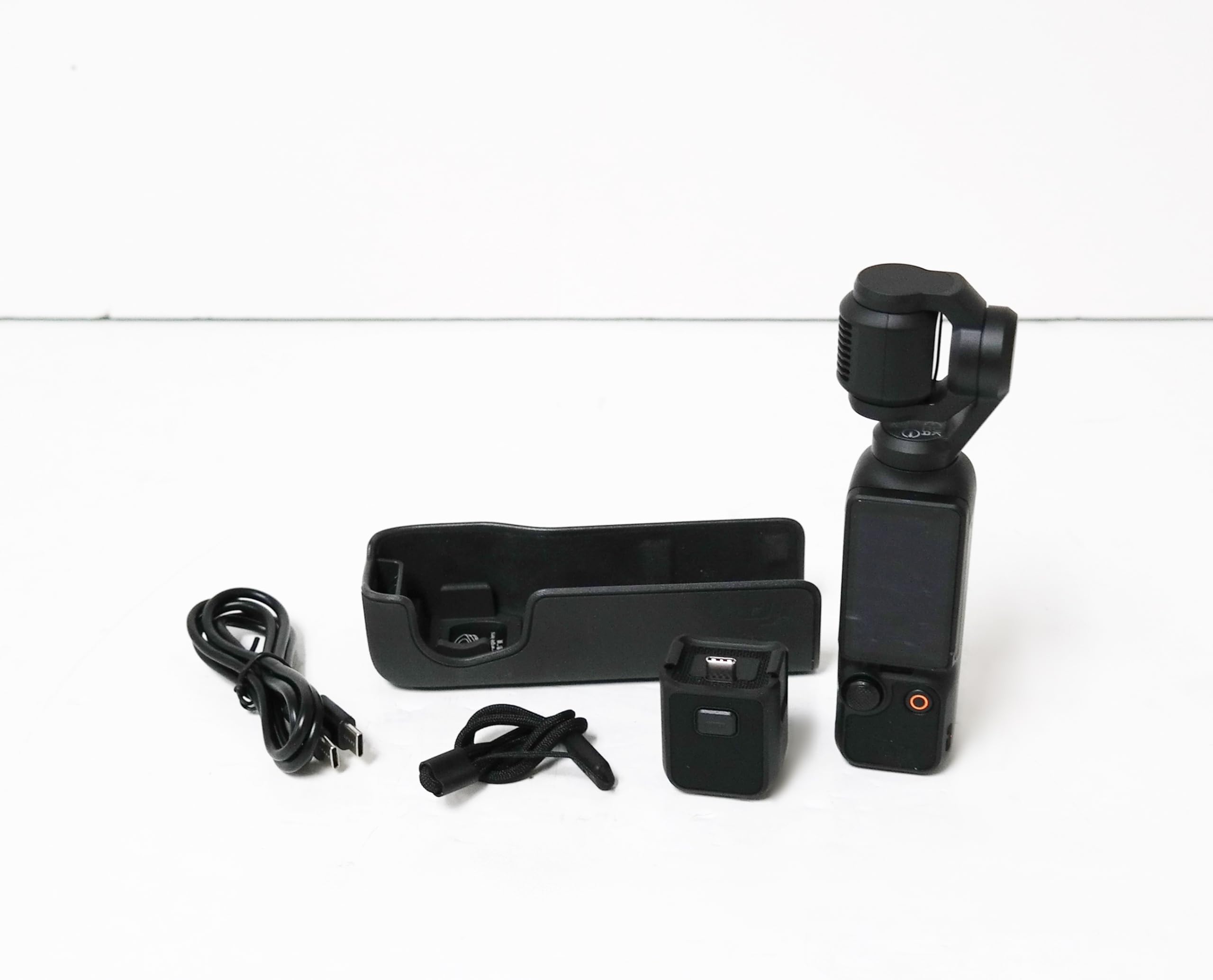
Figure 4: The DJI Osmo Pocket 3 shown with the DJI Mic 2 attached, demonstrating its compact and integrated design for enhanced audio capture.
8. Připojení k chytrému telefonu
The Osmo Pocket 3 can connect to a smartphone via a USB-C or Lightning adapter (included in some bundles) for a larger viewing screen and advanced control through the DJI Mimo app.
Údržba
- Čištění: Use a soft, dry cloth to clean the camera body and lens. Avoid using harsh chemicals.
- Skladování: Store the Osmo Pocket 3 in its protective cover or carrying case when not in use to prevent damage to the gimbal and lens.
Odstraňování problémů
- Gimbal Protection Errors: If you encounter gimbal protection errors, ensure the gimbal is unobstructed and recalibrate the device through the settings menu.
- Životnost baterie: For extended shooting, utilize the battery extender handle (available separately or in Creator Combo) which significantly increases operational time.
Specifikace
| Značka | DJI |
| Číslo modelu položky | DJI Osmo Pocket 3 |
| Technologie fotosenzoru | CMOS |
| Rozlišení záznamu videa | 4K |
| Velikost obrazovky | 2 palce |
| Speciální funkce | 4K/120fps Video, 3-Axis Gimbal Stabilization, ActiveTrack 6.0, Rotatable Touchscreen |
| Hmotnost položky | 0.053 unce |
| Technologie připojení | USB |
Záruka a podpora
Podrobné informace o záruce a zákaznické podpoře získáte na oficiálních stránkách DJI. webnebo se obraťte přímo na jejich zákaznický servis. Uschovejte si doklad o koupi pro případ reklamace.


