Zavedení
Thank you for choosing the TECKNET Wireless Mouse. This manual provides detailed instructions for setting up, operating, and maintaining your mouse to ensure optimal performance. This mouse offers versatile connectivity options, precise control, and a comfortable, silent user experience.
Konec produktuview
Familiarize yourself with the components of your TECKNET Wireless Mouse.

Obrázek: Přední a spodní view of the TECKNET Wireless Mouse, highlighting the scroll wheel, left/right buttons, forward/backward buttons, DPI switch, Bluetooth pairing button, USB receiver storage, and battery compartment.
- Tlačítka vlevo/vpravo: Standardní funkce klikání myší.
- Rolovací kolečko: Pro vertikální rolování a funkci kliknutí prostředním tlačítkem myši.
- Tlačítka vpřed/vzad: Navigovat web pages or documents. (Note: Side buttons are not compatible with macOS).
- Tlačítko přepínání DPI: Adjusts mouse sensitivity (4800/3200/2400/1600/1200/800 DPI).
- Tlačítko párování Bluetooth: Zahájí režim párování Bluetooth.
- 2.4G/Off/BT Switch: Selects connection mode or turns off the mouse.
- USB přijímač: Stores securely within the mouse for 2.4G wireless connection.
- Přihrádka na baterie: Holds 2 AAA batteries (not included).
- LED indikátor: Displays connection status and low battery warning.
Nastavení
1. Instalace baterií
- Otevřete kryt přihrádky na baterie na spodní straně myši.
- Vložte 2 baterie AAA (nejsou součástí balení) a dbejte na správnou polaritu (+/-).
- Zavřete kryt prostoru pro baterie.

Image: The underside of the mouse with the battery cover removed, showing two AAA batteries correctly inserted.
2. Připojení myši
The TECKNET Wireless Mouse supports two connection modes: 2.4G Wireless (via USB receiver) and Bluetooth.
2.1. 2.4G Wireless Connection (USB Receiver)
- Vyhledejte USB přijímač uložený v přihrádce na baterie myši.
- Zapojte USB přijímač do volného portu USB-A na vašem počítači.
- Posuňte přepínač na spodní straně myši do polohy „2.4 G“.
- Myš by se měla automaticky připojit k počítači.

Image: A green TECKNET Wireless Mouse positioned between a laptop with a USB-A receiver plugged in and a tablet, illustrating dual connectivity options.
Text Description for Video: This video demonstrates the process of installing AAA batteries into the TECKNET Wireless Mouse and connecting it via the 2.4G USB receiver. It shows the location of the battery compartment and the USB receiver, as well as the power/mode switch on the underside of the mouse. The video also highlights the forward/backward buttons and DPI switch on the top of the mouse.
2.2. Připojení Bluetooth
- Posuňte přepínač na spodní straně myši do polohy „BT“.
- Press and hold the Bluetooth pairing button (usually located near the mode switch) for 3-5 seconds until the LED indicator starts blinking blue, indicating pairing mode.
- V počítači nebo zařízení přejděte do nastavení Bluetooth a vyhledejte nová zařízení.
- Select "TECKNET Mouse" (or similar name) from the list of available devices to pair.
- The LED indicator will stop blinking and remain solid blue once connected.
Text Description for Video: This video provides a detailed demonstration of how to set up and pair the TECKNET Wireless Mouse using its Bluetooth functionality. It shows the user switching the mouse to Bluetooth mode, pressing the pairing button, and then connecting it to a computer. The video also briefly showcases the silent click feature and the ergonomic design of the mouse.
Text Description for Video: This video highlights the silent click feature of the TECKNET Wireless Mouse and demonstrates its easy pairing process via Bluetooth. The user shows the mouse's underside, including the battery compartment and the mode switch, and then performs a silent click to emphasize the quiet operation. The video also briefly mentions the convenience of using AAA batteries.
Návod k obsluze
Úprava DPI
Press the DPI switch button located on the top of the mouse to cycle through 6 adjustable DPI settings: 800, 1200, 1600, 2400, 3200, and 4800. This allows you to customize cursor speed and precision to your preference.

Image: The TECKNET Wireless Mouse with an overlay showing the 6 adjustable DPI settings, emphasizing precise control.
Silent Click Feature
The mouse is designed for silent operation, providing whisper-quiet clicks. This feature is ideal for environments where noise reduction is important, such as libraries, offices, or late-night use.

Image: A person using the TECKNET Wireless Mouse in a quiet environment, with text indicating "Silent Click" and "Inaudible click sound, quiet and focused, without disturbing others."
Automatický režim spánku
To conserve battery life, the mouse will automatically enter sleep mode after approximately 5 minutes of inactivity. To wake the mouse, simply click any button.
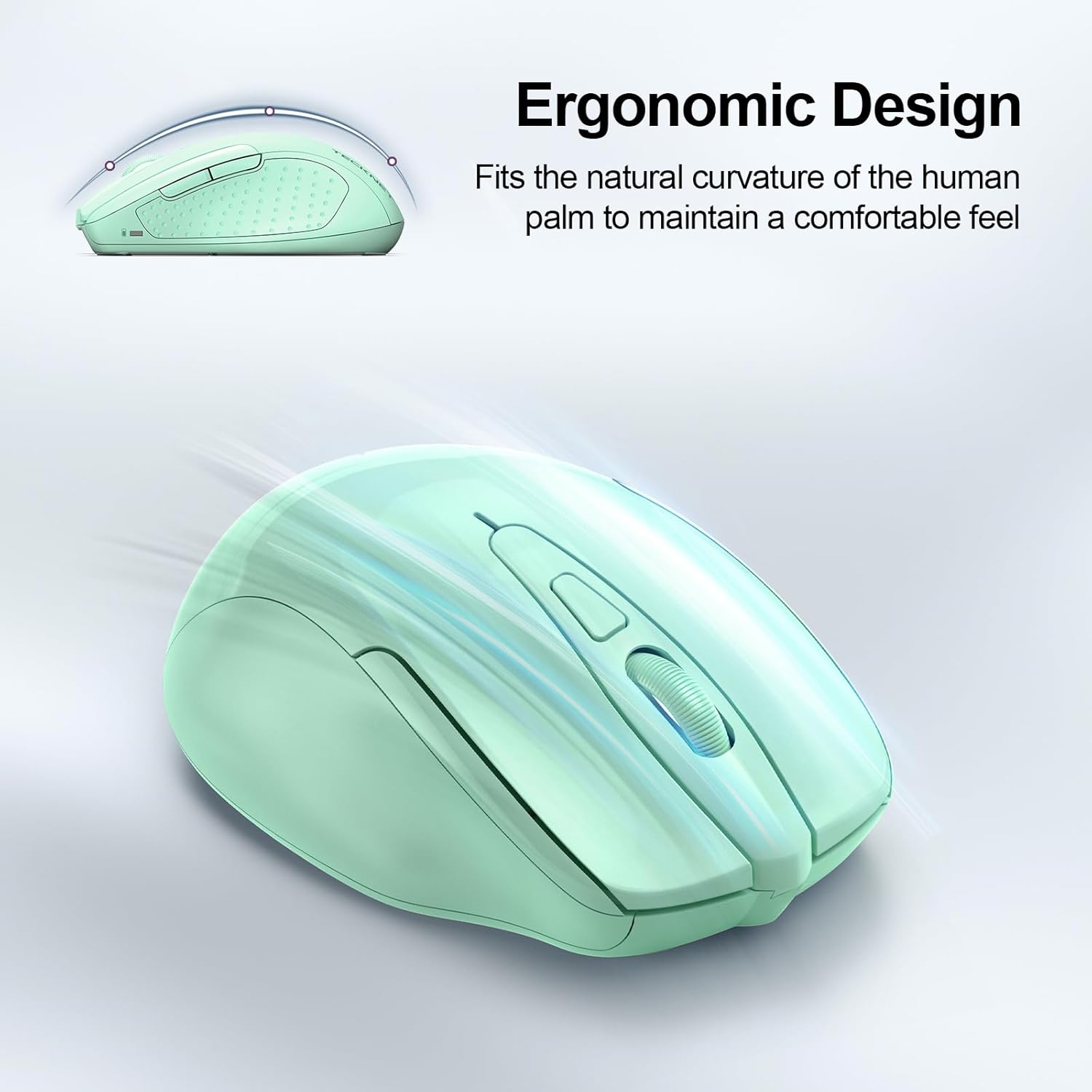
Image: A visual representation of the mouse's power states: Working, Stand-by, Auto-sleep, and how to activate it by pressing a button.
Údržba
- Čištění: K čištění myši používejte měkký, suchý hadřík. Nepoužívejte agresivní chemikálie ani abrazivní materiály.
- Výměna baterie: Replace batteries when the LED indicator shows a low battery warning (red light).
- Skladování: When not in use for extended periods, turn off the mouse using the switch on the bottom to further conserve battery life.
Odstraňování problémů
| Problém | Řešení |
|---|---|
| Myš nereaguje. |
|
| Pohyb kurzoru je nepravidelný nebo pomalý. |
|
| Bluetooth připojení se často přerušuje. |
|
| Side buttons not working on macOS. | Side buttons are not compatible with macOS. This is a known limitation. |
Specifikace
| Funkce | Detail |
|---|---|
| Model | BM307 |
| Konektivita | 2.4G Wireless (USB-A receiver), Bluetooth 5.0/3.0 |
| Úrovně DPI | 800, 1200, 1600, 2400, 3200, 4800 (Adjustable) |
| Tlačítka | 6 Buttons (Left/Right, Scroll Wheel, Forward/Backward, DPI Switch, Bluetooth Pairing) |
| Zdroj napájení | 2 x AAA baterie (nejsou součástí balení) |
| Speciální funkce | Silent Click, Ergonomic Design, Automatic Sleep Mode |
| Kompatibilita | Windows, macOS (side buttons not compatible), Chrome OS, Linux |
| Rozměry | 4.53 x 3.15 x 1.85 palce |
| Hmotnost | 3.52 unce |
Záruka a podpora
TECKNET offers a Záruka 36 měsíců (Registered Only) for this product. If you encounter any problems or have questions regarding the use of your TECKNET Wireless Mouse, please contact our professional customer service team for assistance.
Contact information can typically be found on the TECKNET official webwebu nebo prostřednictvím vaší nákupní platformy.


