1. Konec produktuview
The Lepulse Lescale F11 Body Fat Scale is designed to provide comprehensive body composition analysis without the need for a smartphone application. It features an advanced built-in algorithm to measure and display 8 essential body metrics directly on its large backlit display. This scale supports up to 10 user profiles, allowing multiple individuals to track their progress independently.
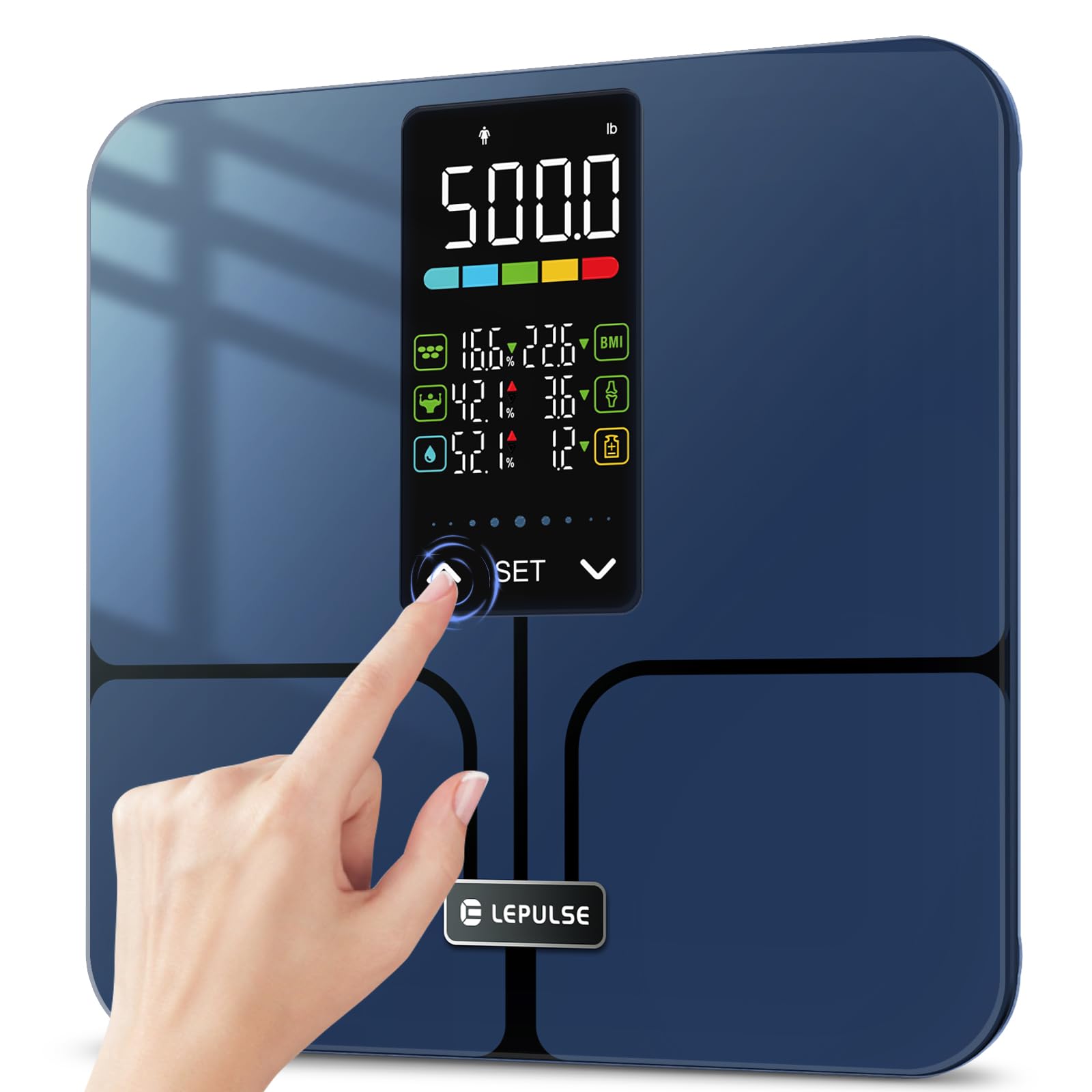
Image: A man holding the Lepulse Lescale F11 Body Fat Scale, showcasing its large display and sleek design. This scale operates without a smartphone app.
2. Obsah balení
Než budete pokračovat, ujistěte se, že balení obsahuje všechny položky:
- Lepulse Lescale F11 Body Fat Scale
- Uživatelská příručka
- 3 x AAA baterie
3. Pokyny k nastavení
Follow these steps to set up your Lepulse Lescale F11 Body Fat Scale for first-time use:
- Nainstalujte baterie: Open the battery compartment on the underside of the scale. Insert the 3 AAA batteries, ensuring correct polarity.
- Počáteční zapnutí: The scale will power on automatically once batteries are installed or when gently tapped.
- Vyberte User Profile (P-01 to P-10): Dlouze stiskněte tlačítko "SOUBOR" button to enter setting mode. The display will show "P-01" (or the last selected profile). Use the "^"nebo"v" buttons to select your desired user profile number (P-01 to P-10). Press "SOUBOR"pro potvrzení."
- Vyberte jednotku: Po výběru uživatele profile, the display will prompt for unit selection (e.g., "inch" or "cm", "lb" or "kg"). Use the "^"nebo"v" buttons to choose your preferred unit. Press "SOUBOR"pro potvrzení."
- Enter Height: The display will show a flashing height value. Use the "^"nebo"v" buttons to adjust your height. Press "SOUBOR"pro potvrzení."
- Enter Age: The display will show a flashing age value. Use the "^"nebo"v" buttons to adjust your age. Press "SOUBOR"pro potvrzení."
- Select Gender: The display will show gender icons. Use the "^"nebo"v" buttons to select your gender. Press "SOUBOR"pro potvrzení."
- Nastavení dokončeno: The scale will return to the weighing interface, indicating that the user profile nastavení je dokončeno.

Image: Visual guide for selecting a user profile number (P-01 to P-10) during the initial setup of the scale.

Image: Visual guide for setting height, age, and gender for a user profile on the Lepulse Body Fat Scale.
4. Návod k obsluze
To obtain accurate body composition measurements, follow these guidelines:
- Umístění: Umístěte váhu na tvrdý, rovný povrch. Vyhněte se kobercům nebo nerovné podlaze, protože to může ovlivnit přesnost.
- Šlápnout: Gently step onto the scale with bare feet. Ensure your feet are positioned on the ITO sensor areas (the metallic-looking pads).
- Zůstaňte v klidu: Stand still on the scale until your weight and body composition data are displayed and locked. The results will be shown for approximately 15 seconds.
- Viewing Metrics: The 5.44" large backlit display will cycle through 8 essential body metrics: Body Weight, BMI, Body Fat Percentage, Muscle Percentage, Body Water Percentage, Bone Mass, Body Weight Difference, and Obesity Level.
- Rozpoznávání uživatelů: The scale will automatically recognize the user based on their stored profile information. If multiple users have similar data, the scale may prompt you to select your profile using the "^"nebo"v" buttons.
Důležitá poznámka: For body composition analysis, it is crucial to stand barefoot on the scale. The scale uses Bioelectrical Impedance Analysis (BIA) technology, which sends a safe, low-level electrical current through your body. Individuals with pacemakers or other implanted medical devices should consult a healthcare professional before using this scale.

Image: The advanced 5.44" LED display of the Lepulse scale, clearly showing 8 body composition measurements.

Image: A person's feet on the Lepulse scale, demonstrating the high-accuracy measurement process and the display showing weight changes after drinking water.
5. Pochopení vašich měření
The Lescale F11 provides the following body composition metrics:
- Tělesná hmotnost: Vaše celková hmotnost.
- BMI (index tělesné hmotnosti): Měření tělesného tuku na základě výšky a hmotnosti.
- Procento tělesného tukutage: Podíl tuku k celkové tělesné hmotnosti.
- Svalová procentatage: The proportion of muscle mass to total body weight.
- Procento tělesné vodytage: The proportion of water to total body weight.
- Kostní hmota: Hmotnost kostních minerálů ve vašem těle.
- Body Weight Difference: The change in your body weight since your last measurement.
- Obesity Level: An indicator of your body fat level relative to healthy ranges.

Image: A close-up of the scale's 5.44" large backlit display, illustrating how essential biometrics like Body Fat Percentage, Muscle Mass, Body Water, BMI, Bone Mass, and Obesity Level are presented.
6. Údržba
To ensure the longevity and accuracy of your scale:
- Čištění: Otřete povrch váhy měkkým hadříkemamp hadříkem. Nepoužívejte abrazivní čisticí prostředky ani váhu neponořujte do vody.
- Skladování: Váhu skladujte na chladném a suchém místě. Chraňte před extrémními teplotami a přímým slunečním zářením.
- Výměna baterie: Vyměňte všechny 3 baterie AAA, jakmile se na displeji zobrazí indikátor slabé baterie.
- Vyhněte se dopadu: Do not drop the scale or subject it to heavy impact, as this can damage the tempered glass and internal sensors.
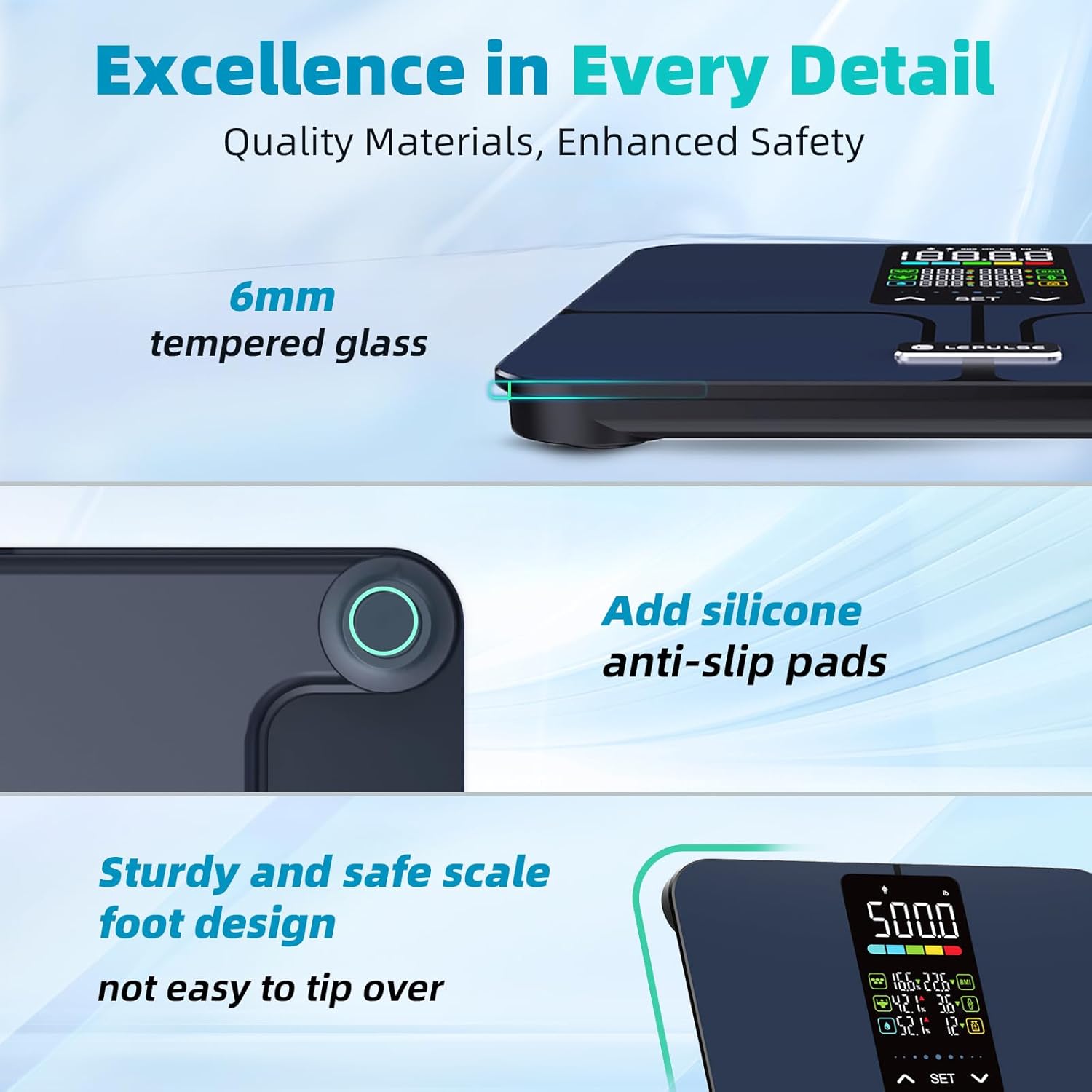
Obrázek: Podrobný view highlighting the 6mm tempered glass platform and added silicone anti-slip pads, emphasizing the scale's durable and safe design.
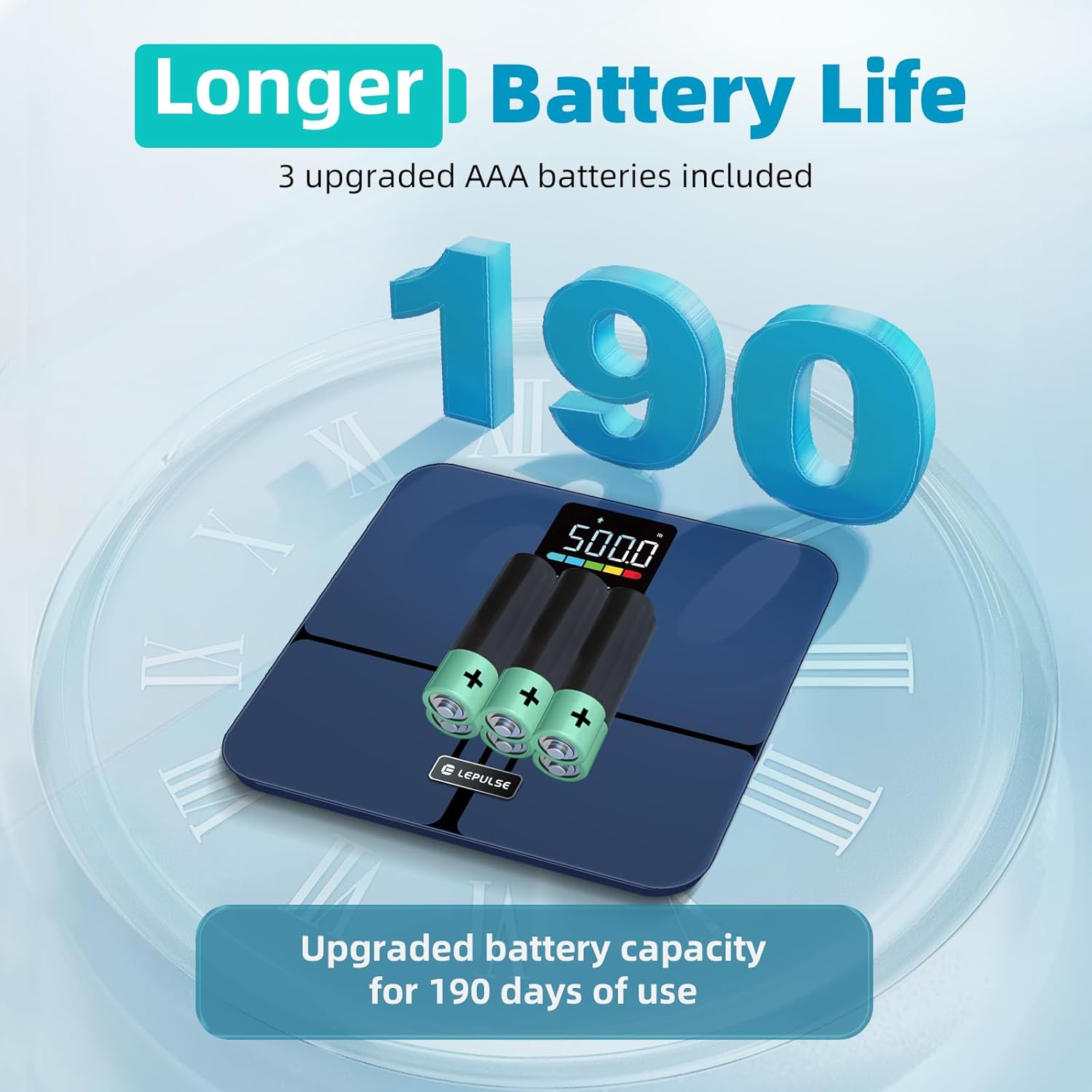
Image: The underside of the Lepulse scale showing the battery compartment with 3 AAA batteries, illustrating the upgraded battery capacity for extended use.
7. Řešení problémů
If you encounter issues with your Lepulse Lescale F11, refer to the following common problems and solutions:
| Problém | Možná příčina | Řešení |
|---|---|---|
| Žádný displej/měřítko se nezapne | Vybité nebo nesprávně vložené baterie. | Zkontrolujte polaritu baterií. Vyměňte za nové baterie AAA. |
| Nepřesné údaje o hmotnosti | Scale on uneven surface; not calibrated; user wearing shoes/socks. | Place on a hard, flat surface. Step on and off quickly to re-calibrate to "0.0". Ensure bare feet for body composition. |
| Body composition data not displayed | User wearing socks/shoes; feet not making proper contact with ITO sensors. | Ensure bare feet are making full contact with all four ITO sensor areas. |
| Na displeji se zobrazí hlášení „Chyba“ | Overload (weight exceeds 500lb) or unstable reading. | Step off the scale. Ensure weight is within limits. Place on a stable surface. |
8. Specifikace produktu
- Model: Lescale F11
- Značka: Lepulse
- Nosnost: 500 lb (227 kg)
- Přesnost čtení: 0.1 lb (0.05 kg)
- Zobrazit: 5.44" Large Backlit LED Display
- Body Metrics Measured: Body Weight, BMI, Body Fat Percentage, Muscle Percentage, Body Water Percentage, Bone Mass, Body Weight Difference, Obesity Level
- Uživatel Profiles: Až 10 XNUMX uživatelů
- Materiál platformy: 6mm Tempered Glass, ITO Sensor
- Rozměry: 12 x 12 x 1.04 palce (30.5 x 30.5 x 2.6 cm)
- Hmotnost položky: 3.63 libry (1.65 kg)
- Zdroj napájení: 3 x AAA baterie (součástí balení)
- Speciální vlastnosti: No APP required, Anti-slip rubber pads, Precision balanced

Image: The Lepulse scale highlighting its maximum 500lb measurement capacity and 11.8" x 11.8" large platform, designed for various user shapes and sizes.

Obrázek: Explodoval view of the Lepulse scale, illustrating the upgraded ITO layer and four high-precision sensors that contribute to accurate measurements.
9. Záruka a podpora
For warranty information, technical support, or any inquiries regarding your Lepulse Lescale F11 Body Fat Scale, please refer to the contact details provided in the product packaging or visit the official Lepulse webmísto. Uschovejte si doklad o koupi pro případ záručních reklamací.


