1. Úvod
The AOCHUAN Smart X2 AI Gimbal Stabilizer is designed to enhance smartphone videography with its advanced 3-axis stabilization and integrated AI tracking module. This manual provides essential instructions for setup, operation, and maintenance to ensure optimal performance.
2. Nastavení
2.1 Obsah balení
- 1 × AOCHUAN SMART X2 Gimbal (phone not included)
- 1 × AI Tracking Module
- 1 × nabíjecí kabel USB-C
- 1 × Uživatelská příručka
- 1 × Mini Tripod
2.2 Rozložení gimbalu
Gently unfold the gimbal until it forms a stable structure. The design allows for easy deployment and compact storage.
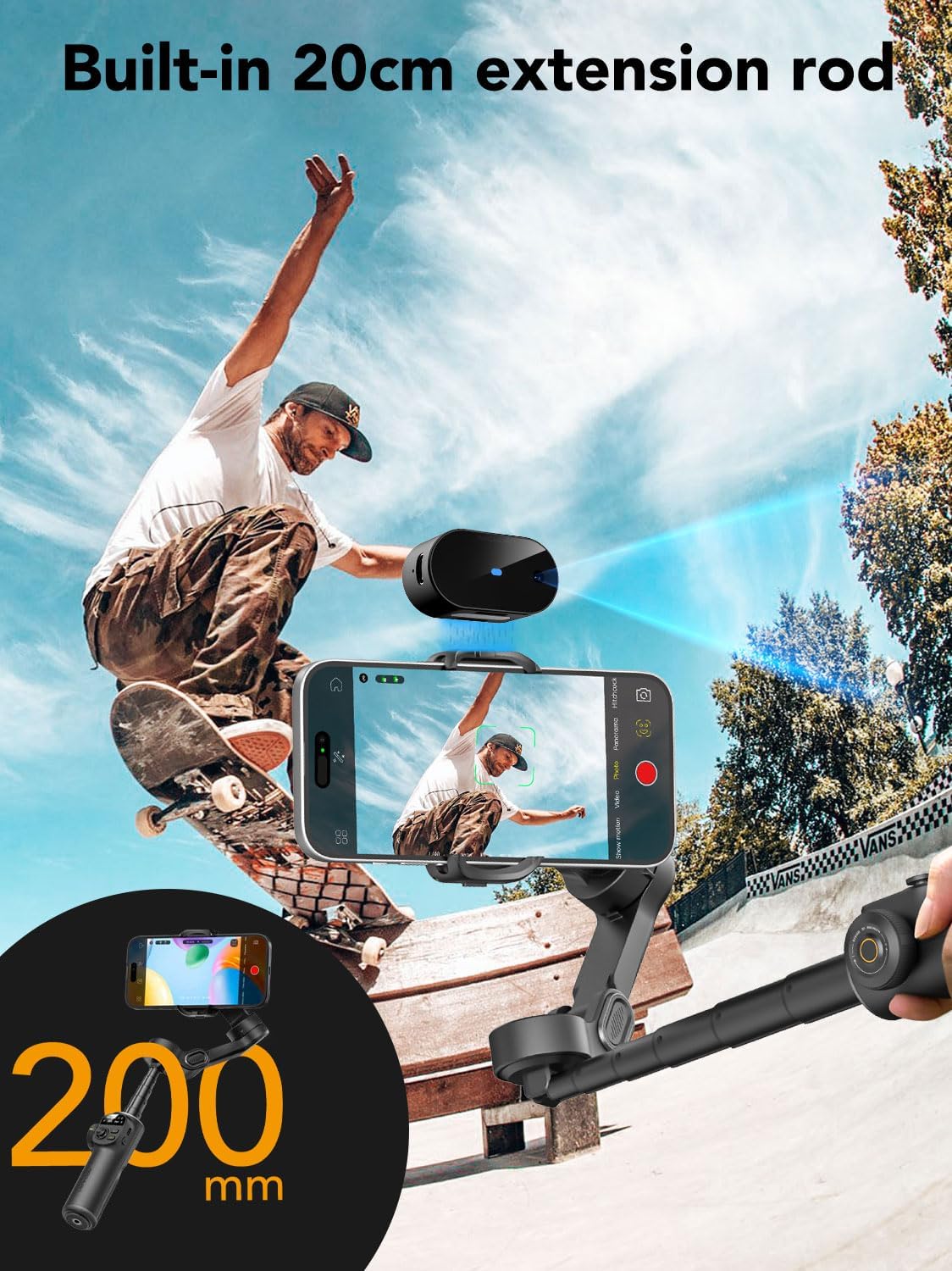
Image: The AOCHUAN Smart X2 AI Gimbal Stabilizer in its unfolded, ready-to-use state.
2.3 Montáž smartphonu
Prodloužení délky telefonuamp and securely place your smartphone. The clamp is designed to accommodate various phone sizes, even with cases.
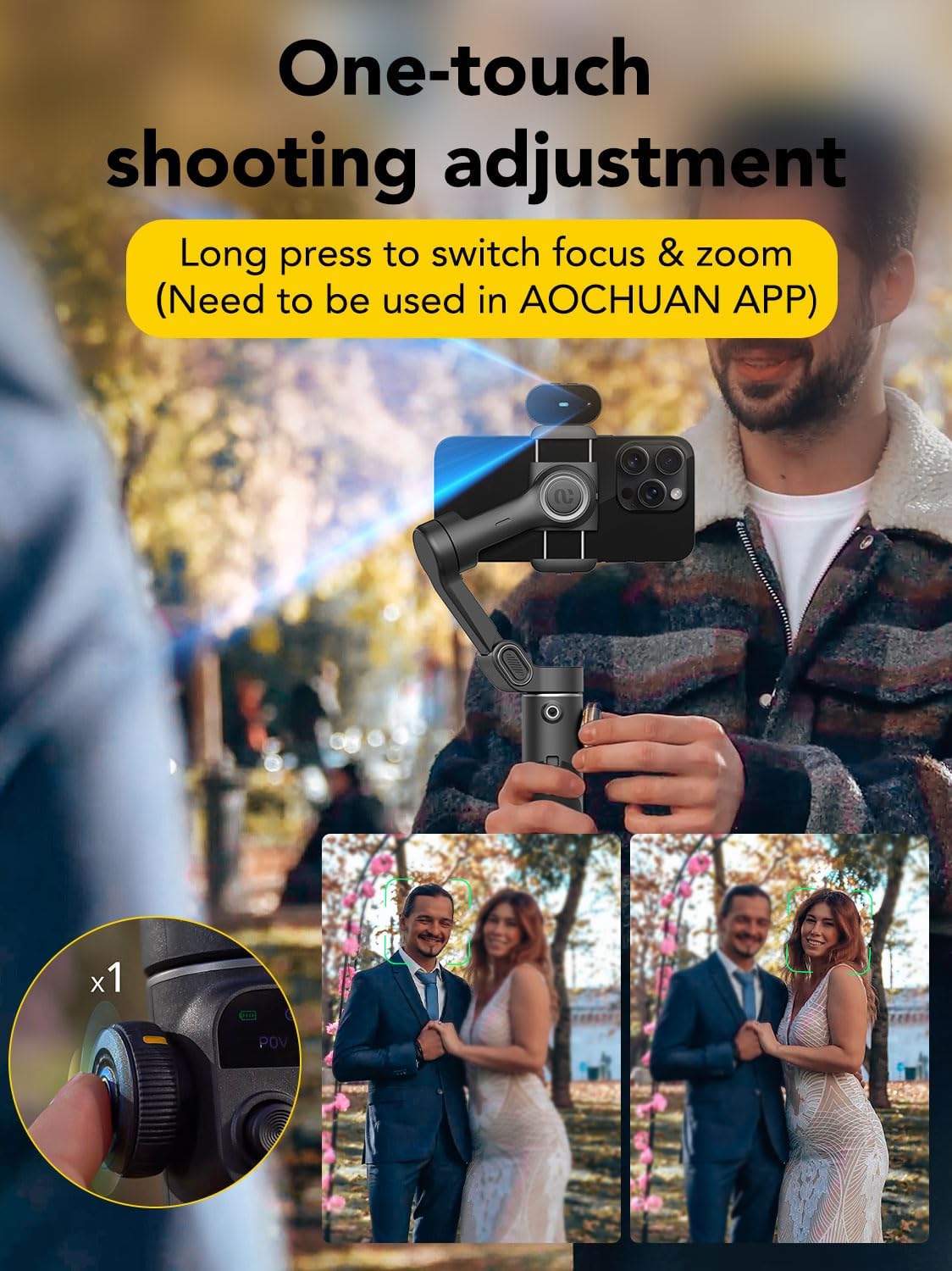
Image: Close-up of the gimbal's phone clamp, demonstrating its adjustable nature to fit different smartphone sizes.
2.4 Attaching the AI Tracking Assistant
The AI Tracking Assistant magnetically attaches above the phone clamp. Ensure it is correctly slotted in. Avoid installing it below the phone clamp or on the left magnetic position to prevent interference.
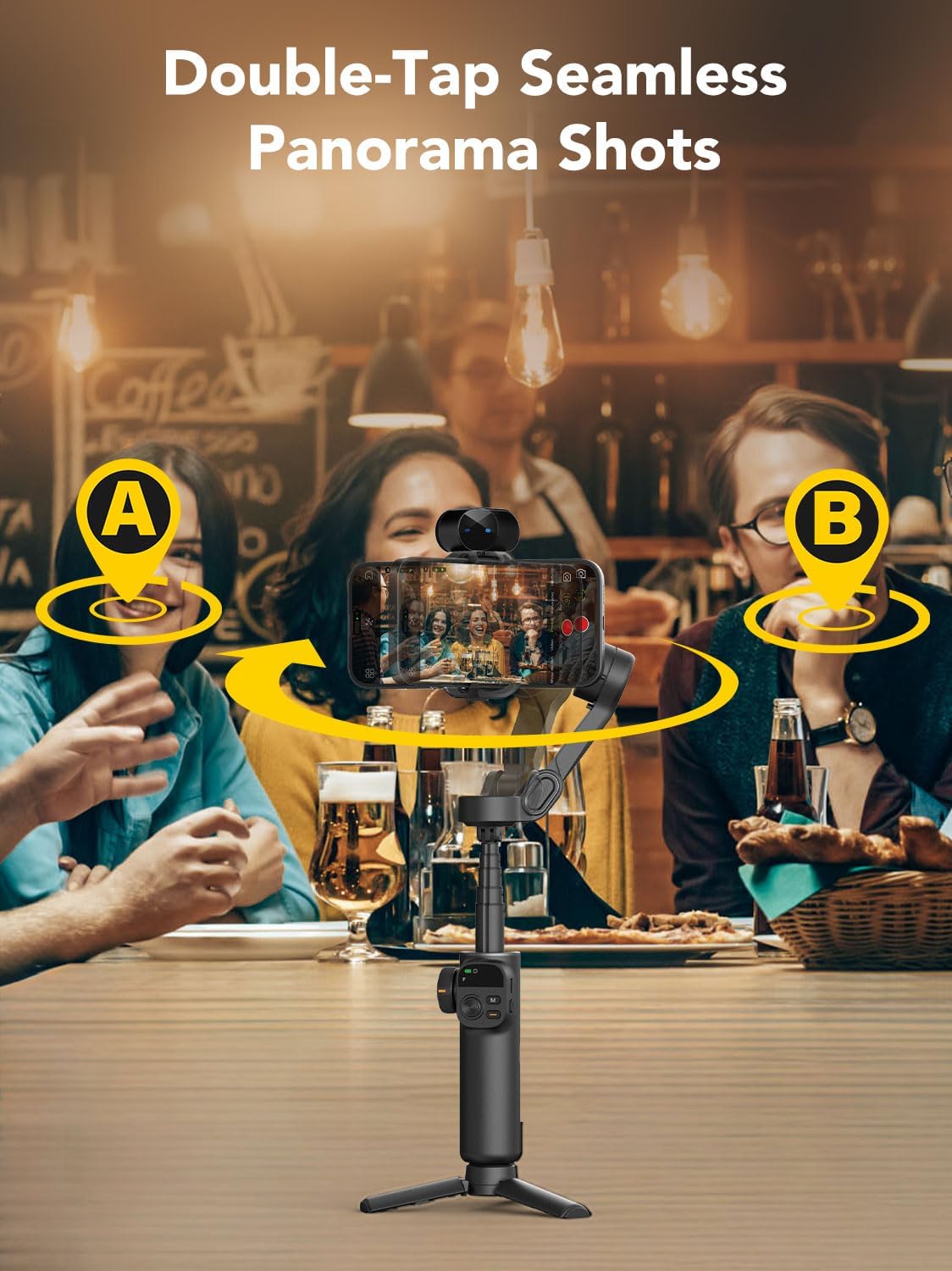
Image: The AI Tracking Assistant module magnetically attached to the top of the smartphone clamp na závěsu.
2.5 Attaching the Mini Tripod
The mini tripod can be screwed into the 1/4-inch thread at the bottom of the gimbal handle for stable tabletop use or extended shots.

Image: The AOCHUAN Smart X2 AI Gimbal Stabilizer with its mini tripod attached, providing a stable base.
2.6 AI Tracking Assistant Instruction Video
Video: This official video demonstrates how to set up and use the AI Tracking Assistant, including Bluetooth connection, attachment, and gesture controls for tracking, shooting, and composition.
3. Návod k obsluze
3.1 Zapnutí/vypnutí
Long press the power button on the side of the gimbal handle to turn it on or off. The OLED display will illuminate upon activation.
3.2 Režimy gimbalu
The Smart X2 AI features an OLED display that shows the current mode and status. Use the multi-function buttons to switch between modes:
- F (režim sledování): The pan and tilt axes follow your movements.
- POV (bod pohledu) View Režim): Všechny tři osy sledují vaše pohyby a poskytují tak perspektivu z první osoby.
- DM (režim zoomu Dolly): Allows for creative dolly zoom effects.
- S (sportovní režim): Provides faster response for quick movements and action shots.

Image: The gimbal's OLED display showing various modes and battery status, providing clear visual feedback.
3.3 Sledování pomocí umělé inteligence a ovládání gesty
The integrated AI tracker module enables intelligent face and object tracking without requiring an app. Gesture controls are supported:
- Gesto OK: Povolit/zakázat inteligentní sledování.
- Gesta dlaní: Automaticky pořizovat fotografie nebo nahrávat videa.
- Dvojité gesto palce nahoru: Přepínání mezi orientací na šířku a na výšku.

Image: A user demonstrating gesture control for the Smart AI Tracking feature, showing the OK gesture for tracking activation.
3.4 Using the Extension Rod
The gimbal features a built-in 20cm retractable extension rod, allowing for wider angles and more versatile shooting perspectives.

Image: The gimbal with its 20cm extension rod fully extended, capturing a dynamic shot of a skateboarder.
3.5 Zoom and Focus Control
The multi-function button next to the OLED display allows for one-touch adjustment of focus and zoom. Long press to switch between focus and zoom functions.

Image: A close-up of the gimbal's control panel, highlighting the zoom and focus wheel for precise adjustments.
3.6 AOCHUAN App Features
While AI tracking works independently, the AOCHUAN app offers additional creative functions such as Inception mode, movie mode, time-lapse photography, and Hitchcock effects.

Image: A visual representation of various creative features available through the AOCHUAN app, including face tracking, gesture control, Hitchcock, and widescreen movie mode.
3.7 Extendable Smart 3-axis Stabilizer Video
Video: This official video showcases the extendable feature and 3-axis stabilization of the Smart X2 gimbal, demonstrating its versatility in various shooting scenarios.
4. Údržba
4.1 Čištění
Otřete gimbal měkkým, suchým hadříkem. Nepoužívejte tekuté čisticí prostředky ani rozpouštědla, mohly by zařízení poškodit.
4.2 Skladování
Store the gimbal in a cool, dry place away from direct sunlight. Ensure it is folded compactly to prevent damage. When not in use for extended periods, fully charge the battery every three months to maintain battery health.
4.3 Péče o baterii
The gimbal uses a built-in Lithium Ion battery. Use only the provided USB-C charging cable. Avoid overcharging or completely draining the battery to prolong its lifespan.
5. Řešení problémů
5.1 Gimbal se nezapíná
- Ensure the battery is charged. Connect the gimbal to a power source using the USB-C cable.
- Long press the power button for at least 3 seconds.
5.2 Problémy se sledováním pomocí umělé inteligence
- Ensure the AI Tracking Module is correctly attached and powered on (steady blue light).
- Make sure there is sufficient lighting in the environment. Tracking works best in well-lit conditions.
- Avoid strong light directly hitting the AI module's lens.
- When using gestures, avoid wearing clothes too close to your skin tone to prevent recognition issues.
- If the green light is flashing, the person is not recognized. Adjust your position or lighting.
5.3 Gimbal Shaking or Unstable
- Ensure your smartphone is securely mounted in the clamp a vyvážené.
- Restartujte gimbal.
- Avoid using remote control shot functions or Inception-style shots when AI tracking is active, as this can cause gimbal shaking.
5.4 Bluetooth Connection Failure
- Ujistěte se, že je na vašem smartphonu povoleno Bluetooth.
- Restartujte gimbal i smartphone.
- Zapomeňte na zařízení v nastavení Bluetooth v telefonu a zkuste spárování znovu.
6. Specifikace
- Rozměry produktu: 11.3 x 5 x 2.76 palce
- Hmotnost položky: 12.5 unce (355 gramů)
- Baterie: Vyžaduje 1 lithium-iontovou baterii (součástí balení)
- Velikost ve složeném stavu: 16.5 x 11 x 5.3 cm
- Kompatibilní zařízení: iPhone 16 15 14 13 12 Pro Max, Samsung Galaxy S21/S21 Ultra S23 Ultra, Huawei p30 pro/p30/p20 pro/p10/p10 plus, and other similar smartphones.
- Barva: Černý
- Výrobce: AOCHUAN
7. Záruka a podpora
AOCHUAN is committed to providing quality products and assistance. If you encounter any questions or issues when using your handheld phone gimbal, please contact AOCHUAN Official Store on Amazon for support.