TOMLOV P30 Digital Microscope
Uživatelská příručka
Zavedení
Děkuji za nákupasing the TOMLOV P30 Portable Digital Microscope. This device is designed to provide an engaging and educational experience for exploring the microscopic world, suitable for both children and hobbyists. With its 1-100X standard and 500-1000X high magnification, 16MP camera, and 1080P video capabilities, the P30 allows for detailed observation and capture of discoveries. This manual provides essential information for the proper setup, operation, and maintenance of your microscope.
Bezpečnostní informace
- Nerozebírejte ani se nepokoušejte o opravu zařízení sami. Obraťte se na kvalifikovaný servisní personál.
- Chraňte zařízení před vodou a jinými kapalinami, abyste předešli úrazu elektrickým proudem nebo poškození.
- Nevystavujte zařízení extrémním teplotám, přímému slunečnímu záření nebo vysoké vlhkosti.
- Use only the specified charging cable and power adapter to prevent damage to the battery or device.
- Clean the lens and screen with a soft, lint-free cloth. Avoid using abrasive cleaners or solvents.
- Tento výrobek obsahuje malé části a není vhodný pro děti do 3 let bez dozoru dospělé osoby.
Obsah balení
Po vybalení zkontrolujte obsah balení, abyste se ujistili, že jsou přítomny všechny položky:
- TOMLOV P30 Digital Microscope
- USB nabíjecí kabel
- 16GB Micro SD karta (předinstalovaná nebo dodávaná samostatně)
- Šňůrka
- Uživatelská příručka

Image: The TOMLOV P30 Digital Microscope with its included accessories, such as the charging cable and lanyard.
Konec produktuview
Familiarize yourself with the main components of your TOMLOV P30 microscope:
- 2palcový LCD displej: Zobrazuje se živě view, captured images, and videos.
- Vypínač: Zapíná/vypíná zařízení.
- Tlačítko režimu: Přepíná mezi režimy foto, video a přehrávání.
- Zoom/Navigation Buttons: Adjust magnification and navigate menus.
- Capture/OK Button: Pořizuje fotografie, spouští/zastavuje nahrávání videa, potvrzuje výběr.
- Focus Wheel: Adjusts the focus for clear images.
- LED osvětlení: Provides light for observation.
- Slot pro kartu Micro SD: For storage of captured media.
- Port USB-C: Pro nabíjení a přenos dat.

Obrázek: Podrobný view of the TOMLOV P30 microscope, highlighting its 2-inch LCD screen and control buttons.
Nastavení
- Nabíjení baterie:
Before first use, fully charge the microscope. Connect the USB charging cable to the microscope's USB-C port and the other end to a USB power adapter (not included) or a computer's USB port. The charging indicator will show the charging status. A full charge provides up to 3 hours of use.

Image: The TOMLOV P30 microscope offers up to 3 hours of battery life, ideal for outdoor exploration.
- Vložení karty Micro SD:
The microscope comes with a 16GB Micro SD card. Locate the Micro SD card slot on the side of the device. Gently insert the card with the gold contacts facing down until it clicks into place. To remove, push the card in again until it springs out.
- Zapnutí:
Press and hold the Power button for a few seconds until the screen illuminates. The microscope will boot up and display the live view.
- Úprava zvětšení a zaostření:
Place the object you wish to observe directly under the microscope's lens. Rotate the focus wheel to bring the image into sharp focus on the screen. The TOMLOV P30 offers two magnification levels: 1-100X for standard observation and 500-1000X for high magnification, suitable for detailed slides.
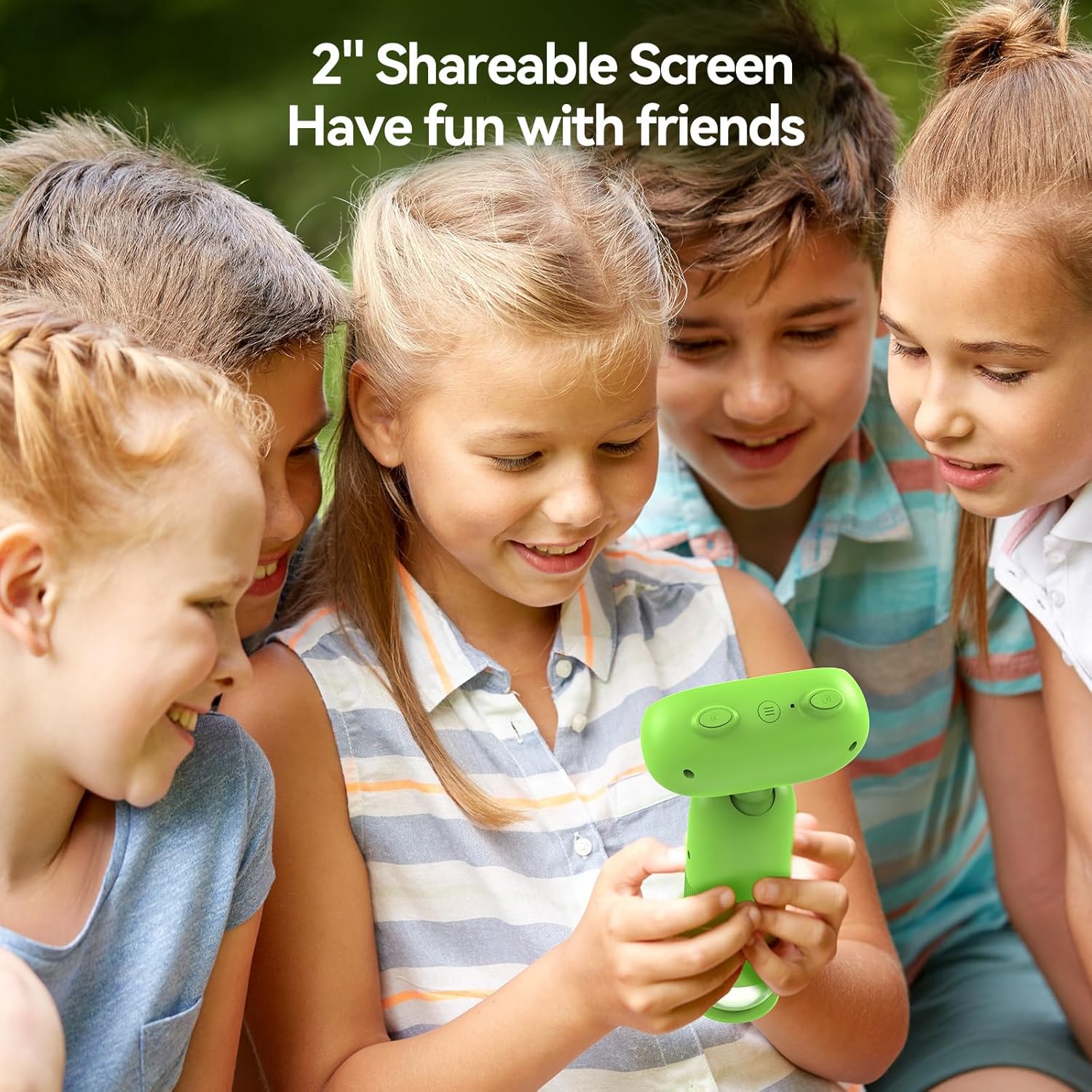
Image: The TOMLOV P30 microscope can unlock tiny details at 1000X magnification, as shown with a magnified bee on its screen.
Návod k obsluze
- Přepínací režimy:
Press the Mode button to cycle between Photo Mode, Video Mode, and Playback Mode. The current mode icon will be displayed on the screen.
- Fotit:
In Photo Mode, frame your subject on the screen. Press the Capture/OK button once to take a photo. The image will be saved to the Micro SD card.
- Záznam videa:
In Video Mode, press the Capture/OK button once to start recording. Press it again to stop recording. Videos are saved in 1080P resolution to the Micro SD card.

Image: The TOMLOV P30 allows users to capture 1080P videos and 16MP photos, and revisit their discoveries through playback.
- Režim přehrávání:
In Playback Mode, use the navigation buttons to browse through your captured photos and videos. Press the Capture/OK button to view a selected item or play a video.
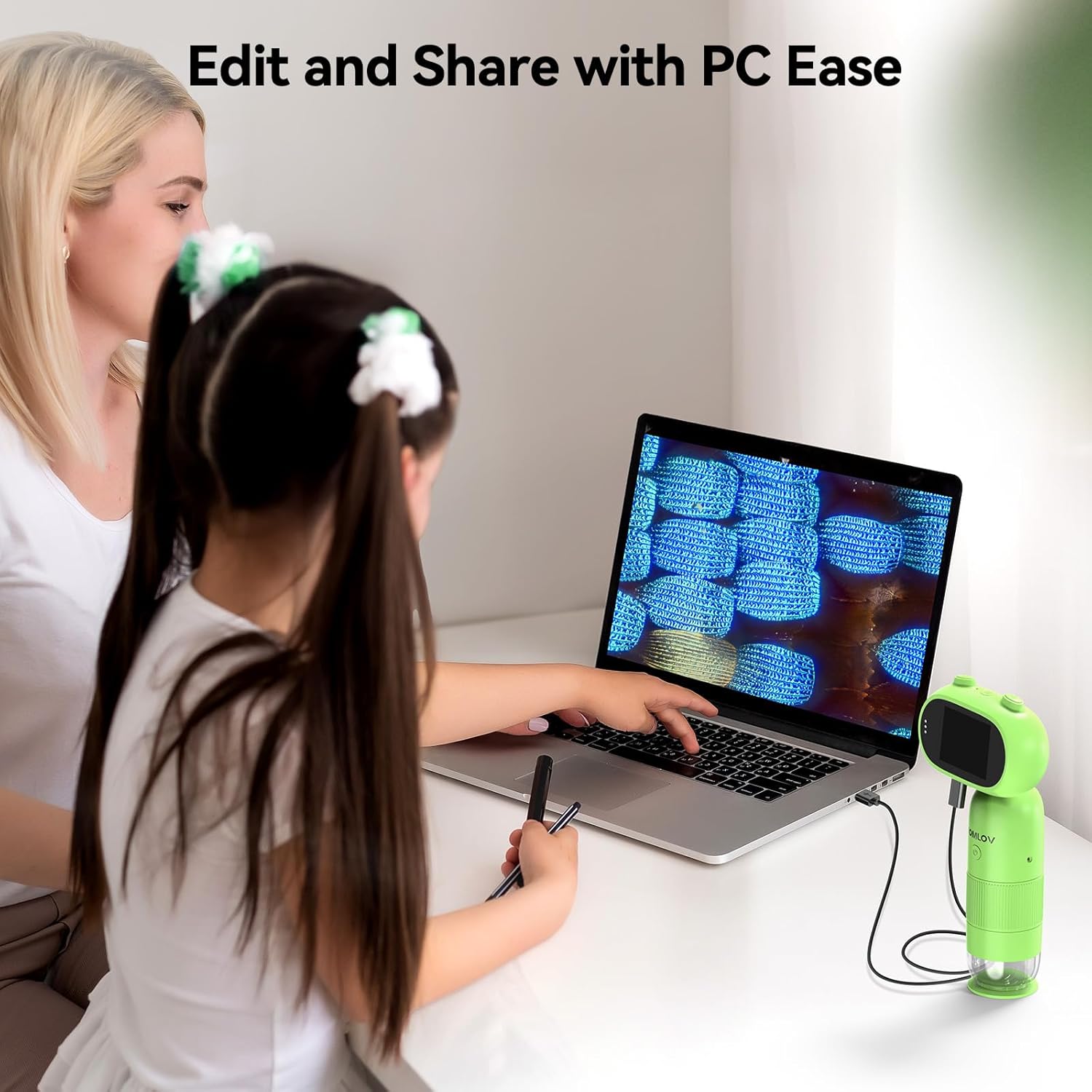
Image: The 2-inch shareable screen of the TOMLOV P30 makes it easy for children to view and share discoveries with friends.
- Připojení k počítači:
K převodu files, connect the microscope to your computer using the USB cable. The microscope will appear as a removable disk drive. You can then copy photos and videos to your computer for editing and sharing.

Image: The TOMLOV P30 microscope can be connected to a PC for easy editing and sharing of captured media.
- Digitální zoom:
The microscope features 4X digital zoom. While in live view, use the designated zoom buttons to digitally magnify the image on the screen. Note that digital zoom may reduce image quality compared to optical magnification.
Údržba
- Čištění objektivu a obrazovky: Use a soft, dry, lint-free cloth to gently wipe the lens and screen. For stubborn smudges, a slightly dampened cloth with water can be used, followed by a dry cloth. Do not use alcohol or chemical cleaners.
- Skladování: When not in use, store the microscope in a cool, dry place, away from direct sunlight and dust. Use the included lanyard for secure carrying.
- Péče o baterie: Chcete-li prodloužit životnost baterie, vyvarujte se častého úplného vybíjení. Pokud baterii skladujete delší dobu, nabijte ji každé několik měsíců přibližně na 50 %.
Odstraňování problémů
| Problém | Možná příčina | Řešení |
|---|---|---|
| Mikroskop se nezapne. | Baterie je slabá nebo vybitá. | Charge the microscope fully using the USB cable. |
| Obrázek je rozmazaný. | Focus is not adjusted correctly; object is too far/close. | Rotate the focus wheel until the image is clear. Ensure the object is within the working distance. |
| Nelze ukládat fotografie/videa. | Karta Micro SD je plná, není správně vložena nebo je poškozená. | Check if the SD card is inserted correctly. Delete unnecessary files or format the card (this will erase all data). Replace the card if corrupted. |
| Obrazovka je prázdná nebo zamrzlá. | Systémová chyba. | Press and hold the Power button for 10 seconds to force a shutdown, then restart the device. |
Specifikace
| Funkce | Detail |
|---|---|
| Model | P30 |
| Zvětšení | 1-100X (Standard), 500-1000X (High) |
| Rozlišení fotoaparátu | 16 megapixelů |
| Rozlišení videa | 1080P |
| Obrazovka displeje | 2palcový LCD |
| Digitální zoom | 4X |
| Skladování | Micro SD karta (až 16 GB součástí balení) |
| Kapacita baterie | 800mAh (dobíjecí) |
| Životnost baterie | Až 3 hodin |
| Světelný zdroj | LED |
| Materiál | Plast |
| Hmotnost | Cca. 6 unce |
Záruka a podpora
The TOMLOV P30 Digital Microscope comes with a standard manufacturer's warranty. Please refer to the warranty card included in your package for specific terms and conditions. For technical support, troubleshooting assistance, or warranty claims, please contact TOMLOV customer service through their official website or the contact information provided with your purchase. Ensure you have your product model number (P30) and purchase details ready when contacting support.
For more information and updates, visit the official TOMLOV store: TOMLOV Store on Amazon


