1. Konec produktuview
The EBTOOLS Head Mounted Video Camera is a compact and versatile device designed for capturing high-quality video and photos. Featuring a high-sensitivity CMOS sensor, it records 4K video at up to 60 frames per second and captures stunning 42MP photos. Its 120° wide-angle lens, coupled with EIS Anti-Shake technology, ensures stable and clear footage. The camera supports mobile app control via Wi-Fi for real-time viewing and editing, and offers various mounting options for diverse activities.
2. Obsah balení
- 1 x EBTOOLS Head Mounted Video Camera
- 1 x Headband Bracket
- 1 x Čisticí hadřík
- 2x samolepky
- 6 x Mounting Accessories (various types)
- 1 x Návod k použití

Figure 2.1: The EBTOOLS Head Mounted Video Camera and its complete set of accessories.
3. Technické specifikace
- Typ položky: Head Mounted Video Camera
- Materiál: ABS
- Velikost produktu: Approx. 103x29x27mm / 4.1x1.1x1.1in
- Obrazový snímač: CMOS High Sensitivity Sensor
- Čočka: 120° Large Wide Angle HD Lens
- Rozlišení videa: 4K (30/60fps), Backward Compatible
- Rozlišení fotografie: 42M, 30M, 25M, etc., Backward Compatible
- Provozní režim: Physical Keys, Mobile APP Operating
- Bezdrátové připojení: Built-in Wi-Fi Hotspot
- Zvuk: Vestavěný reproduktor, vestavěný mikrofon
- Formát videa: MP4 H.264 Protocol
- Frekvence světelného zdroje: 50HZ/60HZ
- Rozšíření úložiště: External Small Memory Card (Maximum Support 8-512GB, Vyloučeno)
- USB rozhraní: Typ C
- Typ baterie: 2200mAh Li-Ion Battery (Built-in)
- Nepřetržité nahrávání videa: Approximately 5 hours (6-7 hours without Wi-Fi)
- Podporované systémy: For Windows, For OS X, For Linux
4. Začínáme (Nastavení)
- Nabijte kameru: Connect the camera to a power source using the provided Type-C USB cable. The indicator light will show charging status.
- Vložte paměťovou kartu: Locate the memory card slot (supports 8-512GB, not included). Gently insert a compatible micro SD card until it clicks into place.
- Zapnutí: Stiskněte a několik sekund podržte tlačítko napájení, dokud se nerozsvítí kontrolka.
- Připevnění montážního příslušenství: Choose the appropriate mounting accessory for your activity. For head-mounted use, attach the camera to the headband bracket. For other uses, utilize the various GoPro-compatible mounts or adhesive stickers.

Figure 4.1: The camera attached to the headband for hands-free recording.
5. Návod k obsluze
5.1 Základní obsluha
- Zapnutí/vypnutí: Stiskněte a podržte tlačítko napájení.
- Spustit/ukončit nahrávání: Press the record button once to start, press again to stop.
- Vyfotit: While in standby or recording mode, short press the photo button to capture an image.
5.2 Mobile App Connection (Wi-Fi)
The camera features a built-in Wi-Fi hotspot for seamless connection to its dedicated mobile application. This allows for real-time viewing, remote control, video editing, and sharing.
- Download the official camera app from your device's app store.
- Zapněte fotoaparát.
- On your mobile device, go to Wi-Fi settings and connect to the camera's Wi-Fi hotspot (SSID usually starts with 'H88_').
- Open the camera app. The app should automatically detect and connect to the camera.

Figure 5.1: Real-time video preview and control via the mobile app.
5.3 Video and Photo Modes
- 4K 60FPS Video: Capture ultra-high-definition video for crisp, detailed footage.
- Fotografie s rozlišením 42 MP: High-resolution still images for clear and vibrant shots.
- Time-lapse Video Recording: Zhuštěte dlouhé události do krátkých a poutavých videí.
- Slow Motion Video: Capture fast-paced action in smooth slow motion (2X/4X/8X options available).
- Nahrávání ve smyčce: Automaticky přepsat nejstarší files when the memory card is full, ideal for continuous recording.
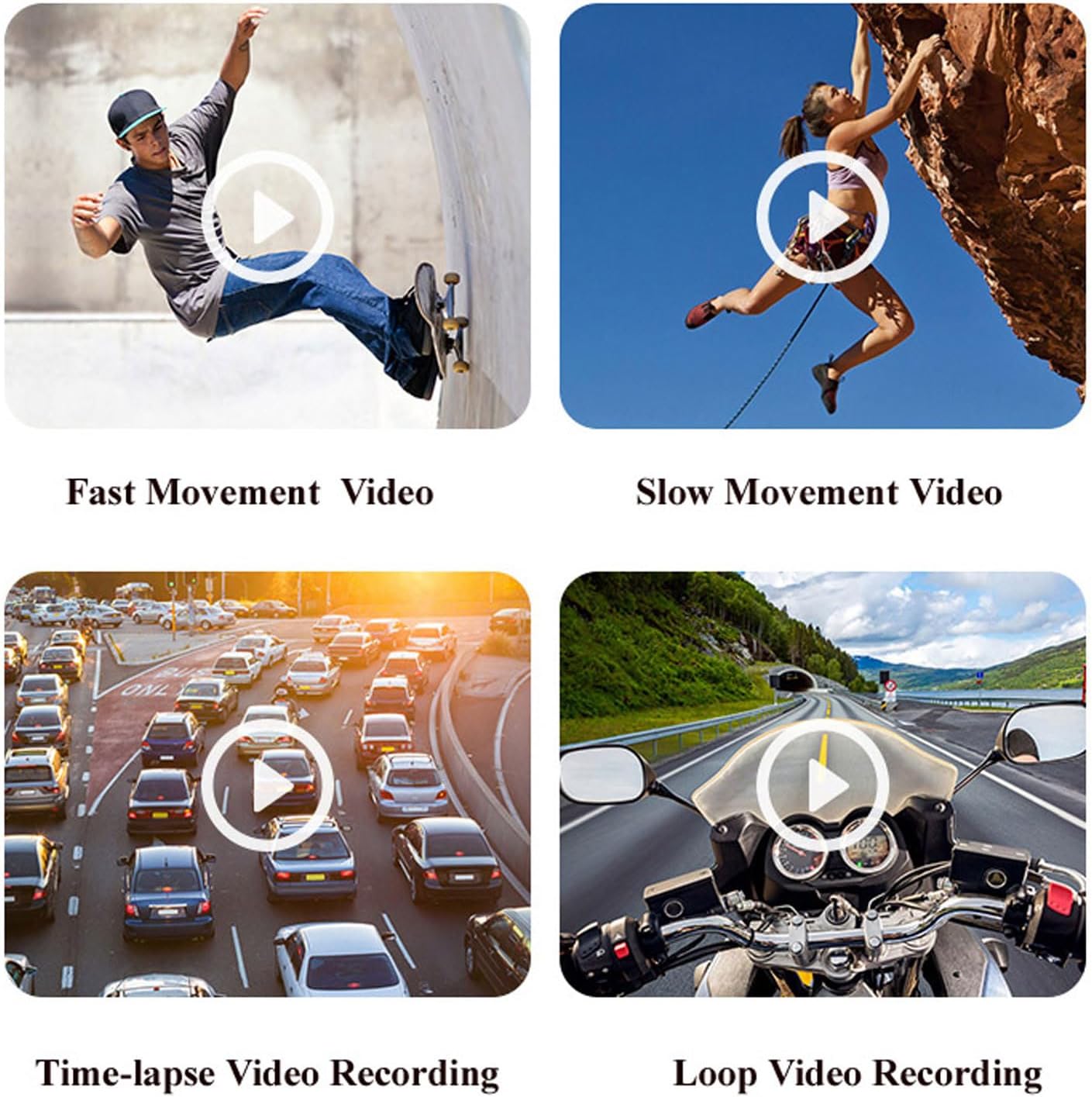
Obrázek 5.2: Přamples of various video recording modes.
5.4 EIS Anti-Shake Function
The camera features EIS (Electronic Image Stabilization) with a 2-axis stabilizer to deliver stable and smooth video, even during dynamic activities. This technology intelligently detects and corrects jitter, providing clear footage comparable to professional stabilization systems.

Figure 5.3: Visual comparison of footage with and without EIS Anti-Shake.
5.5 Horizontální a vertikální přepínání obrazovky
Through the mobile app, you can easily switch between horizontal and vertical screen orientations, adapting your content for various short video platforms.
5.6 Funkce palubní kamery
The camera can be used as a dash cam, offering features like collision sensing which automatically locks current recording video when a collision is detected. It supports continuous power via Type-C USB for extended use in a vehicle.
6. Životnost baterie a nabíjení
The camera is equipped with a built-in 2200mAh Li-Ion battery, providing approximately 5 hours of continuous video recording. Without Wi-Fi enabled, the battery life can extend to about 6-7 hours. It supports Type-C fast charging and can be charged using external mobile power banks or laptops, allowing for simultaneous charging and recording.

Figure 6.1: The camera's battery capacity and approximate usage time.
7. Media Examples
Níže jsou examples of the camera's capabilities in various scenarios.
Video 7.1: A short demonstration of the Head Mounted Video Camera in action, capturing outdoor activities.
Video 7.2: Footage demonstrating the camera's performance in low-light conditions and its anti-shake capabilities while moving.
8. Údržba a péče
- Čištění: Use the provided cleaning cloth to gently wipe the lens and camera body. Avoid harsh chemicals or abrasive materials.
- Skladování: Fotoaparát skladujte na chladném a suchém místě mimo dosah přímého slunečního záření a extrémních teplot.
- Péče o baterie: Pro optimální životnost baterie se vyvarujte častého úplného vybíjení. Pravidelně ji nabíjejte, i když ji delší dobu nepoužíváte.
- Vodotěsné pouzdro: If using the waterproof case, ensure it is properly sealed before submerging the camera in water. Regularly check the seals for wear and tear.
9. Řešení problémů
- Kamera se nezapíná: Ujistěte se, že je baterie nabitá. Připojte ke zdroji napájení a zkuste to znovu.
- Nelze se připojit k aplikaci: Verify the camera's Wi-Fi is enabled and your mobile device is connected to the camera's Wi-Fi network. Restart both the camera and the app.
- Špatná kvalita videa: Check the selected video resolution in the app settings. Ensure the lens is clean and free from smudges.
- Chyba paměťové karty: Ensure the memory card is properly inserted and is not full. Try formatting the card (this will erase all data) or using a different compatible card.
- Krátká výdrž baterie: Ensure Wi-Fi is turned off when not in use, as it consumes more power. Reduce video resolution if extended recording time is needed.
10. Záruka a podpora
For warranty information, technical support, or service inquiries, please refer to the contact details provided by the manufacturer, EBTOOLS, or your retailer. Keep your purchase receipt as proof of purchase for warranty claims.