1. Konec produktuview
The Yottamaster NAS Kit DM3 is a versatile SSD/HDD enclosure designed for personal cloud storage. It supports both 2.5-inch and 3.5-inch SATA drives, offering a maximum capacity of 8TB. This device allows you to store, access, and share photos, videos, and documents from various devices, including mobile phones and PCs, through its dedicated Weline APP and secure SDVN encryption technology.

Figure 1: Yottamaster NAS Kit DM3 in a typical usage scenario, connected to a laptop and smartphone.
2. Průvodce nastavením
Follow these steps for quick and tool-free installation of your Yottamaster NAS Kit DM3.
- Insert HDD/SSD: Open the magnetic cover and insert your 2.5-inch or 3.5-inch SATA HDD/SSD into the device. Ensure it is securely seated.
- Připojit kabely: Connect the DC power adapter and the LAN cable to the appropriate ports on the NAS device.
- Zapnutí: Press the switch button. The blue LED indicator will light up, signifying the device is powered on.
- Install Weline APP: Download the Weline APP from the Apple App Store (for iOS) or Google Play Store (for Android). Alternatively, scan the QR code in the user manual or on the product packaging.
- Register and Bind Device: Open the Weline APP, register a unique ID user, and then scan the product's code to bind the device to your account.
- Start Personal Cloud Storage: Once bound, you can begin using your personal cloud storage.

Figure 2: Step-by-step guide for hardware installation and Weline APP setup.

Figure 3: Weline app installation and supported platforms.
3. Návod k obsluze
3.1. Accessing and Sharing Data
The Yottamaster NAS Kit DM3 allows you to access and share your stored data from anywhere, anytime, using the Weline APP. This includes photos, videos, and documents.
- Mobilní přístup: Use the Weline APP on your iOS or Android device to browse, upload, and download files.
- PC Access: Connect the NAS to your PC to manage files přímo.
- Sdílení: Easily share large data files, videos, and photos with family and friends through the Weline APP.

Figure 4: Remote access and data sharing capabilities.

Figure 5: Storing and sharing precious moments and important files.
3.2. Funkce duálního režimu
The DM3 can operate in two modes:
- NAS Mode: Connected via LAN for network access and private cloud features.
- Mobile Hard Drive Enclosure Mode: Connect directly to a computer via USB-C for 5Gbps high-speed data transfer, functioning as a direct-attached storage device.
3.3. Samba Function (Network Drive Assignment)
The DM3 supports Samba protocol, allowing you to assign it as a network drive on Windows and macOS for easy file řízení.
3.3.1. Windows Network Drive Assignment
- Open the Weline app and navigate to the Samba settings.
- Set a Samba password for security.
- On your Windows PC, open "Run" (Windows Key + R) and type the NAS IP address (e.g.,
\192.168.x.x). - Enter your Samba credentials when prompted.
- Right-click on the desired folder (e.g., 'home' or 'public') and select "Map network drive...".
- Choose a drive letter and click "Finish".

Figure 6: Windows Samba setup, steps 1-3.

Figure 7: Windows Samba setup, steps 4-6.
3.3.2. macOS Network Drive Assignment
- On your macOS device, go to "Finder" > "Go" > "Connect to Server...".
- Enter the NAS IP address with
smb://prefix (e.g.,smb://192.168.x.x) and click "Connect". - Select "Registered User" and enter your Samba username and password.
- Choose the desired shared folder (e.g., 'home' or 'public') to mount.

Figure 8: macOS Samba setup, steps 1-4.

Figure 9: macOS Samba setup, steps 5-8.
3.4. DLNA Function for TV
The DM3 supports DLNA, allowing you to stream media content directly to compatible smart TVs.
- In the Weline app, click on "DLNA" to open the settings interface.
- Enable the DLNA protocol and set the access path for your media files.
- On your smart TV, navigate to the "Program Source" or "Input" menu. The NAS should appear as a media server. Select it to access your content.

Figure 10: DLNA setup and usage for TV.
4. Klíčové vlastnosti
4.1. Advanced Data Encryption (SDVN)
The Weline APP utilizes SDVN technology to establish an encrypted channel between your device and the NAS server. This enables secure remote access via VPN. Encryption keys are stored locally on your private cloud, eliminating concerns about data leakage. The Weline app operates in a full-closed safety mode for enhanced security.

Figure 11: Data security features with SDVN encryption.
4.2. Free Private Cloud Storage
Unlike commercial cloud storage services, the Yottamaster NAS Kit DM3 offers a private cloud solution without subscription fees. You can share photos and videos across various devices and systems. The master account can grant permissions to multiple users and create both public and private spaces. All data is stored on your local hard disk, not on a public cloud, ensuring privacy and control.
4.3. High-Performance Processing
Equipped with a quad-core CPU and a USB 3.2 Gen1 USB-C interface, the Yottamaster NAS Kit DM3 is designed for rapid and efficient processing of large data volumes.
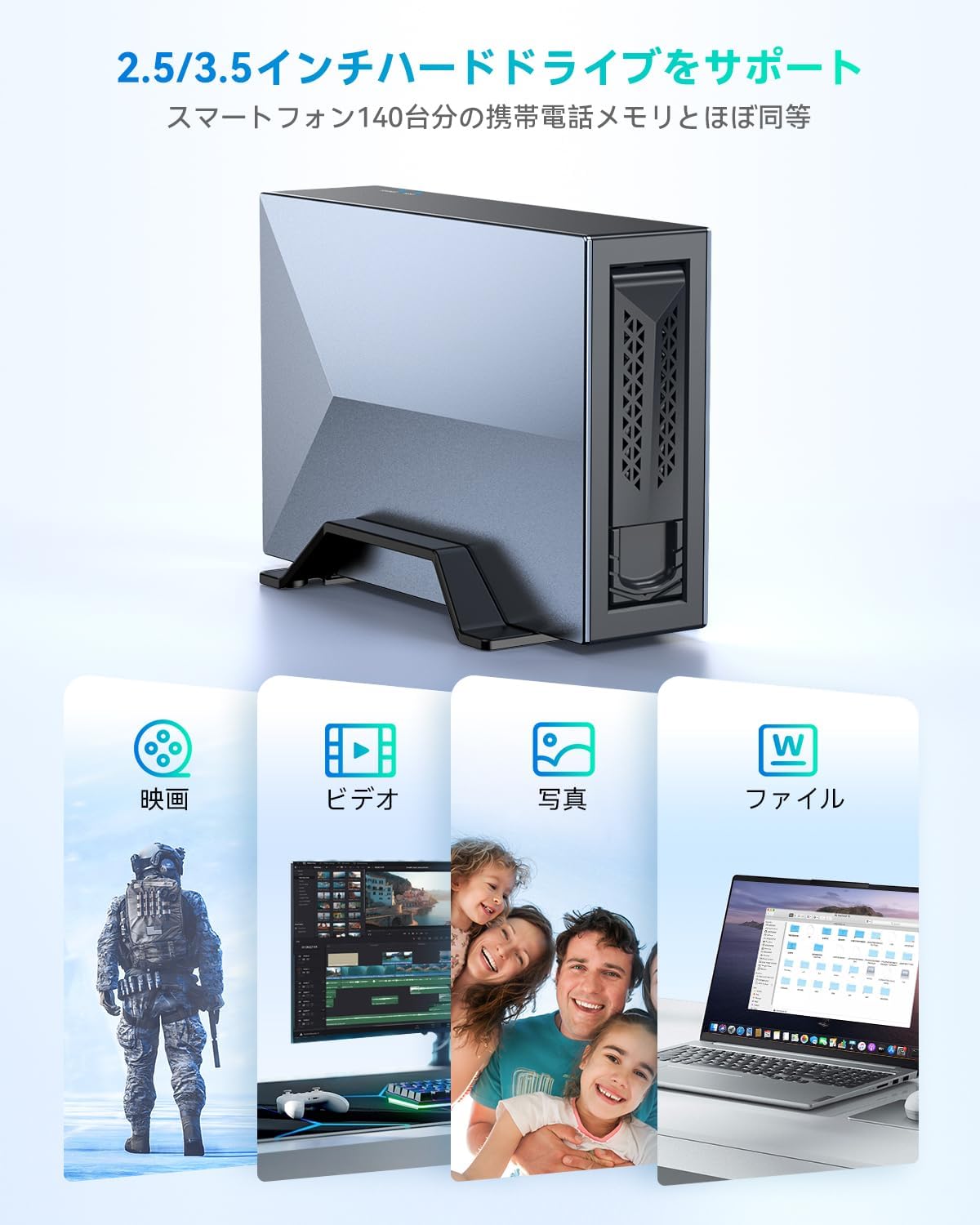
Figure 12: Support for 2.5/3.5 inch drives and various file typy.

Figure 13: Compatibility with various file formats and large storage capacity examples.
4.4. Rozšíření úložiště
The NAS storage space can be expanded by connecting additional Yottamaster disk enclosures (2/4/5 bay models, including RAID versions) to further increase capacity.

Figure 14: Expanding NAS storage with additional enclosures.
5. Konektivita a kompatibilita
The Yottamaster NAS Kit DM3 offers flexible connectivity and broad compatibility.
- Kompatibilita disku: Supports 2.5-inch and 3.5-inch SATA HDD/SSD.
- Kompatibilita operačního systému: Compatible with Windows, macOS, Android, and iOS.
- Rozhraní: USB 3.2 Gen1 USB-C for high-speed direct connection.
- Síť: Gigabit Ethernet port for fast intranet transmission (up to 120MB/s). Wi-Fi speed up to 60MB/s.

Figure 15: Intranet transmission speeds and connectivity.
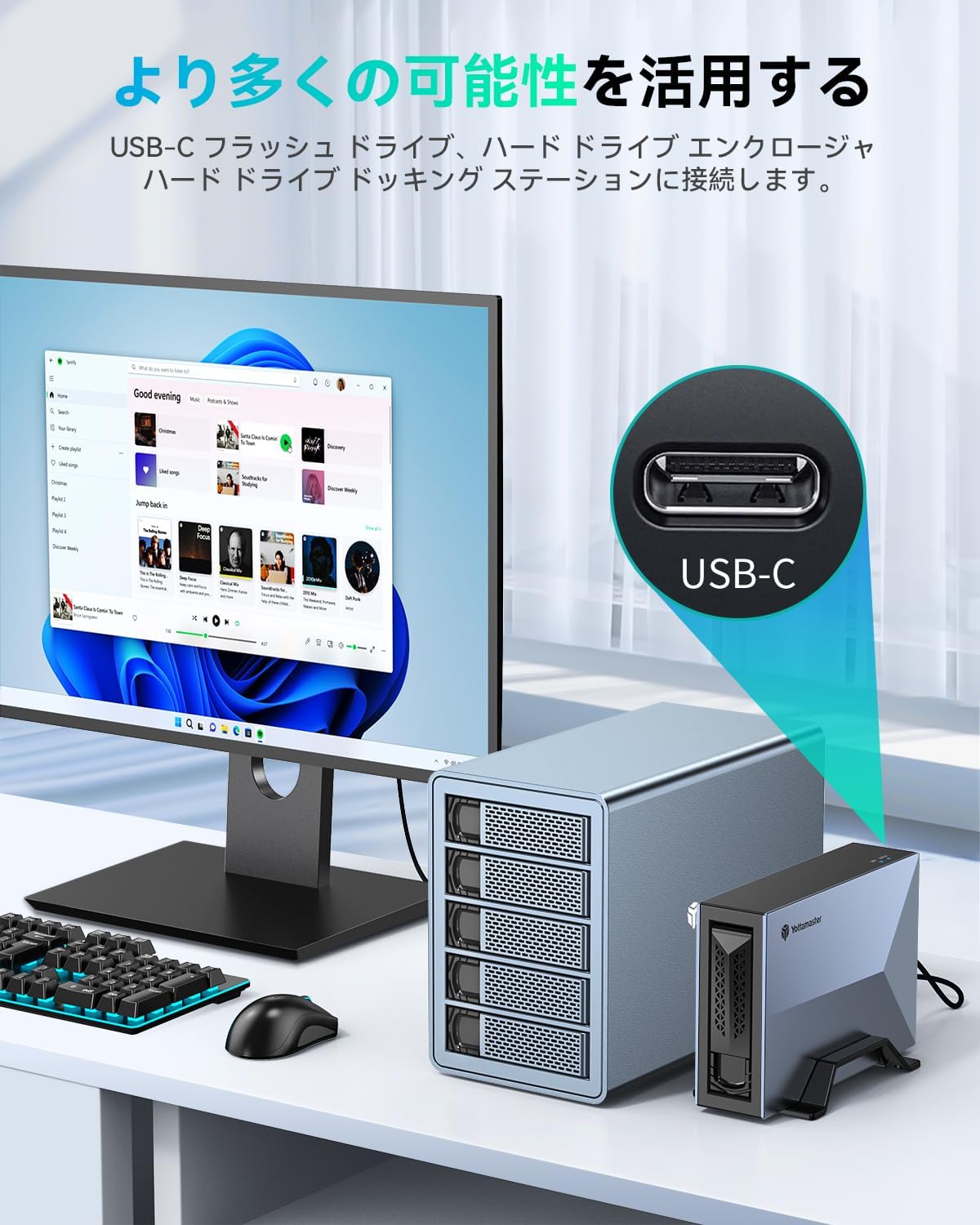
Figure 16: USB-C connectivity for expanded possibilities.
6. Údržba
To ensure optimal performance and longevity of your Yottamaster NAS Kit DM3, consider the following maintenance tips:
- Pravidelné zálohy: While the NAS provides secure storage, it is always recommended to maintain external backups of critical data.
- Aktualizace firmwaru: Check the Yottamaster official website or Weline APP for any available firmware updates to ensure the device operates with the latest features and security patches.
- Čistota: Udržujte zařízení bez prachu a nečistot. K čištění používejte měkký, suchý hadřík. Nepoužívejte tekuté čisticí prostředky přímo na zařízení.
- Větrání: Ujistěte se, že je zařízení umístěno v dobře větraném prostoru, aby se zabránilo přehřátí. Neblokujte větrací otvory.
- Bezpečné vypnutí: Always power off the device properly through the Weline APP or by safely ejecting it from your computer before disconnecting power to prevent data corruption.
7. Řešení problémů
If you encounter issues with your Yottamaster NAS Kit DM3, refer to the following common troubleshooting steps:
- Zařízení se nezapíná:
- Ensure the DC power adapter is securely connected to both the device and a working power outlet.
- Verify the power switch is pressed and the blue LED is illuminated.
- Cannot Access NAS via Network:
- Check if the LAN cable is properly connected to both the NAS and your router/switch.
- Ensure your router is functioning correctly and providing network access.
- Verify that the Weline APP is installed and the device is successfully bound to your account.
- Confirm that your computer or mobile device is on the same network as the NAS.
- If using Samba, double-check the IP address and credentials.
- HDD/SSD Not Detected:
- Ensure the HDD/SSD is correctly inserted into the enclosure.
- Try re-inserting the drive.
- Test the HDD/SSD in another compatible enclosure or directly connect it to a computer (if possible) to rule out drive issues.
- If the drive is new, it may need to be formatted. Refer to the Weline APP or your operating system's disk management tools for formatting options.
- Pomalý přenos dat:
- When using USB-C direct connection, ensure you are using a USB 3.2 Gen1 compatible cable and port on your computer.
- For network transfers, check your network speed and ensure there are no other bandwidth-intensive activities occurring.
- Ensure your LAN cable is a Gigabit Ethernet cable for optimal wired speeds.
- Weline APP Issues:
- Ensure your Weline APP is updated to the latest version.
- Try restarting the app or your mobile device.
- Check your internet connection if experiencing issues with remote access.
If these steps do not resolve your issue, please contact Yottamaster customer support for further assistance.
8. Specifikace
| Značka | Yottamaster |
| Číslo modelu | DM3 |
| Barva | Šedá |
| Kompatibilita disku | 2.5-inch & 3.5-inch SATA HDD/SSD |
| Maximální kapacita úložiště | Up to 8 TB (per drive) |
| CPU | Čtyřjádro |
| Rozhraní | USB 3.2 Gen1 typu C |
| Síťové rozhraní | Gigabit Ethernet |
| Data Transfer Speed (USB) | Až 5 Gbps |
| Data Transfer Speed (LAN) | Up to 120MB/s (Intranet) |
| Data Transfer Speed (Wi-Fi) | Až 60 MB/s |
| Operační systémy | Windows, macOS, Android, iOS |
| Bezpečnostní funkce | SDVN Encryption, VPN Remote Access, Full-closed Safety Mode |
| Speciální funkce | Tool-free installation, Magnetic cover, Dual Mode (NAS/Mobile Enclosure), Samba, DLNA |
9. Obsah balení
The Yottamaster NAS Kit DM3 package includes the following items:
- Yottamaster NAS Kit DM3 Device
- Síťový kabel
- Napájecí adaptér
- Kabel USB-A na Type-C
- Uživatelská příručka

Figure 17: Package contents of the Yottamaster NAS Kit DM3.
10. Záruka a podpora
Yottamaster products come with a standard manufacturer's warranty. For detailed warranty information, please refer to the warranty card included in your package or visit the official Yottamaster webmísto.
For technical support, product inquiries, or assistance with troubleshooting, please contact Yottamaster customer service through their official webstránky nebo kontaktní informace uvedené v uživatelské příručce.
Official Yottamaster Webmísto: www.yottamaster.com


